01
Professional photo printing
A professional lab relationship covers the available print products, production specifications, ordering requirements, and physical manufacturing service it currently offers.
Photography software roles
Understand the difference between professional photo printing and a client-facing gallery workflow for image selection, products, previews, cart, and checkout.
Quick answer
Photographers researching Loxley Colour and client gallery software are often comparing two related but different jobs. Loxley Colour presents itself as a professional photo printing service. GalleryDock focuses on the client-facing path that begins with a finished photograph in a gallery and continues through digital or print selection, product, size, crop, room preview, cart, and checkout. A photographer may need a professional production relationship and a separate system for presenting client work and capturing the buyer's exact choice. This guide explains those responsibilities without claiming that GalleryDock is Loxley Colour, integrates with Loxley Colour, replaces every laboratory workflow, or offers identical products and services. Current first-party information should always be checked before relying on brand-specific operational details.
Role clarity
The software stack becomes easier to choose when each responsibility has a clear owner.
01
A professional lab relationship covers the available print products, production specifications, ordering requirements, and physical manufacturing service it currently offers.
02
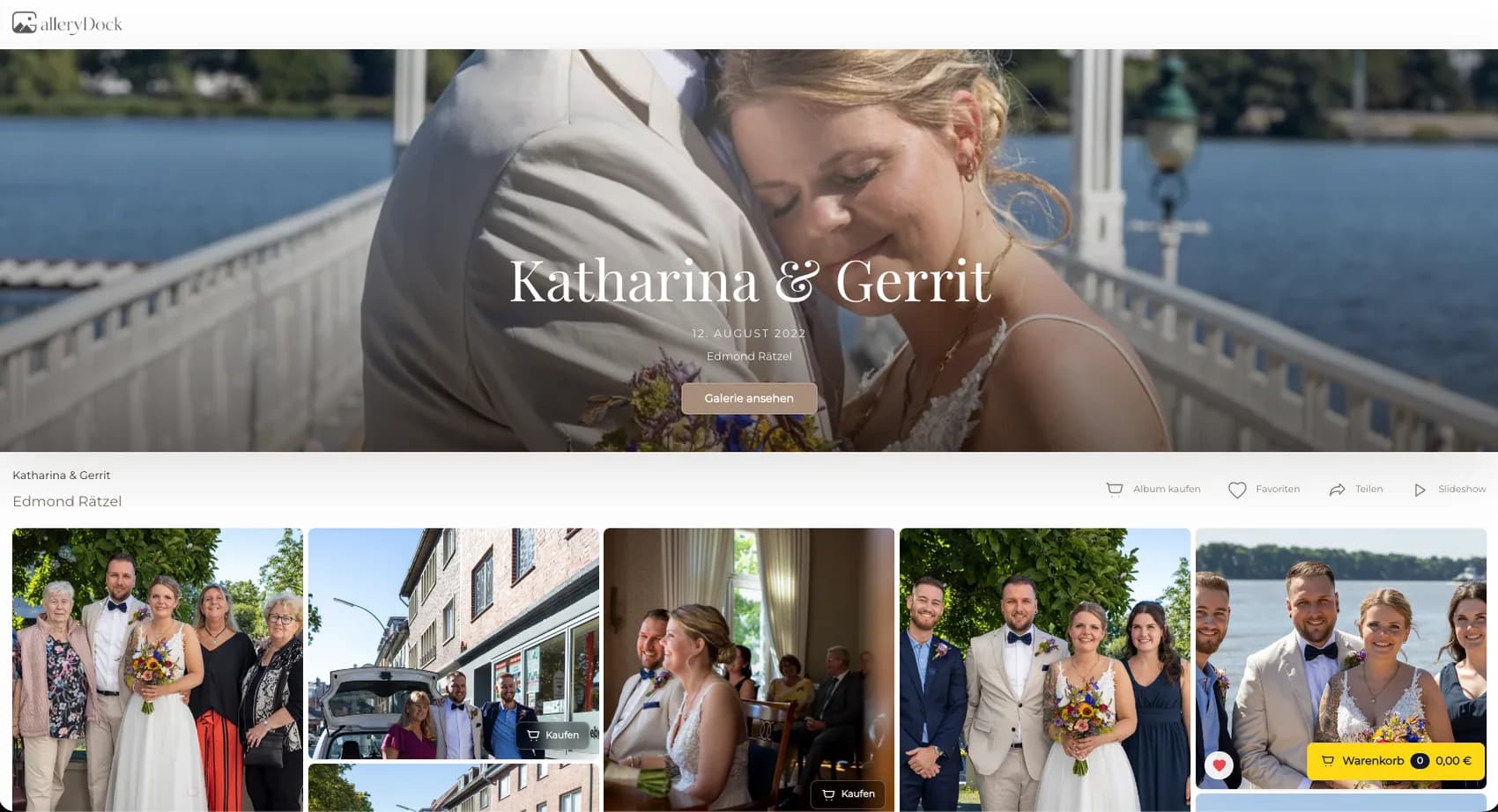
A client gallery presents the finished photographs in a private or public experience where the buyer recognizes the assignment and the photographer.
03
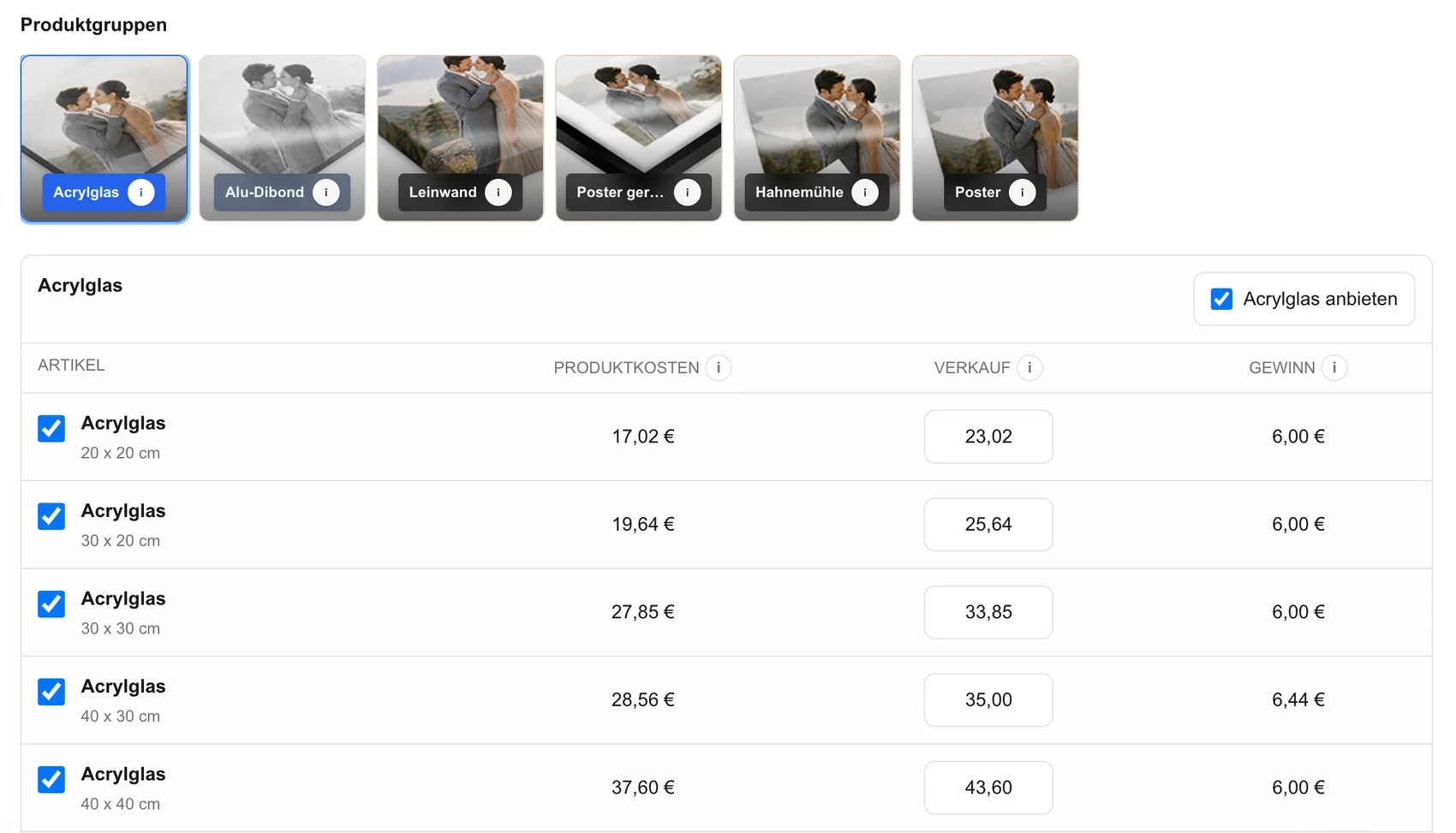
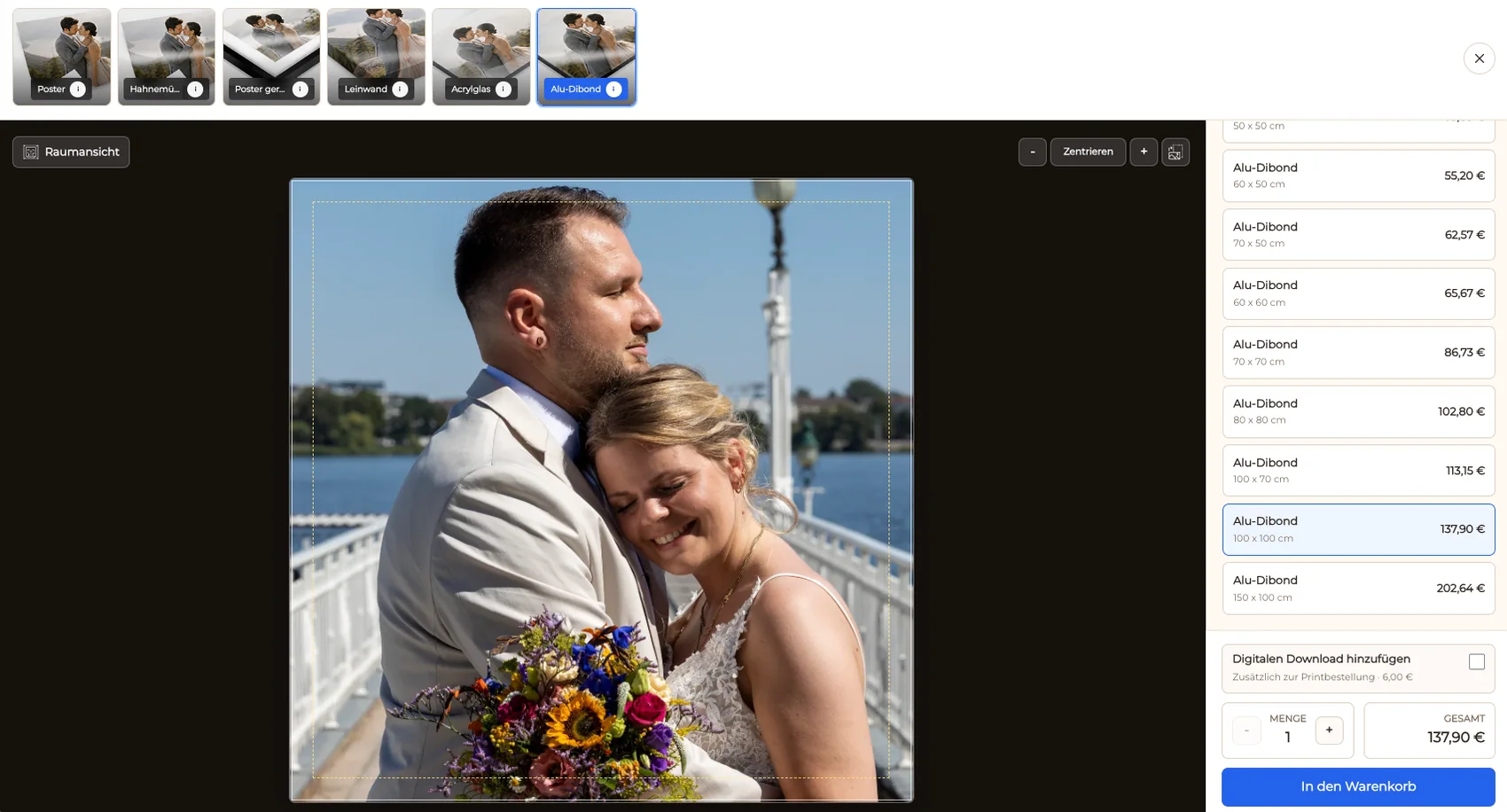
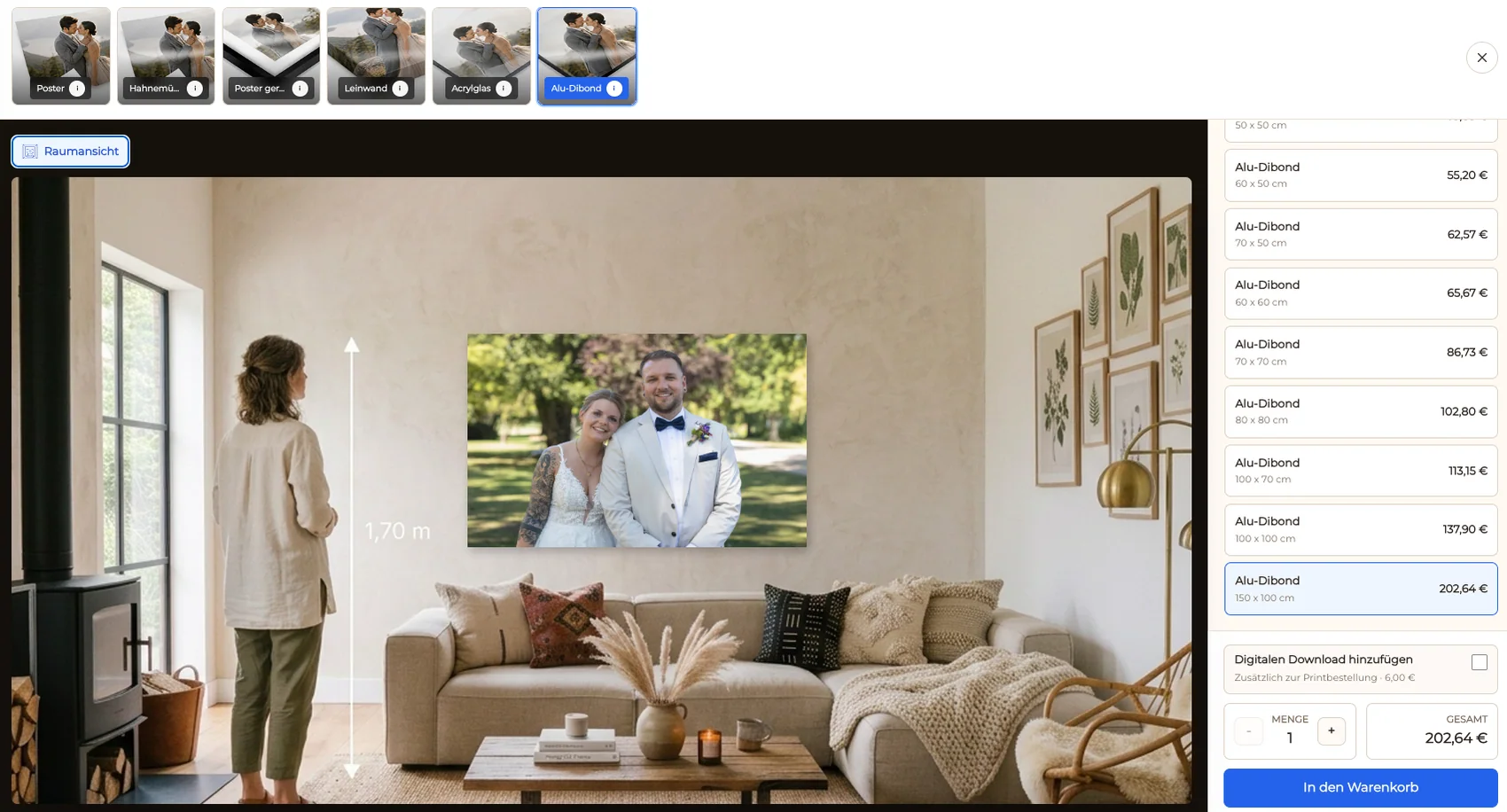
The selling layer helps clients connect an image to visible digital or physical products, sizes, prices, crops, and room context.
04
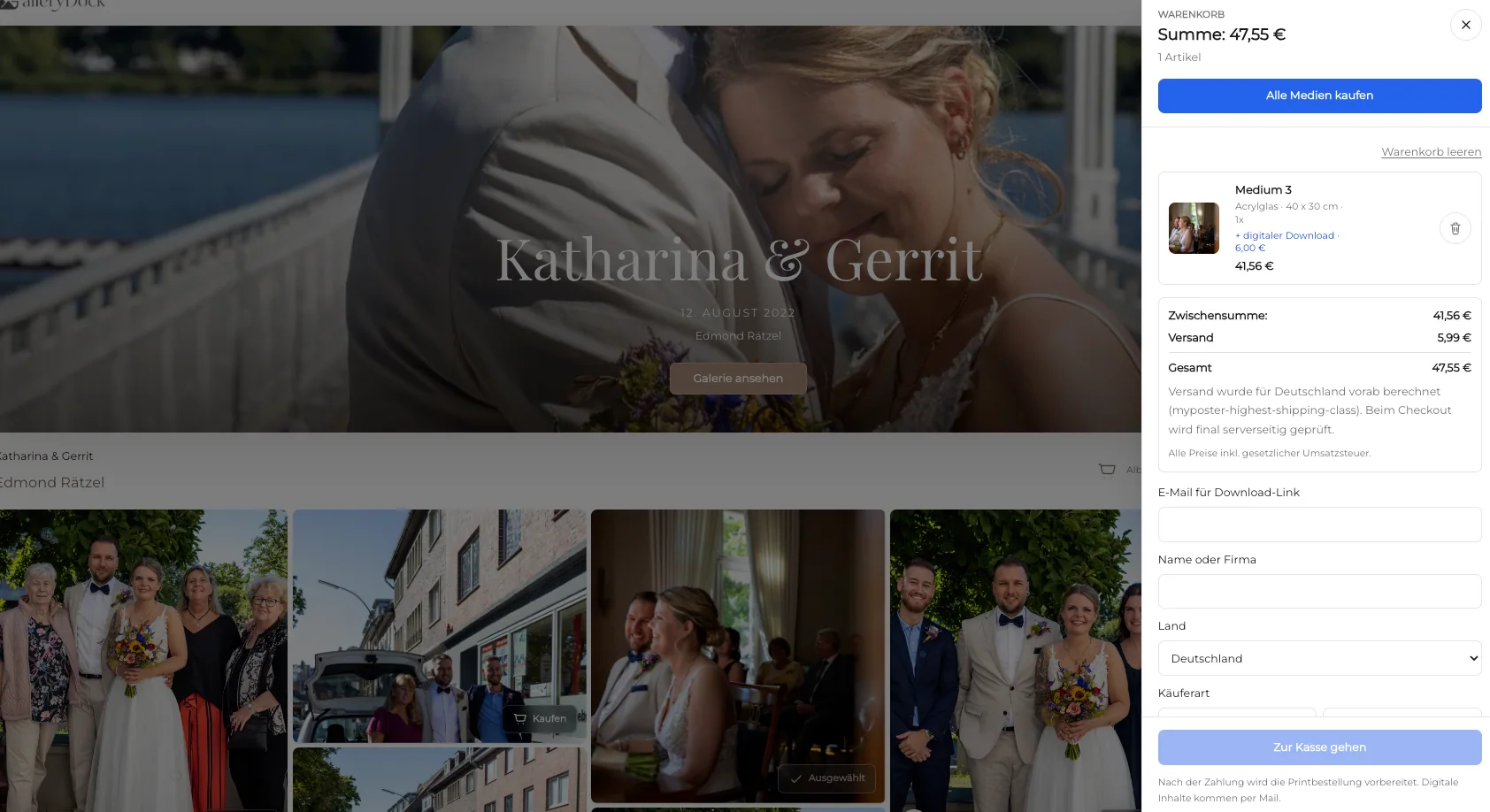
The purchase path preserves which photograph, product, size, orientation, crop, quantity, and price the client chose.
GalleryDock workflow
The client should not have to translate a familiar image into product codes in a separate ordering conversation.
01
Publish the photographs approved for viewing and purchase so the client begins from finished work rather than production files.
02
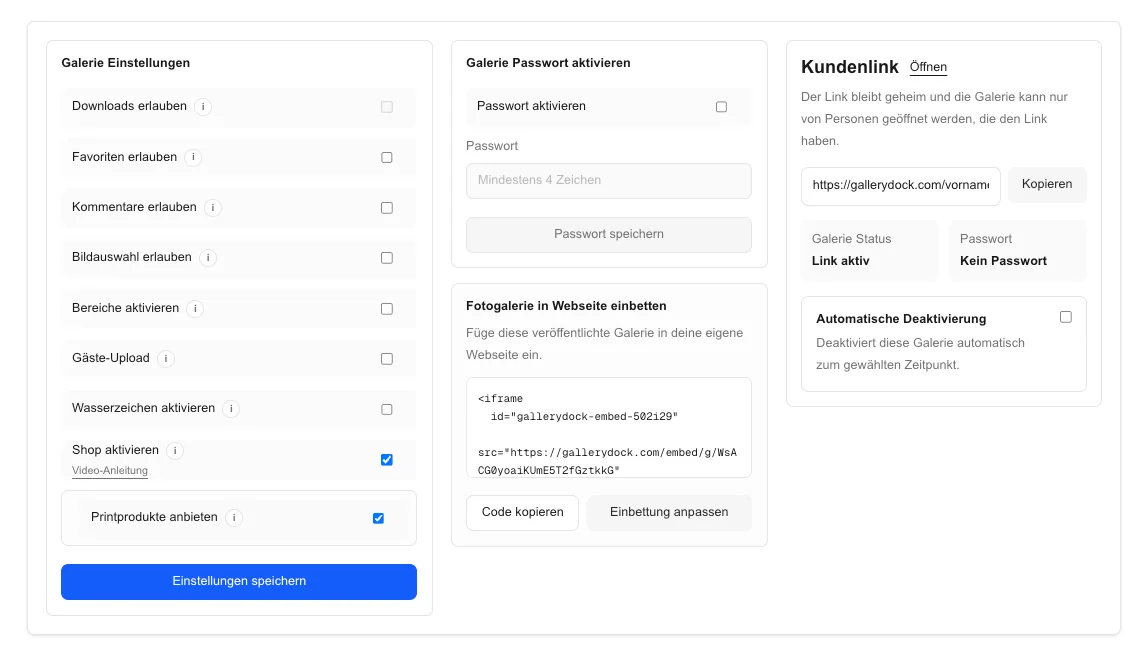
Activate only the digital and print products, sizes, and selling prices that fit the assignment and the intended client experience.
03
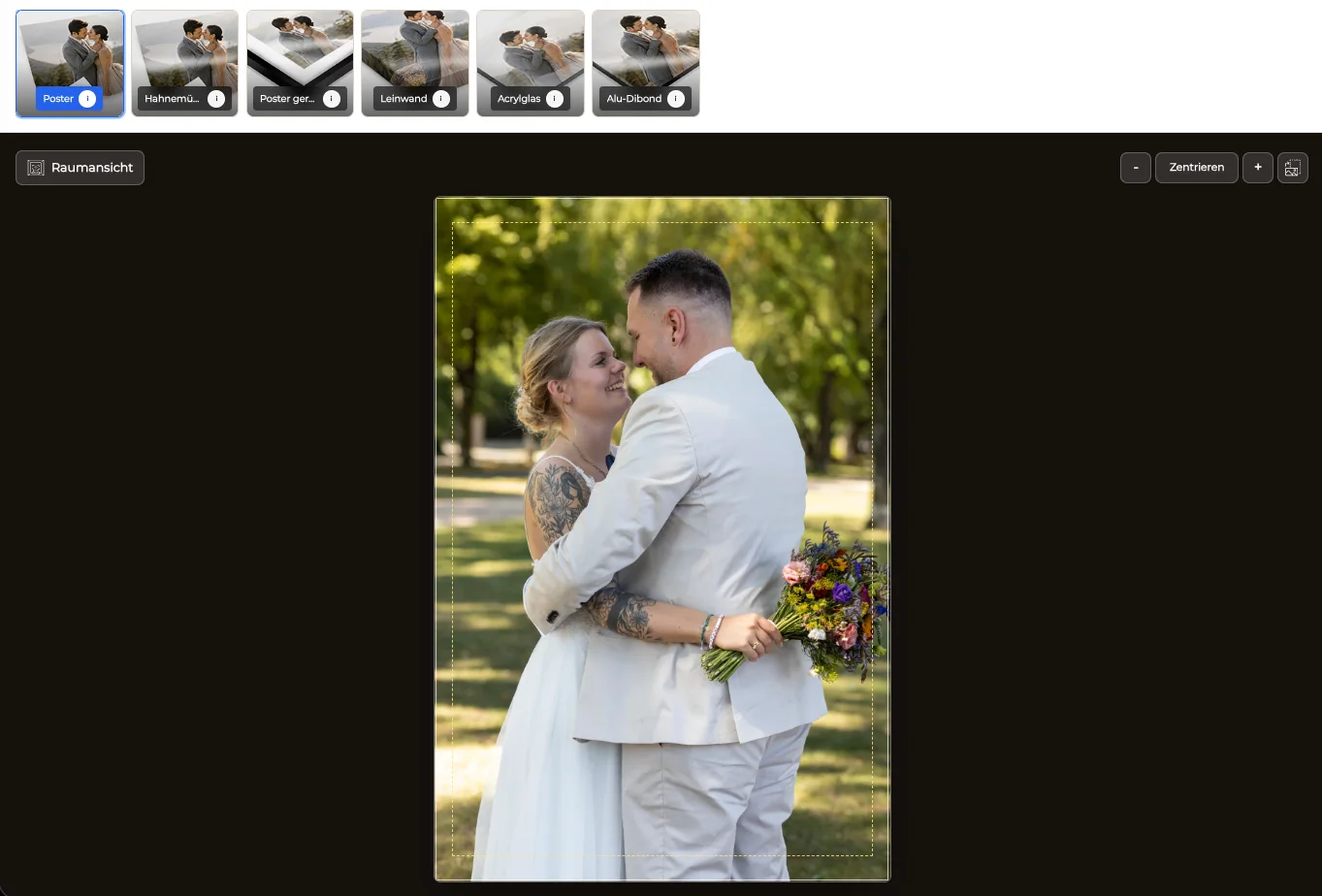
Use orientation, crop, safe area, and room scale to help the client understand how the selected photograph behaves as a product.
04
Keep the product decision connected to the selected image through the cart and payment path instead of rebuilding the order by email.
Stack decision
A useful comparison avoids vague claims that one brand is universally better than another.
01
Decide whether you need branded presentation, private links, favorites, comments, downloads, digital sales, print sales, and a visible checkout.
02
Document the products, materials, color requirements, file preparation, packaging, destinations, and service expectations your production partner must support.
03
Check the provider's current official product, software, region, and ordering information before promising a specific integration or fulfillment route.
04
Use a real photograph to verify how the client choice becomes an unambiguous order and how the next production step receives the required information.
Comparison
The useful question is which part of the photographer-to-client-to-production journey each system covers.
| Approach | Best for | Tradeoff |
|---|---|---|
| Professional photo printing service | Product manufacturing and lab ordering | May not define the complete branded client sales journey |
| Client gallery and shop | Presentation, selection, previews, cart, and checkout | Is not automatically every photographer's chosen production service |
| All-in-one studio platform | Broader business administration | May add complexity beyond the gallery sale |
| Manual email workflow | One exceptional custom request | Requires image and product details to be transcribed |
| Portfolio website store | Public art catalogs | May not match private client-specific galleries |
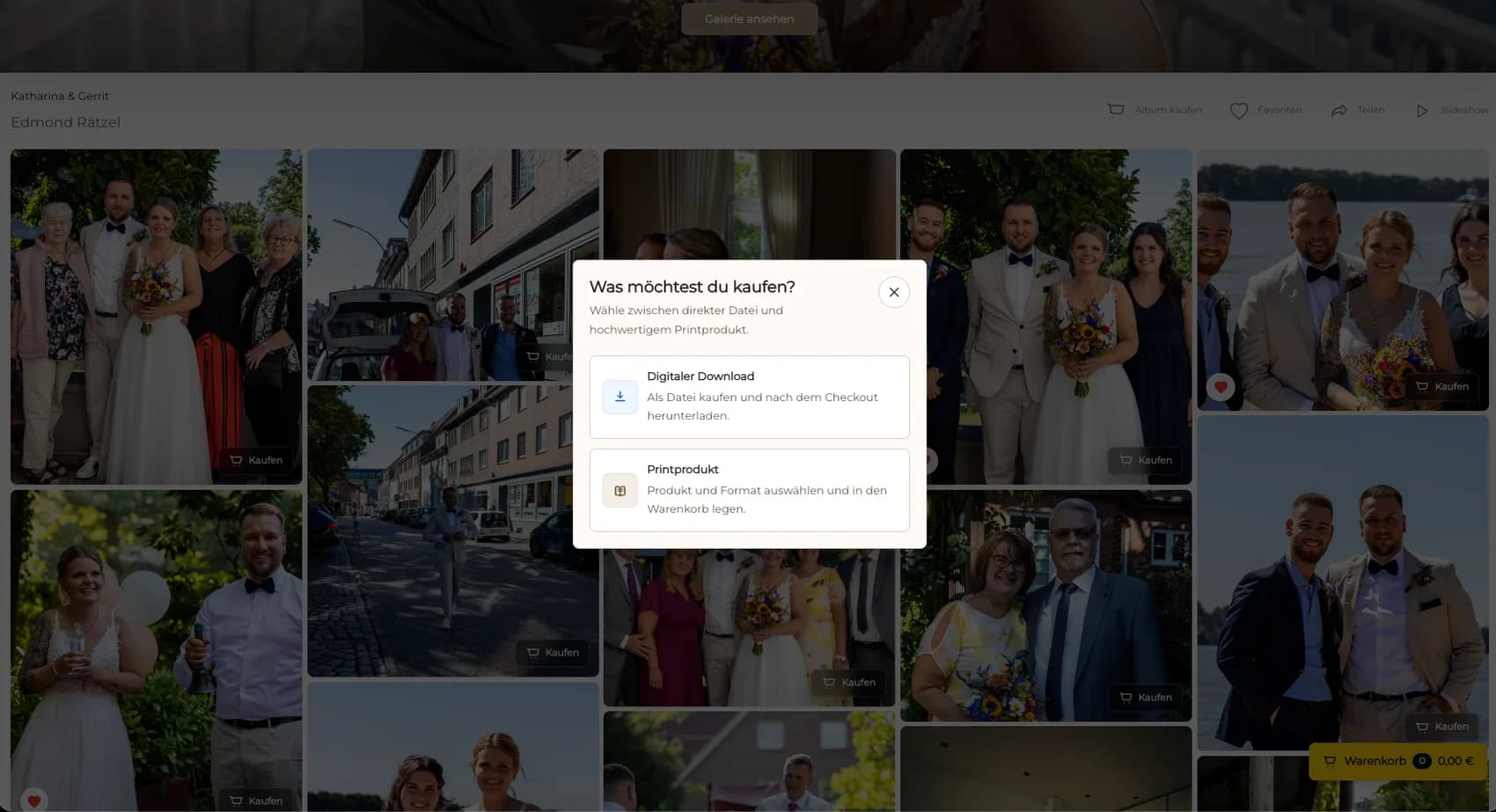
A client opens a finished portrait, compares the available wall products, and checks out without sending an image number and size request by email.
A couple revisits delivered photographs and chooses digital files or prints from the same recognizable gallery context.
A photographer presents a curated collection, limits the catalog, and uses crop and room preview to support a deliberate wall-art decision.
Frequently asked questions
No. Loxley Colour presents itself as a professional photo printing service, while GalleryDock focuses on the client-facing gallery, selection, sales, and checkout workflow.
This guide does not claim a Loxley Colour integration or partnership. Current provider and GalleryDock capabilities must be verified from first-party information.
It can connect the approved photograph to digital and print choices, products, sizes, prices, previews, cart, and checkout in the gallery context.
Yes. GalleryDock supports digital sales and physical print sales when the relevant products are activated for the gallery.
The separation makes it clear who presents the work, captures the client's choice, prepares the order information, manufactures the product, and handles delivery.
No. It explains different workflow roles and avoids unsupported claims about superiority, feature parity, integration, products, or service coverage.
Related resources
Pricing
Free forever
0 EUR
EUR 0 per month
Perfect for sharing your first galleries professionally.
Start free, no credit card required
Monthly
19 EUR
EUR 228 billed yearly. plus VAT
Ideal for photographers who regularly deliver client galleries.
For regular client delivery
Monthly
29 EUR
EUR 348 billed yearly. plus VAT
For photographers managing many projects, videos and growing storage.
For regular client delivery
Use GalleryDock to present approved photographs, control the visible offer, and test the complete buyer path while keeping production responsibilities explicit.
Create a free account