01
Select a strong wall image
Choose finished photographs with enough visual weight, detail, and composition to remain convincing when displayed at the intended size.
Framed canvas sales
Help photography clients choose a framed canvas by connecting their image, supported frame option, size, crop, room preview, cart, and checkout.
Quick answer
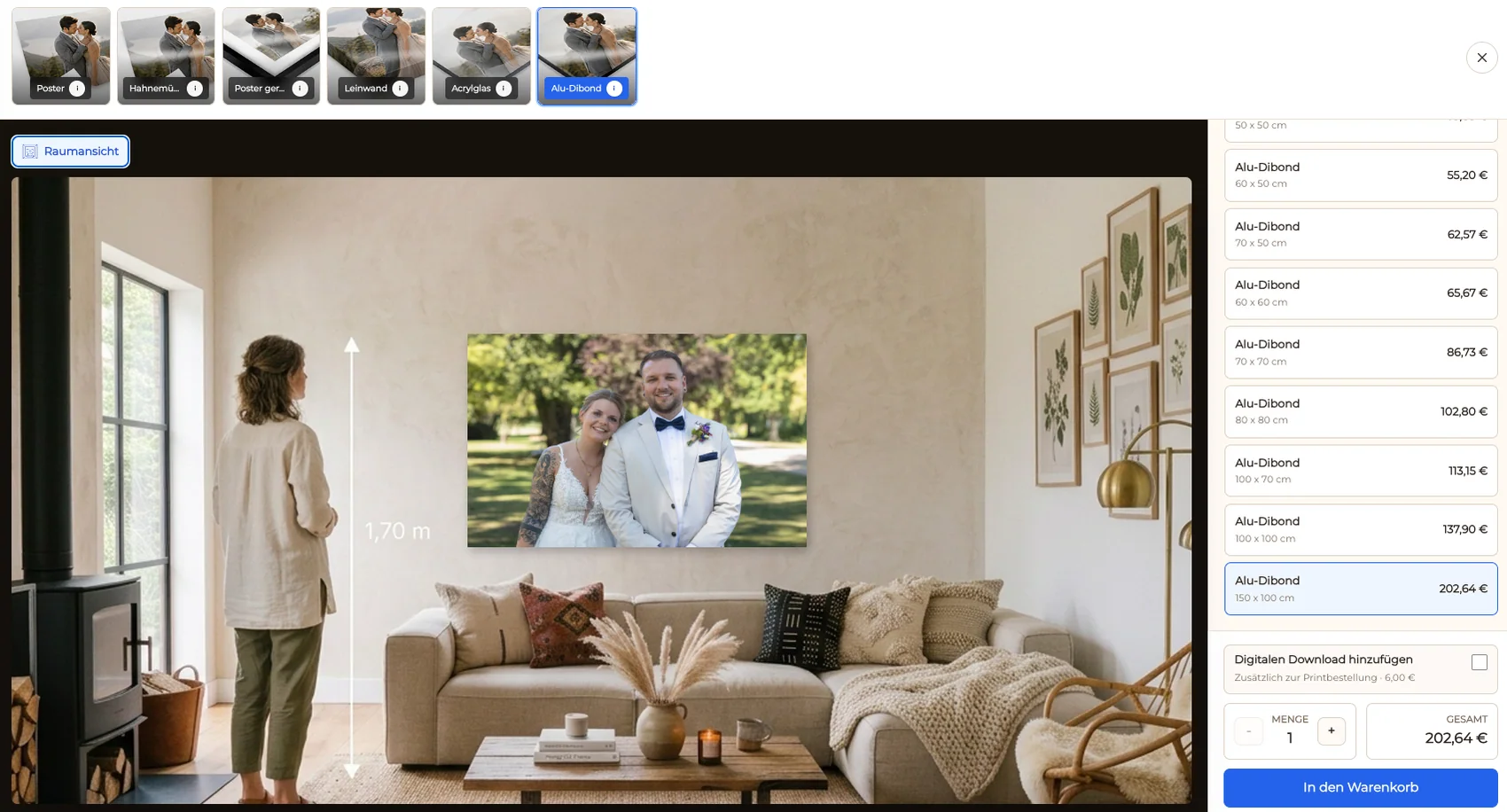
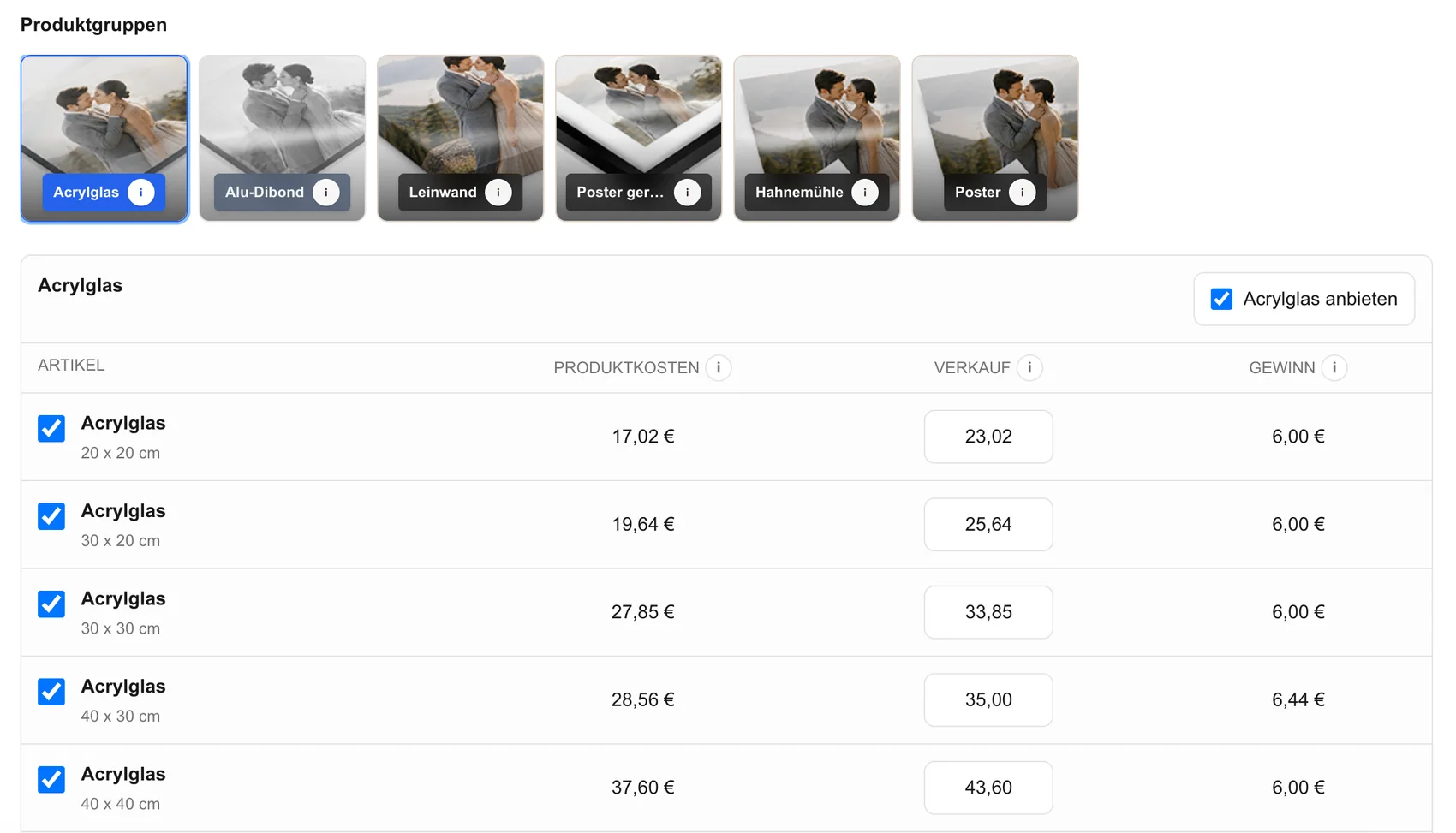
Selling a framed canvas is easier when the client can evaluate the complete object instead of imagining a frame from a price list. The photographer begins with a finished image, activates the supported canvas products, sizes, frame options, and selling prices, and checks how the photograph behaves in each format. GalleryDock keeps the client image connected to the canvas selection, visible crop and safe area, room preview, cart, and checkout. Supported floating-frame options can then be compared in the context of the actual photograph. The public offer should describe only the variants currently available for the selected product and size. It should not promise every material, frame color, dimension, production method, delivery country, or turnaround time for every order.
Product fit
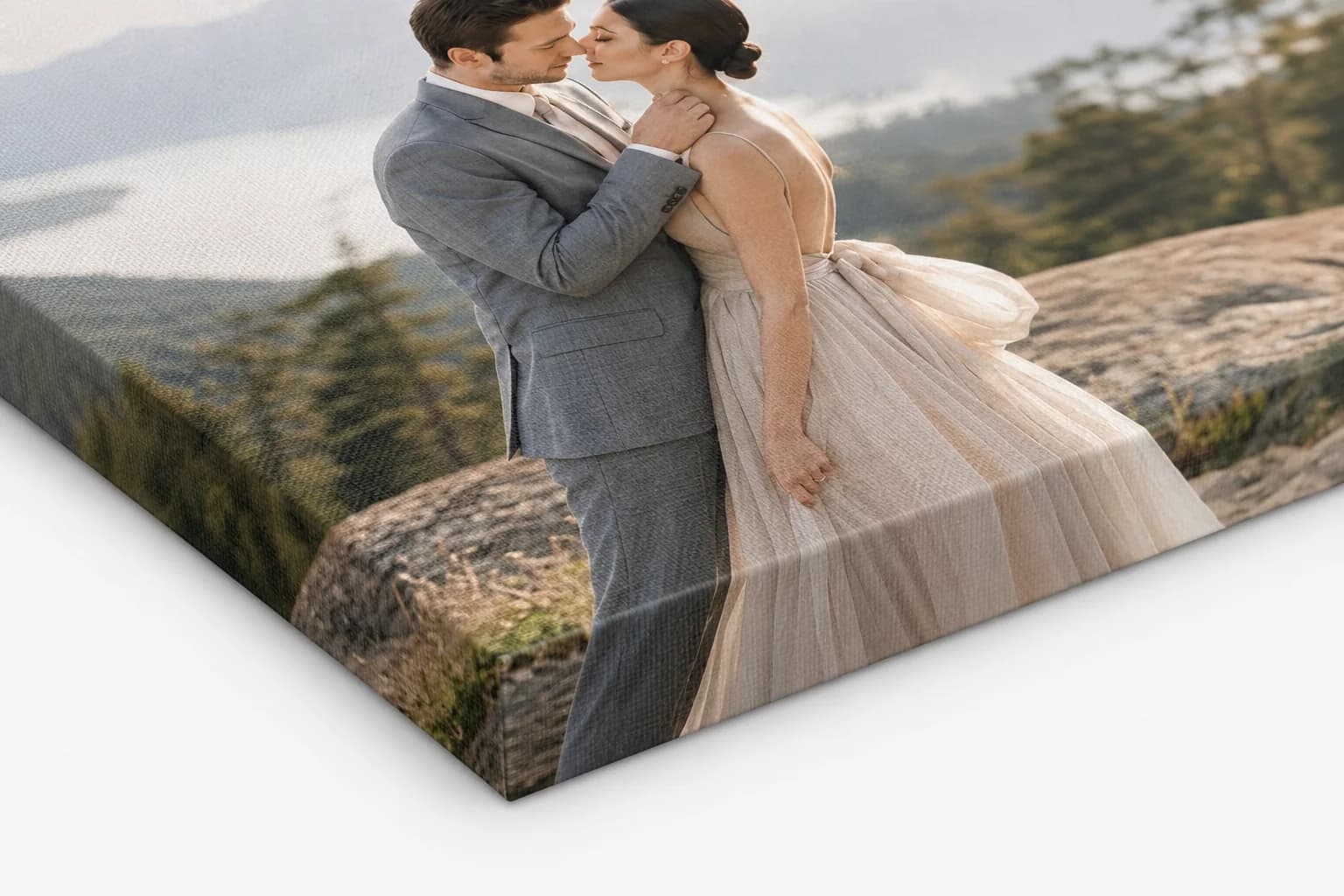
The image, canvas surface, outer frame, and wall context should feel like one deliberate product.
01
Choose finished photographs with enough visual weight, detail, and composition to remain convincing when displayed at the intended size.
02
Use a supported darker frame for a graphic, high-contrast result or a natural wood appearance for warmer portraits and organic color palettes.
03
Explain that the visible separation between canvas and outer frame creates a floating effect and keeps the image surface visually distinct.
04
When several canvases belong together, repeat frame logic, proportions, spacing, and size relationships so the group looks intentional.
Visual decision
The decision should happen on the client's photograph, not on a disconnected material swatch.
01
Use the orientation that supports the composition and the available wall space instead of forcing every image into the same format.
02
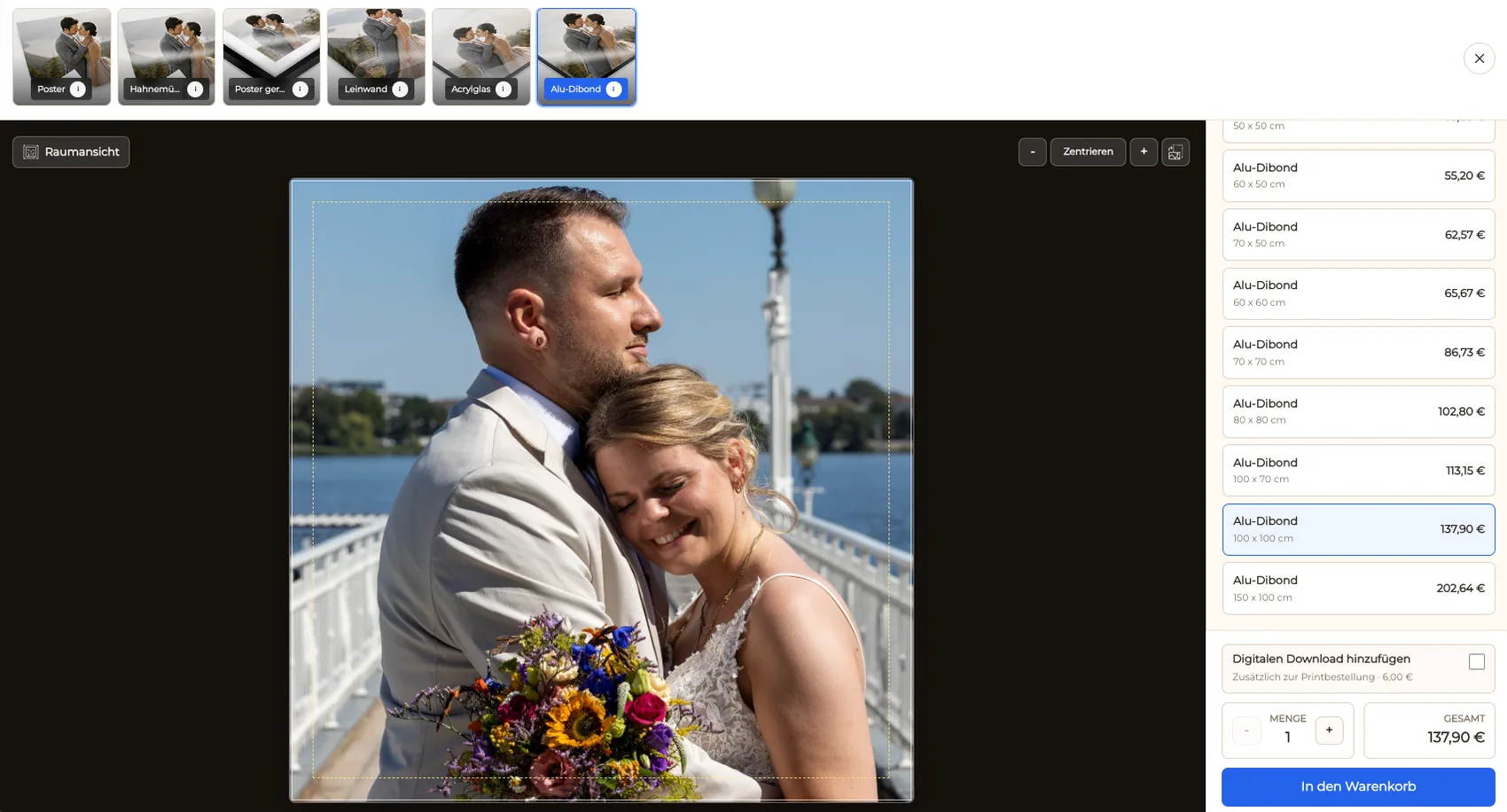
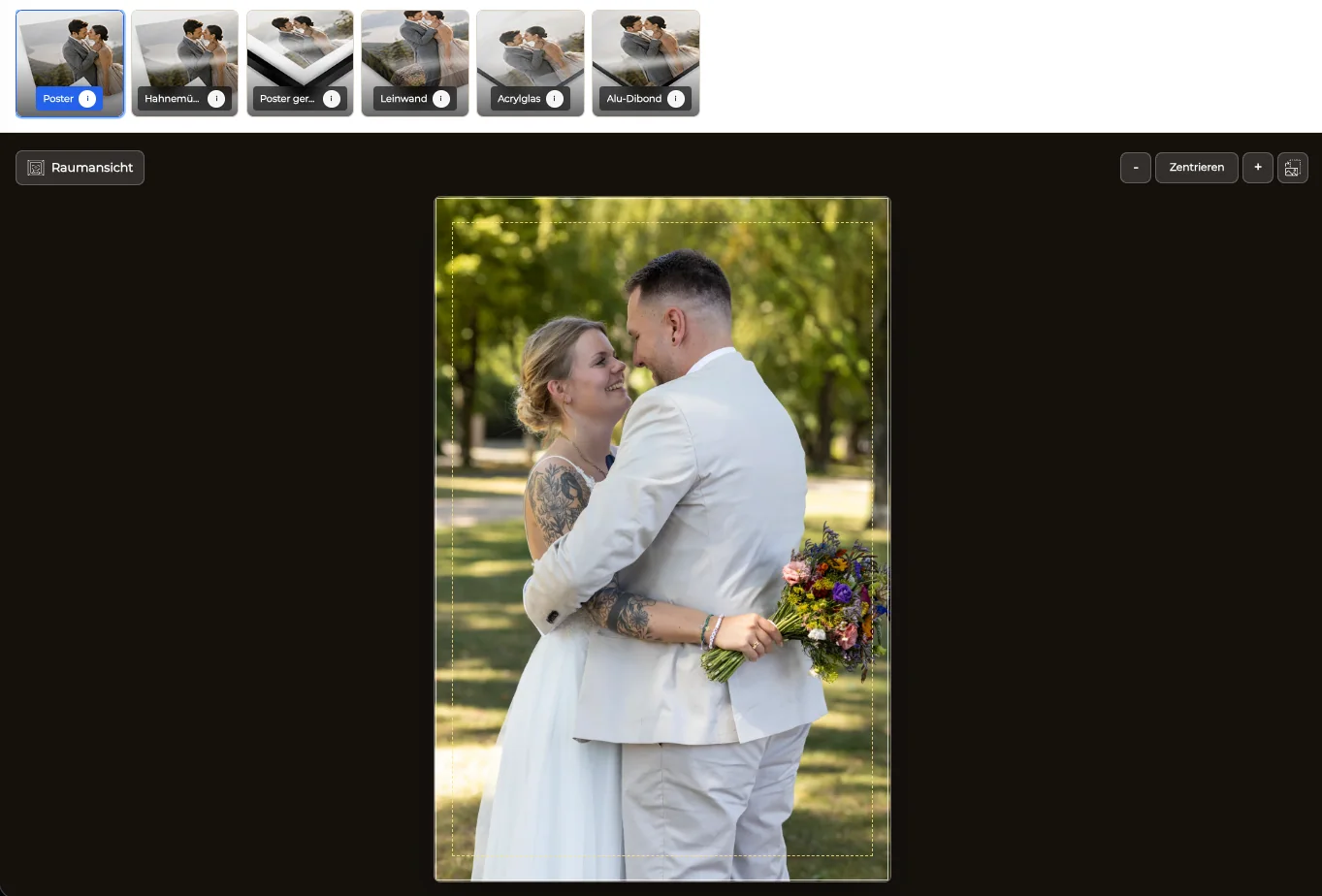
Protect faces, hands, edges, typography, and intentional negative space before the framed canvas is made available for purchase.
03
Show whether the selected dimensions feel like a small accent, a balanced centerpiece, or an oversized statement in the intended setting.
04
Offer a focused set of supported sizes and frame options so clients can compare meaningful alternatives without navigating an uncontrolled catalog.
Client order
A coherent purchase path prevents the final order from becoming a manual reconstruction exercise.
01
Publish only the canvas products, frame options, sizes, and prices that are currently valid for the gallery and selected workflow.
02
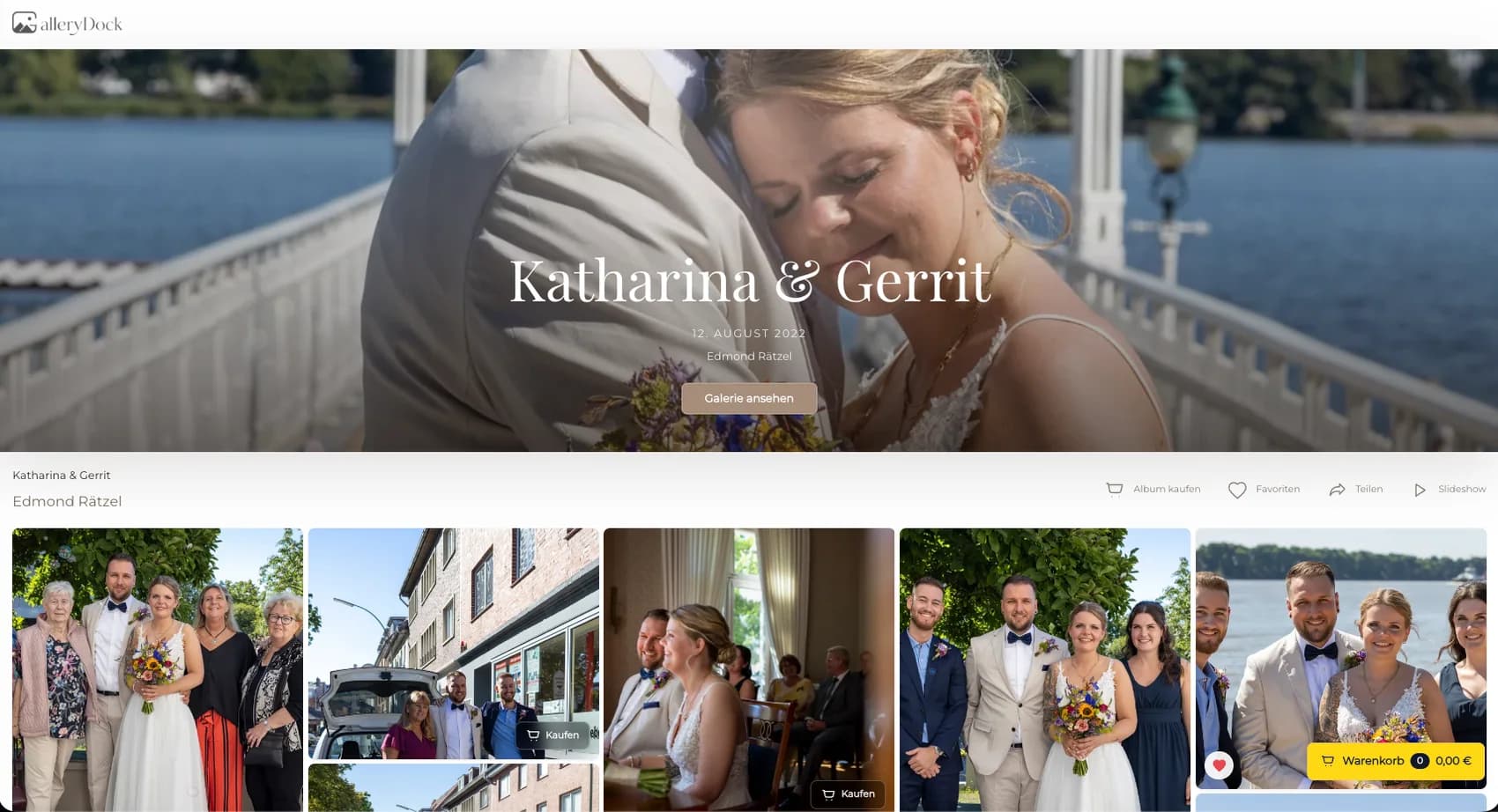
Let clients open the photograph they already know and move directly into the available framed canvas configuration.
03
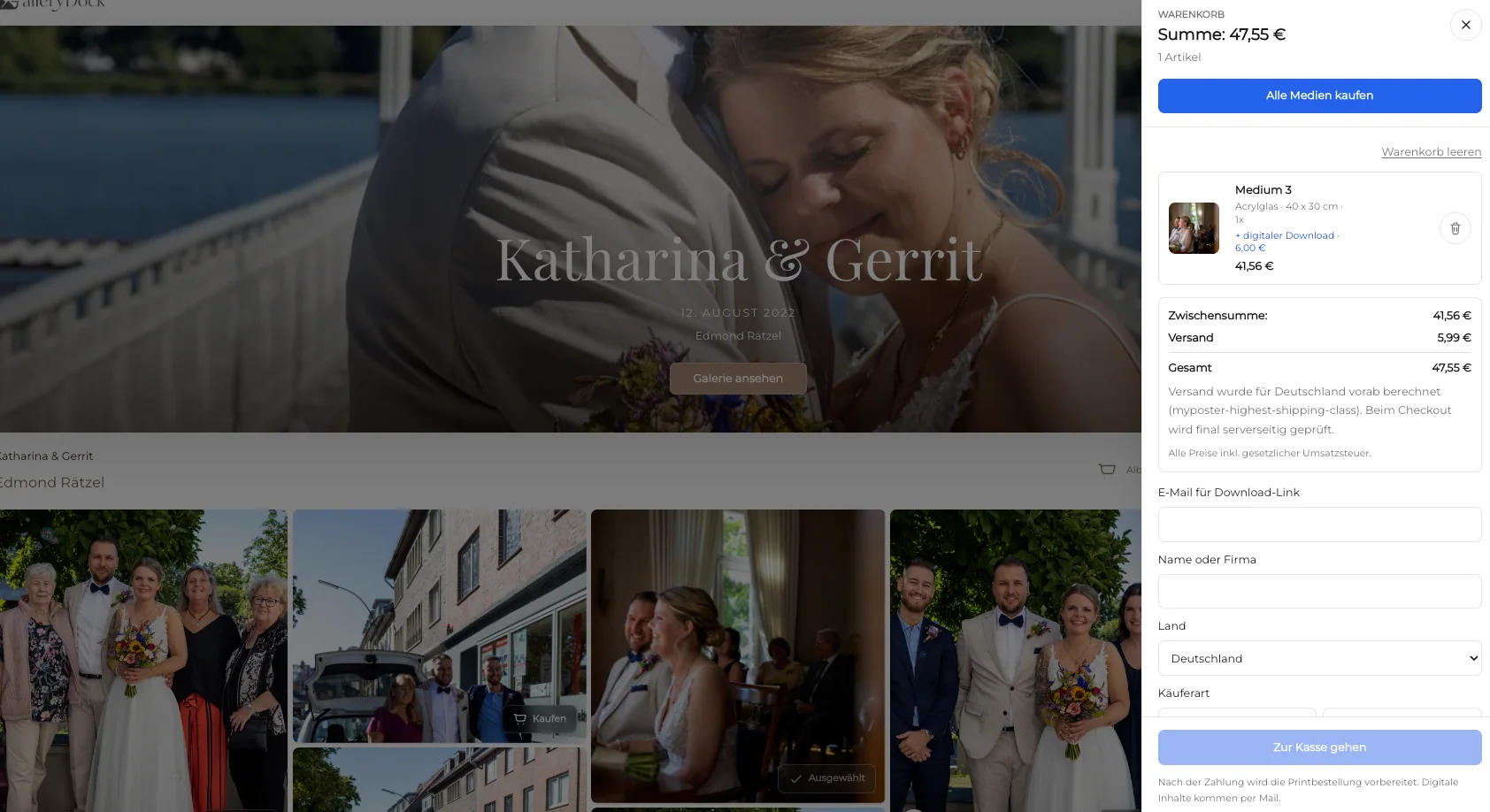
Preserve the photograph, product, size, frame option, crop, quantity, and visible price when the selection reaches the cart.
04
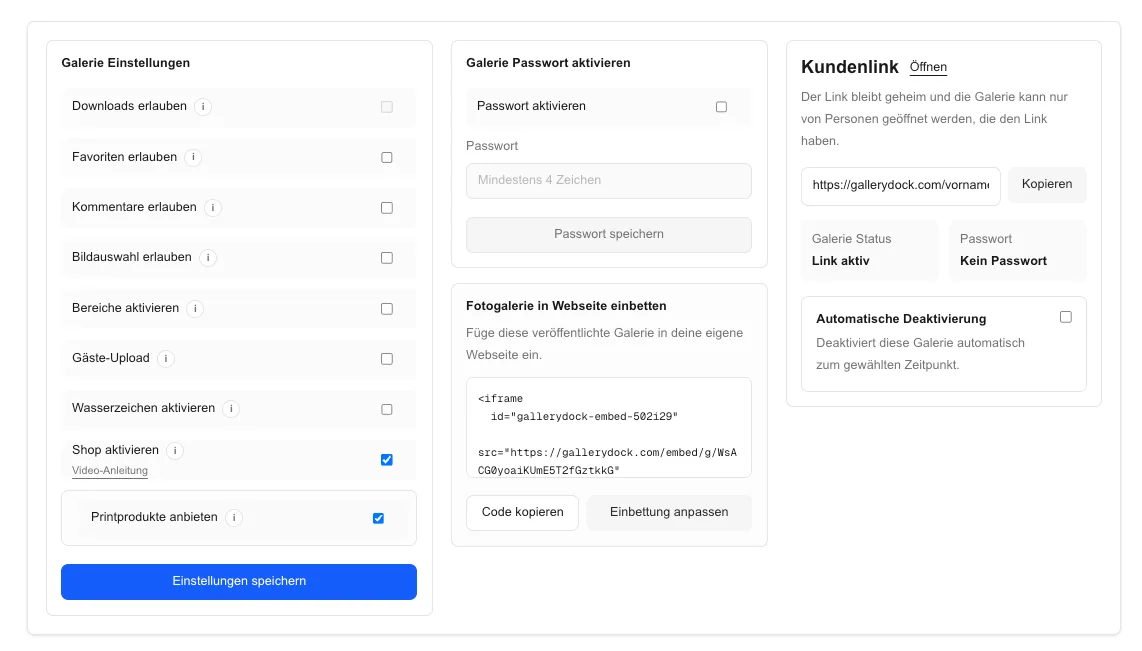
Complete a realistic desktop and mobile selection so the public gallery, preview, cart, and checkout describe the same product.
Comparison
The product should support the photograph, the room, and the client's expectations.
| Approach | Best for | Tradeoff |
|---|---|---|
| Framed canvas | A finished wall piece with a floating-frame effect | Frame options depend on the supported product and size |
| Unframed canvas | A simpler canvas presentation | Does not create the same outer-frame finish |
| Framed paper print | Paper, mat, and glazing presentation | Uses a different surface and construction |
| Acrylic or aluminum | Crisp contemporary wall displays | Creates a different material character |
| Digital file | Flexible personal use | Does not provide a finished physical display |
A dark floating frame gives a high-contrast portrait a precise edge while the visible gap prevents the image from feeling crowded.
A supported natural wood appearance can connect warm skin tones and organic colors to a home interior.
The room preview helps the client judge whether a wide framed canvas has enough scale for the intended wall.
Frequently asked questions
Activate the supported canvas products, sizes, frame options, and prices, then let clients configure the product from their selected photograph.
The canvas remains the visible image surface while a gap separates it from the outer frame, creating a floating appearance.
When supported options are available for the selected product, the client can assess them in the product context before ordering.
Consider wall dimensions, viewing distance, subject scale, aspect ratio, crop, and whether the work should read as an accent or focal piece.
Yes. The preview can show the selected format, crop, and safe area before the configuration moves to the cart.
No. The visible choices depend on the supported product and configuration, so the gallery should show only the options currently available.
Related resources
Pricing
Free forever
0 EUR
EUR 0 per month
Perfect for sharing your first galleries professionally.
Start free, no credit card required
Monthly
19 EUR
EUR 228 billed yearly. plus VAT
Ideal for photographers who regularly deliver client galleries.
For regular client delivery
Monthly
29 EUR
EUR 348 billed yearly. plus VAT
For photographers managing many projects, videos and growing storage.
For regular client delivery
Create a GalleryDock gallery, activate the supported framed canvas choices, and test the product preview and checkout with a real photograph.
Create a free account