01
Choose a clear subject language
Build around flowers, insects, droplets, textures, color relationships, or abstract structures so the collection has an understandable point of view.
Macro fine art
Curate flowers, insects, droplets, and abstract details as macro fine art prints with deliberate format, crop, room scale, products, and checkout.
Quick answer
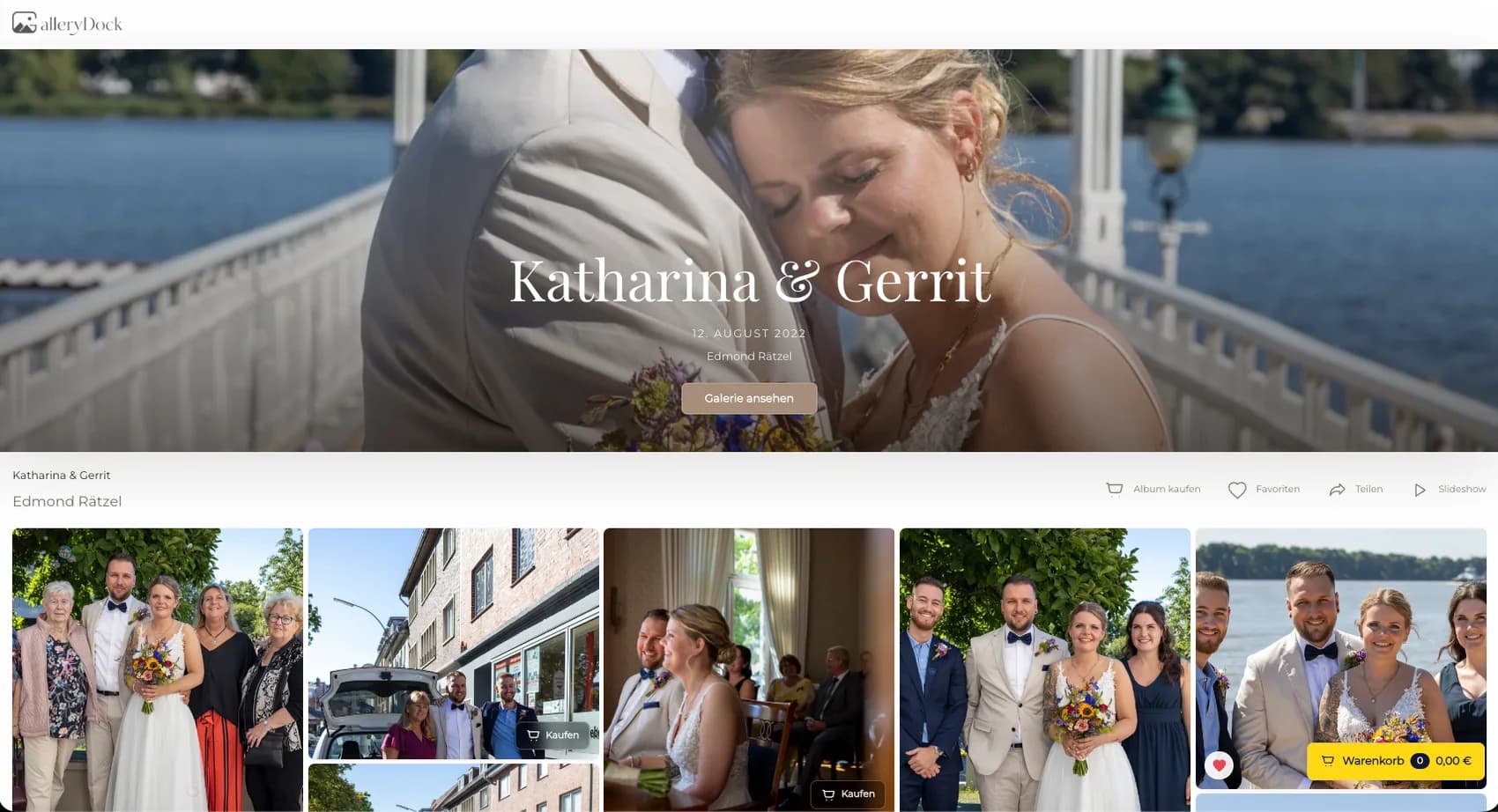
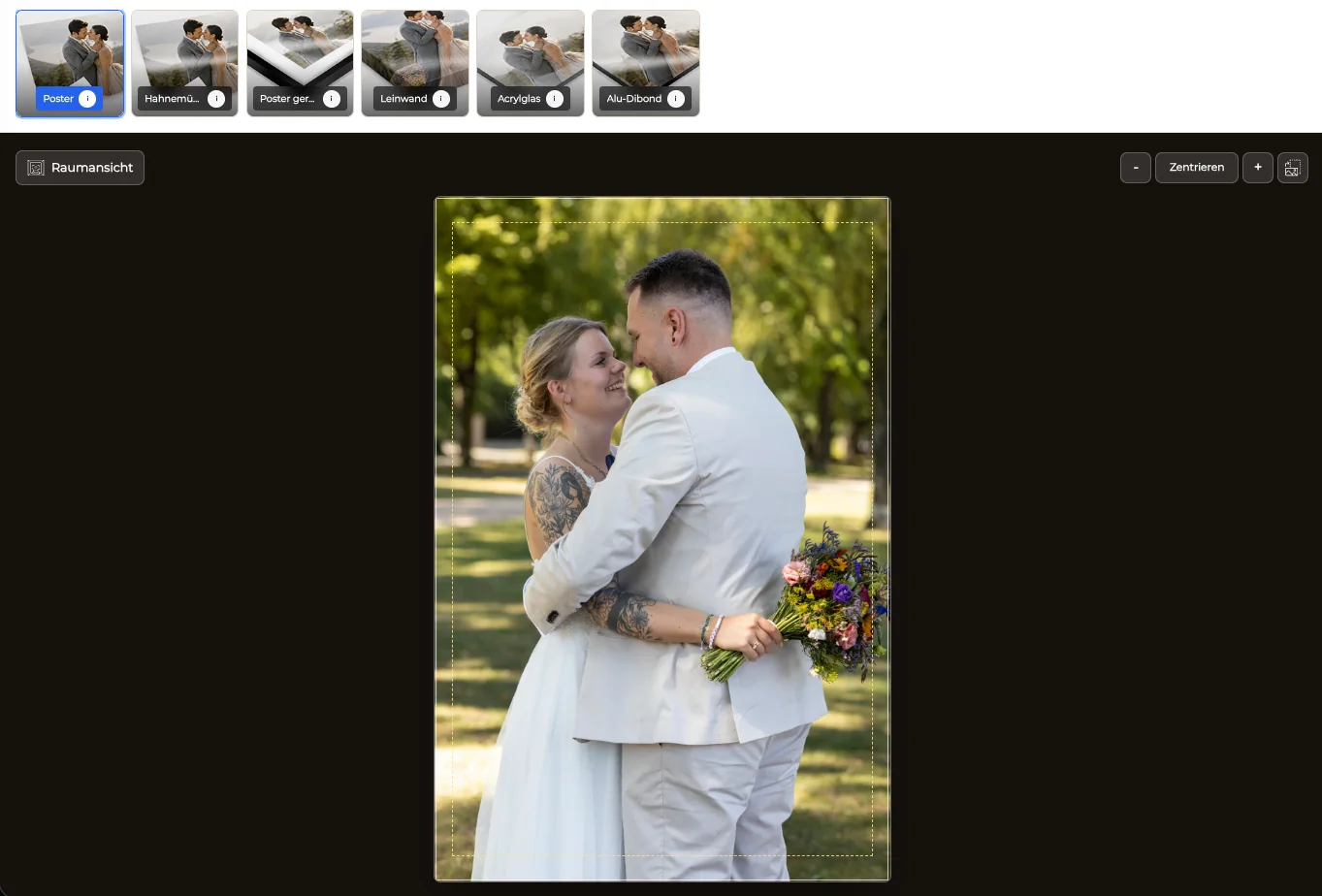
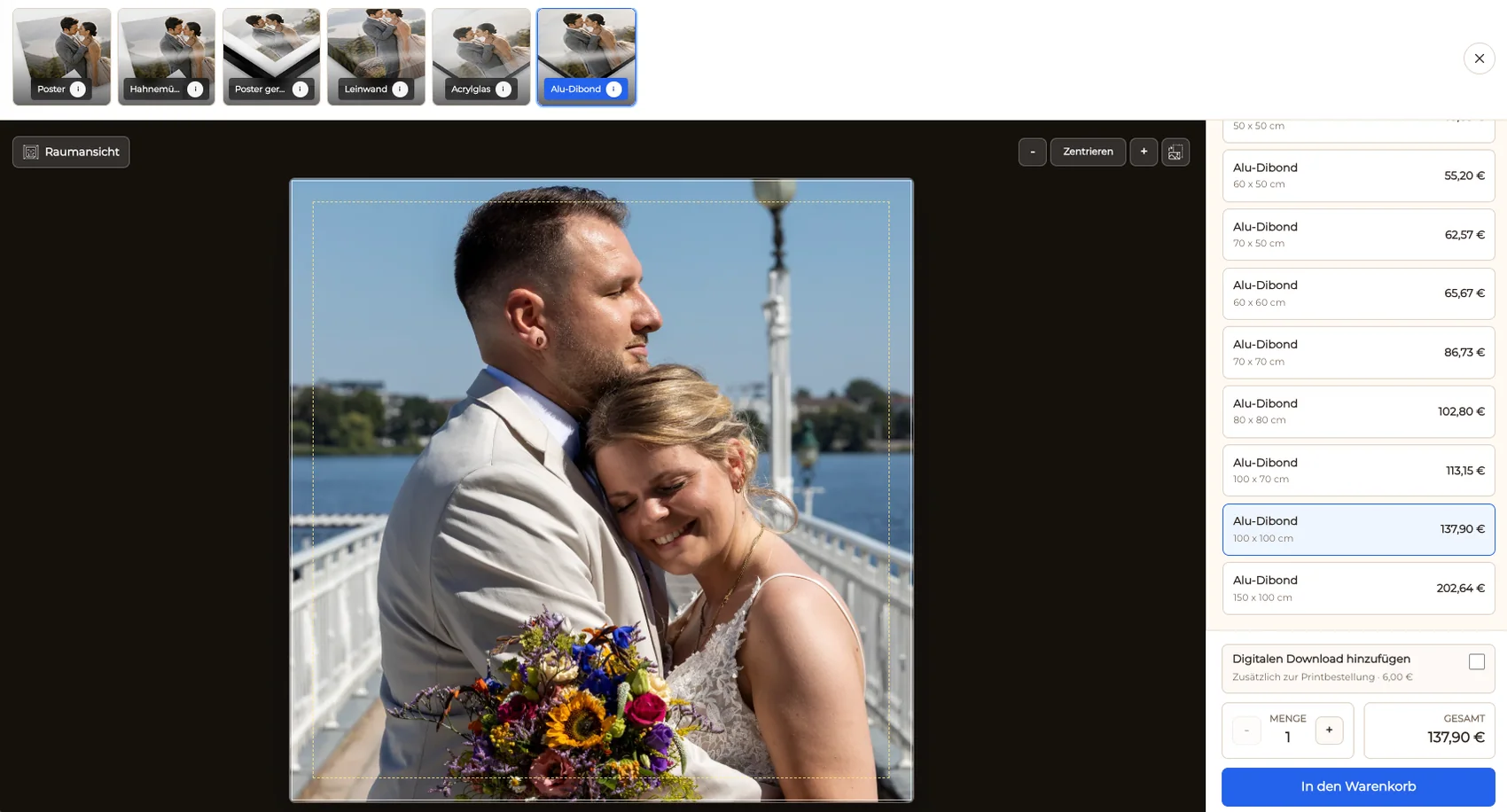
Macro photography becomes a stronger fine art offer when the series is curated around visual relationships instead of uploaded as unrelated close-ups. Flowers, insects, droplets, leaf structures, and abstract surfaces each place different demands on focus, depth, negative space, orientation, and crop. The photographer chooses finished work, activates appropriate fine art products, sizes, and selling prices, and reviews how every image behaves in the print preview and room view. GalleryDock keeps the selected macro image connected to digital and physical product choices, crop, safe area, cart, and checkout. The guide focuses on presenting and selling a distinctive macro series. It does not promise a particular paper, manufacturer, edition structure, production method, color result, delivery time, or automatic art-market demand.
Series curation
A strong series has a visual idea that continues beyond the novelty of seeing a small subject enlarged.
01
Build around flowers, insects, droplets, textures, color relationships, or abstract structures so the collection has an understandable point of view.
02
Remove images whose key detail, focus plane, or depth of field does not hold up at the intended print scale.
03
Include breathing room where the subject needs direction or visual tension instead of cropping every frame tightly around the center.
04
Arrange color, shape, scale, and visual rhythm so buyers can understand single works and possible pairs or small groups.
Print preparation
Format and crop decisions can strengthen or destroy fine structures, movement, and visual balance.
01
Use portrait, landscape, or square-like proportions according to stems, wings, movement, pattern, and the surrounding negative space.
02
Check antennae, petals, droplets, edges, texture transitions, and intentional empty areas before activating a size.
03
Confirm that sharpening, noise, focus, and source resolution support the chosen dimensions without overstating what the file can deliver.
04
Help the buyer decide whether the image works as a quiet accent, a detailed close-view piece, or a larger abstract statement.
Fine art offer
The catalog should support the series rather than making every material and size available by default.
01
Choose a limited set of physical products whose surface, scale, and presentation fit the macro work and the intended buyer context.
02
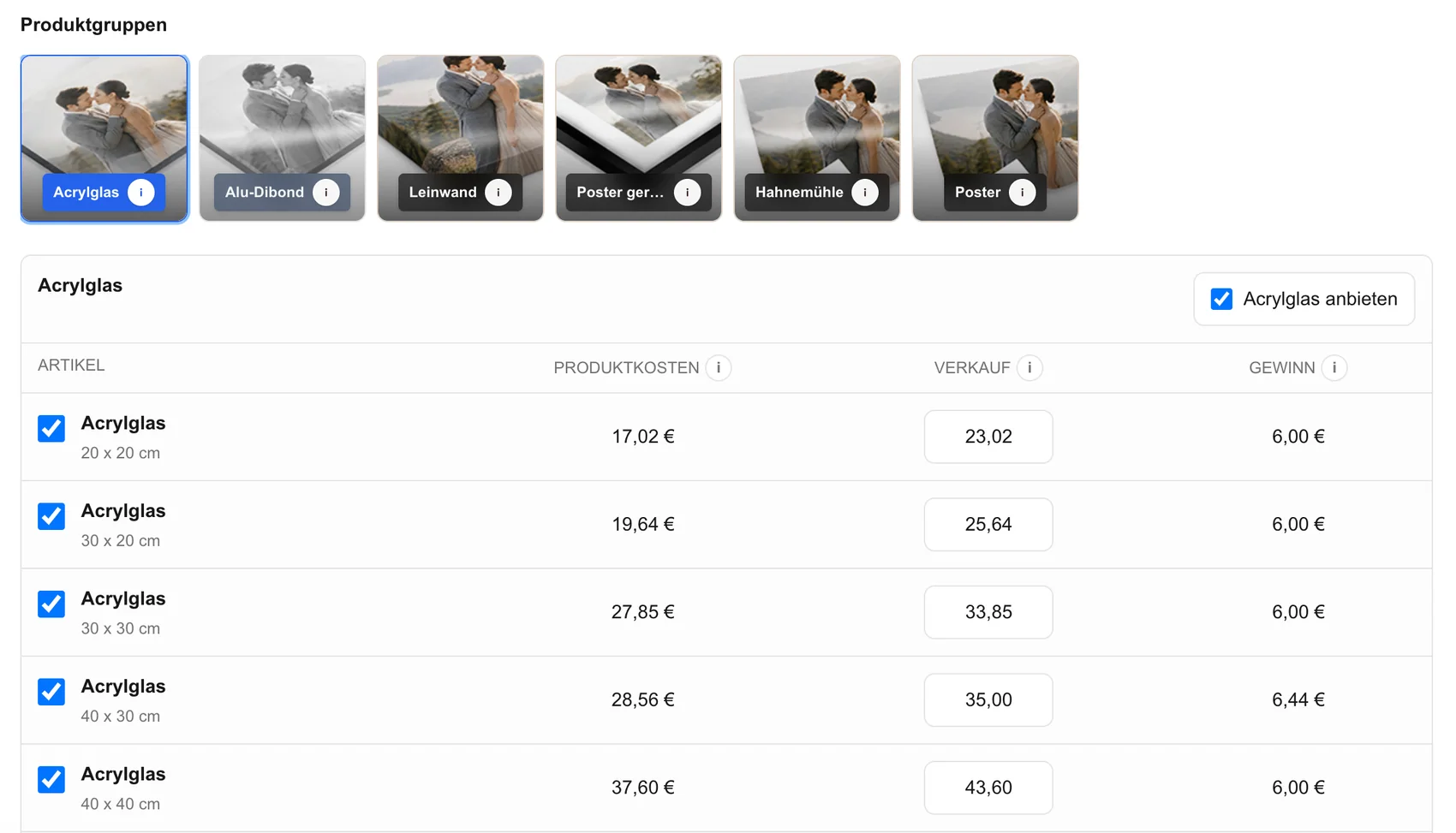
Create a consistent size ladder and price logic that preserves image quality and makes the differences understandable to the buyer.
03
When it fits the project, present digital products and fine art prints in the same gallery while labeling each use clearly.
04
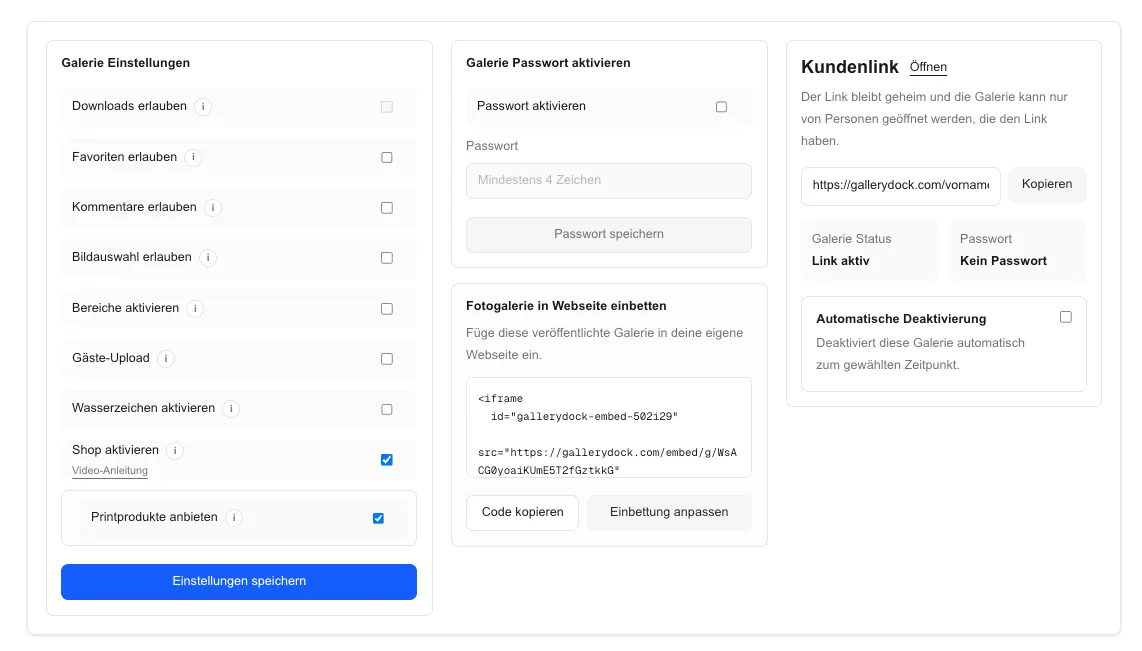
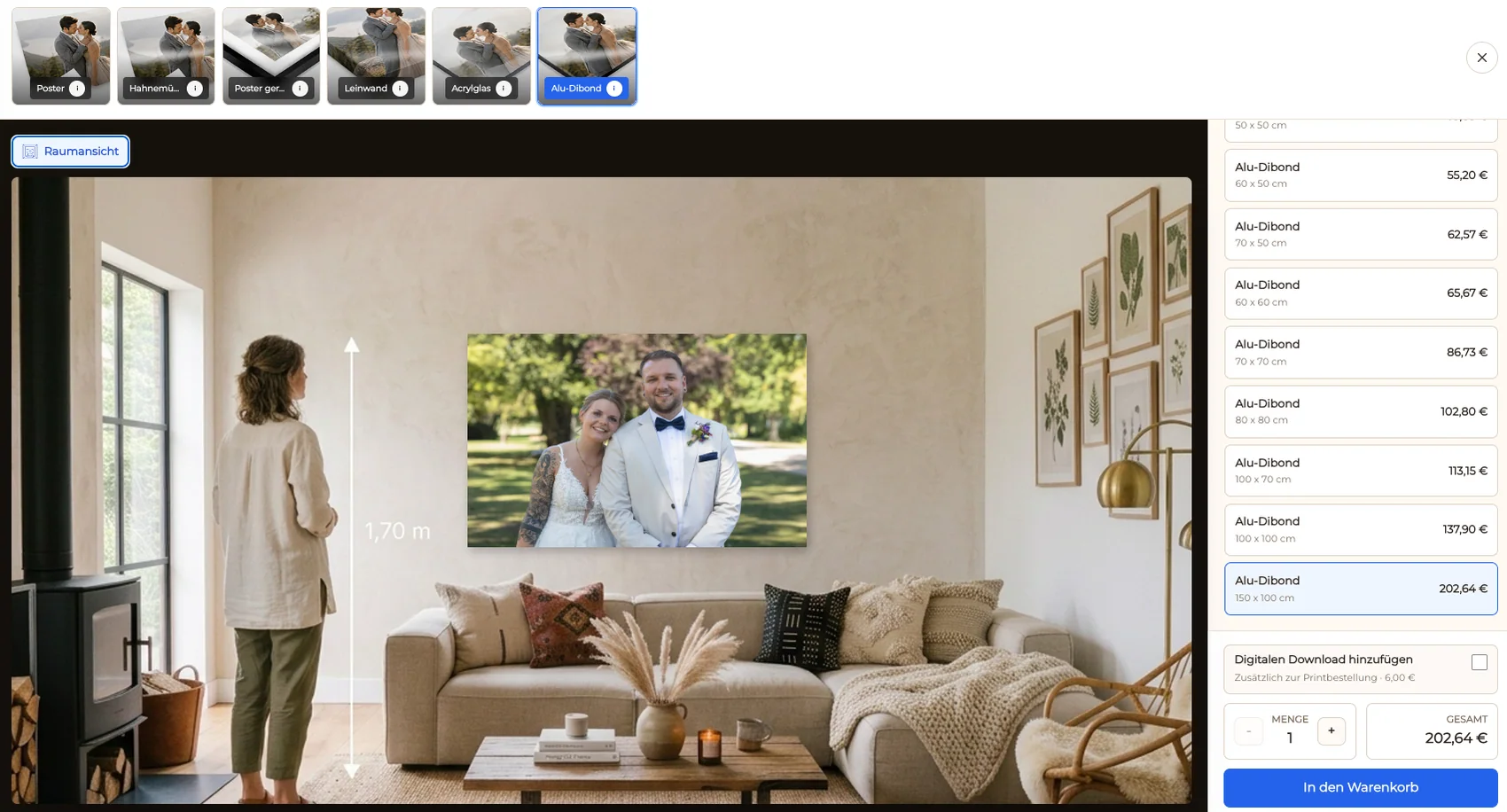
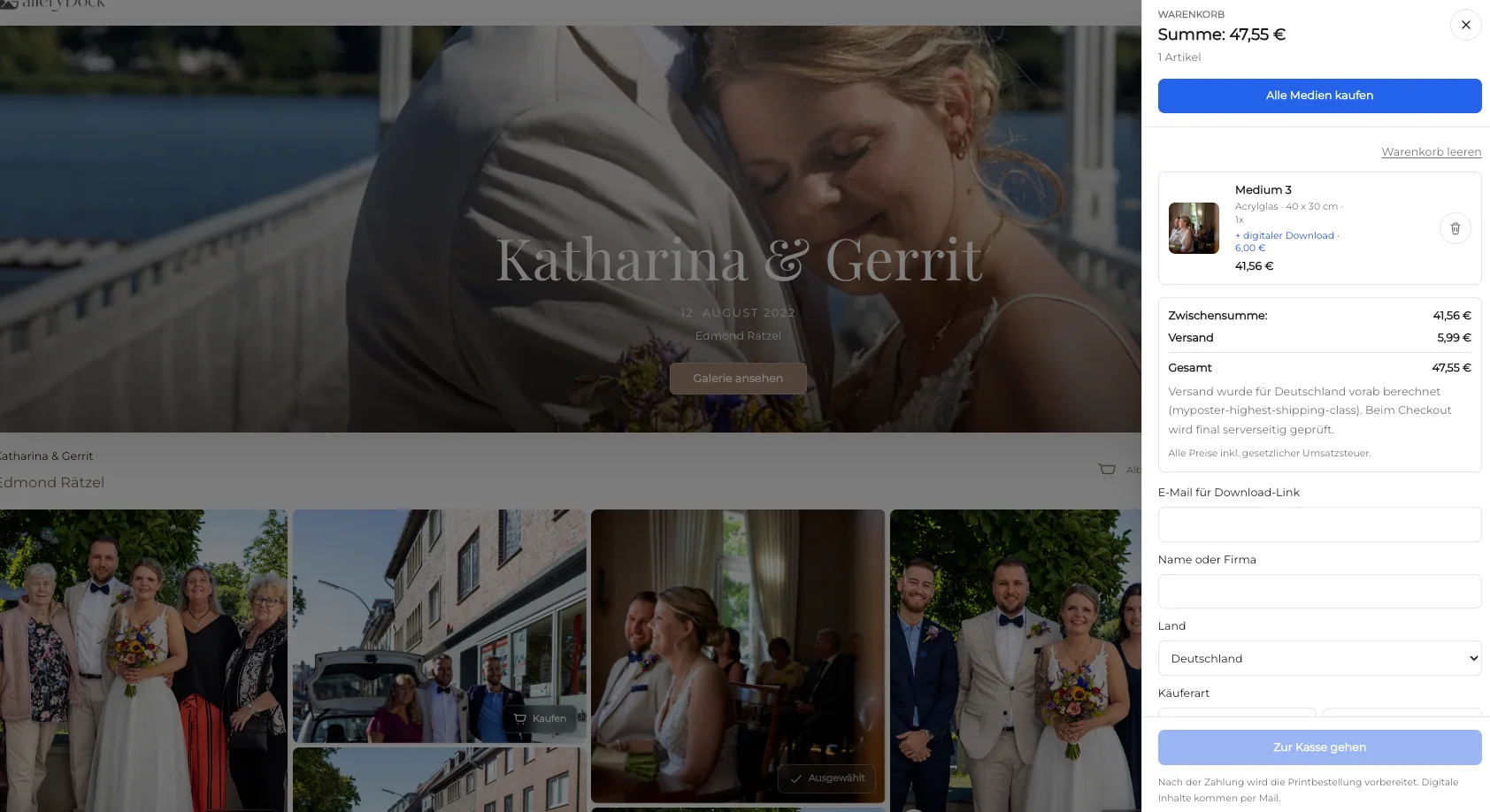
Carry the chosen artwork, product, size, crop, quantity, and price into the cart and checkout without manual transcription.

Comparison
Different products change how texture, color, depth, and fine detail are experienced.
| Approach | Best for | Tradeoff |
|---|---|---|
| Curated fine art print | A deliberate collectible presentation | Requires careful product and size selection |
| Canvas wall art | A softer decorative presence | Surface character may reduce very fine detail |
| Acrylic or aluminum | Crisp contemporary display | Creates a stronger material statement |
| Small photo print | Accessible studies and gifts | May not create the same immersive scale |
| Digital file | Screen-based use or a defined license | Does not provide a finished physical object |
A flower series uses controlled color, a visible focus plane, and calm negative space to create a cohesive set of prints.
The crop preserves antennae and movement direction while the chosen size keeps the subject detailed without exposing weak source quality.
Droplets, leaf veins, or surfaces become graphic wall art when repetition, edge relationships, and scale are evaluated in the room preview.
Frequently asked questions
Images with a deliberate focus point, controlled depth, strong shape or texture, useful negative space, and enough source quality for the intended size are good candidates.
Yes. GalleryDock supports digital sales and physical print sales when those products are activated for the macro gallery.
Protect antennae, legs, wings, gaze, and movement direction, and avoid removing the negative space that gives the subject visual room.
Use the crop preview and room view to show how the subject and surrounding space behave at different dimensions.
Not necessarily, but a focused product strategy usually creates a more coherent series than offering every possible material and size.
No. The gallery organizes the offer and order path; product, production, and color details must match the currently supported workflow.
Related resources
Pricing
Free forever
0 EUR
EUR 0 per month
Perfect for sharing your first galleries professionally.
Start free, no credit card required
Monthly
19 EUR
EUR 228 billed yearly. plus VAT
Ideal for photographers who regularly deliver client galleries.
For regular client delivery
Monthly
29 EUR
EUR 348 billed yearly. plus VAT
For photographers managing many projects, videos and growing storage.
For regular client delivery
Create a GalleryDock gallery, curate the strongest work, activate suitable digital and print products, and verify every crop before publishing.
Create a free account