01
Curate the series
Choose photographs with a shared visual language, subject, process, or idea rather than presenting every strong image as one collection.
Fine-art print workflow
Build a fine-art print workflow from series curation and source approval through products, prices, preview, checkout, order preparation, and final quality control.
Quick answer
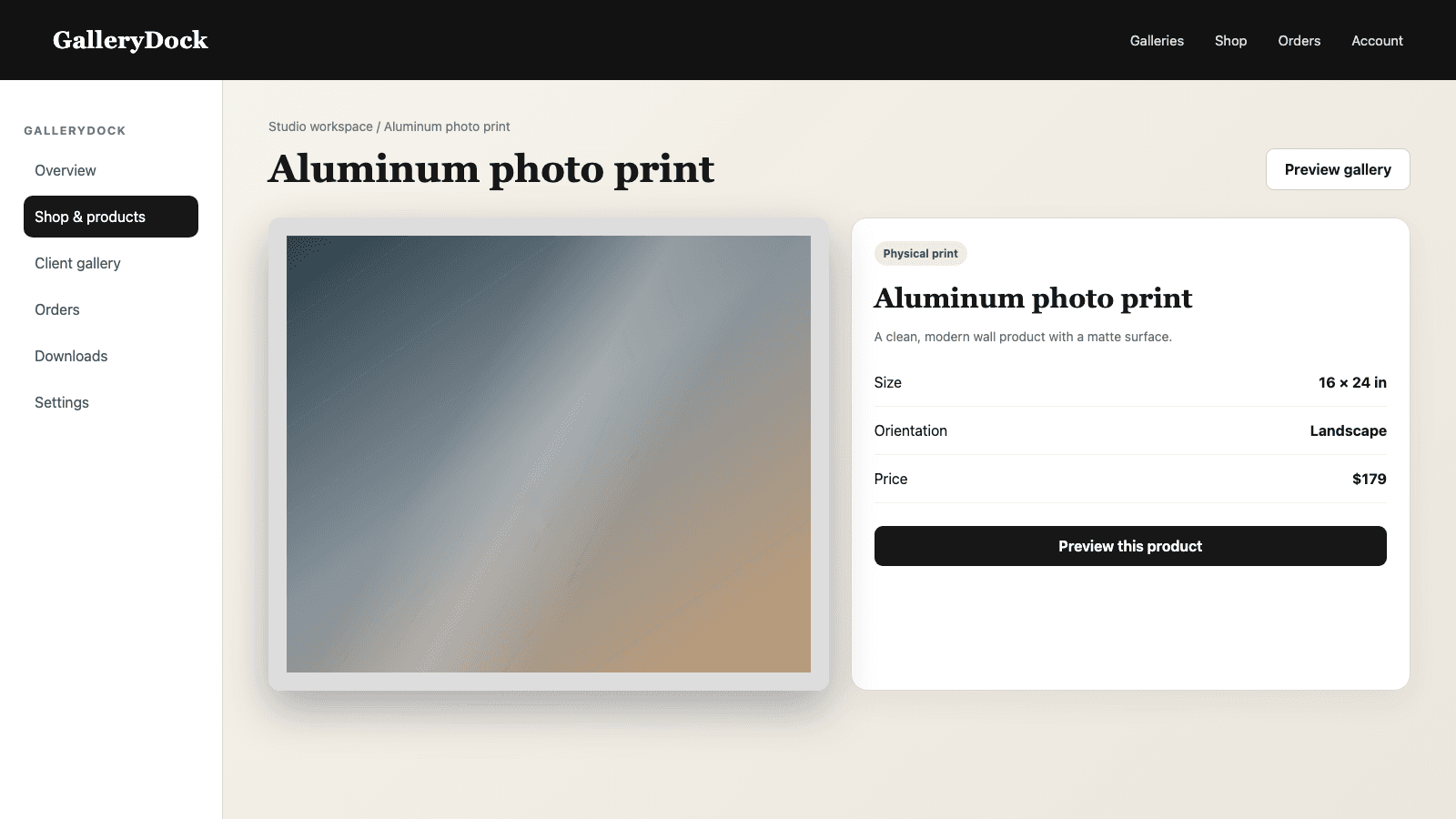
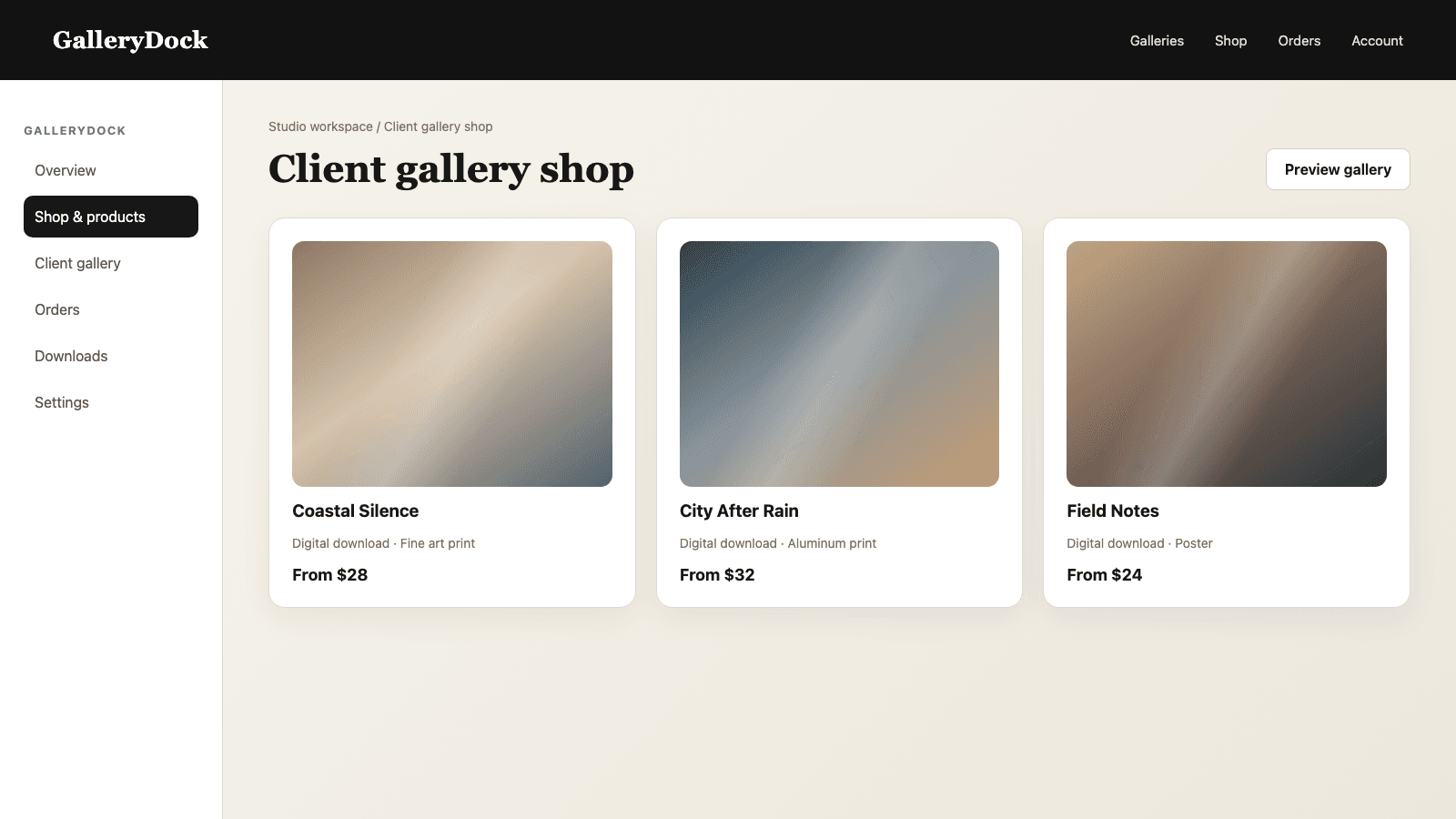
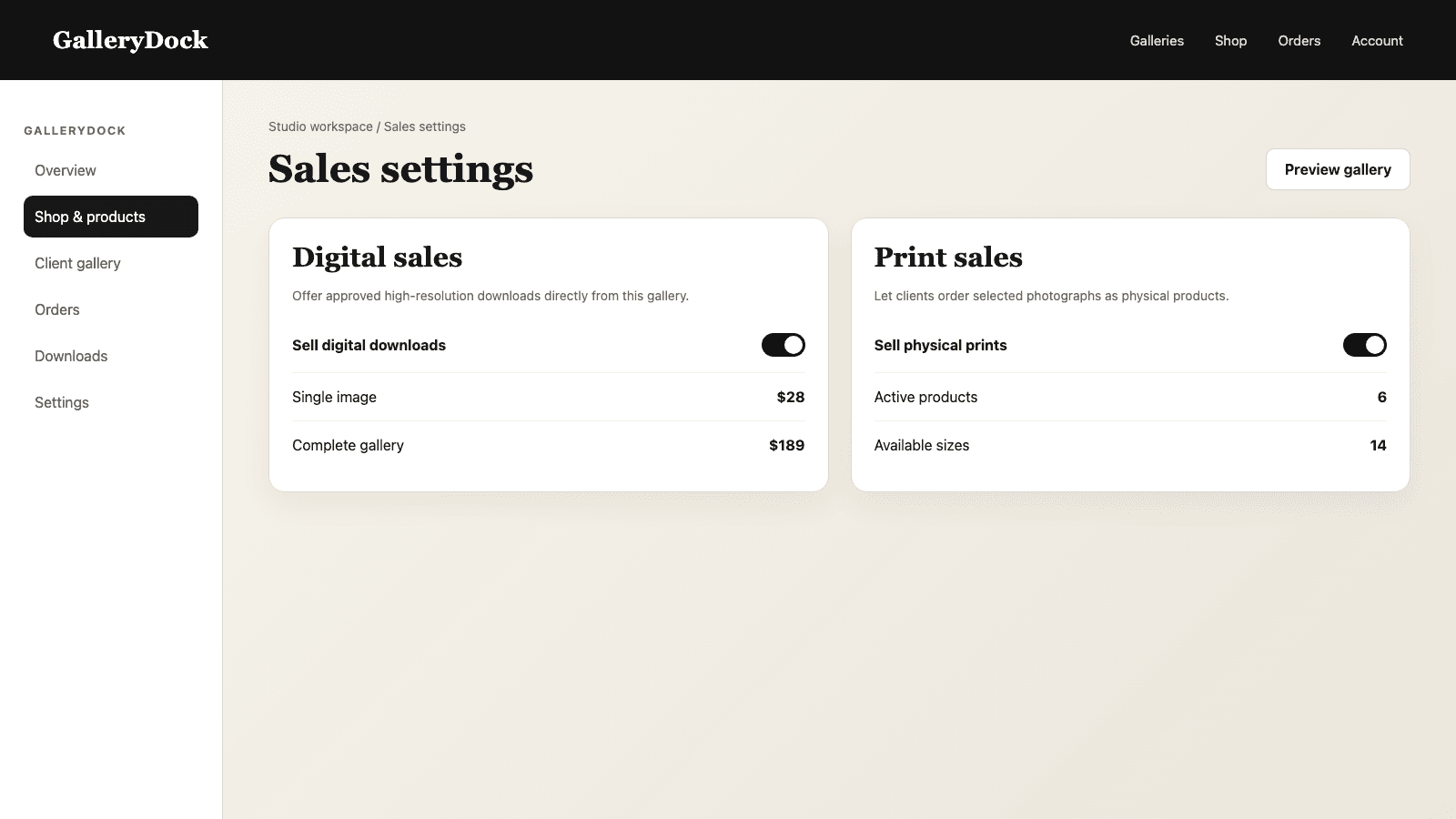
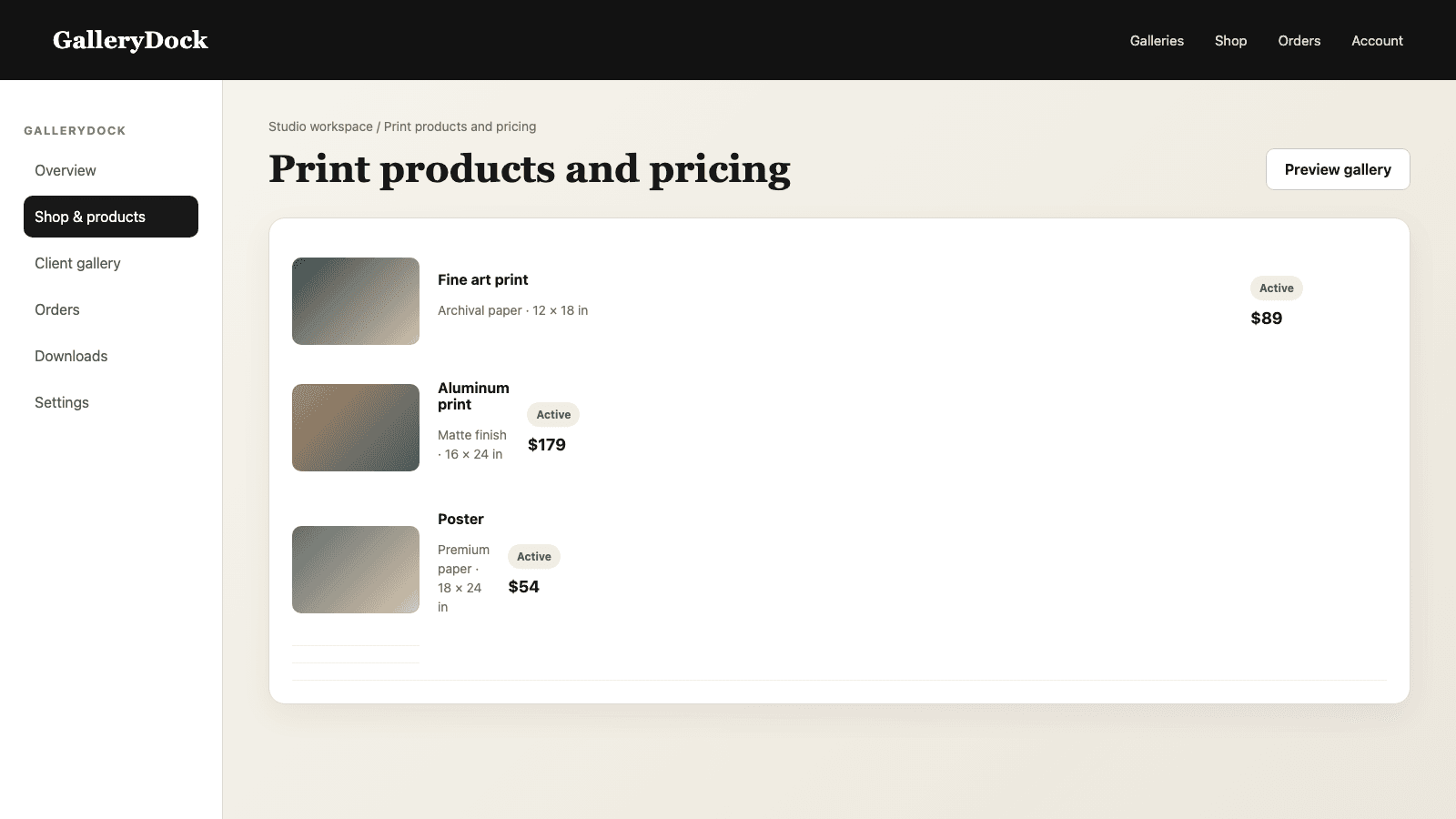
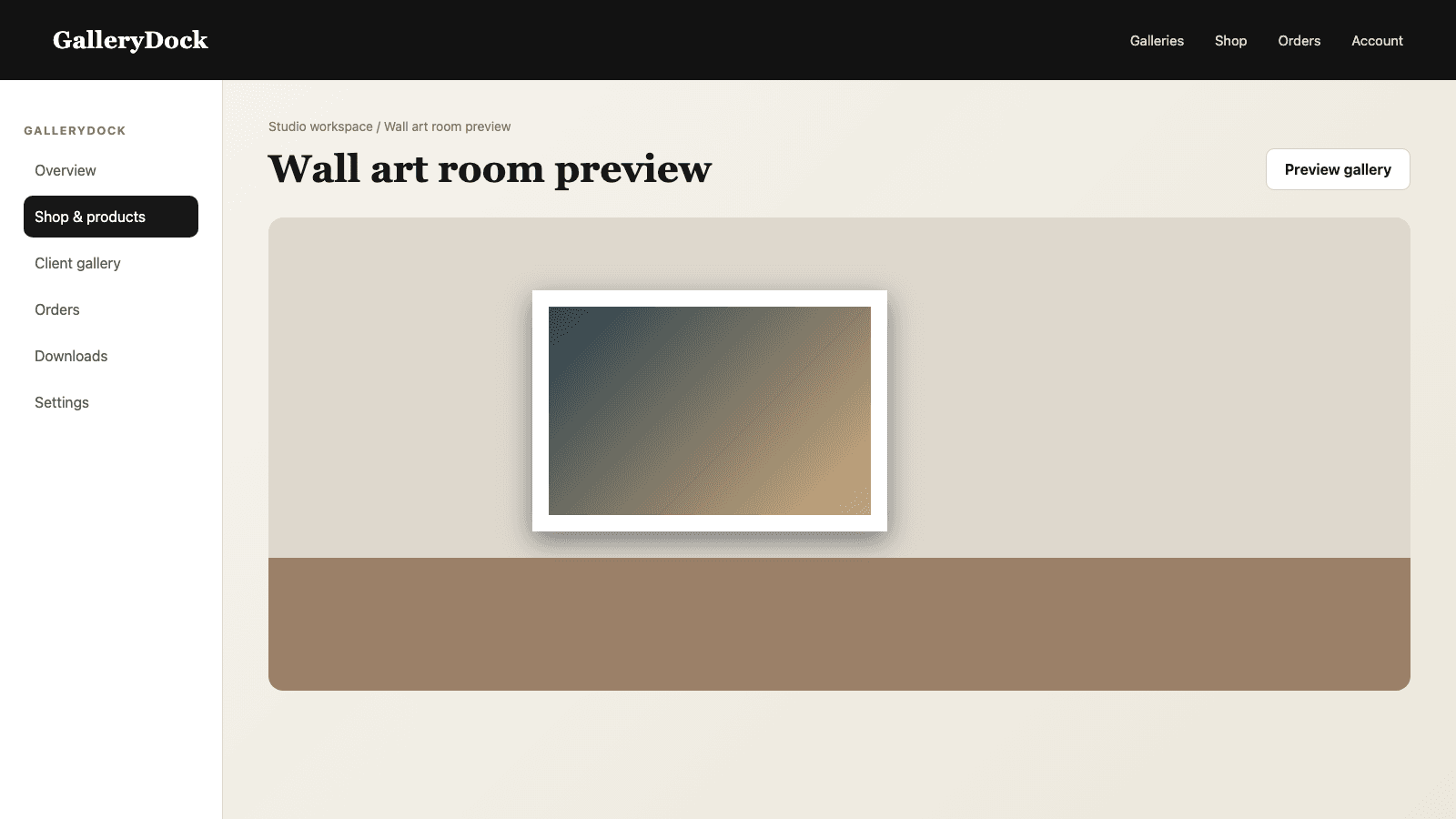
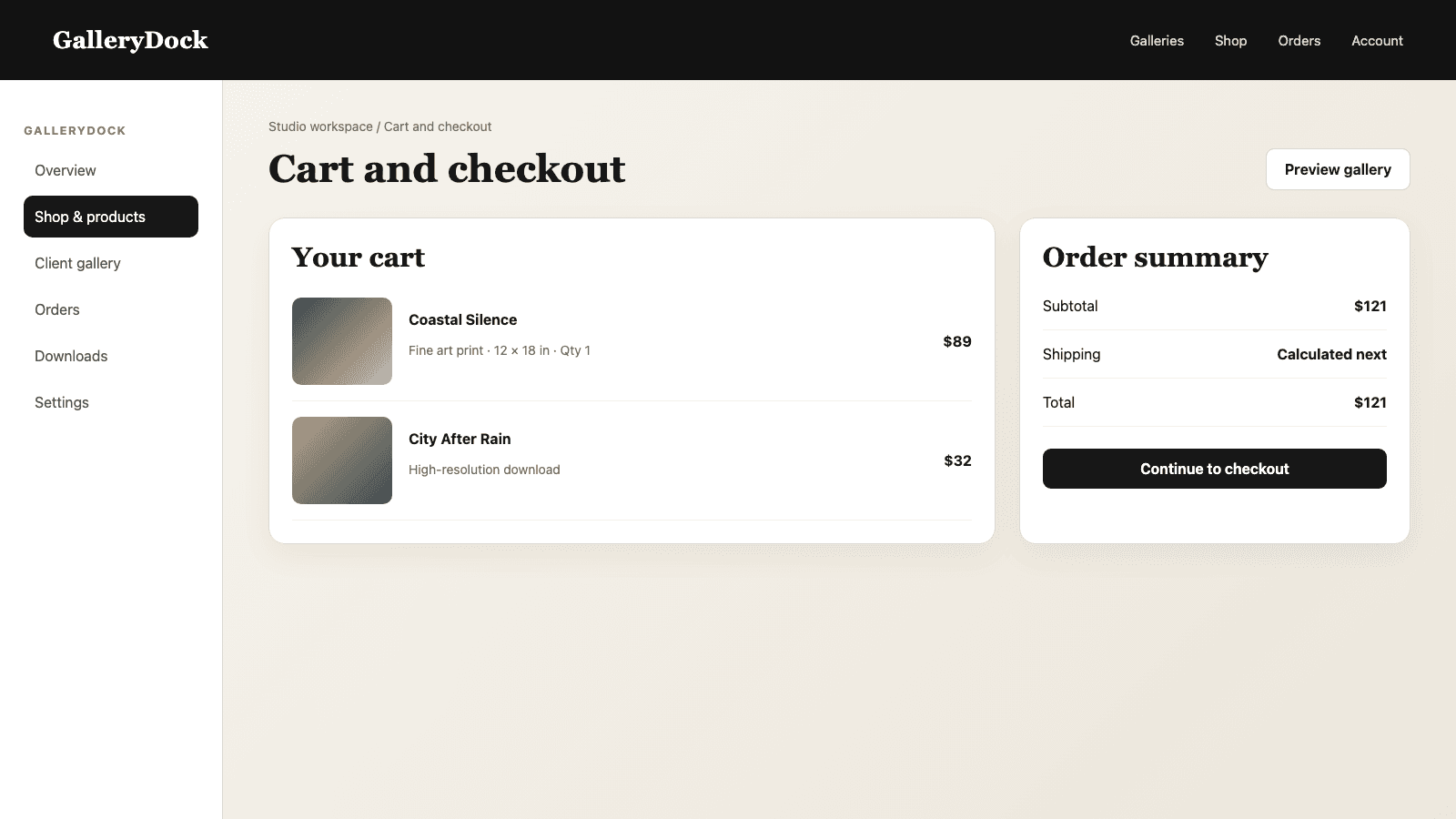
A fine-art print workflow begins before a buyer sees a product list. The photographer curates a recognizable series, approves the source files, and defines a limited catalog whose materials, sizes, and prices fit the work. GalleryDock carries that prepared offer into a visual gallery where clients can study the series, choose a photograph, compare products, inspect orientation and crop, view wall scale, and complete the cart and checkout. The order keeps the selected image and product details together, and GalleryDock prepares the order-specific print file for physical production. GalleryDock is the gallery and selling environment, not the photographer's creative editing room or the physical print workshop. That separation gives each stage a clear quality owner while keeping the collector's path simple.
Series and source
Fine-art presentation becomes stronger when the image sequence and source quality are decided first.
01
Choose photographs with a shared visual language, subject, process, or idea rather than presenting every strong image as one collection.
02
Finish retouching, color, tonal relationships, and dust or artifact checks before the works enter the sales gallery.
03
Decide how you describe open editions, limited editions, signatures, or certificates and keep that promise consistent with your actual process.
04
Use demanding highlights, shadows, textures, skin tones, and saturated colors to evaluate the intended output before scaling the offer.
Offer design
The catalog should support the work rather than make the buyer solve the studio's production system.
01
Choose products whose surface, depth, framing, and visual character suit the collection.
02
Offer a concise scale range that respects the image resolution, aspect ratio, intended viewing distance, and price ladder.
03
Price the product deliberately so the buyer sees a complete offer and the studio can fulfill it consistently.
04
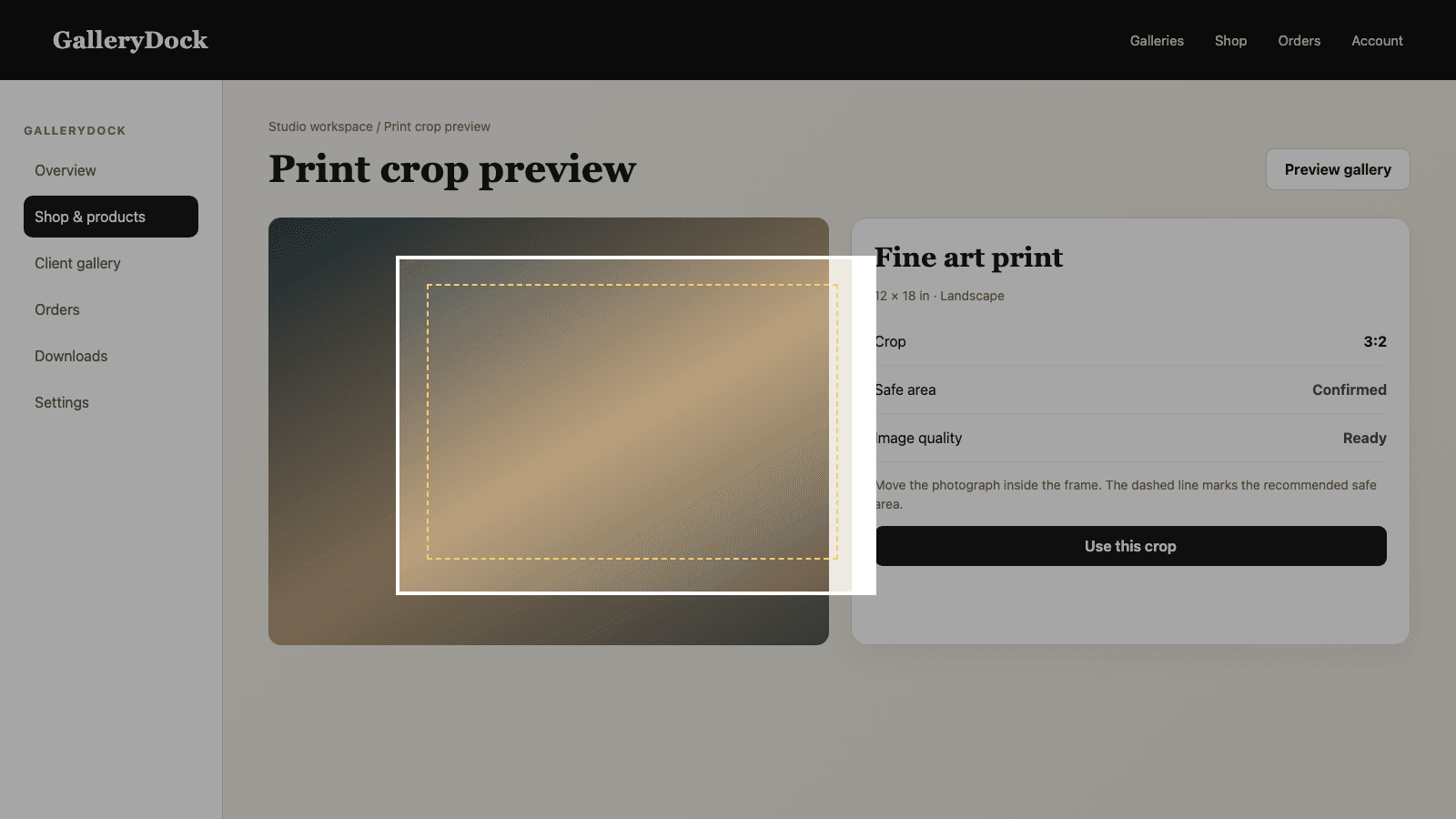
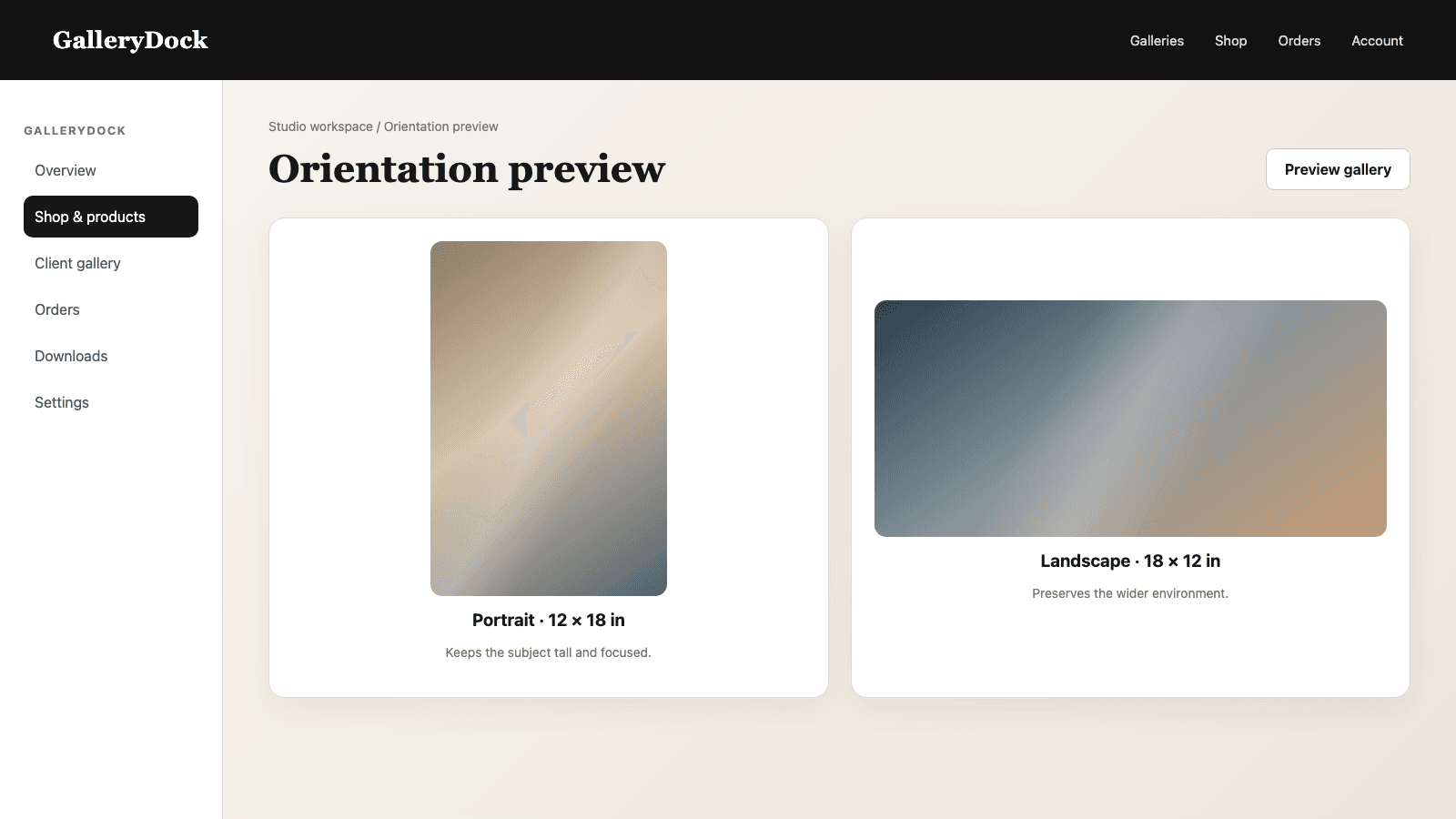
Check crop, safe area, orientation, and room scale on the actual works before publishing them.
Order and quality
The final print should reflect the exact image and configuration confirmed in the gallery.
01
Photograph, product, size, crop, quantity, and selling price remain tied to the same purchase.
02
Use the approved source and stored product decisions to produce the file for that specific item.
03
Check physical color, density, surface, edges, mounting, damage, and any edition details before final delivery.
04
Feed production observations back into source preparation, product selection, and preview guidance for the next order.
Comparison
Quality improves when creative, sales, and production responsibilities remain connected but distinct.
| Approach | Best for | Tradeoff |
|---|---|---|
| Editing workflow | Master-file approval | Does not provide the collector purchase path |
| GalleryDock | Series presentation, product choice, preview, cart, and checkout | Does not replace creative editing or physical inspection |
| Physical production | Manufacturing the ordered print | Needs accurate order and output data |
| Open product catalog | Maximum choice | Can weaken a curated fine-art offer |
| Bespoke inquiry | Highly custom commissions | Requires manual communication before every order |
The photographer limits the offer to two wall products and three carefully proofed sizes that preserve subtle tonal separation.
Collectors see the story, compare sizes in a room preview, and order from a product list designed specifically for the series.
Only photographs suited to the available print surfaces are sold, while other works remain part of the viewing sequence without a product.
Frequently asked questions
Yes. Selected works can include products, sizes, prices, preview, cart, and checkout directly in the gallery.
No. GalleryDock manages the gallery, product choice, order context, and print-output workflow; physical production remains its own stage.
Yes. The photographer decides which active products, sizes, and selling prices belong to the collection.
Yes. Wall products can be reviewed in a room context before the order.
No. A limited, proofed selection usually creates a clearer collector experience and more predictable quality.
Yes. Digital and physical products can coexist when both make sense for the series.
Related resources
Pricing
Free forever
0 EUR
EUR 0 per month
Perfect for sharing your first galleries professionally.
Start free, no credit card required
Monthly
19 EUR
EUR 228 billed yearly. plus VAT
Ideal for photographers who regularly deliver client galleries.
For regular client delivery
Monthly
29 EUR
EUR 348 billed yearly. plus VAT
For photographers managing many projects, videos and growing storage.
For regular client delivery
Curate the work, approve the sources, limit the products, inspect each preview, and carry the collector's exact choice through production and quality control.
Create a free account