01
Choose one visual thesis
Define the subject, mood, and point of view that hold the exhibition together. A clear thesis helps visitors understand why these photographs belong in one collection.
Exhibition print sales
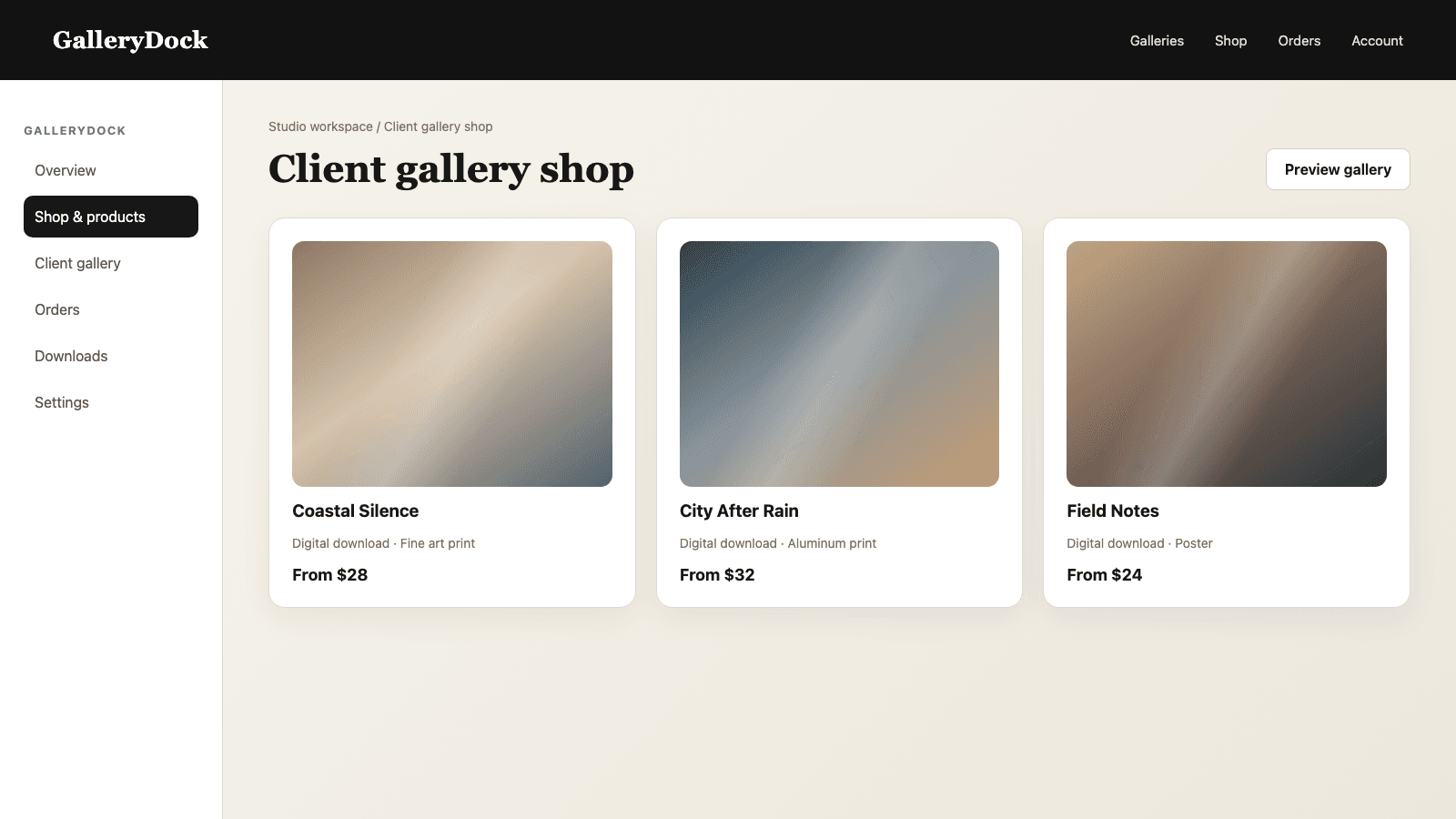
Turn a curated photography exhibition into an online gallery where visitors can explore the series and buy selected prints directly from each image.
Quick answer
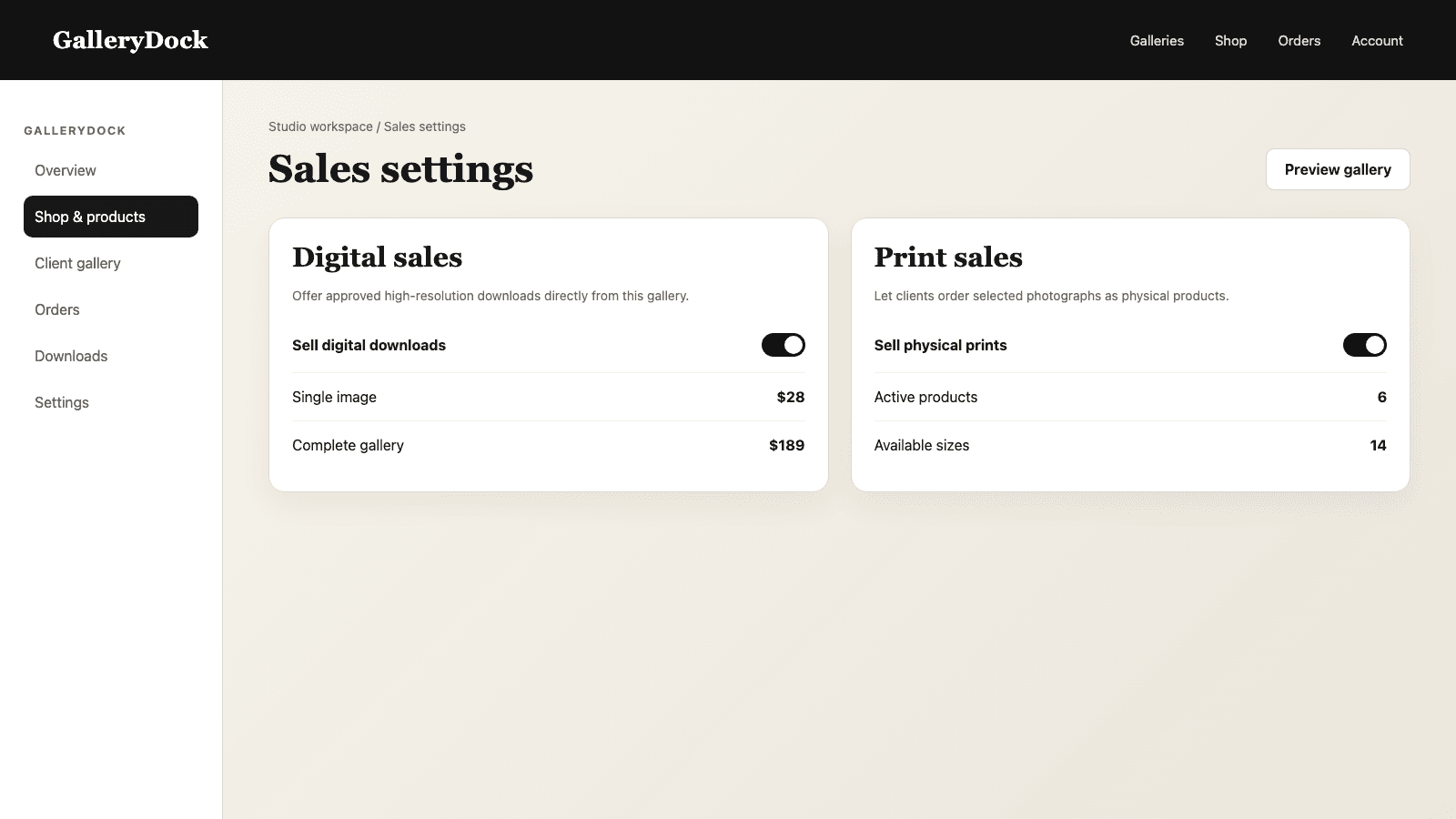
Selling exhibition prints online works best when the digital experience preserves the same curatorial logic as the physical show. Start with a focused series, define the visual sequence, and decide which photographs should become purchasable works. In GalleryDock, each selected image can lead into a clear print choice with product, size, orientation, crop, room preview, price, cart, and checkout. That keeps the buyer connected to the photograph rather than dropping them into a generic merchandise catalog. The photographer remains responsible for the edition story, product selection, pricing, and source-image quality, while GalleryDock turns the finished series into a coherent presentation and purchase path. Digital products can be offered alongside physical prints when both belong to the exhibition offer.
Curatorial foundation
A coherent series gives every product decision a reason and prevents the shop from overwhelming the work.
01
Define the subject, mood, and point of view that hold the exhibition together. A clear thesis helps visitors understand why these photographs belong in one collection.
02
Arrange an opening image, transitions, quieter moments, and a memorable closing frame. The online gallery should feel intentional even when visitors enter from a shared link.
03
Not every exhibition image needs every product. Choose the photographs that remain strong at the offered sizes and materials.
04
Explain the series, process, edition approach, or display intention in plain language without turning the gallery into a long sales brochure.
Gallery setup
The buyer should see what they are ordering before price and checkout become the focus.
01
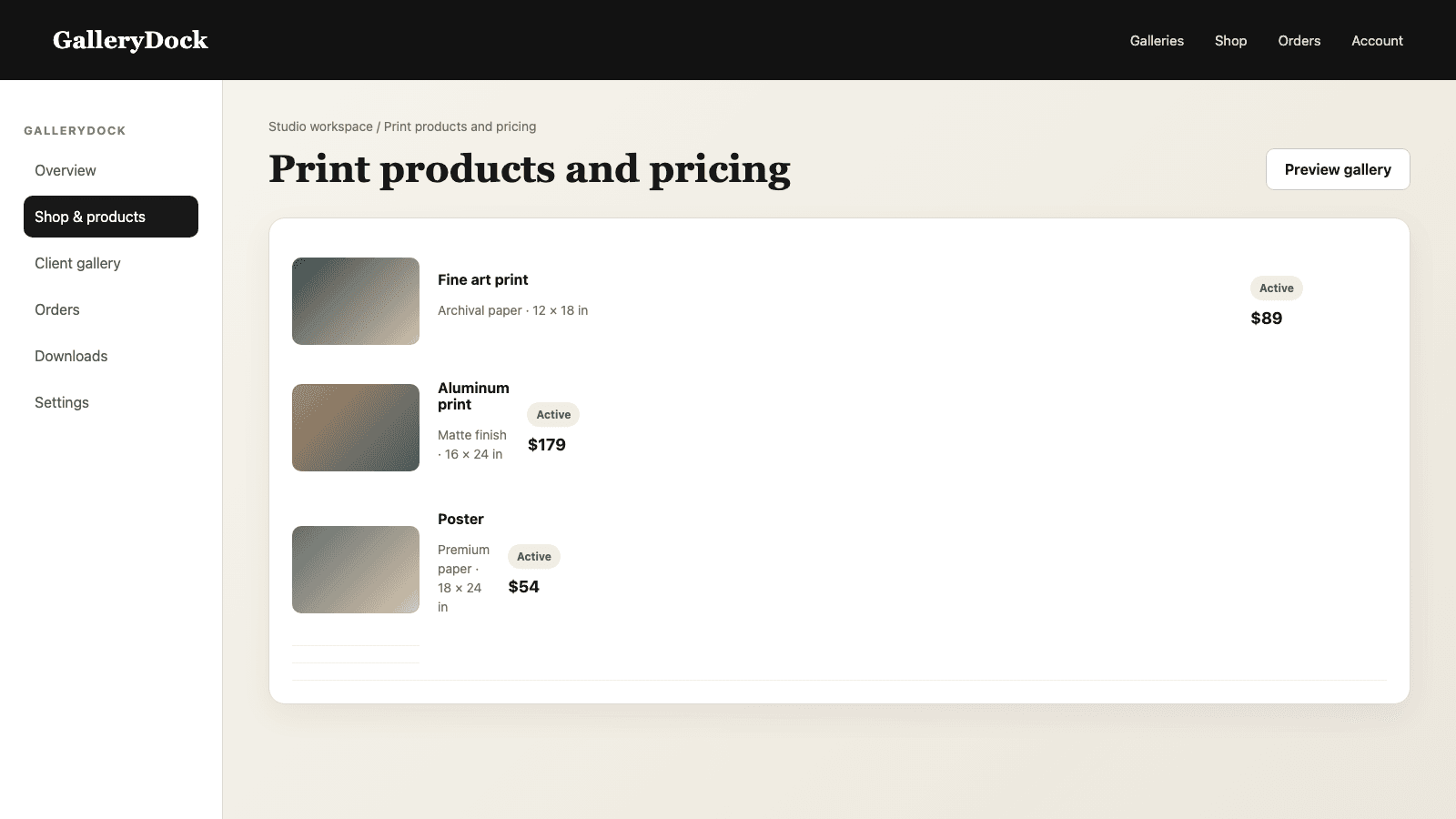
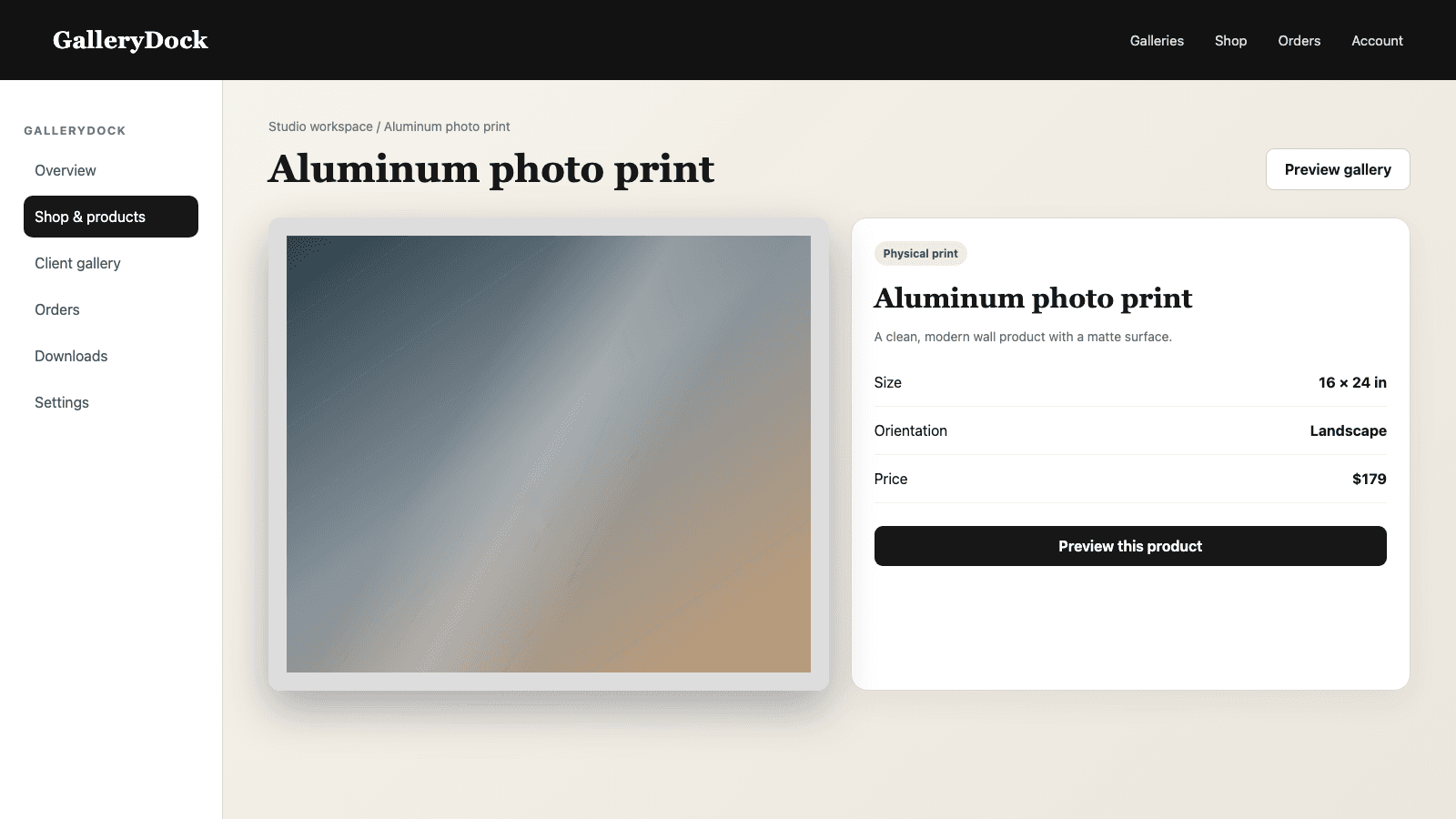
Offer a limited set of print products and sizes that match the series. Fewer intentional choices are easier to compare than a wall of nearly identical variants.
02
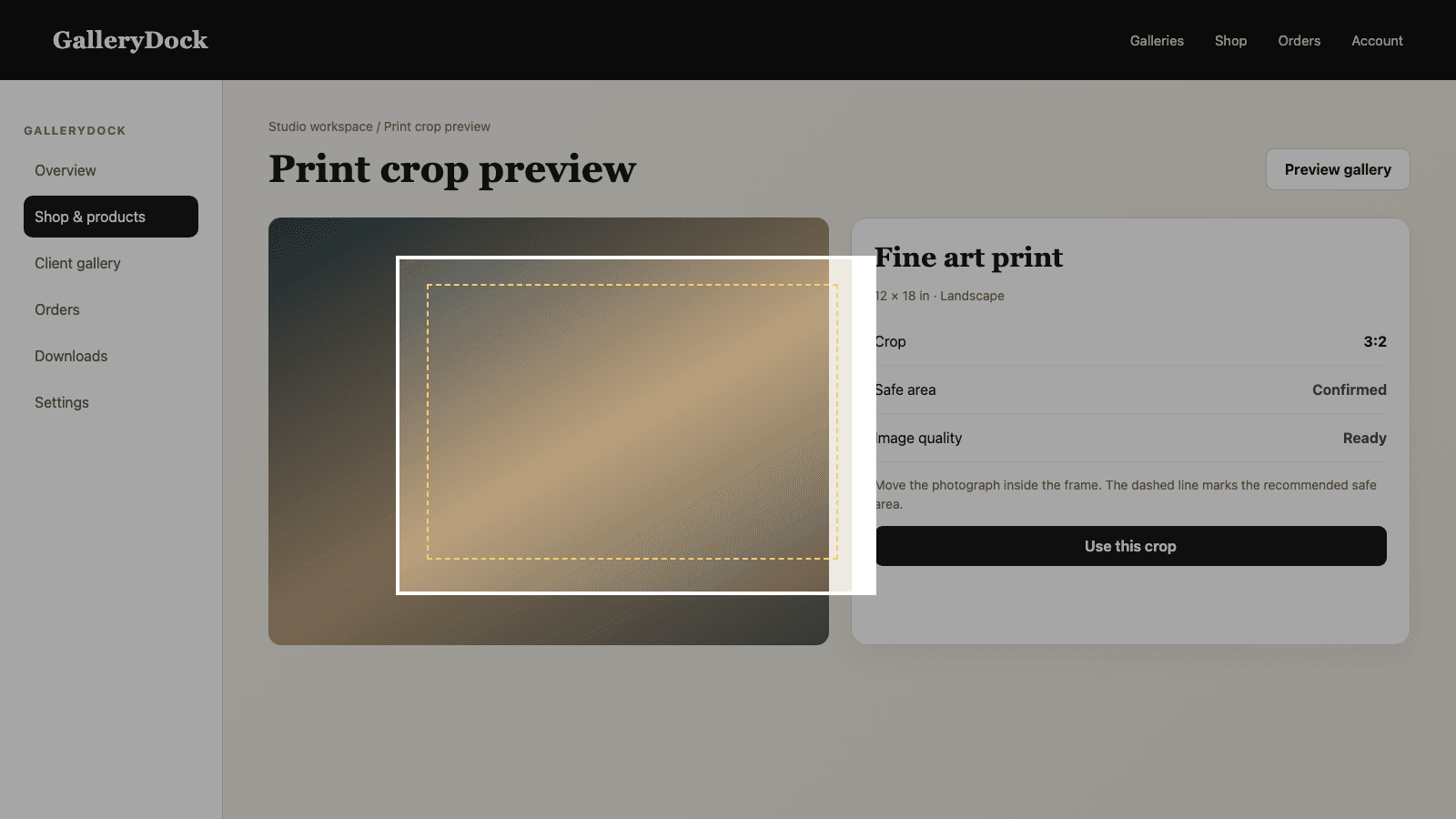
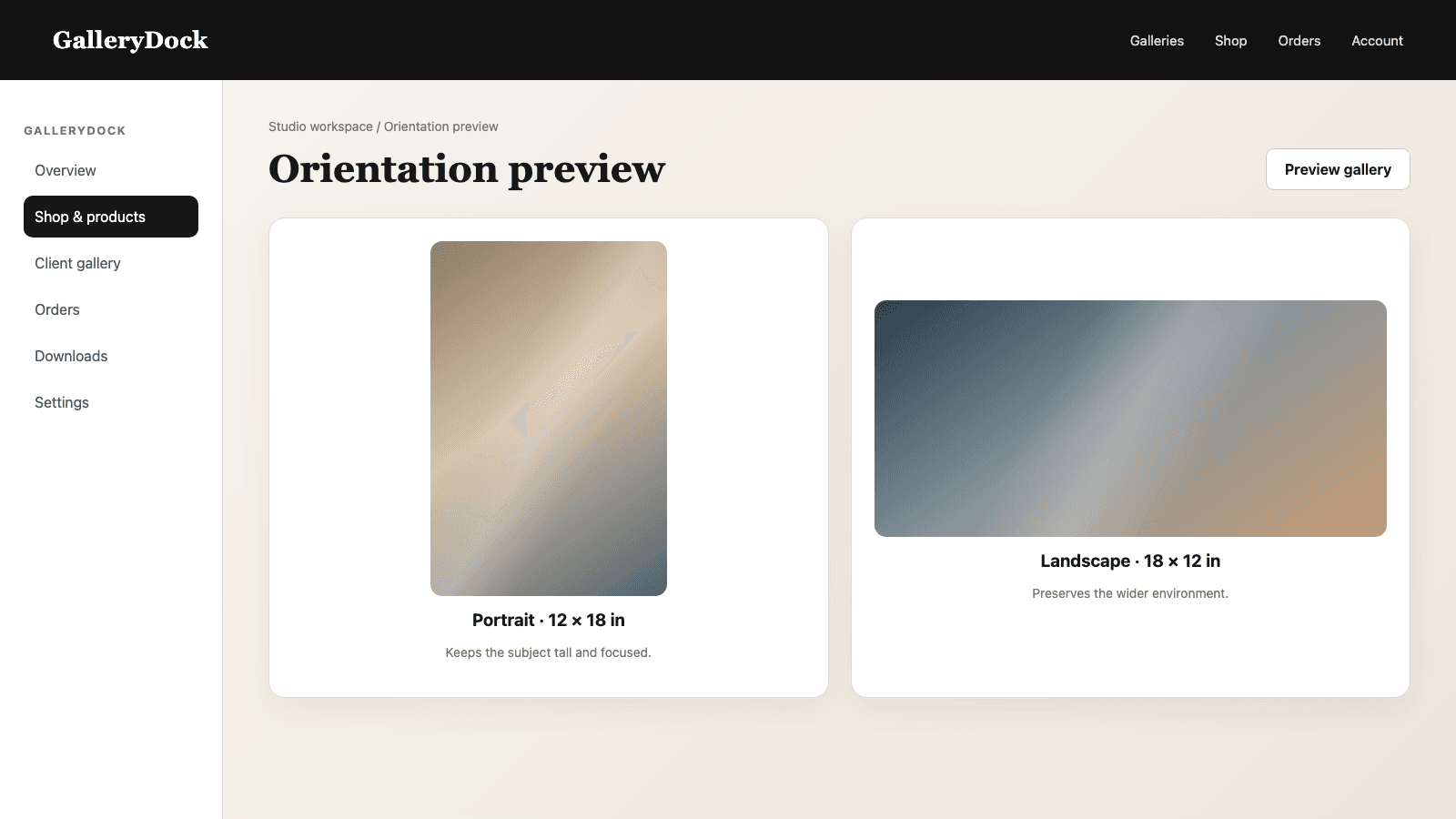
Review important edges, faces, lines, and negative space in the selected format. A beautiful exhibition image can lose its balance in the wrong crop.
03
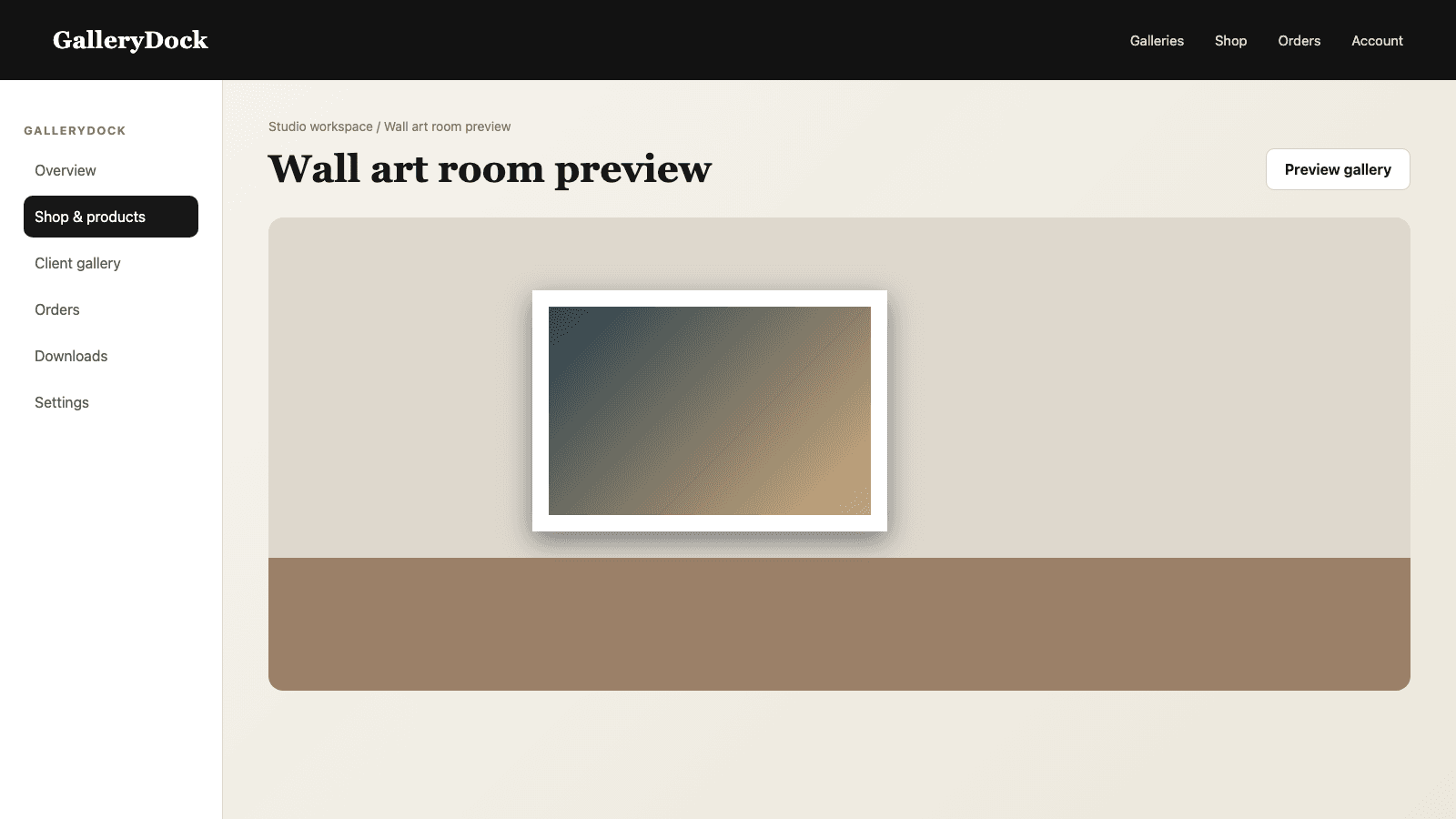
For wall products, show how scale changes the image's presence. The preview helps a buyer distinguish a quiet accent from a large statement piece.
04
Price each active size deliberately and review the offer as a buyer would see it before publishing the gallery.
Purchase path
A direct path from image to product keeps attention on the artwork and reduces avoidable ordering questions.
01
Let the visitor move from the photograph they care about into its available print choices without searching another storefront.
02
The buyer reviews size, orientation, and crop before adding the item, while the photographer has already approved the source image and catalog.
03
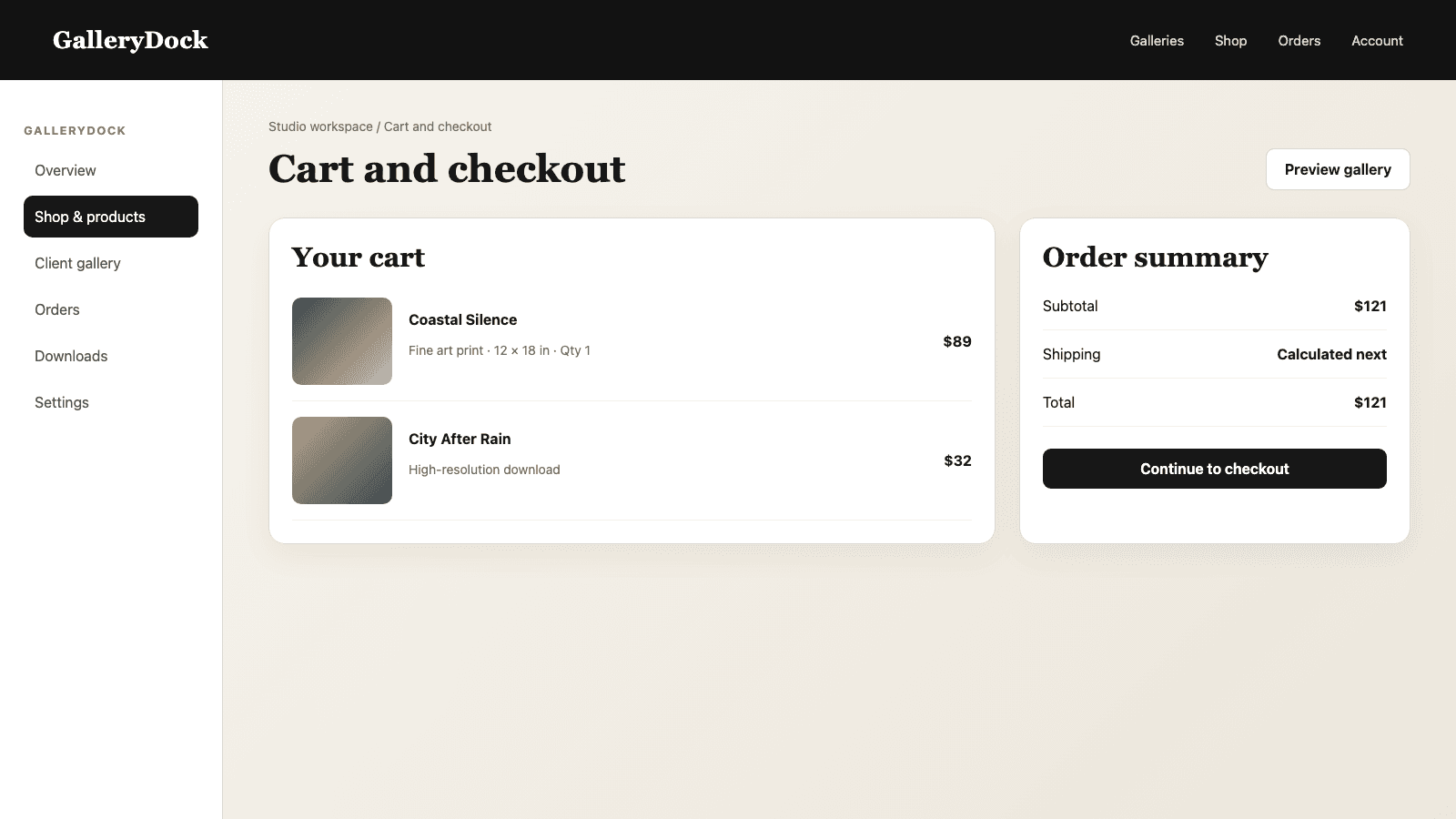
The cart should preserve the chosen photograph, product, dimensions, quantity, and price so the order remains easy to verify.
04
Open the public gallery on desktop and mobile, select a real exhibition image, review the preview, add it to the cart, and follow the checkout path before launch.
Comparison
Match the buying path to the way the work is presented and collected.
| Approach | Best for | Tradeoff |
|---|---|---|
| Gallery-attached prints | Selling directly from a curated series | Requires a deliberate catalog for each exhibition |
| Digital plus print offer | Giving collectors two product formats | Needs clear separation between file and physical product |
| Generic store catalog | Large product-first retail | Can weaken the connection to the exhibition sequence |
| Inquiry-only sales | Highly bespoke editions | Adds manual communication before every purchase |
| Portfolio without checkout | Viewing and curatorial outreach | Interested visitors cannot complete a direct order |
A photographer presents twelve tightly sequenced photographs and offers three wall sizes that preserve the tonal rhythm of the collection.
Visitors compare panoramic and standard formats, inspect the crop, and use the room preview before ordering a statement print.
A limited group of portraits is sold as carefully selected prints while the broader client archive stays outside the public exhibition.
Frequently asked questions
Yes. GalleryDock can connect each selected photograph with print products, sizes, pricing, preview, cart, and checkout.
Yes. Digital products and physical prints can both be offered when they fit the exhibition concept.
No. A focused selection usually protects the curatorial idea and makes the buying decision easier.
Offer enough range to fit real spaces, but keep the list short enough that buyers can understand the differences.
Yes. The print preview can show orientation, crop, and safe-area context for the selected product.
No. The photographer chooses the series, sequence, products, prices, and final source files.
Related resources
Pricing
Free forever
0 EUR
EUR 0 per month
Perfect for sharing your first galleries professionally.
Start free, no credit card required
Monthly
19 EUR
EUR 228 billed yearly. plus VAT
Ideal for photographers who regularly deliver client galleries.
For regular client delivery
Monthly
29 EUR
EUR 348 billed yearly. plus VAT
For photographers managing many projects, videos and growing storage.
For regular client delivery
Curate the series, activate the right print choices, review every crop, and test the complete purchase path before sharing the exhibition.
Create a free account