01
Presentation
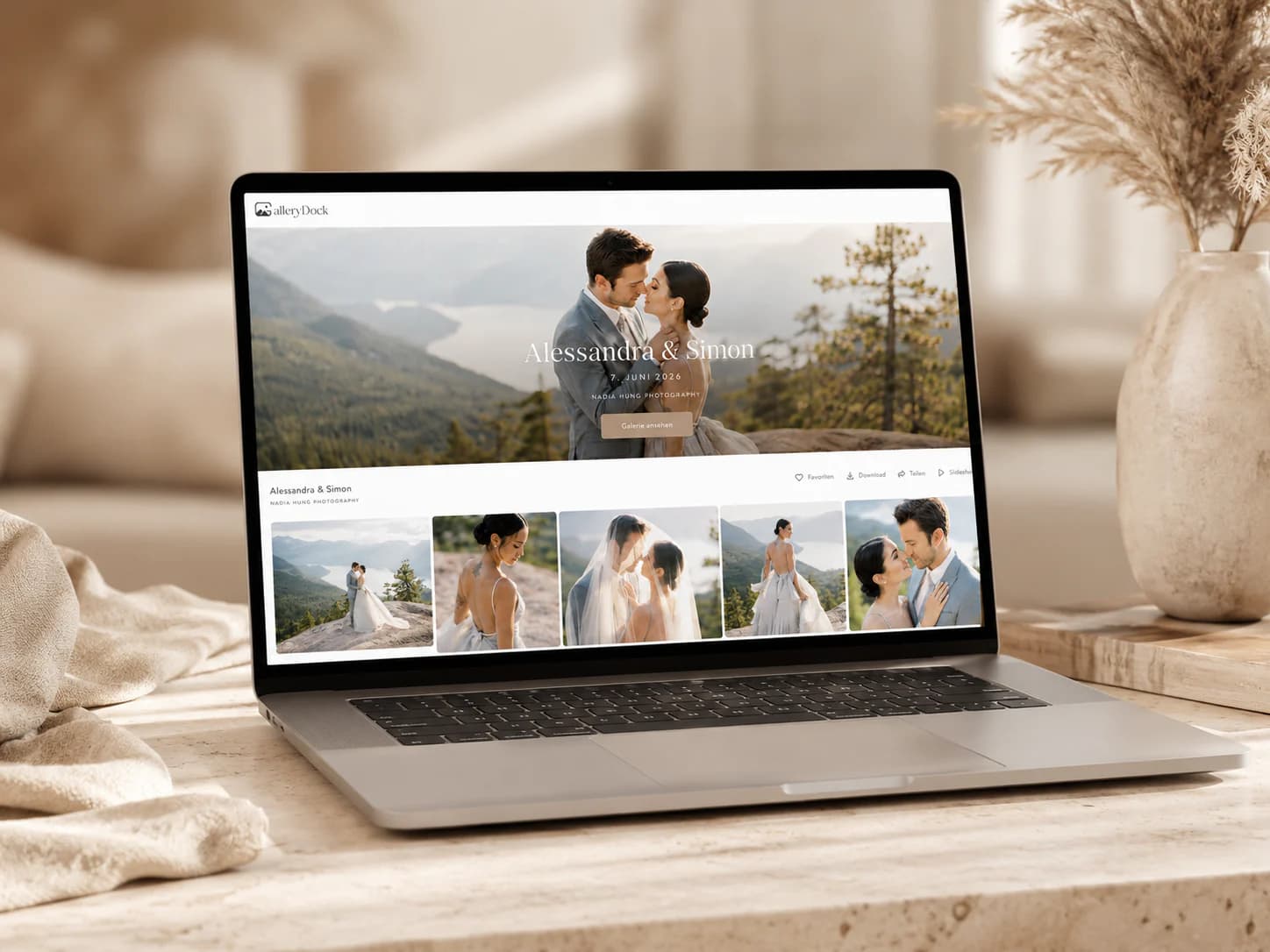
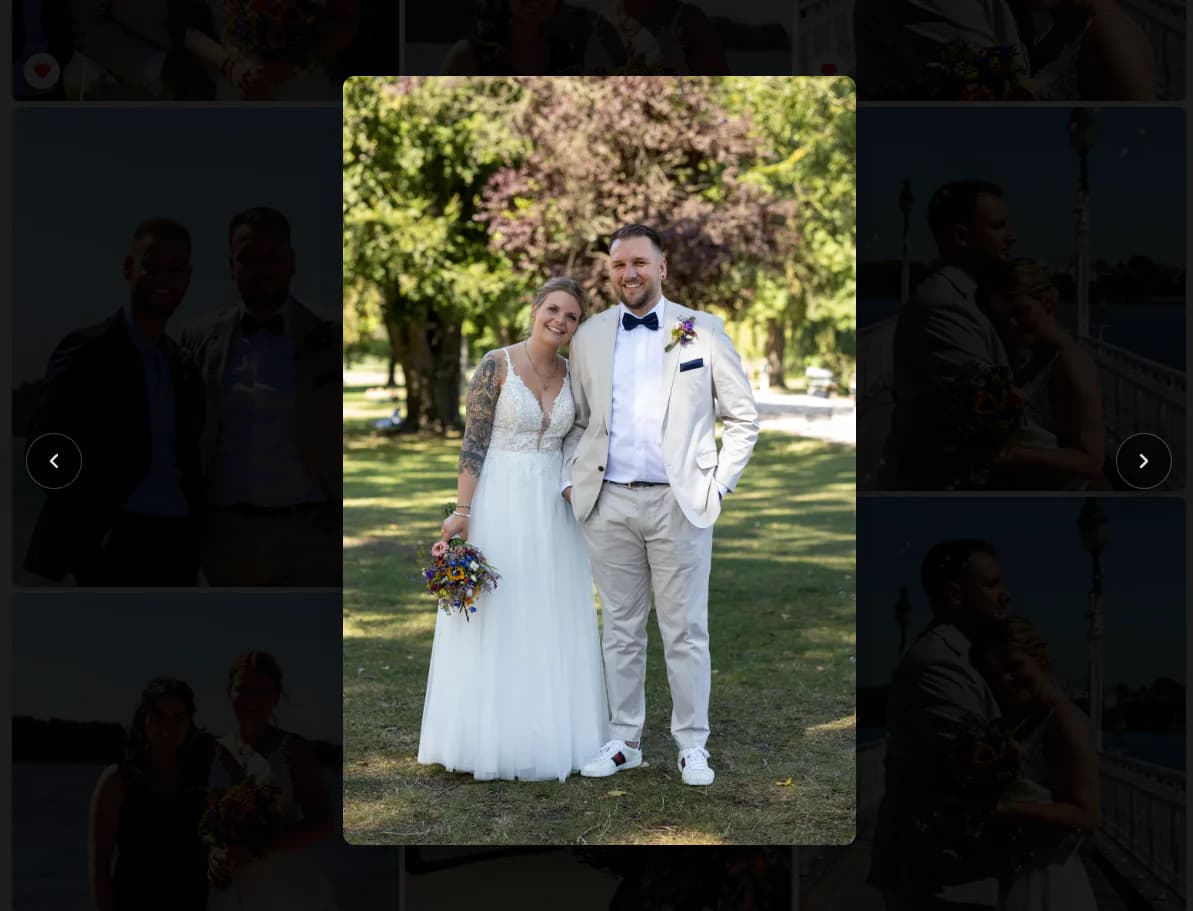
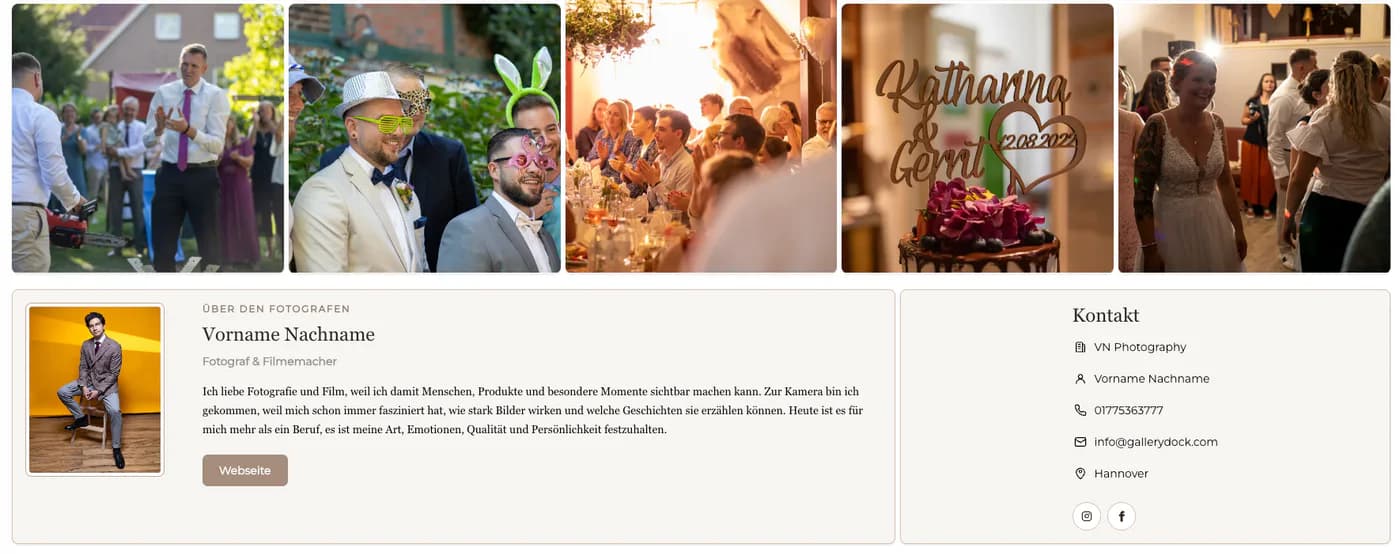
The gallery should lead with the commissioned work, not storage mechanics. Covers, image grids, detail views, and photographer identity need to feel consistent with the service the client purchased.
Professional gallery category
Understand what a professional online gallery should do for photographers: present a curated assignment, support client decisions, control downloads, and preserve a clear branded handoff.
Quick answer
An online gallery for photographers is the client-facing delivery layer between the finished shoot and the client's final files. The strongest option is not simply the service with the longest feature list. It should match the photographer's actual workflow: polished presentation, private access where required, clear favorites and comments, controlled downloads, mobile viewing, and an honest path for optional digital extras. This category guide explains those decision criteria and maps the related workflows without pretending to be a winner ranking. It differs from a client-view guide, a gallery-creation tutorial, and a setup checklist by helping photographers understand the category before choosing how each assignment should move through it.
Core criteria
A professional gallery succeeds when clients can understand the assignment and complete the intended action without extra explanation.
01
The gallery should lead with the commissioned work, not storage mechanics. Covers, image grids, detail views, and photographer identity need to feel consistent with the service the client purchased.
02
Choose private sharing and optional password protection according to the assignment's sensitivity. Access controls do not replace legal agreements, but they should reflect the promised audience.
03
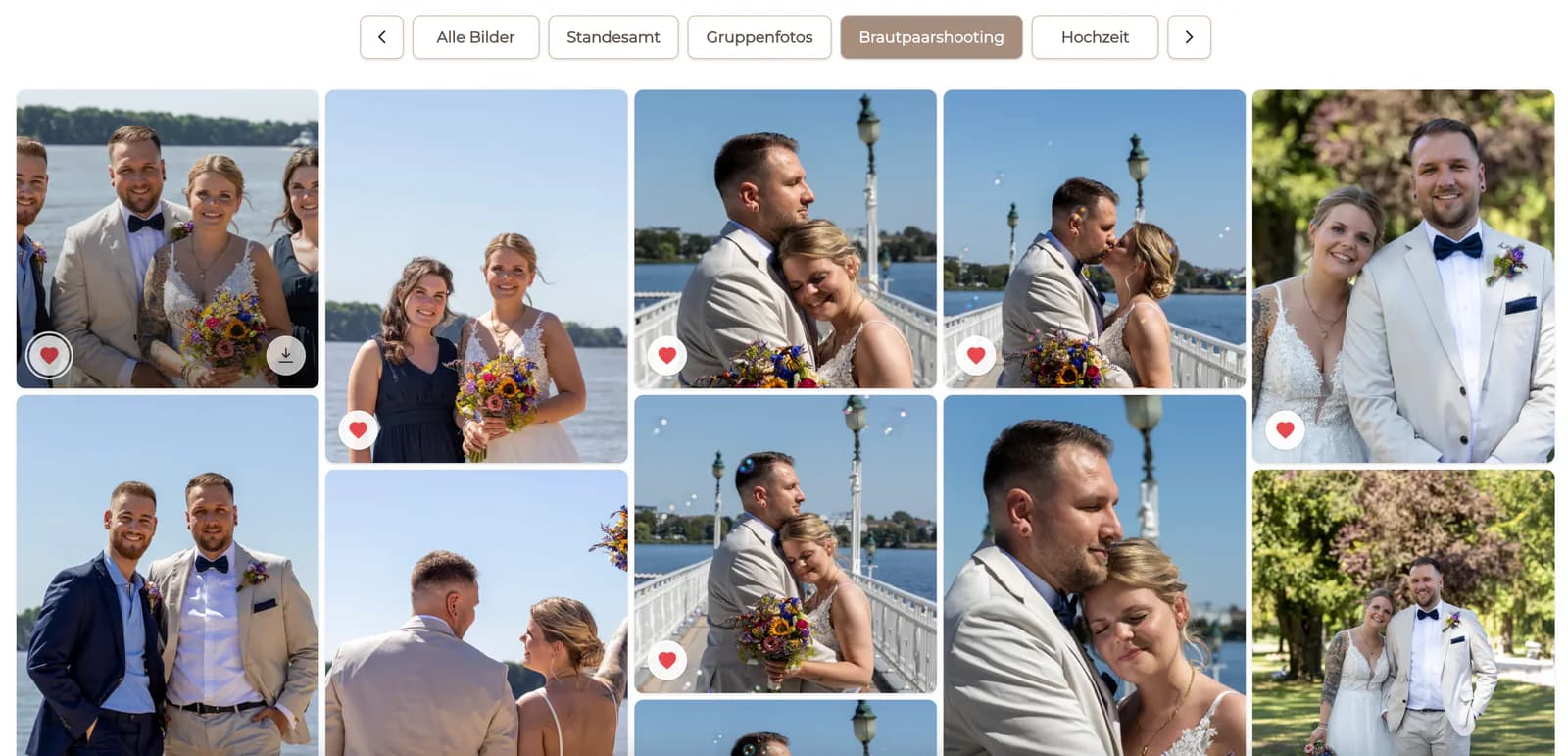
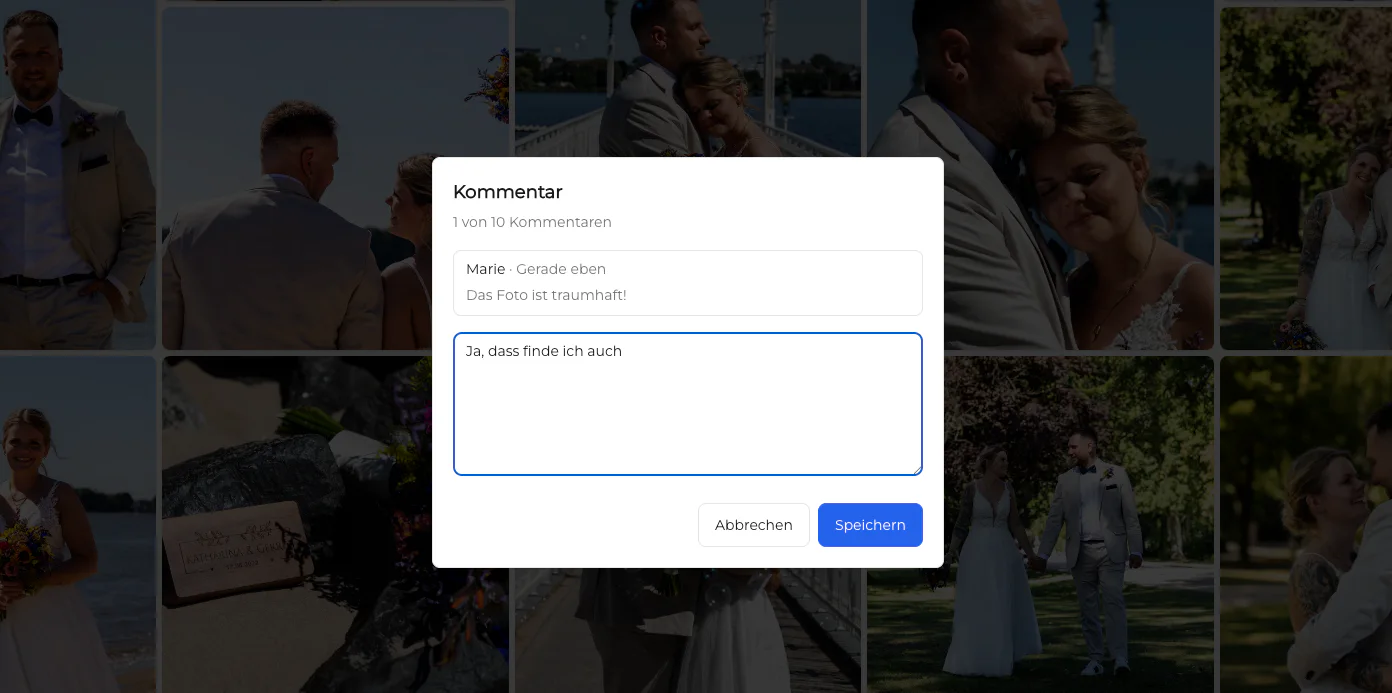
Favorites and image comments are useful only when their meaning is defined. The gallery should support the photographer's selection or approval method instead of creating an unexplained extra channel.
04
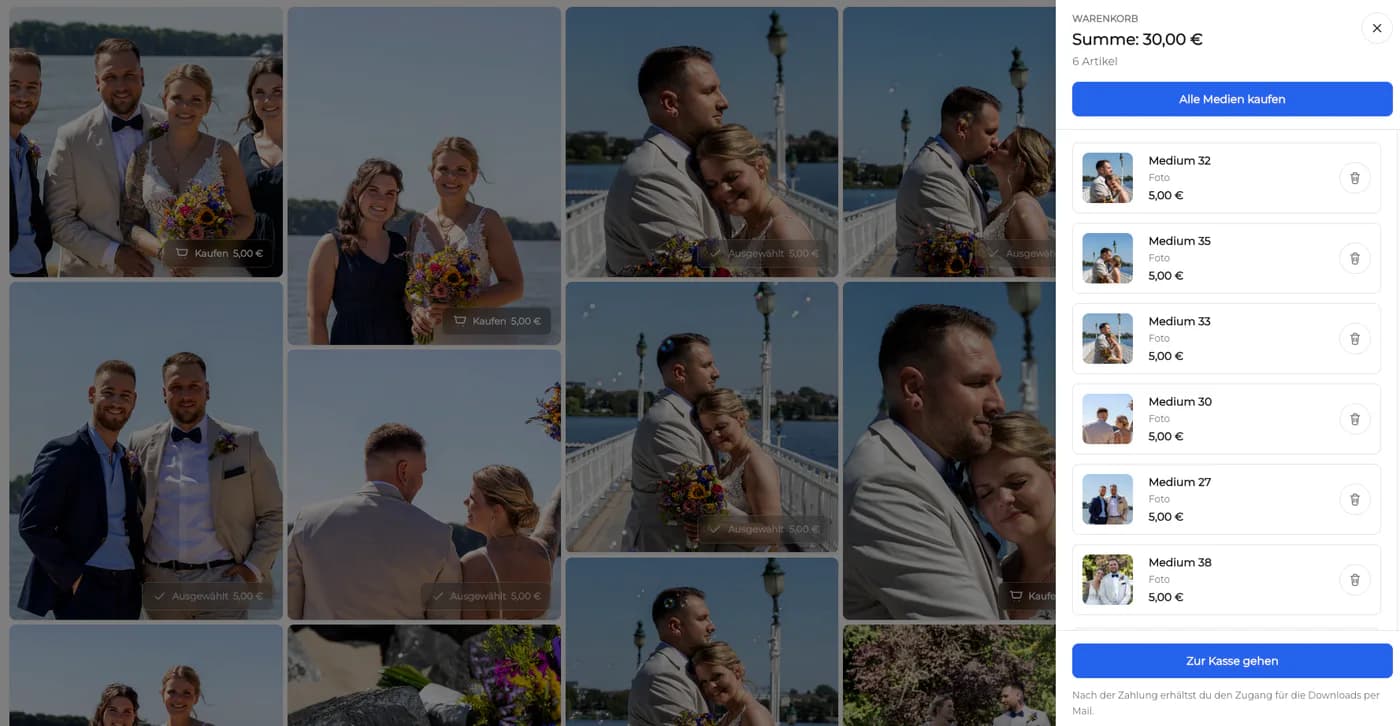
Photographers should be able to decide when final downloads appear and which files are included. Proofs, watermarked previews, web files, and original-resolution exports should not be mixed accidentally.
Workflow fit
The same assignment can move through proofing, approval, and final delivery, but each stage needs a distinct promise.
01
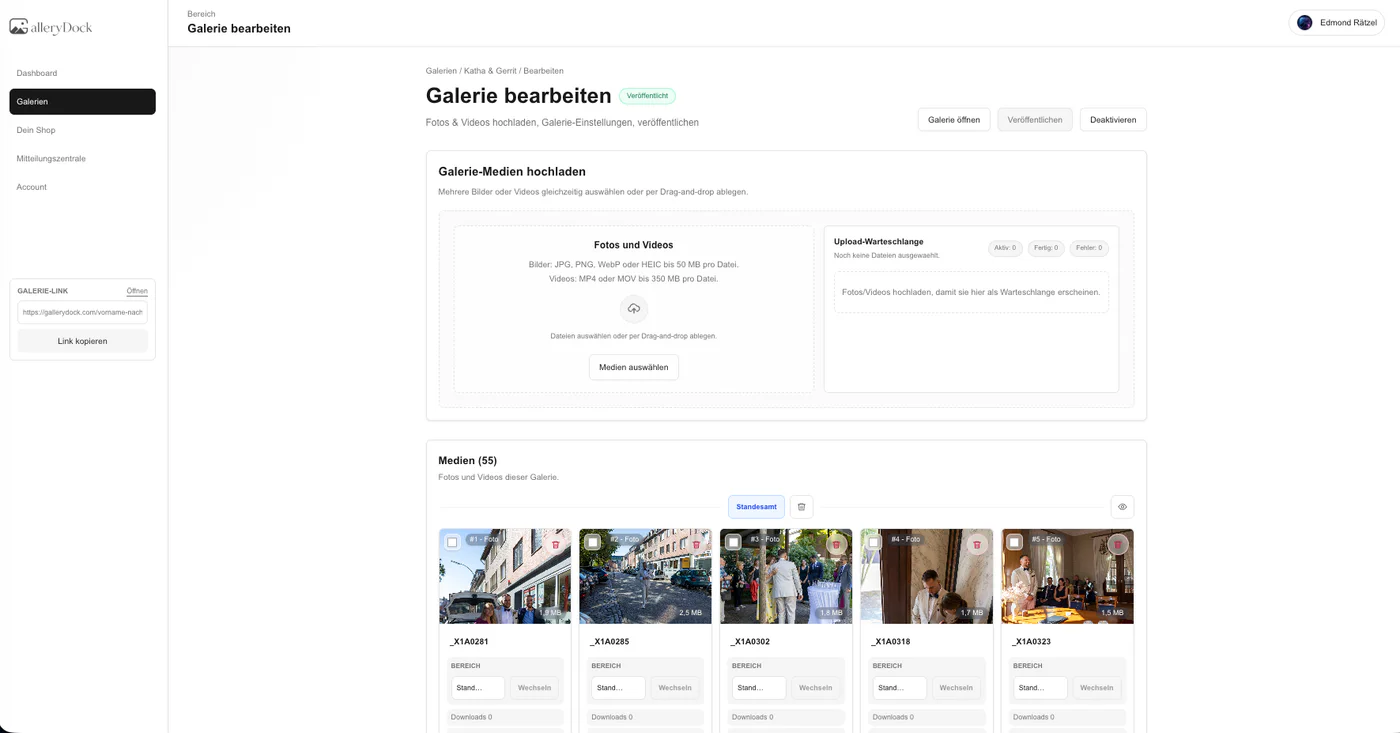
Present a deliberately limited set, explain the selection rule, and keep downloads aligned with the agreement. Proofing is about decisions, not simply exposing every export from the shoot.
02
Use image-specific notes and a locked decision owner to confirm changes. Keep additional revision requests visible so schedule and scope do not drift silently.
03
Replace or clearly distinguish proof material, verify filenames and file versions, test downloads, and announce that the final package is ready rather than expecting clients to notice.
04
If the photographer offers additional digital photographs, describe what is included, what is optional, and how the choice affects delivery. Keep physical print production and shipping outside the GalleryDock workflow.
Operating model
An online gallery should remove client friction without becoming a false all-in-one system.
01
Cull, color, retouch, and export in tools designed for image production. The gallery receives purposeful client versions rather than acting as the editing workspace.
02
Manage inquiries, packages, contracts, appointments, and general job status in the appropriate CRM or business process. The gallery owns the visual post-shoot interaction.
03
Keep redundant source and final-file backups outside the client gallery. Client access periods and business retention responsibilities are not the same thing.
04
Track recurring questions about access, selection, downloads, or file versions. Improve instructions and templates when confusion repeats instead of adding features that do not solve the real issue.


Comparison
Different tools solve different stages of the photography business.
| Approach | Best for | Tradeoff |
|---|---|---|
| Portfolio website | Public discovery and positioning | Not a private commissioned-job workflow |
| Cloud storage | File storage and basic access | Limited client presentation and review |
| Transfer service | One final package | Temporary link with little relationship context |
| High-volume platform | Roster, QR, lab, and volume commerce | A specialized operational category |
| GalleryDock | Curated proofing, feedback, downloads, and digital extras | Not a website builder, CRM, RAW archive, or print lab |
Use one private gallery for the curated story, client review, final downloads, and optional eligible digital additions.
Let a client choose package photographs, record exact notes, and receive the finished retouched set through the same destination.
Give one responsible stakeholder a structured review space while contracts, procurement, and invoices remain in established systems.
Frequently asked questions
It is a professional client-facing space for presenting a curated assignment, collecting selections or feedback, and delivering approved image files through a controlled link.
Prioritize clear presentation, appropriate access, useful favorites and comments, controlled downloads, mobile usability, and a workflow that matches the real client agreement.
No. A portfolio markets selected work publicly. A client gallery serves a private commissioned job after the inquiry and booking stages.
No. The photographer still needs independent, redundant storage for source files, working files, final exports, and business records.
No. GalleryDock focuses on gallery-based proofing and delivery rather than leads, contracts, scheduling, invoices, or general job management.
Yes, when that option is part of the photographer's offer and GalleryDock setup. Describe it accurately and keep physical print production and shipping outside the GalleryDock workflow.
Related resources
Pricing
Free forever
0 EUR
EUR 0 per month
Perfect for sharing your first galleries professionally.
Start free, no credit card required
Monthly
19 EUR
EUR 228 billed yearly. plus VAT
Ideal for photographers who regularly deliver client galleries.
For regular client delivery
Monthly
29 EUR
EUR 348 billed yearly. plus VAT
For photographers managing many projects, videos and growing storage.
For regular client delivery
Use GalleryDock when the job needs a polished, private path for selections, image-specific feedback, controlled final downloads, and accurately described digital extras.
Create a free account