01
Protect the master
Keep the fully edited source as the stable starting point for later exports rather than repeatedly converting an already converted file.
Color workflow
Keep an RGB master, prepare an sRGB gallery file, and create a separate CMYK production copy only when a specific output requirement calls for one.
Quick answer
RGB and CMYK solve different output problems, so photographers should not convert every image to CMYK before uploading an online gallery. Preserve the edited master, export a consistent RGB or sRGB file for screen presentation and the GalleryDock print-shopping path, and inspect the real photograph with its product, size, orientation, crop, safe area, and room preview. If a separate production workflow explicitly requires CMYK, create a dedicated output copy using that workflow's profile and proofing instructions. GalleryDock does not act as a generic CMYK converter or choose an ICC profile for the photographer. Its role is to connect the prepared gallery image with the client's visible selection and purchase experience while the photographer keeps color preparation intentional.
File roles
One file should not silently carry incompatible assumptions across every screen and production path.
01
Keep the fully edited source as the stable starting point for later exports rather than repeatedly converting an already converted file.
02
Prepare a consistent RGB or sRGB gallery file with the intended profile embedded so browsers and client devices receive a predictable source.
03
Make a separate CMYK copy only when a named output workflow provides a concrete profile and delivery specification.
04
Use filenames or folders that distinguish master, gallery, and production versions before files reach clients or collaborators.
Gallery review
Color space is only one part of a successful print offer.
01
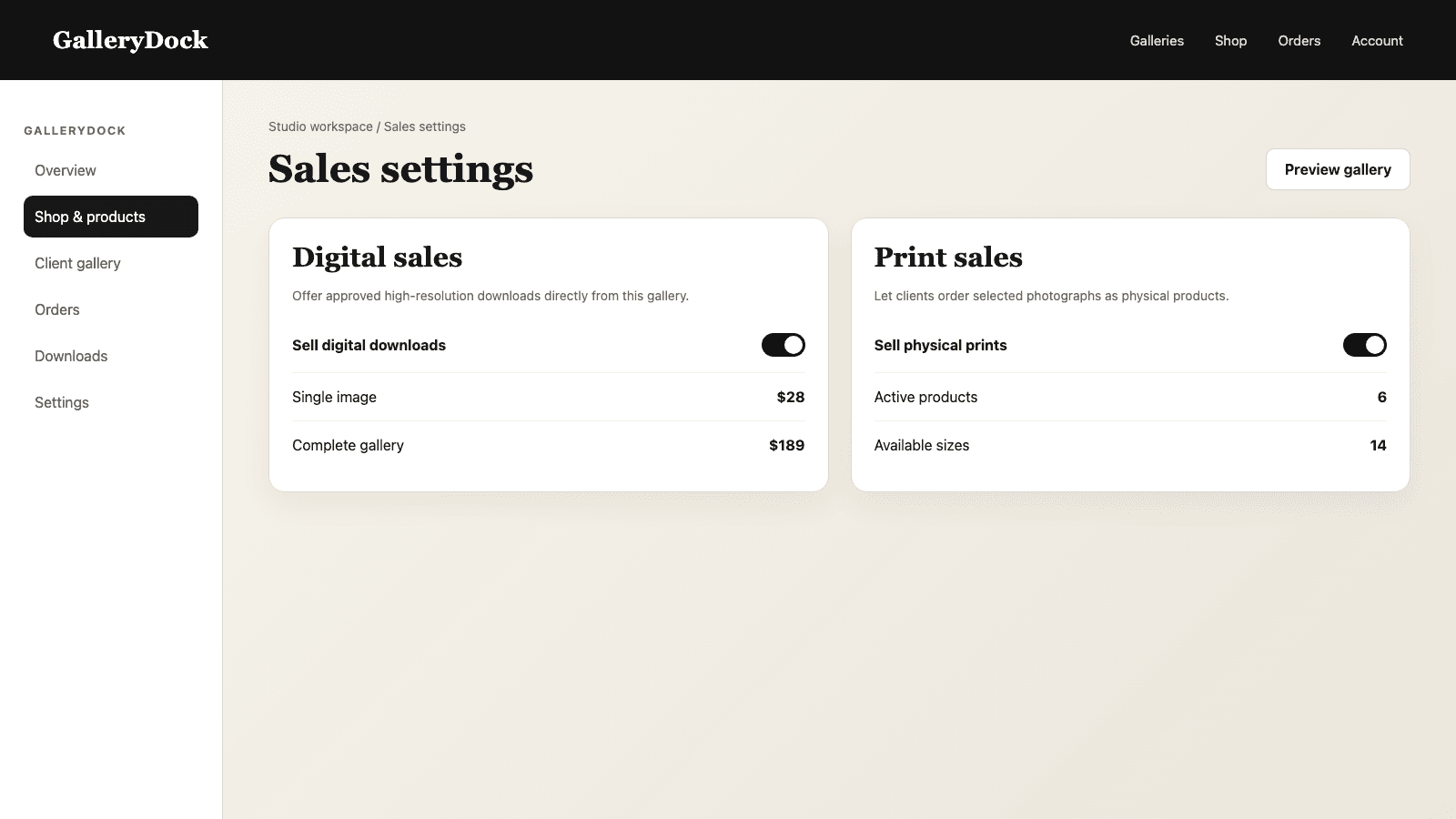
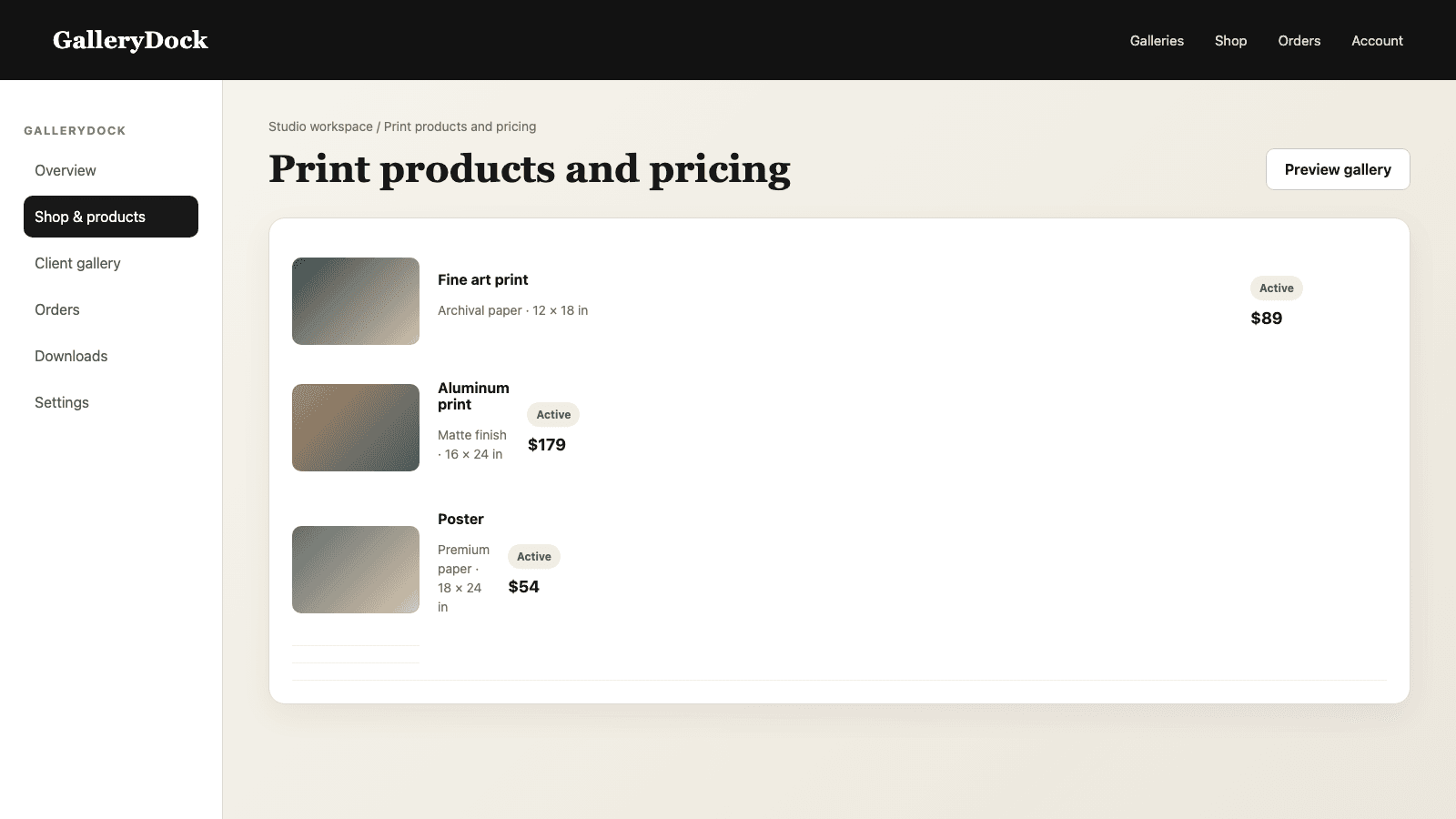
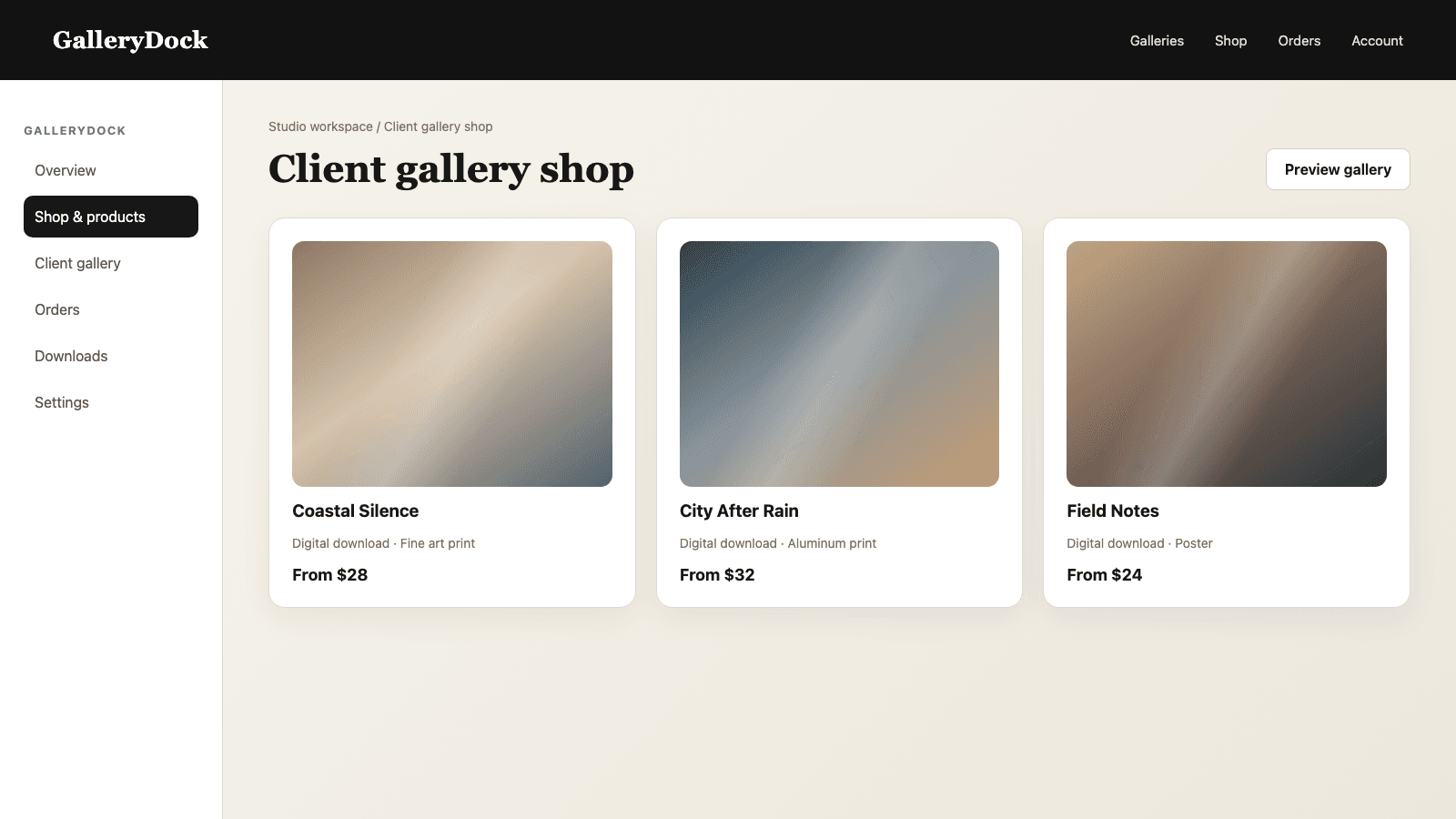
Use the same prepared image clients will view while selecting a digital product or physical print.
02
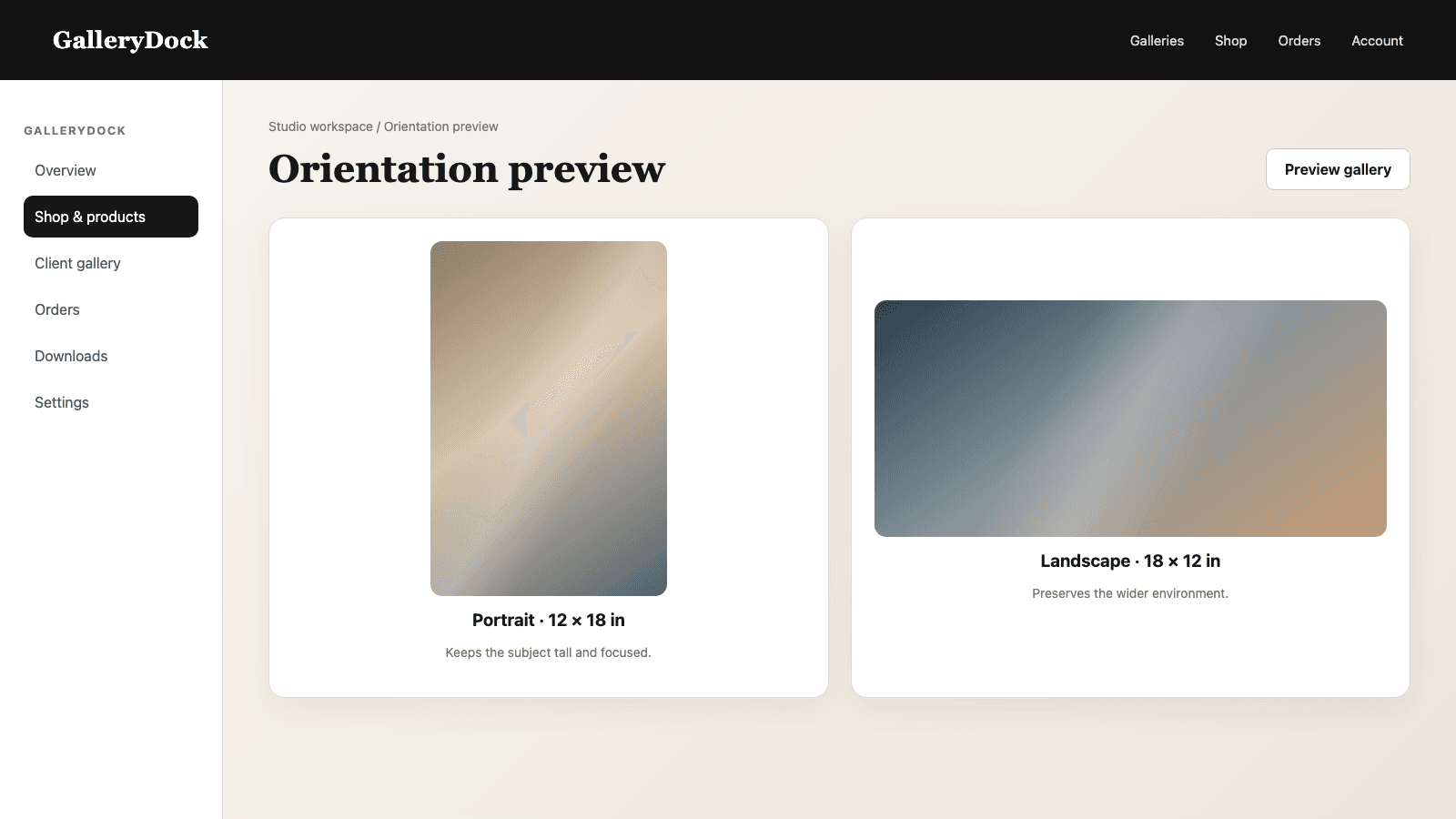
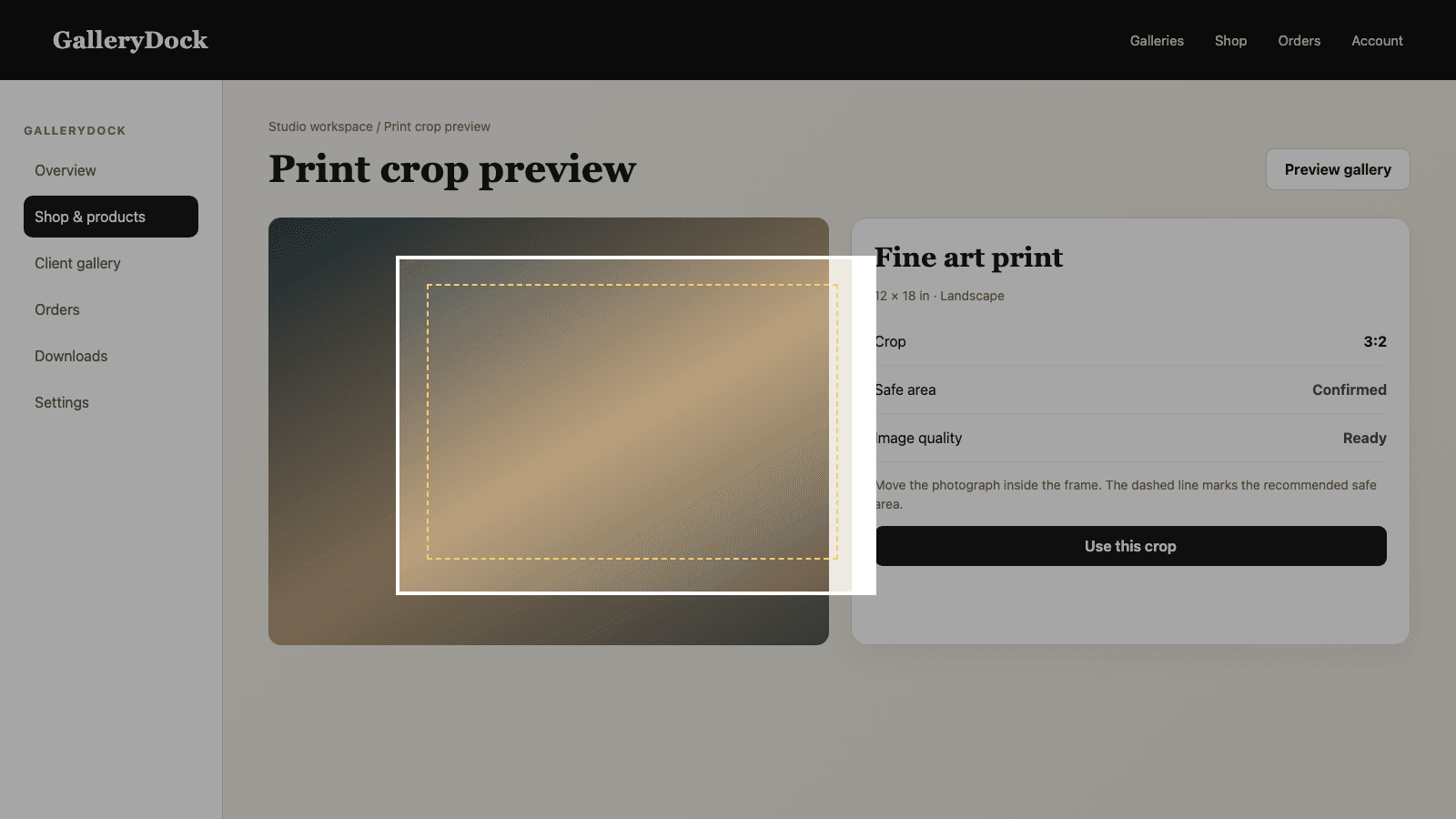
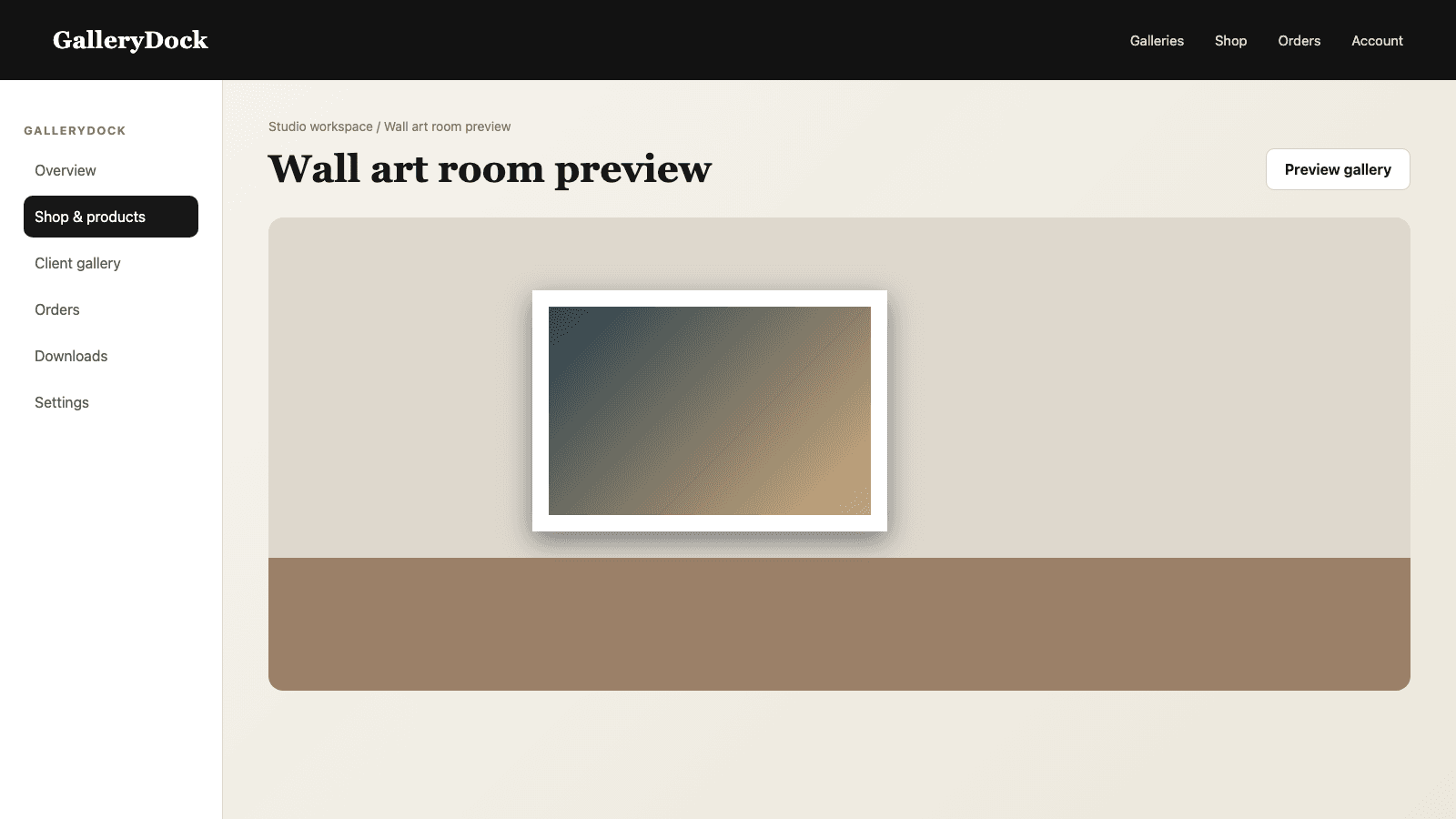
Review orientation, aspect ratio, crop, and safe area on the actual photograph instead of judging only the file dimensions.
03
Test skin tones, saturated colors, neutral grays, and shadow detail across a small sample of the gallery.
04
The visible buying path should remain understandable on both screens even though display color can never be identical on every device.
Production branch
A separate production copy belongs to a defined downstream requirement.
01
Confirm the requested profile, rendering approach, file format, and proofing expectation before conversion.
02
Use color-managed editing software for the required profile and make any output-specific adjustments on a separate copy.
03
Do not replace the client-facing RGB file merely because another branch needs a CMYK deliverable.
04
Inspect the GalleryDock purchase path and the separate production proof as two related but distinct checks.
Comparison
The right answer depends on where the file is actually used.
| Approach | Best for | Tradeoff |
|---|---|---|
| Edited RGB master | Long-term source and future exports | Not automatically optimized for every destination |
| sRGB gallery file | Online viewing and product selection | Display appearance varies by device |
| Specified CMYK copy | A defined external output workflow | Requires the correct profile and proofing context |
| Convert everything to CMYK | Nothing by default | Can damage the online viewing path |
| GalleryDock conversion | Not a GalleryDock function | Color conversion remains an editing/export responsibility |
The photographer keeps the master, exports consistent sRGB images for client viewing, and checks skin tones and crop in the print preview.
A specific output workflow requests a profile, so the photographer creates and proofs a separate CMYK derivative without replacing the gallery file.
Representative daylight, indoor, and dance-floor images are checked in the online path before any separate production-specific outputs are created.
Frequently asked questions
No. Use a prepared RGB or sRGB gallery file unless a separate, specific output workflow requires another format.
No. CMYK conversion and ICC-profile decisions belong in the photographer's color-managed editing workflow.
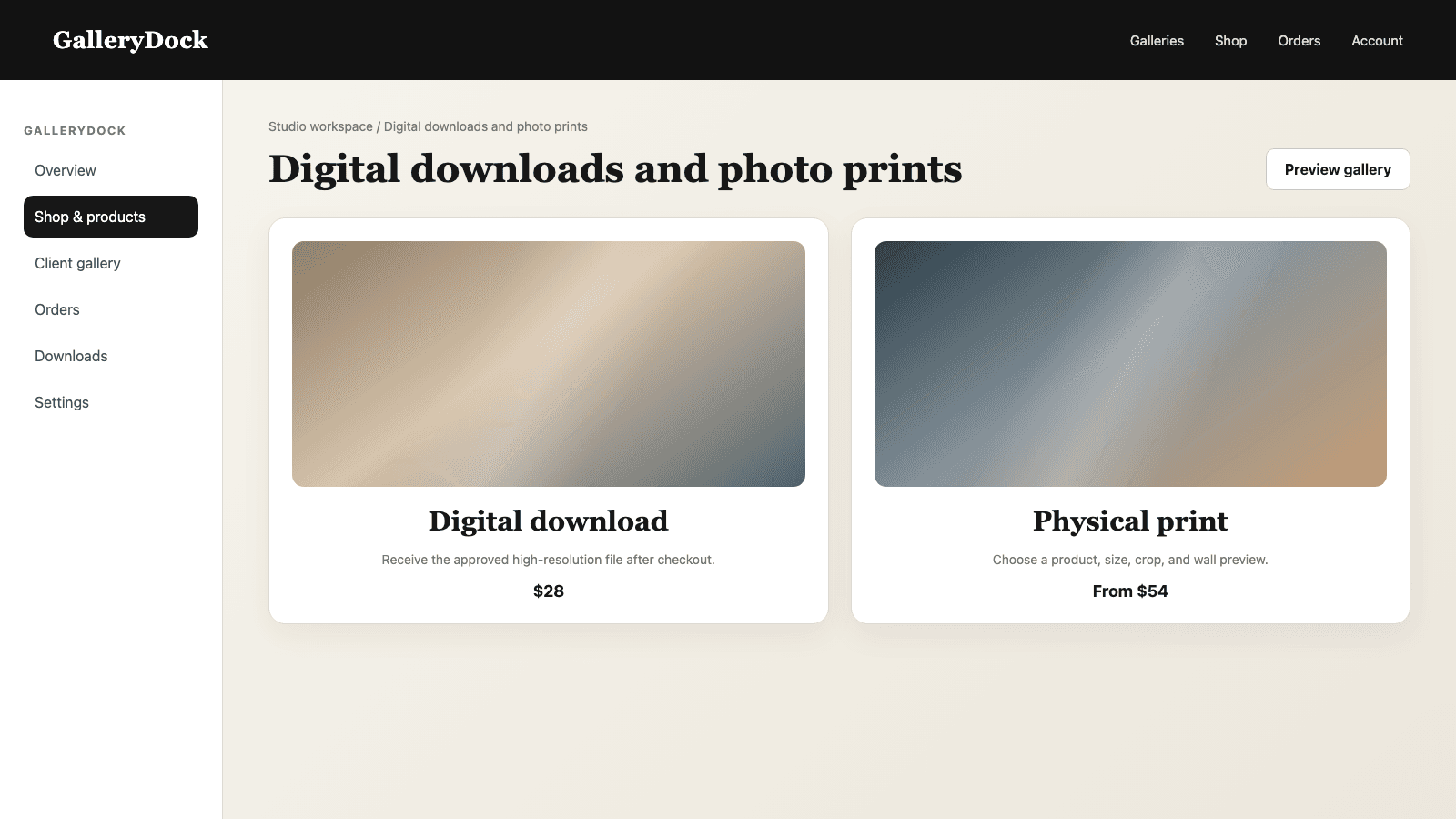
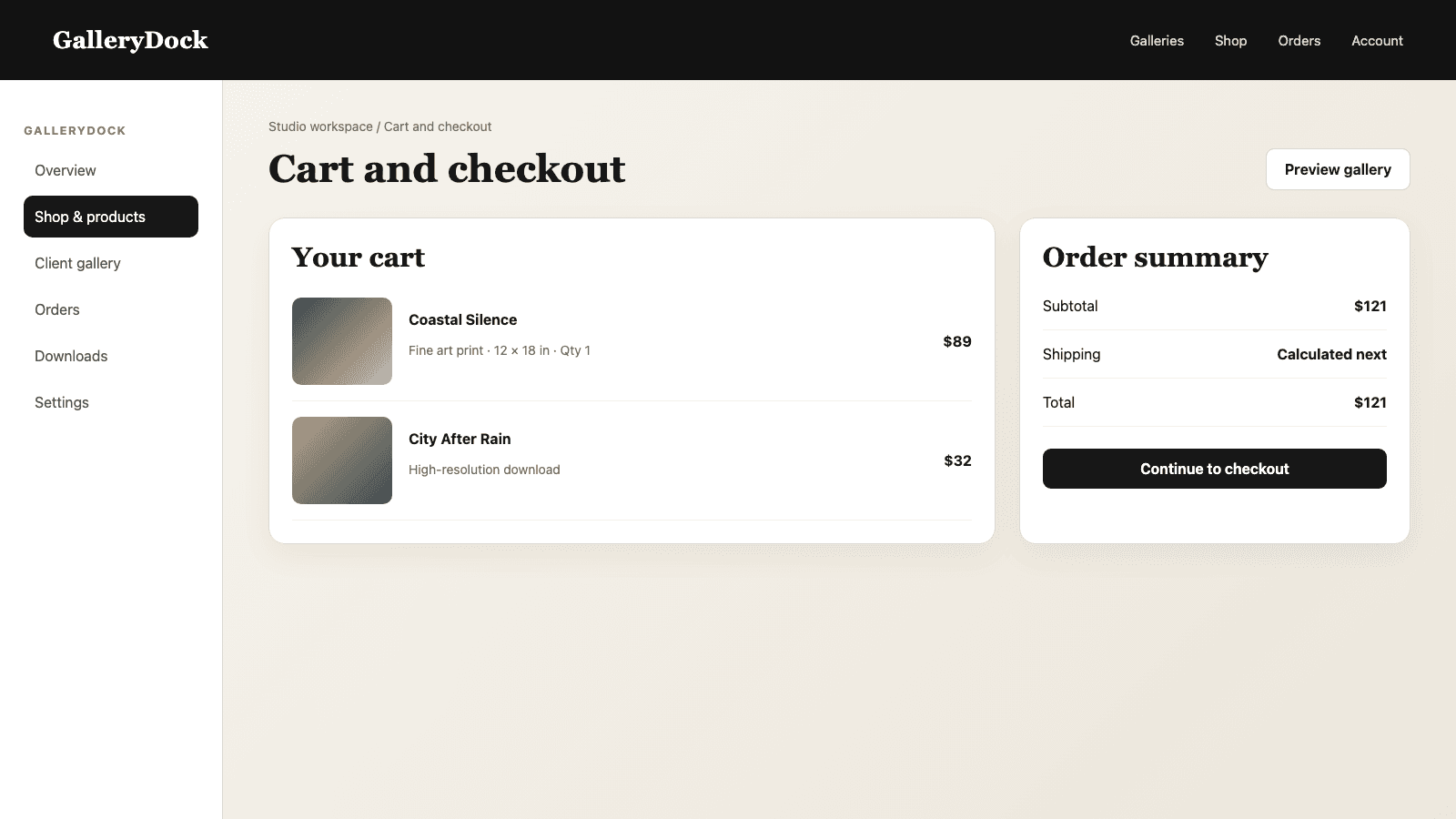
Yes. The gallery and print-selection path uses the prepared client-facing image while order processing handles the configured product workflow.
A stable master lets you create new destination-specific outputs without repeatedly converting an older derivative.
Check composition, crop, safe area, orientation, size, and product context on representative photographs.
When a clearly defined production or delivery specification names the required profile and output conditions.
Related resources
Pricing
Free forever
0 EUR
EUR 0 per month
Perfect for sharing your first galleries professionally.
Start free, no credit card required
Monthly
19 EUR
EUR 228 billed yearly. plus VAT
Ideal for photographers who regularly deliver client galleries.
For regular client delivery
Monthly
29 EUR
EUR 348 billed yearly. plus VAT
For photographers managing many projects, videos and growing storage.
For regular client delivery
Protect the master, export a consistent RGB gallery file, test the real buying path, and create CMYK only when a defined output requires it.
Create a free account