01
Choose the production relationship
Document which partner, process, contact, and ordering method apply to the products you make available in the gallery.
Print lab handoff
Organize the handoff from a GalleryDock fine art print order to your selected production partner with complete product, crop, and source details.
Quick answer
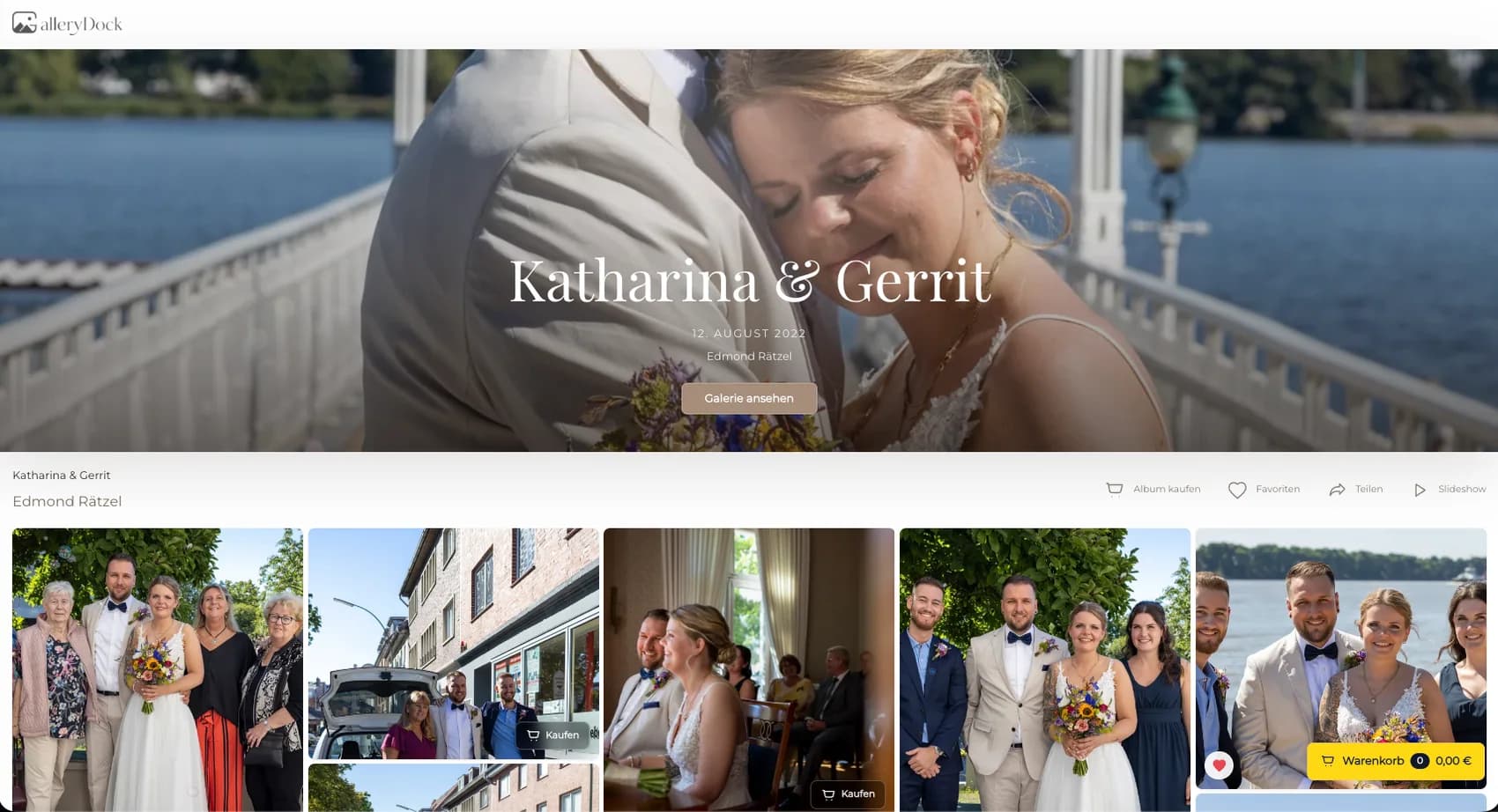
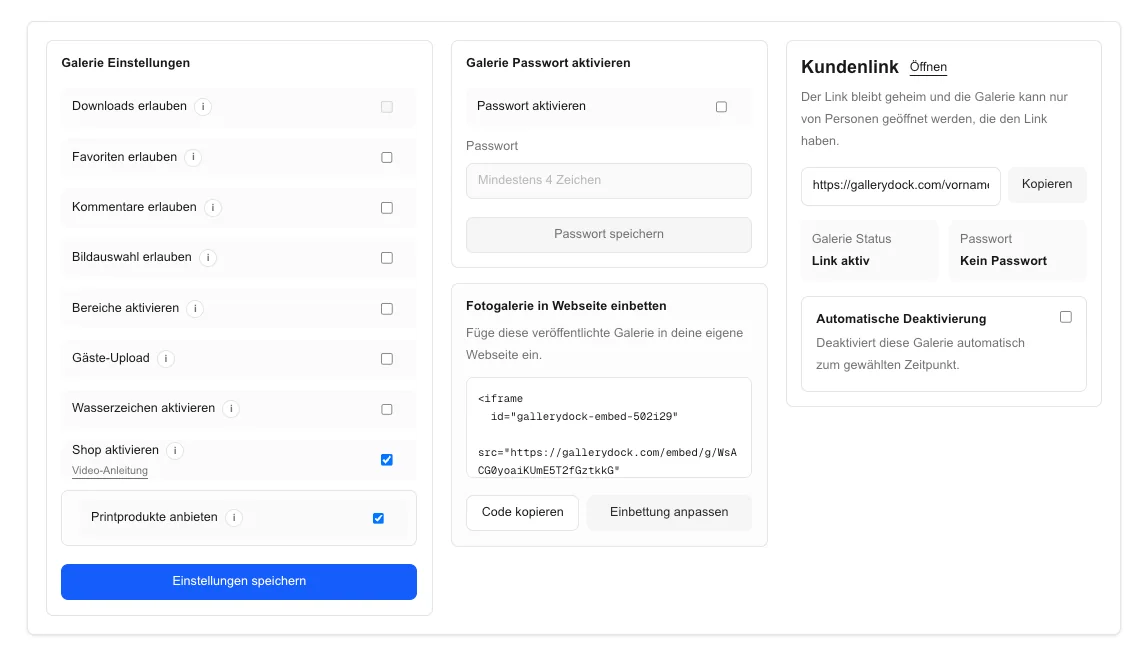
Connecting client-gallery sales with a fine art print partner is primarily a handoff problem. The client order needs to preserve the chosen photograph, product, size, orientation, crop, quantity, price, and delivery information clearly enough for the photographer's production workflow. GalleryDock provides the gallery, product presentation, preview, cart, and checkout path. The photographer defines the approved catalog, reviews the source image and crop, and coordinates the resulting order with the selected print lab or production partner. This creates a repeatable operational bridge without claiming that every lab uses the same process or that GalleryDock provides a universal laboratory integration. The goal is a complete, traceable client order that can move into production without reconstructing key details from emails, screenshots, and memory.
Partner setup
A reliable handoff begins with products and responsibilities both sides understand.
01
Document which partner, process, contact, and ordering method apply to the products you make available in the gallery.
02
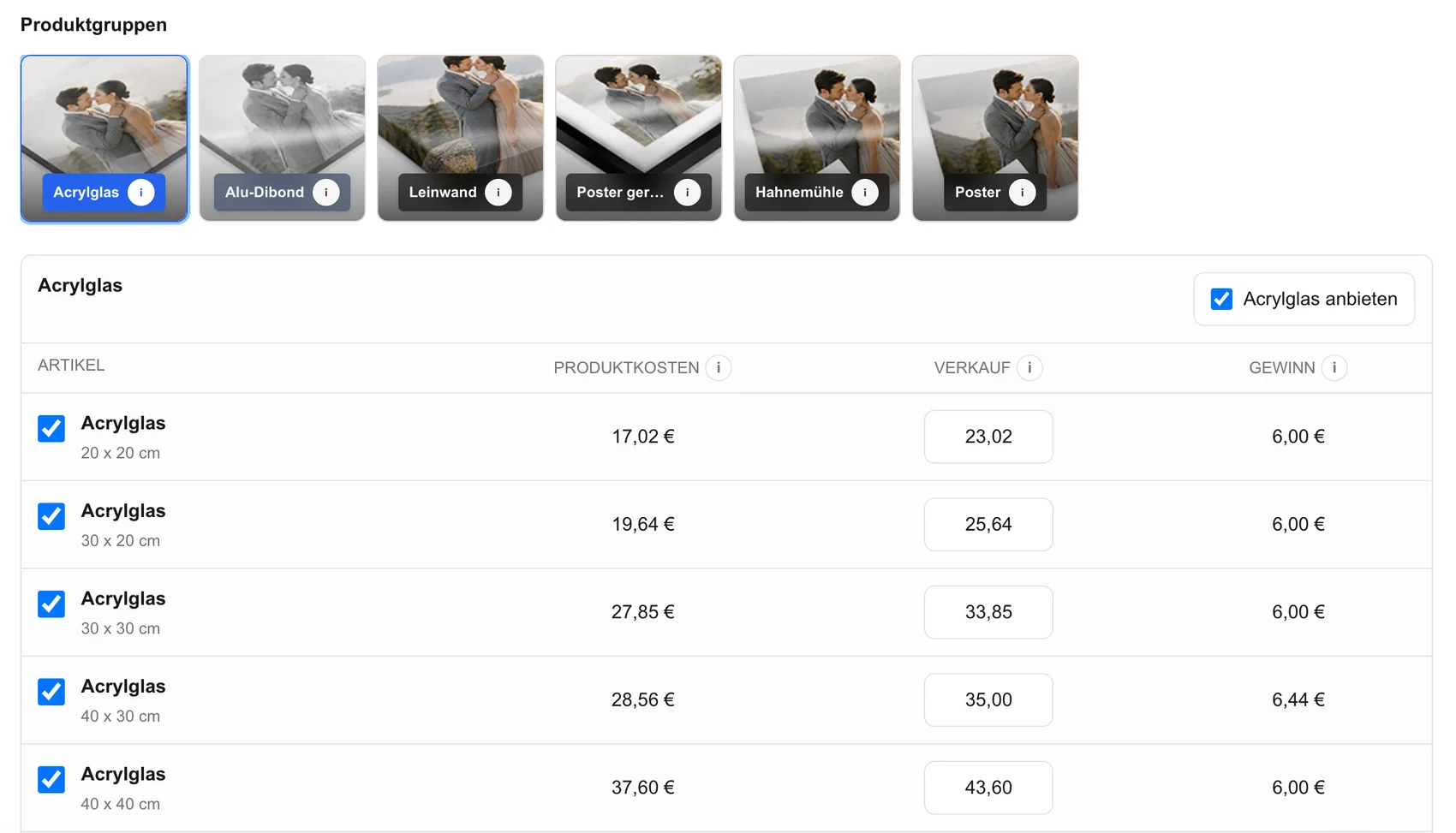
Align gallery product names, dimensions, orientation, and variants with the production choices you have approved.
03
Know which source dimensions, crop decisions, color preparation, and file checks remain your responsibility before production.
04
Activate only products you can support, price them deliberately, and review the public description from the client's perspective.
Order capture
The cart should capture the decisions the production handoff will later need.
01
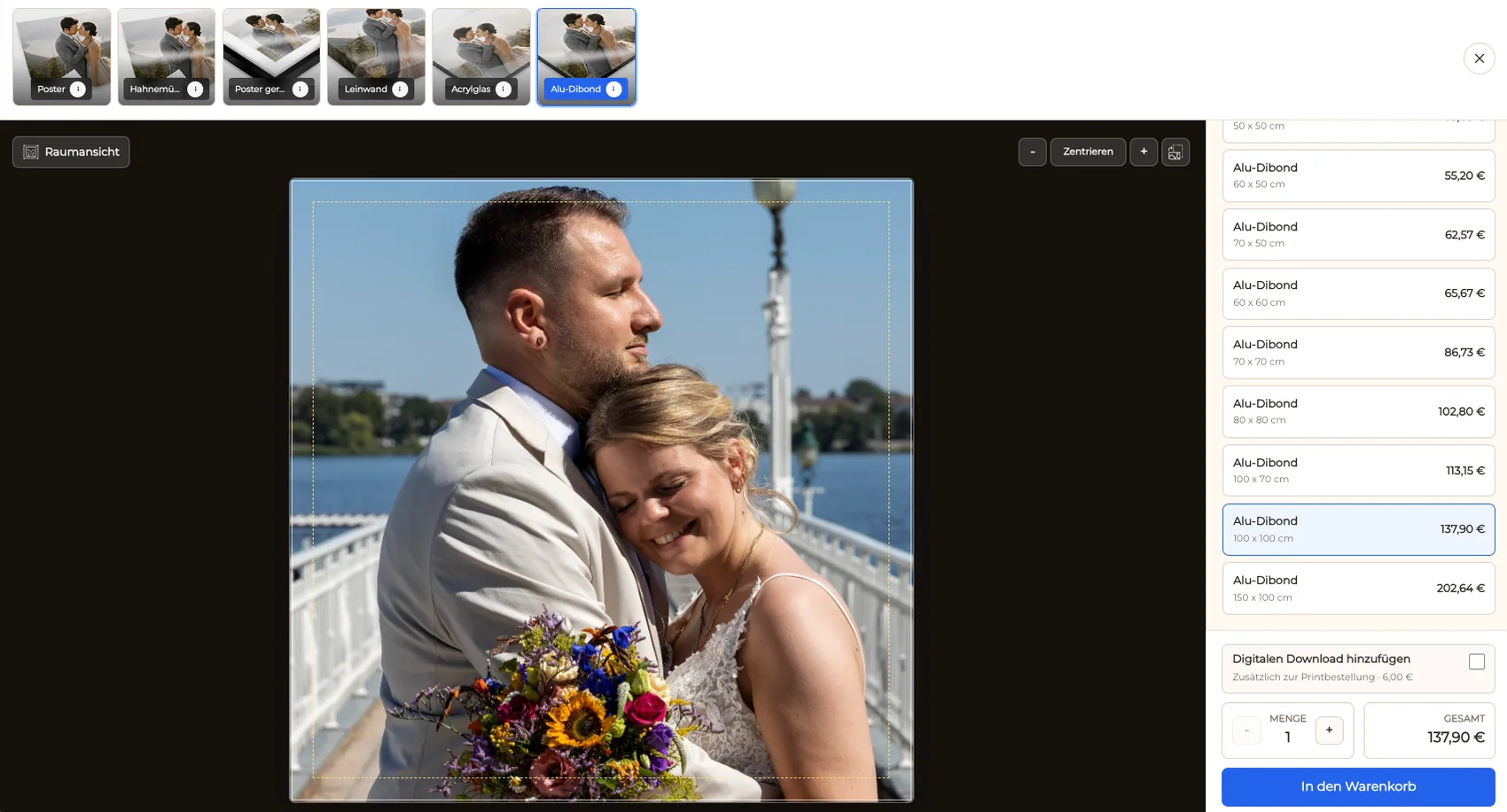
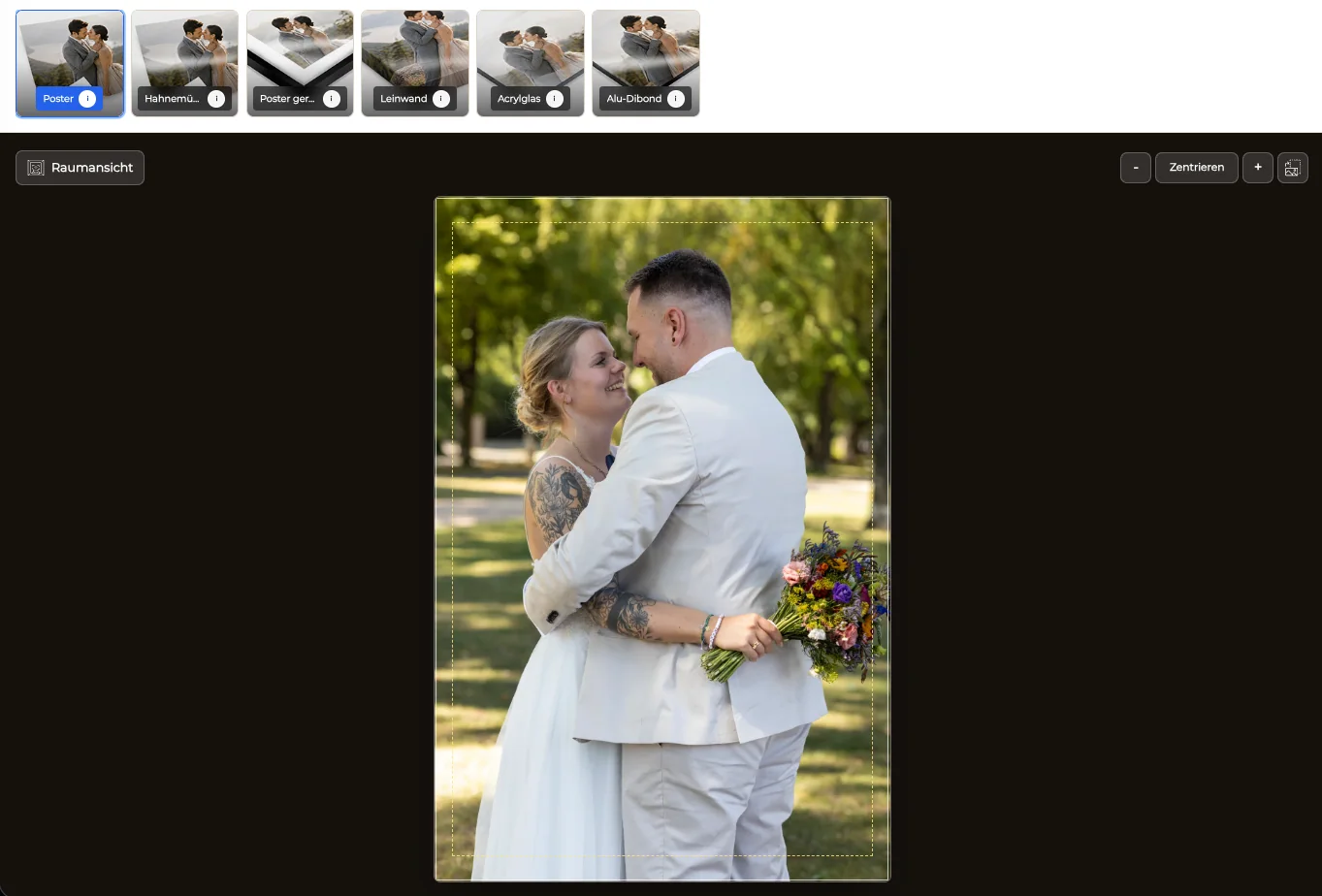
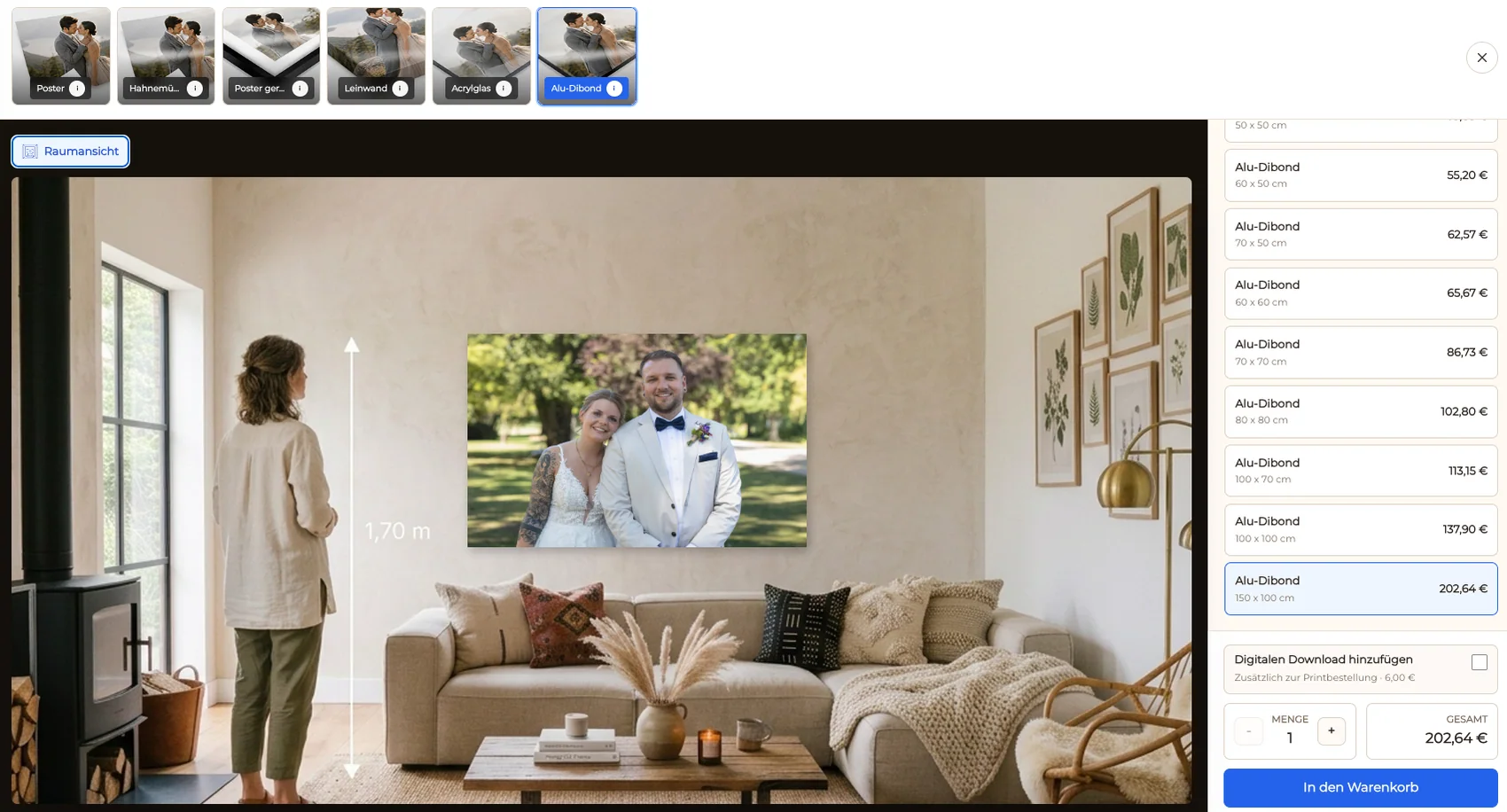
The buyer chooses a product from the photograph in the gallery, preserving the connection between artwork and order.
02
Check the visible composition, safe area, and chosen format before the product enters the cart.
03
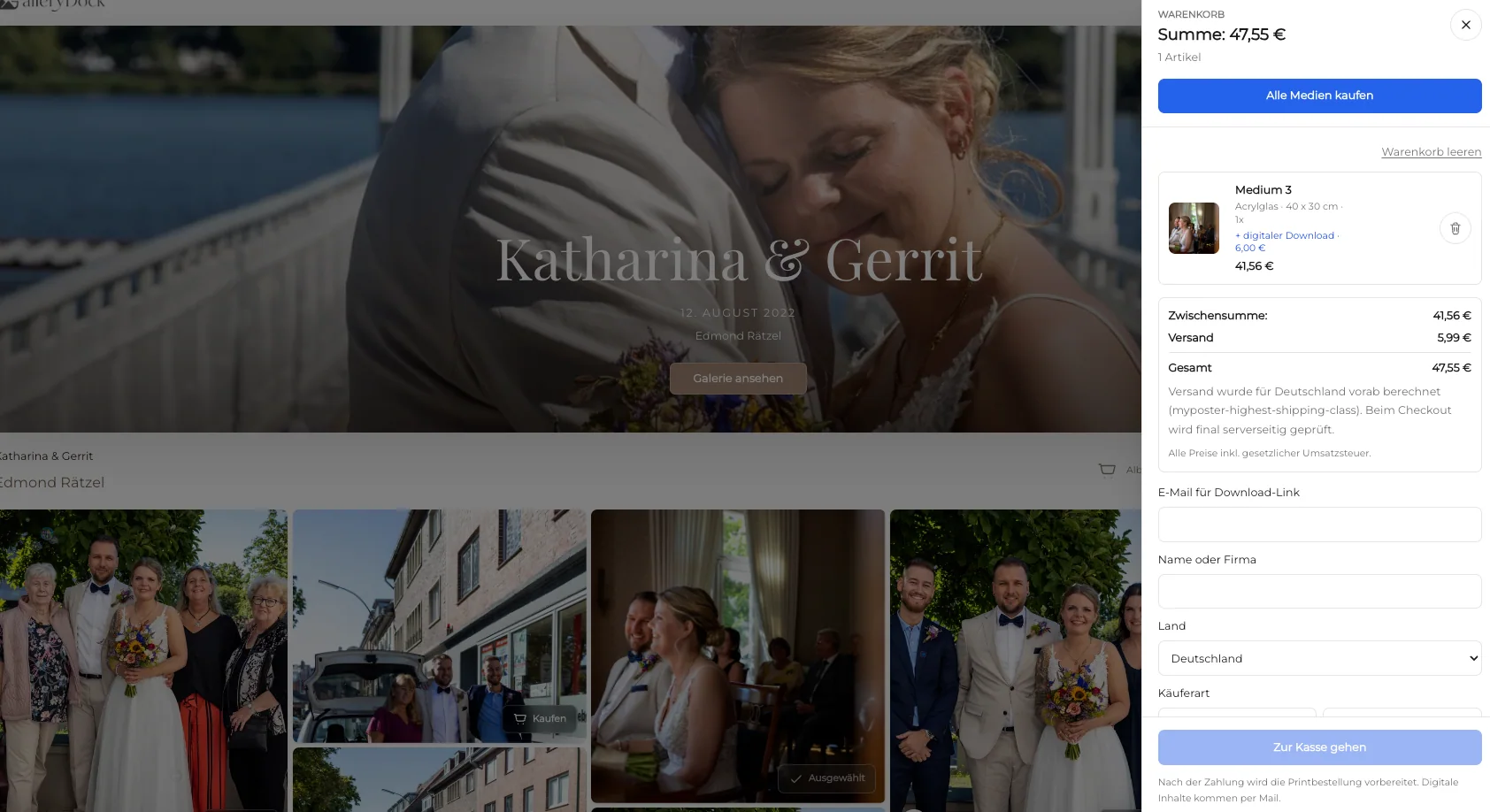
Keep dimensions, variant, quantity, and price clear in the order summary instead of relying on a separate message.
04
Confirm that the purchased item matches an available production path before moving it into the partner workflow.
Production handoff
The photographer remains the quality and workflow owner between client checkout and physical production.
01
Verify resolution, retouching, crop, borders, and any production-specific preparation before sending or placing the order.
02
Use the chosen partner's actual ordering process and carry over the exact product, size, quantity, crop, and destination details.
03
Keep an internal record of submission, questions, corrections, and completion so the client order does not disappear between systems.
04
Handle unavailable variants, source problems, or destination questions as explicit exceptions rather than silently changing the client's purchase.
Comparison
The best process depends on order volume, product complexity, and the partner's own system.
| Approach | Best for | Tradeoff |
|---|---|---|
| Documented partner handoff | Repeatable client fine art orders | Requires an approved product mapping |
| Manual one-off order | Rare bespoke pieces | More transcription and follow-up |
| Broad generic catalog | Many retail variants | Harder to control product quality and fit |
| Inquiry before purchase | Complex custom production | Client cannot complete a direct order immediately |
| Self-production | Photographers with their own print operation | Requires separate equipment and production management |
A portrait photographer receives an approved wall-print order and hands the exact source, crop, size, and quantity into the lab process.
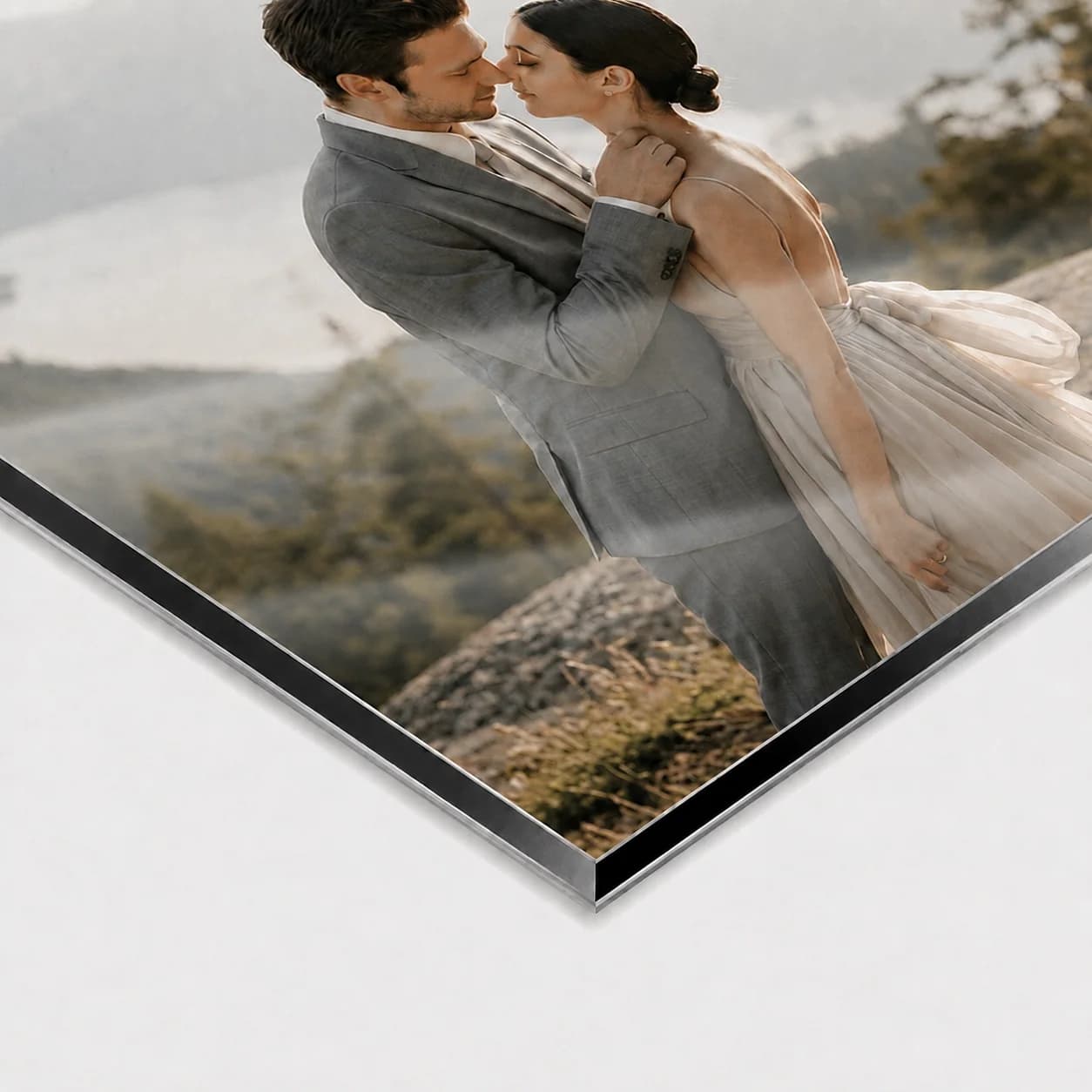
A couple chooses a print from their gallery, while the photographer checks the final source before production.
A commercial photographer offers a small set of office wall products mapped to a known production workflow.
Frequently asked questions
GalleryDock can organize the client-facing product, preview, cart, and checkout path so the photographer has a complete order to move into the selected production process.
No. The workflow is based on complete order data and a documented handoff. It does not claim that every lab uses one direct technical integration.
The photographer remains responsible for the finished source, crop, retouching, and any production-specific checks required by the chosen partner.
Yes. Both can be offered when they belong to the gallery, while the physical order continues into its production workflow.
No. Offer only the products and sizes you have reviewed and can hand off accurately.
No. GalleryDock supports gallery selling and order clarity; the photographer chooses and coordinates the physical production relationship.
Related resources
Pricing
Free forever
0 EUR
EUR 0 per month
Perfect for sharing your first galleries professionally.
Start free, no credit card required
Monthly
19 EUR
EUR 228 billed yearly. plus VAT
Ideal for photographers who regularly deliver client galleries.
For regular client delivery
Monthly
29 EUR
EUR 348 billed yearly. plus VAT
For photographers managing many projects, videos and growing storage.
For regular client delivery
Use GalleryDock to capture the client decision clearly, then move the approved order into your chosen production workflow.
Create a free account