01
Start with a familiar subject
Choose a portrait, wedding image, business photograph, or other finished image whose color, detail, and composition you know well.
Studio sample prints
Order your own photographs as studio sample prints at cost, inspect the physical result, and use a relevant finished piece in client consultations.
Quick answer
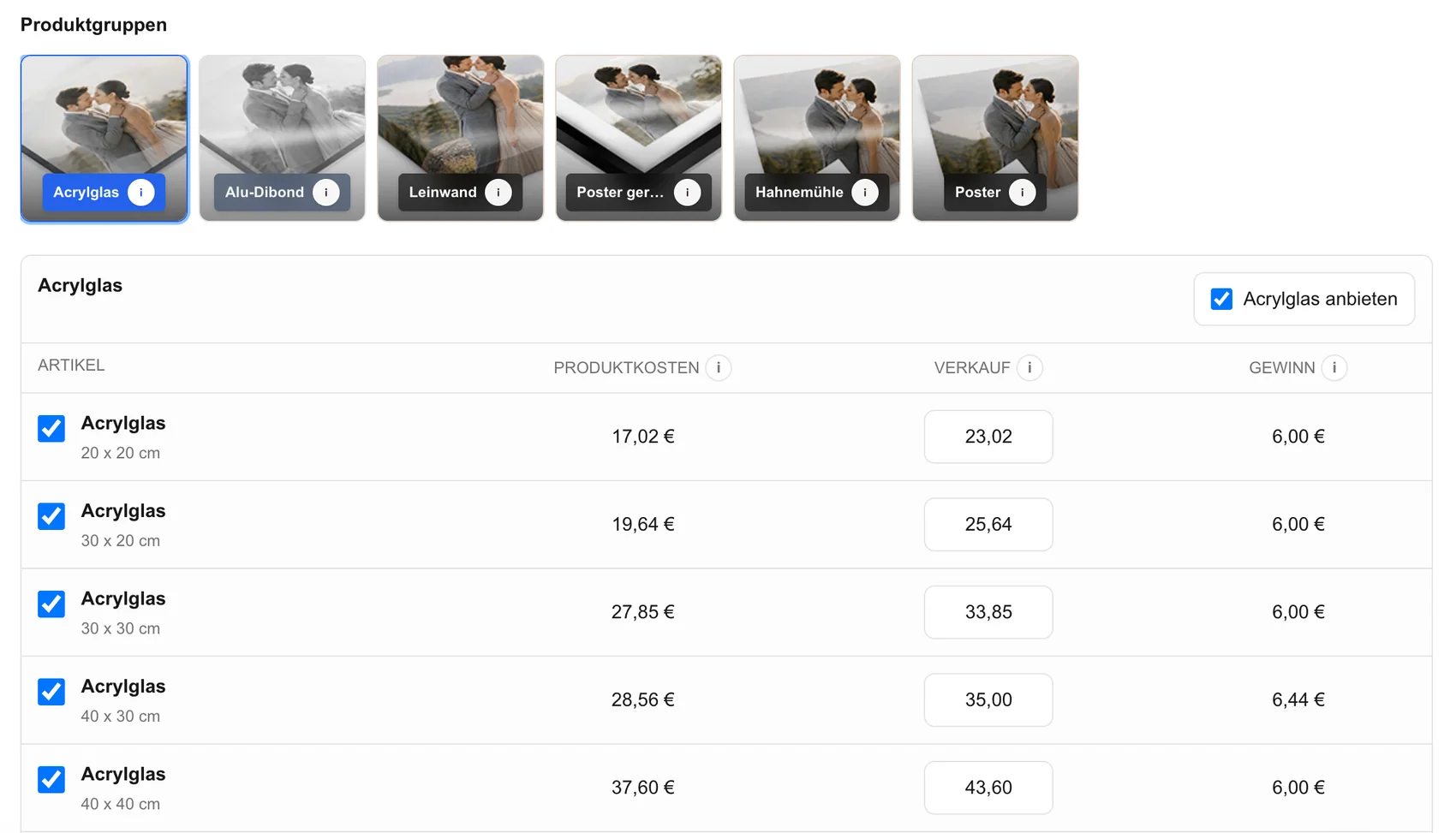
Studio sample prints let photographers evaluate their own finished work as a physical product before presenting that product to a client. In GalleryDock, a signed-in gallery owner can open a published gallery, enter the owner-only sample-order mode, and order eligible print products at cost. The public gallery visitor does not see this mode or its owner pricing. A useful sample begins with a representative photograph and a specific question: Is the crop convincing, does the intended scale suit the subject, and would the finished piece help a client understand the offer? After delivery, inspect the print under suitable viewing conditions, record what it demonstrates, and use it as a business sample in the studio or during an appointment. This is not a general discount, public coupon, or reduced end-customer price.
Sample goal
A sample is most useful when it represents the work and products you regularly discuss with clients.
01
Choose a portrait, wedding image, business photograph, or other finished image whose color, detail, and composition you know well.
02
Decide whether the sample should demonstrate surface, crop, scale, edge detail, skin tone, shadow detail, or the overall presentation.
03
Select a product and size that fit your actual client offer instead of ordering an impressive object that never appears in your normal workflow.
04
Replace a sample when your editing style, portfolio, product range, or typical client assignment has materially changed.
Owner order
The private owner workflow keeps the sample connected to the same photograph and product configuration you want to evaluate.
01
Use a gallery you manage and confirm that the intended photograph is published with the correct orientation and final edit.
02
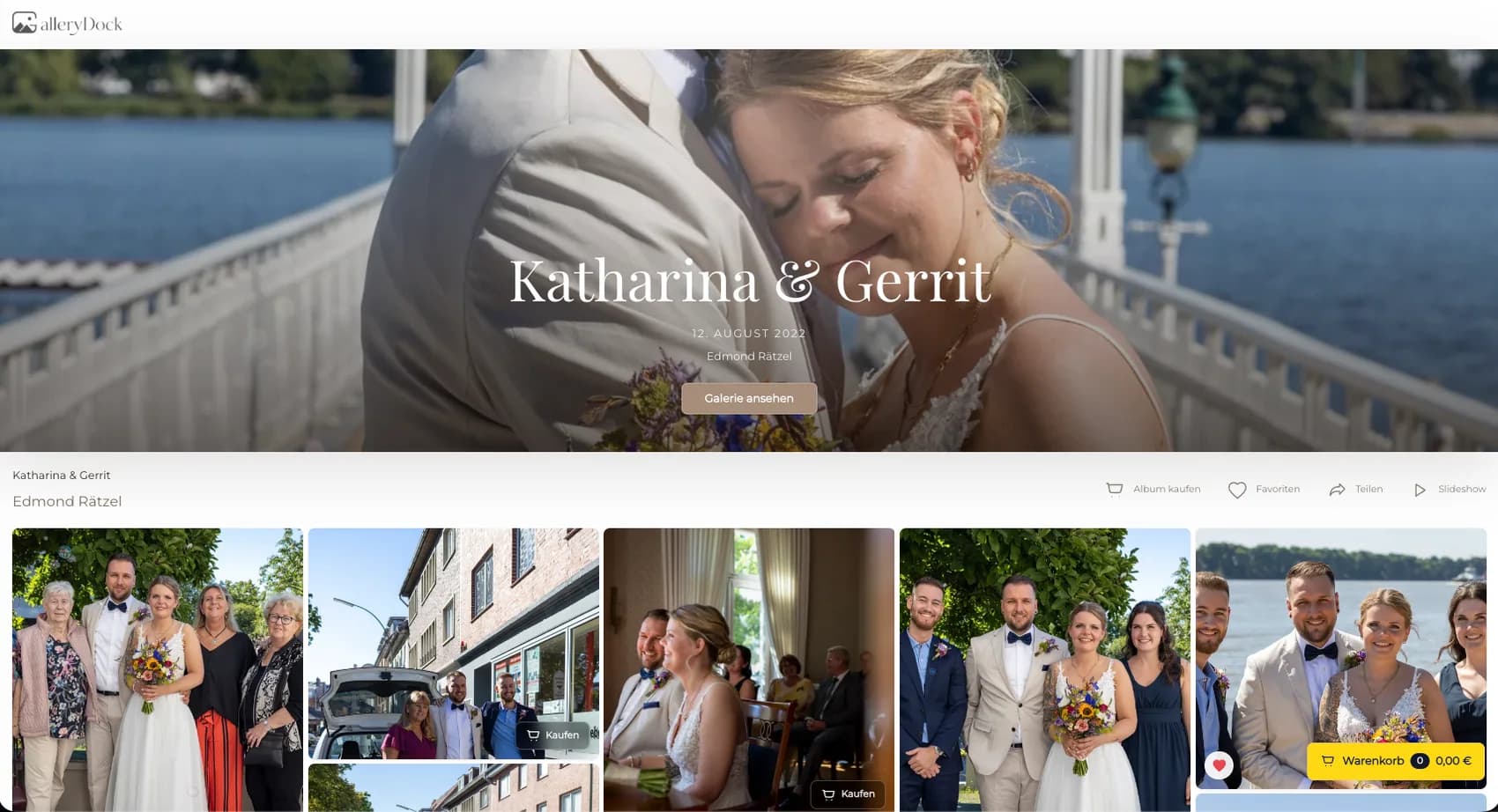
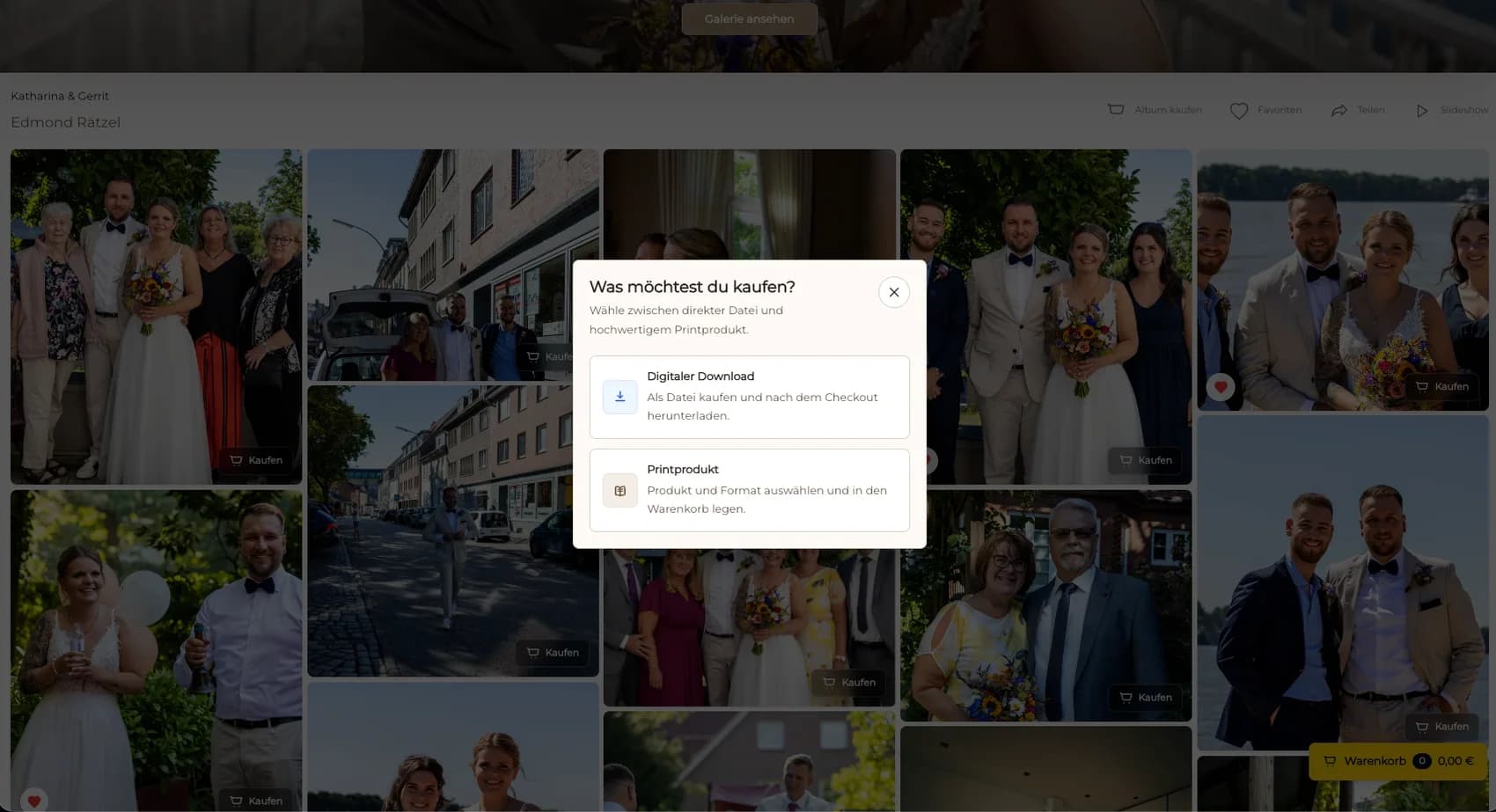
As the signed-in gallery owner, activate the owner-only sample order at cost; gallery visitors do not see this mode or its prices.
03
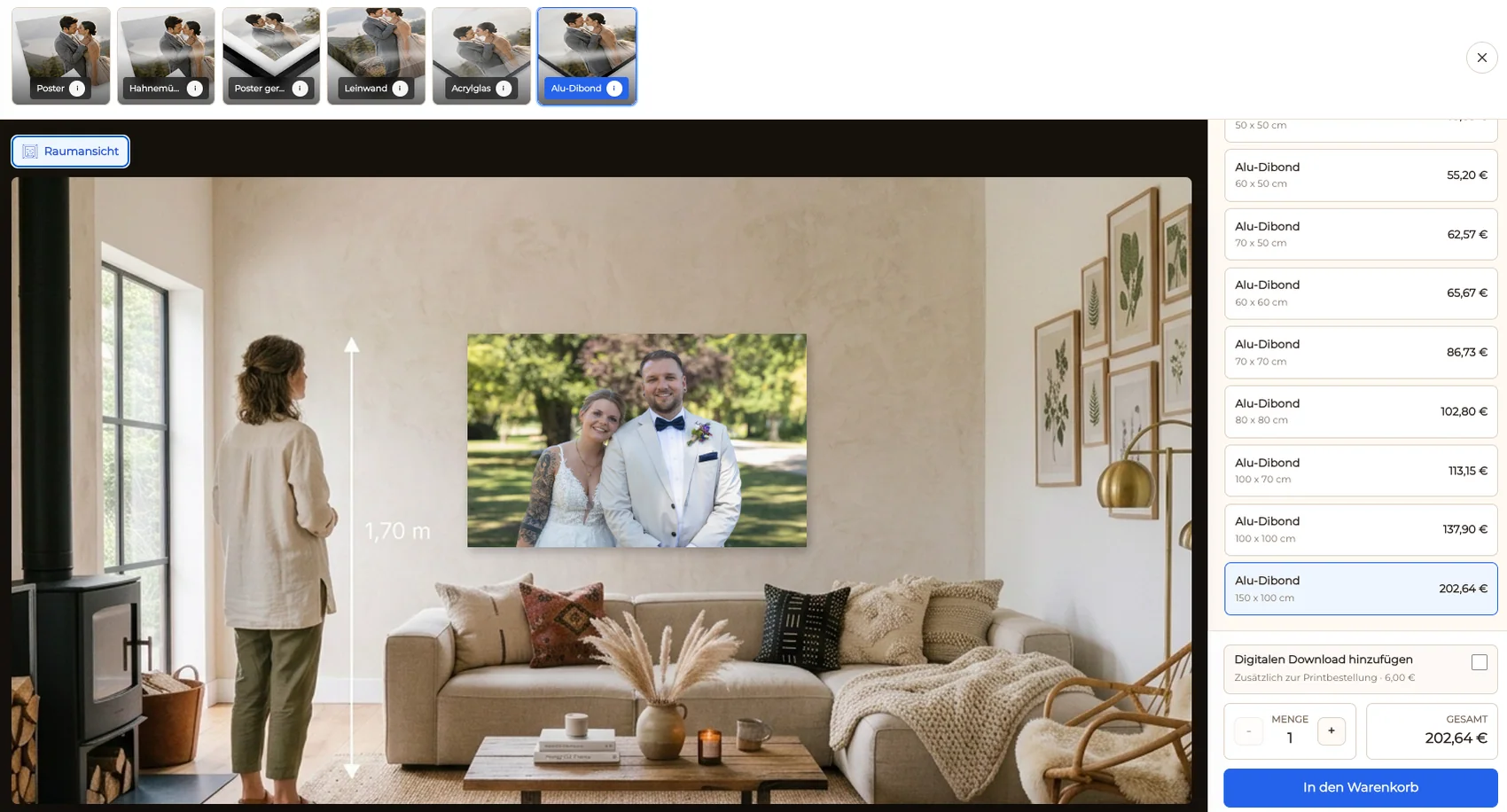
Choose the available product and size, then inspect the visible crop and safe area before adding the sample to the cart.
04
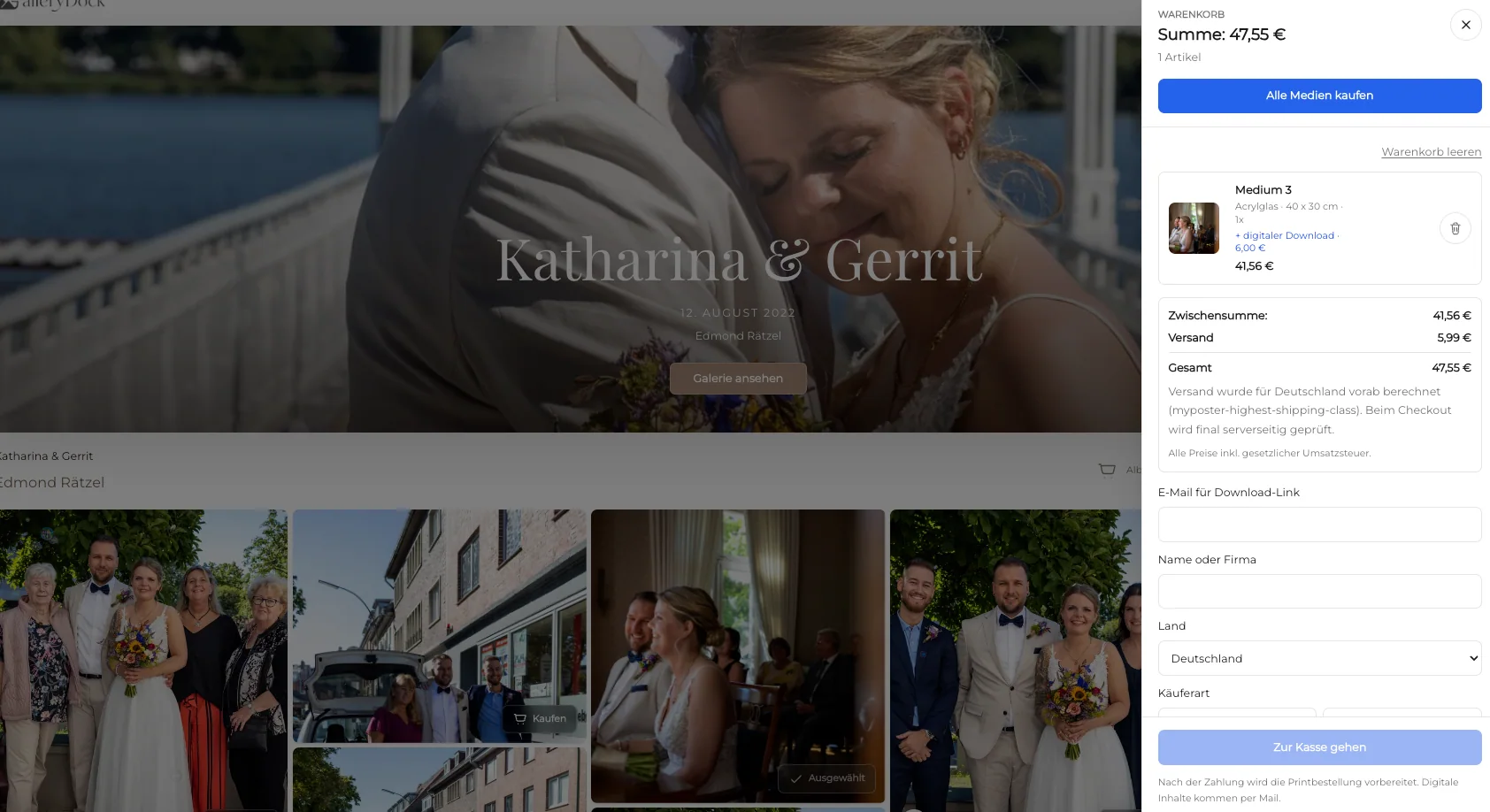
Confirm the image, product, dimensions, orientation, quantity, delivery details, and displayed total before checkout.
Physical review
A sample earns its place in a consultation only after you have evaluated the physical object yourself.
01
Look at the print under conditions that resemble the studio or client environment instead of judging it only under one unusual light source.
02
Check important tones, detail, crop, orientation, and visual emphasis against the prepared source without expecting screen and print to look identical.
03
Note the exact product, size, image, and observation so the sample becomes a repeatable reference rather than an unexplained object.
04
Show the sample when it helps a client understand scale, finish, or presentation, then return to the client's own photograph in the gallery.
Comparison
Different sample goals call for different objects and review steps.
| Approach | Best for | Tradeoff |
|---|---|---|
| Owner sample print | Checking your own image and product | Requires an eligible owner order and physical review |
| Studio wall sample | Showing scale and presentation | Takes space and should match the work you sell |
| Small reference print | Discussing paper, tone, or crop | Does not demonstrate large wall scale |
| Generic manufacturer sample | Learning about a material | Does not show your own photography |
| Screen preview | Fast product and crop discussion | Cannot reproduce the physical feel of a print |
A familiar portrait becomes a reference for skin tone, crop, and the scale of a client wall piece.
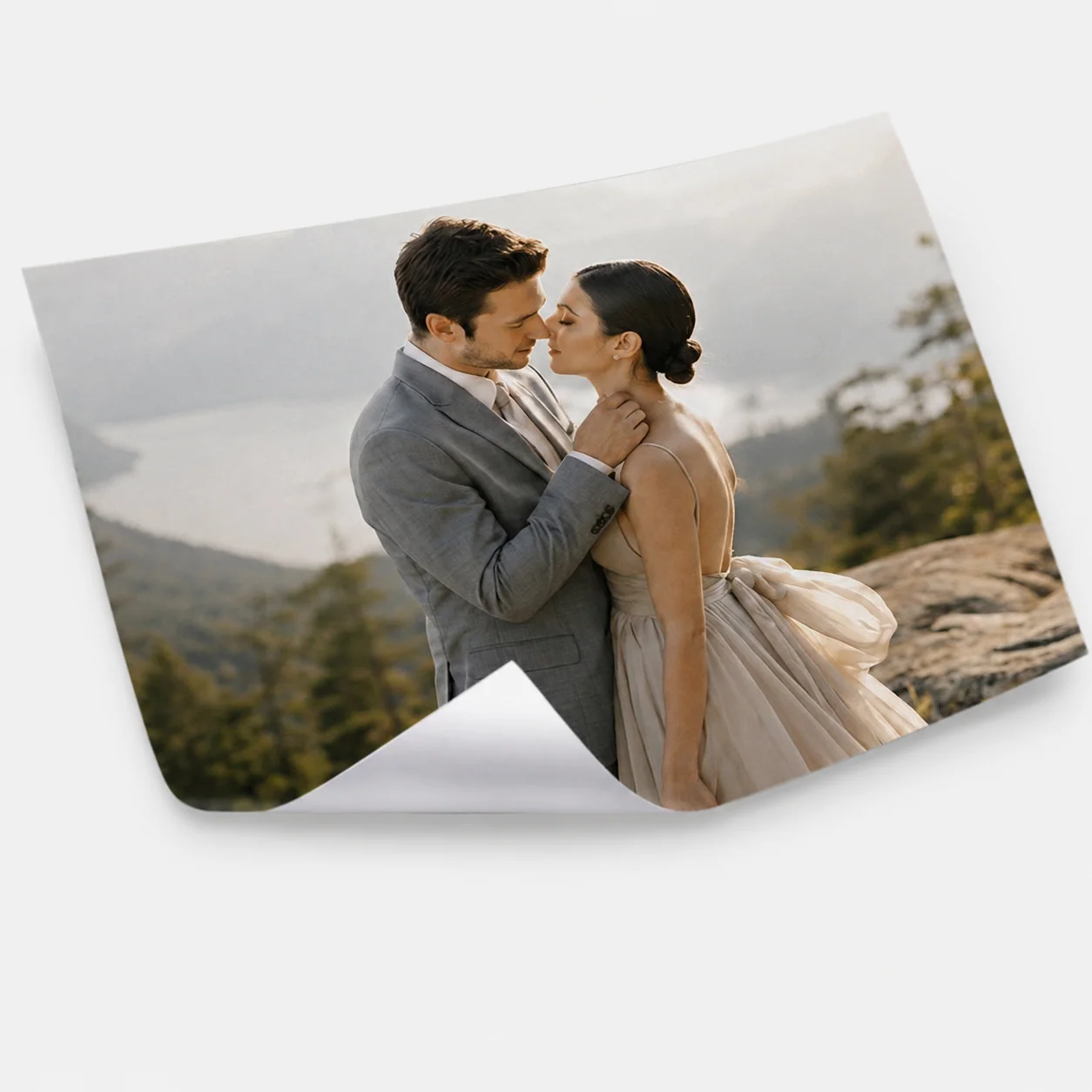
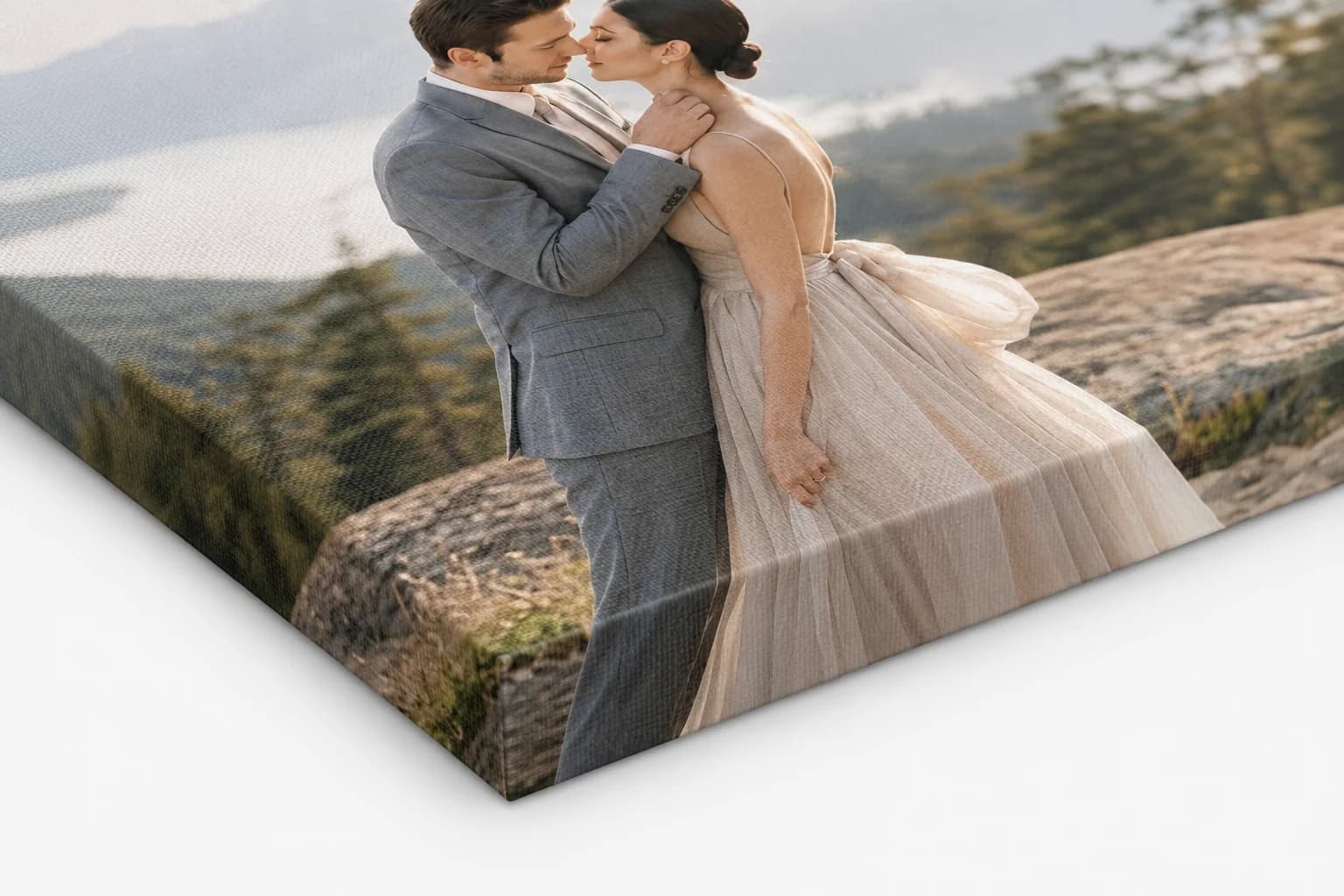
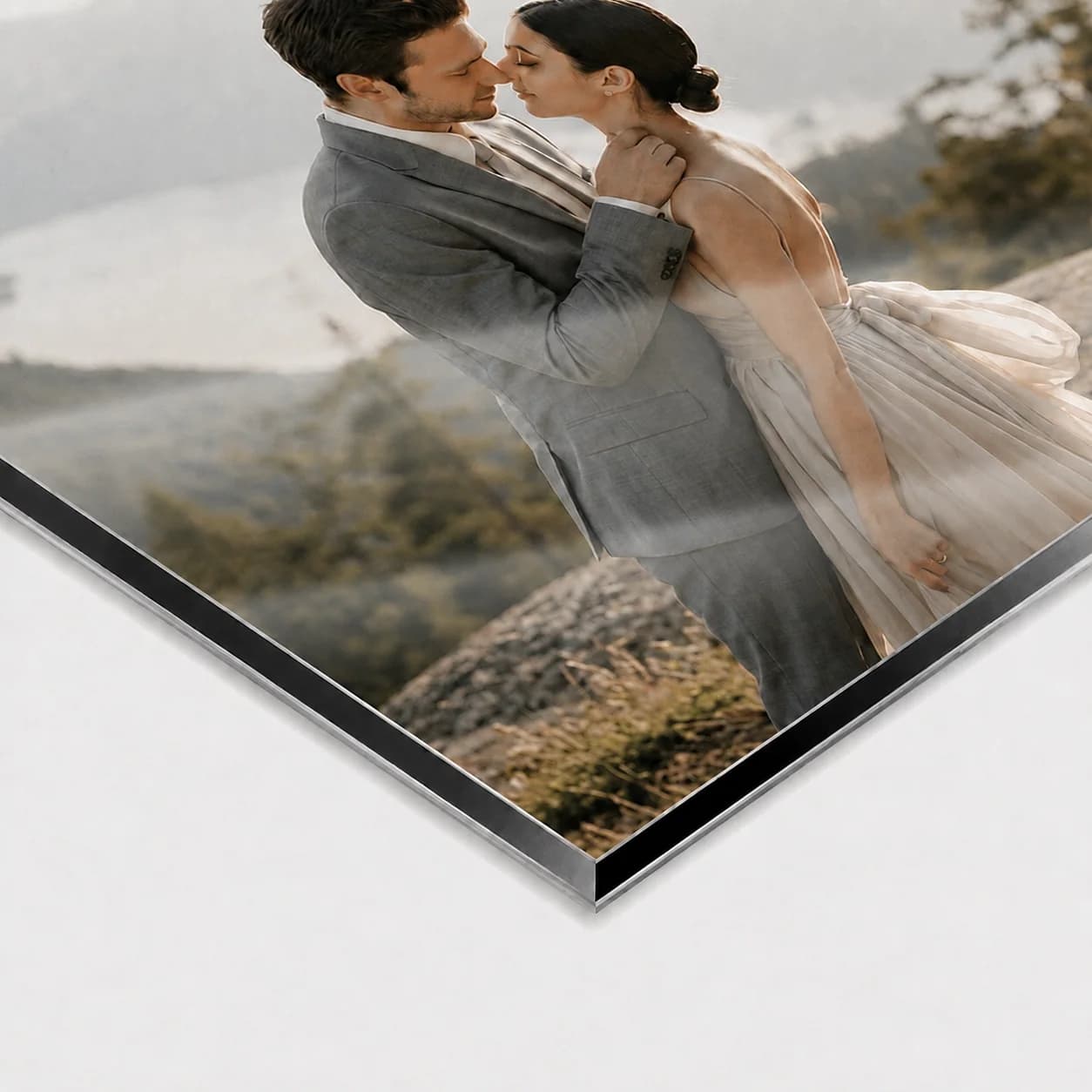
A couple image demonstrates how a finished photograph can move from gallery selection to a physical product.
A compact office-display sample helps a business client understand a polished physical use for an approved image.
Frequently asked questions
A signed-in GalleryDock owner opens a managed published gallery, activates the owner-only sample-order mode, selects an eligible product and size, reviews the crop, and completes the displayed order.
The owner sample workflow shows the business customer's sample-order total rather than a public client selling price. It is not a coupon or discount shown to gallery visitors.
No. Sample mode and its prices are reserved for the signed-in gallery owner and are not part of the normal visitor purchase view.
Use a finished photograph that represents your current work and reveals the quality, crop, scale, or presentation question you want the sample to answer.
Review the physical crop, important tones and details, orientation, overall impact, and whether the product helps explain your real client offer.
Related resources
Pricing
Free forever
0 EUR
EUR 0 per month
Perfect for sharing your first galleries professionally.
Start free, no credit card required
Monthly
19 EUR
EUR 228 billed yearly. plus VAT
Ideal for photographers who regularly deliver client galleries.
For regular client delivery
Monthly
29 EUR
EUR 348 billed yearly. plus VAT
For photographers managing many projects, videos and growing storage.
For regular client delivery
Publish a finished photograph, enter owner sample mode, review the product and crop, and inspect the delivered piece before using it with clients.
Create a free account