Identify the photograph
Use the visible filename, image number, or gallery item instead of position alone.
Client feedback instructions
Give clear photo retouching feedback by naming the image, area, requested change, strength or reference, and what should remain untouched.
Quick answer
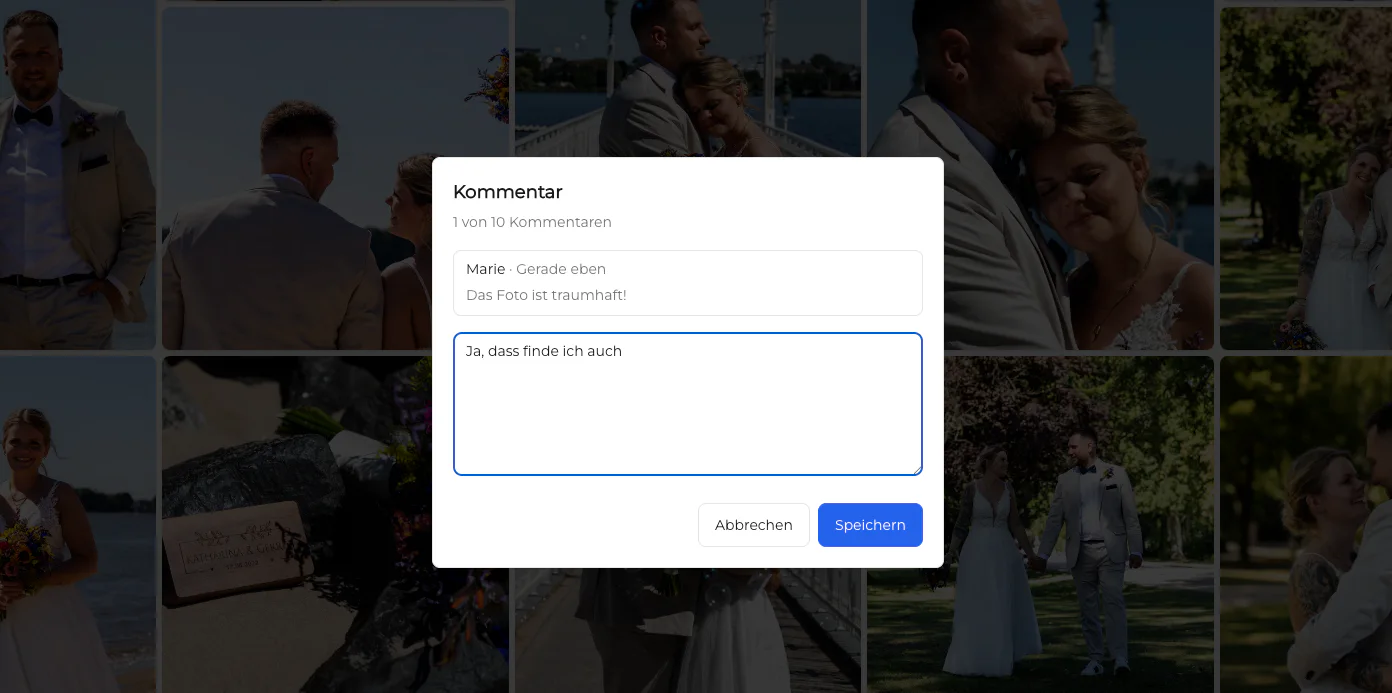
Clear photo retouching feedback identifies the exact photograph and area, describes the requested change in observable terms, indicates the intended strength or reference, and says what should remain unchanged. Write one request per point and ask when the production scope is uncertain. GalleryDock supports image-specific text comments; it does not provide visual markup, perform retouching, or manage versions automatically.
Five-part request
A precise request reduces guessing without dictating an editing technique the client cannot evaluate.
Use the visible filename, image number, or gallery item instead of position alone.
Point to the left cheek, background edge, jacket, horizon, or another recognizable location in words.
Say what should look different, such as reducing glare or removing one distracting object.
Mention desired strength, a reference, and important features that must remain natural or unchanged.
Better wording
Before-and-after phrasing helps clients express intent without pretending to know the retoucher's tools.
Vague
Better: reduce the temporary blemish on the right cheek while keeping natural texture and freckles.
Vague
Better: remove the bright sign behind the left shoulder and leave the rest of the background unchanged.
Vague
Better: lift the face slightly to match the reference image without brightening the entire room.
Vague
Better: name the reference photograph and the specific color, crop, or contrast quality you want matched.
Feedback discipline
Organized feedback protects the creative intent and makes the final check more reliable.
Separate unrelated requests so each can be clarified, completed, and reviewed independently.
Distinguish required corrections from preferences that are optional or outside the agreed scope.
Coordinate stakeholders before sending opposite instructions for the same photograph.
Ask whether the photographer needs clarification, will provide another review, or will proceed to final delivery.
Comparison
Choose a method that preserves image context and produces decisions the photographer can verify.
| Approach | Best for | Tradeoff |
|---|---|---|
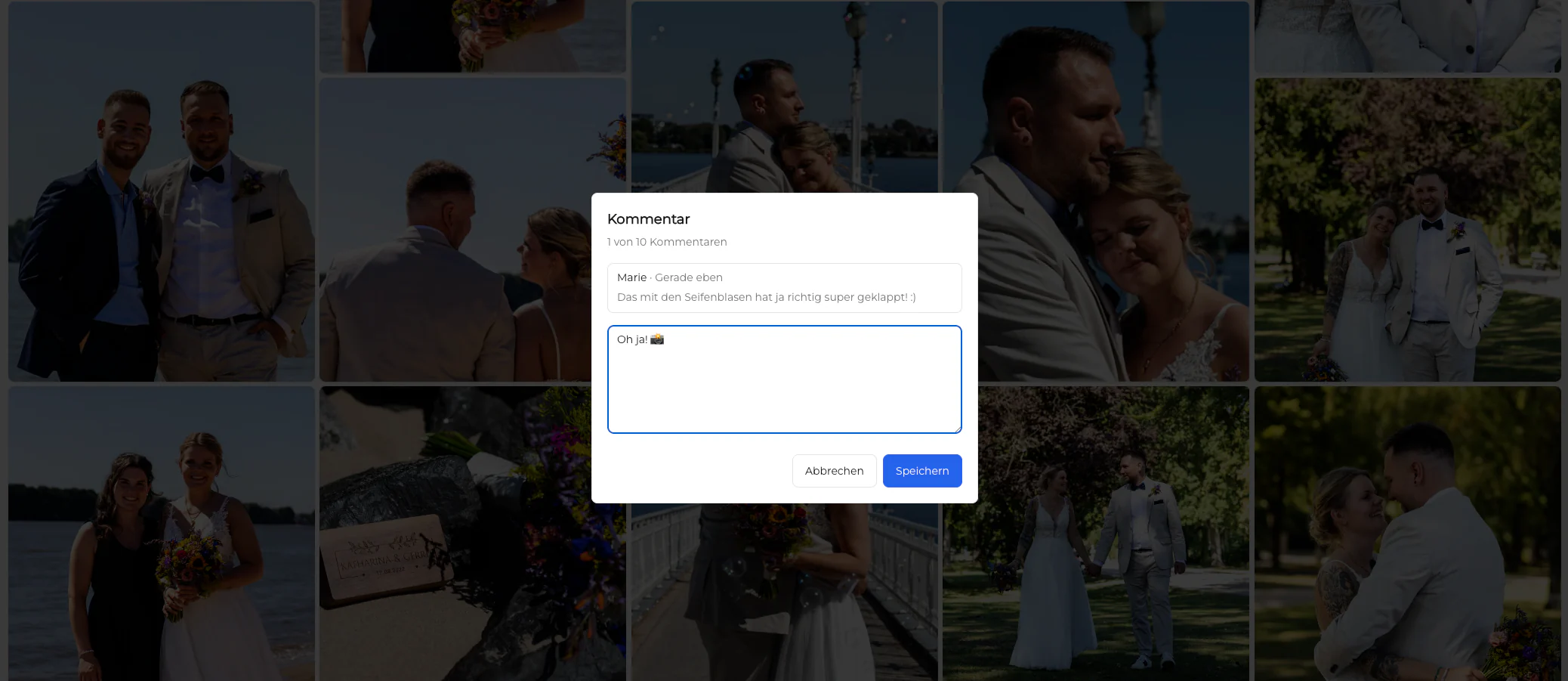
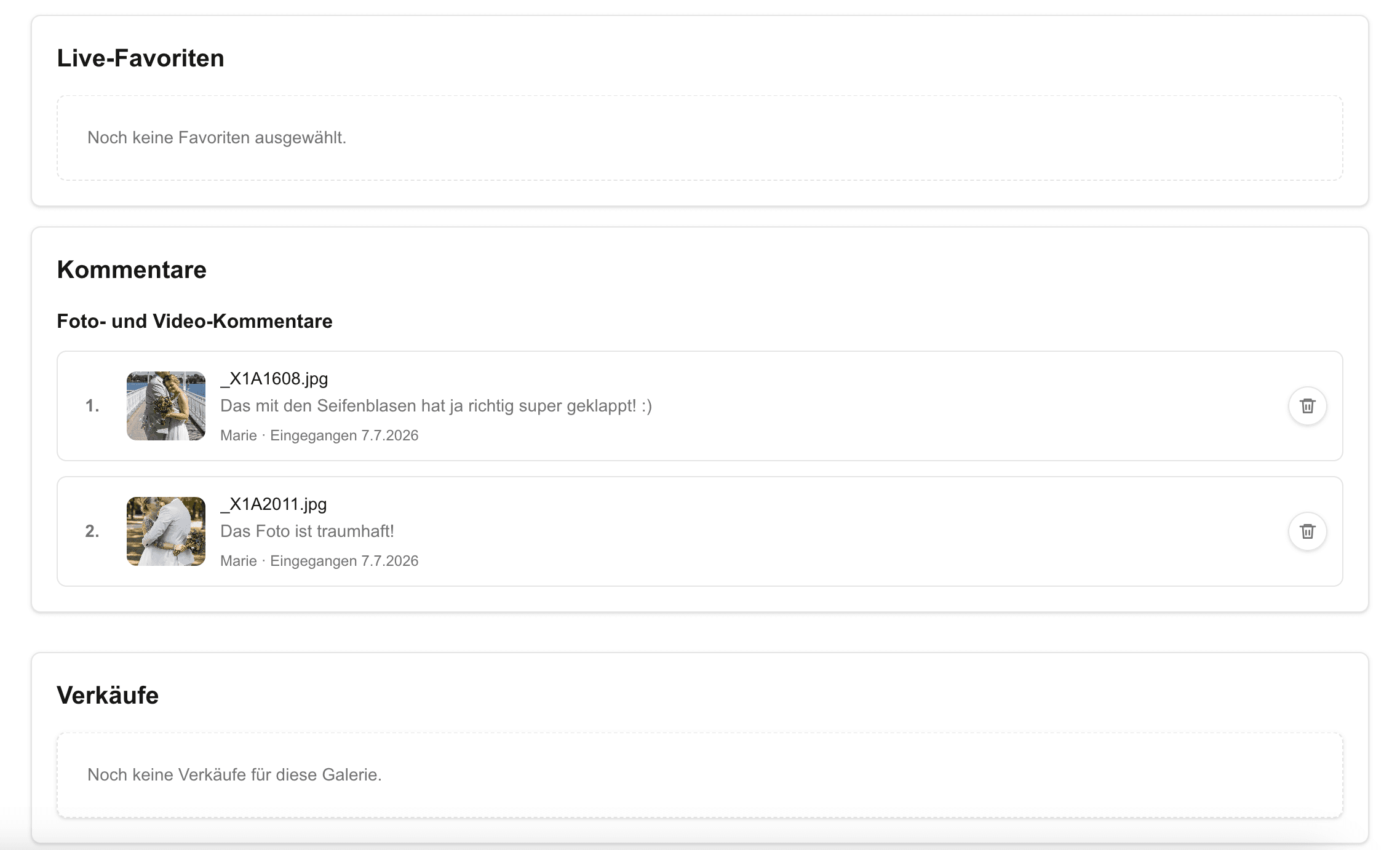
| Image-specific text comment | Clear requests tied to one photograph | Requires verbal description of the affected area |
| Email list | A short consolidated summary | Can lose image context or stable identifiers |
| Screenshot markup | Pointing at a difficult location | Must still include the intended written outcome |
| Video call | Resolving complex creative uncertainty | Needs a written decision record afterward |
| Visual annotation tool | Specialized markup workflows | Not a GalleryDock feature claimed by this guide |
The client requests a subtle temporary-blemish correction while preserving skin texture and permanent features.
A stakeholder identifies one reflection and supplies the approved reference for the intended surface appearance.
The client names the exact person and clothing detail so another subject is not altered by mistake.
Frequently asked questions
Name the exact image and area, state the observable change, indicate strength or reference, and say what should remain untouched.
Usually describe the desired result instead. The production professional can choose the safest technique unless a technical method is part of the agreement.
You can leave image-specific text comments. This guide does not claim a visual drawing or markup feature.
No. GalleryDock supports presentation, selection, and image-related communication; retouching remains part of the photographer's production workflow.
Prefer one independently verifiable change per point. Separate unrelated requests so none is overlooked.
Reference another approved photograph or ask for a brief clarification step before production begins.
Related resources
Pricing
Free forever
0 EUR
EUR 0 per month
Perfect for sharing your first galleries professionally.
Start free, no credit card required
Monthly
19 EUR
EUR 228 billed yearly. plus VAT
Ideal for photographers who regularly deliver client galleries.
For regular client delivery
Monthly
29 EUR
EUR 348 billed yearly. plus VAT
For photographers managing many projects, videos and growing storage.
For regular client delivery
Use image-specific GalleryDock comments, describe each requested result clearly, and resolve uncertainty before retouching begins.
Create a free account