Set the purpose before uploading
Decide whether the client is choosing package images, approving a campaign set, requesting retouching, or selecting photographs for another deliverable.
Client proofing workflow
Plan a repeatable client proofing workflow with a focused proof set, clear instructions, favorites, image feedback, approval, and final delivery.

Quick answer
A client proofing workflow is the complete path from a prepared proof set to a confirmed decision and final delivery. GalleryDock gives photographers one gallery for visual review, favorites, image-specific feedback, and the next handoff. The key is not merely putting proofs online; it is defining what the client should choose, by when, and what happens after approval.
This page covers the process
Online photo proofing describes the client-facing activity. A proofing workflow also defines the photographer's preparation, the decision rules, the deadline, the follow-up, and the transition into retouching or delivery.
Decide whether the client is choosing package images, approving a campaign set, requesting retouching, or selecting photographs for another deliverable.
A focused set helps the client make the decision you need. Uploading every near-duplicate can shift culling work back to the client.
A favorite, comment, or written confirmation can mean different things. Explain the required action so the result can safely drive production.
Know what happens after the shortlist arrives: retouching, stakeholder sign-off, additional-image purchase, export, or final download release.
The repeatable sequence
A consistent workflow reduces reminders and prevents a client selection from becoming another ambiguous message thread.
01
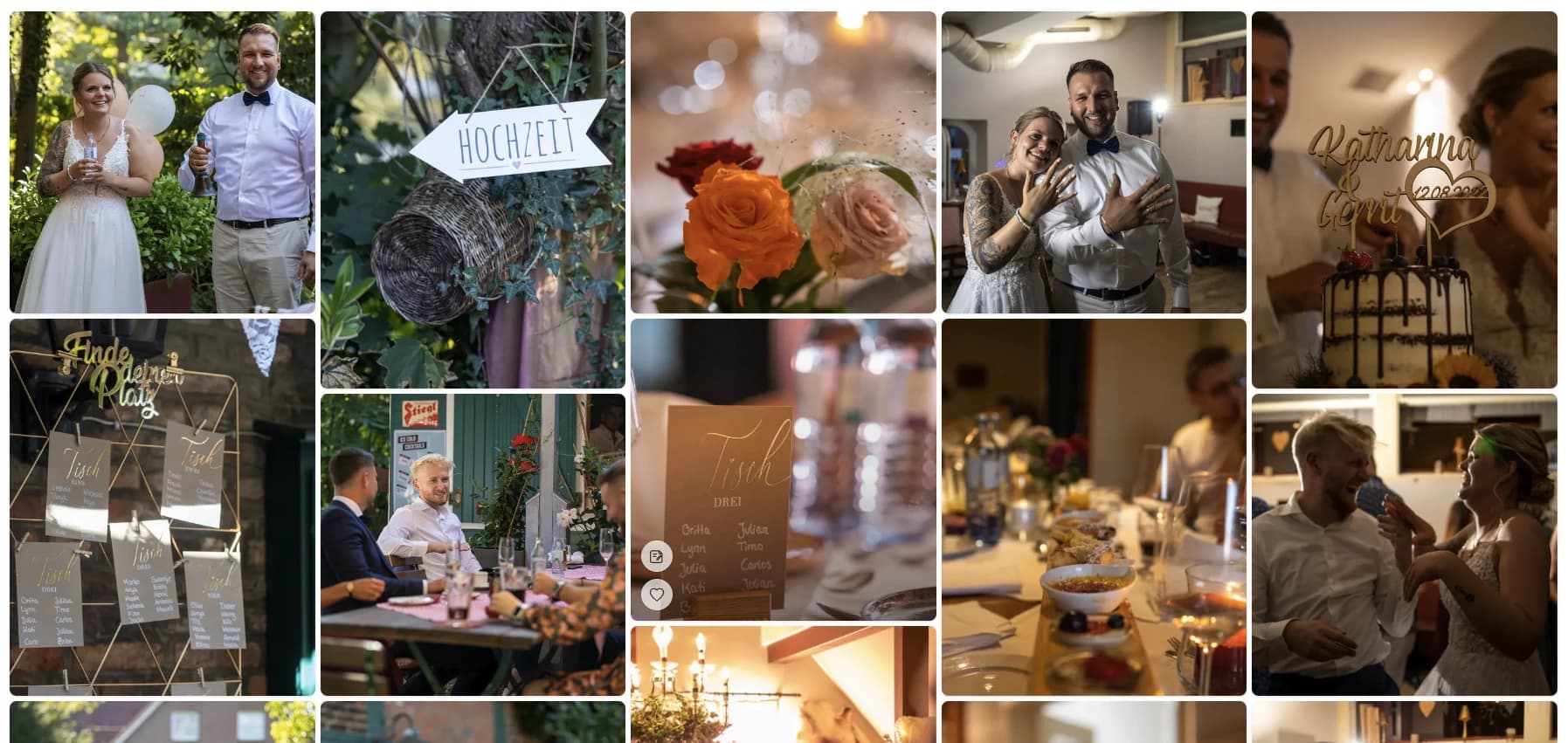
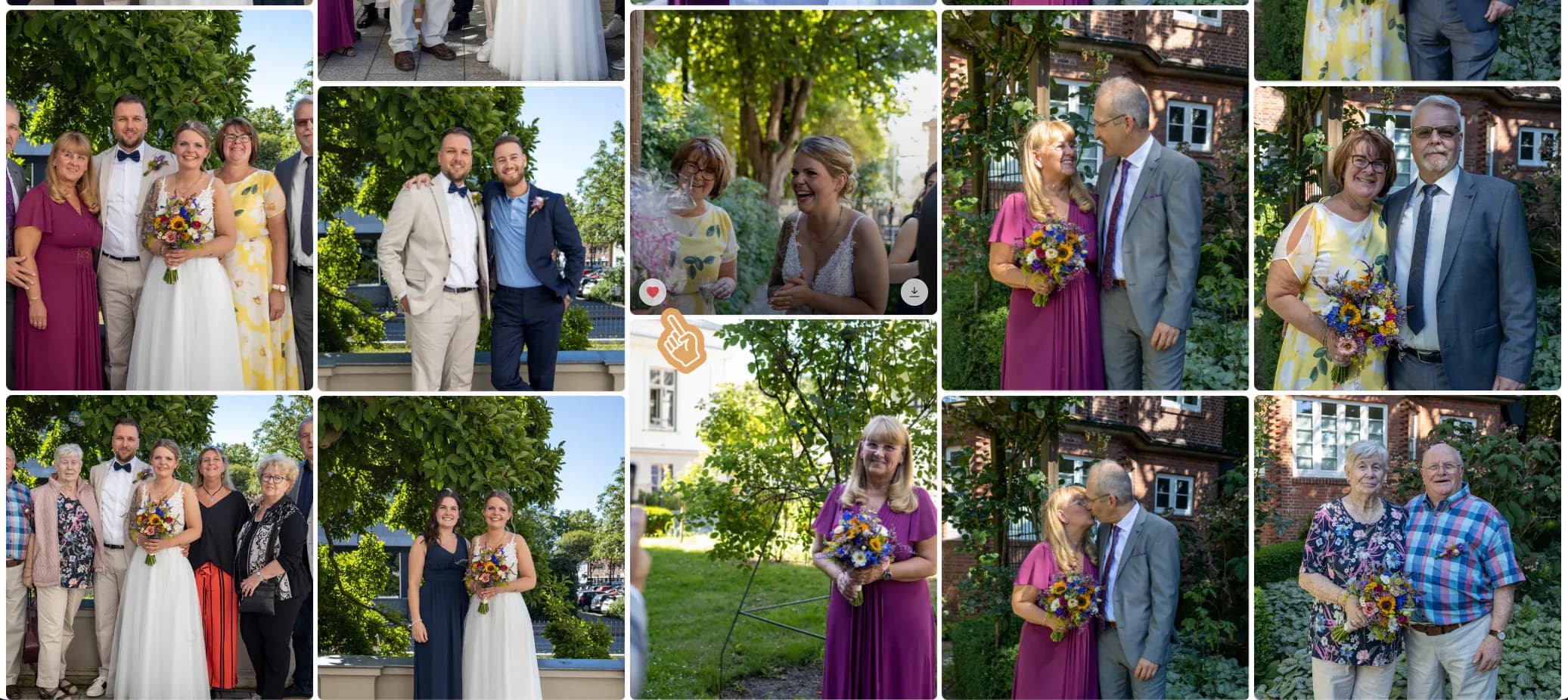
Use consistent previews, stable filenames, an intentional sequence, and only the photographs the client is allowed to select.
02
State the number of allowed selections, the deadline, whether comments are required, and who should provide the final decision.
03
Check the shortlist for missing choices, contradictory feedback, or stakeholder uncertainty before starting irreversible production work.
04
Acknowledge the approved set, complete the agreed retouching or export, and use a clear final delivery stage rather than silently replacing the proofs.
Prevent avoidable proofing delays
Clients usually delay when the decision is unclear, too large, or split among several people. The gallery can support the process, but the photographer still needs to define its boundaries.
For commercial or team projects, identify who submits the final selection. Several uncoordinated favorite lists can create more uncertainty than they solve.
Tie the proofing date to retouching and delivery timelines, and explain what happens when the selection is late.
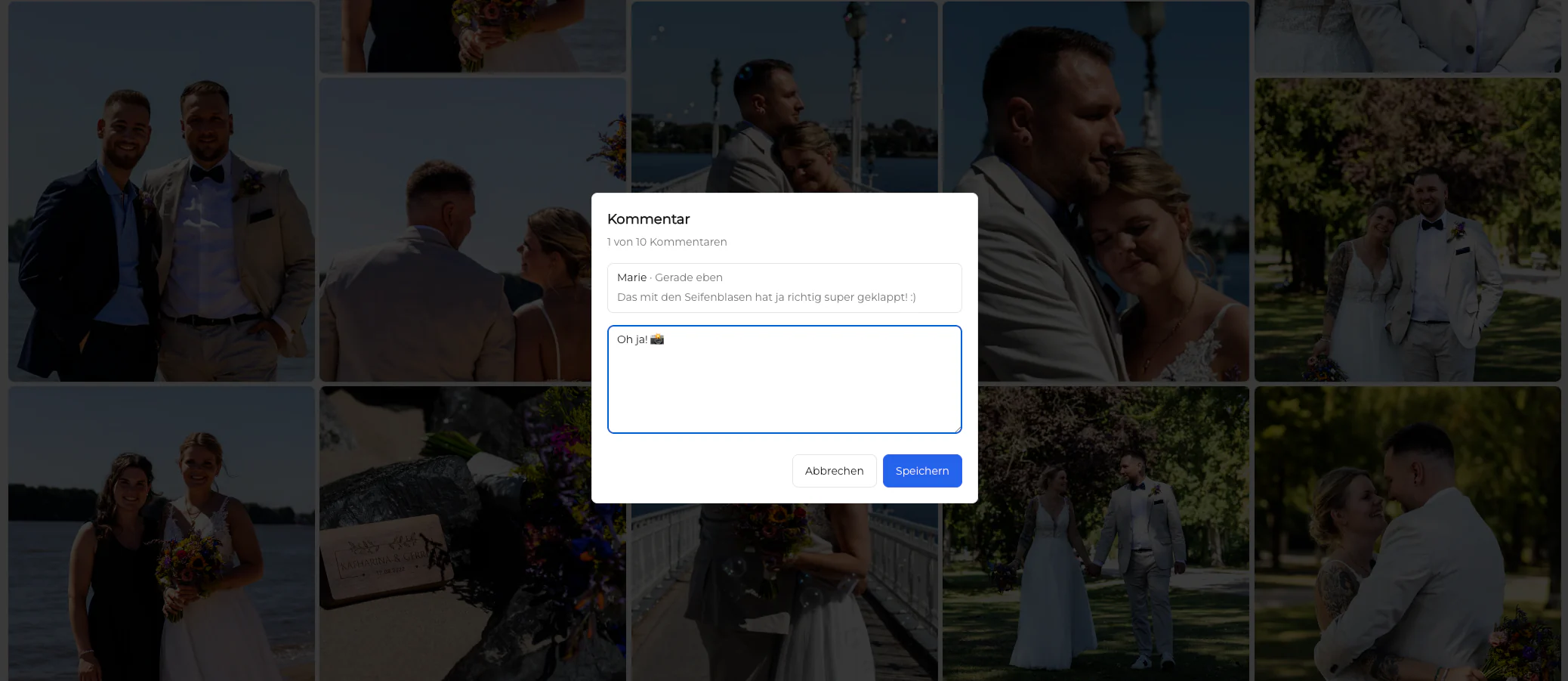
Ask clients to place crop, retouching, or usage notes on the relevant image rather than sending a general message that could apply to several frames.
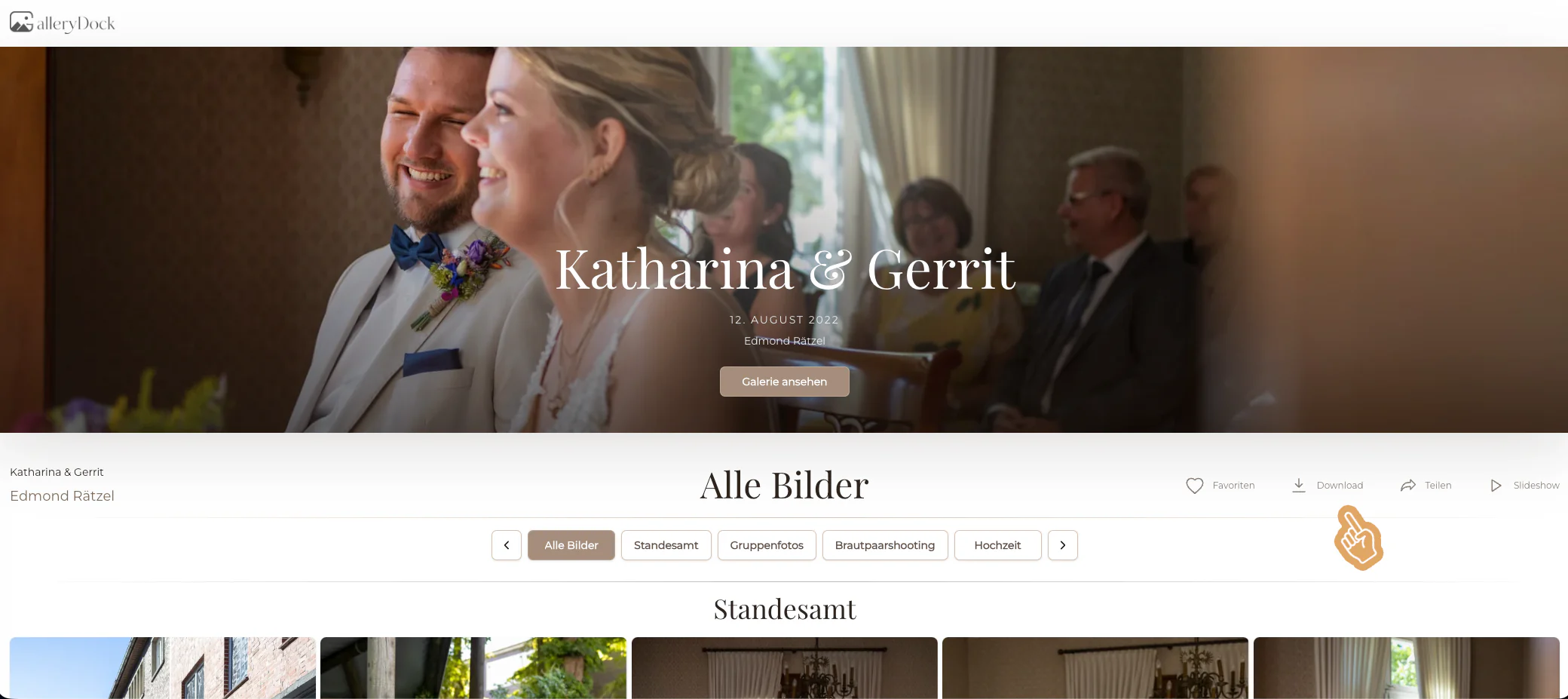
Clients should always know whether they are looking at proofs or finished deliverables, especially when downloads become available later.
Comparison
The fastest-looking method is not always the fastest to interpret. A proofing workflow should return a decision the photographer can use without reconstruction.
| Approach | Best for | Tradeoff |
|---|---|---|
| Filename list by email | A tiny, clearly labeled set | Typos and no visual context |
| Screenshots in a message | One informal choice | Crops and filenames may not identify the source reliably |
| Shared spreadsheet | Internal status tracking | The client still switches between rows and photographs |
| Cloud folder reactions | Teams already working in that storage system | Presentation and final delivery often require another path |
| GalleryDock proofing workflow | Visual selection, image notes, and a defined next step | Instructions and decision ownership still need to be set |
The client chooses the included number of frames, adds retouching notes to those images, and receives finals after the shortlist is confirmed.
The couple marks photographs for an album or highlight set while keeping the selection connected to the full visual story.
A named marketing lead gathers internal input and submits one approved set for the photographer's final production stage.
Frequently asked questions
It is the complete process for preparing proofs, inviting the client, collecting a defined selection and image feedback, confirming approval, and moving into retouching or final delivery.
Online photo proofing is the client review activity. The workflow also includes the photographer's preparation, instructions, deadline, approval rules, and production steps after the selection.
Show enough photographs to fulfill the creative and contractual choice without transferring unnecessary culling work to the client. The right number depends on the assignment and package.
Clients can leave image-specific feedback in the gallery workflow. Set expectations about which requests are included and confirm ambiguous notes before editing.
Include the purpose, allowed number of favorites, decision owner, deadline, how to leave comments, and what will happen after the selection is submitted.
Release final downloads after the selection, approval, and agreed production work are complete. Make the transition from proofs to finals explicit for the client.
Related resources
Pricing
Free forever
0 EUR
EUR 0 per month
Perfect for sharing your first galleries professionally.
Start free, no credit card required
Monthly
19 EUR
EUR 228 billed yearly. plus VAT
Ideal for photographers who regularly deliver client galleries.
For regular client delivery
Monthly
29 EUR
EUR 348 billed yearly. plus VAT
For photographers managing many projects, videos and growing storage.
For regular client delivery
Create a focused GalleryDock proofing gallery, give one clear instruction, and carry the confirmed selection into final delivery.
Create a free account