Match the released file to the package
Deliver the resolution, format, and set the client purchased. Do not make every working export available simply because it is already online.
Client gallery downloads
Present client photographs in a private GalleryDock gallery and release final downloads without separating delivery from the viewing experience.
Quick answer
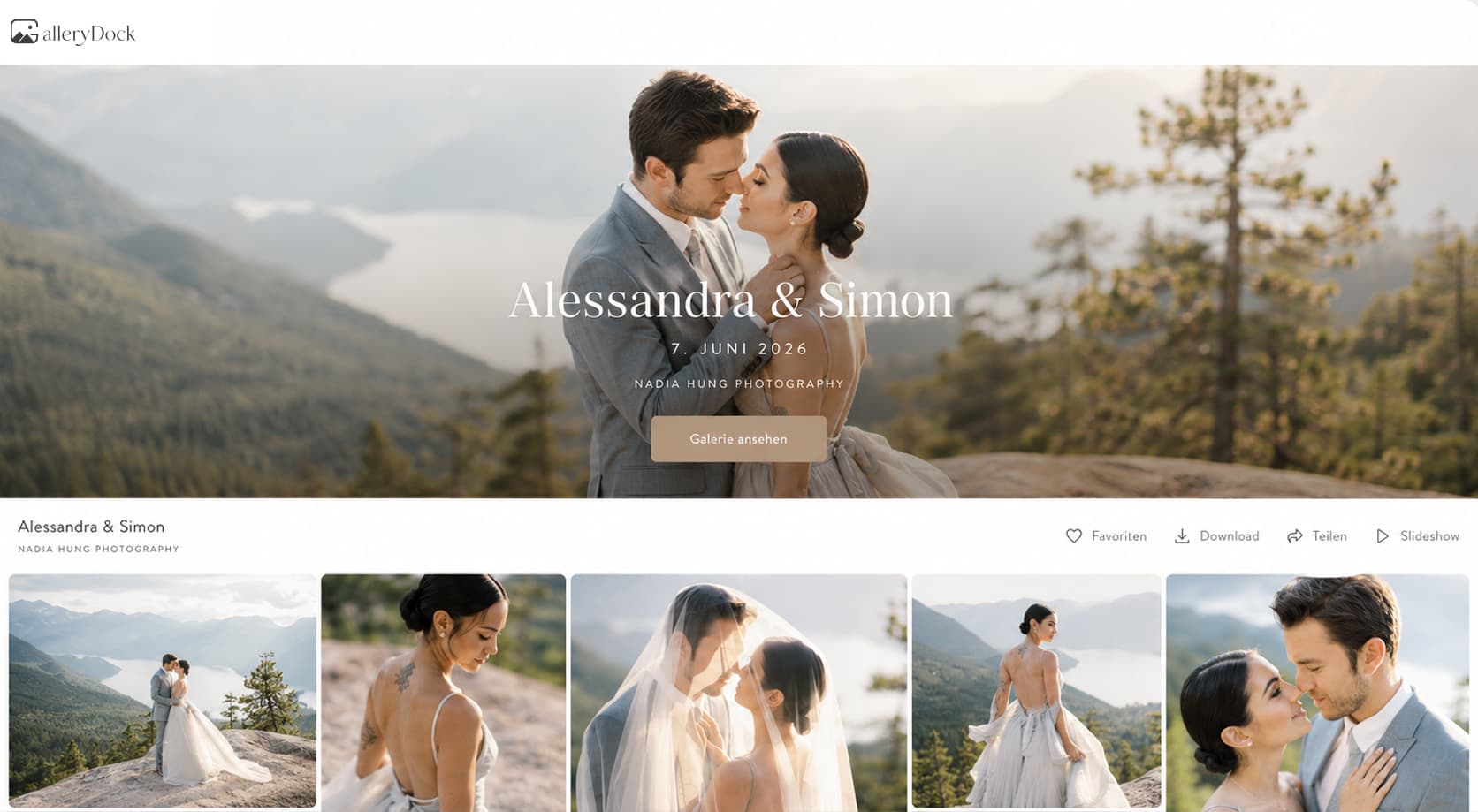
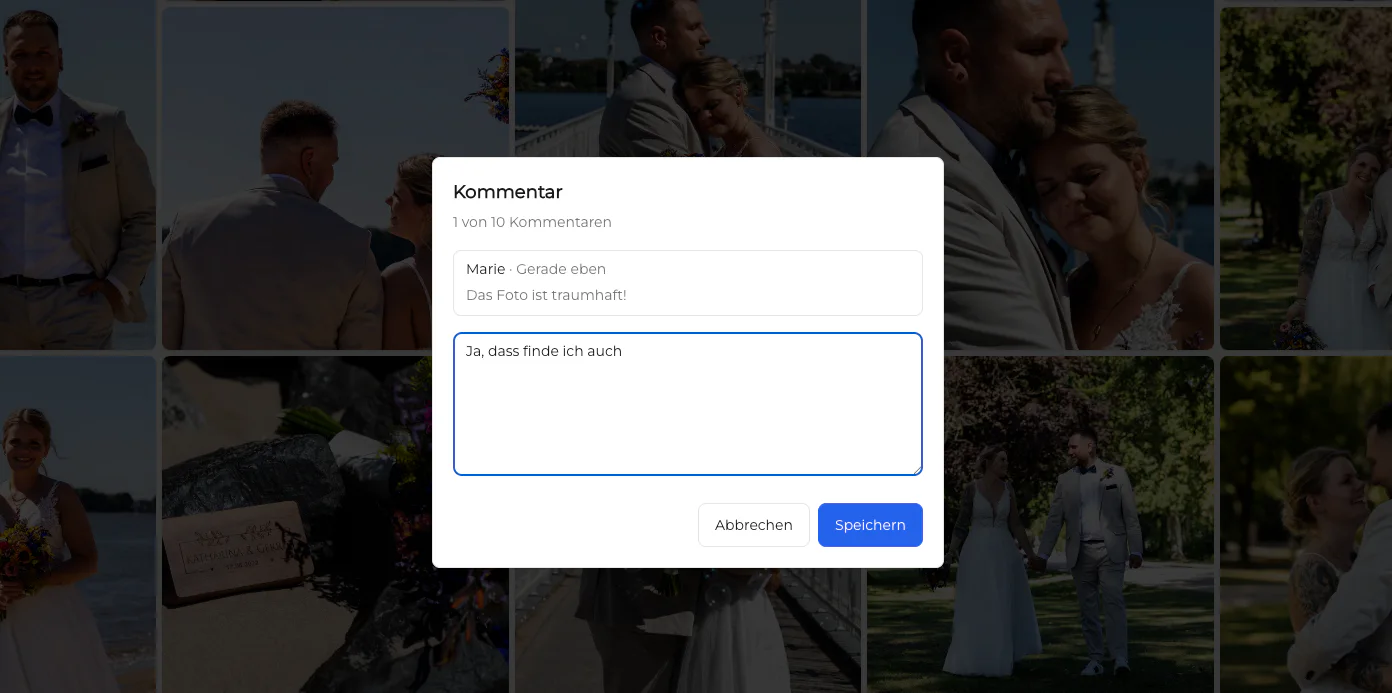
A client gallery with downloads lets photographers present the finished photographs before the client saves them. GalleryDock keeps browser viewing, private access, favorites, comments, and released files in one assignment. The photographer can use the gallery for review first and enable final downloads when the work is approved for delivery.
Downloads are a delivery decision
A visible download button should mean the file is truly ready for the client. That requires a clear boundary between proofs, approved finals, and any separate web or high-resolution versions promised in the package.
Deliver the resolution, format, and set the client purchased. Do not make every working export available simply because it is already online.
If images still need selection or retouching, tell the client that the gallery is for review and avoid presenting those files as the final archive.
Check missing images, duplicate exports, outdated corrections, and accidental test files before the download is released.
A professional handoff includes realistic expectations about saving delivered files rather than implying indefinite archival guarantees.
One gallery, two possible stages
Photographers can use the same gallery system for the decision stage and the handoff stage, as long as each stage is clearly communicated and tested.
01
Upload the set the client is allowed to assess and enable the favorites or feedback needed for a clear decision.
02
Use the gallery result to identify which images move into final retouching or approval.
03
Make sure the client-facing gallery contains the completed files and that obsolete proofs cannot be confused with the delivery set.
04
Open the client view, confirm access on desktop and mobile, and then send a message that states the files are ready.
What clients receive
The final impression includes more than transfer speed. Clients should recognize the assignment, find the expected photographs, and understand what they can do without requesting another link.
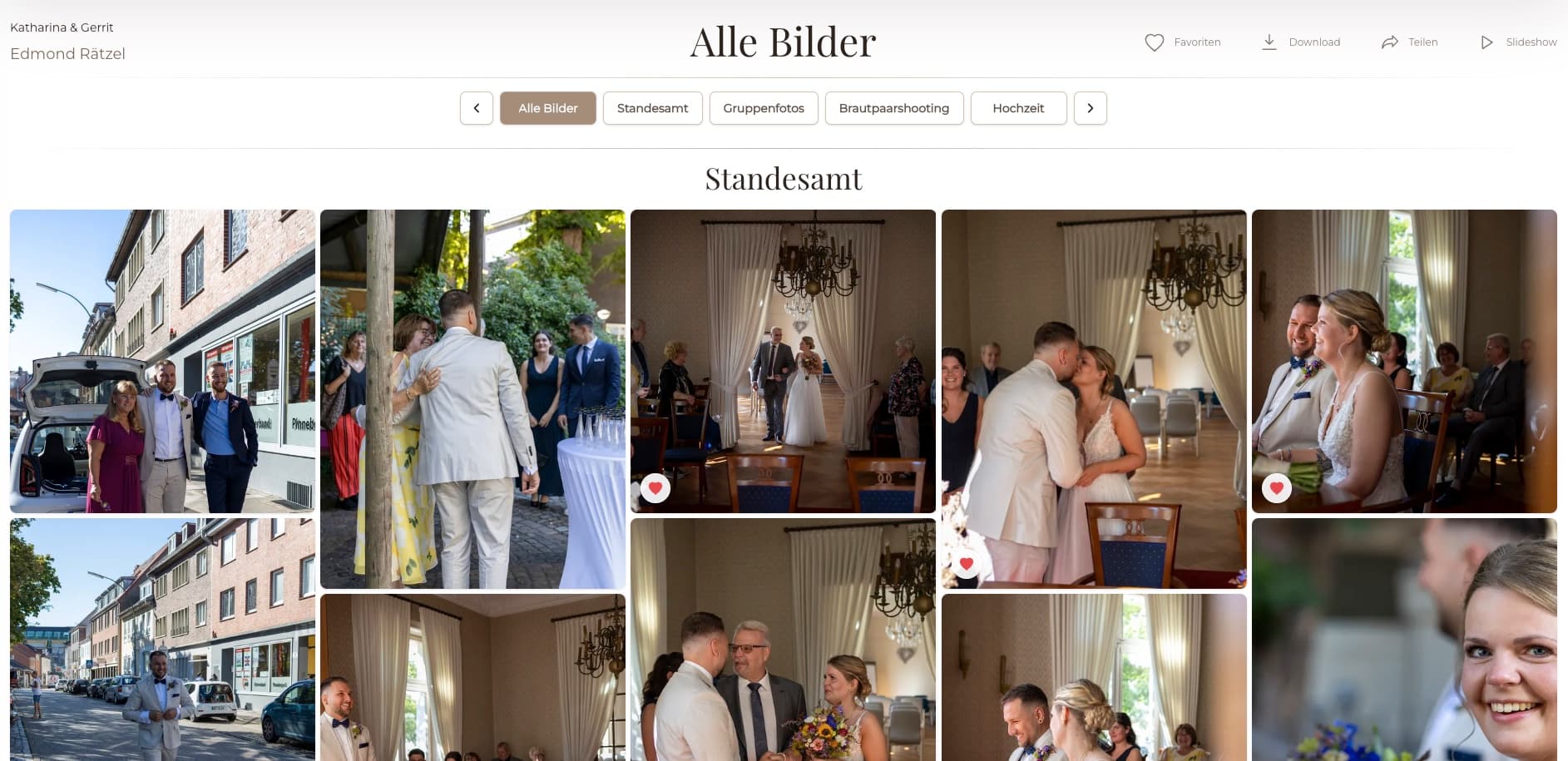
Clients can browse the delivered work before downloading, helping them see that the expected story, portraits, or campaign images are present.
The client receives a gallery associated with the photographer and assignment instead of a generic archive with no context.
The delivery message and gallery should agree: the work is complete, these files are approved, and downloads are ready.
The same gallery link gives clients a recognizable place to revisit the collection while it remains available under the project's terms.


Comparison
A client may eventually receive the same image bytes, but the route to those files changes how clearly the delivery is understood.
| Approach | Best for | Tradeoff |
|---|---|---|
| Email attachment | A very small final file set | Attachment limits and little presentation |
| ZIP transfer | A single package the client already expects | No visual check before downloading |
| Cloud folder | Shared access to a changing file structure | Versions and permissions can be difficult for clients |
| USB or physical drive | An agreed offline handoff | Slower delivery and no immediate gallery experience |
| GalleryDock with downloads | A polished final photo delivery | The gallery and release settings must be checked first |
The couple revisits the story, downloads the finished collection, and receives one clear message instead of separate viewing and transfer links.
A marketing client sees the approved visual set and downloads the final assets prepared for the agreed campaign uses.
After favorites and retouching are complete, the client returns to the gallery for the final images included in the package.
Frequently asked questions
It is an online gallery where clients can view a photography project and download files the photographer has released for delivery.
Yes. A photographer can use the gallery for favorites or feedback first, complete the selected images, and then release the final delivery according to the project workflow.
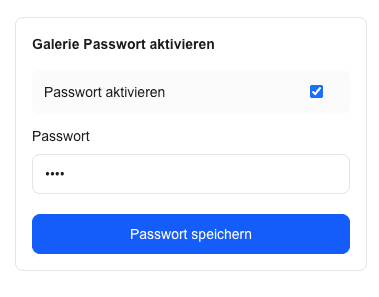
GalleryDock supports optional password protection for projects that need another access step. A password should be combined with clear expectations about who may receive it.
No. The GalleryDock client gallery is designed to open in a modern browser on desktop or mobile.
Only if that matches the assignment. In many workflows, proofs are for selection and the completed exports are released later as the actual delivery.
Do not present a delivery gallery as a permanent archival guarantee. Tell clients when and how to save their final files under your project terms.
Related resources
Pricing
Free forever
0 EUR
EUR 0 per month
Perfect for sharing your first galleries professionally.
Start free, no credit card required
Monthly
19 EUR
EUR 228 billed yearly. plus VAT
Ideal for photographers who regularly deliver client galleries.
For regular client delivery
Monthly
29 EUR
EUR 348 billed yearly. plus VAT
For photographers managing many projects, videos and growing storage.
For regular client delivery
Create a GalleryDock client gallery, finish the review stage, and deliver approved downloads without adding another disconnected tool.
Create a free account