Attachment limits interrupt the handoff
Full-resolution photographs and complete collections quickly exceed normal inbox limits, forcing the photographer to split files or improvise another delivery path.
Large photo delivery
Send large photo collections through a private GalleryDock client gallery with browser viewing, organized downloads, and a professional project context.
Quick answer
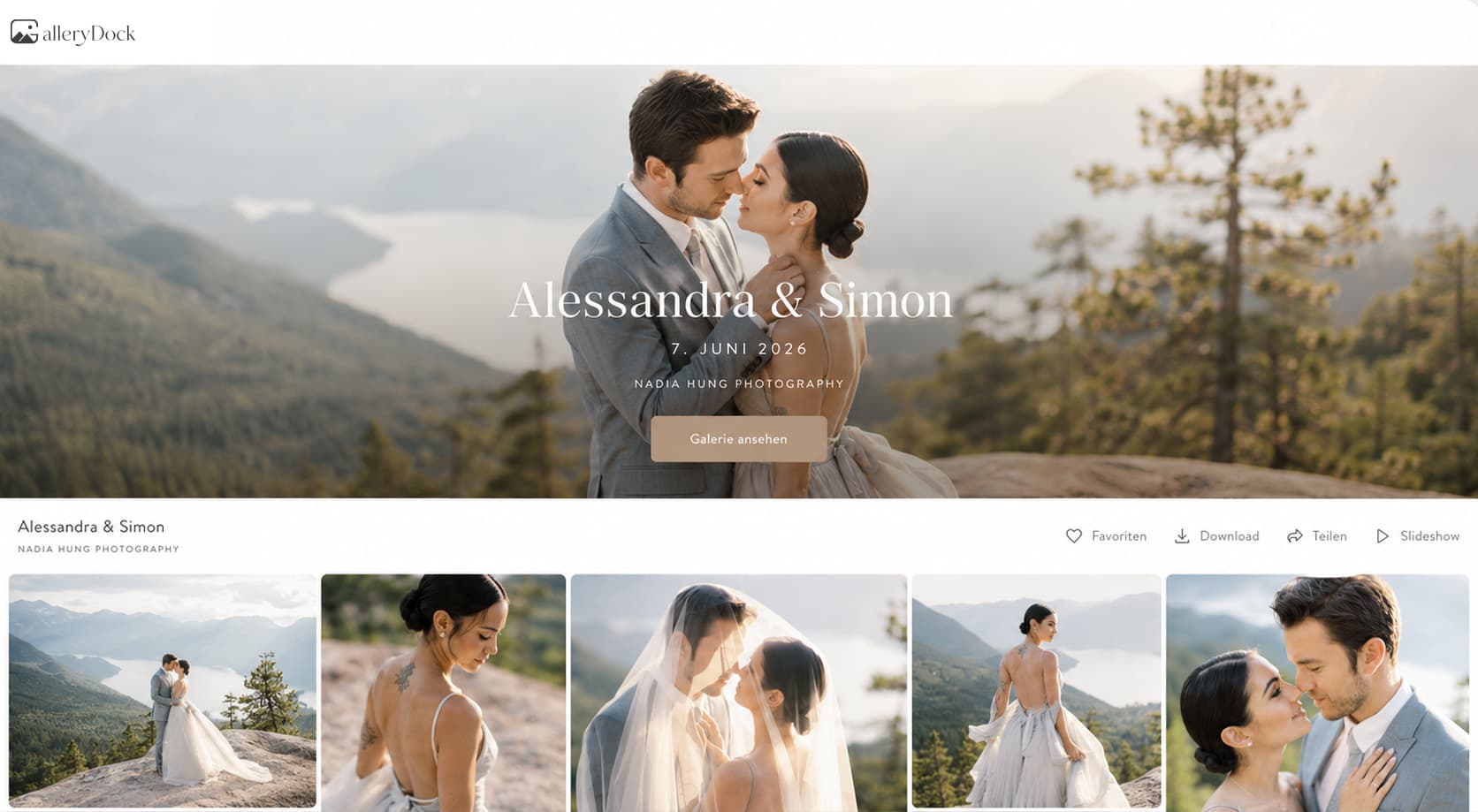
Large photo files rarely belong in email attachments. A GalleryDock client gallery lets a photographer upload the finished collection, present it in the browser, and release downloads through one private project link. Clients can see what they received before downloading it, while the photographer keeps access, selections, feedback, and delivery tied to the assignment.
Why email breaks down
The challenge is not only file size. A photographer also needs to preserve image context, versions, client access, and a clear delivery experience after the files leave the editing workflow.
Full-resolution photographs and complete collections quickly exceed normal inbox limits, forcing the photographer to split files or improvise another delivery path.
A compressed archive may move the bytes, but clients cannot appreciate the work or confirm what is included until they download and unpack it.
When previews, finals, and corrections live in separate transfers, clients may download the wrong set or ask which link is current.
A technical file tree asks the client to understand your export structure. A gallery can present the finished work in an order designed for viewing.
A practical delivery path
GalleryDock keeps the collection within a client project so the photographer can move from final export to viewing and download without rebuilding the handoff in several services.
01
Separate final deliverables from working files and verify color space, resolution, filenames, and completeness before upload.
02
Keep the media attached to the correct assignment and arrange sections or sequences in a way that makes sense to the client.
03
Open the gallery as a client, confirm that images render correctly, and verify whether downloads and password access match the delivery agreement.
04
Explain what is available, whether clients should download originals, and how long they should retain their own backups after delivery.
Keep delivery intentional
Not every large upload is a final delivery. Proofs, review exports, and finished originals serve different purposes, so the client action should be explicit.
If the client still needs to select images, label the gallery clearly and avoid presenting review files as the final archive.
Once editing and approval are complete, enable the downloads promised in the package and make the final gallery easy to recognize.
Use password protection when the assignment, subject, or client agreement benefits from an additional access step.
A gallery is a delivery experience, not a promise of permanent client archiving. Tell clients how and when to save their final files.
Comparison
The best option depends on whether you only need to transfer files or also need the client to view, select, understand, and revisit the collection.
| Approach | Best for | Tradeoff |
|---|---|---|
| Email attachments | A handful of small references | Size limits and fragmented messages |
| One-time transfer link | Fast delivery of a known file set | Limited presentation and project context |
| Cloud storage folder | Ongoing shared file access | Folder structure takes priority over image experience |
| Physical drive | An agreed offline archive or very large handoff | Shipping, hardware, and no immediate browser review |
| GalleryDock client gallery | Viewing and downloading a finished client collection | Requires an organized upload and client-ready gallery |
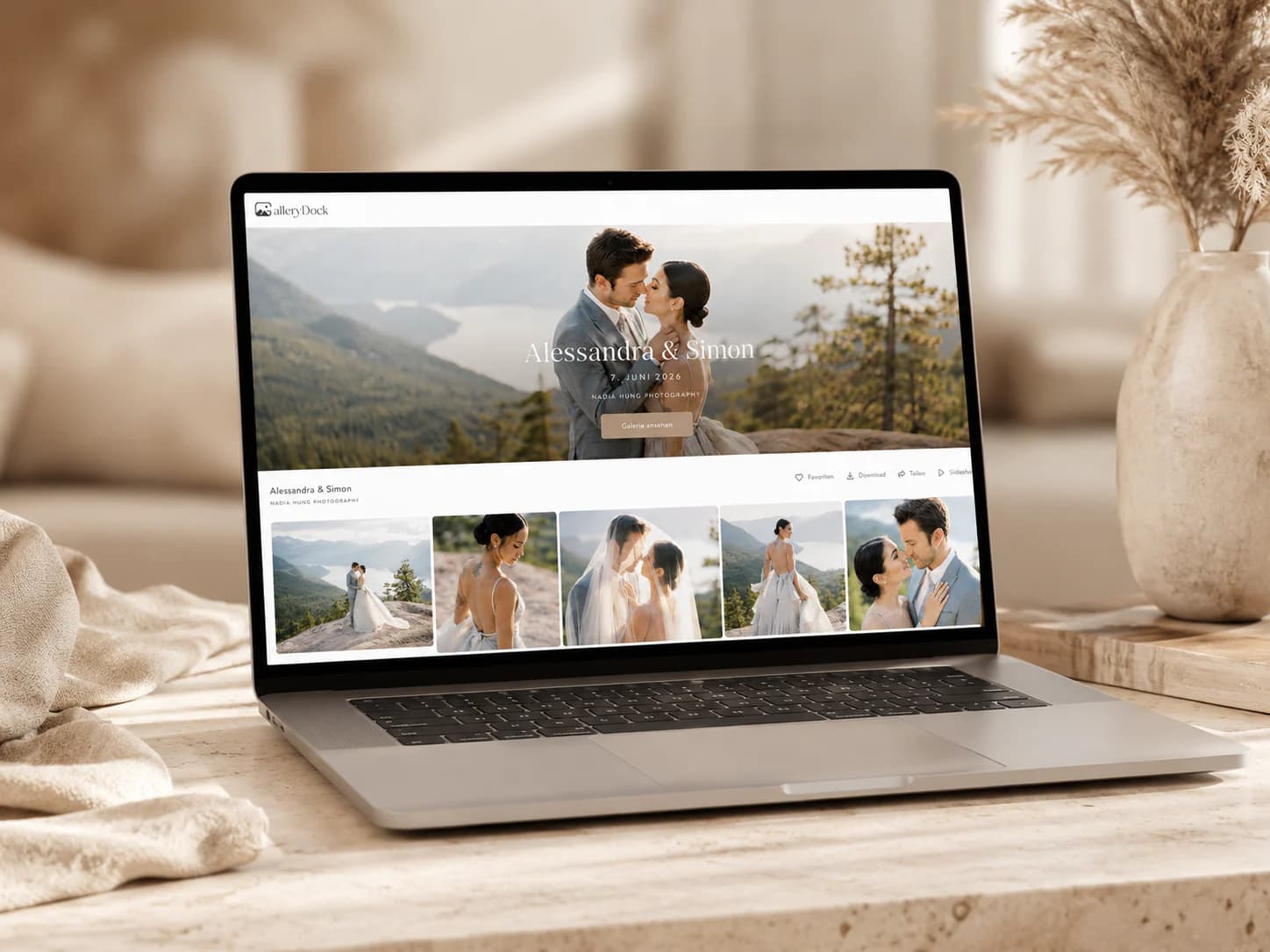
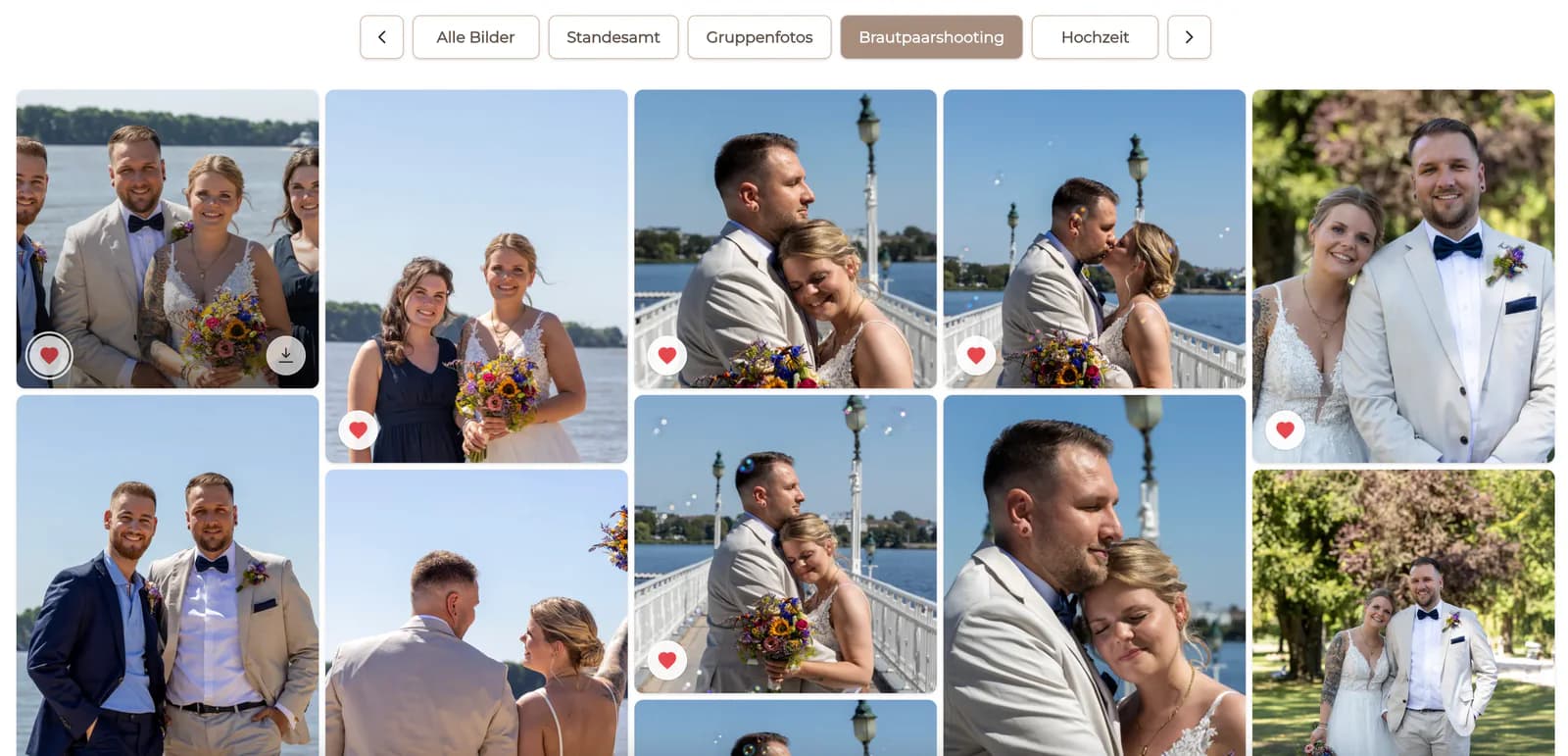
The couple views the complete story first and downloads the finished high-resolution files from the same private gallery.
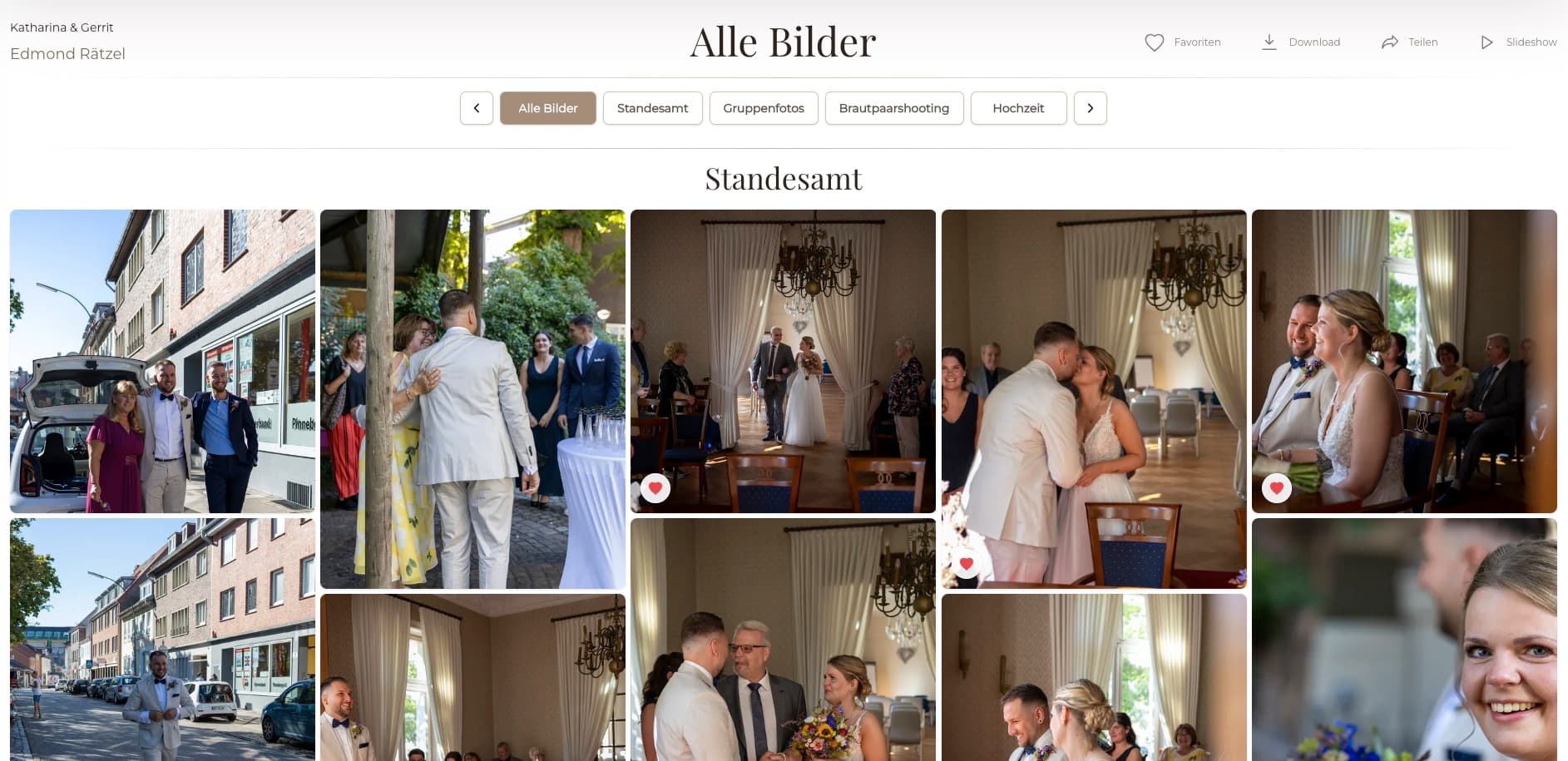
A marketing contact receives an organized set rather than several inbox messages and can identify the final approved files more reliably.
The client opens the coverage in a browser, confirms the expected moments are present, and downloads the released collection.
Frequently asked questions
Upload the finished collection to a private GalleryDock client gallery, verify the browser view and download settings, and send the client one gallery link instead of attaching the files to email.
No. GalleryDock is a client-gallery workflow. It is useful when clients should view the work, choose favorites, leave image-specific feedback, or download released files in the project context.
Photographers can release downloads according to the gallery and package they have prepared. Confirm the intended delivery settings before sending the link.
Yes. A GalleryDock gallery can use optional password protection when the assignment needs a more deliberate access step.
You can use one gallery system for both stages, but make the purpose clear. Clients should know whether they are selecting proofs or downloading completed files.
No. Delivery and long-term client archiving are different responsibilities. Tell clients when to download their files and keep their own backup.
Related resources
Pricing
Free forever
0 EUR
EUR 0 per month
Perfect for sharing your first galleries professionally.
Start free, no credit card required
Monthly
19 EUR
EUR 228 billed yearly. plus VAT
Ideal for photographers who regularly deliver client galleries.
For regular client delivery
Monthly
29 EUR
EUR 348 billed yearly. plus VAT
For photographers managing many projects, videos and growing storage.
For regular client delivery
Create a GalleryDock gallery, upload the client-ready files, and send one private link for viewing and approved downloads.
Create a free account