Separate proofs from final files
Remove temporary previews and test exports unless they are intentionally part of the delivery. Clients should not have to identify which version is approved.
Online photo delivery
Deliver final photos through a private client gallery. Organize the collection, control downloads, verify files, and give clients a clear online handoff.
Quick answer
Online photo delivery is the release stage: the images are final, the access rules are known, and the client should understand exactly what they can view or download. GalleryDock combines a branded gallery with private links, optional password protection, organized media, and configured downloads so photographers can complete the handoff without turning it into a folder-support project.
Delivery starts before publish
A professional release is less about pressing send and more about eliminating uncertainty. The gallery name, image set, access, download permissions, and client note should all describe the same final state.
Remove temporary previews and test exports unless they are intentionally part of the delivery. Clients should not have to identify which version is approved.
Open files from the delivery path and check quality, filename, orientation, and expected version. A correct source export does not prove that every later handoff step is correct.
Use the gallery’s private link and decide whether the project requires a password. Match access to the sensitivity of the work and the client’s sharing expectations.
Release checklist
A short repeatable checklist prevents the most common delivery failures without slowing the studio down. It also gives another team member a clear way to verify the handoff.
01
Compare the gallery against the approved selection and your export list. Check that no duplicate, rejected proof, private test, or missing final image remains.
02
Review the cover, title, image sequence, and any gallery sections. The client should recognize the assignment immediately and navigate it without instructions for your internal folder structure.
03
Open the client-facing route, confirm the language and password behavior, and test the download options you intend to provide before sending the link.
04
Tell the client that the collection is final, how downloads work, whether the link may be shared, and how long you intend to keep the gallery available under your service terms.
Control without friction
The photographer may manage originals, exports, backups, and several production versions. The client needs a much simpler experience: open the gallery, recognize the job, view the final work, and download what the agreement includes.
A private URL keeps the collection outside normal public navigation. Add password protection when the project or client relationship needs another deliberate access step.
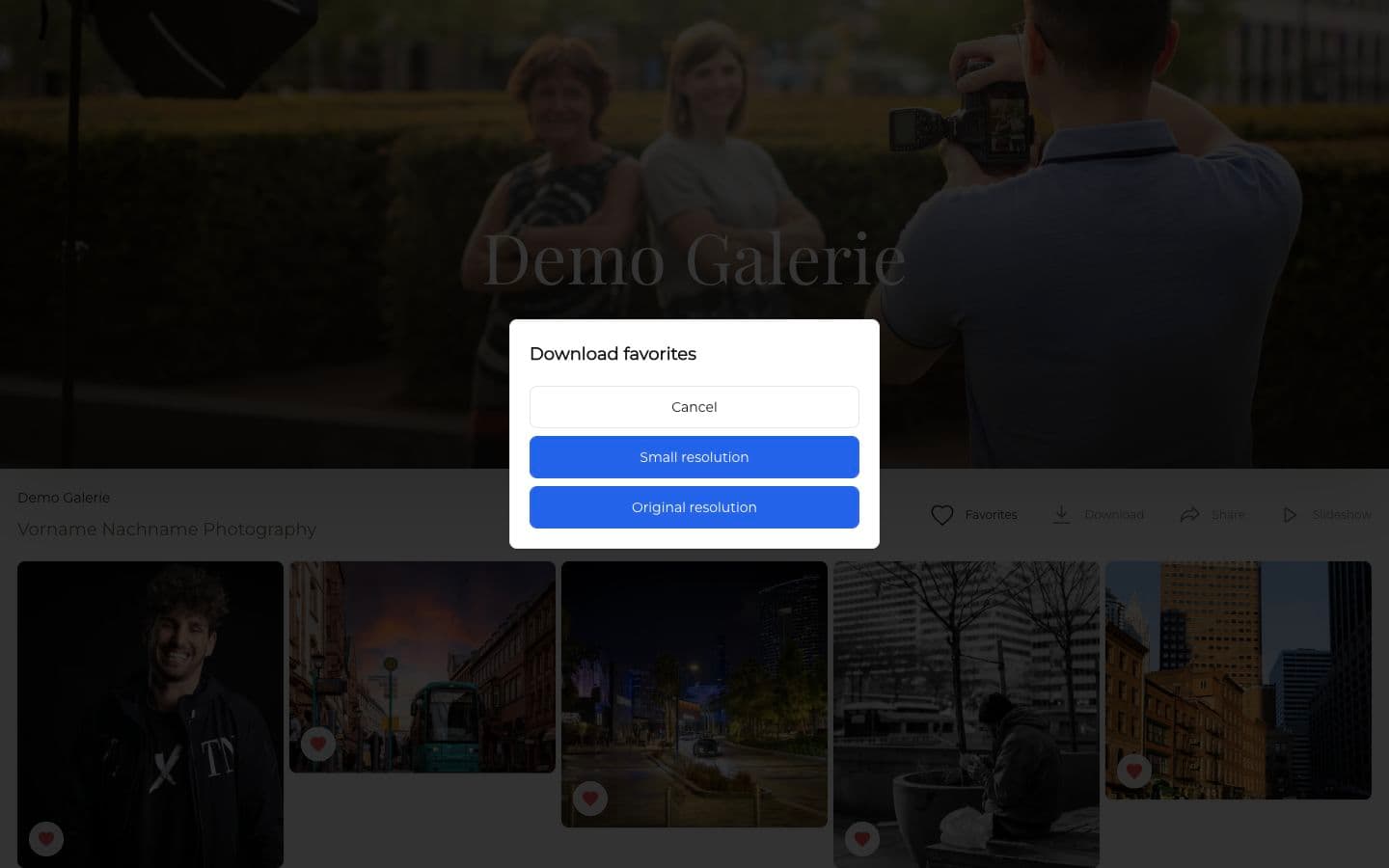
When both versions are part of your setup, clear resolution options help clients choose between convenient online use and the larger final file without guessing.
A gallery remains understandable after the first delivery email disappears in the inbox. The visual collection and photographer identity give the link lasting context.

Comparison
Choose a gallery when the client should view and understand the final collection, not merely receive a package of bytes.
| Approach | Best for | Tradeoff |
|---|---|---|
| Release notice and a small supporting document | Not reliable for a complete high-resolution collection | |
| Transfer link | A temporary download package | Limited presentation and weak context after expiration |
| Cloud folder | Ongoing shared storage | Exposes folder logic and often requires permission support |
| Physical drive | A specifically contracted offline deliverable | Slow to replace, update, or access from multiple devices |
| GalleryDock delivery gallery | Final viewing, organized access, and configured downloads | The studio must complete the publish checklist first |
Release the complete edited story with a cover, clear browsing, and the download options included in the couple’s package.
Give the marketing contact an approved final set that colleagues can review without navigating internal production folders.
Provide one private destination where the family can revisit the photographs and download the final versions you prepared for them.
Frequently asked questions
Upload the final set to a private client gallery, verify the presentation and access, configure the intended downloads, and send the client a short release message with the gallery link.
Not every assignment requires a password, but it is useful when the images are sensitive, the client requests it, or your access policy calls for an additional protection layer.
Check the final image set, title, cover, sections, language, private access, password flow if enabled, download options, representative downloaded files, and every client-facing link.
GalleryDock can present original-resolution downloads when the photographer enables that option and the files are included in the delivery agreement.
Set the availability according to your service terms, storage policy, and client promise. Tell the client clearly instead of leaving the retention period ambiguous.
No. A client gallery is a delivery and presentation surface. Photographers should maintain an independent backup strategy for source files and final work.
Related resources
Pricing
Free forever
0 EUR
EUR 0 per month
Perfect for sharing your first galleries professionally.
Start free, no credit card required
Monthly
19 EUR
EUR 228 billed yearly. plus VAT
Ideal for photographers who regularly deliver client galleries.
For regular client delivery
Monthly
29 EUR
EUR 348 billed yearly. plus VAT
For photographers managing many projects, videos and growing storage.
For regular client delivery
Use GalleryDock to organize the collection, verify the client-facing experience, and release downloads through one clear gallery link.
Create a free account