Confirm the image set
Remove test exports and duplicates, keep the sequence intentional, and make sure every image in the gallery is ready for this client to see.
Client gallery links
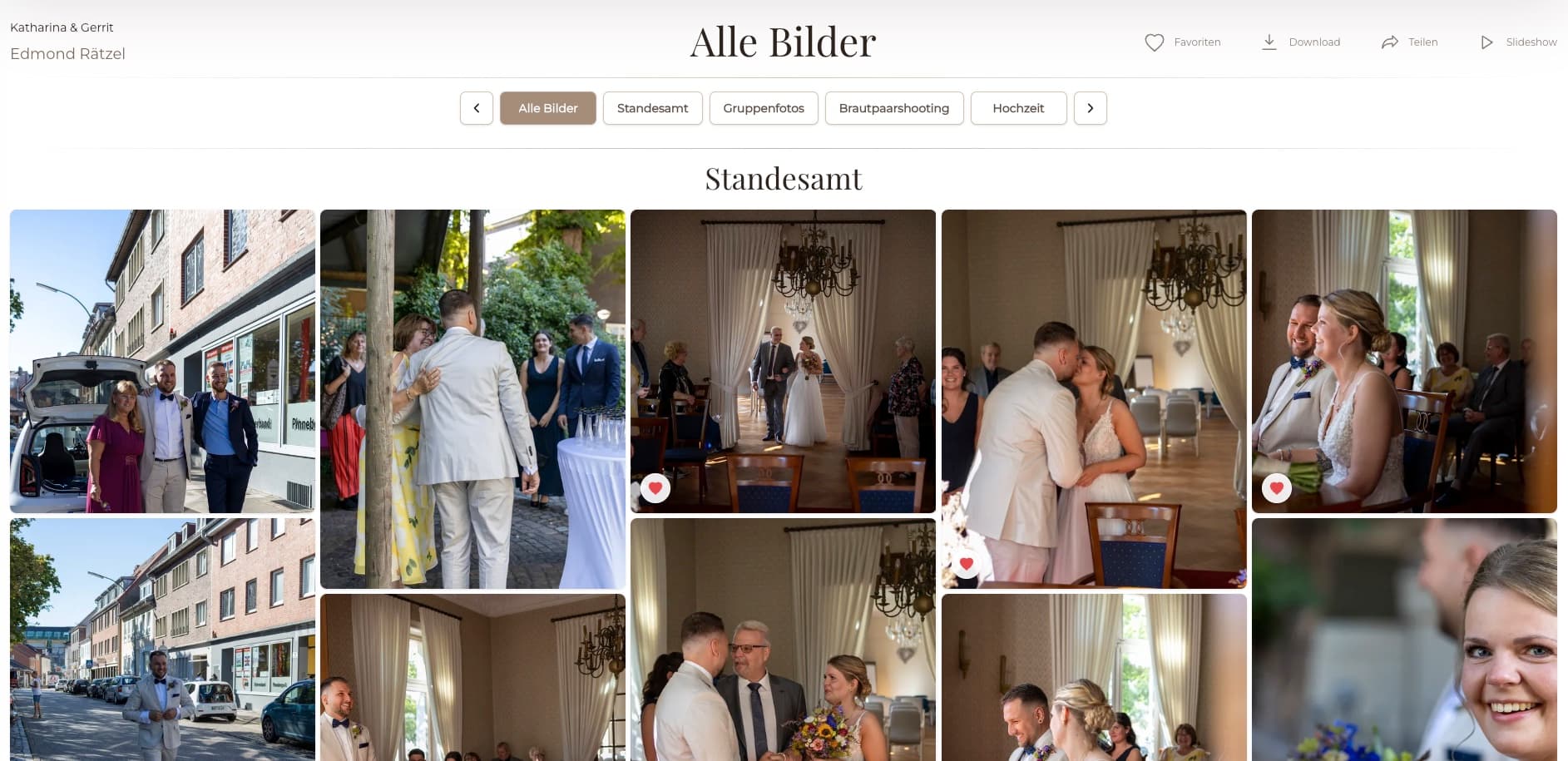
Create a private client gallery link, set access and download options, check the client view, and send one polished GalleryDock handoff.
Quick answer
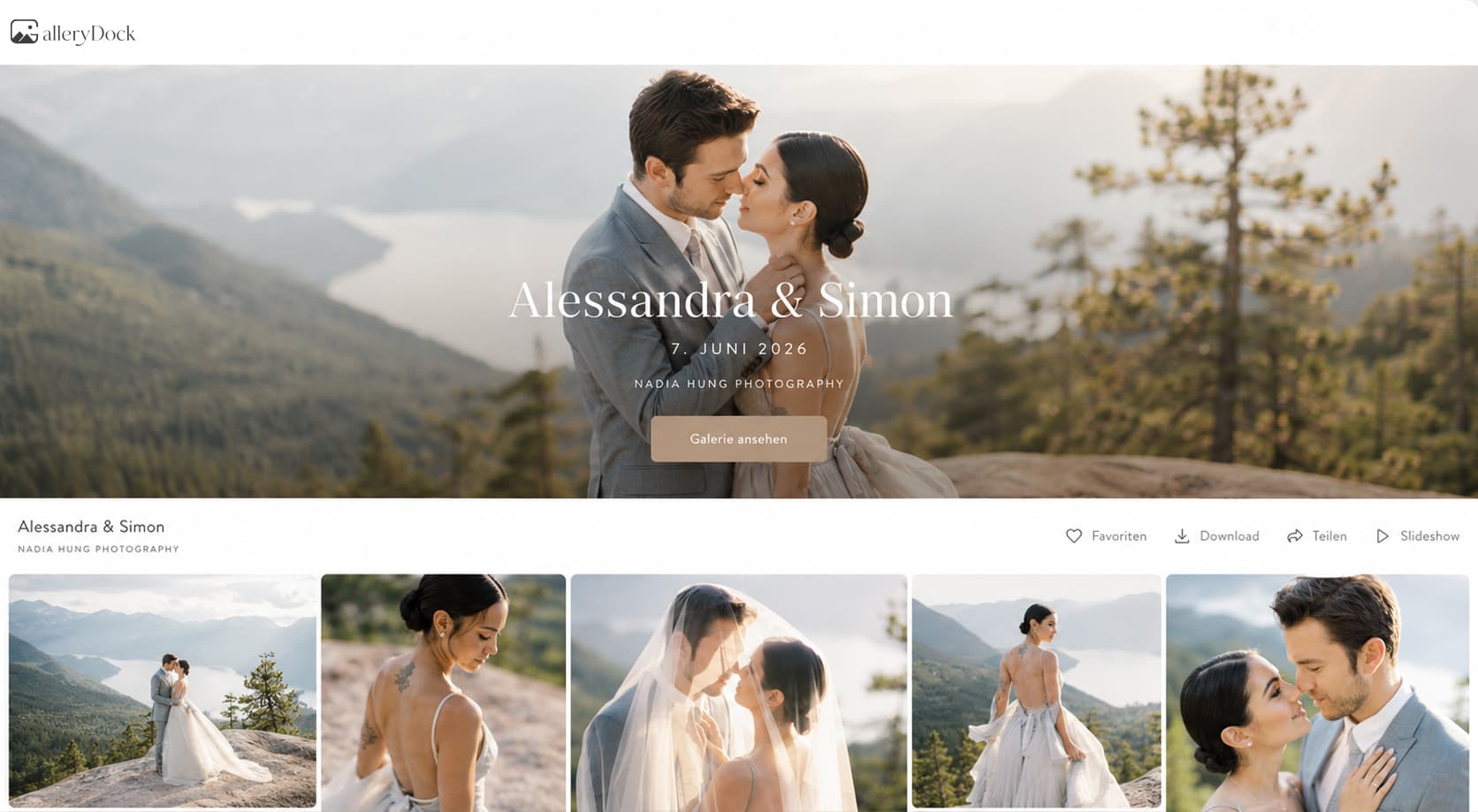
A client gallery link should open a finished experience, not an unexplained folder. With GalleryDock, photographers can prepare the gallery, choose the access and download behavior, verify what the client will see, and then send one private link. Favorites, comments, and approved downloads remain connected to the photographs instead of being scattered across email and text messages.
Before you copy the URL
The link is only the address. The quality of the handoff comes from what is waiting behind it: the right images, a clear gallery title, appropriate access, and an obvious action for the client.
Remove test exports and duplicates, keep the sequence intentional, and make sure every image in the gallery is ready for this client to see.
Decide whether the assignment needs viewing only, favorites, comments, downloads, or an optional password. Do not leave those choices until after the link has been sent.
Check the title, cover, profile information, and any instructions. A client should understand whose work they are viewing and what they should do next.
Test the shared view on a normal browser and on a phone. Confirm that access, image order, favorites, comments, and downloads behave the way your message promises.
A repeatable send process
A repeatable checklist prevents the most common link-sharing mistakes: sending too early, exposing the wrong files, or asking the client to guess how the gallery works.
01
Keep the project separate from unrelated work and use a title the client will recognize immediately.
02
Arrange the photographs or videos in a useful sequence so the client experiences the project rather than a list of exported files.
03
Enable only the actions required for this stage. A proofing link and a final-download link may use the same gallery system but serve different decisions.
04
Tell the client whether they should review, choose favorites, leave comments, or download final files. One sentence can remove a surprising amount of follow-up.
What makes the link useful
A professional link is valuable when the client can act inside the same experience. Their decision remains connected to the exact media instead of becoming another message for the photographer to decode.
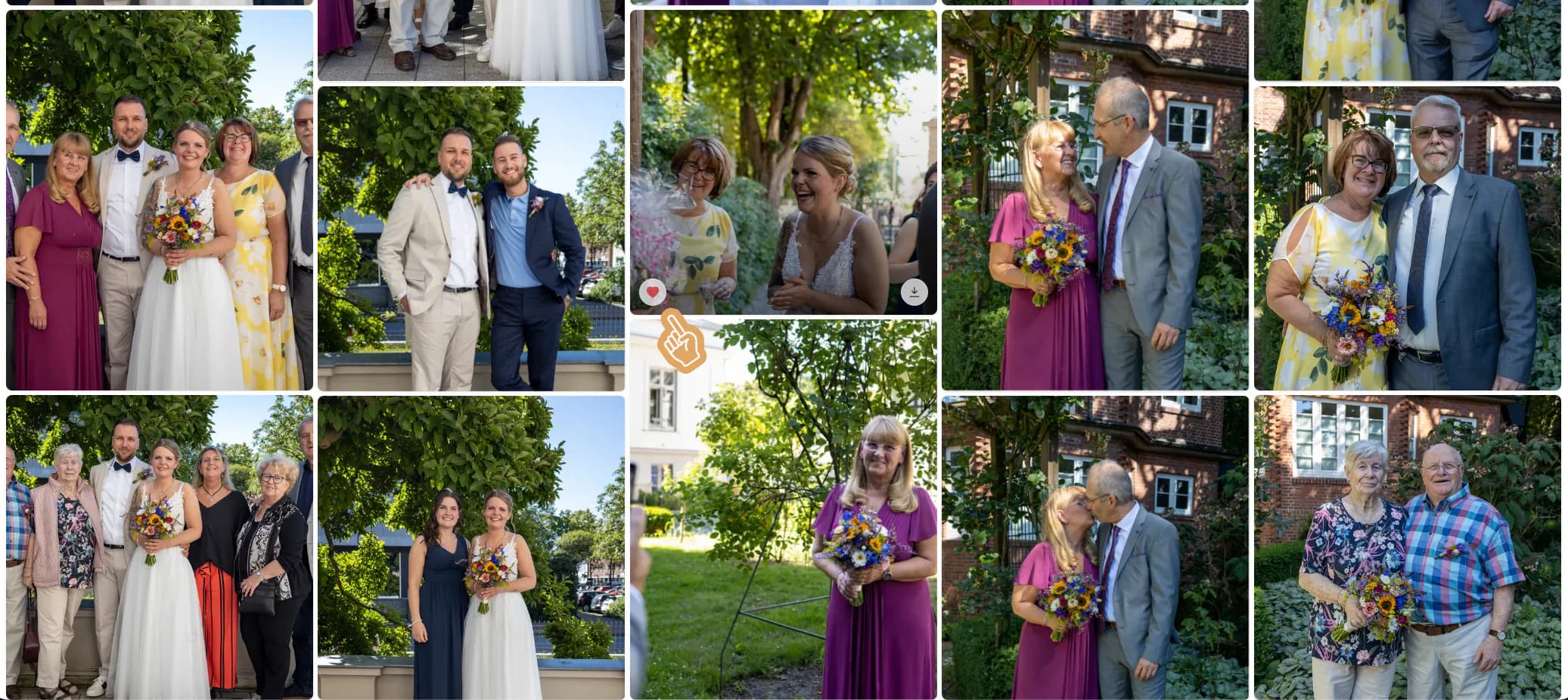
Clients choose the photograph they see. They do not have to copy filenames into an email or describe which nearly identical frame they mean.
A crop request or retouching note is easier to understand when it sits beside the relevant image rather than inside a mixed project thread.
The photographer decides when downloads are part of the handoff. The client sees them in the gallery instead of receiving an unrelated second link.
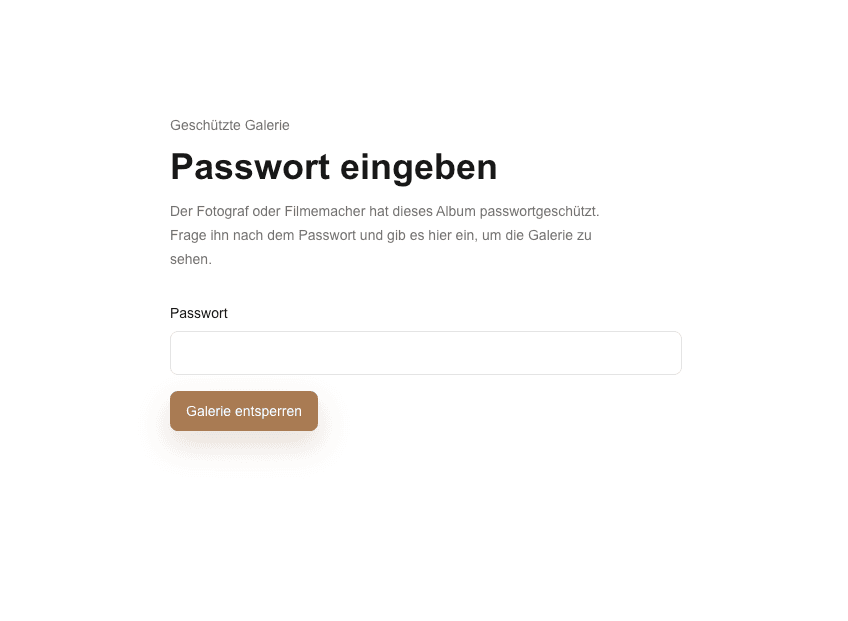
A private link can be paired with a password when the people, event, or commercial material should have a more deliberate access step.
Comparison
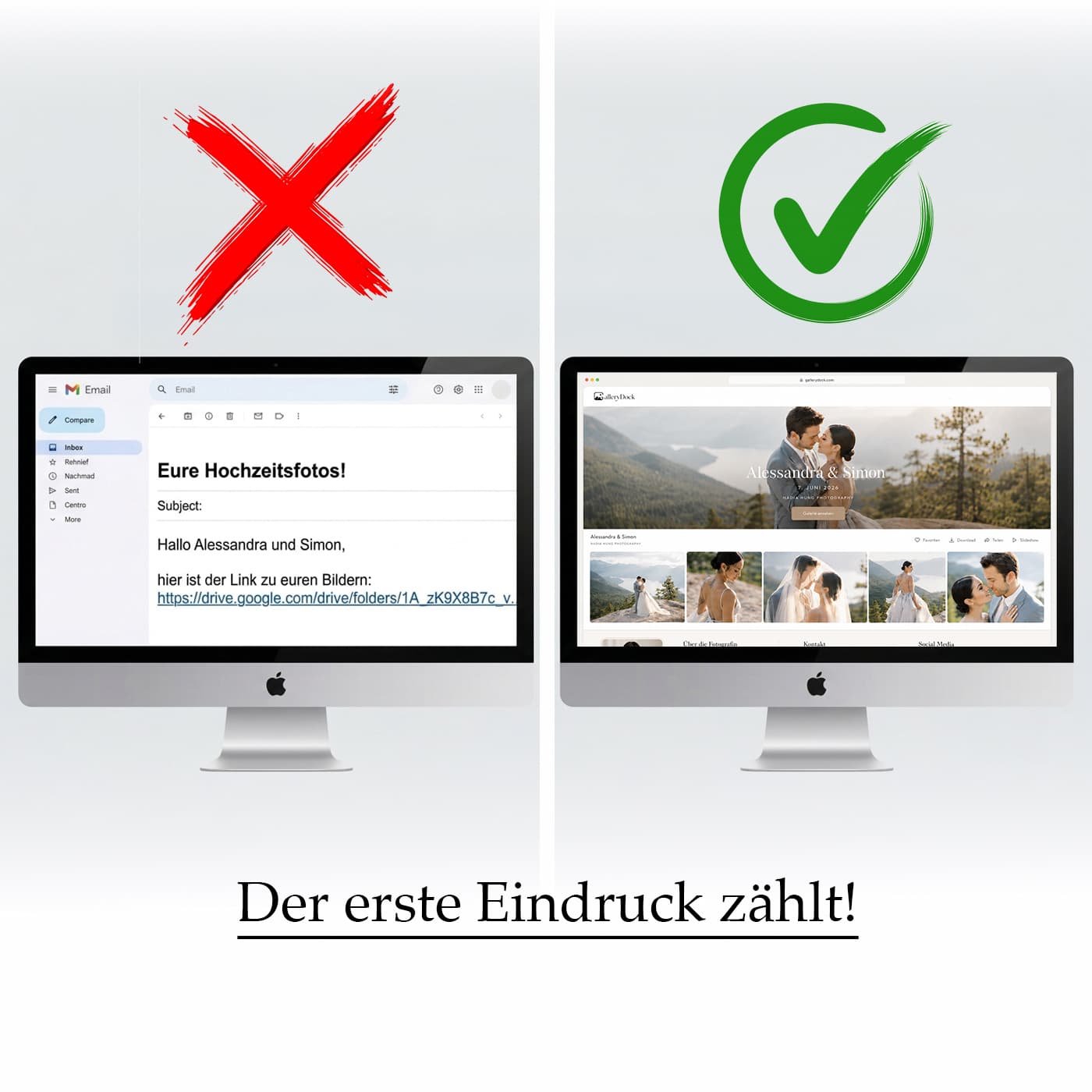
Different links solve different jobs. A gallery link is strongest when presentation, client decisions, and delivery belong to the same assignment.
| Approach | Best for | Tradeoff |
|---|---|---|
| Email attachment | A few small reference files | Size limits and no useful gallery experience |
| Transfer link | A one-time file download | Little context after the transfer is complete |
| Cloud folder | Shared storage and internal access | Clients still navigate filenames and folder structure |
| Messaging app | A quick informal preview | Quality, versions, and feedback become difficult to track |
| GalleryDock gallery link | A branded review, selection, and delivery workflow | The photographer must prepare the gallery before sending it |
Send a focused proofing gallery and ask the client to mark the frames they want retouched. Their shortlist stays tied to the source images.
Give the couple one private place to revisit the story, share access with the intended people, and download files you have released.
Let a marketing contact review the visual set and keep image-specific notes together before the final export is delivered.
Frequently asked questions
Create a GalleryDock gallery, upload the approved media, set favorites, comments, downloads, and optional password access, review the client view, and then copy the private link for the client.
No. A client can open the shared gallery in a modern browser. The photographer controls the gallery and may add password protection when needed.
Yes. When favorites are part of the gallery workflow, clients can mark the images they want and keep that decision connected to the photograph.
Yes. Treat download access as a deliberate delivery decision. You can prepare the gallery for review first and release finished files when the assignment reaches that stage.
Not necessarily. Use a password when the sensitivity of the assignment or your agreement with the client calls for another access step. A private link alone should not be described as impossible to forward.
State the purpose, the requested action, any deadline, and the access information. For example, ask the client to mark favorites by a specific date or explain that final downloads are now available.
Related resources
Pricing
Free forever
0 EUR
EUR 0 per month
Perfect for sharing your first galleries professionally.
Start free, no credit card required
Monthly
19 EUR
EUR 228 billed yearly. plus VAT
Ideal for photographers who regularly deliver client galleries.
For regular client delivery
Monthly
29 EUR
EUR 348 billed yearly. plus VAT
For photographers managing many projects, videos and growing storage.
For regular client delivery
Create a free GalleryDock account, organize the client view, and make the next handoff easier to understand from the first click.
Create a free account