01
Ask for a specific kind of review
Tell the reviewer whether you need factual corrections, retouching requests, or creative preferences. Mixing these decisions in one vague request makes the next production step harder.
client photo feedback on your website
Collect client photo feedback on your website with an embedded GalleryDock gallery, image-specific comments, a clear brief, and a tested next step.
Quick answer
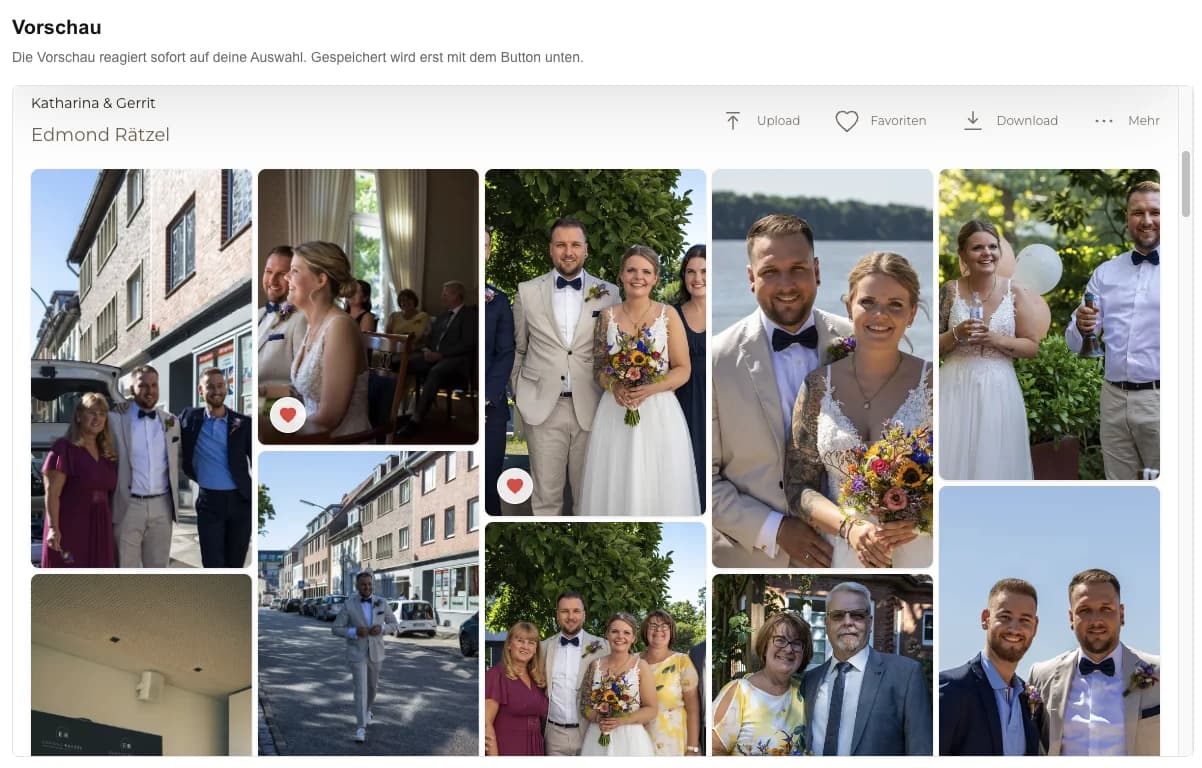
Client photo feedback on your website keeps comments and change requests attached to the relevant image while the studio website remains the branded entry. The practical result is a focused review page where clients can identify the exact image, leave contextual feedback, and understand what happens after review. Begin with one representative project, prepare only the images and actions this audience should see, and define the next step before publishing. GalleryDock supplies the client-facing gallery, contextual favorites and comments, controlled downloads, guest uploads where configured, and digital or physical print sales when products are enabled. The website owner chooses the placement and remains responsible for the surrounding page, access decisions, publishing permissions, and testing. Check the public experience on desktop and mobile instead of treating an editor preview as proof. This is not the general comments guide, a complete proofing system, project management, automatic approval, automatic retouching, or a substitute for confirming ambiguous requests.
Step 1
Start with the client’s purpose and the gallery choices that support it.
01
Tell the reviewer whether you need factual corrections, retouching requests, or creative preferences. Mixing these decisions in one vague request makes the next production step harder.
02
Ask clients to open the relevant image before commenting. A note about a background detail is easier to interpret beside that photograph than in an unrelated email.
03
When several stakeholders participate, agree who resolves conflicting requests. Image comments preserve context, but they do not decide which stakeholder has final authority.
04
Put the requested review date in your surrounding website copy or client message. Do not rely on the embedded gallery to create a deadline or chase replies automatically.
Step 2
Use the prepared GalleryDock gallery and the website’s supported placement path.
01
Use the photographs relevant to the current round rather than every image from the shoot. Keep their order stable while reviewers are referring to them.
02
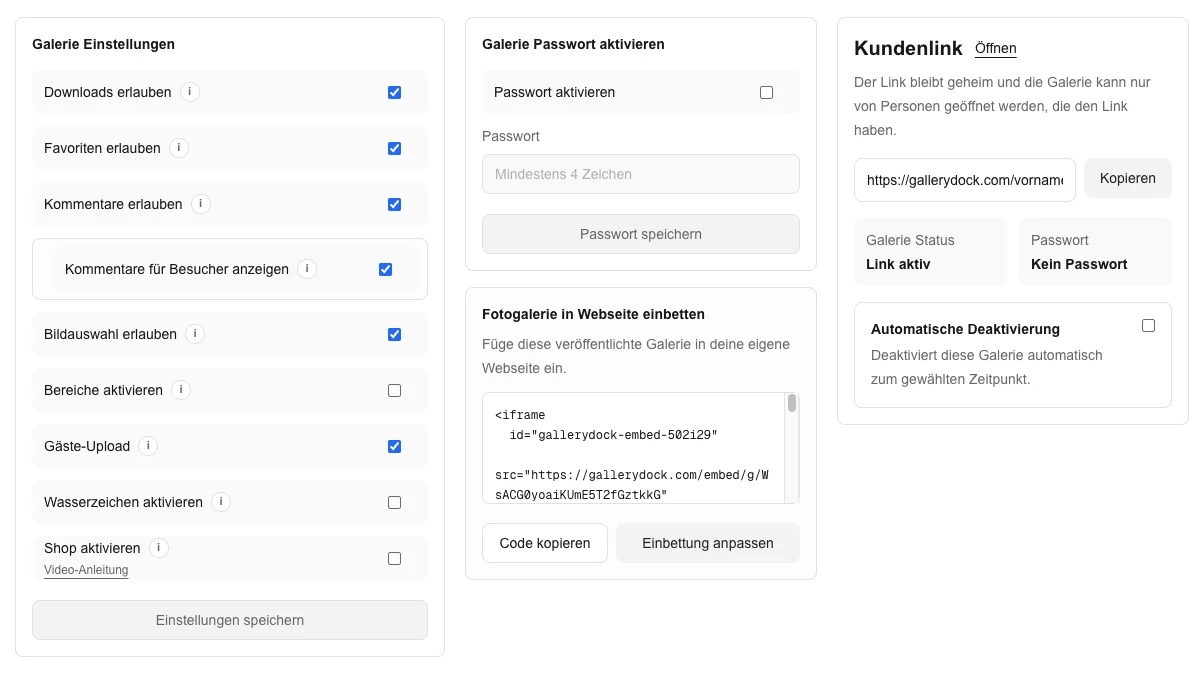
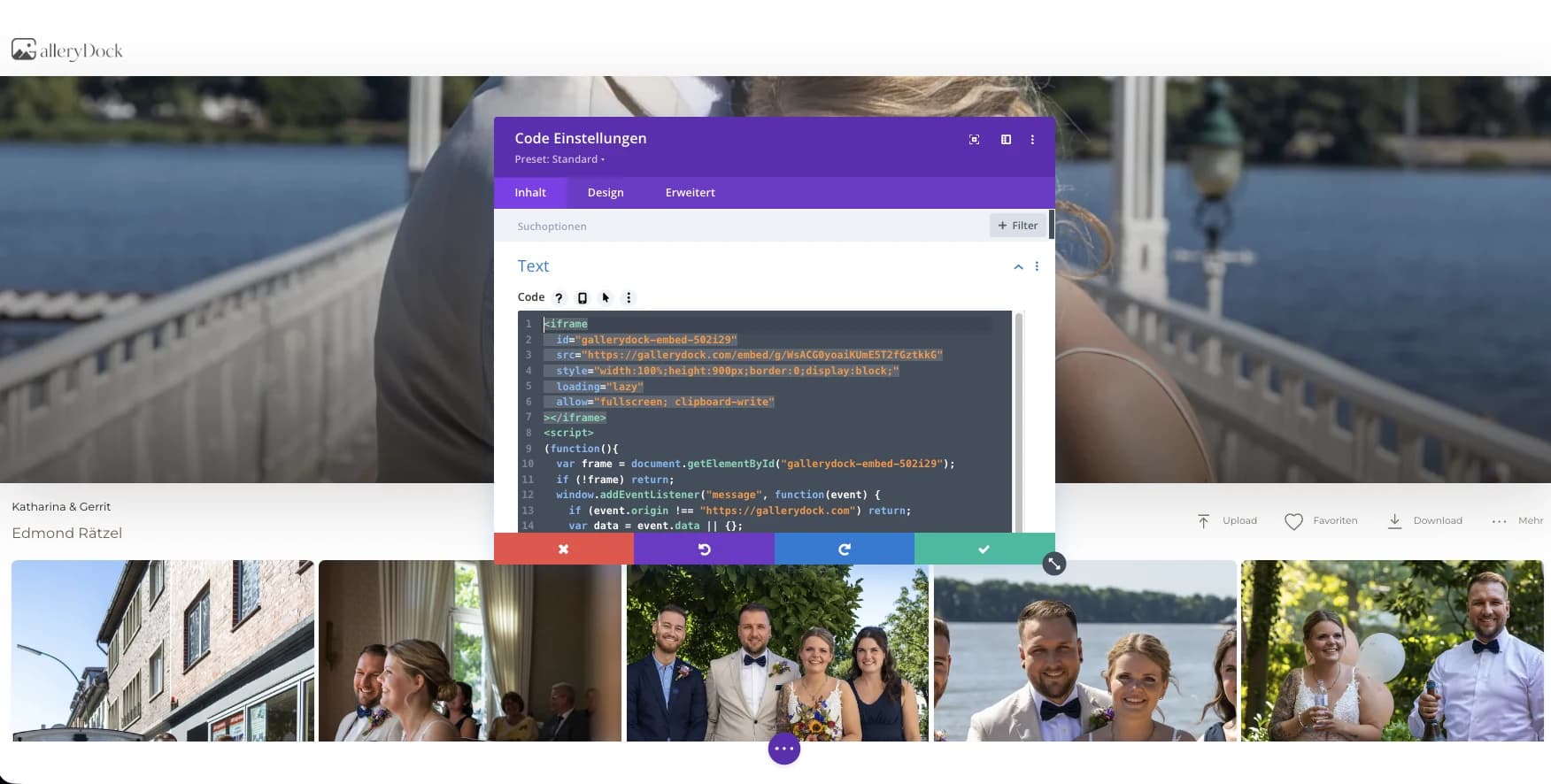
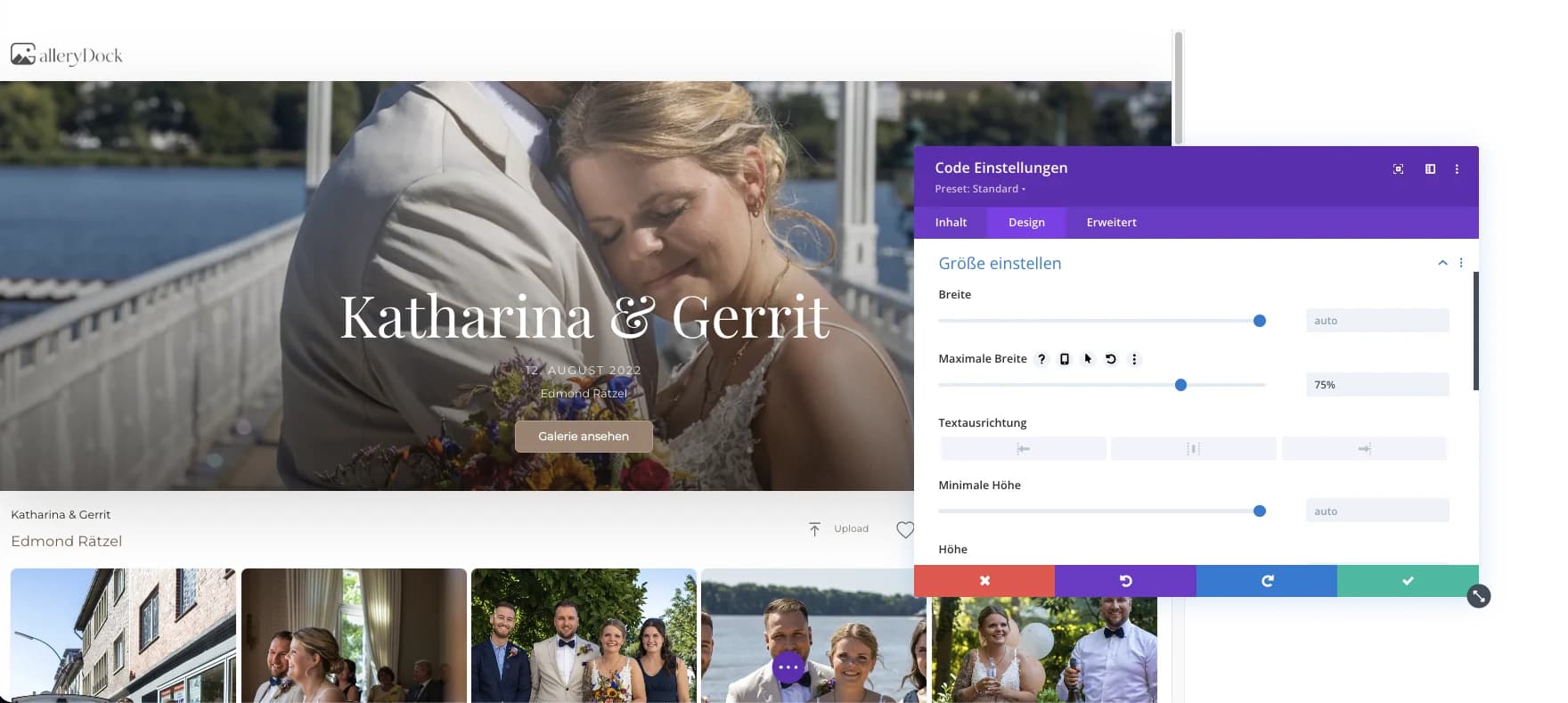
Place the generated gallery code in your website’s supported content area. Introduce the collection with the project name and the exact feedback you are requesting.
03
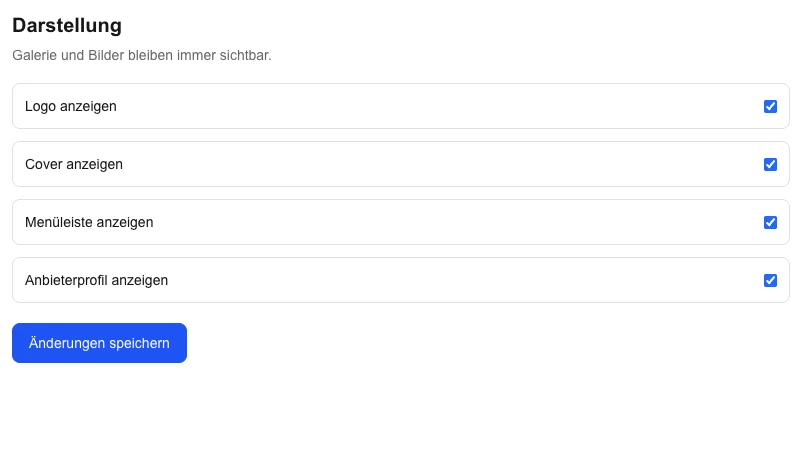
Explain that a favorite identifies an image while a comment describes a request. If the task is only to choose a shortlist, use the dedicated selection workflow instead.
04
Tell clients that you will read the comments, clarify ambiguous points, and agree the changes. A submitted comment should not be presented as an automatic retouching instruction.
Step 3
Review the published page from the intended visitor’s point of view.
01
From the published page, leave a representative note on one image and verify that you can find it in the correct context. Use a non-customer test collection for this rehearsal.
02
Open a photograph and type a short request on a phone. Make sure the keyboard, comment area, and image remain usable inside the surrounding page.
03
Compare requests from different reviewers before changing an image. Ask the decision owner to settle conflicting directions rather than interpreting the last comment as approval.
04
Summarize the agreed changes through your normal client communication. Keep a new review round clearly labeled so clients know whether they are reviewing revisions or the original set.
Comparison
Compare the options by the job they need to do, not just by whether they can display photographs.
| Approach | Best for | Tradeoff |
|---|---|---|
| Embedded image comments | Requests tied to individual photos on your site | A person still resolves and applies the feedback |
| Favorite-based selection | Choosing which photos should move forward | A favorite alone does not explain a change |
| Email feedback | A short clarification outside the review round | Image references can become detached |
| Annotated review document | A fixed review package for a specific team | You must keep document versions aligned |
| Project-management task list | Tracking agreed production work | The list is separate from the gallery review |
A client identifies one portrait and describes a specific requested adjustment.
A stakeholder comments on the exact image instead of sending a detached filename list.
A reviewer separates factual corrections from optional creative preferences.
Frequently asked questions
Yes. GalleryDock supports image-specific comments in the configured gallery workflow.
No. Define what counts as approval and confirm ambiguous or conflicting feedback.
Choose the relevant reviewers and name one decision owner when several people are involved.
No automatic retouching or task execution is claimed. The photographer reviews and applies the agreed work.
Leave one representative comment on desktop and mobile and verify that it remains attached to the correct image.
Related resources
Pricing
Free forever
0 EUR
EUR 0 per month
Perfect for sharing your first galleries professionally.
Start free, no credit card required
Monthly
19 EUR
EUR 228 billed yearly. plus VAT
Ideal for photographers who regularly deliver client galleries.
For regular client delivery
Monthly
29 EUR
EUR 348 billed yearly. plus VAT
For photographers managing many projects, videos and growing storage.
For regular client delivery
Prepare one real gallery, place it on the intended page, and test the public result from start to finish. The goal is a focused review page where clients can identify the exact image, leave contextual feedback, and understand what happens after review. GalleryDock supports the gallery and commerce path without replacing website administration, professional judgment, access policy, or third-party platform responsibility.
Create a free account