Show a controlled proof set
Remove technical rejects and duplicates that do not help the client make a meaningful choice.
Two different decisions
Separate the client's image-selection decision from the later review and approval of retouched results to reduce rework and ambiguity.

Quick answer
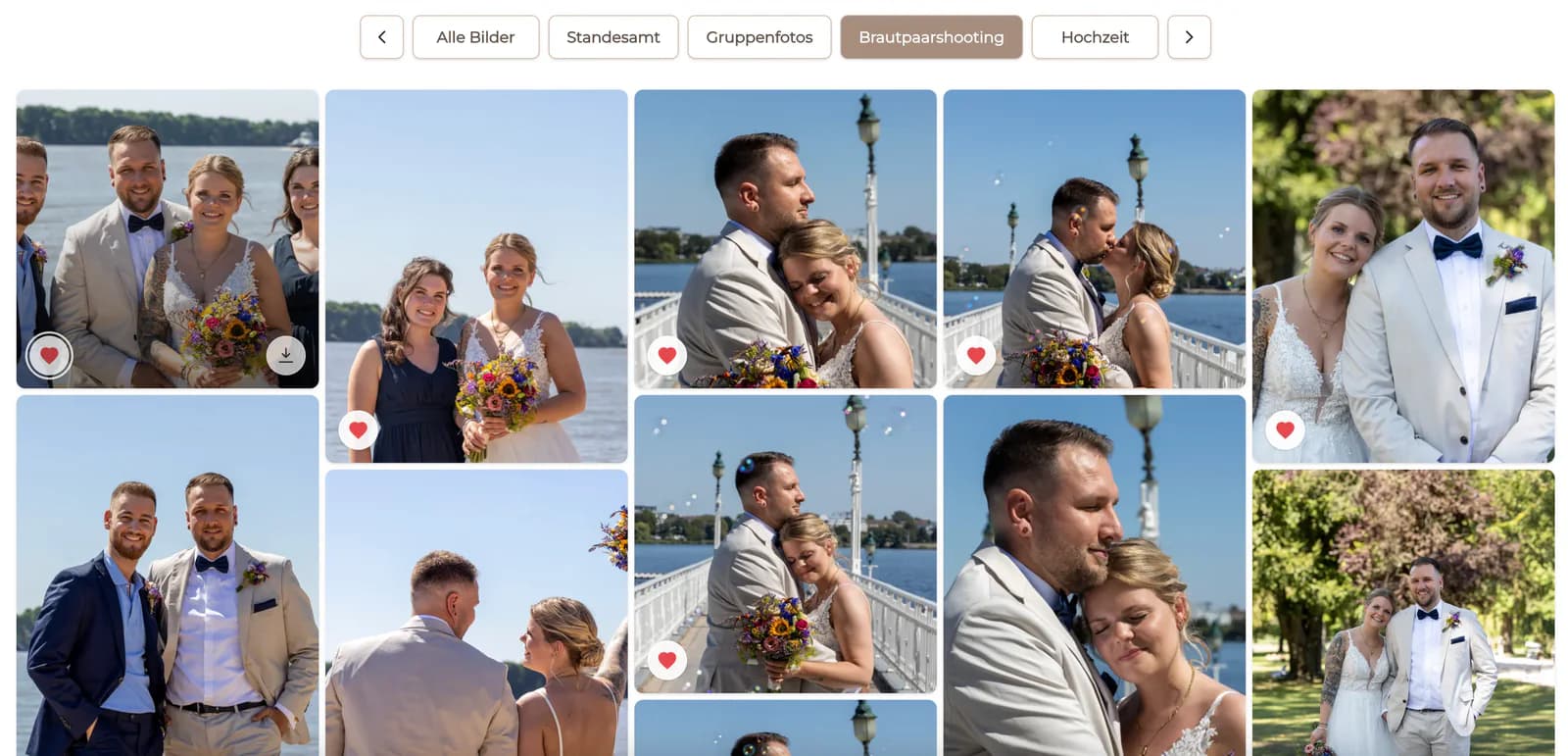
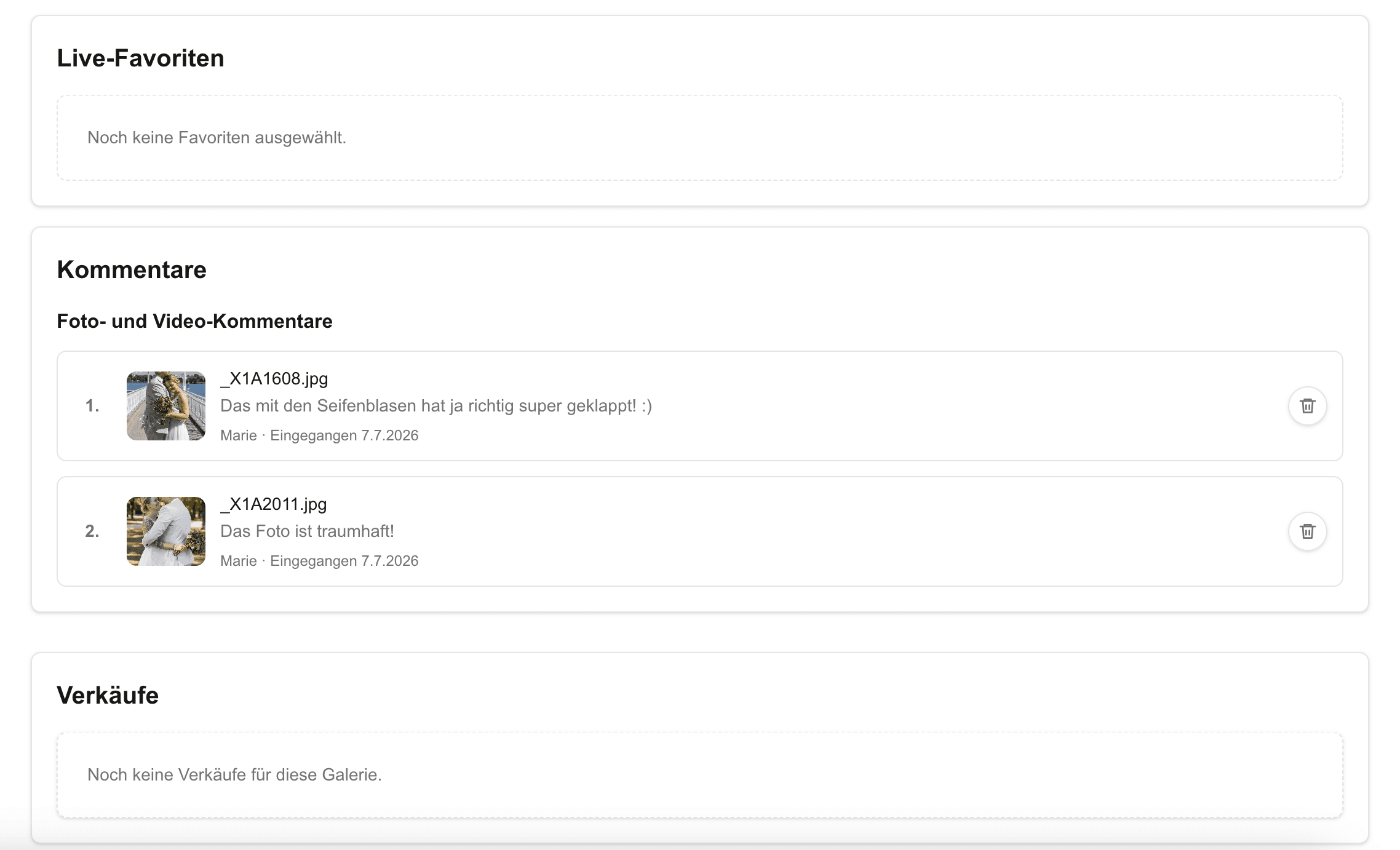
Photo selection answers which images move forward. Retouching approval answers whether the finished work on those chosen images meets the agreed brief. Treat them as two separate checkpoints with different files, instructions, statuses, and next steps. GalleryDock can organize favorites and image comments, but the studio must define what confirmation means and who has authority to approve production work.
Selection checkpoint
At this stage the client evaluates subject, expression, moment, pose, and usefulness. Detailed finishing is not yet the decision.
Remove technical rejects and duplicates that do not help the client make a meaningful choice.
State the number or purpose of chosen images and explain how favorites become the confirmed list.
Allow comments that affect the selection or agreed retouching brief without opening an unlimited revision process.
Record the final identifiers before detailed retouching begins so later feedback cannot silently change the source list.
Approval checkpoint
The second stage concerns execution on the selected files. Review the result against agreed instructions rather than reopening the entire shoot.
01
Label the retouched proof so the client knows which version and instruction set they are reviewing.
02
Keep each correction tied to its image and ask for concrete observations rather than general dissatisfaction.
03
Apply feedback according to the contract and document any request that changes the original scope.
04
Name the person who confirms completion and move only the approved version into final delivery.
Avoid mixed signals
Words such as approved, selected, final, and released can mean different things. Define them inside the actual workflow.
The image is included in the next production stage; it does not mean the retouching has been reviewed.
The client is evaluating the finished treatment of an already selected image.
A specific change remains open and the current version should not be treated as final.
The studio provides the completed files according to the contract after its chosen approval checkpoint.
Comparison
The two stages differ in timing, subject, reviewer question, and production consequence.
| Approach | Best for | Tradeoff |
|---|---|---|
| Photo selection | Choosing which images move forward | Does not approve the later retouching |
| Retouching brief | Defining how selected images should be finished | Does not prove the work is complete |
| Retouch review | Checking execution against the brief | Needs a clearly identified version |
| Legal acceptance | Contract-specific formal processes | Must not be inferred from a gallery favorite |
| Final delivery | Providing the completed agreed files | Requires the studio's defined completion rule |
The company first chooses each person's frame, then reviews the agreed background and skin finishing on those exact files.
Creative selects the hero angles before evaluating cleanup, color consistency, and compositing on the production set.
The subject choice is frozen before the art director reviews the final treatment and any contracted revision.
Frequently asked questions
Selection identifies which photographs move forward; retouching approval evaluates the finished work on those already selected photographs.
When only chosen images receive detailed work, confirming the selection first prevents unnecessary retouching and establishes a stable production set.
It can support favorites and comments, but the photographer must clearly label the stage, version, expected action, and meaning of confirmation.
Do not make that assumption. Legal acceptance depends on the contract and applicable process, not merely on a gallery interaction.
The project should identify one authorized client contact or agreed decision group and one studio owner for the final check.
GalleryDock can organize comments, but contractual scope, revision limits, and change requests remain the studio's responsibility.
Related resources
Pricing
Free forever
0 EUR
EUR 0 per month
Perfect for sharing your first galleries professionally.
Start free, no credit card required
Monthly
19 EUR
EUR 228 billed yearly. plus VAT
Ideal for photographers who regularly deliver client galleries.
For regular client delivery
Monthly
29 EUR
EUR 348 billed yearly. plus VAT
For photographers managing many projects, videos and growing storage.
For regular client delivery
Use GalleryDock to organize selections and image comments, then label the retouch review and final delivery as separate stages.
Create a free account