Keep the image identifier
Record the stable filename, gallery item, or other reference that uniquely identifies the photograph.
Post-feedback production workflow
Turn client photo comments into a clear manual retouching task list with image references, actions, priorities, and conflict checks.
Quick answer
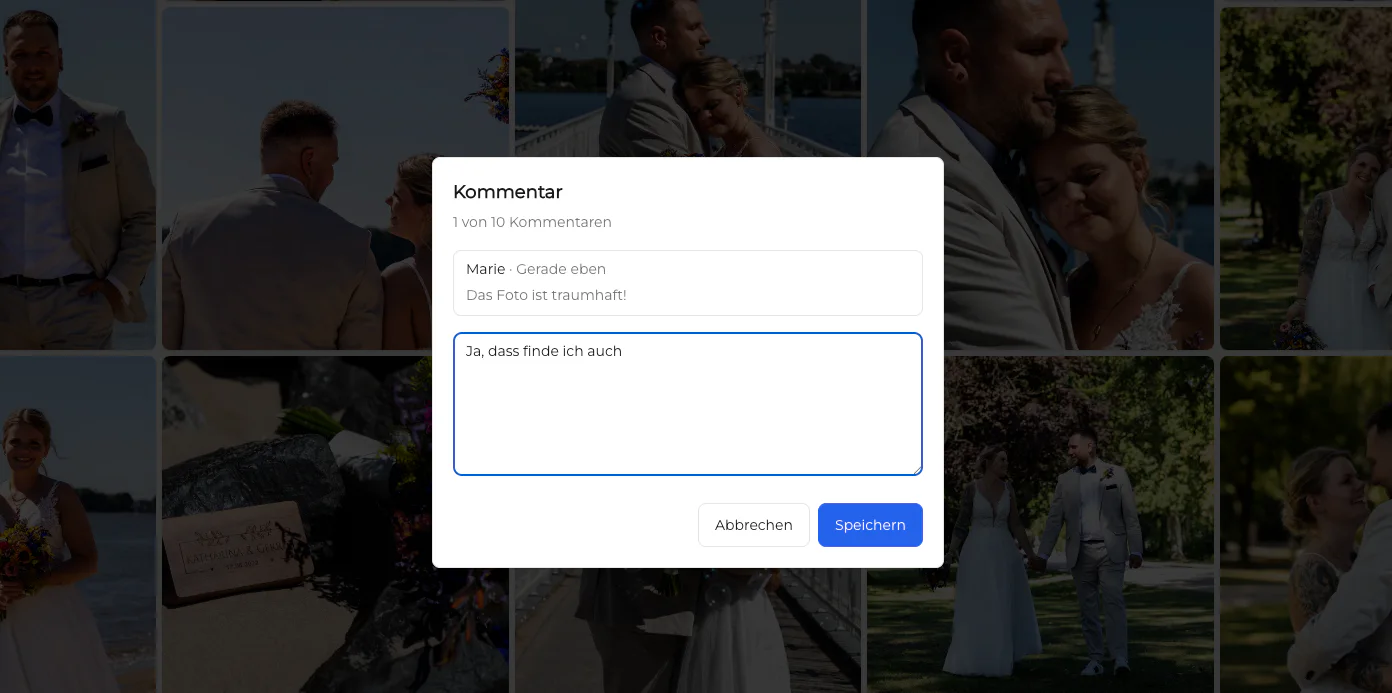
To turn client photo comments into retouching tasks, preserve the original image reference and comment, rewrite each request as one verifiable action, assign a priority or status, and check for duplicates or conflicts before production begins. GalleryDock keeps feedback connected to photographs, but it does not automatically create or manage a retouching task board.
Capture
Do not rewrite feedback until the original source and image context are safely recorded.
Record the stable filename, gallery item, or other reference that uniquely identifies the photograph.
Preserve the client's wording so later interpretation can be checked against the source.
Identify the face, object, background, edge, or other location affected by the request.
Do not convert words such as better or cleaner into an assumed production action without clarification.
Translate
A retoucher should be able to perform the action and a reviewer should be able to decide whether it is complete.
01
Begin with the stable identifier rather than a visual guess or an order that may change.
02
Use a concrete verb such as reduce, remove, brighten, straighten, or preserve.
03
Record strength, reference, exclusions, and any feature that must remain unchanged.
04
Specify the review evidence, output version, or approval step that closes the task.
Triage
The list becomes dependable only after duplicate, contradictory, and out-of-scope requests are addressed.
Combine repeated requests for the same image and change while preserving relevant wording.
Pause tasks that ask for opposing outcomes until the client or responsible stakeholder decides.
Distinguish blocking corrections from optional polish and requests outside the agreed scope.
Use the production tool your team owns; GalleryDock does not automatically run a retouching task system.
Comparison
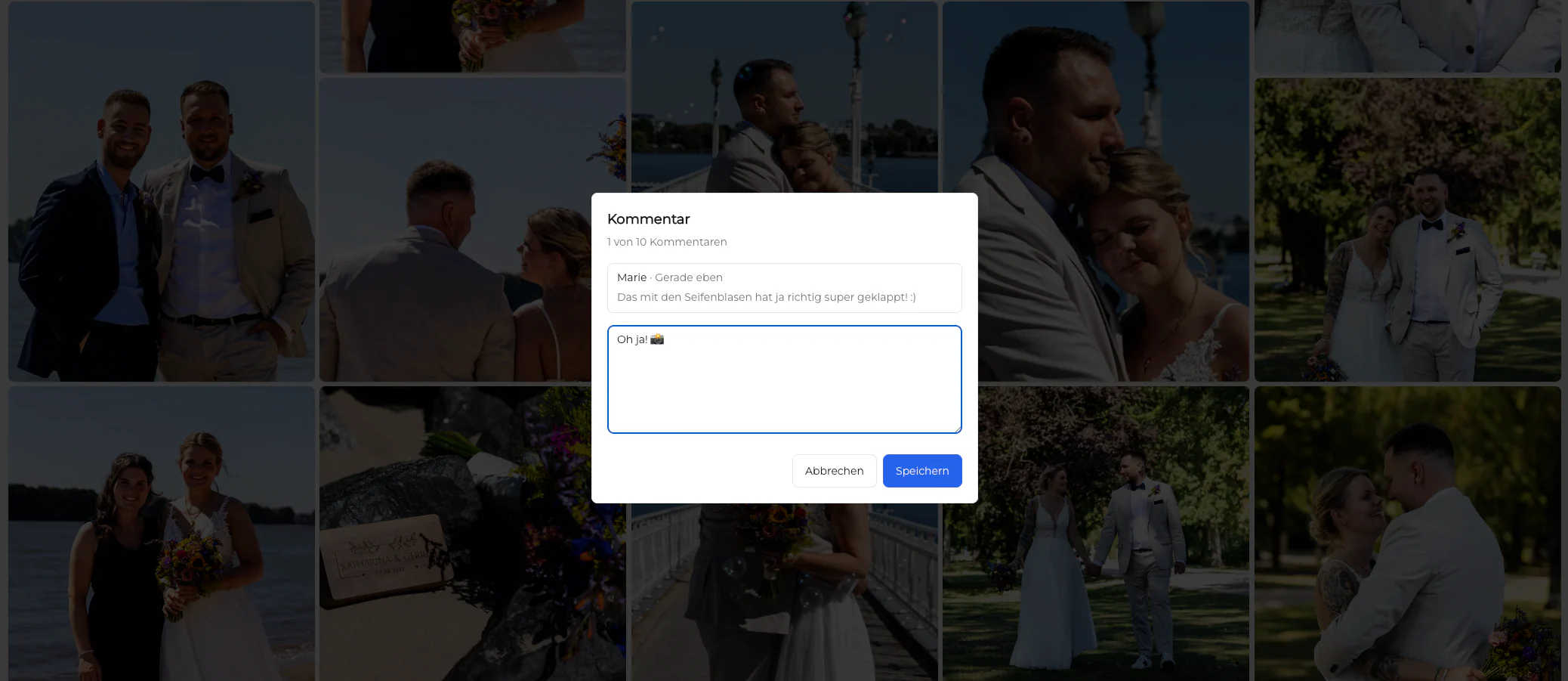
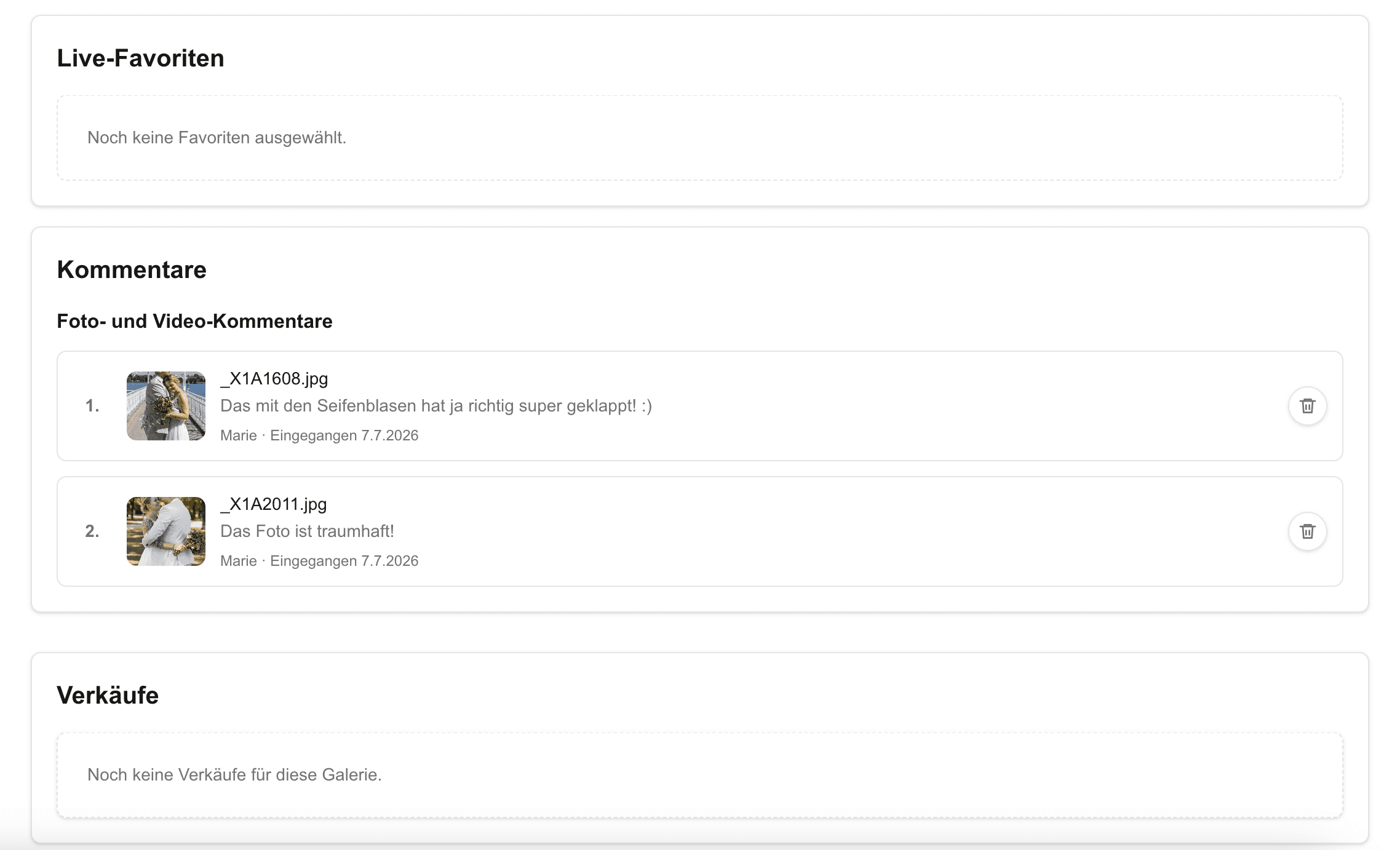
Each representation serves a different stage and should remain traceable to the original comment.
| Approach | Best for | Tradeoff |
|---|---|---|
| Original gallery comment | Preserving client wording and image context | May be too vague for production |
| Clarification question | Resolving ambiguity before editing | Adds a client-response step |
| Manual task list | Owner, priority, status, and completion tracking | Must be maintained outside GalleryDock |
| Retoucher brief | Bundling approved actions for production | Can drift if source references are removed |
| Final review record | Confirming that requested changes were checked | Does not replace the original feedback trail |
Each skin, clothing, or background request stays attached to the exact portrait and intended strength.
Stakeholder comments are deduplicated, prioritized, and resolved before the retoucher receives the brief.
A stable manifest connects gallery comments, production tasks, returned files, and final review.
Frequently asked questions
Keep the image reference and original comment, then write one concrete action with boundaries, priority, and a completion check.
No. GalleryDock keeps comments connected to photographs; task creation, assignment, and status tracking remain a manual production workflow.
Clarify it first. Do not silently convert subjective wording into an irreversible production decision.
Merge requests that describe the same image and outcome while preserving any unique constraint or stakeholder context.
Pause the affected task, record the contradiction, and obtain one responsible decision before editing.
Include the image identifier, source comment, specific action, area, strength or reference, exclusions, priority, owner, status, and review evidence.
Related resources
Pricing
Free forever
0 EUR
EUR 0 per month
Perfect for sharing your first galleries professionally.
Start free, no credit card required
Monthly
19 EUR
EUR 228 billed yearly. plus VAT
Ideal for photographers who regularly deliver client galleries.
For regular client delivery
Monthly
29 EUR
EUR 348 billed yearly. plus VAT
For photographers managing many projects, videos and growing storage.
For regular client delivery
Collect image-specific comments in GalleryDock, clarify them, and move only approved, verifiable actions into your production list.
Create a free account