Use approved exports
Compare filenames and export dates with the final production list and remove drafts or superseded retouches.
Final delivery quality control
Use a final photo gallery delivery checklist to verify files, presentation, download quality, access, and client instructions before sending.
Quick answer
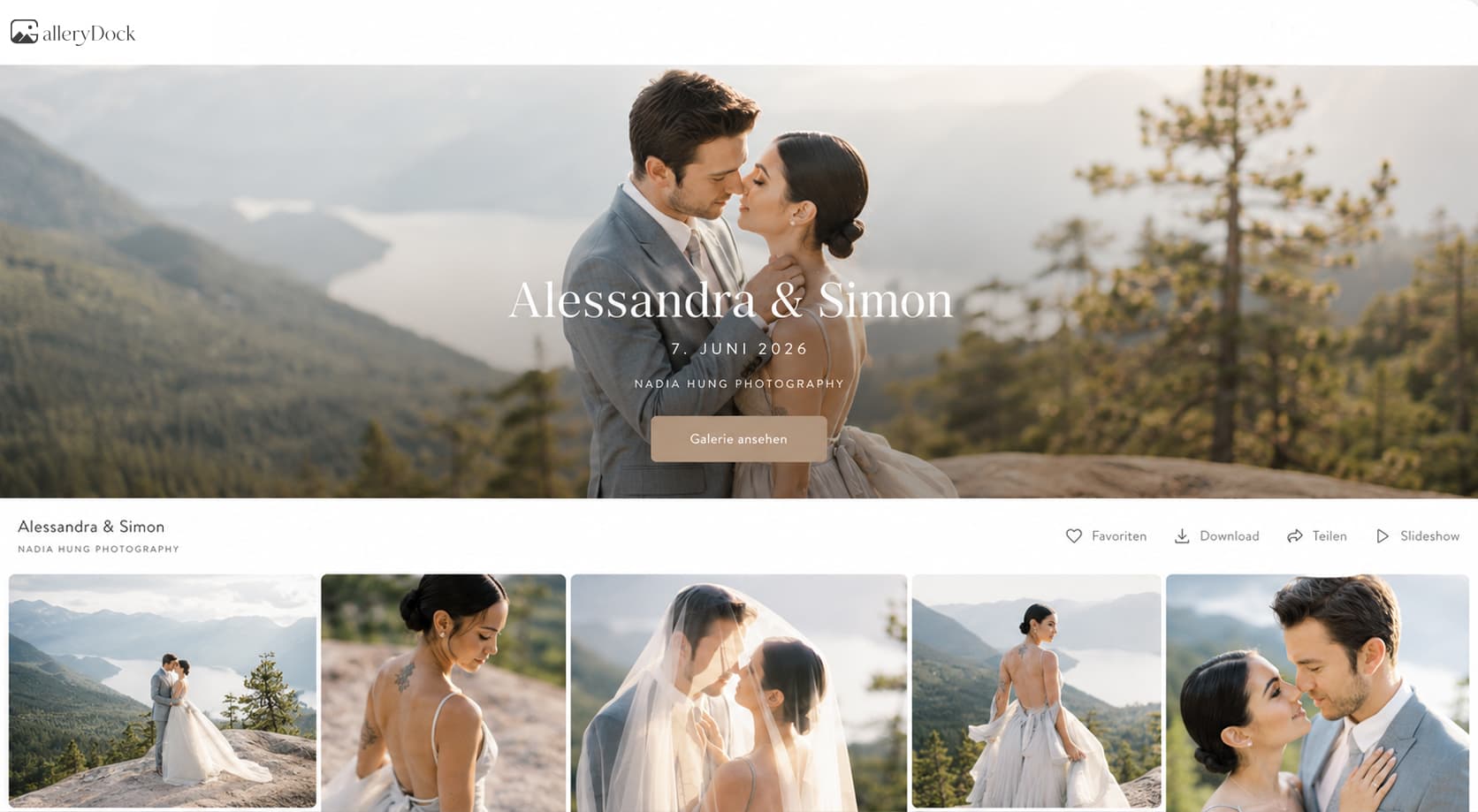
Before delivering a final photo gallery, verify that every file is the approved version, the image set is complete, previews and watermarks match the delivery stage, downloads use the promised quality, and the client message matches the actual gallery settings. Finish with a representative desktop and mobile test so the link you send behaves like the experience you promised.
File gate
Start with the files themselves before judging the presentation around them.
Compare filenames and export dates with the final production list and remove drafts or superseded retouches.
Confirm expected scenes, people, groups, and agreed deliverables rather than relying on a total count alone.
Open images from the beginning, middle, and end at useful zoom to catch export or color problems.
Keep master files and backups separate; the client gallery is the delivery surface, not the only archive.
Experience gate
The owner dashboard is not enough evidence. Use the same access path and controls the recipient receives.
01
Use a signed-out browser session and verify the intended access requirements.
02
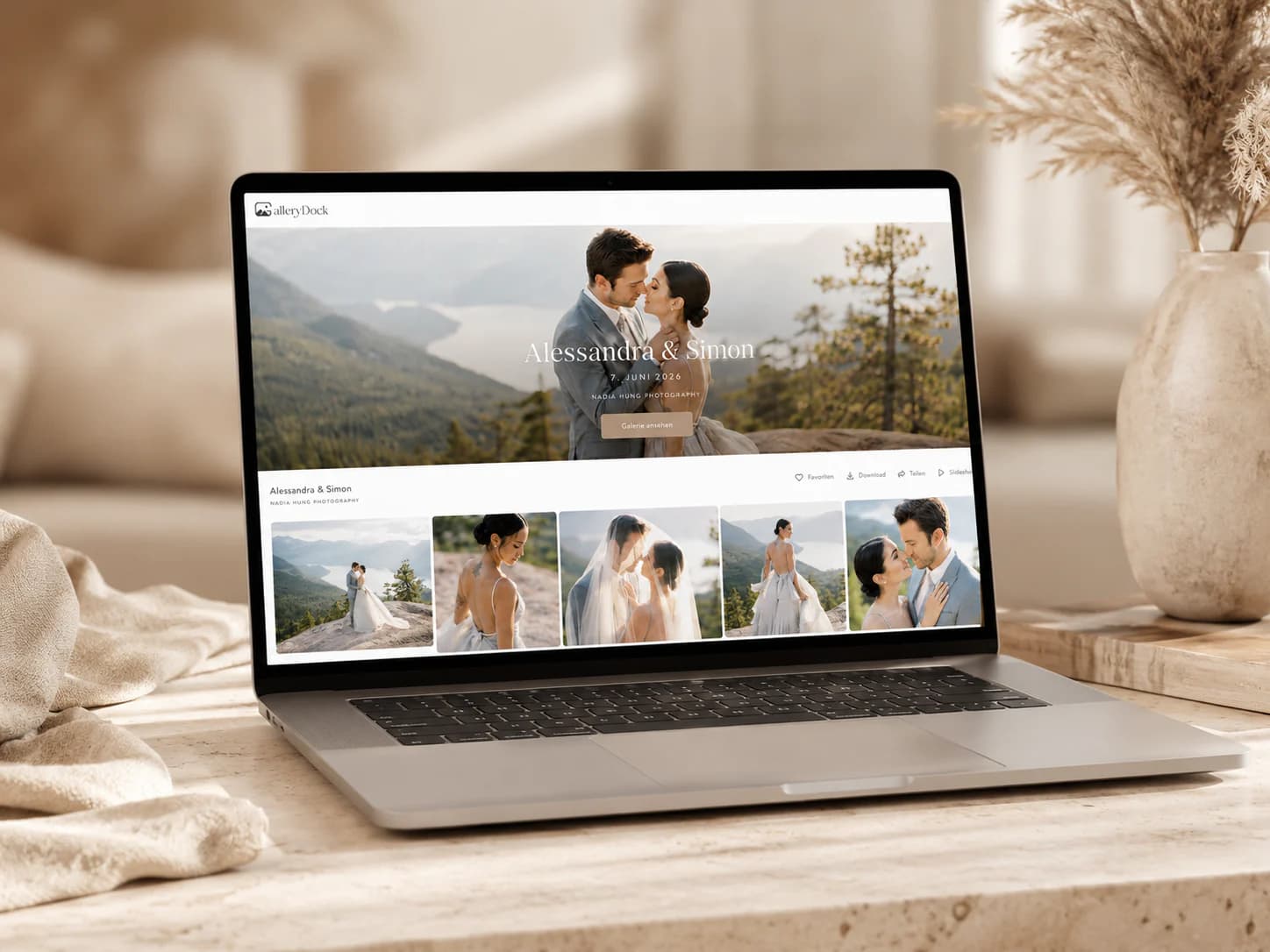
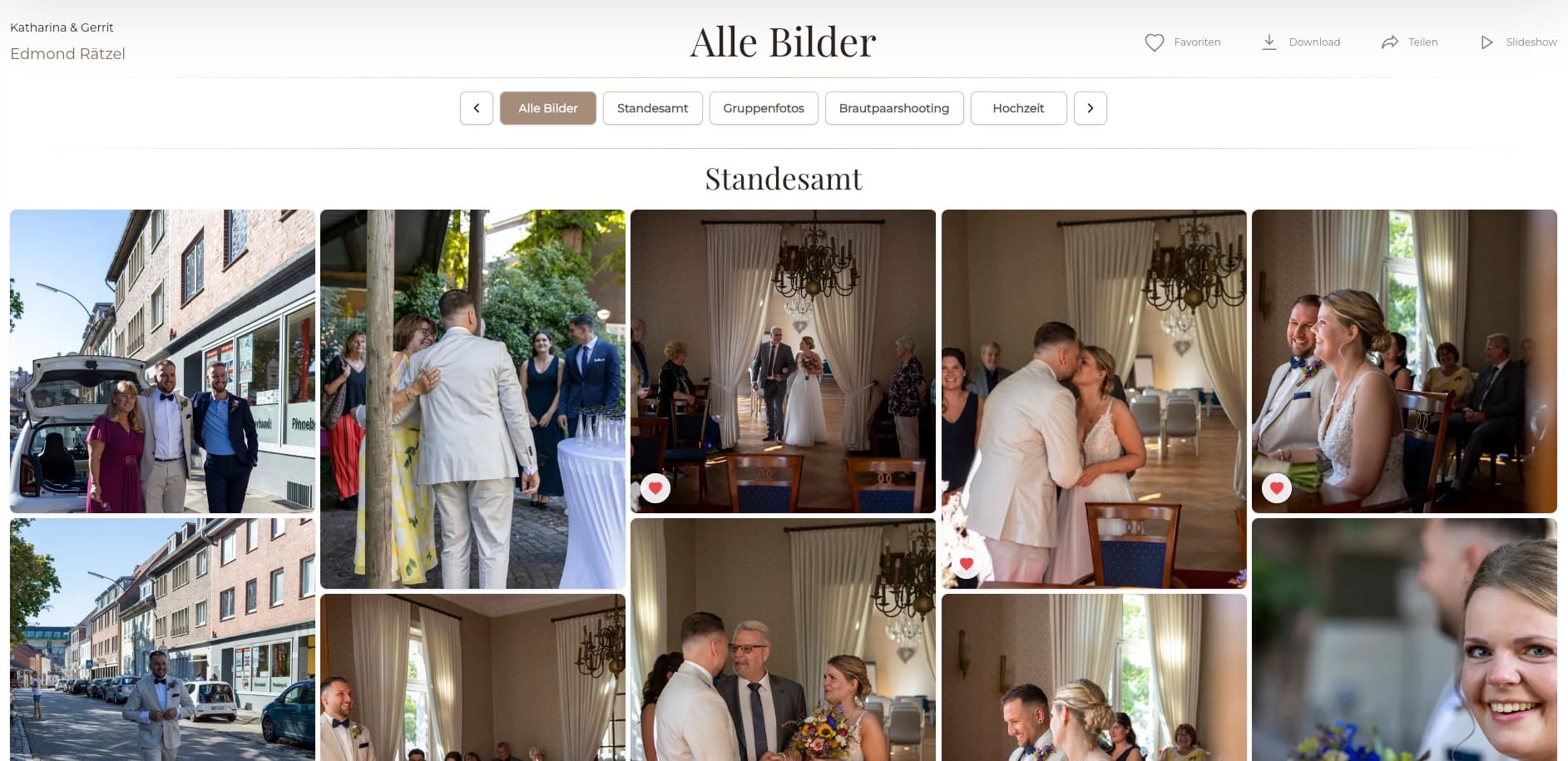
Review navigation, covers, ordering, names, profile details, and important text at both widths.
03
Download a representative image and verify file type, dimensions, quality, filename, and readability.
04
Confirm that watermarks, preview behavior, and download permissions match the contracted stage.
Handoff gate
A polished gallery still creates support work when the delivery email promises controls or files that are not available.
State whether the gallery contains final files, previews, multiple resolutions, or another defined package.
Provide the correct link and only the password or access instructions that the client truly needs.
Tell the client where to download and which quality to choose without promising unavailable formats.
Name the contact and the information to send if access or download behavior differs from the instructions.
Comparison
Each check protects a different part of the client handoff.
| Approach | Best for | Tradeoff |
|---|---|---|
| Filename and version check | Preventing draft delivery | Does not prove the client experience |
| Visual gallery review | Presentation and completeness | Does not prove downloaded file quality |
| Representative download | Testing the real delivered file | Must cover more than one unusual file when risk is higher |
| Mobile review | Common recipient behavior | Should complement, not replace, desktop review |
| Email-to-settings comparison | Preventing contradictory instructions | Requires a final check after any setting change |
Check the complete story, key family photographs, download quality, and couple access before sending.
Verify approved versions, usage-ready filenames, stakeholders, and the promised resolution.
Confirm every purchased or approved image has the correct final retouch and download setting.
Frequently asked questions
Check approved versions, completeness, presentation, access, watermarks, download settings, a real test download, and the accuracy of the client message.
Yes. A signed-out or private browser session is closer to the recipient path and can reveal access differences hidden in the owner view.
Not always. Test representative files across the set and expand the sample when formats, resolutions, or unusual exports differ.
That depends on the agreed delivery. The checklist requires the visible state to match the contract and the wording sent to the client.
No. Maintain a separate production archive and backup policy for masters and delivered files.
It is ready when the files, client view, downloads, access, and message all agree and the representative tests pass.
Related resources
Pricing
Free forever
0 EUR
EUR 0 per month
Perfect for sharing your first galleries professionally.
Start free, no credit card required
Monthly
19 EUR
EUR 228 billed yearly. plus VAT
Ideal for photographers who regularly deliver client galleries.
For regular client delivery
Monthly
29 EUR
EUR 348 billed yearly. plus VAT
For photographers managing many projects, videos and growing storage.
For regular client delivery
Prepare the final project in GalleryDock, test the real client path, and send only after files, settings, and instructions agree.
Create a free account