Project status
Say whether the gallery is final, awaiting selection, or available for another defined review stage.
Client delivery message
Copy a clear photo gallery delivery email template for private clients, business clients, or a final handoff after image selection.
Quick answer
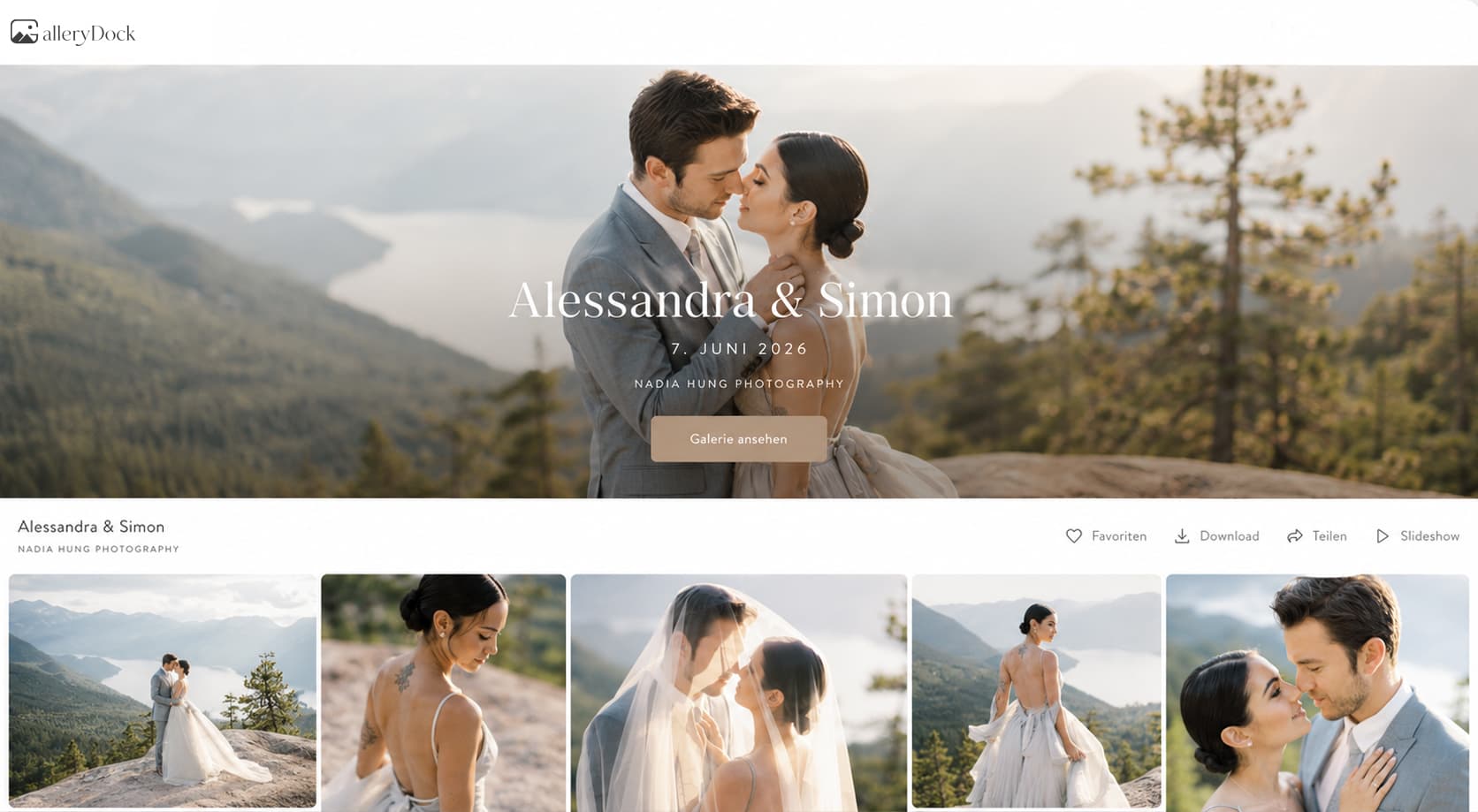
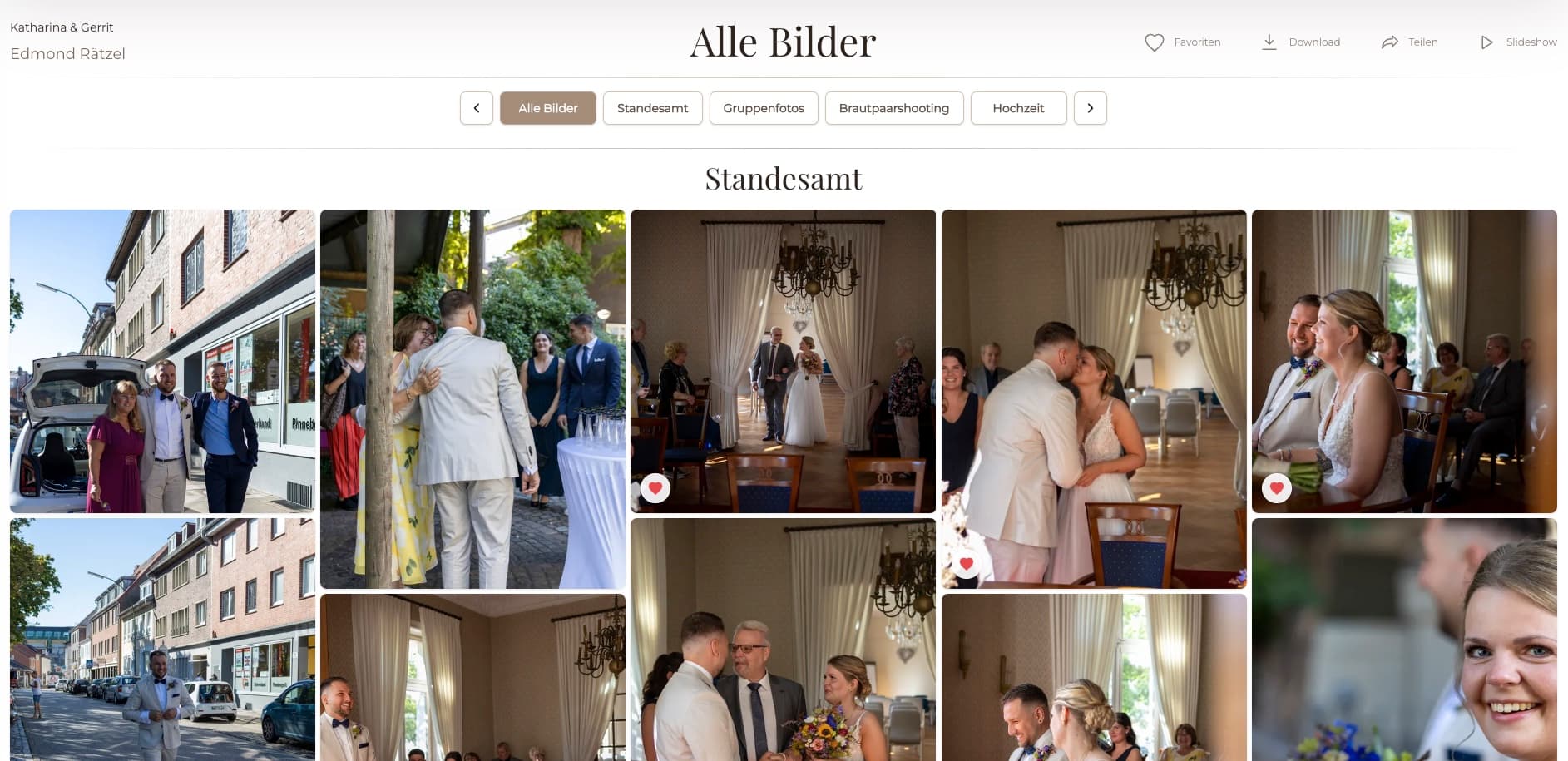
A useful photo gallery delivery email tells the client that the project is ready, provides the correct private link and access instructions, explains what can be viewed or downloaded, and gives one clear next step. Adapt the template to the actual GalleryDock settings before sending it. GalleryDock hosts the client gallery, but it does not write, send, or track the individual delivery email for you.
Message structure
A short delivery email can still answer the essential questions before they become support requests.
Say whether the gallery is final, awaiting selection, or available for another defined review stage.
Insert the tested gallery URL and only the password or access direction the client needs.
Explain whether the client can view, favorite, comment, or download and which file quality is intended.
Give one requested action, a deadline when relevant, and the correct contact for questions.
Copy-ready framework
Replace the bracketed decisions before sending; do not leave generic promises that conflict with the real gallery.
Subject
Use a recognizable project name so the message is easy to find later.
Opening
Thank the client briefly and identify the completed stage without unnecessary production detail.
Access
Place the tested link near the top and add concise access or download instructions.
Close
Name the next action and provide one dependable reply or support route.
Three versions
The core facts stay stable while the emphasis changes for a private client, a business team, or a post-selection handoff.
Use warm language, simple download guidance, and a clear reminder about personal backup.
Name the project, approved deliverables, internal contact, resolution, and any organized next step.
Confirm that selected photographs were processed and distinguish final files from previous proofs.
Ask for the device, browser, and exact step if access or downloading does not match the instructions.
Comparison
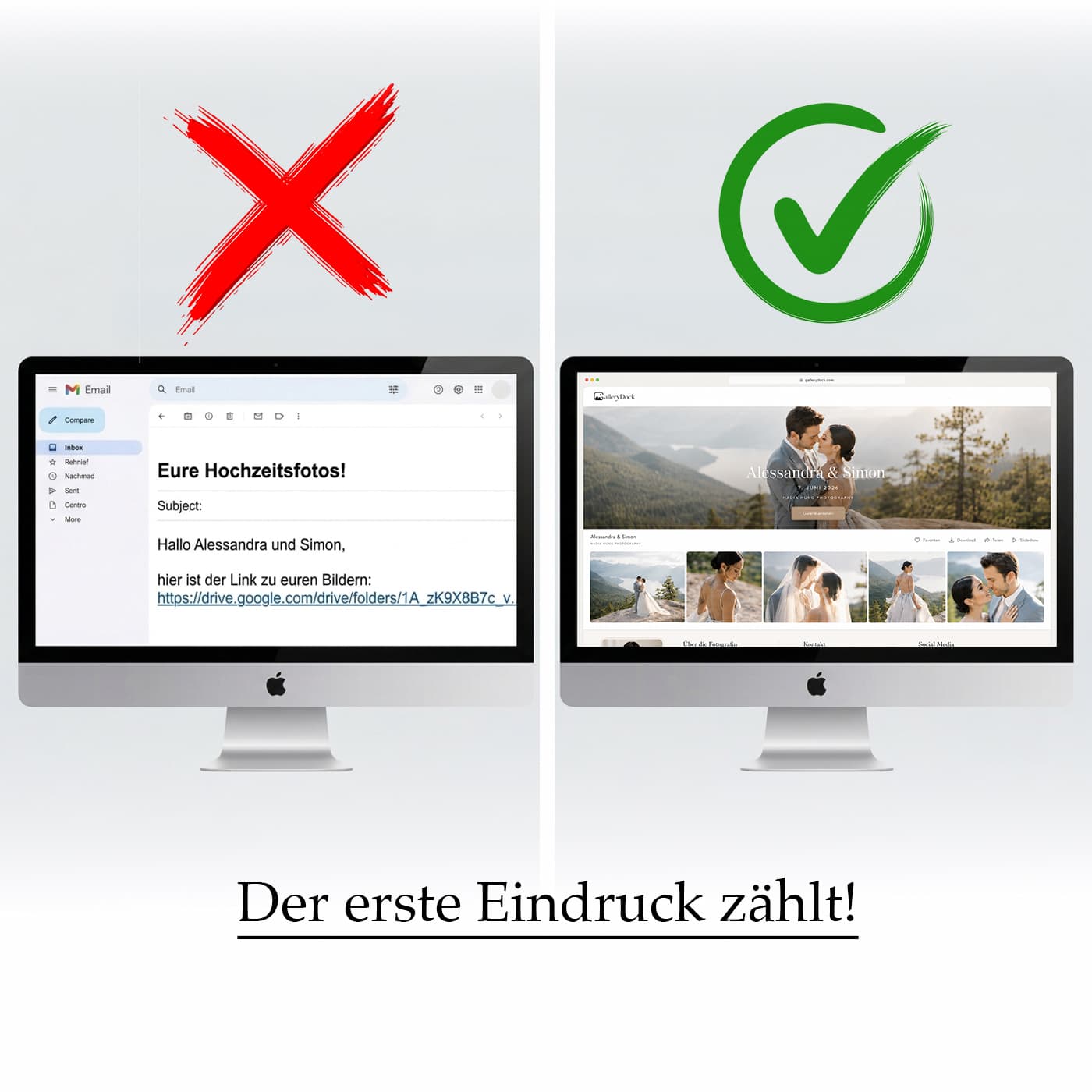
The best message is concise but specific enough to prevent avoidable ambiguity.
| Approach | Best for | Tradeoff |
|---|---|---|
| One-line link | A known recipient with established instructions | Often omits access, download, and next-step context |
| Private-client template | Weddings, families, and portraits | Must still be adapted to the actual project |
| Business template | Teams and commercial stakeholders | Needs clear deliverable and contact ownership |
| Post-selection template | Final files after proofing | Must distinguish finals from proofs |
| Long technical manual | A separate help resource | Too dense for the main delivery message |
The couple receives a warm final note with private access, download guidance, and backup advice.
The coordinator receives the approved deliverables, quality information, and a clear internal next step.
The client is told that the chosen images are final and where the completed files can be downloaded.
Frequently asked questions
Include the project status, tested link, access details, available actions, download guidance, one next step, and a contact for help.
Use it as a framework, but replace every project-specific detail and verify that the wording matches the live gallery settings.
Choose the method appropriate to your security and client process. If you separate it, tell the client where the access information will arrive.
No. Explain only the actions relevant to this delivery and link to separate support guidance when more detail is needed.
No. GalleryDock provides the gallery experience; you adapt and send the individual delivery message through your own communication process.
This guide does not claim individual email read receipts. Use your communication tool and follow-up process for that purpose.
Related resources
Pricing
Free forever
0 EUR
EUR 0 per month
Perfect for sharing your first galleries professionally.
Start free, no credit card required
Monthly
19 EUR
EUR 228 billed yearly. plus VAT
Ideal for photographers who regularly deliver client galleries.
For regular client delivery
Monthly
29 EUR
EUR 348 billed yearly. plus VAT
For photographers managing many projects, videos and growing storage.
For regular client delivery
Verify the GalleryDock client view, adapt the delivery template, and give the recipient one accurate path from email to finished files.
Create a free account