Identify the right project
Confirm the gallery, recipient group, and exposed file type before changing settings.
Download access incident response
Revoke client gallery download access, verify the public result, and understand what cannot be recalled after a file was already saved.
Quick answer
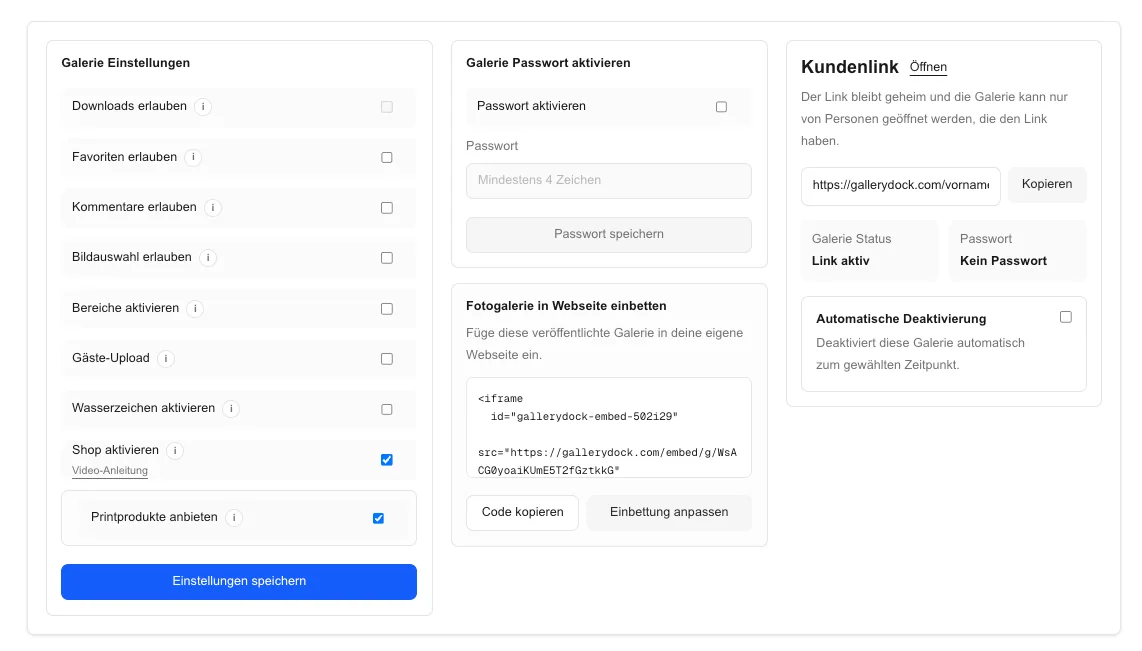
To revoke client gallery download access, open the affected gallery, disable the applicable download permission, save the setting, and retest the client view in a signed-out browser. Then tell the recipient what changed. Revocation stops future access through the gallery, but it cannot recall files that someone already downloaded, copied, or stored on another device.
Immediate response
Act on the exact gallery first, then preserve a clear record of what changed.
Confirm the gallery, recipient group, and exposed file type before changing settings.
Turn off the relevant download permission and save the project configuration.
Note when the setting changed and which permission was affected for later client communication.
Do not alter pricing, shop, visibility, or other galleries unless the incident requires them.
Verification
A saved setting is not the end of the response. Test the path the recipient actually uses.
01
Use a private session so owner privileges do not hide the client behavior.
02
Test the same gallery URL and access flow previously sent to the recipient.
03
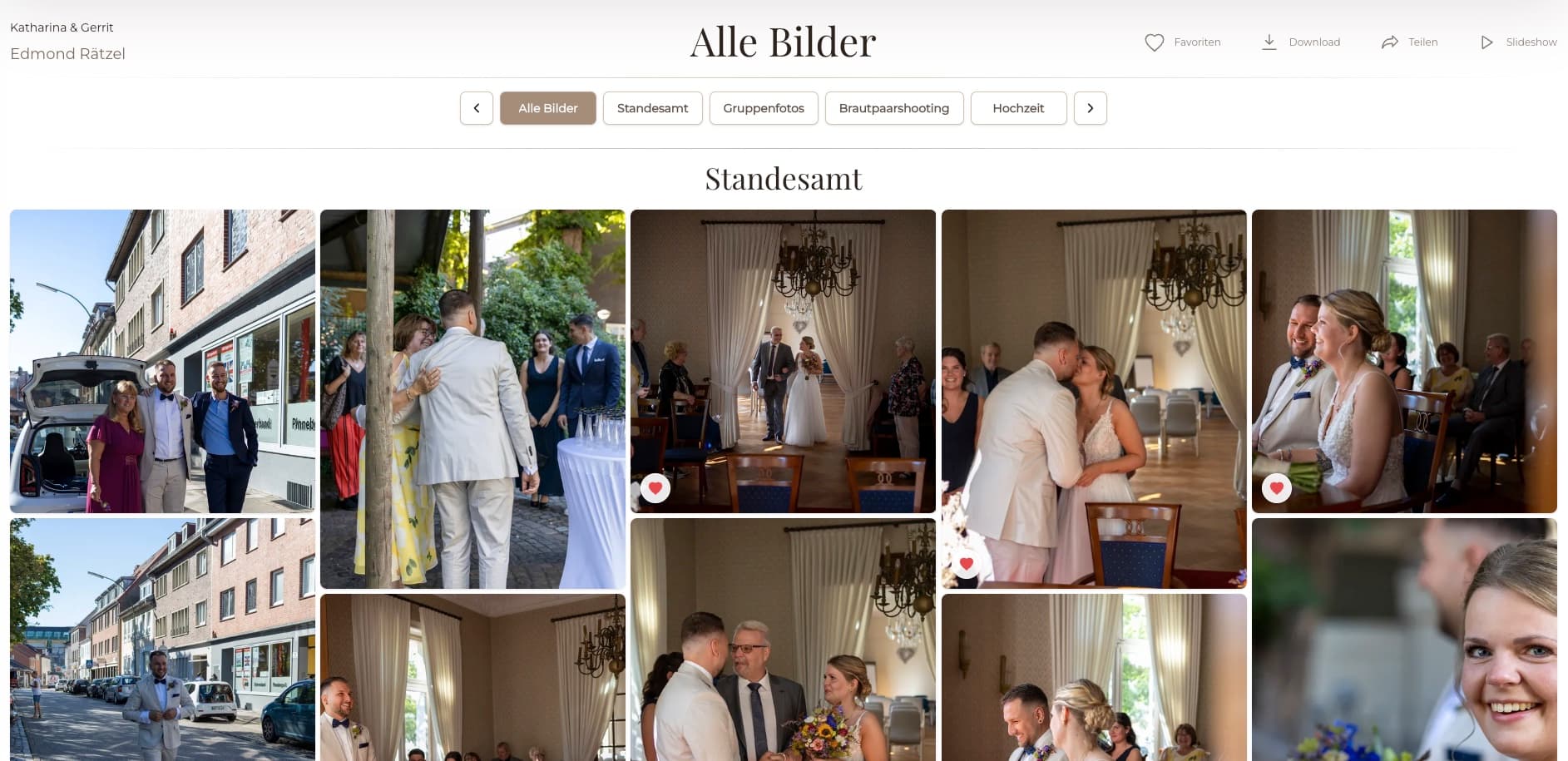
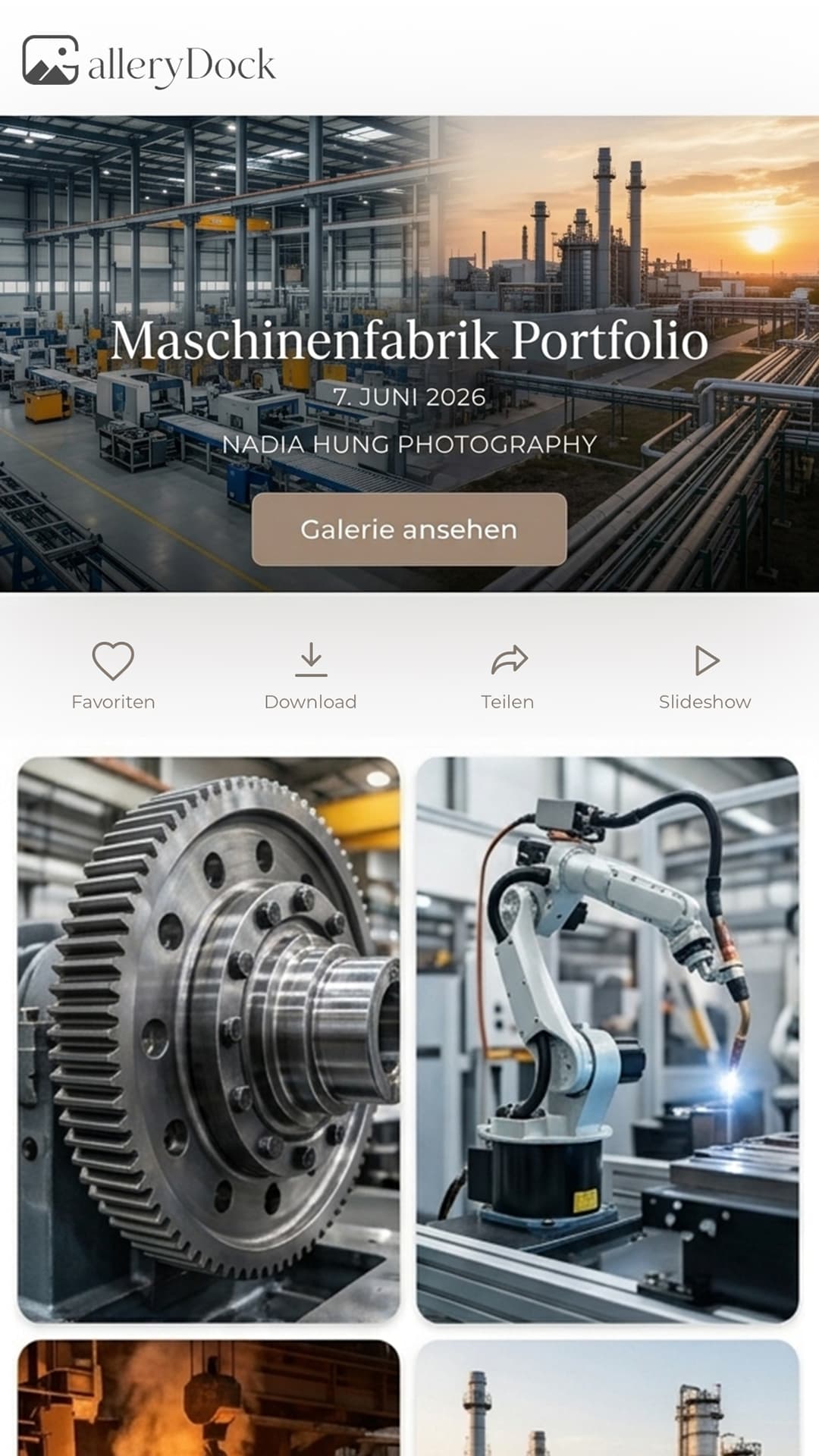
Verify that the download control is unavailable in both common views.
04
Recently issued or cached access may persist briefly; retest before declaring containment complete.
After containment
Revocation changes future gallery access. It does not erase copies outside the system.
Explain that download access changed and provide the correct next step without exposing internal details.
A file already saved to a device or shared elsewhere cannot be remotely pulled back by GalleryDock.
Purchases, paid delivery, and contractual rights may require a different response than a settings mistake.
Add a signed-out download check to the final gallery delivery checklist.
Comparison
Choose the action that matches the actual exposure and avoid promises the control cannot fulfill.
| Approach | Best for | Tradeoff |
|---|---|---|
| Disable gallery downloads | Stopping future downloads from that gallery | Does not recall existing local copies |
| Change gallery access | Restricting who can open the project | Previously saved files remain outside the gallery |
| Remove a file | Preventing future gallery access to one asset | May disrupt the intended project and still cannot recall copies |
| Contact the recipient | Explaining a mistake and requested handling | Relies on cooperation and applicable agreements |
| Document the incident | Internal follow-up and prevention | Does not itself change access |
Disable downloads, verify the client view, and explain when corrected files will be available.
Stop future downloads, correct the setting, and communicate the intended file quality.
Apply the planned restriction and confirm that the old client path no longer offers downloads.
Frequently asked questions
Yes. Disable the applicable download permission, save it, and verify the signed-out client view.
No. Files already saved, copied, or shared outside the gallery cannot be remotely recalled.
A recently issued or cached access path may remain usable for a short period. Retest after the change before closing the incident.
Usually not as a first step. Change only the permission required unless a broader removal is justified and approved.
If the change affects an active delivery or follows an accidental release, send a clear factual update and the correct next step.
Not by itself. Paid delivery, purchase rights, refunds, and contractual questions may require a separate shop or support process.
Related resources
Pricing
Free forever
0 EUR
EUR 0 per month
Perfect for sharing your first galleries professionally.
Start free, no credit card required
Monthly
19 EUR
EUR 228 billed yearly. plus VAT
Ideal for photographers who regularly deliver client galleries.
For regular client delivery
Monthly
29 EUR
EUR 348 billed yearly. plus VAT
For photographers managing many projects, videos and growing storage.
For regular client delivery
Update the affected GalleryDock gallery, verify the external result, and communicate exactly what the change can and cannot do.
Create a free account