01
Use your own watermark logo
Upload a clear photographer or studio mark that remains recognizable over varied photographs. Test light and dark scenes so the mark is visible without obscuring the subject or making review unnecessarily difficult.
Proof presentation and release
Use a watermarked client gallery to present proofs, collect favorites and comments, control downloads, and release final photographs deliberately.
Quick answer
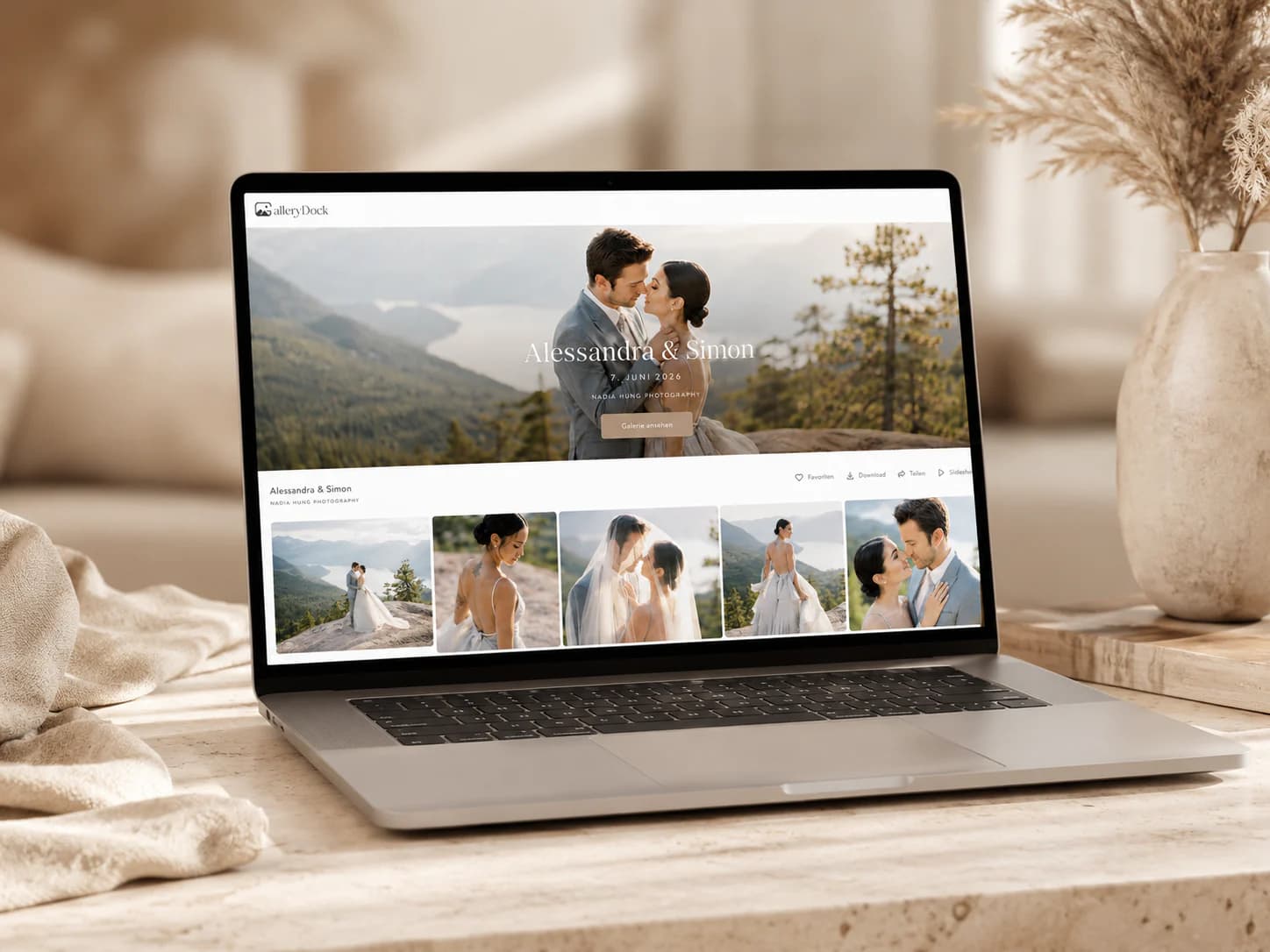
A watermarked client gallery helps photographers distinguish review images from final delivery while keeping selection and feedback in a professional visual environment. The watermark communicates that previews are not the released files, and gallery controls can keep downloads unavailable until the agreed stage. This guide covers an honest workflow for uploading proofs, applying the photographer's own watermark logo, collecting favorites and image-specific comments, optionally protecting access with a password, and replacing proofs with finished delivery files. A watermark is a visible deterrent and workflow signal, not DRM or a guarantee against screenshots, copying, cropping, or unauthorized reuse.
Proof stage
Watermarking works best when the client also understands what the images are for and what decision comes next.
01
Upload a clear photographer or studio mark that remains recognizable over varied photographs. Test light and dark scenes so the mark is visible without obscuring the subject or making review unnecessarily difficult.
02
Prepare viewable proof files rather than relying on a watermark to fix unfinished color, accidental crops, or technical failures. The preview should still represent the quality and framing the client is being asked to evaluate.
03
Tell clients that the gallery contains proofs for selection or feedback and that clean final files will follow the agreed process. A visible mark alone does not explain favorites, deadlines, or included quantities.
04
Review the gallery's download setting before sharing. If proofs should not be delivered, keep downloads unavailable until the final files and package terms are ready.
Decision
The gallery should make the next client action obvious without implying that watermarking changes ownership or legal rights by itself.
01
State whether a heart means retouch this image, include it in the package, consider it for an album, or simply a personal favorite. One shared definition prevents a selection count from becoming ambiguous.
02
Ask clients to attach retouching or crop requests to the relevant proof. Context reduces filename errors and gives the photographer a clearer record of the requested change.
03
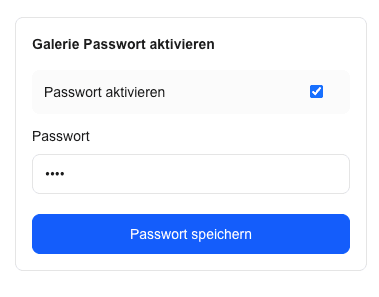
Password protection can add a second access factor for a private gallery, but recipients can still share both the link and password. Choose access settings according to the sensitivity of the assignment.
04
Before retouching or export begins, summarize the selected images and confirm the authoritative decision owner. A watermark does not prevent late preference changes or replace a documented approval checkpoint.
Final delivery
Clients should know when review ends, which files are final, and what they may download.
01
Verify retouching, color, crop, filenames, and export sizes before releasing clean photographs. Do not assume the proof gallery automatically converts previews into final production files.
02
Enable downloads only for the media and stage covered by the photographer's package. Explain whether clients receive full-resolution files, web versions, or both.
03
Tell the client that the final set is ready and whether the watermarked proofs were replaced, supplemented, or retained. Clear wording prevents preview files from being mistaken for the finished delivery.
04
Watermarks can discourage casual reuse and identify previews, but they cannot guarantee copy prevention. Screenshots, external cameras, crops, and previously obtained copies cannot be technically recalled by the mark.

Comparison
Combine presentation, access, and communication according to the assignment's risk and client experience.
| Approach | Best for | Tradeoff |
|---|---|---|
| Unmarked downloadable proofs | Low-risk informal review | Easy to mistake for final delivery |
| Watermarked proofs | Clear preview identification | Visible mark is not copy prevention |
| Password only | A second access factor | Credentials can still be forwarded |
| Downloads disabled | Review before file release | Cannot stop screenshots or external capture |
| Combined proof workflow | Selection, feedback, and deliberate finals | Requires clear setup and client instructions |
Show marked proofs, define the included image count, collect favorites, and release clean retouched files after confirmation.
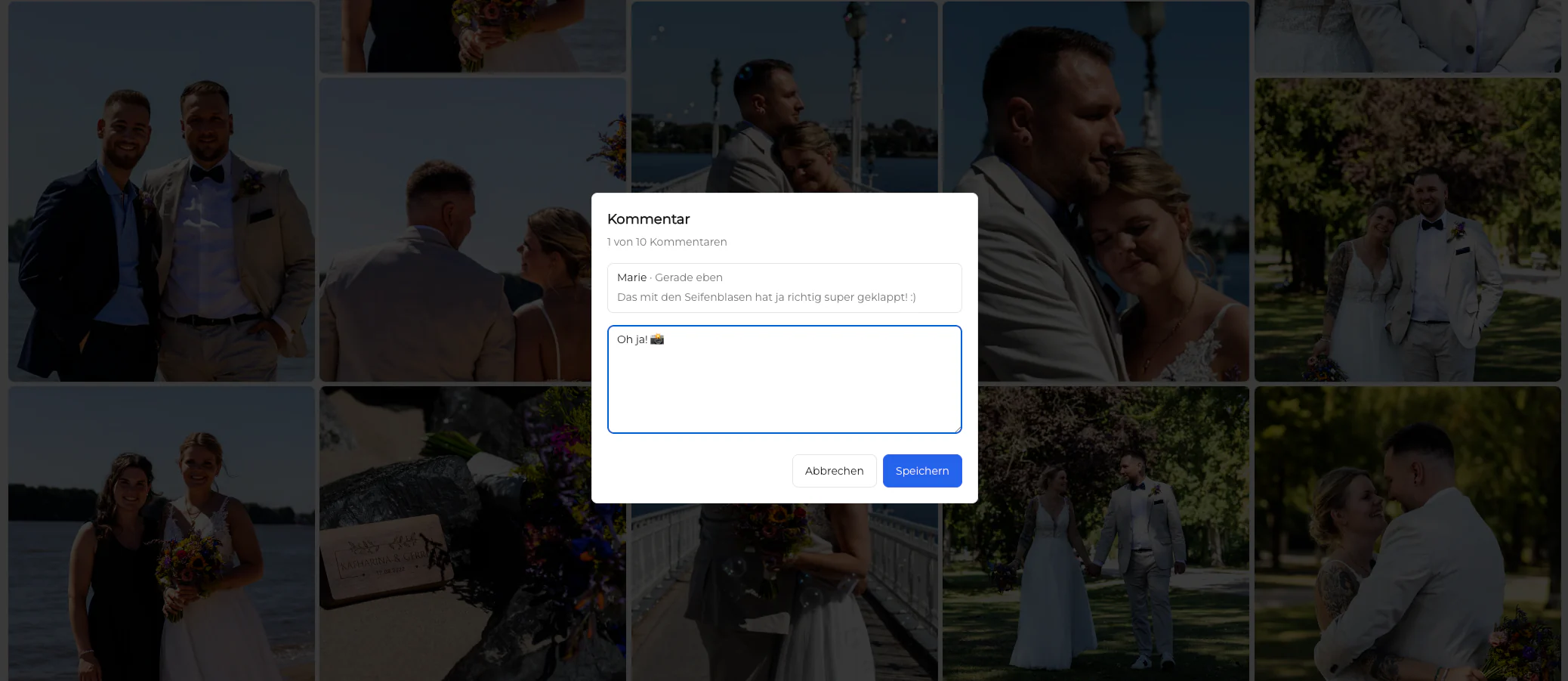
Let the responsible stakeholder comment on exact previews while downloads remain aligned with the agreed approval stage.
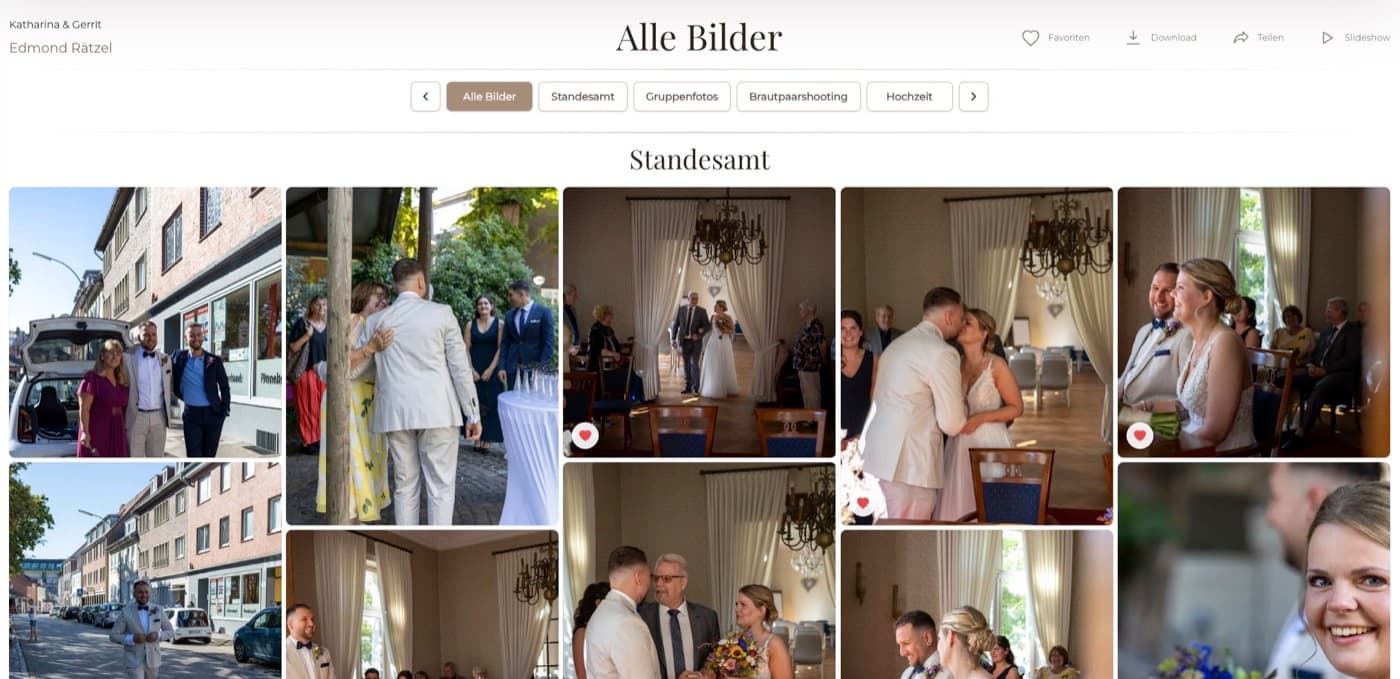
Use favorites to identify candidates while making clear that the marked gallery is not the finished album or final clean delivery.
Frequently asked questions
Yes. Photographers can use their own watermark logo for gallery proofs and should test its visibility across different photographs.
No. A watermark is a visible deterrent and identifier, not DRM or a guarantee against screenshots, crops, external capture, or copying.
Yes. Favorites can support a proof selection when the photographer clearly defines what the action means.
Yes. Image-specific comments can keep requested changes connected to the correct preview.
That depends on the package and workflow. If proofs are not delivery files, keep downloads disabled until the final release is ready.
No. The photographer prepares and uploads the intended proof and final exports and controls when downloads become available.
Related resources
Pricing
Free forever
0 EUR
EUR 0 per month
Perfect for sharing your first galleries professionally.
Start free, no credit card required
Monthly
19 EUR
EUR 228 billed yearly. plus VAT
Ideal for photographers who regularly deliver client galleries.
For regular client delivery
Monthly
29 EUR
EUR 348 billed yearly. plus VAT
For photographers managing many projects, videos and growing storage.
For regular client delivery
Use your watermark, favorites, comments, access settings, and deliberate final release as one understandable GalleryDock workflow.
Create a free account