01
Define the review stage
Tell the client whether this is a rough cut, fine cut, or final check.
Video post-production review
Run a video post-production review workflow for rough cuts, fine cuts, and final checks with contextual client feedback and visible corrections.
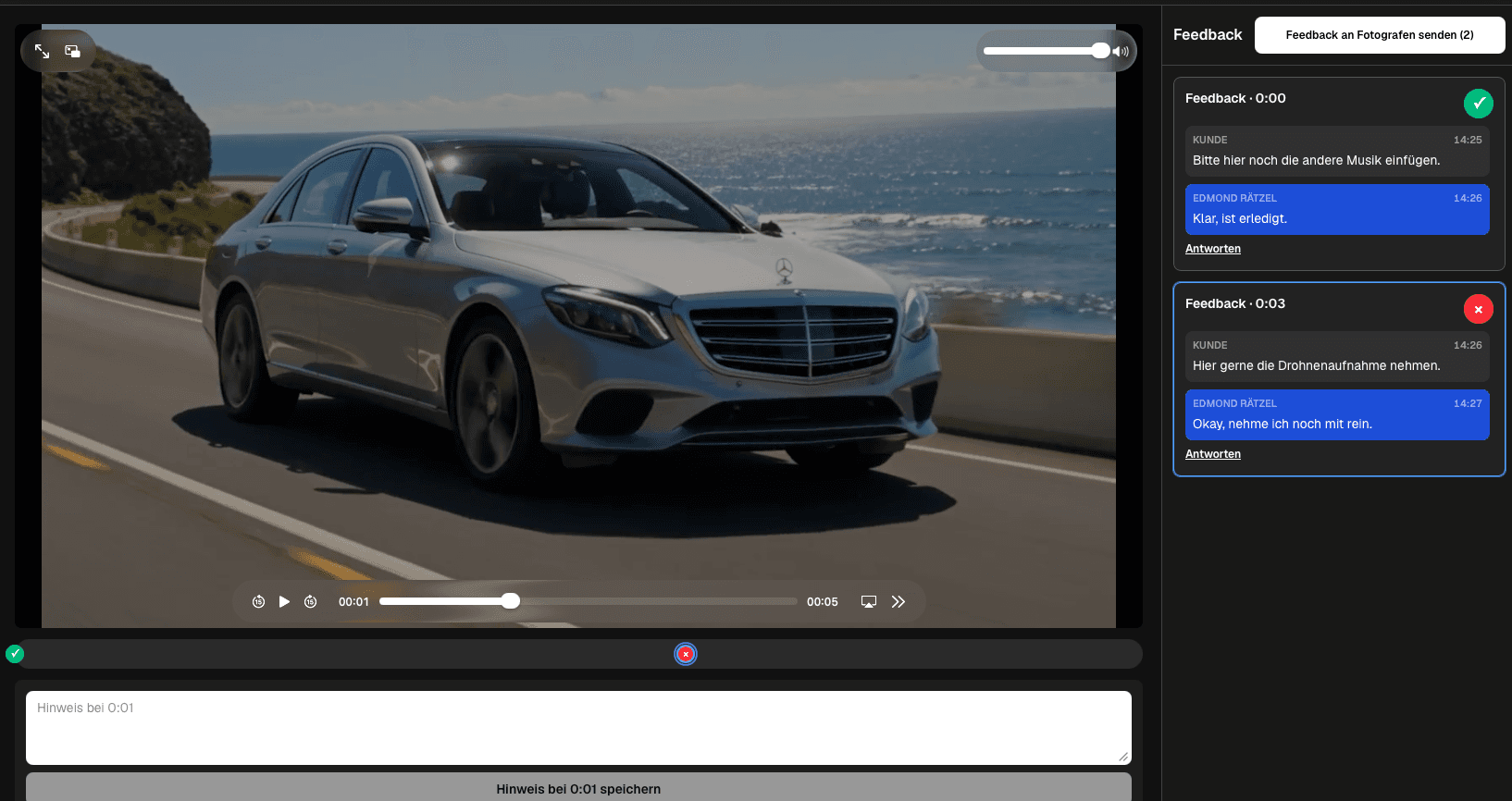
Quick answer
Run a video post-production review workflow for rough cuts, fine cuts, and final checks with contextual client feedback and visible corrections. GalleryDock reviews exported video files; it does not edit footage, compare versions automatically, color grade, mix audio, render deliverables, or integrate directly with an NLE.
Workflow
Keep each handoff explicit so the client knows what to review and the filmmaker knows what happens next.
01
Tell the client whether this is a rough cut, fine cut, or final check.
02
Keep the review focused on the version intended for this decision.
03
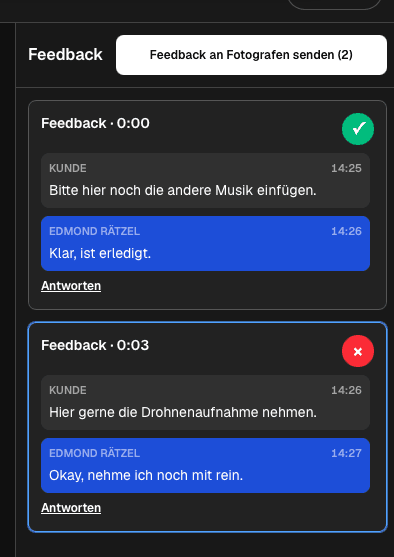
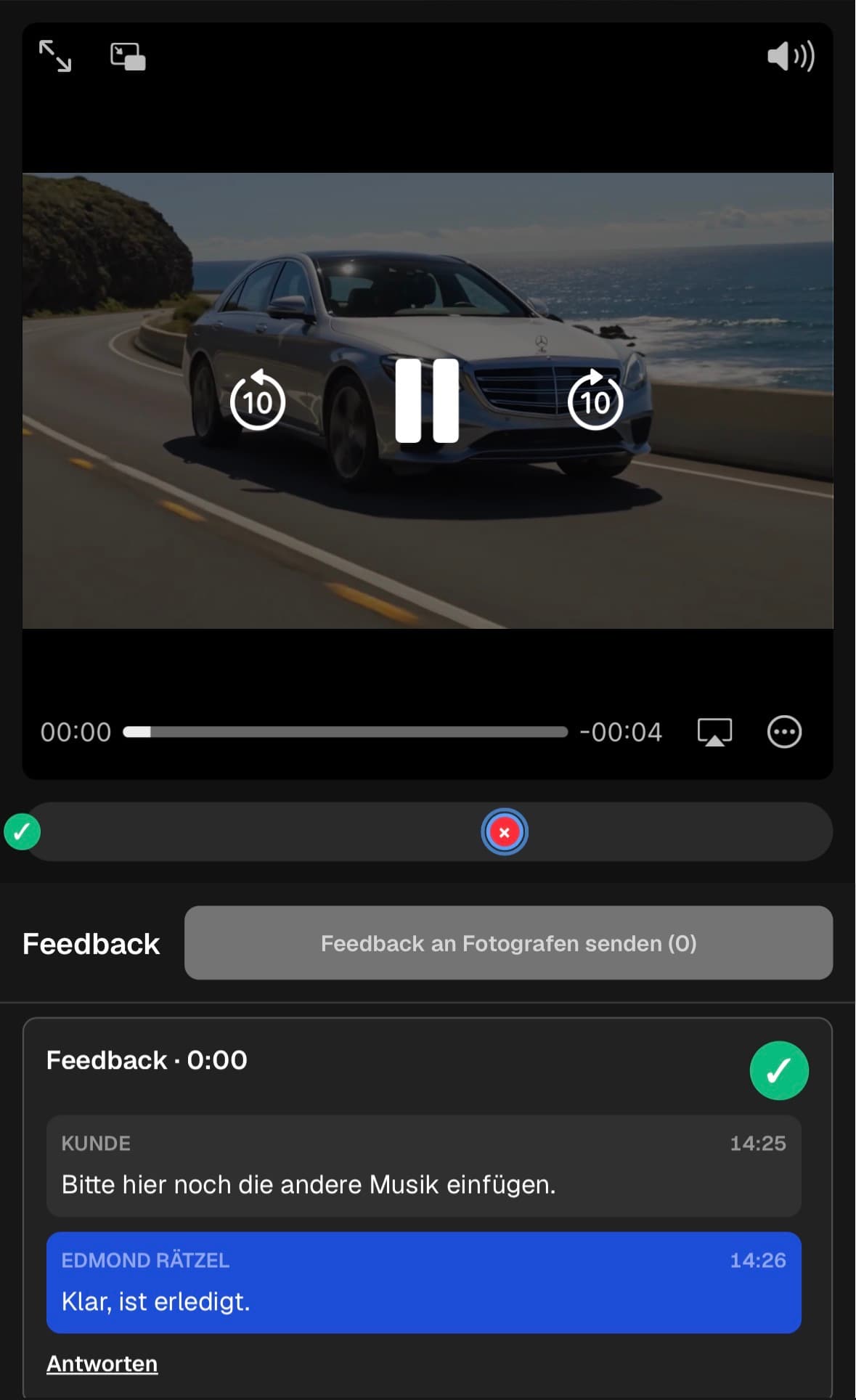
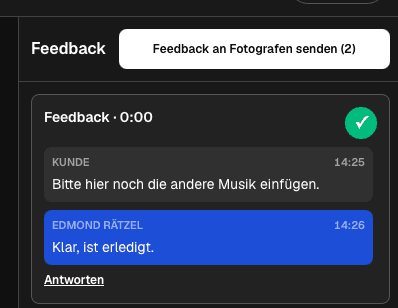
Discuss the exact scene and track the correction status.
04
Check the corrected file before moving to delivery.
Review focus
Ask for decisions that belong to the current export instead of collecting vague reactions across several channels.
Review story, order, omissions, and overall direction.
Review pacing, transitions, sound, look, titles, and graphics.
Check names, logos, calls to action, and remaining details.
Confirm the corrected export before delivery.
Quality control
A reliable review needs a tested client path and an honest boundary around what the software does.
Open the client view on desktop and mobile, play the intended export, and check that the next action is clear without horizontal overflow.
Use client-facing language and state what kind of decision is needed in this round.
GalleryDock reviews exported video files; it does not edit footage, compare versions automatically, color grade, mix audio, render deliverables, or integrate directly with an NLE.
Resolve every open point, verify the corrected export, and only then deliver or share the next version.
Comparison
Use this matrix to keep video post-production review specific, actionable, and tied to the current export.
| Approach | Best for | Tradeoff |
|---|---|---|
| Rough cut | Story, structure, and missing material | Ask for narrative decisions before polish |
| Fine cut | Pacing, sound, look, and graphics | Attach craft notes to the intended scene |
| Final check | Names, logos, calls to action, and output | Resolve the final open items |
| Delivery | The corrected export needs verification | Use the same client space for the handoff |
The client decides whether the story and sequence support the intended message.
Speech, music, color, and graphics receive notes at the relevant moments.
The client verifies names, logo use, call to action, and last open corrections.
Frequently asked questions
Separate story decisions in the rough cut, craft decisions in the fine cut, and names, logos, calls to action, and output checks in the final pass.
Yes. Invited clients can use the private GalleryDock client path without creating an account.
Yes. Replies stay in the thread attached to the relevant saved playback position.
Keep the note open while it needs action and mark it completed after checking the corrected export.
No. Automatic version comparison and deep version management are outside this workflow.
No. Editing, grading, sound work, graphics, and rendering remain in the post-production tools.
Related resources
Pricing
Free forever
0 EUR
EUR 0 per month
Perfect for sharing your first galleries professionally.
Start free, no credit card required
Monthly
19 EUR
EUR 228 billed yearly. plus VAT
Ideal for photographers who regularly deliver client galleries.
For regular client delivery
Monthly
29 EUR
EUR 348 billed yearly. plus VAT
For photographers managing many projects, videos and growing storage.
For regular client delivery
Use one real client project to test the complete video post-production review workflow before making it your default.
Create a free account