01
Share one current cut
Send one private review link for the exported cut that everyone should evaluate and remove ambiguity about which file is current.
Video revisions
Organize video revision rounds with a clear review brief, timecoded client notes, discussion threads, open items, and resolved decisions.
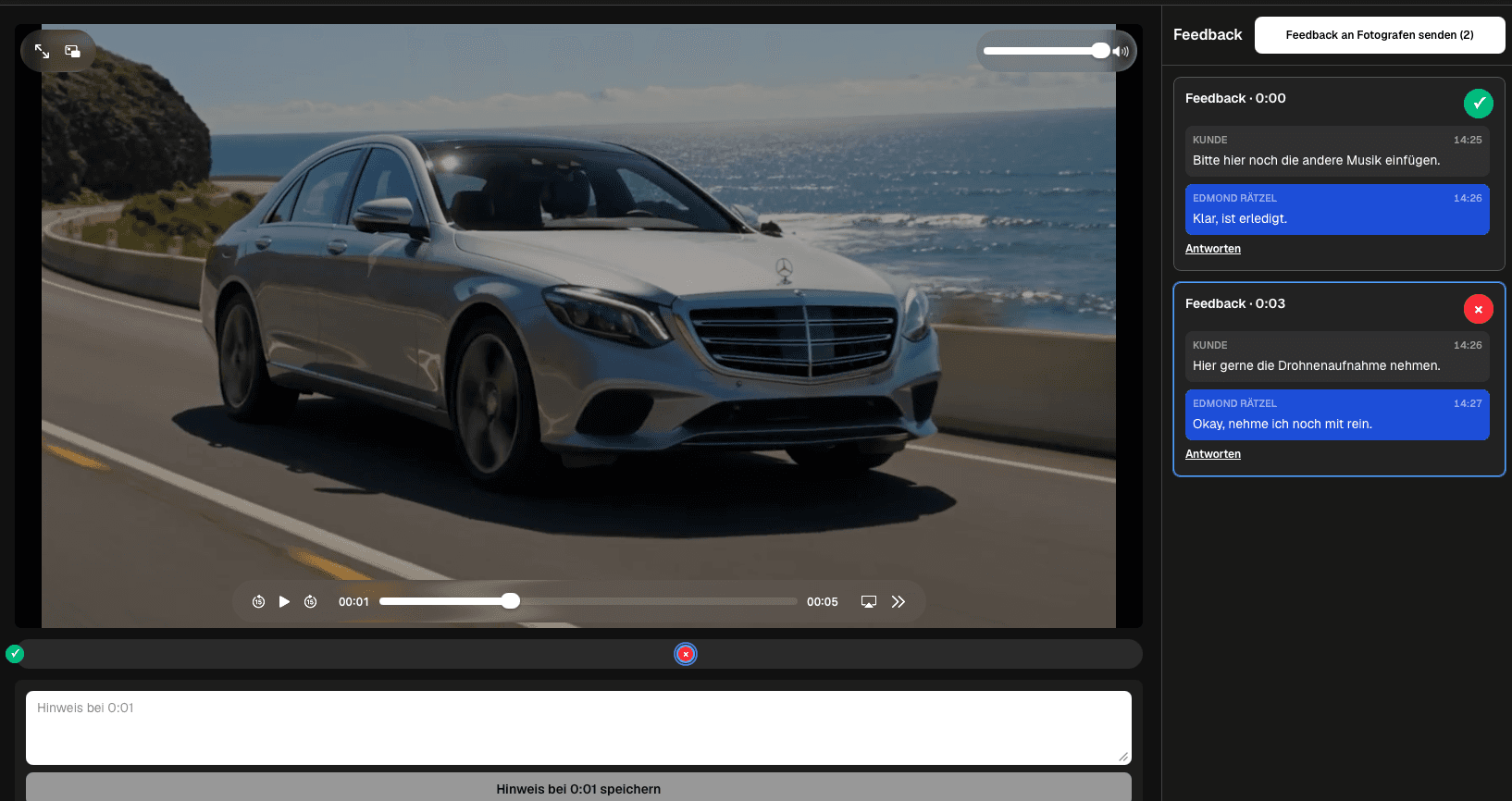
Quick answer
A video production revision round breaks down when feedback arrives through email, chat, calls, and vague references such as 'near the beginning.' A stronger workflow gives every stakeholder one current review link, a clear brief, timecoded notes, discussion threads, and a visible distinction between open and resolved requests. GalleryDock lets clients review an exported cut in a private gallery without creating their own GalleryDock account, attach feedback to the relevant moment, clarify the note in context, and submit a collected round deliberately. The filmmaker can then work through one shared list and close the round before the next cut. This is a practical client-feedback workflow, not formal legal approval, project management, editing software, deep version control, or a guarantee that every project will need fewer revisions.
Review brief
A round becomes manageable when clients know what they are reviewing and what decision is needed.
01
Send one private review link for the exported cut that everyone should evaluate and remove ambiguity about which file is current.
02
Explain whether the round covers structure, factual accuracy, graphics, sound, color, subtitles, or a final delivery check.
03
Identify the people whose feedback belongs in the round and clarify who can make the final decision when notes conflict.
04
Give stakeholders a realistic deadline for collecting their notes so editing does not restart after the round is already treated as complete.
Precise feedback
The note should explain the requested outcome while staying connected to the relevant scene.
01
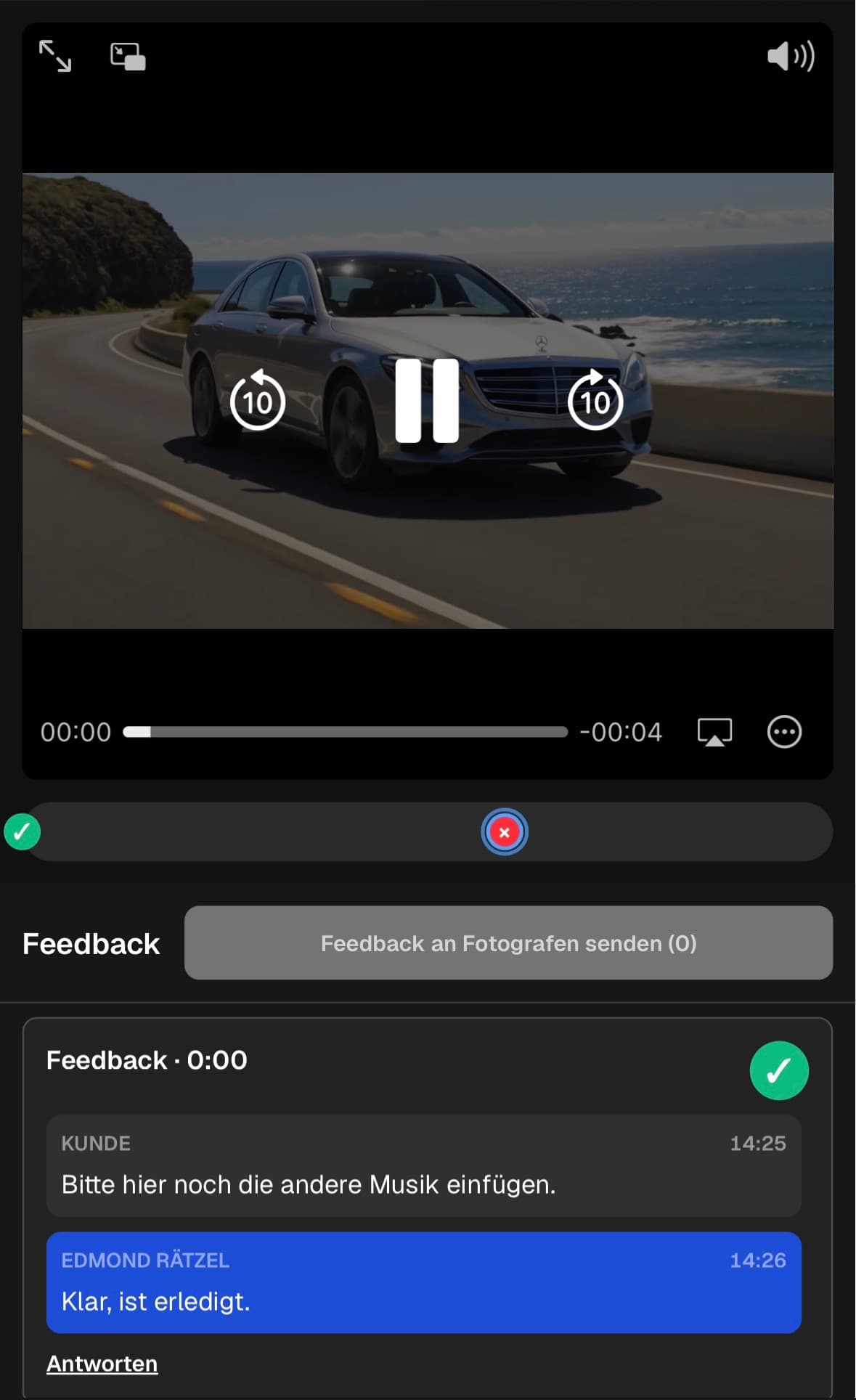
Attach the comment to the scene instead of asking the editor to interpret imprecise descriptions or search through a separate document.
02
State what needs to change, why it matters, and any approved wording or reference the editor needs to implement it.
03
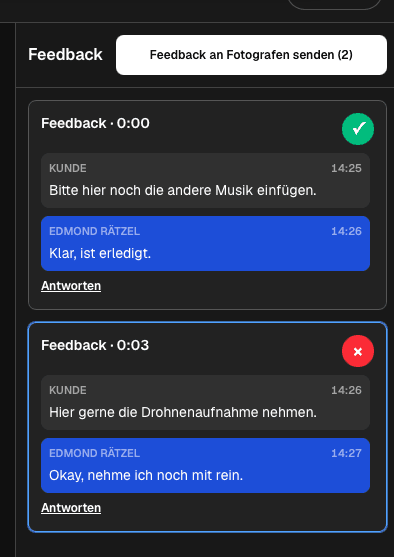
Keep questions, alternatives, and the stakeholder's answer beside the original note so the decision remains understandable later.
04
Let reviewers gather several notes and send the feedback deliberately instead of triggering an isolated notification for every thought.
Round closure
Closing the round prevents old requests from returning without context in the next export.
01
Use the shared feedback list as the editing checklist and keep unresolved questions visible until the responsible person answers them.
02
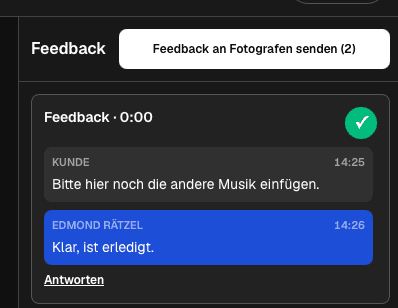
Close a note when the change is implemented, intentionally declined, or otherwise decided so the remaining work is easy to see.
03
Check the revised cut against the agreed requests and use a new round for new feedback rather than mixing stages together.
04
After feedback is complete, keep the final viewing and delivery experience connected to the client gallery instead of switching tools unnecessarily.
Comparison
A method is useful when it preserves the scene, request, discussion, owner, and status.
| Approach | Best for | Tradeoff |
|---|---|---|
| Timecoded gallery workflow | Client-facing review of exported cuts | Requires one agreed review link and clear round ownership |
| Email list | A few simple global changes | Separates notes from scenes and replies |
| Live review call | Fast discussion of complex choices | Still needs a written record afterward |
| Project management board | Broader schedules and responsibilities | May not provide a natural video review experience |
| Formal approval system | Contractual sign-off requirements | A different requirement from collaborative feedback |
A couple reviews music, scene order, names, and emotional moments from separate devices while keeping every discussion attached to the cut.
Marketing and subject-matter contacts check claims, lower thirds, graphics, and calls to action in one visible revision round.
Several client stakeholders collect feedback while the producer tracks which requests remain open and which decisions are resolved.
Frequently asked questions
It is an agreed review cycle in which stakeholders evaluate one cut, submit changes, clarify questions, and close the resulting decisions before the next cut.
They attach the request to the relevant moment so the editor does not have to interpret phrases such as 'somewhere near the middle.'
No. Clients can open the private gallery link and participate in the feedback workflow without creating their own GalleryDock account.
They separate remaining work from decisions that have already been implemented or clarified, which makes the current round easier to finish.
No. It organizes the feedback process, but the number of rounds still depends on the brief, project, stakeholders, and decisions.
No. It is a collaborative review and feedback workflow and should not be presented as legally binding sign-off.
Related resources
Pricing
Free forever
0 EUR
EUR 0 per month
Perfect for sharing your first galleries professionally.
Start free, no credit card required
Monthly
19 EUR
EUR 228 billed yearly. plus VAT
Ideal for photographers who regularly deliver client galleries.
For regular client delivery
Monthly
29 EUR
EUR 348 billed yearly. plus VAT
For photographers managing many projects, videos and growing storage.
For regular client delivery
Share the current cut in GalleryDock, brief the reviewers, collect timecoded notes, and close resolved decisions in one client space.
Create a free account