01
Use a private gallery link
Send one recognizable client URL instead of requiring the reviewer to navigate an internal production workspace or install another application.
Client video feedback
Give clients a private video review link with timecoded comments, contextual replies, visible status, collected notifications, and final delivery.
Quick answer
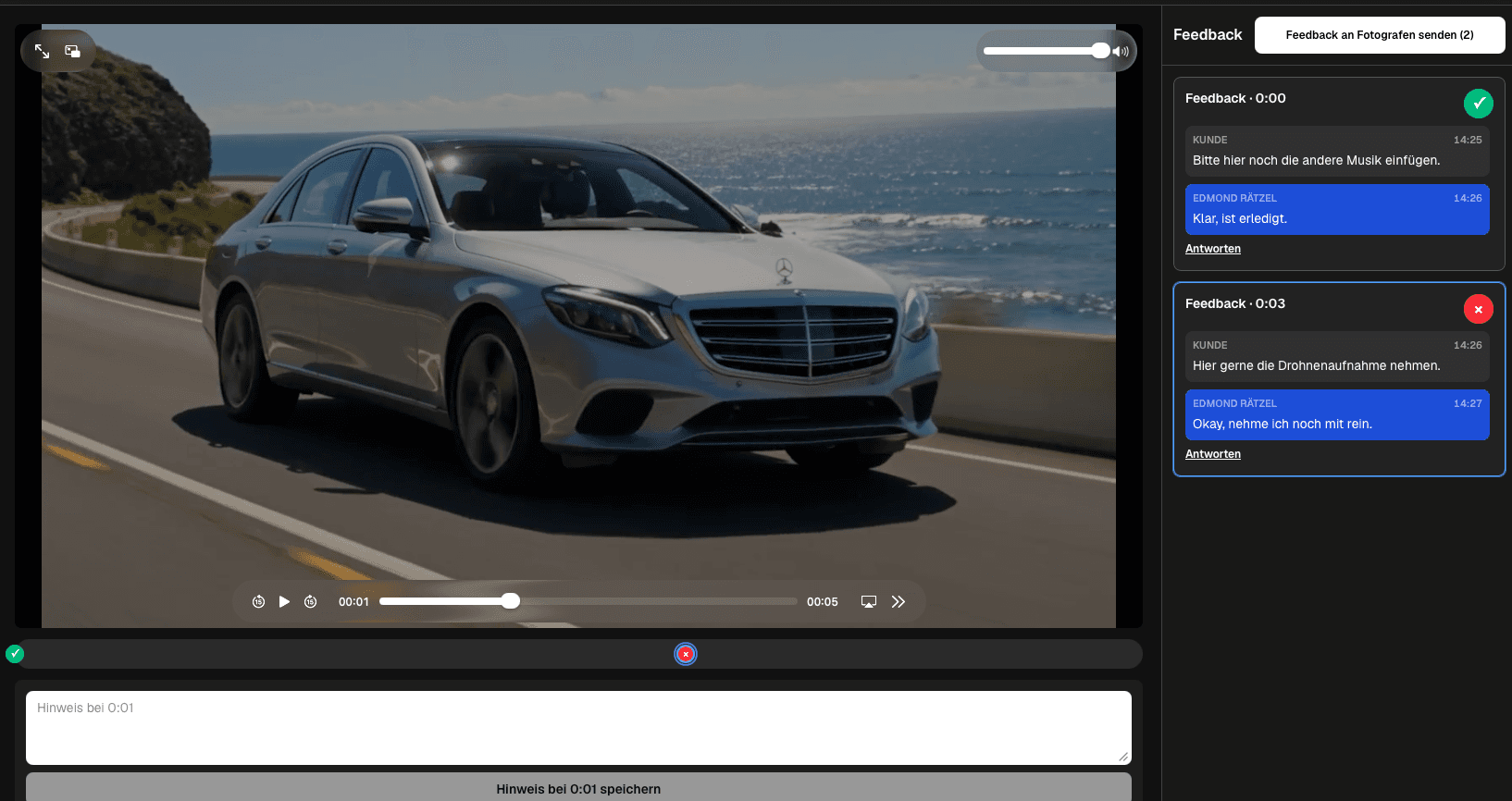
A client video feedback tool should make the review easy for the client without creating extra translation work for the filmmaker. The client needs to open a private link, watch the current cut, pause at the relevant scene, write a clear note, and understand the conversation and status without learning a complex production system. GalleryDock places that experience inside a branded client gallery. Feedback stays attached to a timecode, follow-up questions remain in the same thread, items can remain open or be marked resolved, and collected feedback can be sent deliberately. The same customer space can later support final viewing and delivery. The tool does not edit footage, draw on frames, provide formal legal acceptance, replace production management, or promise deep version-control and post-production integrations.
Client experience
The client should reach the cut and understand how to respond without a training call.
01
Send one recognizable client URL instead of requiring the reviewer to navigate an internal production workspace or install another application.
02
Let the client enter the feedback experience without creating and managing their own GalleryDock account.
03
Name the project and review purpose so the client understands what version and decision the shared video represents.
04
Keep playback, existing notes, and the feedback input usable when the client opens the link from a computer, tablet, or phone.
Feedback quality
Good tooling reduces ambiguity without forcing clients to speak in editing terminology.
01
Save the note with the moment the client is viewing so phrases such as 'this shot' remain connected to the correct scene.
02
Give the reviewer room to describe the requested result, approved wording, missing context, or business reason behind the change.
03
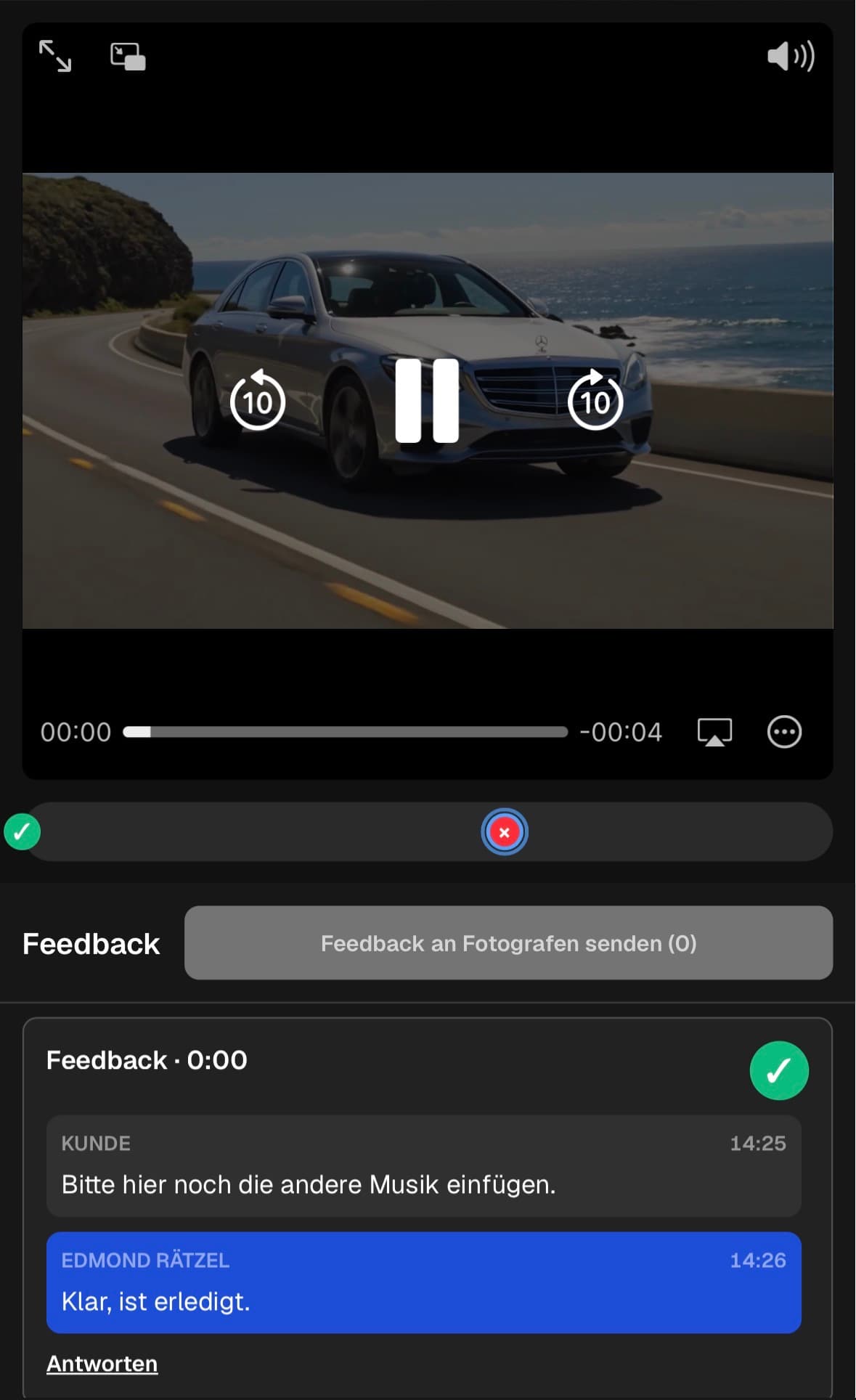
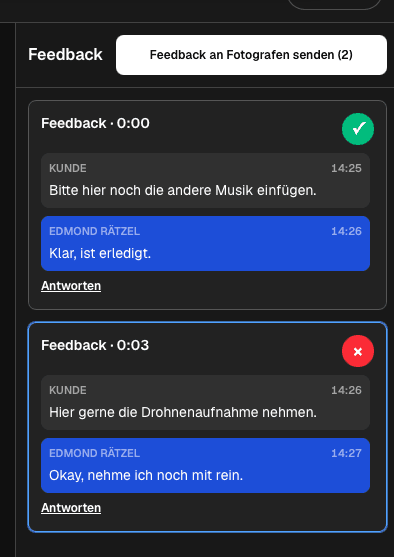
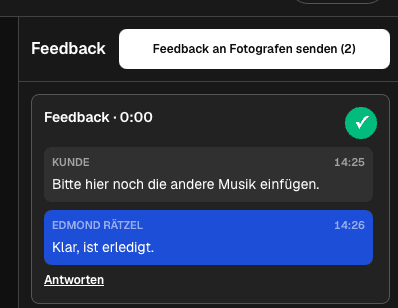
Let the filmmaker ask a follow-up question and preserve the client's answer in the same conversation instead of splitting it into email.
04
Make it visible whether the note still needs work or has already reached a decision before the next feedback pass begins.
Workflow fit
The review is stronger when notification and delivery behavior match the relationship with the client.
01
Allow clients to collect several notes and submit the feedback round deliberately rather than sending a separate alert for every comment.
02
Use the gallery presentation and photographer or filmmaker profile to make the review feel connected to the service the client purchased.
03
Give both sides a direct path back to the relevant discussion and video moment when a notification is opened.
04
Use the same customer-facing space for the final result so the project does not jump from review software to an unrelated delivery service.
Comparison
The right tool depends on how much structure the client needs and how broad the production workflow must be.
| Approach | Best for | Tradeoff |
|---|---|---|
| Branded client gallery feedback | Straightforward client review and delivery | Does not replace a full production-management suite |
| Email feedback | One or two global notes | Makes scene references and status harder to follow |
| Review and approval platform | Large post-production teams and integrations | Can add complexity for a simple client handoff |
| Live call | Sensitive creative discussion | Needs a written and timecoded record afterward |
| Messaging app | Quick informal reactions | Fragments the review and separates it from the video |
A marketing contact reviews claims, lower thirds, and the call to action while every request remains attached to the relevant scene.
A client checks the hook, subtitles, product shot, and closing card in a short cut without sending a separate spreadsheet.
The organizer identifies missing names, unwanted scenes, and sequence changes, then follows the resolution of each item in the gallery.
Frequently asked questions
It should let clients open the current cut, attach notes to precise moments, clarify them in context, and see whether each request remains open or is resolved.
No. They can use the private GalleryDock link and participate in the feedback workflow without creating their own GalleryDock account.
Yes. A feedback item remains connected to its stored timecode so the conversation can return to the relevant moment.
The client view supports mobile review, including playback, existing notes, and the feedback input below the video.
No. GalleryDock collects feedback on an exported video; it does not edit footage or provide frame-drawing tools.
No. The workflow records collaborative feedback and resolved items but should not be treated as legally binding acceptance.
Related resources
Pricing
Free forever
0 EUR
EUR 0 per month
Perfect for sharing your first galleries professionally.
Start free, no credit card required
Monthly
19 EUR
EUR 228 billed yearly. plus VAT
Ideal for photographers who regularly deliver client galleries.
For regular client delivery
Monthly
29 EUR
EUR 348 billed yearly. plus VAT
For photographers managing many projects, videos and growing storage.
For regular client delivery
Create a private GalleryDock video gallery and test the full client path from playback and timecoded feedback to final delivery.
Create a free account