01
Name every export
Identify platform, aspect ratio, topic, and revision in the file or gallery label.
Social media video feedback workflow
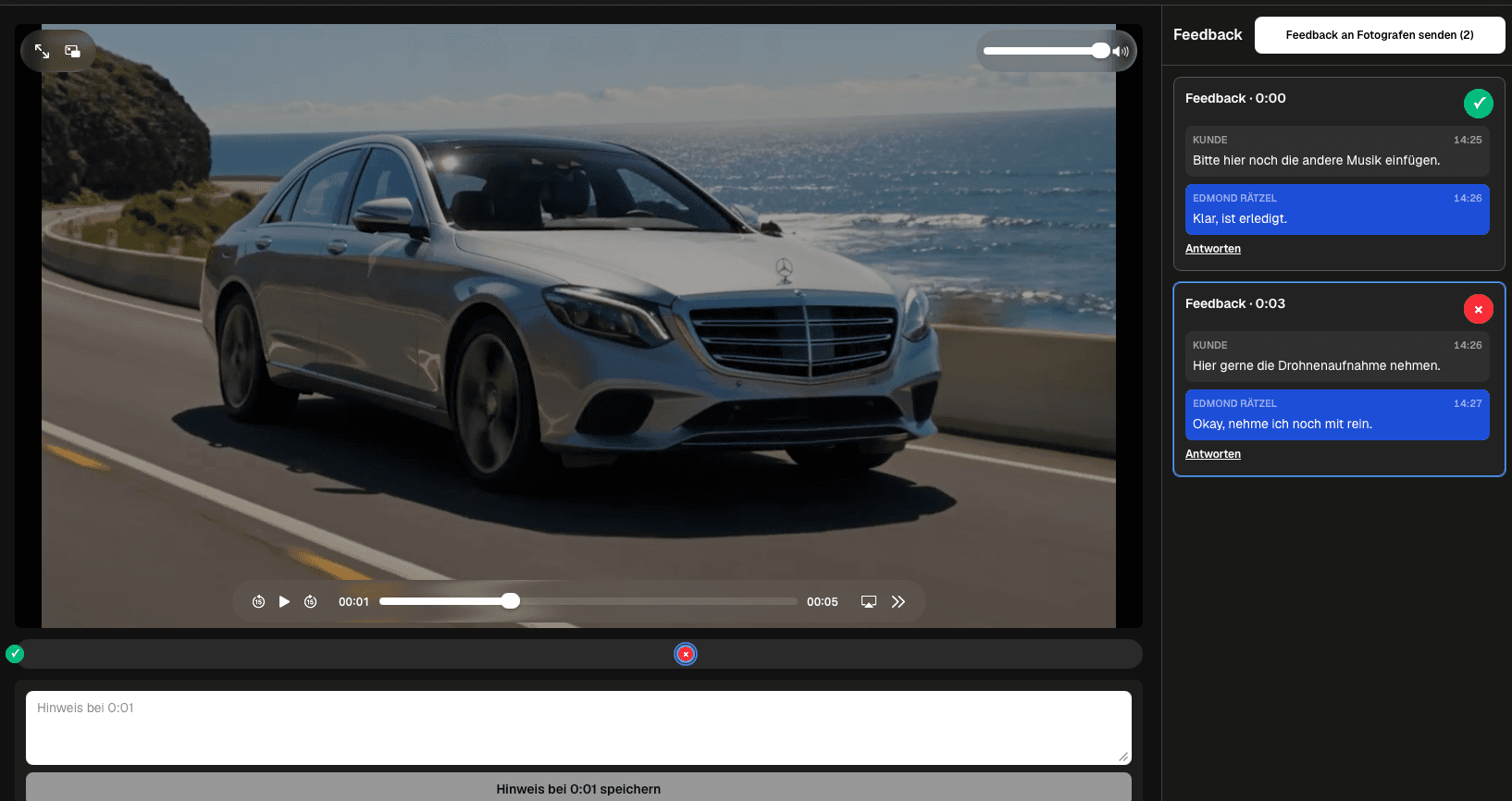
Run a social media video feedback workflow for vertical and horizontal clips, hooks, messaging, captions, calls to action, stakeholders, and per-clip status.
Quick answer
Run a social media video feedback workflow for vertical and horizontal clips, hooks, messaging, captions, calls to action, stakeholders, and per-clip status. GalleryDock keeps exported clips and their feedback organized; it does not reformat, publish, schedule, generate captions, or approve an advertising campaign automatically.
Workflow
Keep each handoff explicit so the client and creative team know what happens next.
01
Identify platform, aspect ratio, topic, and revision in the file or gallery label.
02
Invite only the stakeholders responsible for message, facts, brand, or people.
03
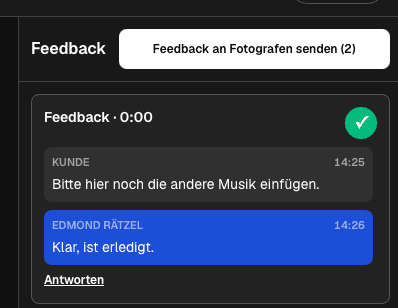
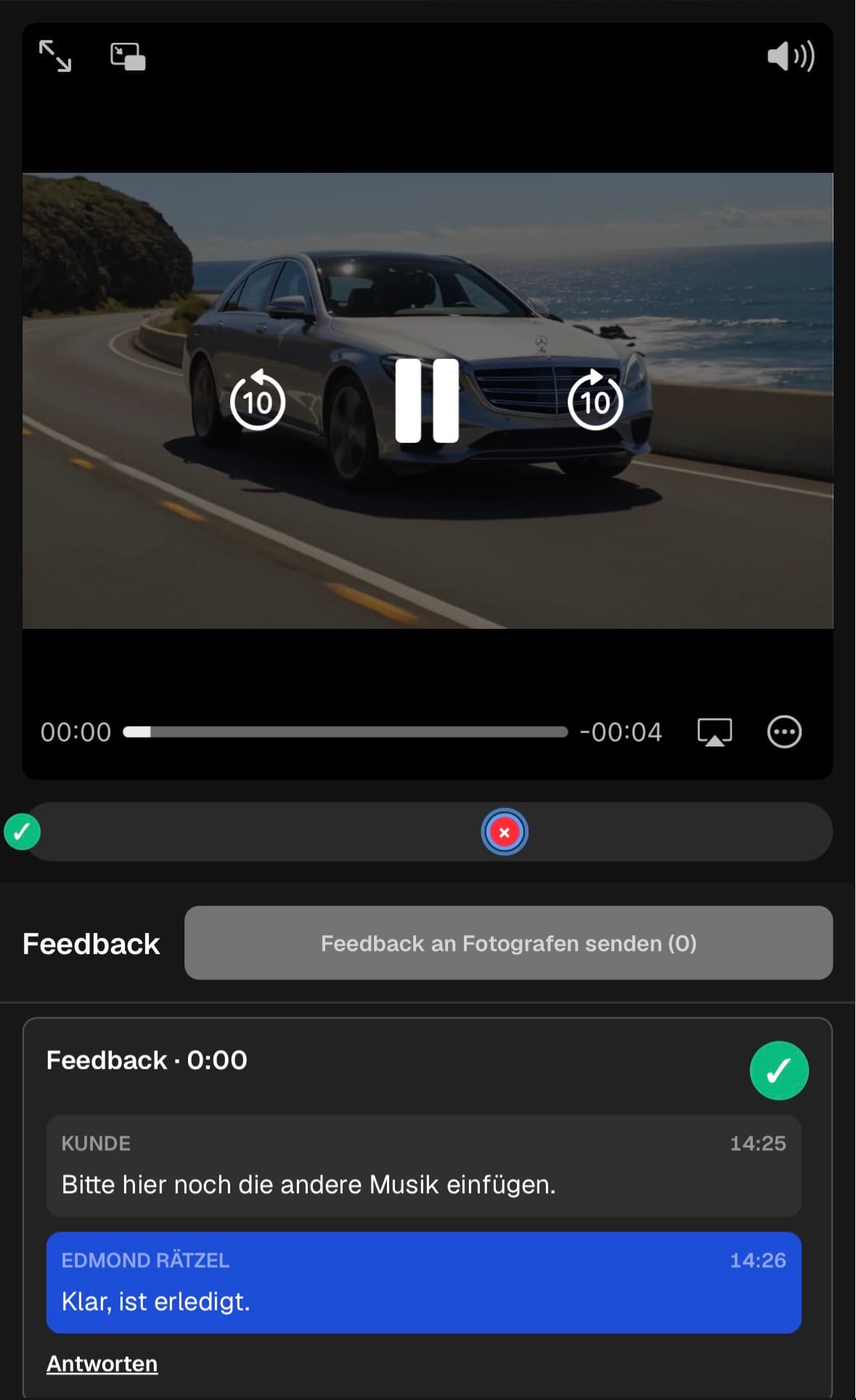
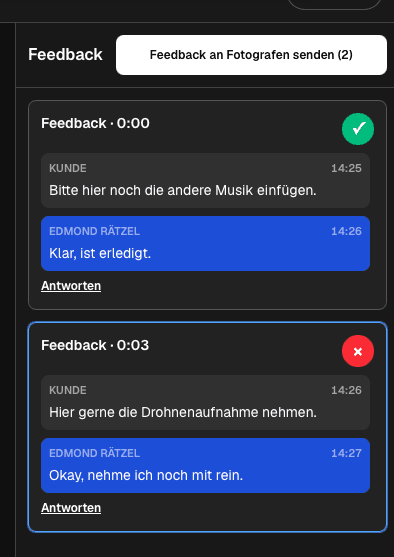
Attach corrections to the affected asset and moment instead of one batch email.
04
Verify each clip's open notes, final export, and intended publishing destination.
Project-specific review
Review the decisions that belong to this project instead of collecting vague approval messages.
Check the correct vertical or horizontal export and the opening message.
Verify claims, visuals, tone, product details, and brand consistency.
Review visible captions, spelling, timing, and the intended call to action.
Keep each reviewer on the right asset and close every open note before publishing.
Quality control
A successful handoff needs a tested client path and an honest boundary around what the software does.
Open the client view on desktop and mobile. Check access, readable labels, media playback or product choices, and the next action without horizontal overflow.
Use names and instructions the client understands. Keep internal production language out of the final handoff unless it helps them make a decision.
GalleryDock keeps exported clips and their feedback organized; it does not reformat, publish, schedule, generate captions, or approve an advertising campaign automatically.
Resolve every open point, verify the intended final file or order state, and only then publish or deliver the next version.
Comparison
Use this comparison to keep social media video feedback workflow precise and product-truthful.
| Approach | Best for | Tradeoff |
|---|---|---|
| Gallery-based clip review | A batch of exported social assets | Publishing remains outside the gallery |
| Chat feedback | One urgent clip | Versions and open notes become fragmented |
| Spreadsheet review | A campaign inventory | Playback context is separate |
| Social scheduler | Publishing approved assets | Not the purpose of this review workflow |
A client reviews a named set of vertical and horizontal clips without mixing their notes.
Marketing and product reviewers verify claims, captions, branding, and calls to action.
Communications and HR reviewers check people, message, and approved scenes.
Frequently asked questions
Yes. Keep each exported asset clearly named so its comments and status remain distinct.
Invite the relevant reviewers and keep replies in the thread for the affected clip and moment.
No automatic reformatting is claimed. Export and label each intended format before review.
No. Review the captions or on-screen text included in the exported asset.
This workflow does not claim publishing or scheduling. Move verified files into the separate publishing process.
Use comment status and a deliberate final check for each clip before the batch leaves review.
Related resources
Pricing
Free forever
0 EUR
EUR 0 per month
Perfect for sharing your first galleries professionally.
Start free, no credit card required
Monthly
19 EUR
EUR 228 billed yearly. plus VAT
Ideal for photographers who regularly deliver client galleries.
For regular client delivery
Monthly
29 EUR
EUR 348 billed yearly. plus VAT
For photographers managing many projects, videos and growing storage.
For regular client delivery
Use one real client project to test the complete social media video feedback workflow path before you make it your default.
Create a free account