01
Set the review goal
Tell the client what is ready for a decision.
Freelancer video review software
Choose video review software for freelancers that keeps client notes at the right moment, makes corrections visible, and supports final delivery.
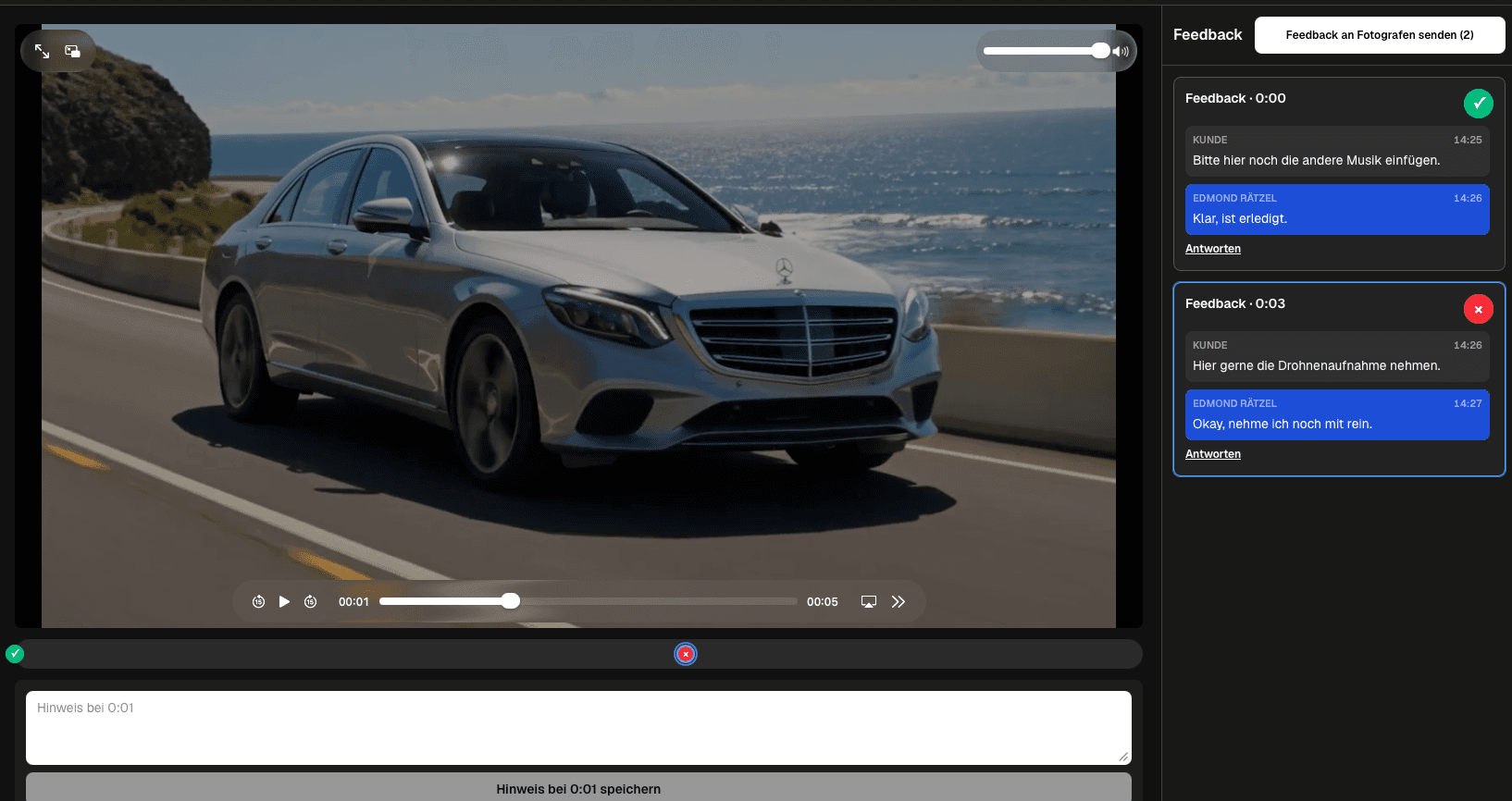
Quick answer
Choose video review software for freelancers that keeps client notes at the right moment, makes corrections visible, and supports final delivery. GalleryDock supports the client-facing review and delivery path; it does not provide agency staffing, enterprise permissions, invoicing, project management, editing, or guaranteed business results.
Workflow
Keep each handoff explicit so the client knows what to review and the filmmaker knows what happens next.
01
Tell the client what is ready for a decision.
02
Avoid parallel links and outdated files.
03
Clarify requests and keep their status visible.
04
Check the corrected export before the final handoff.
Review focus
Ask for decisions that belong to the current export instead of collecting vague reactions across several channels.
Make the first review action obvious.
Ask for the observation and requested outcome.
Keep unresolved items visible to one operator.
Verify the final file before closing the project.
Quality control
A reliable review needs a tested client path and an honest boundary around what the software does.
Open the client view on desktop and mobile, play the intended export, and check that the next action is clear without horizontal overflow.
Use client-facing language and state what kind of decision is needed in this round.
GalleryDock supports the client-facing review and delivery path; it does not provide agency staffing, enterprise permissions, invoicing, project management, editing, or guaranteed business results.
Resolve every open point, verify the corrected export, and only then deliver or share the next version.
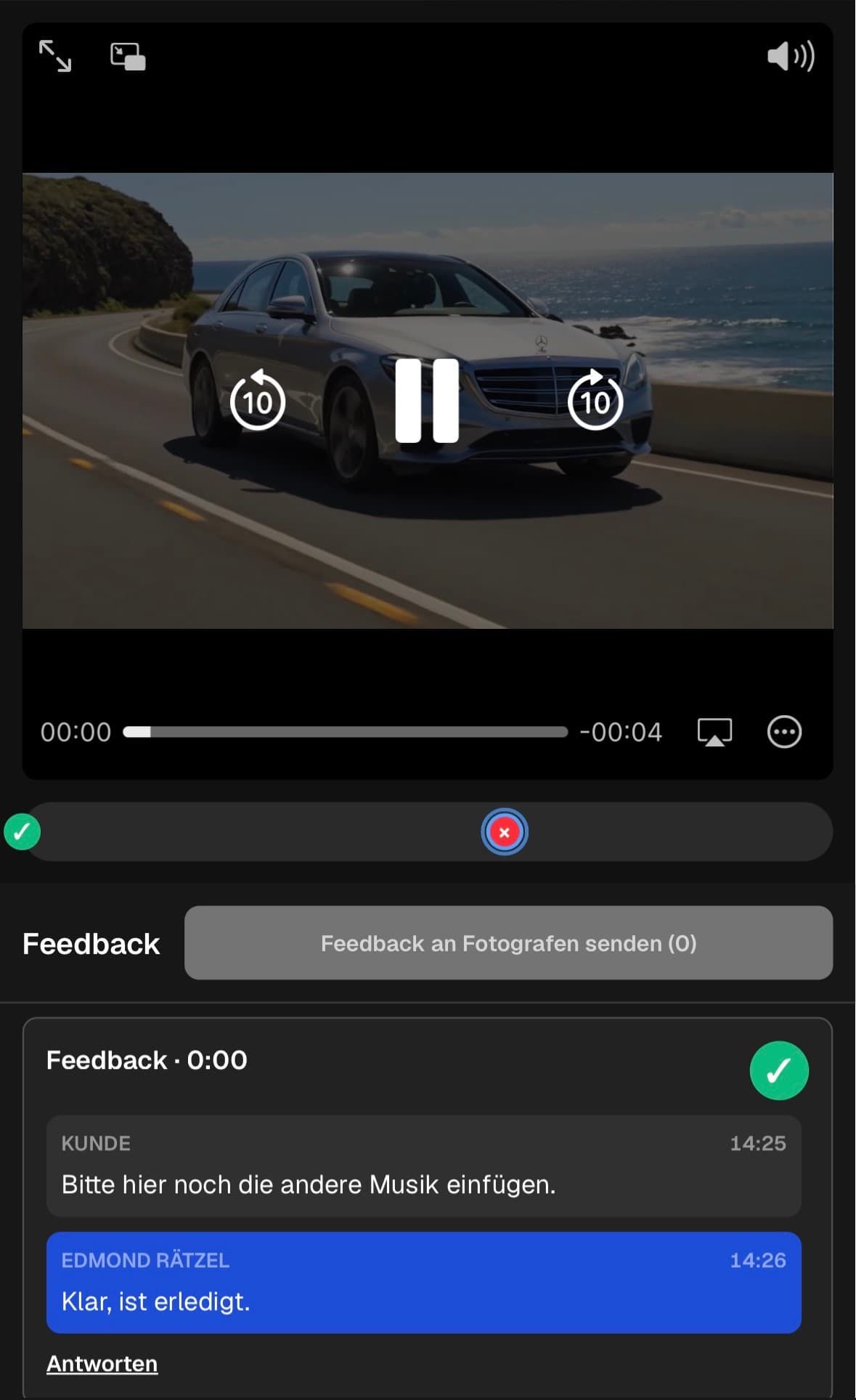
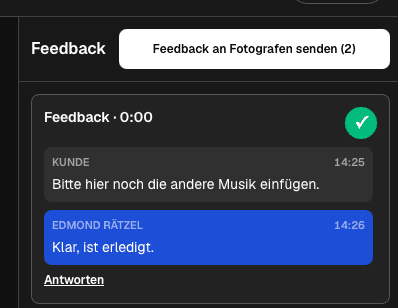
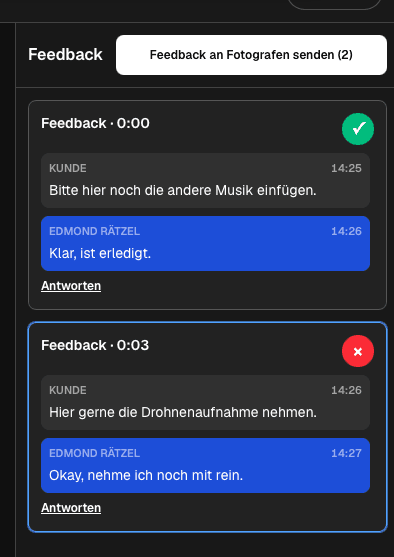
Comparison
Use this matrix to keep freelancer video review software specific, actionable, and tied to the current export.
| Approach | Best for | Tradeoff |
|---|---|---|
| Simple client entry | A solo freelancer needs minimal onboarding | Use one private gallery path |
| Actionable notes | Every request must be understandable later | Keep the note with its saved timecode |
| Visible workload | The freelancer needs to see what remains | Separate open and completed items |
| Final handoff | Review should lead cleanly to delivery | Use the same branded client space |
A direct client comments on the hook, offer, pacing, and end card.
The freelancer repeats the same review brief for a monthly series.
Several exports stay clearly named while each receives its own notes.
Frequently asked questions
Prioritize a simple client path, timecoded comments, contextual replies, visible status, and a clean route to final delivery.
No. The client can use the private GalleryDock review path without creating an account.
Yes. Name each export clearly and keep feedback attached to the intended asset.
Each note can stay open while action is required and be marked completed after verification.
No. Billing, scheduling, task ownership, and editing remain in the freelancer's existing business tools.
Yes. Video feedback is available in the Free plan; current product limits shown in GalleryDock remain authoritative.
Related resources
Pricing
Free forever
0 EUR
EUR 0 per month
Perfect for sharing your first galleries professionally.
Start free, no credit card required
Monthly
19 EUR
EUR 228 billed yearly. plus VAT
Ideal for photographers who regularly deliver client galleries.
For regular client delivery
Monthly
29 EUR
EUR 348 billed yearly. plus VAT
For photographers managing many projects, videos and growing storage.
For regular client delivery
Use one real client project to test the complete freelancer video review software workflow before making it your default.
Create a free account