Choose the final versions
Remove review exports and outdated cuts. Name the approved master, social versions, and optional extras so the client cannot confuse them.
Professional video delivery
Send finished videos through a private client gallery with browser playback, controlled downloads, and photos from the same project.
Quick answer
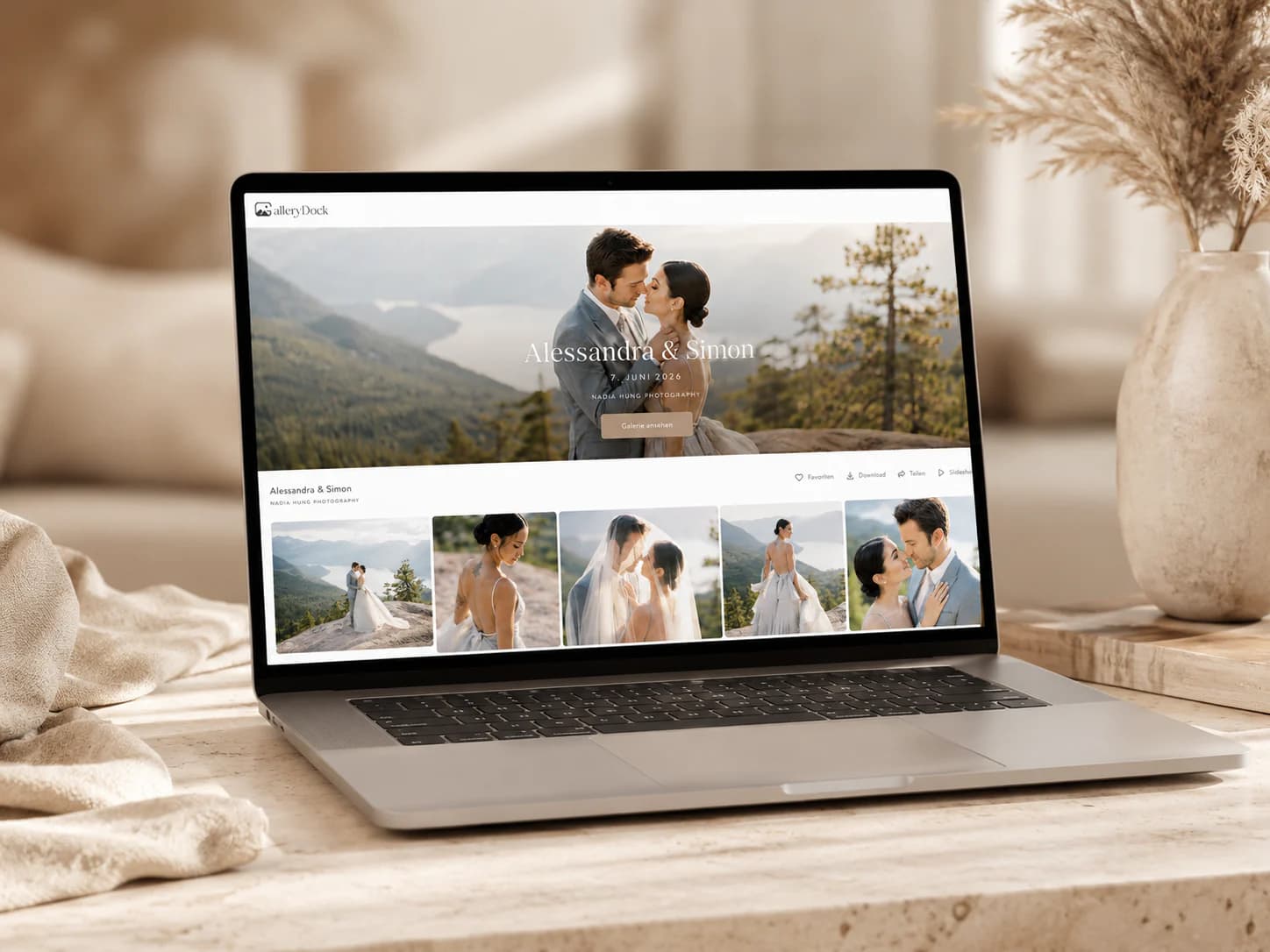
The most professional way to send videos to clients is to separate presentation from file transfer. Give the client one private gallery where the finished film opens in the browser, the project has a clear identity, and approved downloads remain under your control. GalleryDock can keep videos and photographs together without turning the final handoff into a cloud-folder scavenger hunt.
Before you share
A finished-film delivery needs a clear scope. Decide which versions belong in the project, what can be downloaded, and what the client should do after opening the link.
Remove review exports and outdated cuts. Name the approved master, social versions, and optional extras so the client cannot confuse them.
Use a recognizable project title and cover, then arrange the media in the order the client should experience it.
Browser viewing and file ownership are separate decisions. Enable downloads only for the versions included in the delivery.
Tell the client whether the project is final, whether feedback is still expected, and where approved files can be downloaded.
Four-step workflow
A repeatable sequence prevents last-minute link changes and keeps the final delivery separate from editing review.
01
Finish technical quality control before upload and keep temporary review versions outside the final client project.
02
GalleryDock supports video uploads up to 30 GB per file, subject to the current product limits shown in the app.
03
Open the private gallery on desktop and mobile, verify playback, ordering, profile details, and download behavior.
04
Use a short delivery message that names the project, the included versions, and the action expected from the client.
Keep the tools in their lane
One platform does not need to perform every production task. Use each step for the decision it handles best and keep the client-facing finish intentional.
Resolve timecode notes and cut revisions before the project is labeled as the final delivery.
A gallery explains who created the work, which project it belongs to, and how the client should consume it.
When the contract includes files, make the approved master available without forcing every viewer to download before watching.
A client delivery link is not a replacement for your own production archive, backup policy, or long-term master storage.


Comparison
Choose the delivery method according to whether the client needs a preview, a file transfer, or a polished project experience.
| Approach | Best for | Tradeoff |
|---|---|---|
| Email attachment | A very small reference clip | Size limits and inconsistent compression |
| Messenger | Fast informal previews | Compression and weak version control |
| Transfer link | Moving one large master file | Limited presentation and project context |
| Public video platform | Publishing and reach | The platform surrounds the client work |
| GalleryDock client gallery | Private presentation and controlled delivery | Not a frame-accurate editing-review tool |
A marketing team receives the approved master and short versions inside one clearly labeled project.
The client watches the highlight first and finds full sessions or interviews in the same private gallery.
Portraits, event photographs, and the finished film arrive through one consistent client experience.
Frequently asked questions
For a final professional handoff, use a private client space that supports browser viewing, clear project context, and controlled downloads of approved files.
Yes. A GalleryDock project can combine photographs and video, which is useful for weddings, events, and commercial hybrid assignments.
The gallery provides browser playback so clients can view the project before deciding whether to download an approved original file.
Yes. Download behavior is part of the gallery setup and should be verified before the delivery link is sent.
GalleryDock currently supports video uploads up to 30 GB per file. Confirm current in-product limits before promising an unusual delivery in a client contract.
No. GalleryDock is positioned for polished presentation and delivery, not frame-accurate timecode review during editing.
Related resources
Pricing
Free forever
0 EUR
EUR 0 per month
Perfect for sharing your first galleries professionally.
Start free, no credit card required
Monthly
19 EUR
EUR 228 billed yearly. plus VAT
Ideal for photographers who regularly deliver client galleries.
For regular client delivery
Monthly
29 EUR
EUR 348 billed yearly. plus VAT
For photographers managing many projects, videos and growing storage.
For regular client delivery
Create a GalleryDock project, verify the video and download settings, and deliver the approved work through one private link.
Create a free account