Lead with the film the couple should watch first
Use the gallery order and cover to make the highlight film or primary edit obvious, then place longer versions and supporting media in a logical sequence.
Wedding film delivery
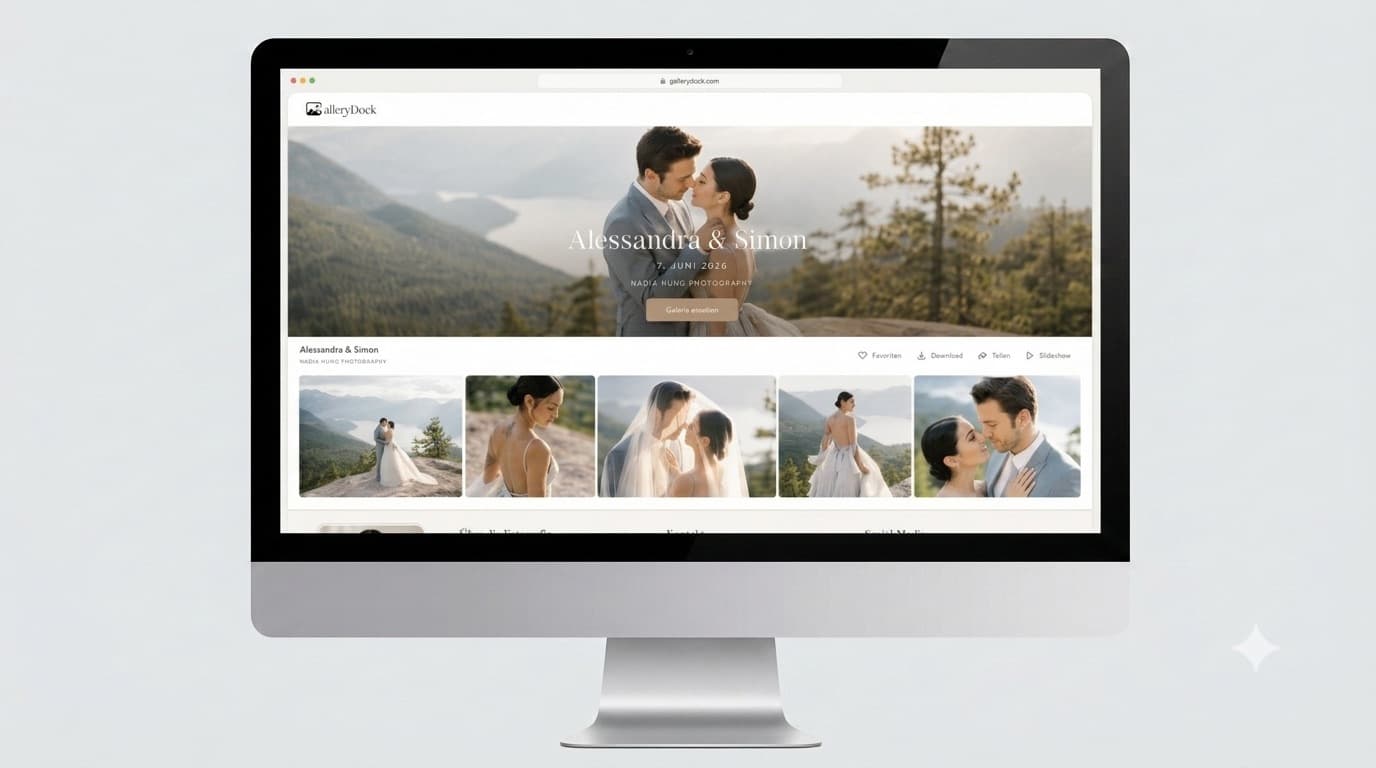
Deliver wedding highlight films, full-length videos, photos, and approved downloads through one private GalleryDock client gallery.
Quick answer
A wedding film deserves a client handoff that feels connected to the story. GalleryDock lets filmmakers and hybrid photo-video teams present highlight films, longer edits, photographs, and approved downloads in one private gallery link. The couple can watch in the browser and return to the project without searching through unrelated transfer emails or public video-platform pages.
Build the final presentation
Couples may receive a teaser, highlight film, ceremony edit, speeches, and a longer documentary cut. The gallery should make those pieces easy to recognize without turning the handoff into a technical file list.
Use the gallery order and cover to make the highlight film or primary edit obvious, then place longer versions and supporting media in a logical sequence.
Use labels such as highlight film, ceremony, speeches, or full wedding film instead of internal export codes the couple has never seen.
When the package includes both, one client area avoids separate handoff emails and gives the couple a single place to revisit the completed story.
Browser viewing and file delivery are different actions. Confirm which versions may be downloaded and which are intended primarily for viewing.
A calm delivery process
The first client viewing should feel intentional. A short pre-send review catches wrong versions, missing films, access problems, and confusing instructions before they reach the couple.
01
Confirm that each file is the correct render and that no draft, watermark test, or outdated revision remains in the delivery set.
02
Place the emotional entry point first and group longer edits, photographs, and extras so the couple can explore without guessing.
03
Open the client link, play each film, check the cover and titles, and confirm that the gallery remains usable on a phone.
04
Explain what is included, how downloads work, and whether the couple may share the gallery with family or vendors under your agreement.
Protect the client experience
Wedding films contain personal moments and identifiable guests. Technology can support deliberate access, but it does not replace clear expectations between the filmmaker and the couple.
Keep the delivery separate from a public discovery platform when the couple expects a client-only viewing experience.
Optional password access can add another step for sensitive weddings, private vows, or films intended for a limited audience.
A recipient may still forward a link or password. Tell the couple who is meant to receive access and what they may publish or share.
Tell the couple which files are downloadable and encourage them to save their final films according to the retention terms of the project.
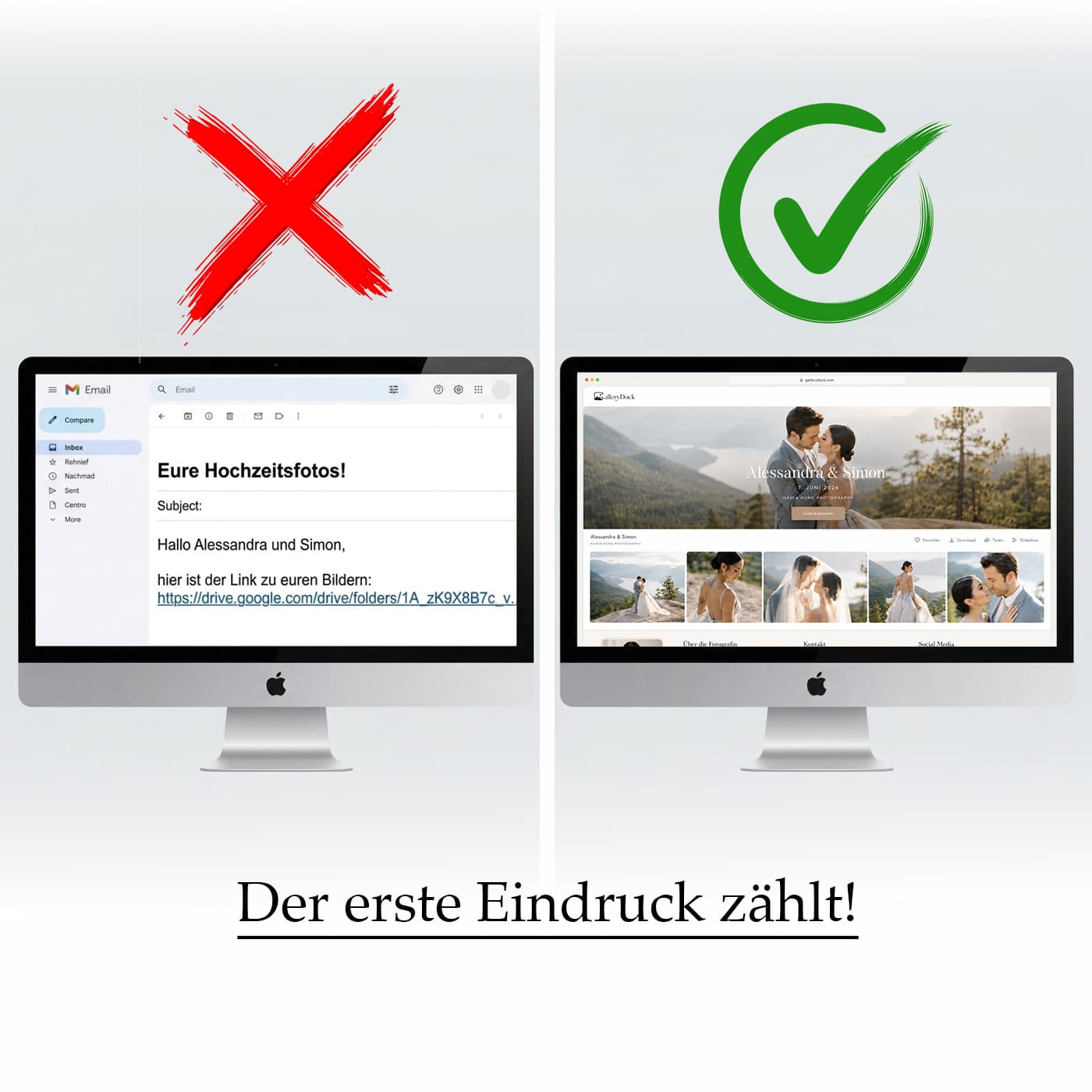
Comparison
A transfer service can move a large video, while a public platform can host playback. A client gallery is designed to keep private presentation and delivery together.
| Approach | Best for | Tradeoff |
|---|---|---|
| Email attachment | A tiny preview clip | Not suitable for full-quality wedding films |
| Transfer link | A direct final-file handoff | The download becomes the entire client experience |
| Cloud folder | Archive-style file access | Versions and folders can feel technical to the couple |
| Public video platform | Public reach and easy public sharing | Not always appropriate for a private wedding delivery |
| GalleryDock video gallery | Private presentation of wedding films, photos, and downloads | Requires the filmmaker to prepare the project view |
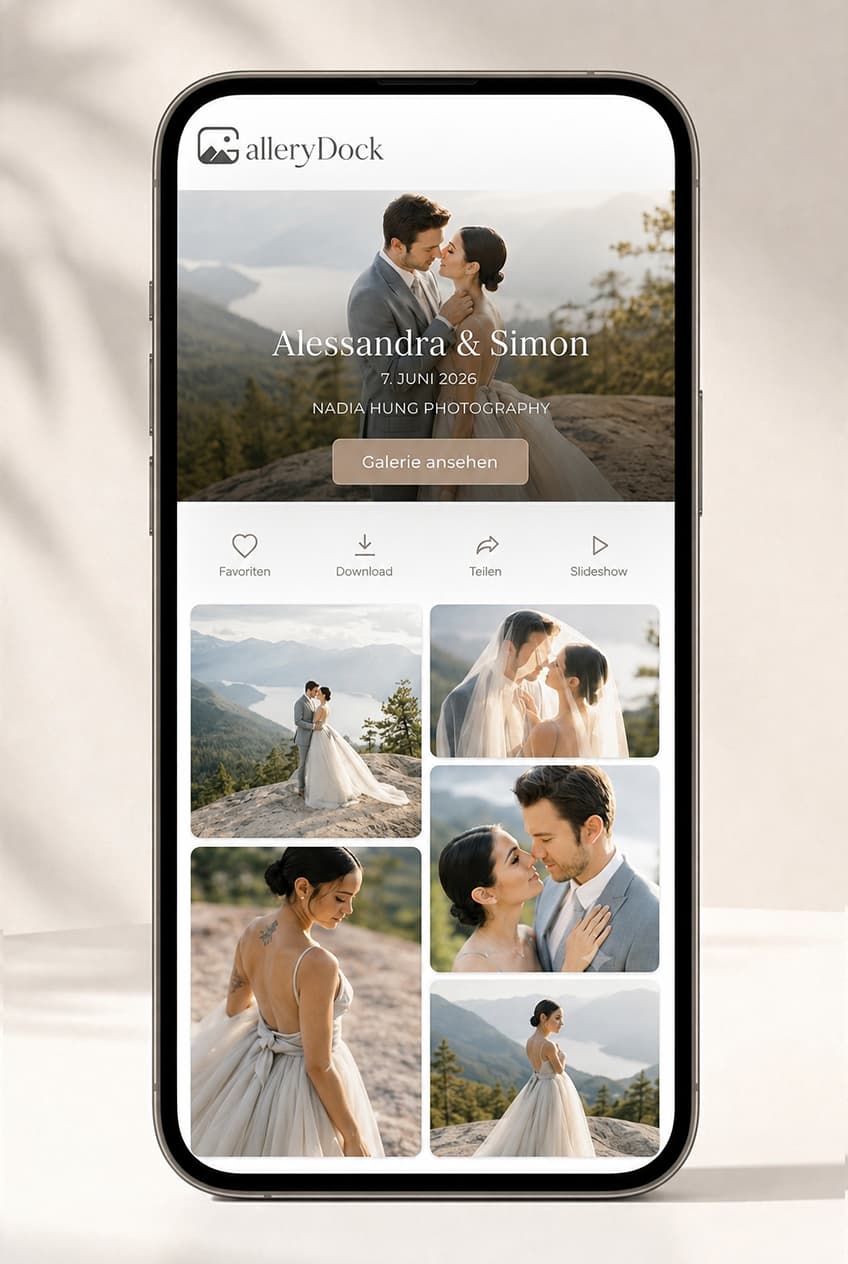
The couple watches the short film first, then returns for the ceremony, speeches, and full-length story without opening several delivery links.
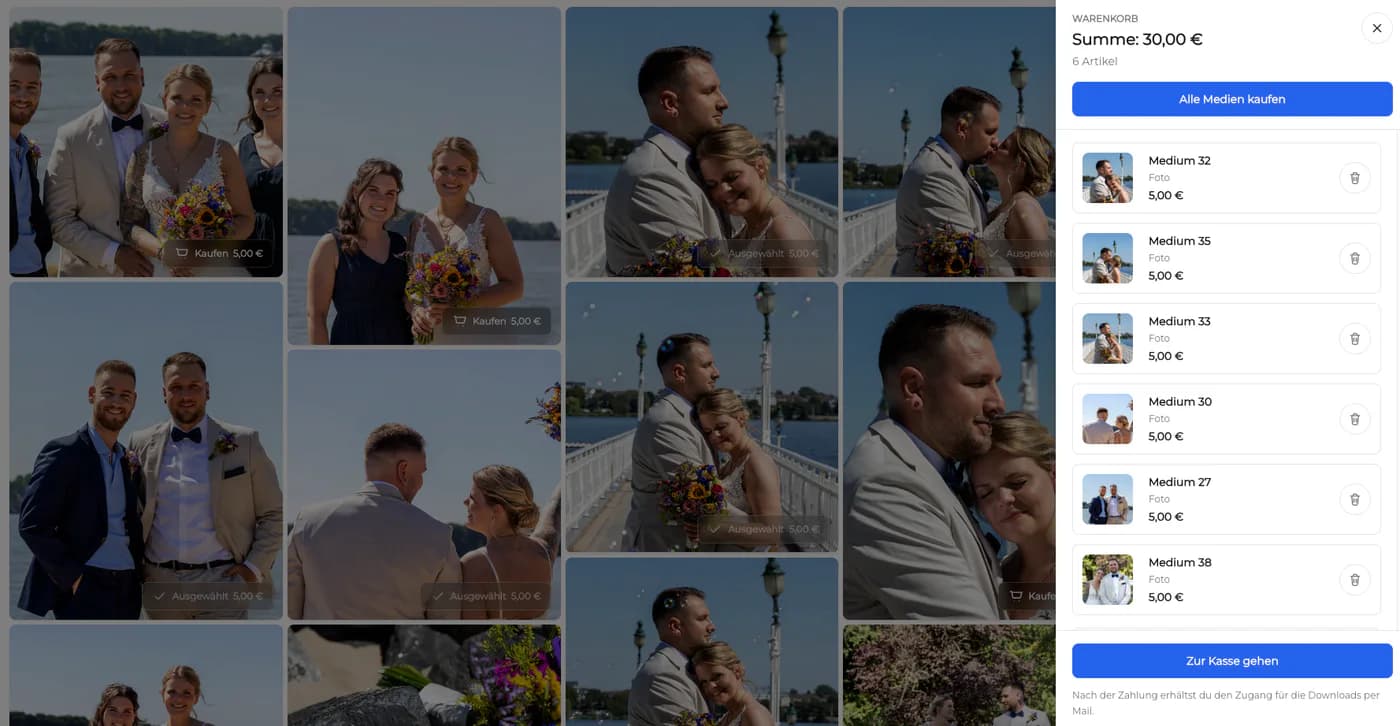
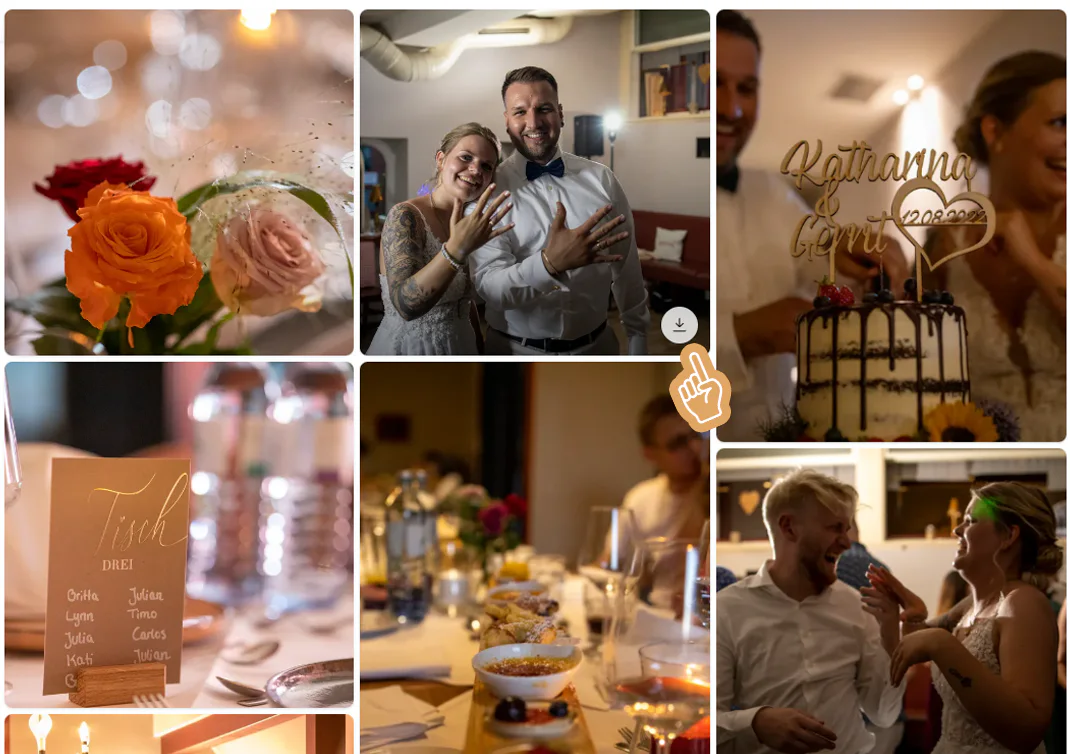
Photographs, highlight films, and social clips remain together, giving the couple one recognizable destination for the complete package.
The couple shares the gallery with selected relatives under the access and publication expectations agreed with the studio.
Frequently asked questions
Upload the final wedding films to a private GalleryDock gallery, organize the versions, check playback and download permissions, and send the couple one client link.
Yes. GalleryDock can present photos and videos within the same client project, which is useful for hybrid coverage and combined studio packages.
The client gallery opens in a modern mobile browser, allowing the couple to watch from a phone without installing a separate client app.
Yes. Treat download access as a deliberate gallery setting and confirm it before delivery so the client experience matches the package you sold.
No. GalleryDock is intended for polished client presentation and delivery. It should not be described as a frame-accurate editing-review tool with timecode annotations.
Use optional password protection when the privacy expectations of the couple or the content call for another access step. Also explain that recipients can still forward access information.
Related resources
Pricing
Free forever
0 EUR
EUR 0 per month
Perfect for sharing your first galleries professionally.
Start free, no credit card required
Monthly
19 EUR
EUR 228 billed yearly. plus VAT
Ideal for photographers who regularly deliver client galleries.
For regular client delivery
Monthly
29 EUR
EUR 348 billed yearly. plus VAT
For photographers managing many projects, videos and growing storage.
For regular client delivery
Create a GalleryDock gallery, arrange the finished films and photographs, and deliver one private link the couple will understand.
Create a free account