Give each video a recognizable role
Use client-facing names for the hero film, full edit, social cut, event recap, or additional deliverable instead of relying on export codes.
Client video galleries
Present videos in a private GalleryDock client gallery with project context, mobile viewing, mixed photo-video delivery, and controlled downloads.
Quick answer
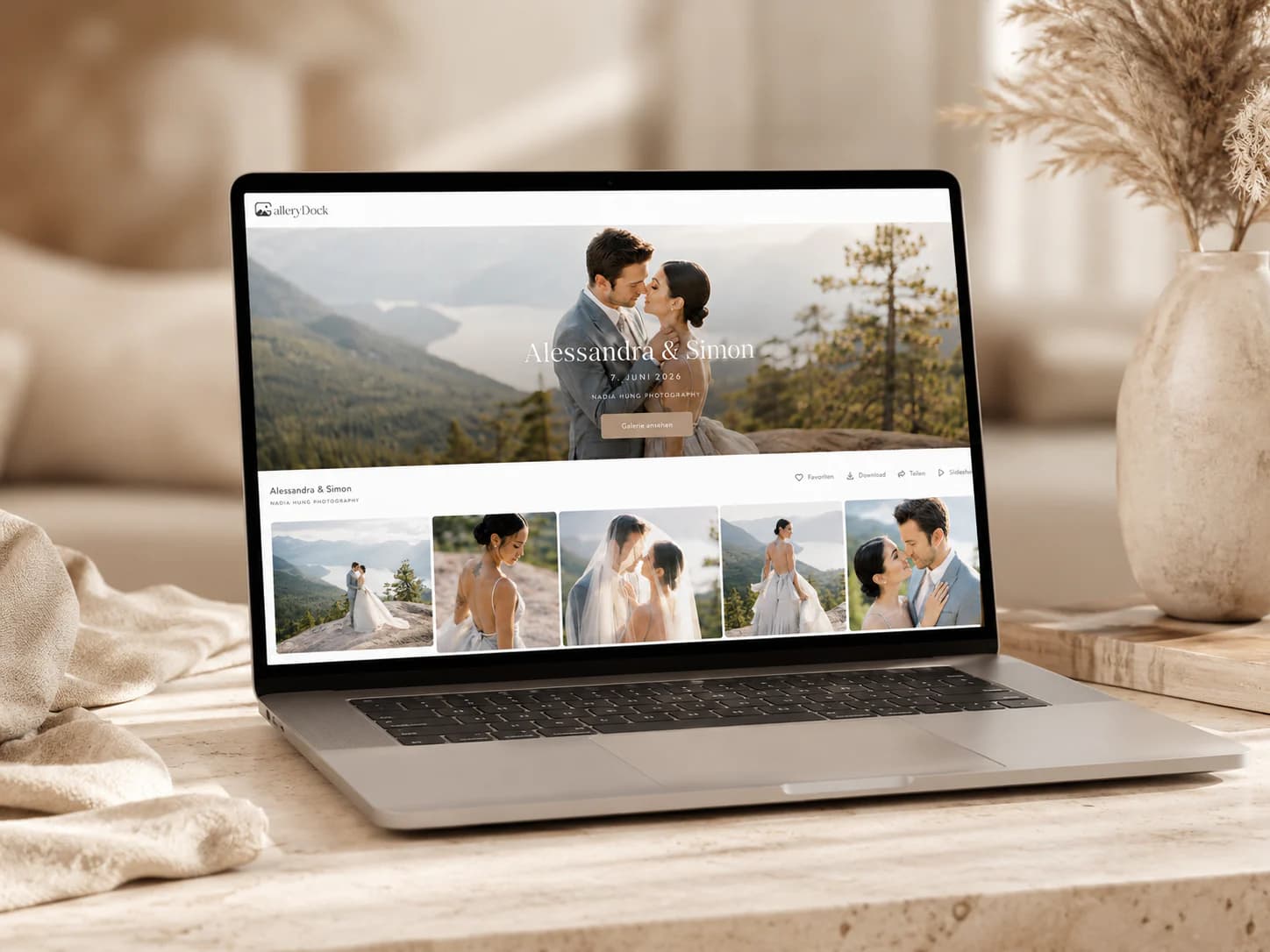
A video gallery for clients gives finished films a private project context instead of reducing delivery to a filename or transfer page. GalleryDock lets filmmakers present videos in the browser, combine them with photographs and digital files, keep the studio profile visible, and release downloads when appropriate. It is built for polished client presentation and delivery, not frame-accurate editing review.
What a client video gallery does
The gallery should help clients recognize the project, choose what to watch, understand available downloads, and return later without searching through several delivery messages.
Use client-facing names for the hero film, full edit, social cut, event recap, or additional deliverable instead of relying on export codes.
A project gallery can retain the photographer or filmmaker's profile and client context instead of sending viewers to an anonymous file page.
When a project includes stills, films, and other digital files, clients can receive one destination rather than a separate tool for each format.
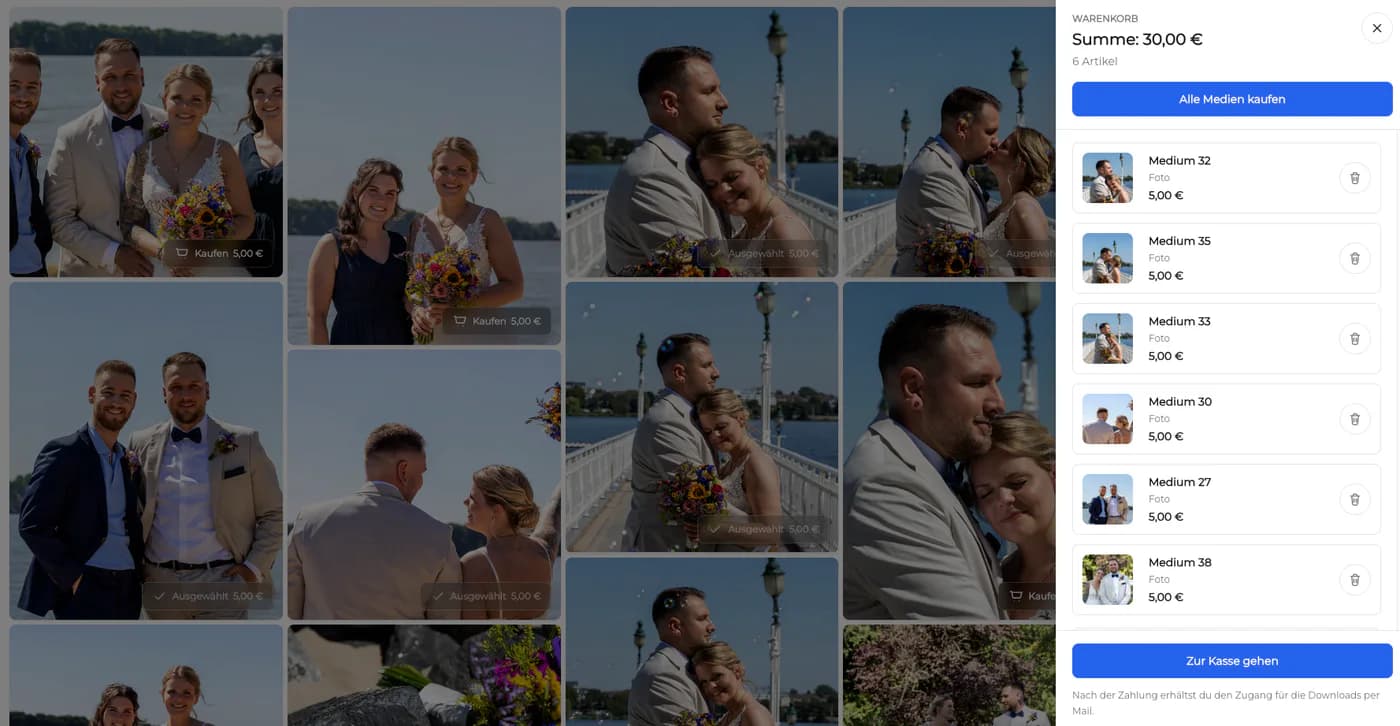
Clients may watch in the browser while the filmmaker decides whether final source files or delivered exports are available to download.
Prepare the experience
Video delivery is especially sensitive to wrong revisions and playback problems. A short client-side test protects the final reveal.
01
Verify the final renders and remove review cuts, test exports, and outdated revisions that should not reach the client.
02
Lead with the main client deliverable and group additional cuts, photographs, or digital extras in an understandable order.
03
Open the shared view, play every video, check mobile behavior, and confirm password and download settings.
04
Explain what is included, which files may be downloaded, and any sharing or retention expectations relevant to the assignment.
Know the product boundary
GalleryDock supports client presentation and delivery. It should not be positioned as every kind of video platform or as a replacement for specialized editing-review systems.
Use public video networks when discovery, subscribers, or broad distribution are the goal. Use a private gallery when the project is intended for a client audience.
Do not promise timecode annotations or collaborative edit approval. Complete that production review before presenting the final client gallery.
Delivery access does not remove the need for the filmmaker and client to maintain the backups required by their agreement.
The strength is a private, branded place where clients can watch the finished work and receive approved downloads in context.


Comparison
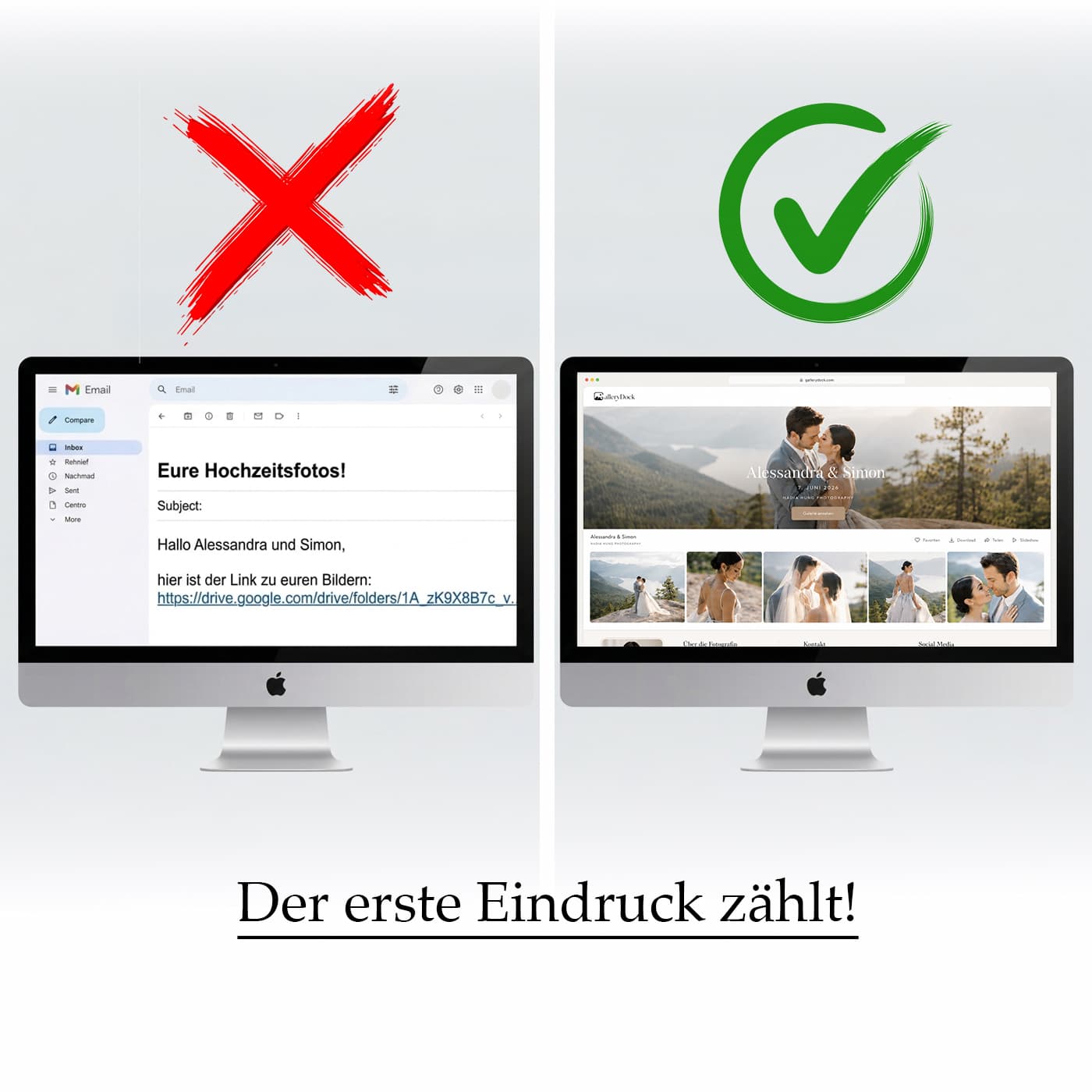
Editing review, public publishing, file transfer, storage, and final client delivery solve different problems even when the same video file is involved.
| Approach | Best for | Tradeoff |
|---|---|---|
| Email or message attachment | A short compressed preview | File limits and an informal client experience |
| Transfer link | Moving one final video file | Little presentation or project context |
| Cloud folder | Shared storage and ongoing internal access | Clients navigate folders and versions |
| Public video platform | Reach, publishing, and public sharing | The surrounding platform may not fit private delivery |
| GalleryDock video gallery | Private presentation and delivery of finished client videos | Not intended for timecode-based editing review |
Marketing receives the approved master, social cuts, and accompanying photographs in one project rather than several unrelated transfer emails.
The client watches the highlight first, then finds full talks, interviews, or additional clips under the same private gallery link.
A studio delivers portraits, a brand film, and short clips without making the client learn a separate portal for each medium.
Frequently asked questions
It is a private project area where clients can watch finished videos in the browser and receive related photographs, digital files, or approved downloads.
Yes. GalleryDock supports mixed photo-video client projects, which is useful for weddings, events, brands, and hybrid creative services.
The client gallery opens in a modern mobile browser, allowing clients to watch the project without installing a separate viewing app.
Download availability is a deliberate part of the delivery setup. Verify which finished files should be available before sending the client link.
No. GalleryDock should be used for polished client presentation and delivery, not described as a frame-accurate review platform with timecode comments.
GalleryDock client galleries use a private project link and can add optional password protection. Be clear with recipients that access information can still be forwarded.
GalleryDock supports video uploads up to 30 GB per file, which can accommodate substantial final client deliverables. Confirm the current product limits for unusual workflows before promising them in a contract.
Related resources
Pricing
Free forever
0 EUR
EUR 0 per month
Perfect for sharing your first galleries professionally.
Start free, no credit card required
Monthly
19 EUR
EUR 228 billed yearly. plus VAT
Ideal for photographers who regularly deliver client galleries.
For regular client delivery
Monthly
29 EUR
EUR 348 billed yearly. plus VAT
For photographers managing many projects, videos and growing storage.
For regular client delivery
Create a GalleryDock video gallery, combine the approved media, and send one private destination for viewing and delivery.
Create a free account