Messaging apps optimize for speed
Many chat services reduce resolution or bitrate so a clip sends quickly. That is useful for discussion, not for the contractual master.
Quality-preserving video sharing
Avoid messenger compression by combining fast browser playback with a controlled original-resolution video download for clients.
Quick answer
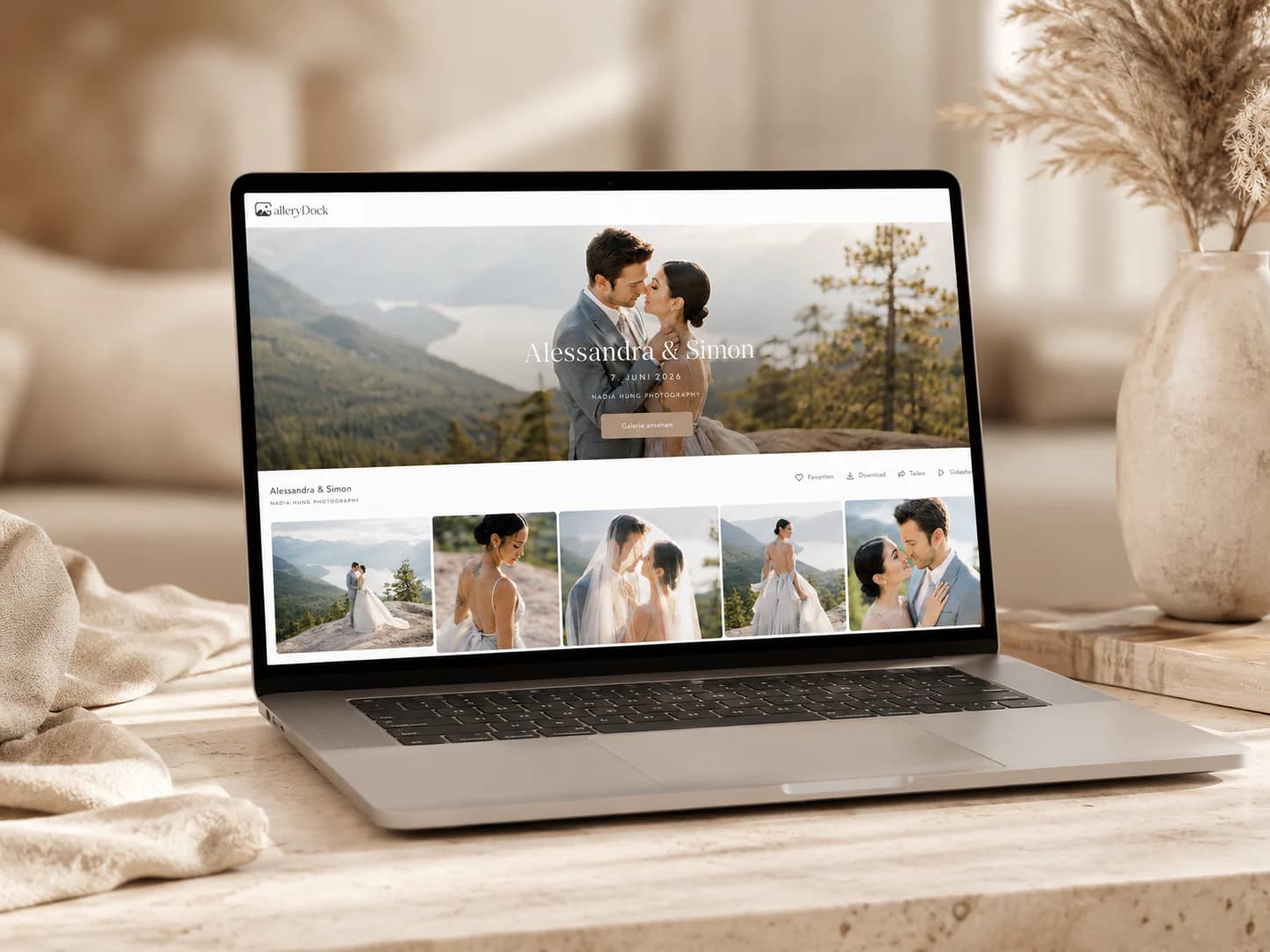
To share videos without losing quality, do not send the final master as a messenger attachment. Upload the approved file to a delivery platform, let the client watch a web-optimized preview, and provide the original-resolution download only when it belongs in the handoff. This keeps viewing fast while preserving the actual delivered file instead of compressing it for transport.
Why quality disappears
Quality loss usually comes from the transport method or a new export, not from the act of sharing a link. Keep the master intact and choose a delivery path that does not re-encode the downloadable file.
Many chat services reduce resolution or bitrate so a clip sends quickly. That is useful for discussion, not for the contractual master.
Large attachments may be rejected, converted into provider links, or encourage another smaller export with unclear settings.
A web-optimized version can be ideal for playback while the original-resolution file remains available for final use.
Tell the client which file is the final master, what it is intended for, and whether other platform-specific exports are included.
Quality-safe workflow
The goal is not to force every viewer to move a huge file. It is to make sure the approved master is available unchanged when the client needs it.
01
Use the agreed resolution, codec, audio, and color settings, then perform quality control before upload.
02
Keep the original filename and avoid creating a smaller attachment copy that could be mistaken for the deliverable.
03
Confirm that the client can watch on desktop and mobile while understanding that streaming is a viewing representation.
04
Enable the intended download, test it, and state clearly which file the client should archive or publish.
Set expectations
Clients often judge a large video through a phone connection. A short explanation prevents a streamed preview from being confused with the downloaded master.
Describe the in-browser player as the convenient way to review the film, especially on mobile or slower connections.
Identify the original-resolution download and its intended use so the client does not publish a preview export by mistake.
Label vertical, social, subtitle, and master versions by purpose instead of relying on similar suffixes alone.
Client access is not your only backup. Keep the production master and project archive according to your retention policy.


Comparison
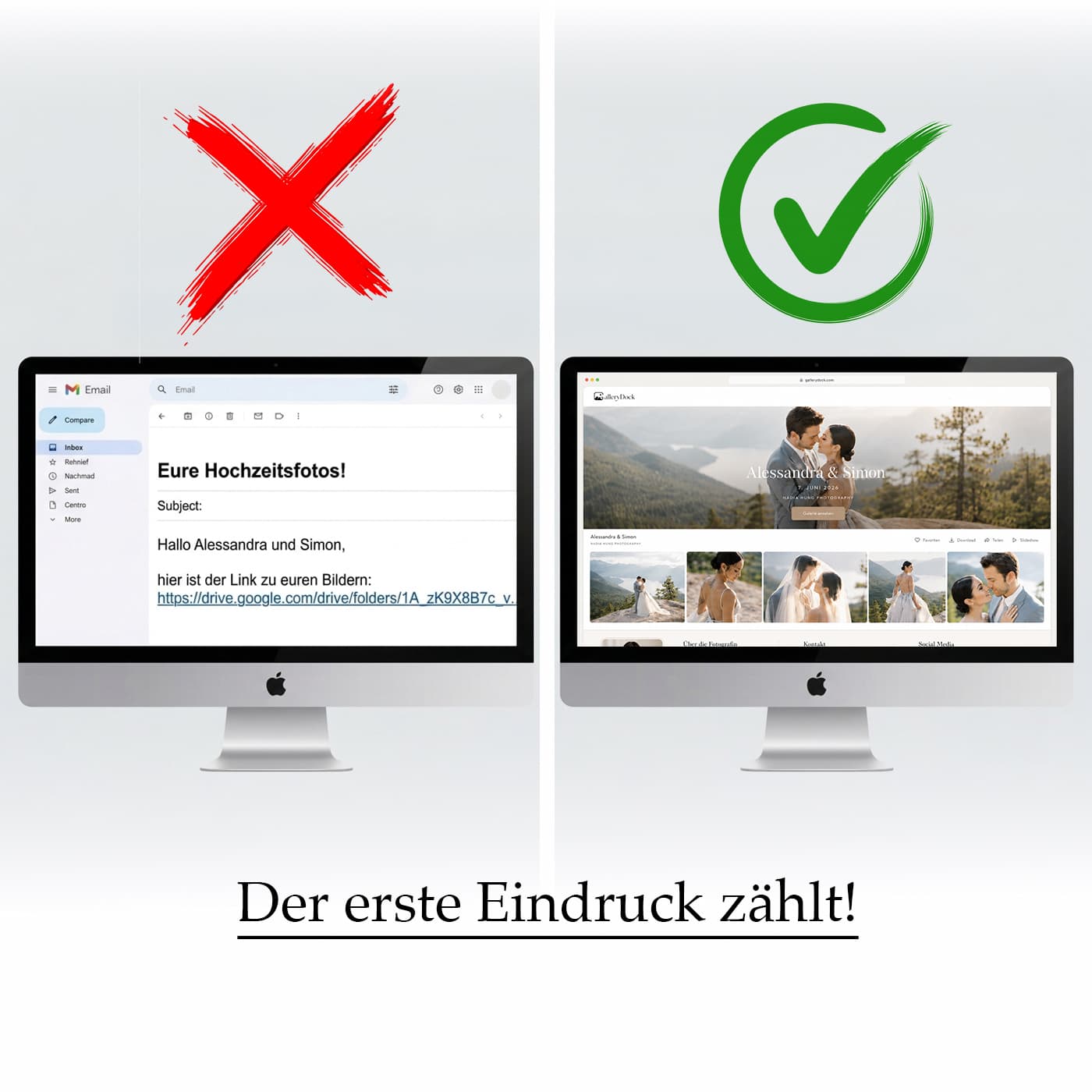
The right method depends on whether the recipient needs a quick look, a public post, or the exact final file.
| Approach | Best for | Tradeoff |
|---|---|---|
| Messenger attachment | Quick informal review | Commonly compressed or resized |
| Email attachment | Small reference files | Strict size limits |
| Cloud-storage file | Direct file access | Limited client presentation |
| Public video platform | Publishing and reach | Platform encoding and public context |
| GalleryDock preview plus original download | Professional viewing and final delivery | The owner must configure and verify downloads |
The couple watches immediately in the browser and downloads the approved high-resolution film for safekeeping.
Marketing can review the film online while the production master and social variants remain clearly labeled downloads.
Photos and video previews remain easy to browse while original deliverables stay available in the same client project.
Frequently asked questions
Upload the final master to a service that preserves the downloadable file, share a link, and avoid sending the deliverable as a compressed message attachment.
Browser playback is optimized for practical streaming. Treat the approved original-resolution download as the final file when that is part of the delivery.
Many messaging services reduce resolution or bitrate to make transfers faster and smaller, so the received attachment may not match your export.
When downloads are enabled for the gallery, clients can receive the approved file. Test the setting and file before sending the link.
Yes when the project benefits from fast viewing plus a high-quality deliverable. Label each version so its purpose is unambiguous.
No. Keep your own backed-up master and project archive even when the client delivery remains available online.
Related resources
Pricing
Free forever
0 EUR
EUR 0 per month
Perfect for sharing your first galleries professionally.
Start free, no credit card required
Monthly
19 EUR
EUR 228 billed yearly. plus VAT
Ideal for photographers who regularly deliver client galleries.
For regular client delivery
Monthly
29 EUR
EUR 348 billed yearly. plus VAT
For photographers managing many projects, videos and growing storage.
For regular client delivery
Upload the approved video to GalleryDock, verify the preview and original download, and share one private project link.
Create a free account