One client or household
A portrait client or family often needs a simple private destination they can revisit together. The gallery should make viewing and downloads obvious without creating accounts for every person.
Private photo sharing
Share client photos through a private gallery link with optional password protection, favorites, and clear downloads. Keep access and feedback organized.
Quick answer
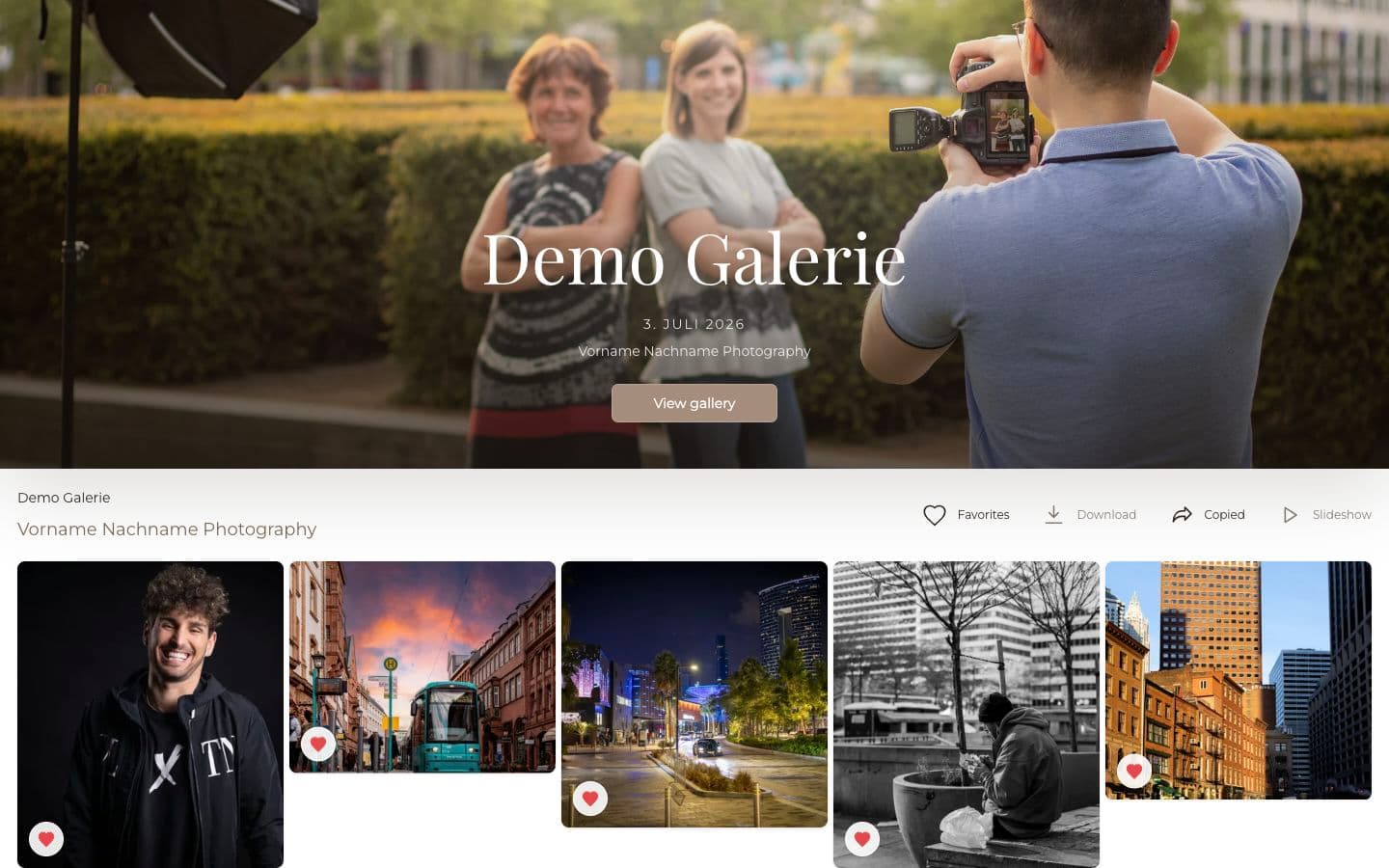
Sharing photos with clients is an access decision, not only a delivery decision. The same link may be opened by a portrait client, a couple, family members, a marketing team, or event stakeholders. GalleryDock gives photographers a private gallery destination with optional password protection and clear actions, so the client can share deliberately without losing the photographer’s presentation or the context of the assignment.
Share with purpose
A family portrait gallery and a campaign approval gallery may both use a private link, but they do not have the same audience or expectations. Decide who receives the link, whether they may forward it, and which actions those viewers should have.
A portrait client or family often needs a simple private destination they can revisit together. The gallery should make viewing and downloads obvious without creating accounts for every person.
A wedding couple may receive the main link first and share it later. Explain whether the gallery contains the full private collection or a version intended for wider guest access.
A marketing or communications contact may need colleagues to review approved assets. Keep the gallery focused on the images that team is actually allowed to use.
A controlled workflow
Private sharing works best when the photographer decides the audience, gallery contents, and download rights first. The client then receives a link with a clear purpose instead of becoming the person who has to design the permissions.
01
Write down whether the primary recipient is an individual, couple, family, company contact, or broader group. This determines what belongs in the gallery and how much sharing guidance is needed.
02
Include only photographs approved for that audience. If a wider group should receive a smaller collection, create that handoff deliberately instead of relying on recipients to hide private images.
03
Use a private URL as the base access method. Add a password when the assignment, audience size, or client preference makes the extra gate useful.
04
Tell the client whether forwarding is welcome, whether the password should be sent separately, and which download options are intended for the different viewers.
Keep the context
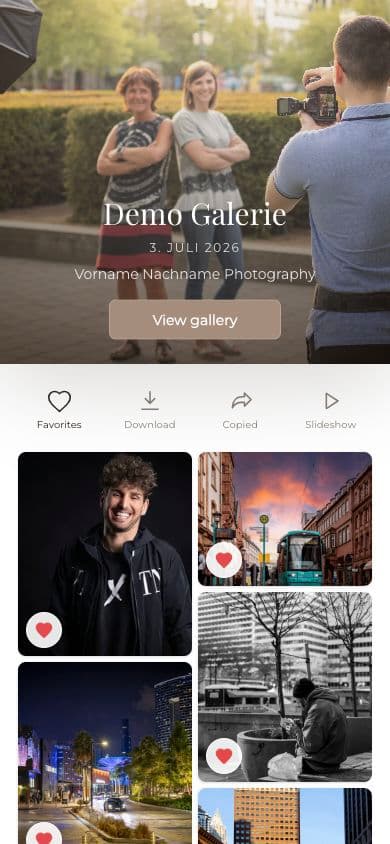
When a link is forwarded, the next viewer may never have seen your original delivery email. The gallery itself must explain what they are viewing through its cover, title, photographer identity, organized images, and clear actions.
A branded gallery carries more context than a raw folder URL. New viewers can recognize the photographer and the collection before they start browsing or downloading.
When review is part of the sharing goal, viewers can work from the same visual collection rather than reporting choices through separate screenshots and messages.
The main client may need final files while a broader viewer group only needs to browse. Build the gallery setup around the access you have actually agreed to provide.
Comparison
A hard-to-guess URL, a password, an account permission, and an expiring transfer link create different client experiences. Choose the level that fits the assignment and explain it honestly.
| Approach | Best for | Tradeoff |
|---|---|---|
| Email attachment | A few files for one known recipient | Forwarding creates copies with no continuing access context |
| Expiring transfer link | Temporary package delivery | Weak long-term presentation and limited review workflow |
| Cloud-folder permission | Named collaborators with ongoing storage access | Account and permission friction for ordinary photo clients |
| Public social album | Images intentionally published to a broad audience | Not appropriate for a private client collection |
| Private GalleryDock gallery | Client viewing, optional password access, and organized actions | The link can still be forwarded, so client guidance remains important |
The couple receives the gallery first, understands the access settings, and can forward the intended link without detaching the photographs from their presentation.
The main contact shares one organized gallery with colleagues who need to select or download images for specific business uses.
The household receives a private link and optional password rather than having personal photographs published in a public social album.
Frequently asked questions
Use a private client-gallery link, add password protection when appropriate, include only images approved for that audience, and explain who may receive the link and download files.
Yes. A recipient can forward a link, so photographers should set clear expectations and use password protection when the audience needs tighter control.
Client galleries are designed to open in the browser. Access can be controlled through the private link and optional password rather than requiring every viewer to create an account.
For more sensitive work, sending the password through a separate channel can reduce the risk of the link and password being exposed together.
If different audiences should see different images, prepare a deliberate gallery or collection for each audience instead of expecting the client to manage hidden files inside one broad delivery.
No. A private gallery is a controlled web-access workflow. Do not describe it as end-to-end encrypted messaging or make security guarantees the product does not provide.
Related resources
Pricing
Free forever
0 EUR
EUR 0 per month
Perfect for sharing your first galleries professionally.
Start free, no credit card required
Monthly
19 EUR
EUR 228 billed yearly. plus VAT
Ideal for photographers who regularly deliver client galleries.
For regular client delivery
Monthly
29 EUR
EUR 348 billed yearly. plus VAT
For photographers managing many projects, videos and growing storage.
For regular client delivery
Create a private GalleryDock gallery, choose the access that fits the assignment, and give every intended viewer one clear place to see the work.
Create a free account