01
Curate the finished set
Remove blinks, technical rejects, and near-duplicates before parents compare individual, sibling, or group photographs.
preschool photography prints
Sell preschool photography prints through a private parent gallery with clear child, sibling, class, format, crop, cart, and mobile order decisions.
Quick answer
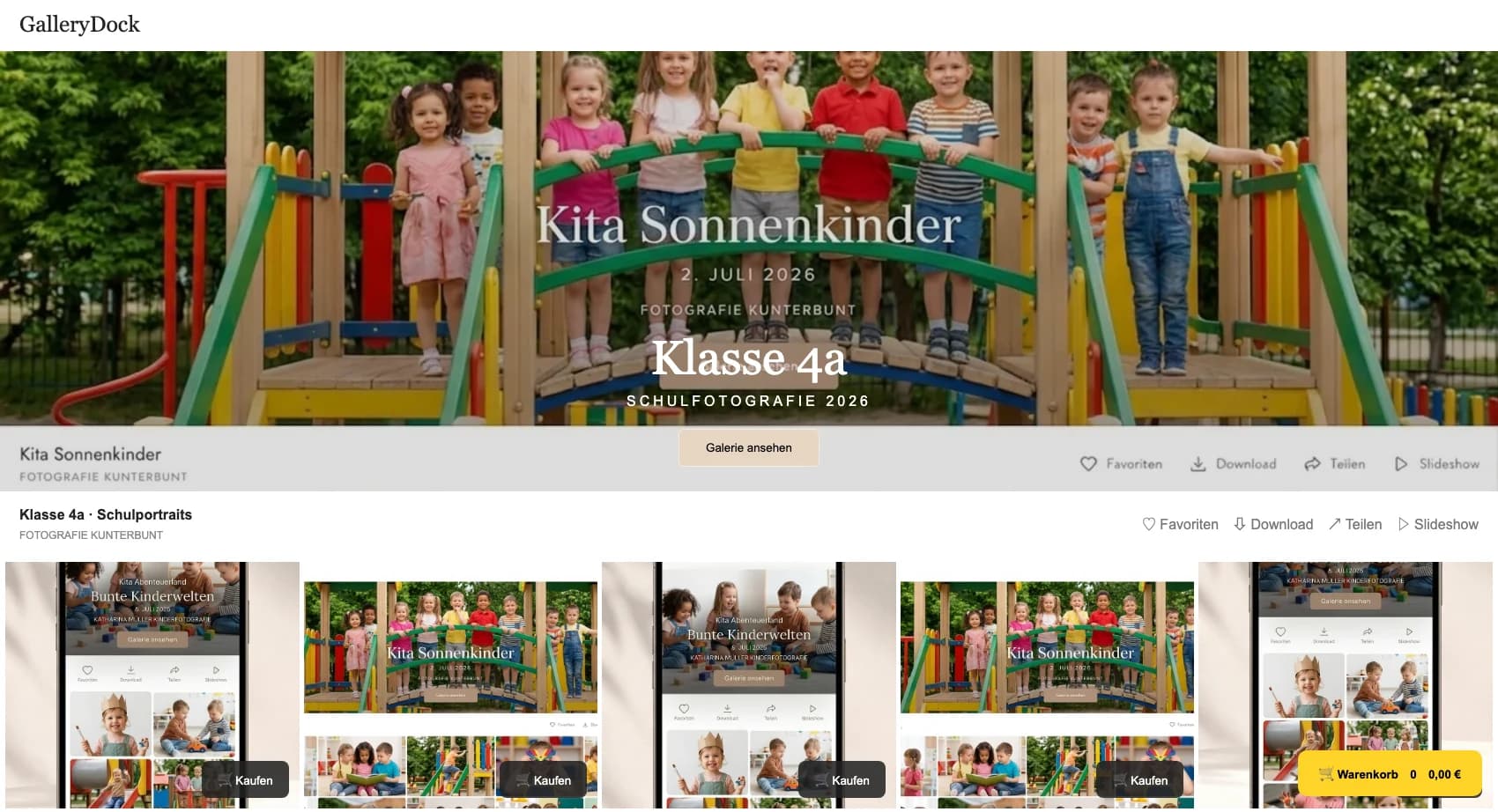
Selling preschool photography prints gives families a private picture-day path from the correct child collection to a deliberate physical print order. Start with one representative client project and define the photograph, product decision, and order state before publishing the gallery. GalleryDock keeps the image, configured digital or physical products, crop, cart, and checkout handoff in one client-facing context. The photographer remains responsible for the offer, image suitability, pricing, source-file approval, production relationship, access decisions, and final order review. Test the complete path on desktop and mobile instead of treating an editor preview or room mockup as proof. This is not automated student matching, facial recognition, a school administration system, a parent account portal, a package-order form, or a promise about a specific lab, delivery date, legal outcome, or sales result.
Picture day
The order path begins with a clear family context rather than a crowded school archive.
01
Remove blinks, technical rejects, and near-duplicates before parents compare individual, sibling, or group photographs.
02
Label child portraits, sibling images, and class photographs clearly so a parent understands what each print choice represents.
03
Use the approved private sharing process for the preschool relationship; a link or password does not identify a household automatically.
04
State what the original picture-day arrangement includes and which physical products are optional purchases.
Print choice
A familiar print size is useful only when the photograph still works inside it.
01
Let the child's pose, group arrangement, and negative space determine which orientations and sizes remain plausible.
02
Check hair, hands, props, and every face against the actual crop before the product is offered.
03
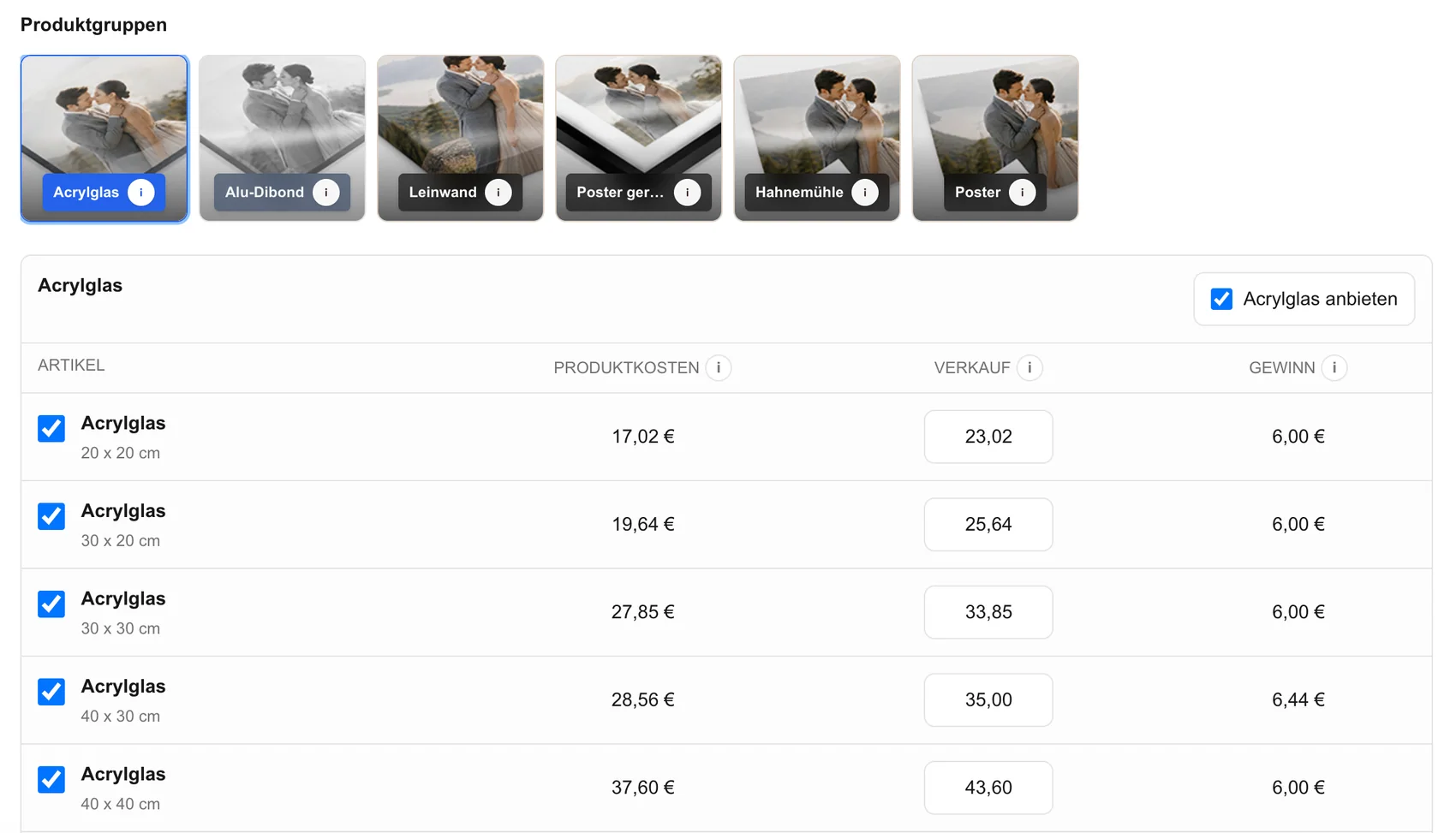
Offer a concise configured set of photo prints instead of making families navigate products that do not fit the source image.
04
Keep product, size, and price visible at the decision point so the parent can compare choices without guessing.
Parent check
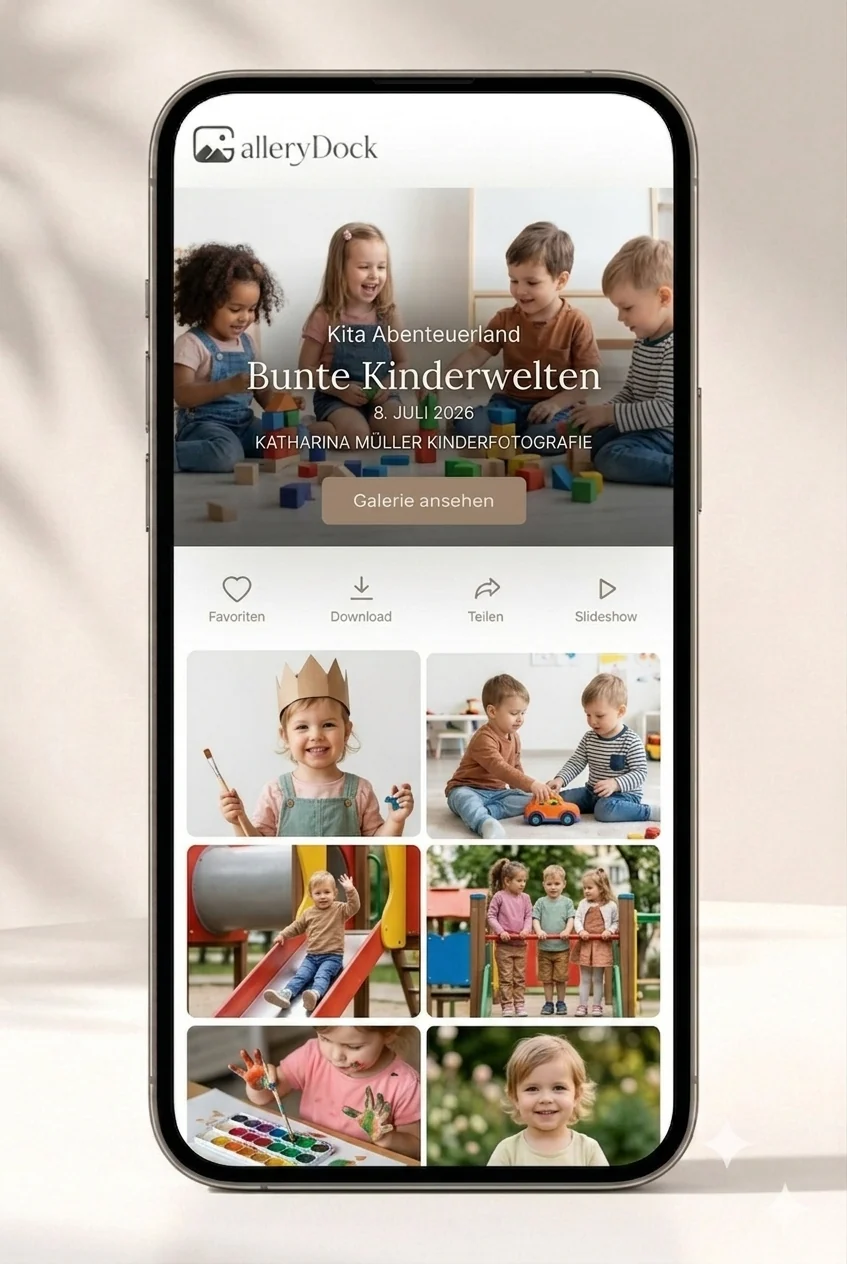
The mobile client view is the required picture-day test.
01
Verify that the link reaches the correct preschool context and does not expose unrelated client work.
02
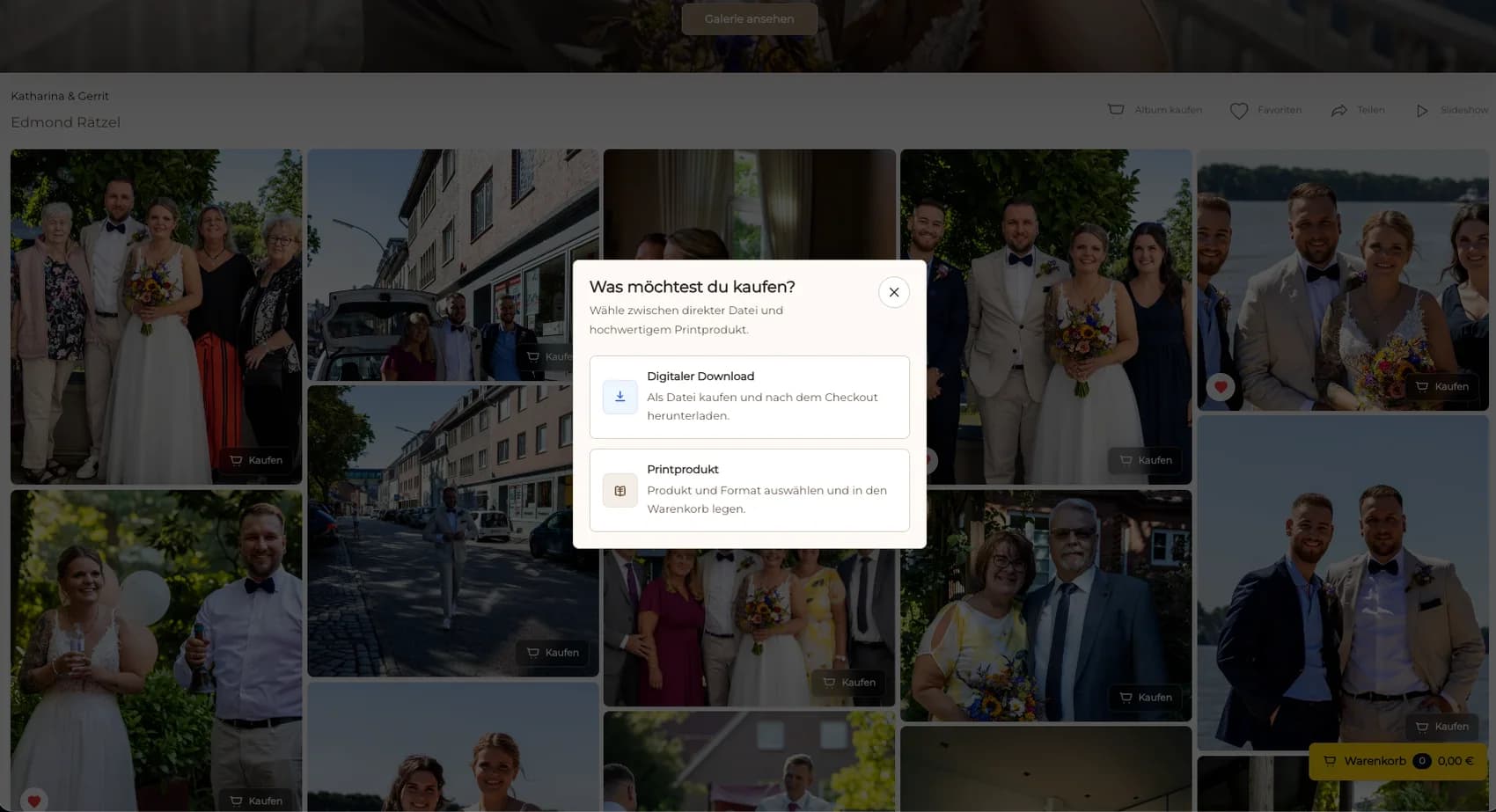
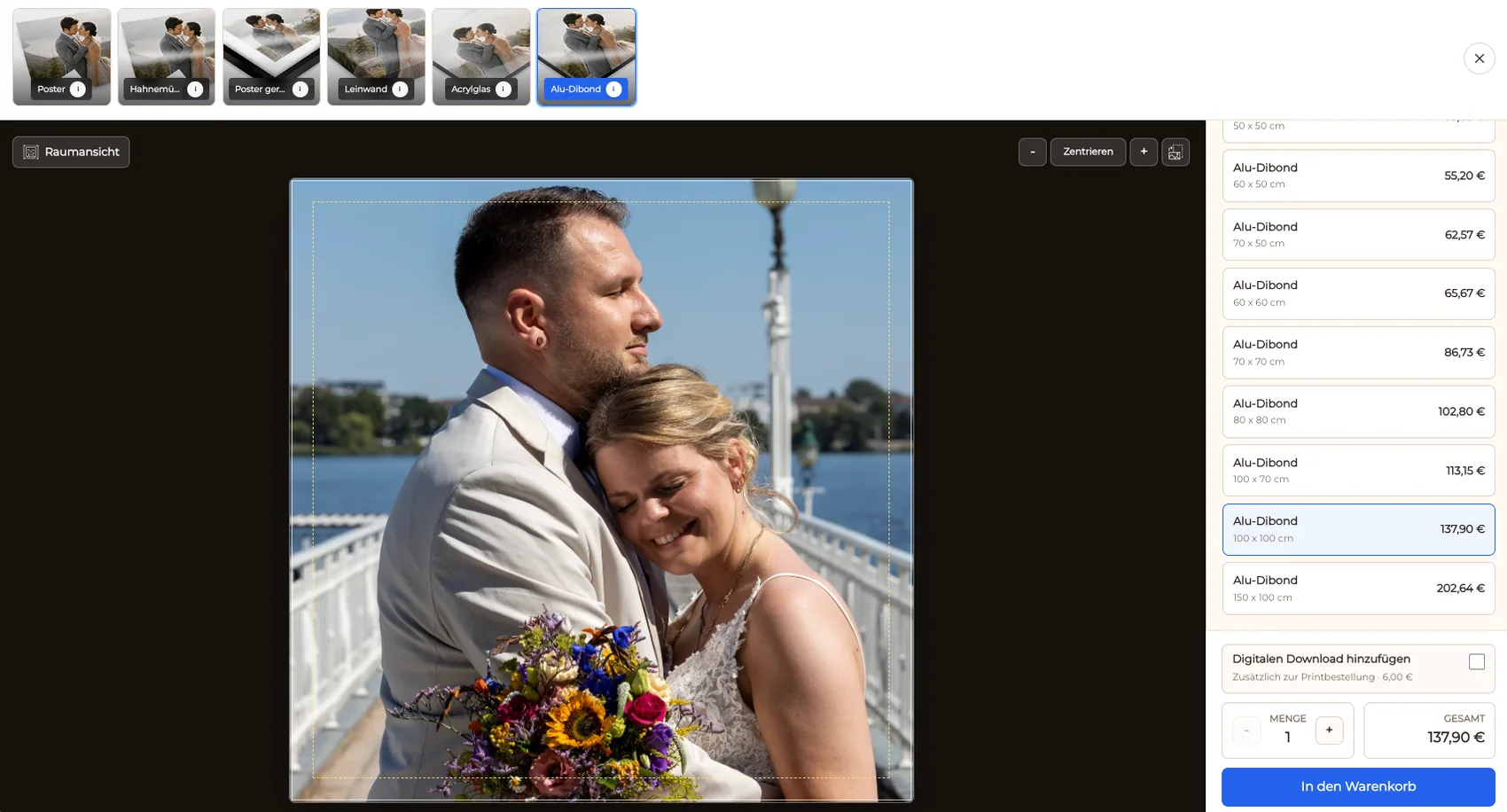
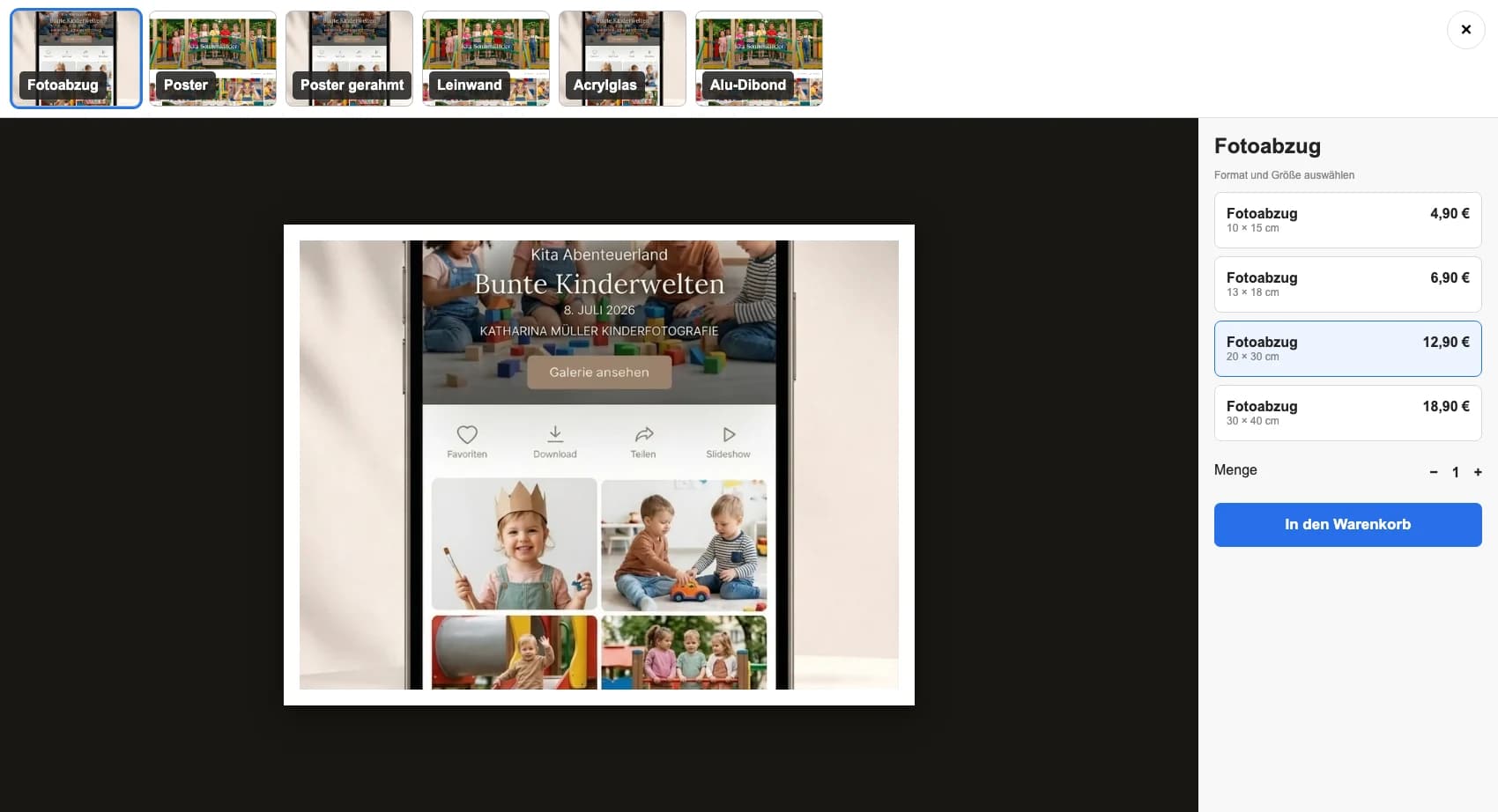
Select a child portrait, product, size, and crop while checking that the choice remains understandable.
03
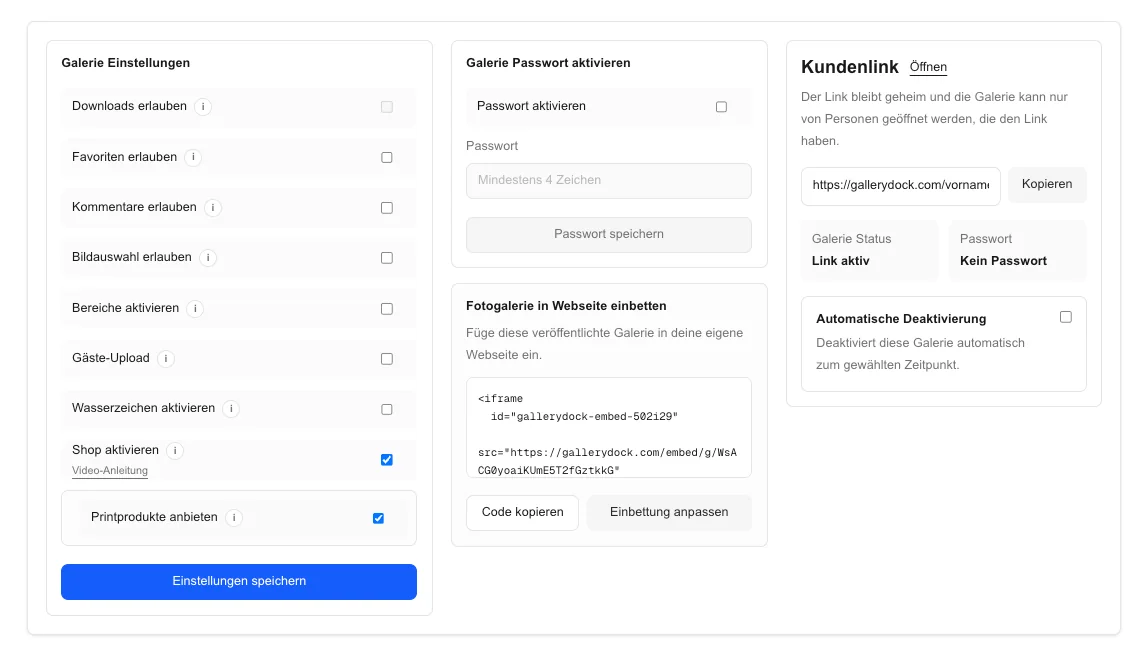
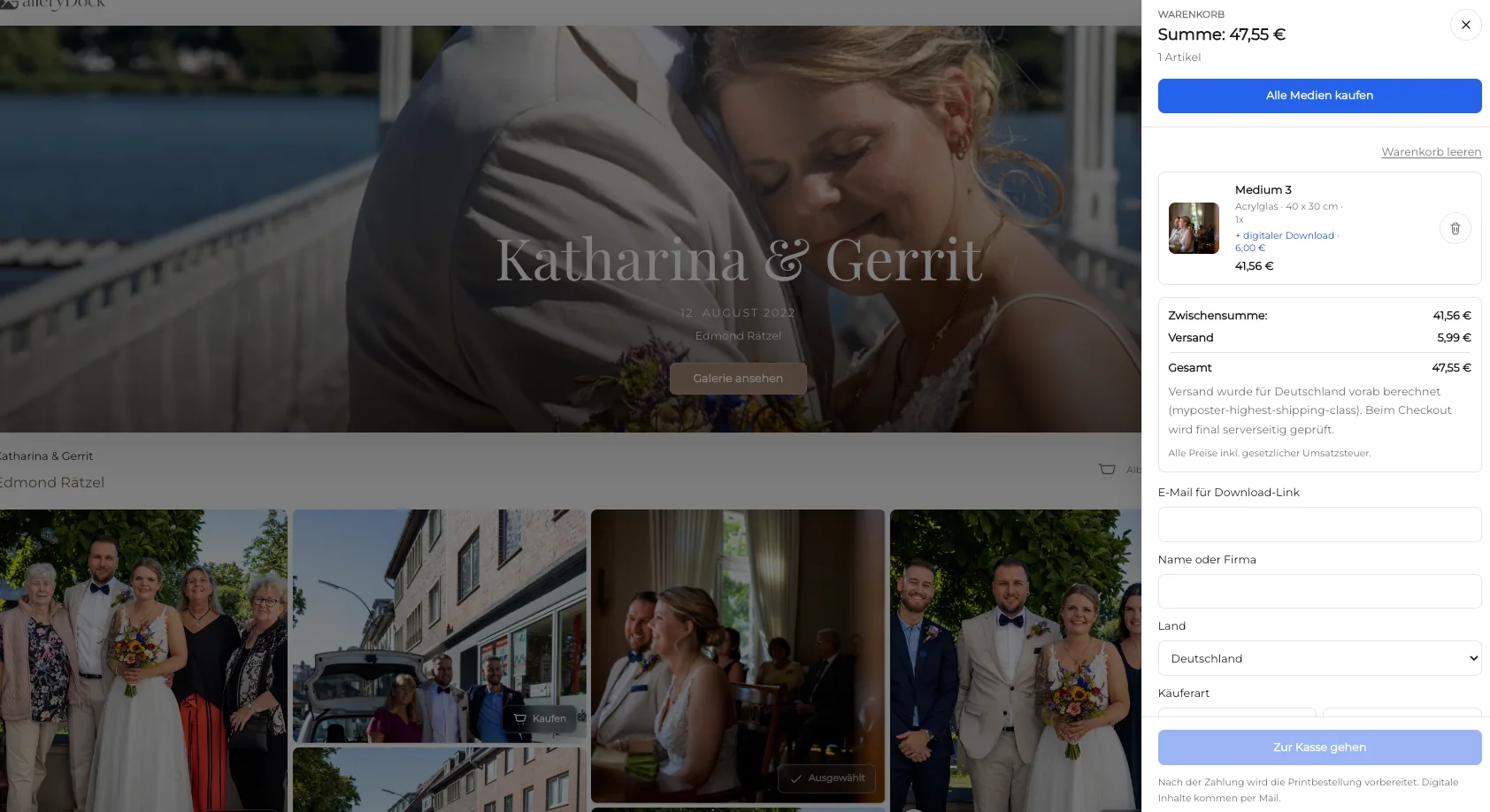
Confirm photograph, format, crop, quantity, and price before following the checkout handoff.
04
Check text, image detail, crop controls, and cart actions at the screen size parents are most likely to use.
Comparison
Match the path to the family decision rather than treating every school workflow as interchangeable.
| Approach | Best for | Tradeoff |
|---|---|---|
| Private GalleryDock parent gallery | Curated child photographs with configured print choices | Requires deliberate access and collection communication |
| Paper order form | A fixed offline picture-day process | Separates previews, crop decisions, and updates |
| General public gallery | Non-sensitive public event coverage | Usually unsuitable for private preschool portraits |
| Manual email ordering | An exceptional parent request | Scatters image, product, and confirmation details |
| School administration platform | Student records and institutional operations | Outside this photography print workflow |
A parent chooses a familiar child portrait and checks the exact print crop.
A family protects both faces while comparing horizontal and vertical formats.
The buyer selects a group print size that keeps names and faces readable.
Frequently asked questions
Yes. A photographer can share the approved private gallery and offer configured physical prints through the image-level order path.
No. This guide does not claim student matching, facial recognition, or a school account system.
Yes, when both product types are configured and their differences are clear to the parent.
Protect faces, hair, hands, props, and group spacing in the actual selected format before checkout.
No. The photographer and preschool remain responsible for consent, access, communication, and retention decisions.
Related resources
Pricing
Free forever
0 EUR
EUR 0 per month
Perfect for sharing your first galleries professionally.
Start free, no credit card required
Monthly
19 EUR
EUR 228 billed yearly. plus VAT
Ideal for photographers who regularly deliver client galleries.
For regular client delivery
Monthly
29 EUR
EUR 348 billed yearly. plus VAT
For photographers managing many projects, videos and growing storage.
For regular client delivery
Curate the picture-day set, configure a concise print range, protect every face in the crop, and verify the complete parent path on mobile.
Create a free account