Document consent
Use the applicable consent process for capture, display, purchase, and delivery before publication.
Preschool photo delivery
Organize a private parent-facing online gallery for preschool photography with clear access, selections, downloads, and optional digital purchases.
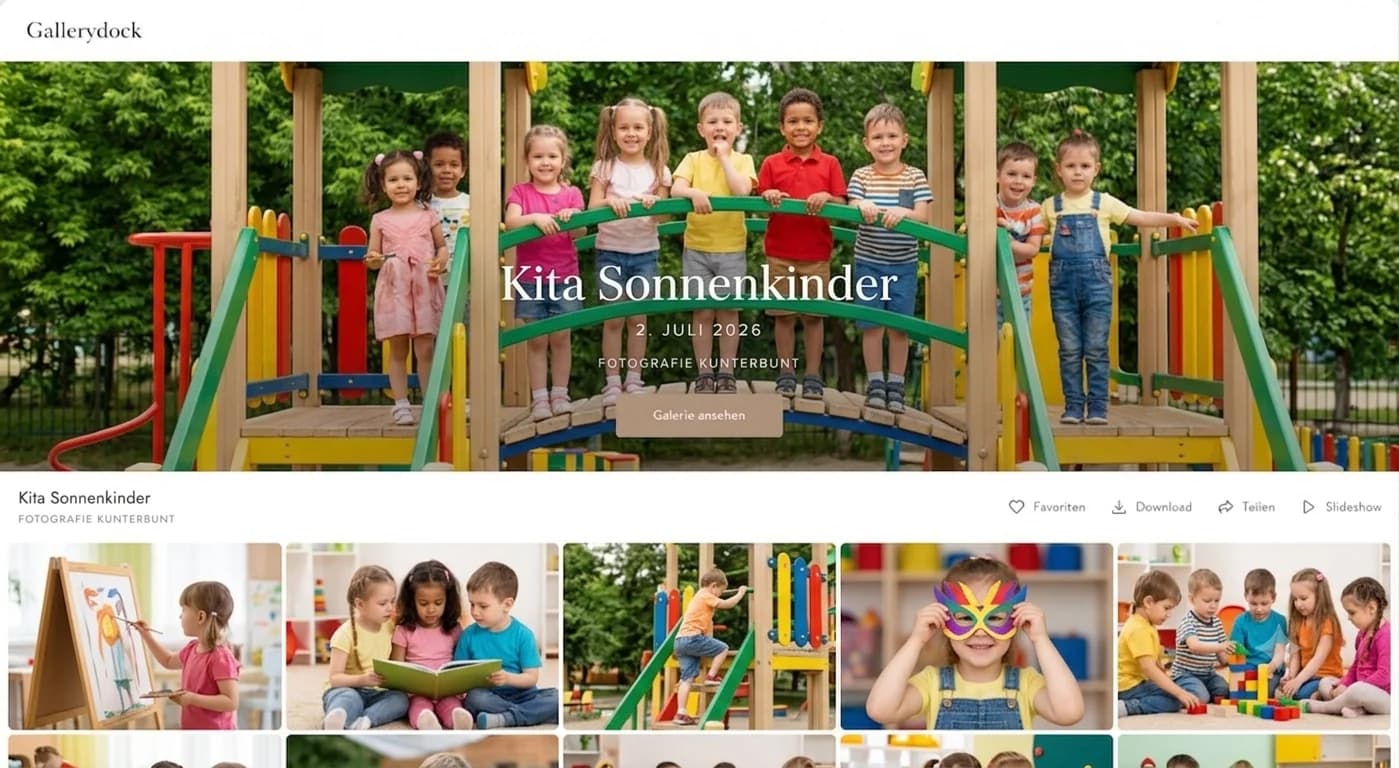
Quick answer
An online gallery for preschool photography can give parents a clear place to view, select, download, or purchase digital images after a photo day. Before upload, the photographer and preschool must define consent, audience, family grouping, access distribution, availability, and support. GalleryDock provides gallery presentation, favorites, comments, downloads, and optional digital sales, but it does not by itself guarantee legal compliance, assign student access codes, verify guardians, or provide print-lab fulfillment.
Governance first
The photographer, preschool, and client agreement must establish who may see which images and how access is distributed.
Use the applicable consent process for capture, display, purchase, and delivery before publication.
Decide whether each family sees only its intended set or another agreed scope.
Name who sends links or credentials and how mistakes are corrected.
Agree on availability, removal requests, order questions, and contact ownership.
Gallery workflow
Use the gallery for the experience GalleryDock actually provides, without implying school-management automation.
01
Upload only the checked photographs intended for the approved parent workflow.
02
Organize the gallery so the intended family can understand the available choices.
03
Choose favorites, comments, downloads, or digital sales according to the offer.
04
Complete the intended path on phone and desktop before parents receive access.
Parent handoff
Clear instructions reduce support load and help parents understand what is included.
Give parents a clear selection, order, or download date when one applies.
Say whether parents should favorite, comment, download, or purchase.
Describe file access and quality without promising physical products.
Route access and order questions to the responsible photographer or organization contact.
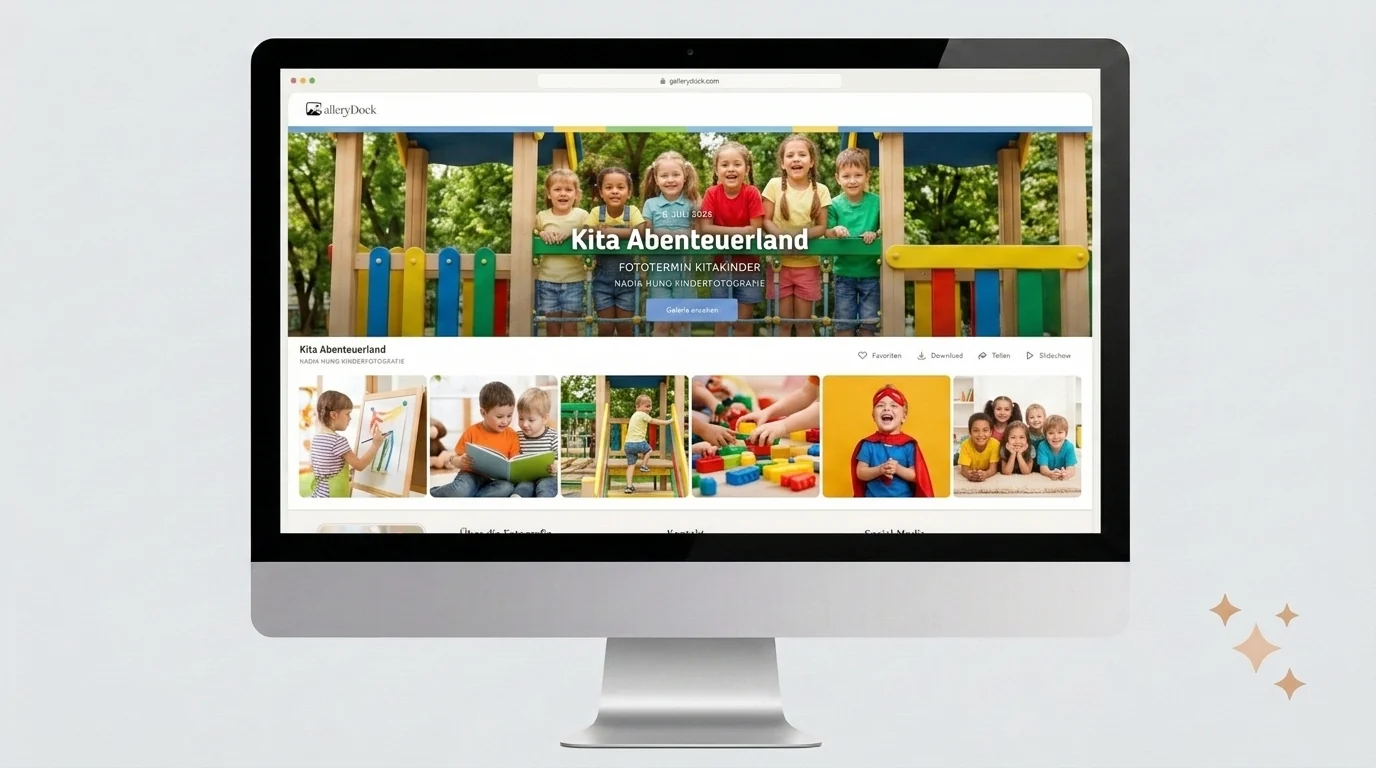
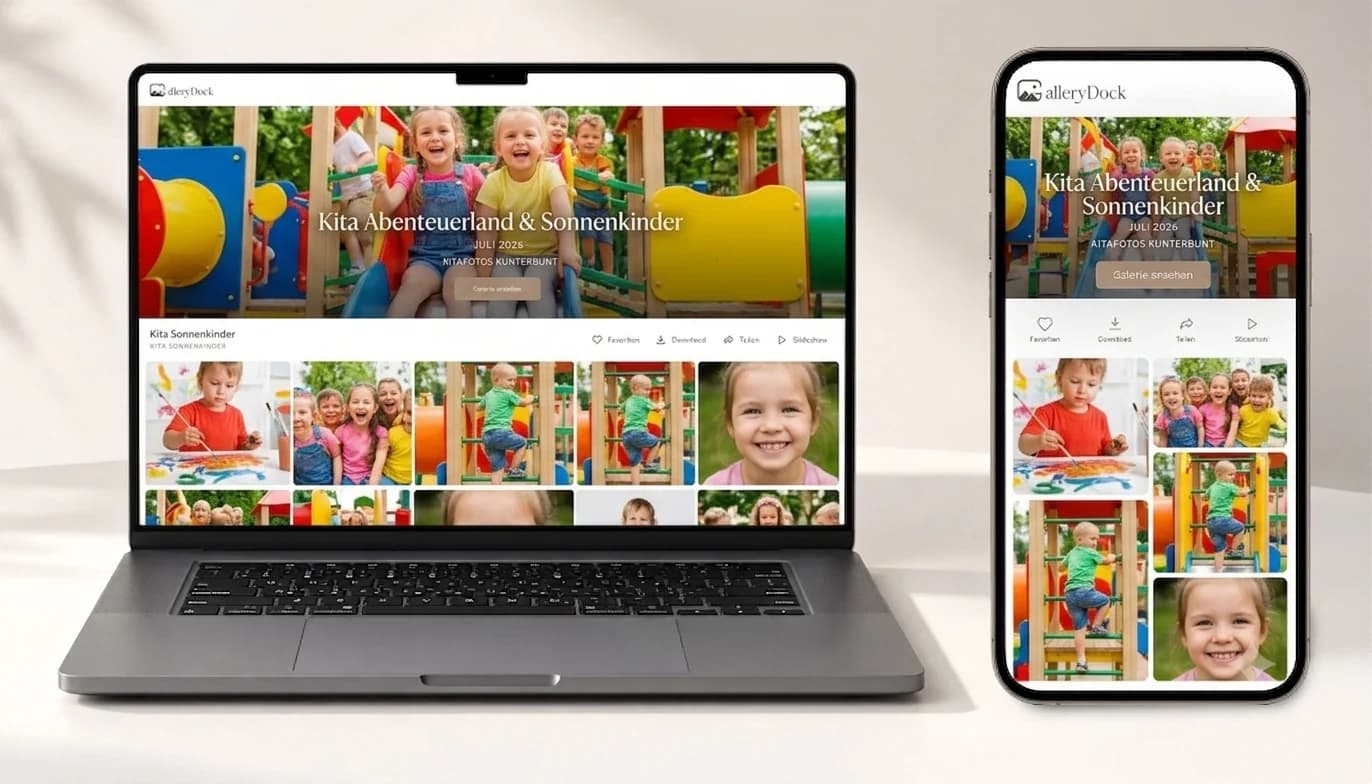

Comparison
Choose the access and delivery model the photographer and preschool can operate responsibly.
| Approach | Best for | Tradeoff |
|---|---|---|
| Private parent gallery | Controlled family-facing review | Requires deliberate access distribution |
| Favorites workflow | Parent image selection | Needs a deadline and instructions |
| Download delivery | Included digital files | Scope and availability must be clear |
| Digital sales | Optional image purchases | Does not include lab fulfillment |
| School automation platform | Student codes and specialized administration | Not a GalleryDock feature |
Provide the approved family-facing set with a clear selection or purchase instruction.
Confirm the intended guardians and gallery grouping before those images are shared.
Use the preschool's approved consent and distribution process for any multi-child image.
Frequently asked questions
It supports gallery presentation and delivery, but it does not provide specialized student-code or school-administration workflows.
No platform alone guarantees compliance. The photographer and preschool must establish the applicable consent, access, retention, and legal process.
Yes, favorites can support selection when the gallery and parent instructions are configured for that purpose.
Yes when the photographer enables the appropriate download scope and communicates what is included.
Optional digital sales are possible, but this page does not promise physical print production or lab fulfillment.
The photographer and preschool should assign that responsibility in advance and use their approved distribution process.
Related resources
Pricing
Free forever
0 EUR
EUR 0 per month
Perfect for sharing your first galleries professionally.
Start free, no credit card required
Monthly
19 EUR
EUR 228 billed yearly. plus VAT
Ideal for photographers who regularly deliver client galleries.
For regular client delivery
Monthly
29 EUR
EUR 348 billed yearly. plus VAT
For photographers managing many projects, videos and growing storage.
For regular client delivery
Use GalleryDock for the approved gallery and digital handoff while keeping consent, access, and school procedures explicit.
Create a free account