Remove technical failures
Exclude unintended blur, missed focus, test frames, and obvious exposure failures.
Client proofing curation
Choose how many photos to show clients by decision purpose, meaningful variation, project scope, and the time the client can reasonably review.

Quick answer
There is no universal ideal number of photos to show every client. Build the proofing set around the decision the client must make: remove technical rejects and near-duplicates, retain genuinely different expressions or compositions, group the set into understandable categories, and test whether a client can review it without losing context. GalleryDock presents the curated set and records favorites and comments, but it does not automatically cull a shoot or choose the strongest frames for you.
Culling standard
The first reduction should protect technical quality and eliminate repetition.
Exclude unintended blur, missed focus, test frames, and obvious exposure failures.
Keep the strongest representative when several frames communicate the same moment.
Keep alternatives when expression, pose, crop, or use case gives the client a real decision.
Make sure every agreed subject, group, scene, or deliverable is represented.
Set design
A useful number emerges from scope and decision complexity, not from an arbitrary universal limit.
Portrait
Offer enough variation to choose intended uses without repeating nearly identical frames.
Wedding
Use moments or chapters so a broad story remains reviewable.
Corporate
Group headshots, teams, workplace scenes, and brand imagery by decision owner.
Product
Keep angles and details that answer the shot list rather than every test capture.
Client experience
Before sending, walk through the gallery as if you did not know the shoot.
Tell the client how many choices or favorites are needed and by when.
Break a long set into understandable sections or galleries.
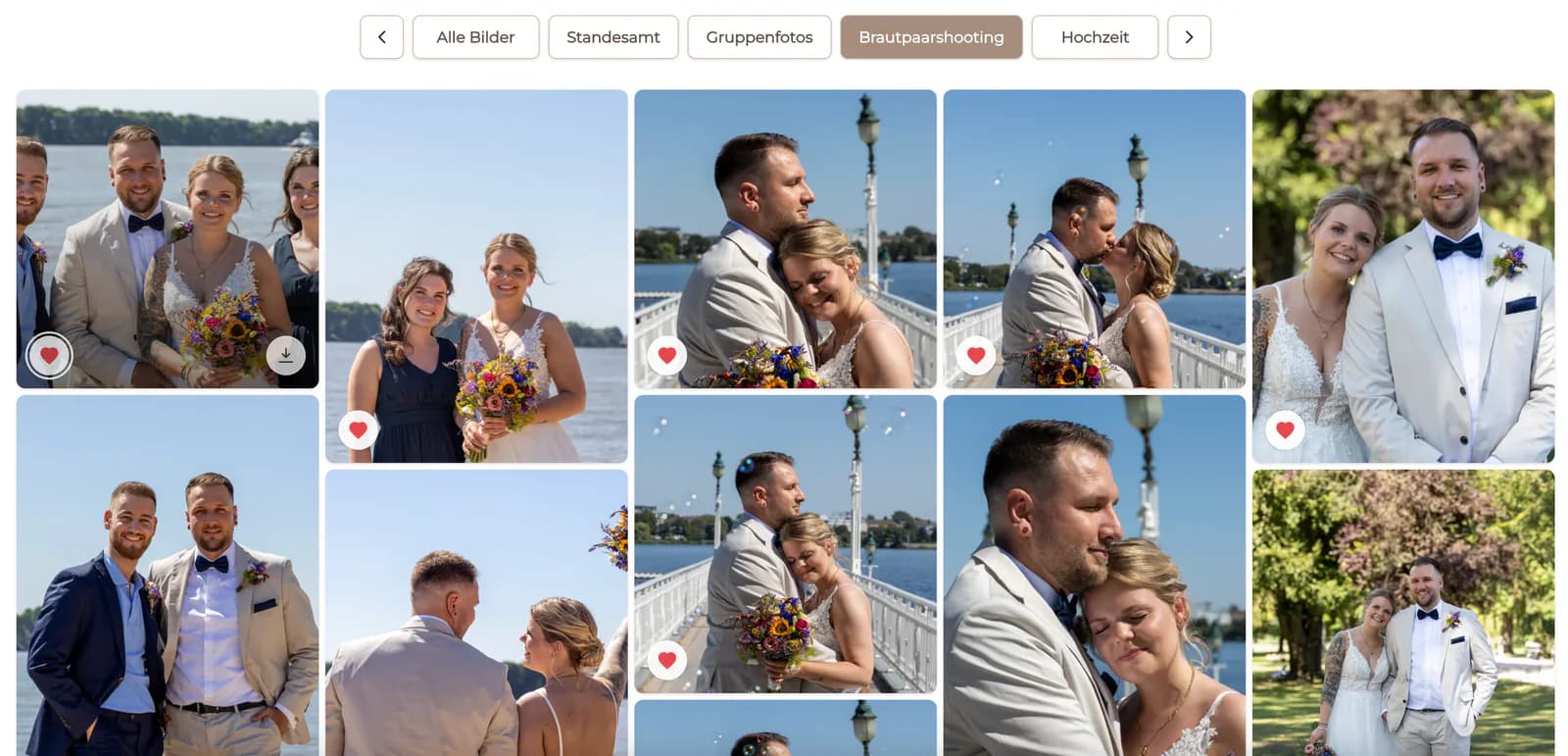
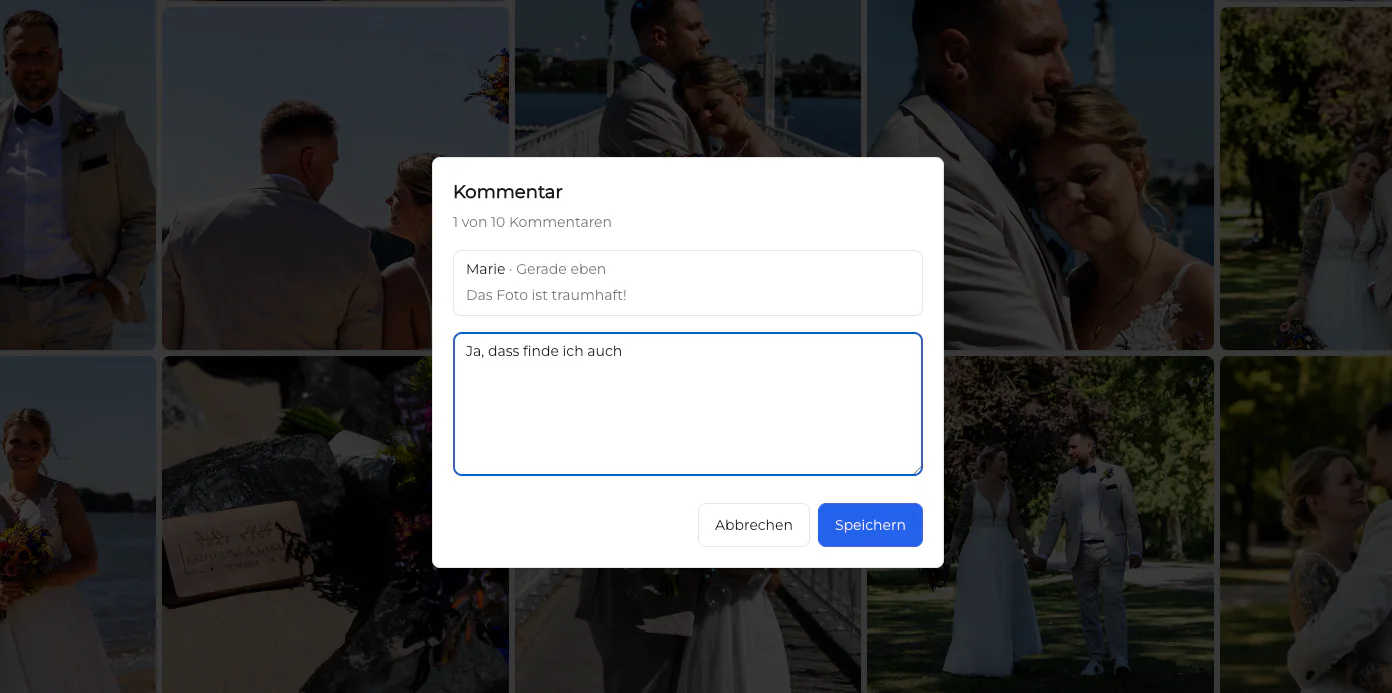
Confirm that image order, labels, favorites, and comments work on a smaller screen.
Give the client a way to ask about intended use without restarting the selection.
Comparison
Choose the approach that creates the clearest client decision.
| Approach | Best for | Tradeoff |
|---|---|---|
| Small curated set | Focused portrait or headshot choices | Requires decisive photographer curation |
| Grouped larger set | Weddings and broad coverage | Needs strong organization |
| Every captured frame | Rarely useful for client selection | Adds rejects and decision fatigue |
| Contact-sheet export | Fast internal review | Provides less client context |
| Automatic culling | Tools built for automated ranking | Not a GalleryDock feature |
Keep distinct expressions and intended crops, then ask for a defined number of favorites.
Curate the narrative first and group the remaining breadth into recognizable parts of the day.
Separate choices by person, team, and communication use so each stakeholder sees the right scope.
Frequently asked questions
No. The right size depends on the assignment, promised coverage, meaningful variation, and decision the client must make.
Not automatically. Remove repetition and keep alternatives that change expression, composition, story, or intended use.
Curate near-duplicates, use clear groups, state the requested number of choices, and provide focused instructions.
Often, because weddings cover a longer narrative, but organization matters more than applying one fixed count.
No. The photographer decides what enters the gallery; GalleryDock supports the client review afterward.
Clarify the intended use, compare only the closest alternatives, and ask which criterion matters most.
Related resources
Pricing
Free forever
0 EUR
EUR 0 per month
Perfect for sharing your first galleries professionally.
Start free, no credit card required
Monthly
19 EUR
EUR 228 billed yearly. plus VAT
Ideal for photographers who regularly deliver client galleries.
For regular client delivery
Monthly
29 EUR
EUR 348 billed yearly. plus VAT
For photographers managing many projects, videos and growing storage.
For regular client delivery
Build a focused GalleryDock proofing set that preserves meaningful choice without making the client review the entire shoot.
Create a free account