01
Restate the booked package
Show which images or files are already included so the client never has to infer whether a favorite creates an extra charge.
online photo sales for clients
Sell photos to existing clients online with a clear included-versus-extra offer, a private gallery link, and separate purchase and delivery steps.
Quick answer
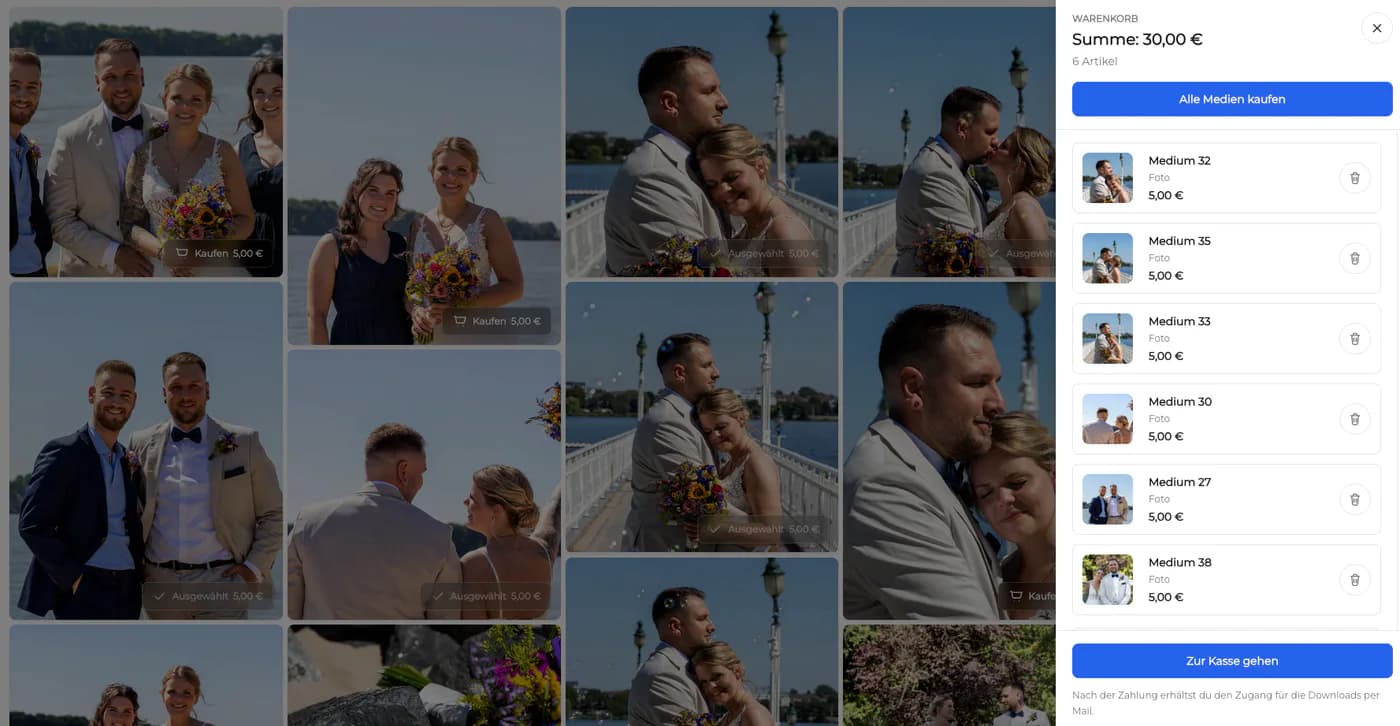
Selling photos to clients online gives assignment photographers a clear way to offer additional photographs, digital files, and physical prints after a shoot without requiring a separate stock marketplace. Start with one representative client project and decide what the visitor should understand, select, or buy before the page is assembled. GalleryDock maintains the gallery experience, contextual favorites and comments, controlled downloads, and digital or physical print sales when those options are configured. The website or shared link provides the surrounding entry, while the photographer remains responsible for the offer, access decisions, image suitability, product setup, and the published client check. Test the complete path on desktop and mobile instead of relying on an editor preview. This is not stock photography, a marketplace listing strategy, a requirement to own a website, automatic licensing advice, a tax or legal guarantee, or a promise of revenue, fulfillment times, or buyer demand.
Offer
A fair sales path begins with the original assignment and a transparent optional offer.
01
Show which images or files are already included so the client never has to infer whether a favorite creates an extra charge.
02
Offer a relevant edit from the completed shoot rather than every frame. The additional choices should feel connected to the client's purpose.
03
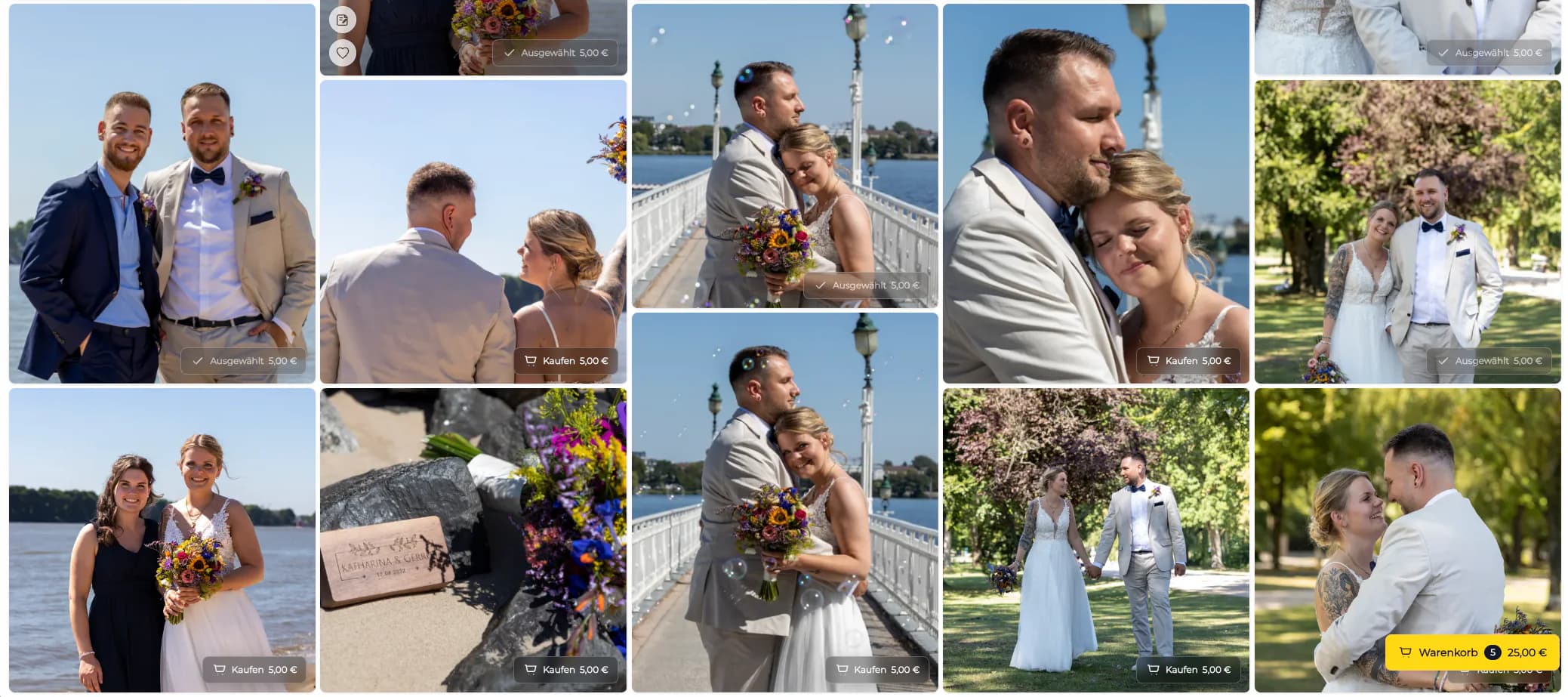
Configure the digital files and physical print products you intend to sell. Keep prices and product descriptions visible before the cart.
04
Tell the client when you need their selection or purchase decision without inventing scarcity or promising an automatic reminder workflow.
Share
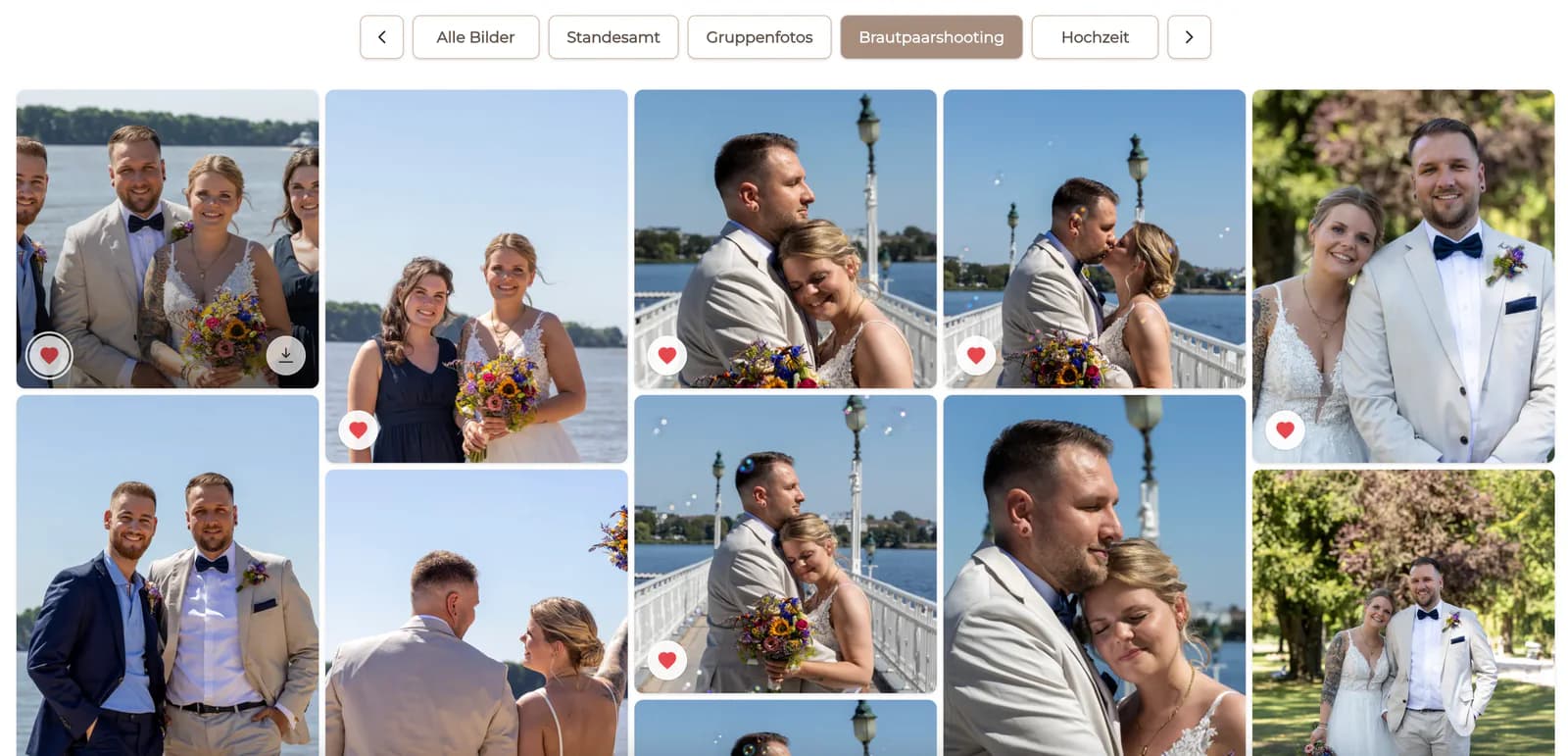
Keep the assignment context, photographs, and optional products together.
01
Use the appropriate link or password setting for the client relationship. Private access is a delivery choice, not a claim of identity verification.
02
Explain what is included, what can be purchased, and what happens after checkout in a few concrete sentences.
03
Favorites can show interest, but the client should still see which action confirms a product choice or completed order.
04
Most clients will first open the message on a phone, so test image viewing, product selection, crop, and cart at that size.
Fulfill
A clear client experience continues after the purchase decision.
01
Confirm the chosen photograph and configured product before treating the cart or redirect as a completed order.
02
Deliver the intended purchased file through the configured path instead of assuming every visible proof is downloadable.
03
Present physical print sales positively while avoiding unsupported statements about a particular manufacturer, delivery date, or regional partner.
04
Keep the gallery and client communication organized so later questions about included images and purchases can be answered consistently.


Comparison
The strongest option depends on whether the buyer is an existing client, a general visitor, or a stock customer.
| Approach | Best for | Tradeoff |
|---|---|---|
| Private client sales gallery | Additional images and products after an assignment | Requires a clear included-versus-extra explanation |
| Gallery on your own website | A branded public or client-facing store entry | Adds website placement and maintenance |
| Digital download offer | Selling a released file online | Does not by itself explain physical print choices |
| Stock marketplace | Licensing images to unknown buyers | Different audience, pricing, and rights workflow |
| Manual email order | An exceptional one-off request | Separates image, price, selection, and confirmation |
A portrait client buys additional finished images beyond the booked package.
An attendee or organizer selects digital files and physical prints from the completed event collection.
A project contact chooses extra approved images while the photographer keeps licensing and delivery terms explicit.
Frequently asked questions
Yes. You can share the configured client gallery directly; a website is optional context, not a requirement.
No. This workflow serves people connected to a completed assignment rather than unknown marketplace buyers.
State the booked deliverables before presenting optional files or products and keep that explanation beside the gallery message.
Choose access that fits the client relationship and content; private links or passwords do not replace your own access policy.
Yes. GalleryDock supports digital sales and physical print sales when the relevant products are configured.
Related resources
Pricing
Free forever
0 EUR
EUR 0 per month
Perfect for sharing your first galleries professionally.
Start free, no credit card required
Monthly
19 EUR
EUR 228 billed yearly. plus VAT
Ideal for photographers who regularly deliver client galleries.
For regular client delivery
Monthly
29 EUR
EUR 348 billed yearly. plus VAT
For photographers managing many projects, videos and growing storage.
For regular client delivery
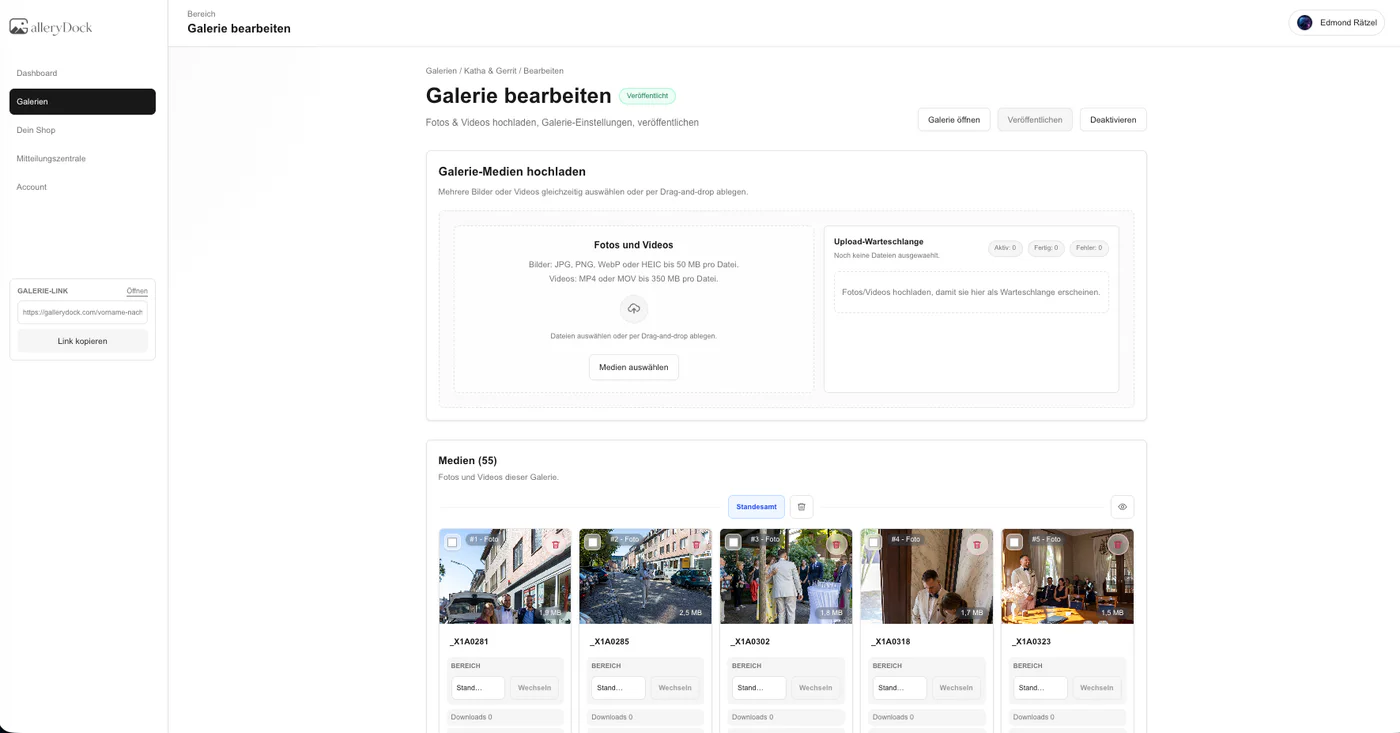
Define included and optional photographs, configure the digital and physical products, share the right client access, and test purchase and delivery as separate steps.
Create a free account