01
List the verified products
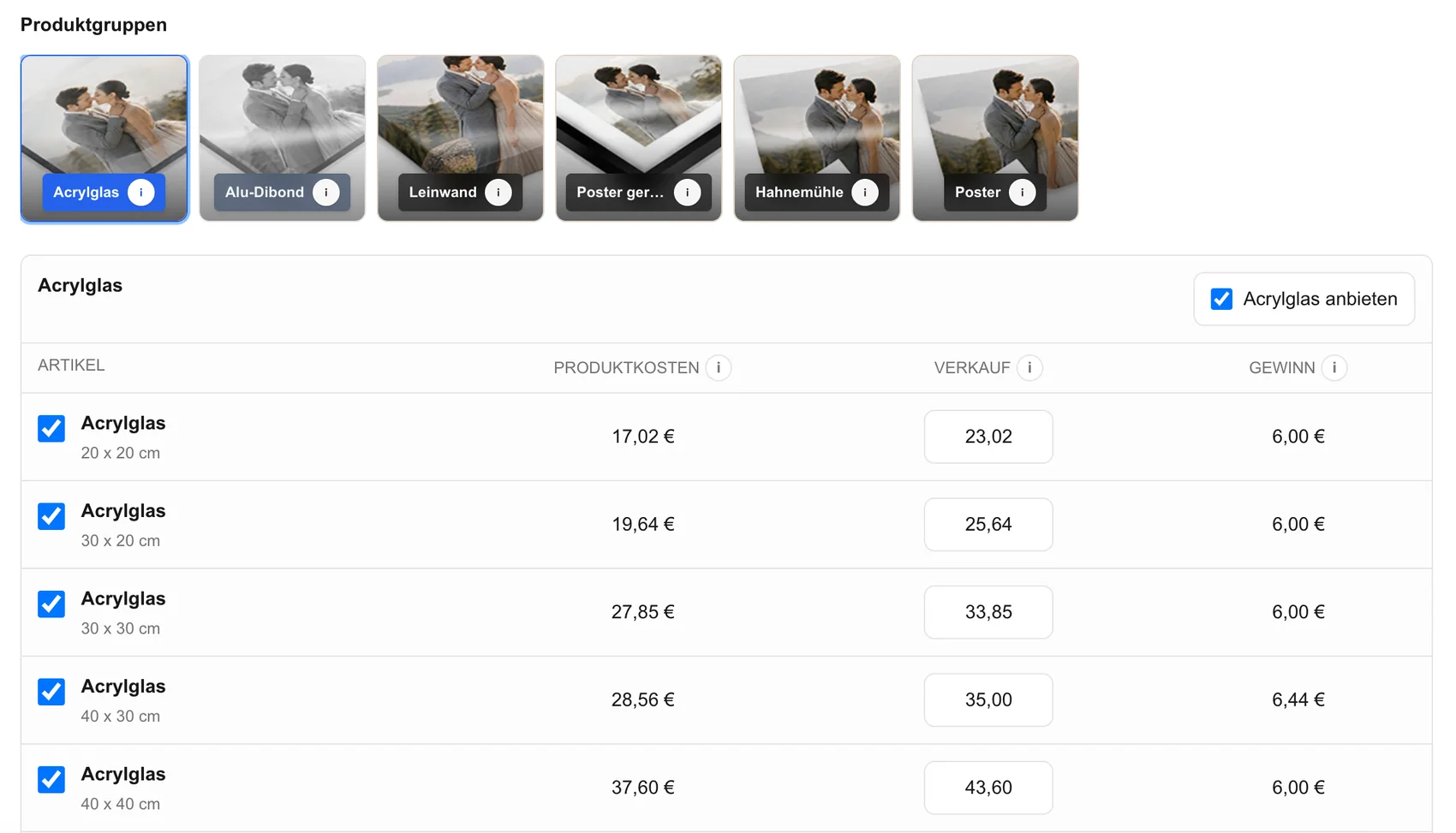
Document the physical product, available sizes, orientation rules, and production notes that apply to the photographer's current provider relationship.
professional photo lab workflow
Build a professional photo lab order workflow that carries verified image, product, size, crop, price, and order data from the gallery into production review.
Quick answer
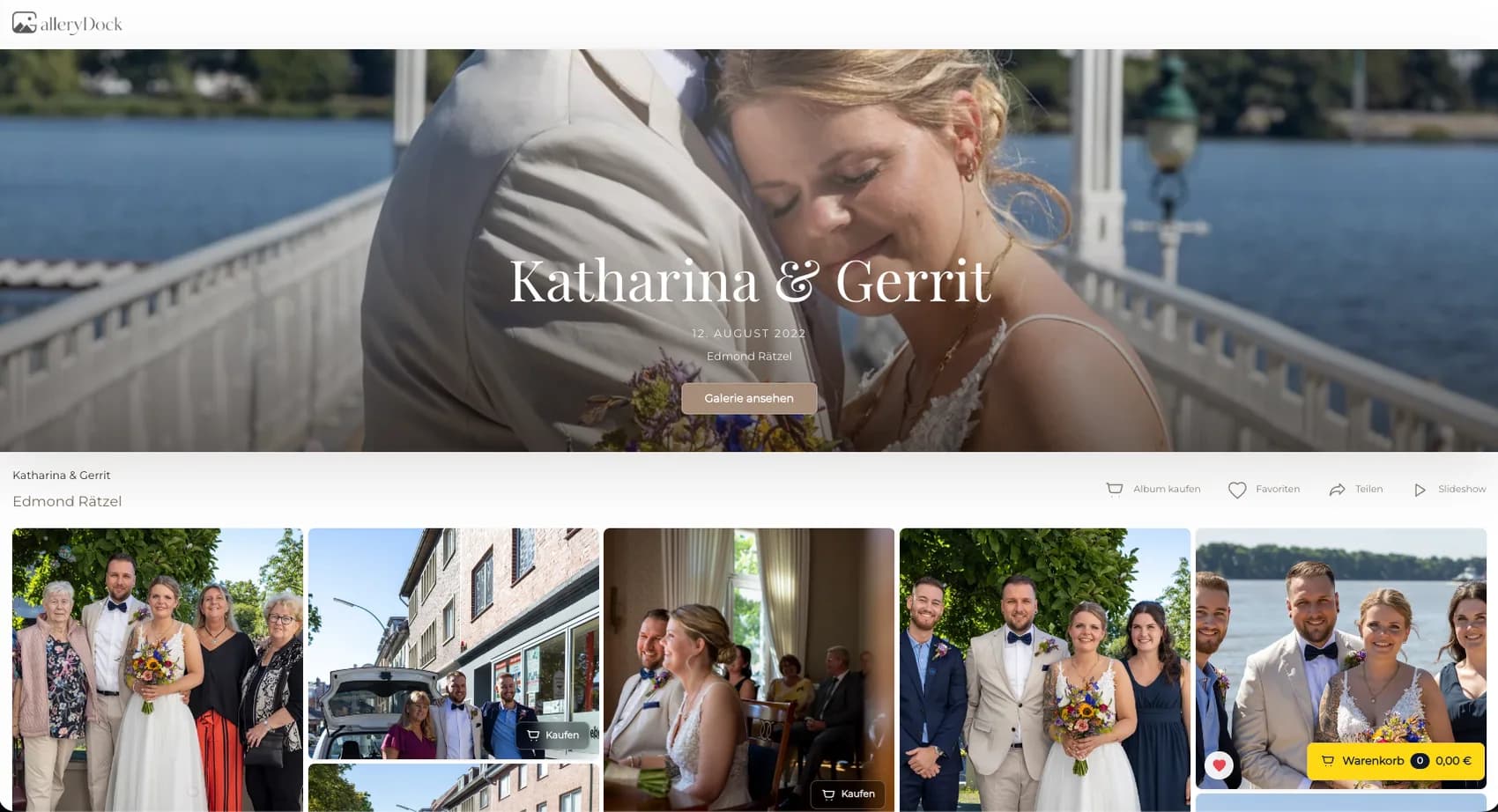
A professional photo lab order workflow gives photographers a controlled way to prepare the client-facing product decision and the production specification without rebuilding the order from scattered messages. Begin with one representative client project and define the photograph, physical offer, decision points, and review responsibility before publishing. GalleryDock keeps the image, configured digital or physical products, crop, cart, and checkout handoff in one client-facing context. The photographer remains responsible for product truth, prices, source-file suitability, production coordination, access decisions, and final order review. Test the complete path on desktop and mobile rather than treating an editor preview, room mockup, redirect, or provider description as proof. This is an operational preparation workflow, not a claim of a native lab API, automatic routing, unrestricted provider choice, synchronized inventory, identical product naming, automatic color management, manufacturing, packing, shipping, or guaranteed turnaround.
Product mapping
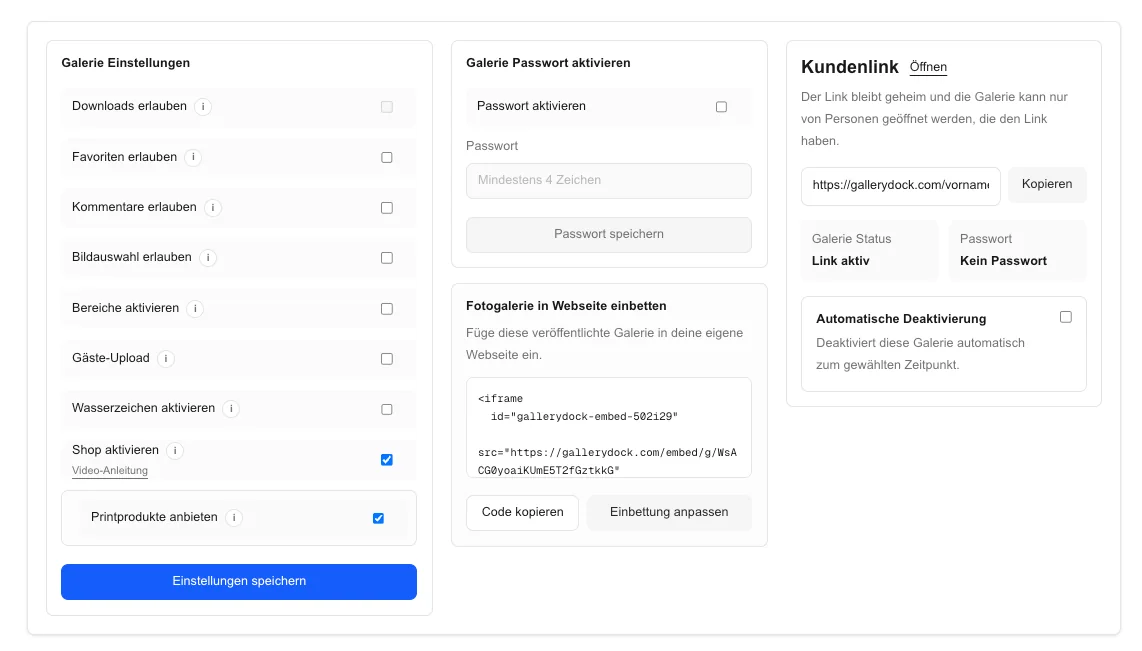
The gallery offer and the lab specification need an explicit human-owned mapping.
01
Document the physical product, available sizes, orientation rules, and production notes that apply to the photographer's current provider relationship.
02
Use client-friendly product language while retaining the precise internal specification needed for production.
03
Connect each configured size and variant to the intended client price without presenting unverified products.
04
Use portrait, landscape, bright, dark, and detailed photographs to expose crop and suitability limits before launch.
Order capture
A reliable handoff begins while the client is still choosing the product.
01
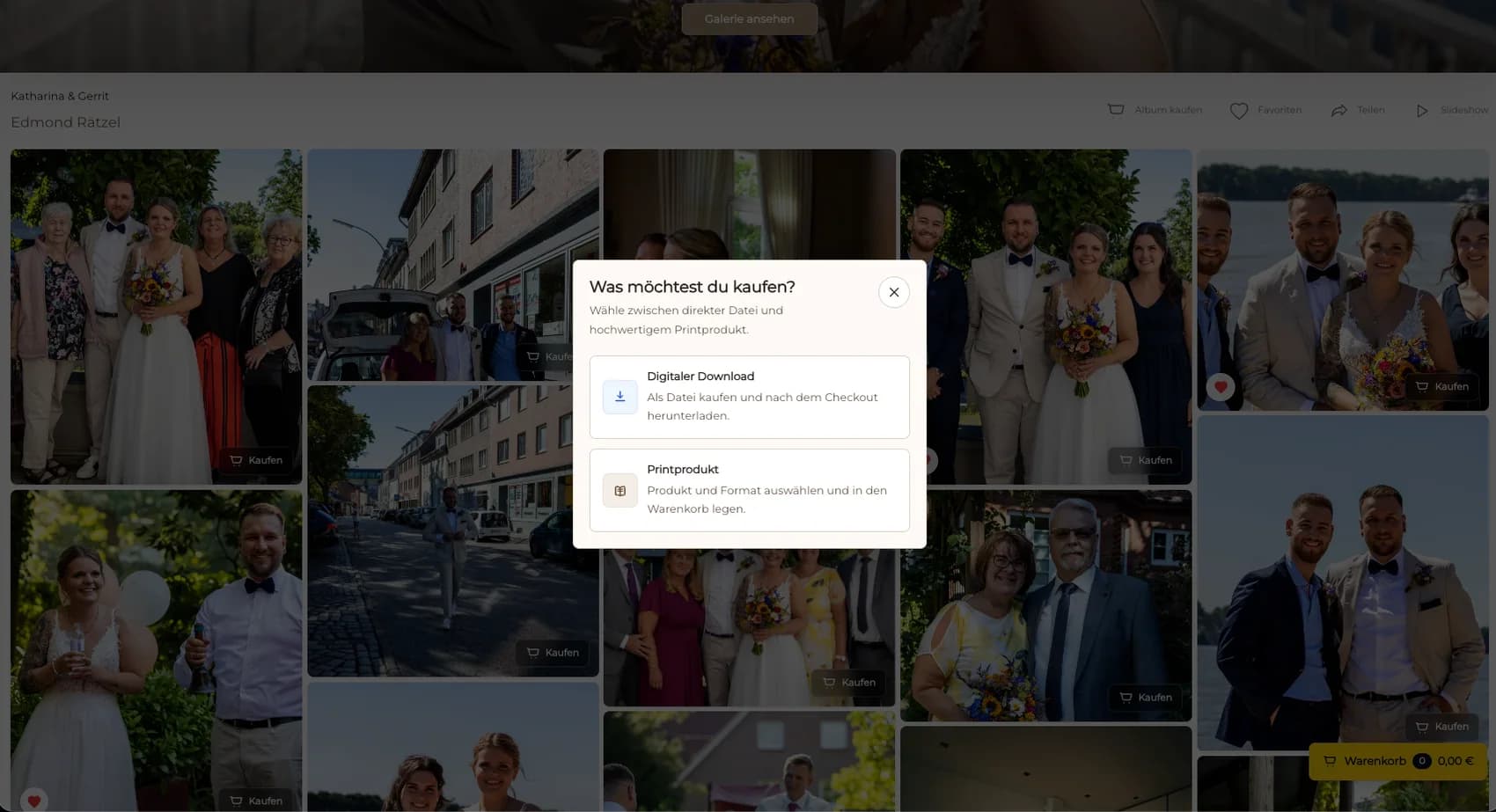
Attach the product choice to the exact approved photograph rather than relying on filenames copied into messages.
02
Carry the chosen dimensions and portrait or landscape format into the order summary.
03
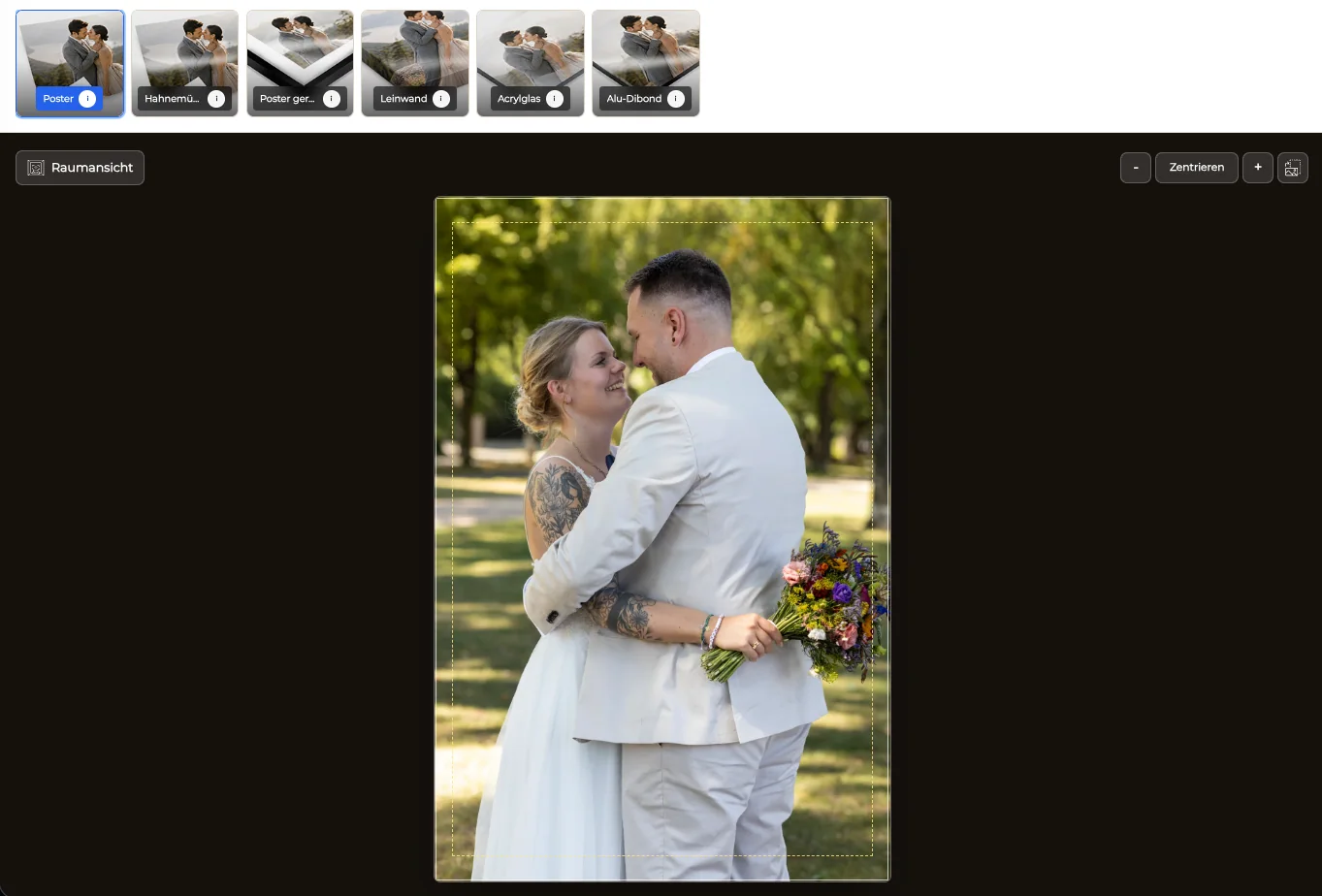
Confirm the client-visible safe area while reserving final production approval for the photographer.
04
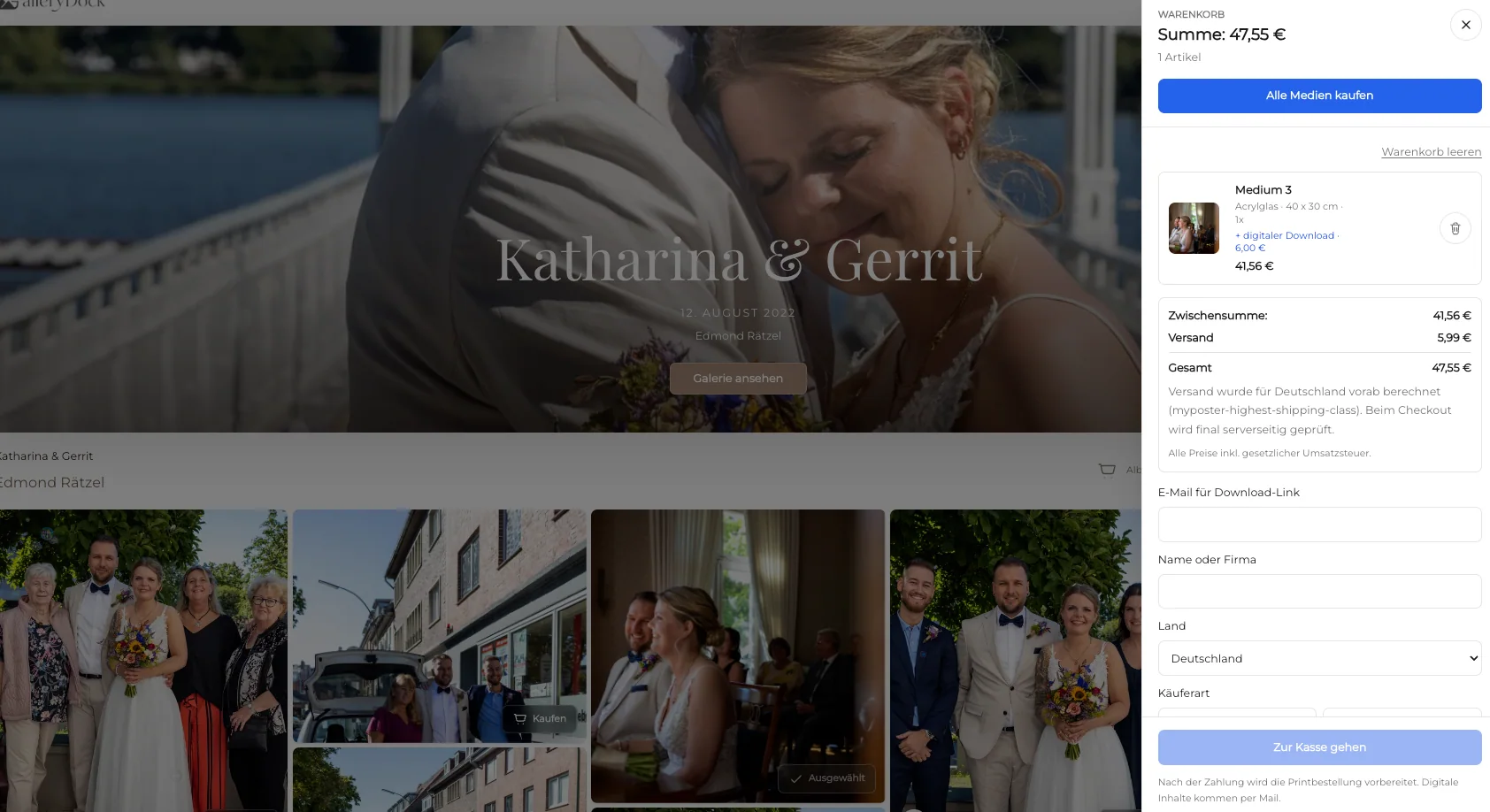
Preserve the commercial order details so the production request can be reconciled without guessing.
Production handoff
The photographer remains the accountable bridge between a client purchase and a physical product.
01
Do not interpret a redirect alone as proof that a paid, production-ready order exists.
02
Confirm retouching, resolution, output color preparation, sharpening, and the actual production crop.
03
Transfer the verified image and specification through the photographer's approved lab process.
04
Keep substitutions, crop corrections, questions, and delivery changes attached to the order for later review.
Comparison
Separate gallery order preparation from provider-specific production systems.
| Approach | Best for | Tradeoff |
|---|---|---|
| GalleryDock order preparation | Image-level client choices and structured review | The photographer owns the provider handoff |
| Native provider integration | A separately verified supported lab | Availability and behavior are provider-specific |
| Manual email request | An exceptional custom job | Easy to lose crop or product context |
| Lab desktop software | Provider-specific production submission | Usually starts after the client sale |
| General ecommerce system | Broad merchandise operations | May not preserve the client photograph context |
A paid portrait order carries image, size, orientation, crop, and quantity into the production review.
A large product is checked for file suitability and final crop before lab submission.
The physical item is separated from the file delivery while both remain visible in the commercial order.
Frequently asked questions
No. This guide does not claim a universal native lab integration or unrestricted provider choice.
Verify the photograph, product, size, orientation, crop, quantity, price, client details, payment state, and final output file.
They can, but the photographer should maintain an explicit mapping so client language and production specifications do not drift.
No. Checkout, order review, production submission, manufacturing, and delivery are separate states.
The photographer remains responsible for the source file and the provider-specific production request.
Related resources
Pricing
Free forever
0 EUR
EUR 0 per month
Perfect for sharing your first galleries professionally.
Start free, no credit card required
Monthly
19 EUR
EUR 228 billed yearly. plus VAT
Ideal for photographers who regularly deliver client galleries.
For regular client delivery
Monthly
29 EUR
EUR 348 billed yearly. plus VAT
For photographers managing many projects, videos and growing storage.
For regular client delivery
Choose a verified product, complete a representative client order, inspect every captured field, and document the final human-owned lab handoff.
Create a free account