01
Curate a focused set
Select photographs with a clear subject, controlled highlights, deliberate shadow detail, and enough visual structure to remain legible as wall art.
acrylic photo prints
Sell acrylic photo prints online with clear image selection, product sizes, crop review, room-scale context, cart details, and production responsibility.
Quick answer
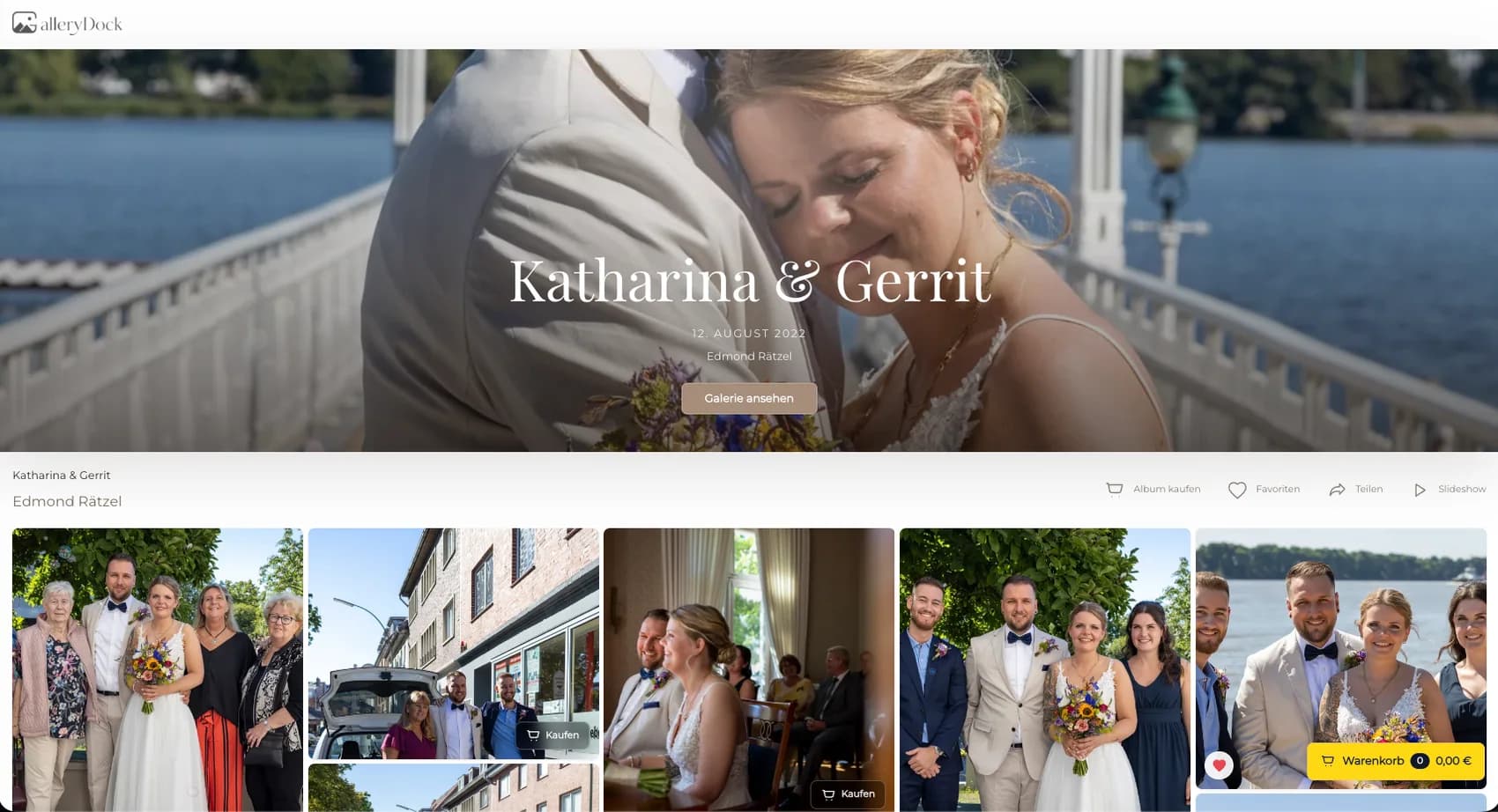
Selling acrylic photo prints online is a material-specific decision path for photographers who want clients to judge image character, crop, scale, and price before ordering a physical wall piece. Begin with one representative client project and define the photograph, physical offer, decision points, and review responsibility before publishing. GalleryDock keeps the image, configured digital or physical products, crop, cart, and checkout handoff in one client-facing context. The photographer remains responsible for product truth, prices, source-file suitability, production coordination, access decisions, and final order review. Test the complete path on desktop and mobile rather than treating an editor preview, room mockup, redirect, or provider description as proof. This guide does not promise one universal acrylic construction, surface, color response, scratch resistance, lifespan, manufacturer, lab connection, shipping time, legal outcome, tax treatment, ranking, or sales result.
Image fit
Acrylic presentation can emphasize color, contrast, and edge detail, so the source image must lead the decision.
01
Select photographs with a clear subject, controlled highlights, deliberate shadow detail, and enough visual structure to remain legible as wall art.
02
Review bright reflections, deep shadows, gradients, skin tones, skies, and fine texture at useful zoom levels before activating the product.
03
Let the photograph determine portrait, landscape, or square presentation instead of forcing every image into the same product format.
04
Confirm retouching, color preparation, sharpening, usable resolution, and the intended crop before treating the photograph as ready for sale.
Product decision
Clients need concrete product information rather than broad premium language.
01
Describe only the acrylic option configured in the gallery and avoid implying that all acrylic products share identical construction or finish.
02
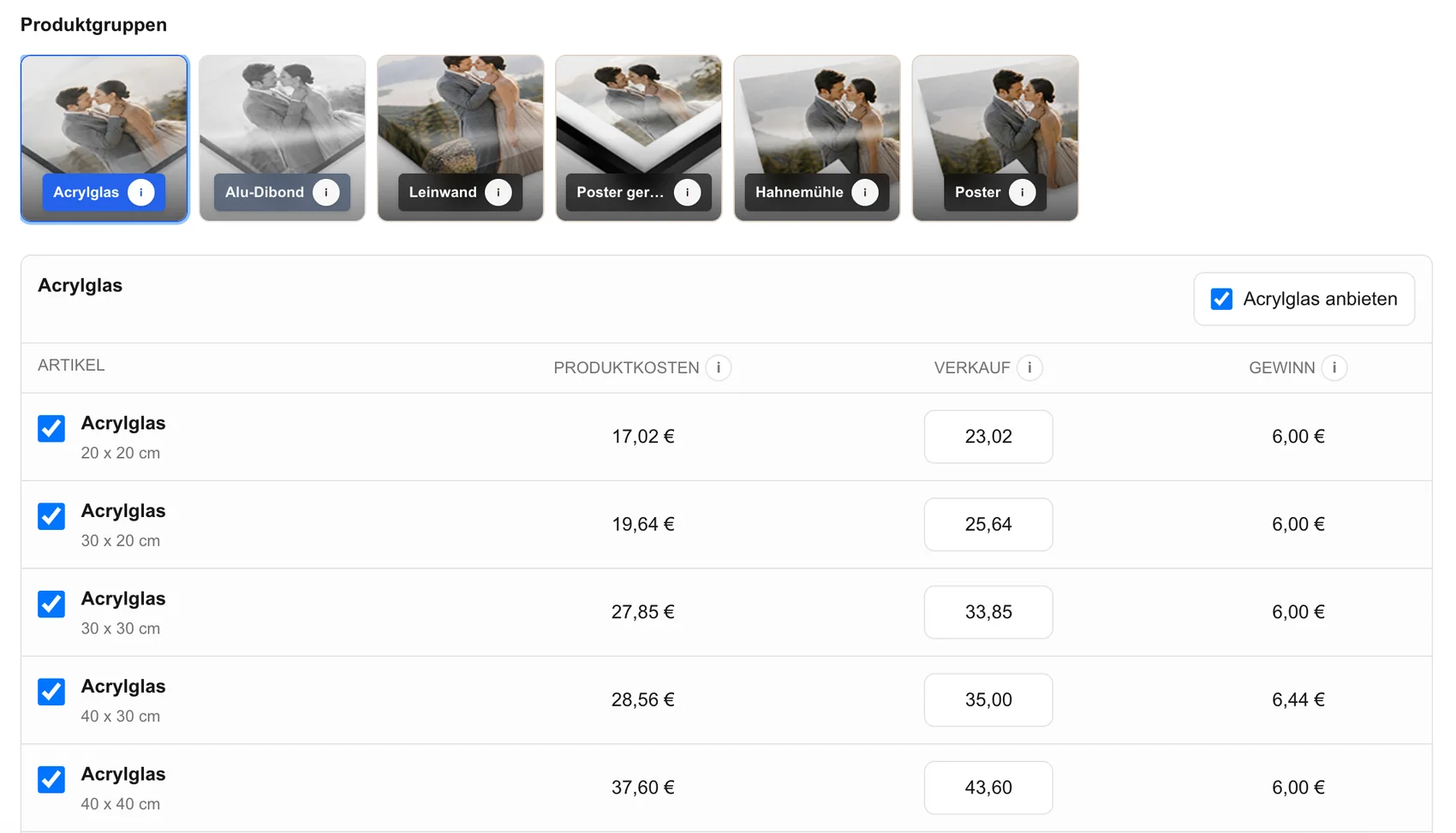
Offer dimensions that fit the source files and the photographer's production workflow instead of publishing every possible size.
03
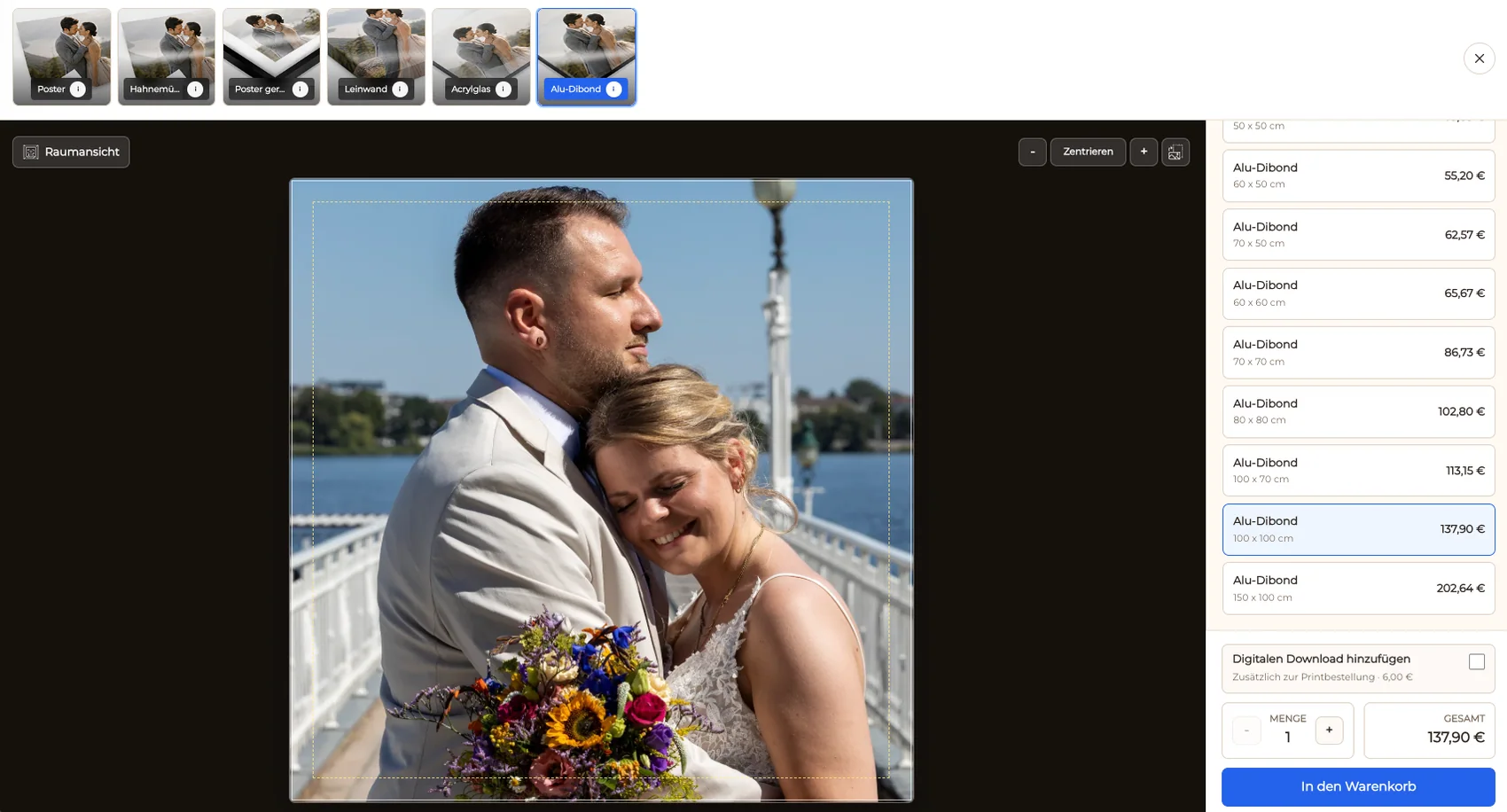
Review faces, hands, textural details, and intentional edge content inside the exact selected crop.
04
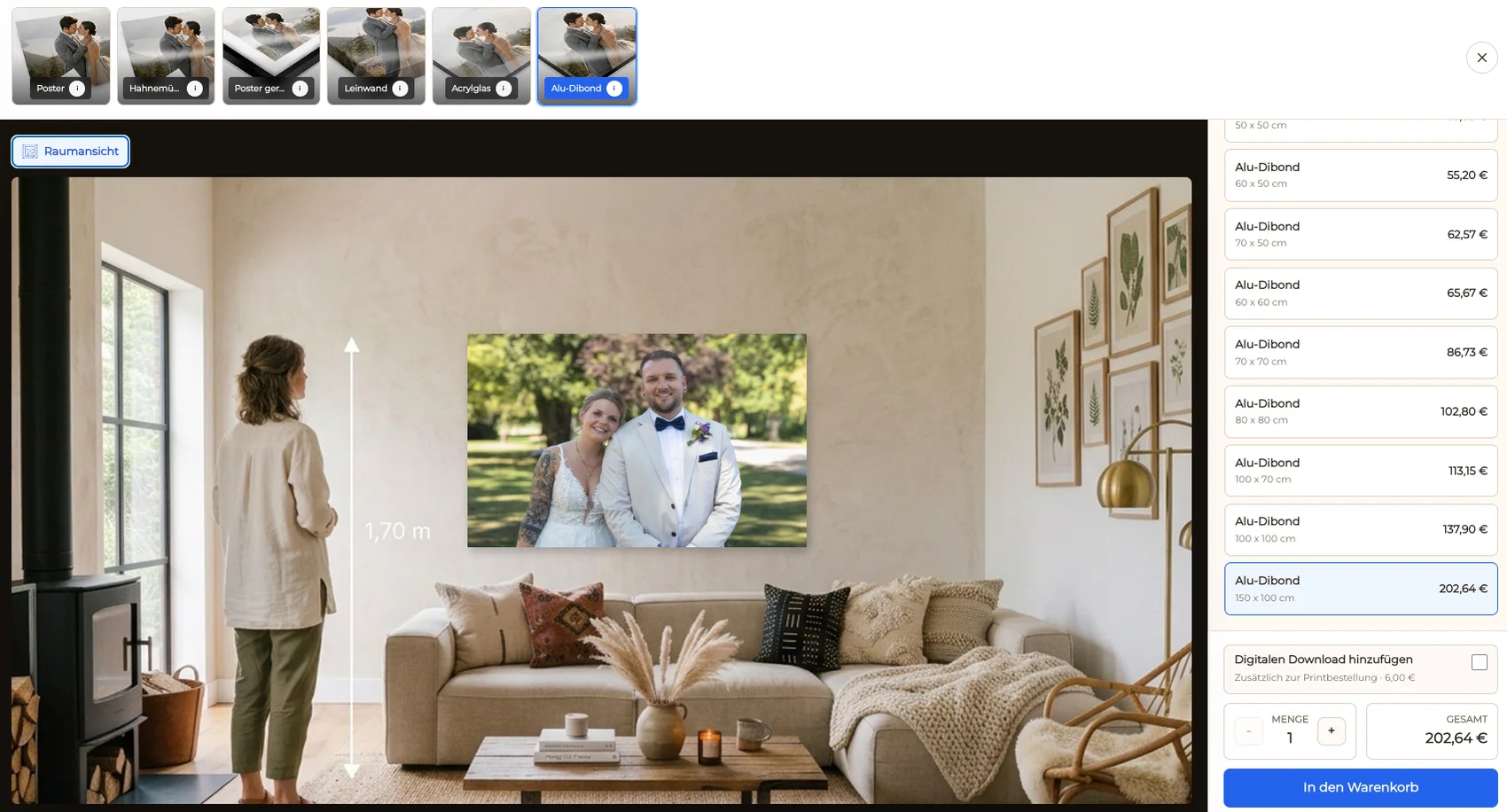
Let a room view support scale judgment while keeping the real dimensions, product name, and price visible at the same decision stage.
Order proof
A polished preview is useful only when the complete purchase path remains understandable.
01
Start with a representative finished image in the same gallery context a buyer will use on desktop and mobile.
02
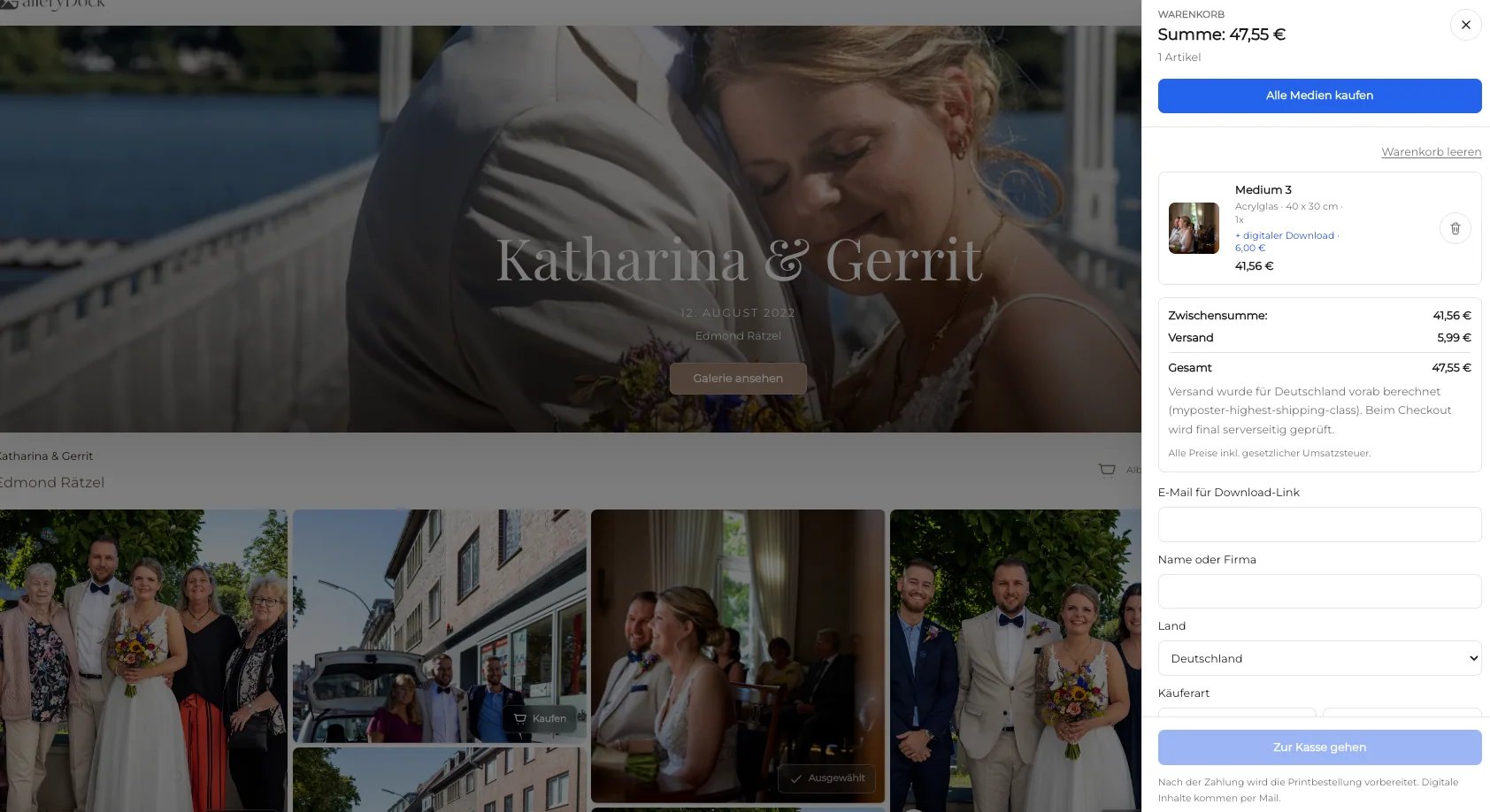
Verify that the configured acrylic product, dimensions, orientation, and price remain attached to the chosen photograph.
03
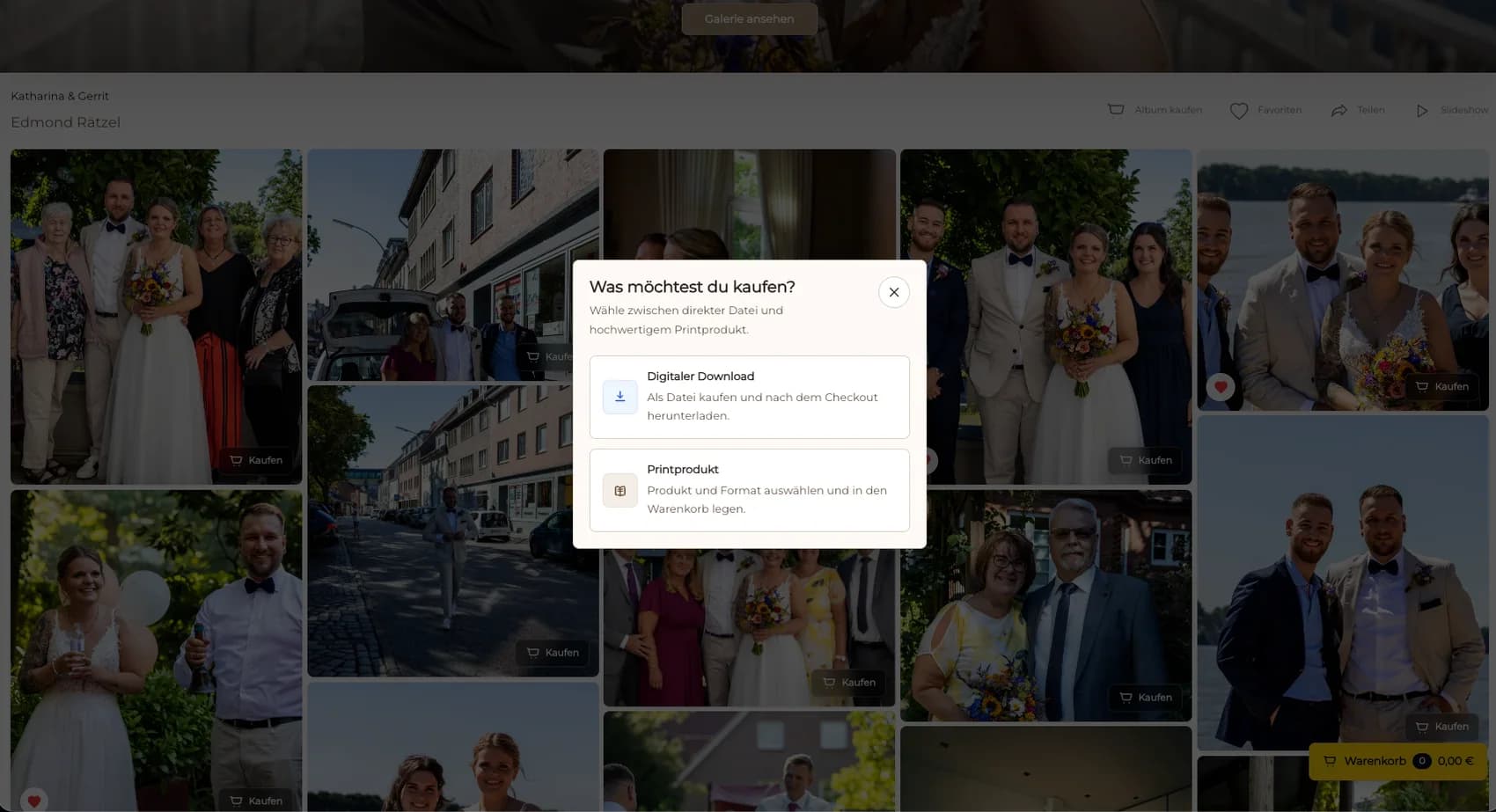
Confirm image, product, size, crop, quantity, and price before following the checkout handoff.
04
After an order, verify the final source file and product specification through the photographer's approved production process.

Comparison
Separate client-gallery selling from marketplaces and production services.
| Approach | Best for | Tradeoff |
|---|---|---|
| GalleryDock acrylic offer | Client photographs with image-level product choices | The photographer owns setup and production review |
| General online store | A mixed merchandise catalog | May separate the wall product from the client image |
| Fine art marketplace | Marketplace discovery | Different branding fees and customer relationship |
| Manual inquiry | A rare custom size request | Scatters product crop and payment details |
| Lab storefront | A separately verified provider workflow | No universal provider integration is claimed here |
A finished portrait is checked for skin tone, highlights, crop, and a realistic wall size.
Strong lines and reflective surfaces are reviewed against the chosen acrylic format.
Fine texture, saturated color, and edge detail are inspected before the product is offered.
Frequently asked questions
Yes. GalleryDock supports physical print sales when the acrylic product, sizes, prices, and order path are configured.
No. This guide describes the configured offer and does not generalize one construction, finish, or manufacturer to every acrylic product.
Yes, when both product types are configured and clearly distinguished in the gallery.
Check resolution, retouching, highlights, shadows, crop, edge detail, exact dimensions, and the intended production specification.
No universal lab choice, native integration, production, packing, or shipping promise is made here.
Related resources
Pricing
Free forever
0 EUR
EUR 0 per month
Perfect for sharing your first galleries professionally.
Start free, no credit card required
Monthly
19 EUR
EUR 228 billed yearly. plus VAT
Ideal for photographers who regularly deliver client galleries.
For regular client delivery
Monthly
29 EUR
EUR 348 billed yearly. plus VAT
For photographers managing many projects, videos and growing storage.
For regular client delivery
Choose a representative photograph, verify the configured acrylic product and size, inspect the crop and room context, and review the cart before publishing.
Create a free account