01
Editing and source approval
Retouch, color-correct, crop intentionally, and approve a high-quality source before the photograph enters the client offer.
Photography print workflow
Choose photo printing software by separating image editing, gallery sales, product preview, checkout, order preparation, and physical production responsibilities.
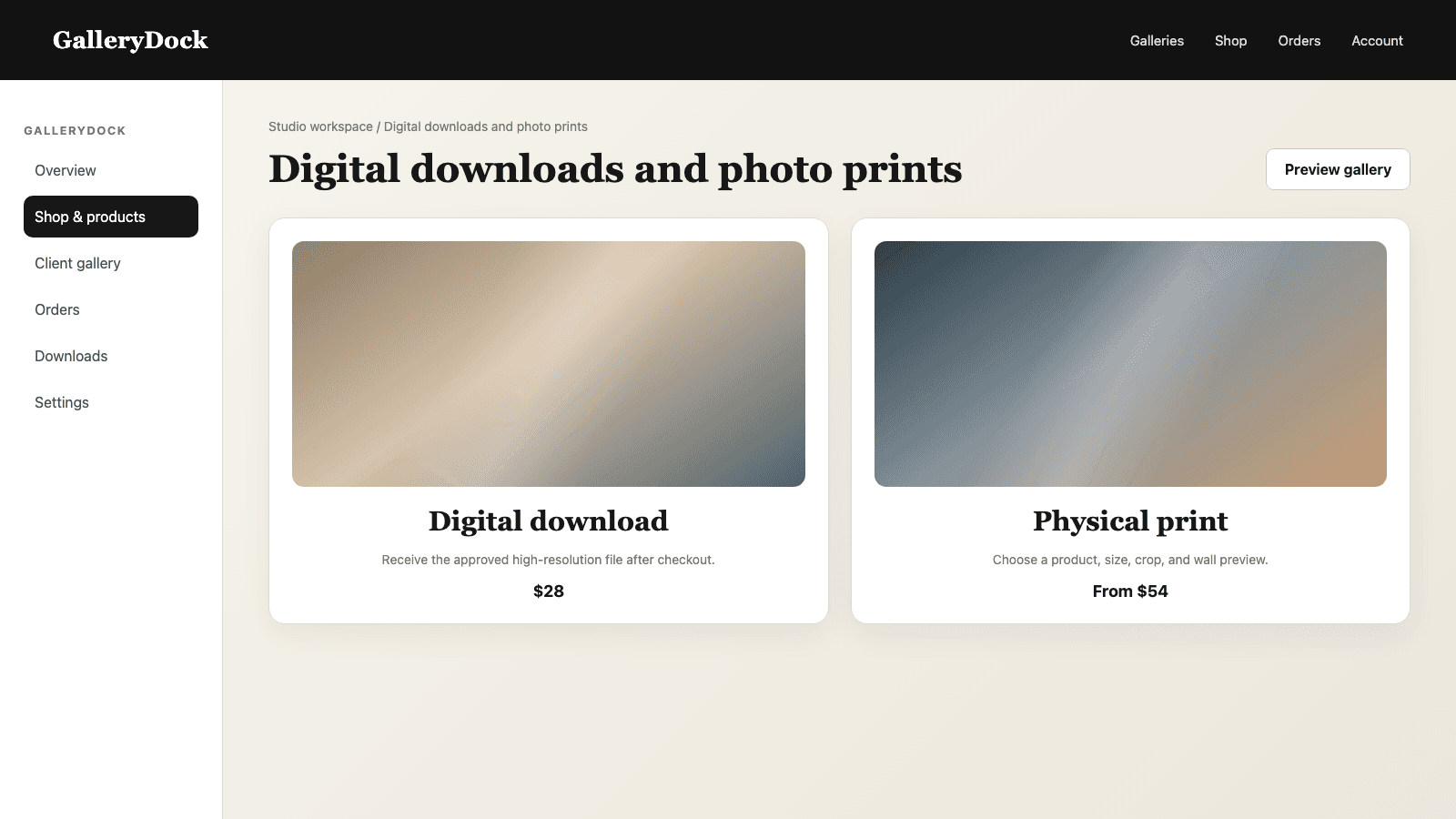
Quick answer
Photo printing software is not one single category. Photographers need one set of tools to edit and approve the image, another layer to present the finished work and let clients choose a product, and a production process that turns the confirmed order into a physical print. GalleryDock connects the client-facing middle: gallery, photograph, digital or print product, size, selling price, crop, safe area, room preview, cart, payment, and order details remain part of one understandable purchase. The GalleryDock order flow can prepare the print output for the selected item, while creative retouching and final source approval remain with the photographer. This division keeps the software stack clear without pretending that one application replaces every editing, accounting, customer-management, or manufacturing responsibility.
Three roles
A strong print workflow has explicit handoffs instead of an impossible all-in-one requirement.
01
Retouch, color-correct, crop intentionally, and approve a high-quality source before the photograph enters the client offer.
02
Present the finished work, attach products and prices, let clients preview choices, and keep the order connected to the image.
03
Use the confirmed product specification and crop to prepare the output needed for that purchased item.
04
Manufacture and ship the ordered print through the production workflow without confusing that job with creative image editing.
Client journey
The client should understand the photograph, product, final choice, and price at every step.
01
Let the buyer experience the finished assignment or collection before asking them to choose a product.
02
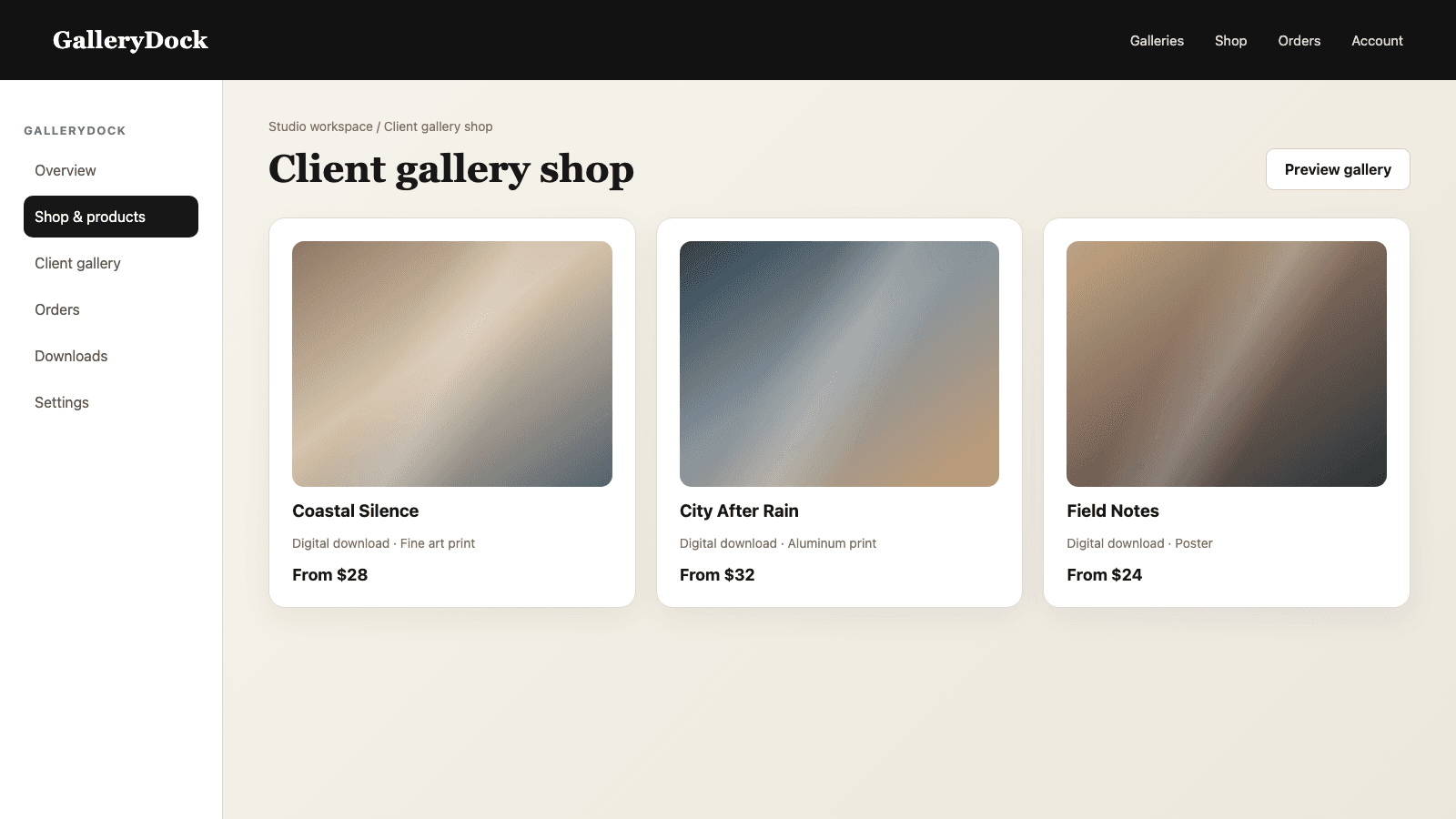
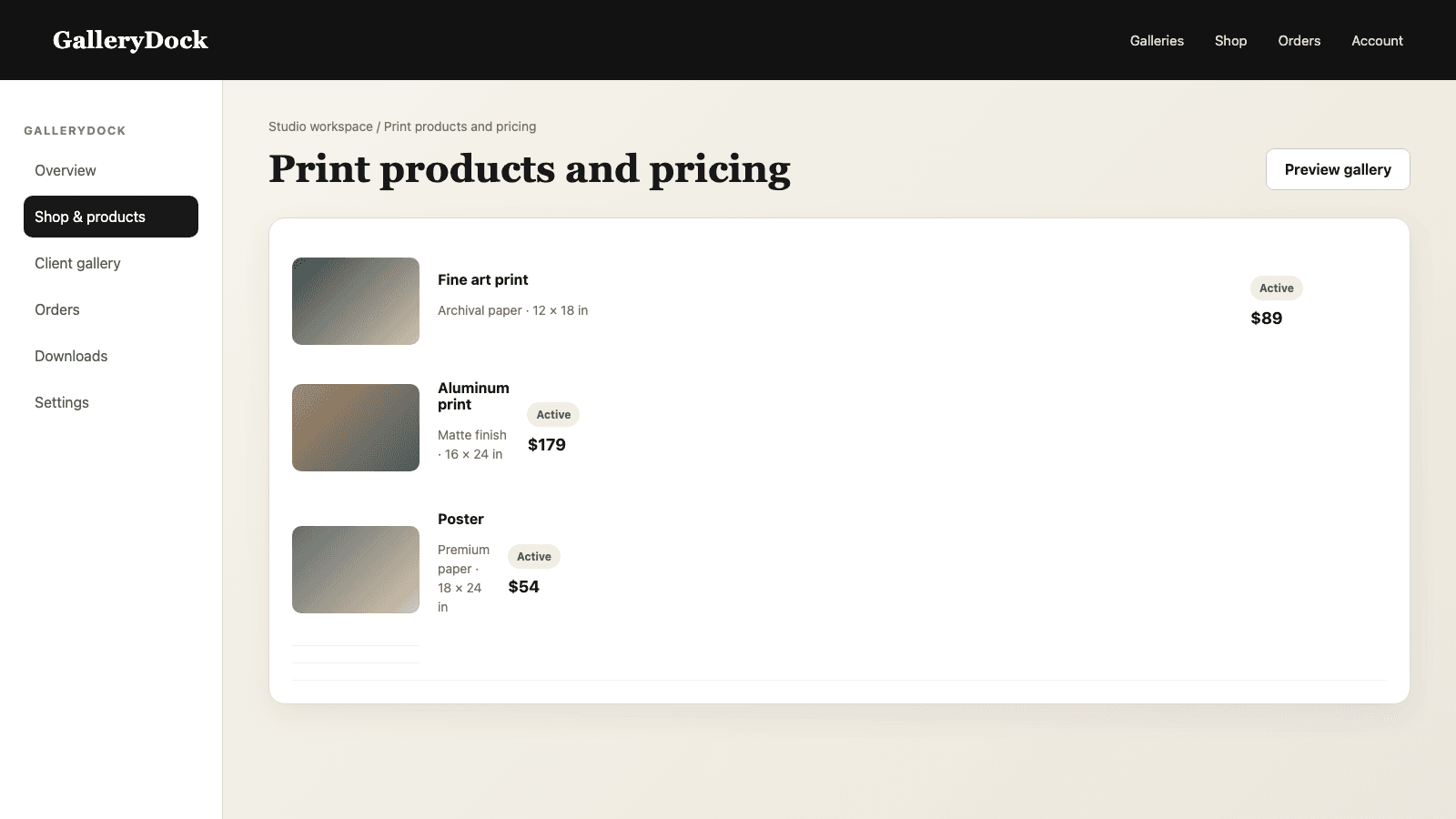
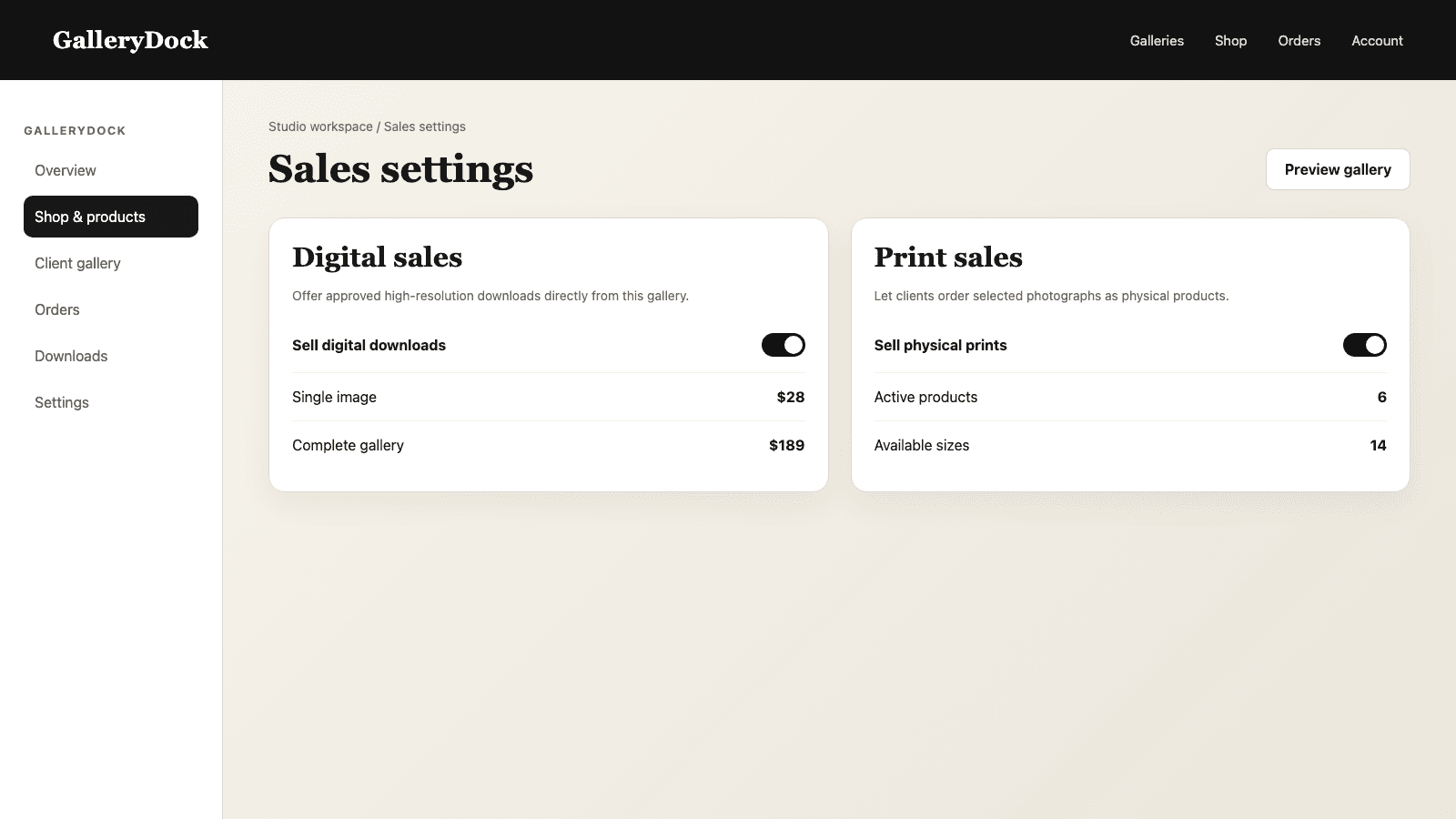
Enable products and sizes that make sense for the studio's work instead of exposing every possible catalog combination.
03
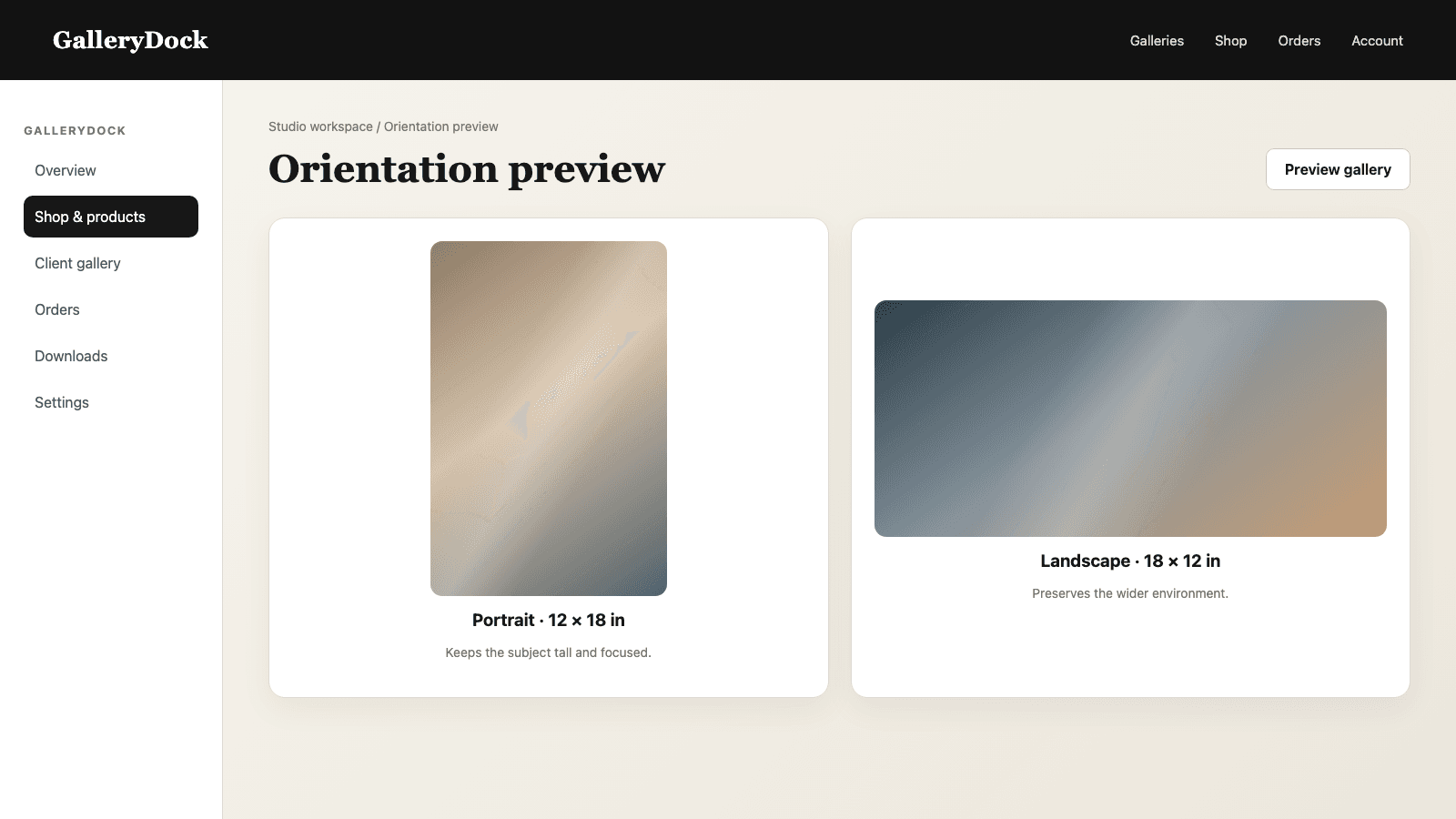
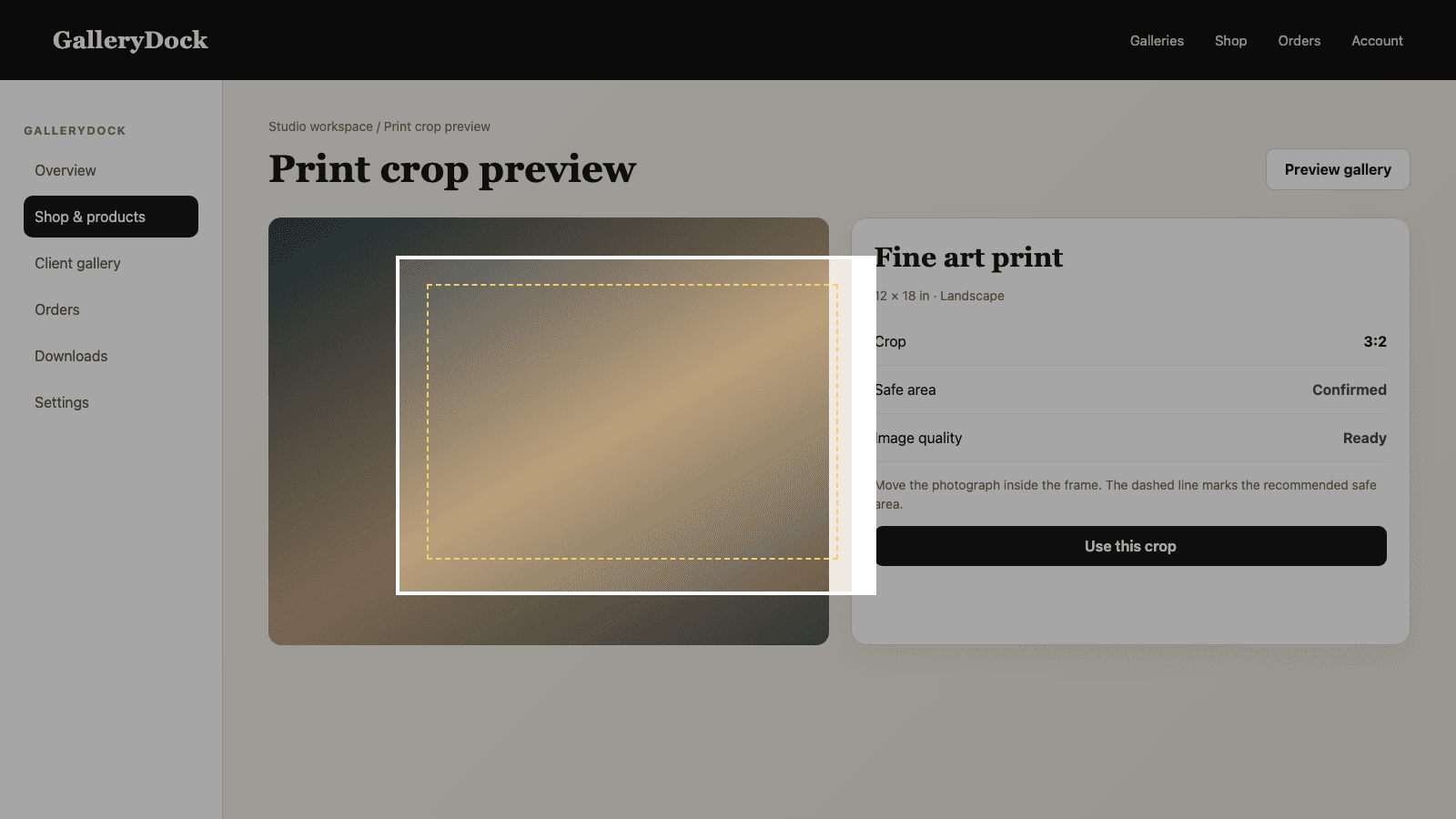
Use orientation, crop, safe area, and room context to make the selected physical result understandable.
04
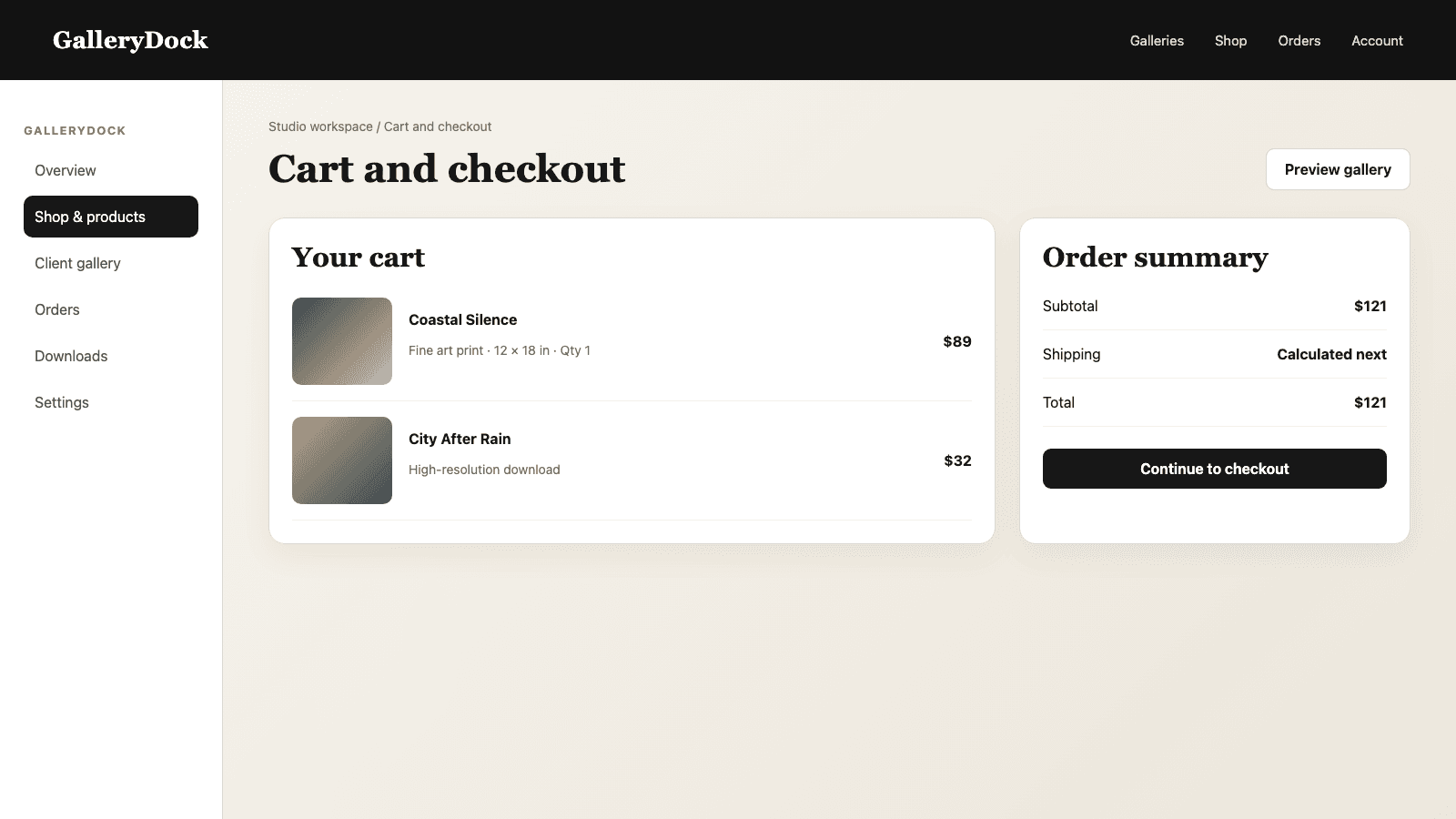
Carry the photograph, product, size, quantity, price, and buyer information together through checkout.
Software decision
A useful stack minimizes duplicate entry and makes ownership obvious when something changes.
01
Write down where the source file, product setup, client choice, payment, output file, and production status live today.
02
Repeatedly copying image numbers, sizes, crops, or payment details between messages is a sign that the client-selling layer is missing.
03
Keep using the editor, accounting system, CRM, or production tool that already performs its specialist job well.
04
A feature list is not enough. Run a real photograph through product selection, preview, cart, checkout, and order preparation.
Comparison
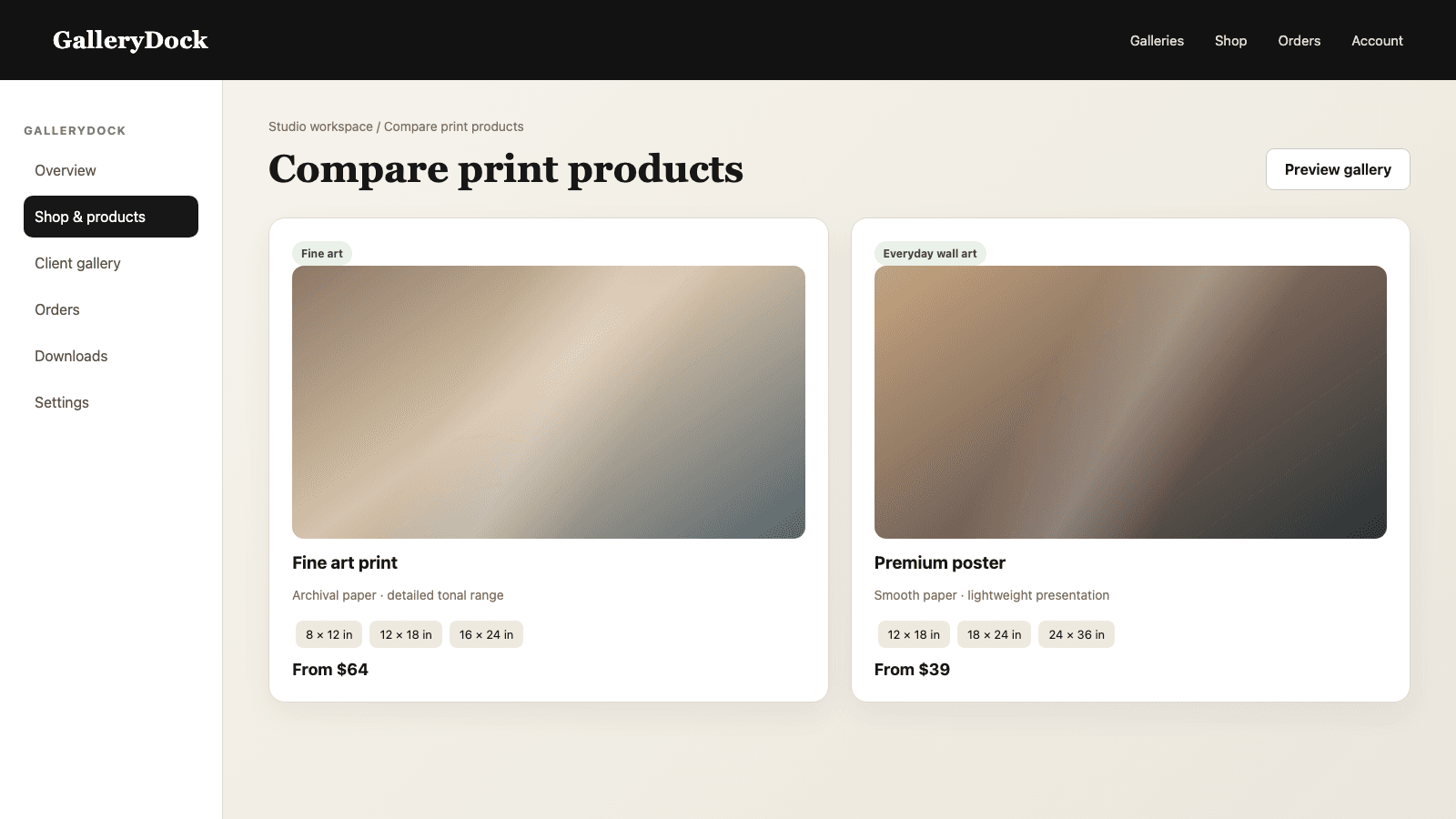
Choose the smallest reliable stack that covers the real workflow.
| Approach | Best for | Tradeoff |
|---|---|---|
| Photo editor | Retouching, color, and source exports | Does not provide the client purchase journey |
| GalleryDock | Gallery, product selection, preview, cart, checkout, and order context | Does not replace creative editing |
| Production system | Manufacturing and shipment | May not present the client story or proofing context |
| General ecommerce store | Broad retail catalogs | Can separate the order from the client photograph |
| Email and spreadsheet | Very occasional manual sales | Details are easy to copy incorrectly |
A couple opens the delivered gallery, chooses a favorite photograph, previews two print sizes, and completes the order without sending image numbers by email.
A client reviews a finished corporate gallery, compares wall-product formats, and confirms the crop and price for an office print.
The photographer presents a curated body of work with a controlled product catalog while retaining external editing and production responsibilities.
Frequently asked questions
The complete workflow needs editing, client presentation, product selection, preview, checkout, order-file preparation, and production responsibilities.
GalleryDock connects the finished photograph with digital and print products, sizes, prices, preview, cart, checkout, and order context.
No. Retouching, color work, and creative source approval remain in the photographer's editing workflow.
Yes. A gallery can offer digital products, physical prints, or a deliberate mix of both.
A full test reveals unclear products, bad crops, price mistakes, and broken handoffs that a feature checklist cannot show.
No. Clear specialist responsibilities are usually more maintainable than an inaccurate all-in-one expectation.
Related resources
Pricing
Free forever
0 EUR
EUR 0 per month
Perfect for sharing your first galleries professionally.
Start free, no credit card required
Monthly
19 EUR
EUR 228 billed yearly. plus VAT
Ideal for photographers who regularly deliver client galleries.
For regular client delivery
Monthly
29 EUR
EUR 348 billed yearly. plus VAT
For photographers managing many projects, videos and growing storage.
For regular client delivery
Approve the source image, configure the client offer, test preview and checkout, and keep every order detail connected through preparation and production.
Create a free account