Collect final exports
Use the finished booth images rather than tests, setup frames, or failed captures.
Post-event photo booth delivery
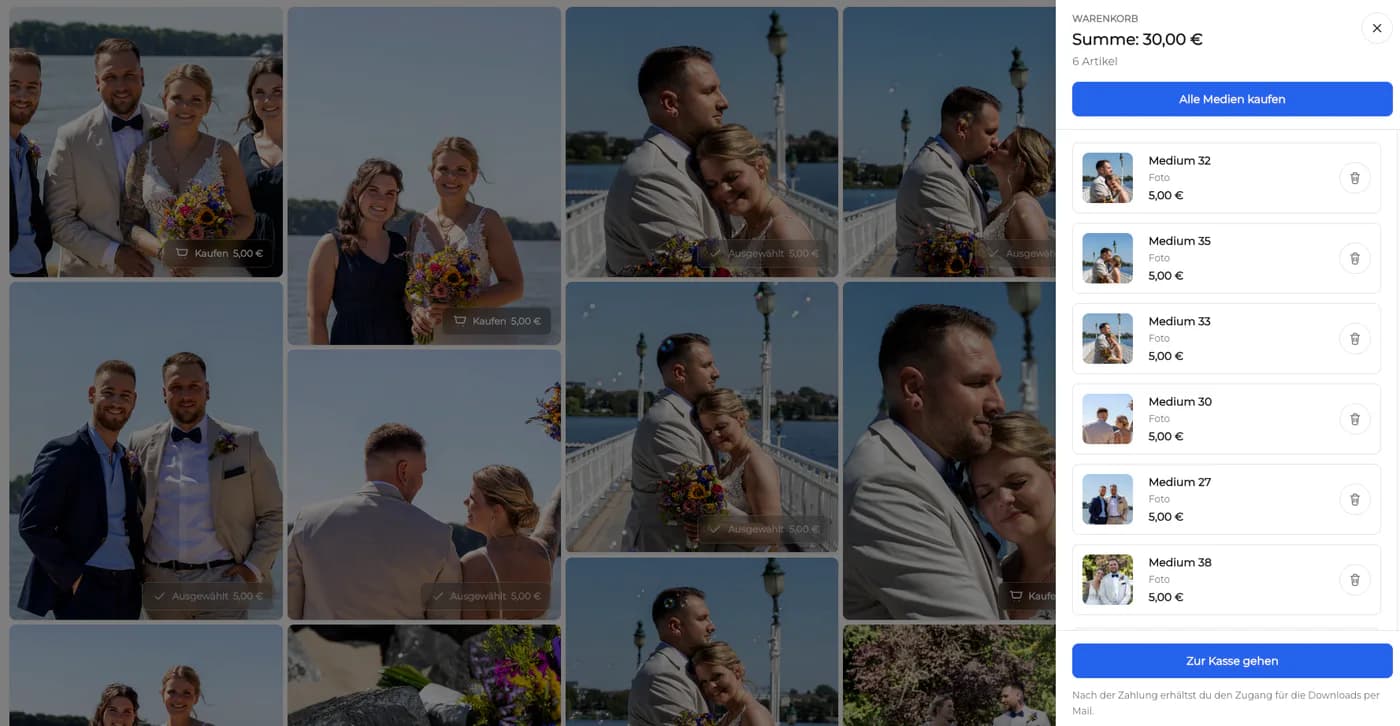
Deliver photo booth images after an event in a private online gallery with controlled downloads, favorites, comments, and optional digital sales.
Quick answer
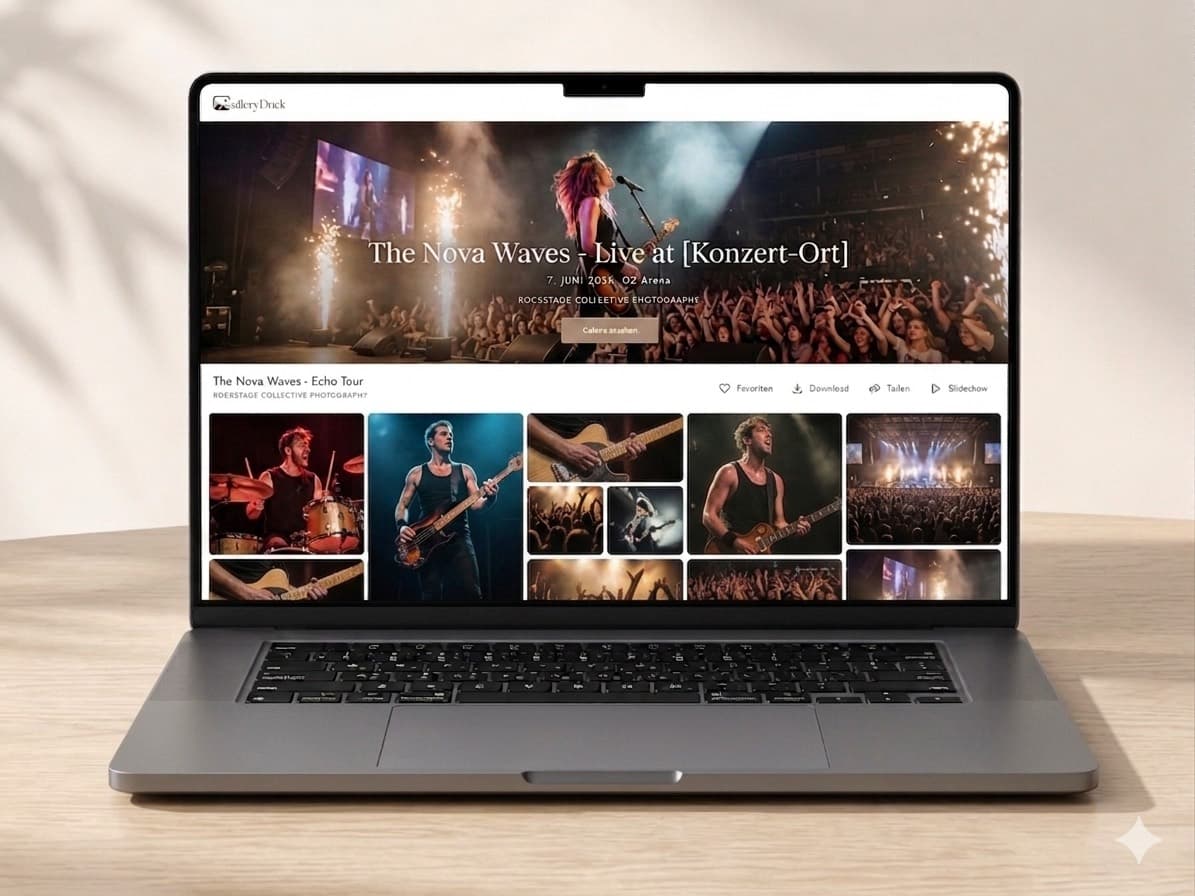
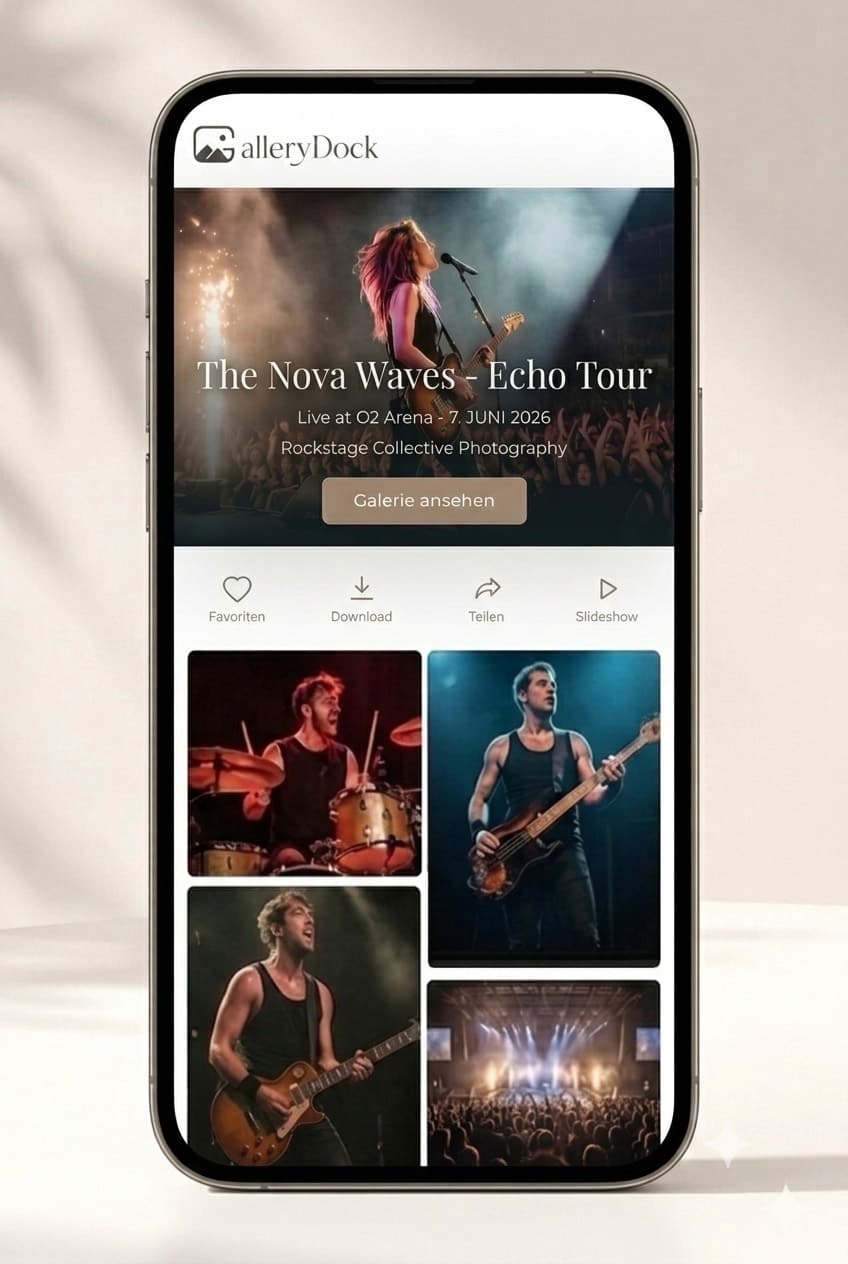
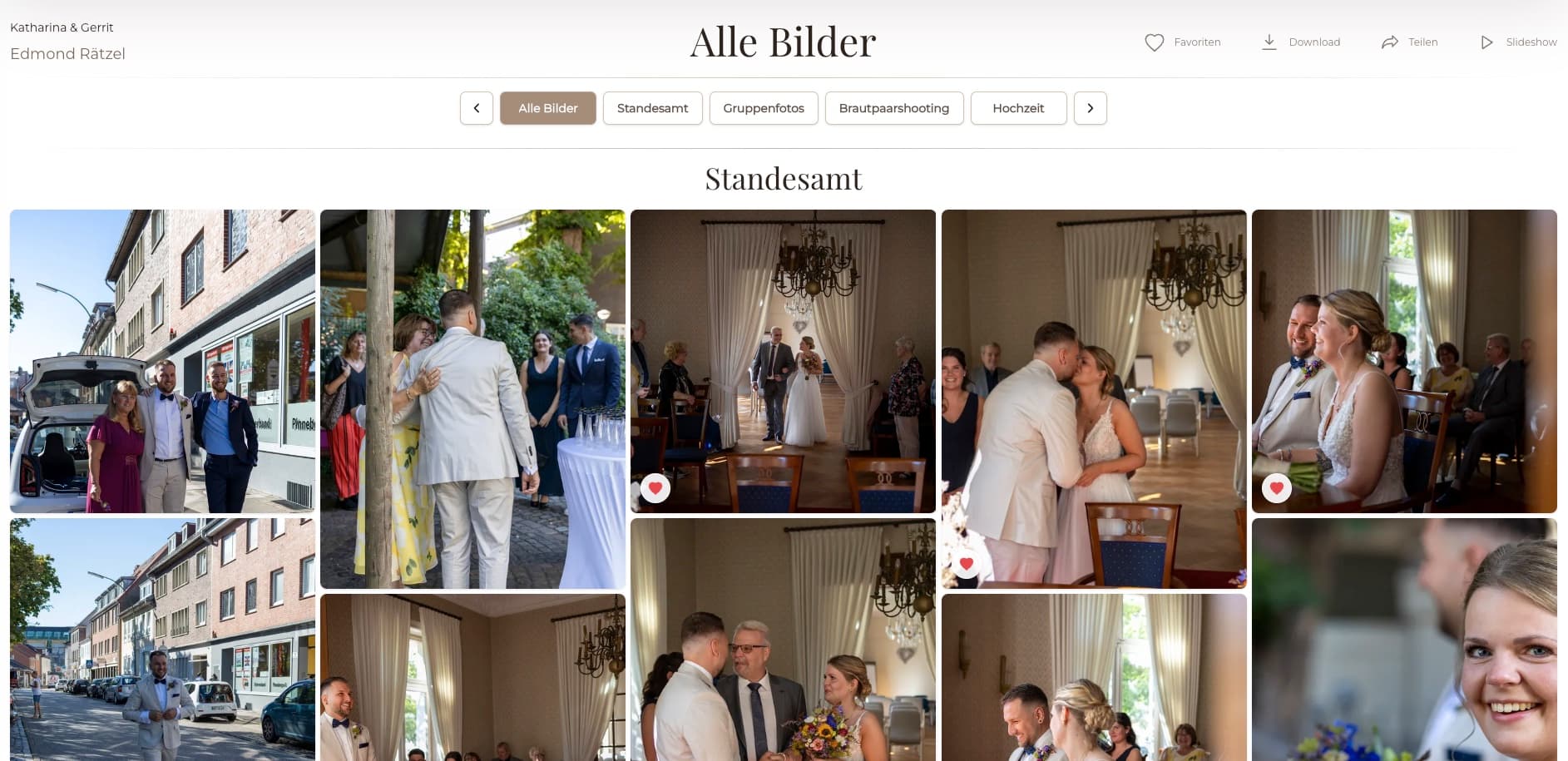
A photo booth online gallery gives guests or the event client one organized place to view booth images after the event. Export and check the final booth files, upload them after the event, choose the appropriate privacy and download settings, test the gallery on desktop and mobile, and send clear access instructions. GalleryDock supports gallery presentation, favorites, comments, downloads, and optional digital image sales; it does not operate the booth hardware, capture images, run a live kiosk, generate event QR workflows, or fulfill laboratory prints.
After the event
The online gallery begins after capture, with checked files and a defined audience.
Use the finished booth images rather than tests, setup frames, or failed captures.
Exclude technical tests and images that should not enter the client-facing set.
Arrange by time or another simple sequence that guests can understand.
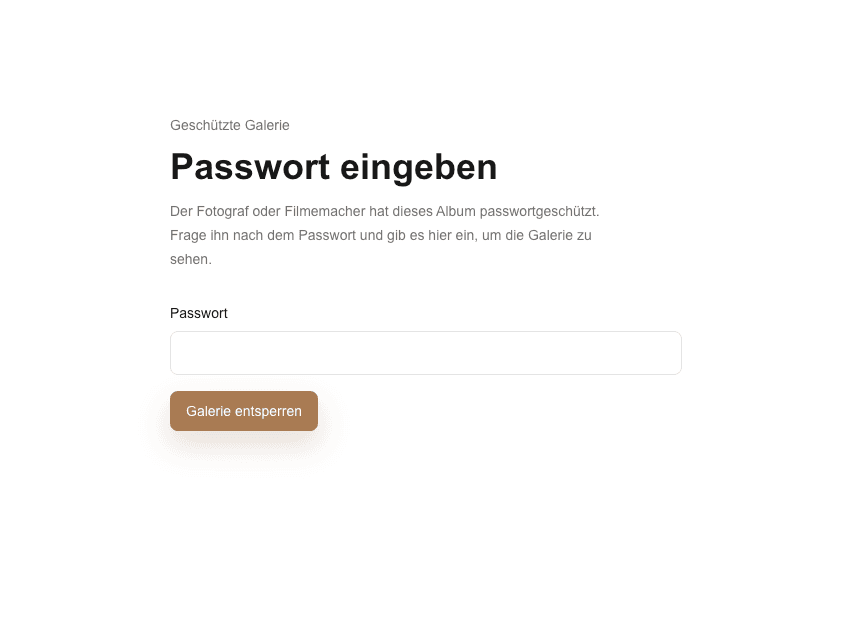
Decide whether the gallery is for the organizer, all guests, or a smaller invited group.
Gallery setup
Make every allowed action deliberate before the first guest opens the link.
01
Create a recognizable gallery title and upload only the checked files.
02
Choose link and access handling appropriate to the event and client agreement.
03
Enable the included delivery path and optional digital offers without implying print fulfillment.
04
Open the shared view on desktop and mobile and complete the intended action yourself.
Handoff
A short delivery message prevents the organizer from becoming first-line technical support.
Explain whether the organizer can forward the link to all guests.
Clarify which images and file quality are available and whether an order is required.
Communicate any planned gallery end date and encourage timely downloads.
Give one contact path for access, order, or file questions.

Comparison
Choose the post-event path that matches audience, privacy, and package scope.
| Approach | Best for | Tradeoff |
|---|---|---|
| Private online gallery | Organized guest browsing and delivery | Requires clear access instructions |
| Organizer-only gallery | Client-controlled redistribution | Guests depend on the organizer |
| Download-enabled gallery | Included digital files | Download scope must be configured |
| Digital image sales | Optional post-event purchases | Does not imply print fulfillment |
| Live booth kiosk | On-site capture and interaction | Not a GalleryDock feature |
Give the couple a tested gallery link they can share with the agreed guest group.
Align access and redistribution with the organizer's internal photo policy.
Separate included viewing from optional digital downloads or purchases in the instructions.
Frequently asked questions
No. Capture, booth software, printers, and on-site operation remain outside GalleryDock.
Do not assume live synchronization. This workflow uploads checked files for post-event delivery.
Yes when the photographer enables the appropriate download scope for the gallery or purchase flow.
Optional digital image sales can be configured, but that does not include physical print production or lab fulfillment.
Choose access based on the event agreement, audience, and sensitivity of the images rather than using one rule for every event.
No QR-kiosk or booth automation is promised here; distribute the tested gallery link through your chosen event communication.
Related resources
Pricing
Free forever
0 EUR
EUR 0 per month
Perfect for sharing your first galleries professionally.
Start free, no credit card required
Monthly
19 EUR
EUR 228 billed yearly. plus VAT
Ideal for photographers who regularly deliver client galleries.
For regular client delivery
Monthly
29 EUR
EUR 348 billed yearly. plus VAT
For photographers managing many projects, videos and growing storage.
For regular client delivery
Use GalleryDock for the gallery, access, and digital delivery layer after the capture system has produced the final images.
Create a free account