Check the screen
Decide whether you are still inside the gallery or looking at a file saved to the device.
Purchased photo troubleshooting
Find the purchased original when a gallery preview still shows a watermark, verify the order, and report a useful support case.
Quick answer
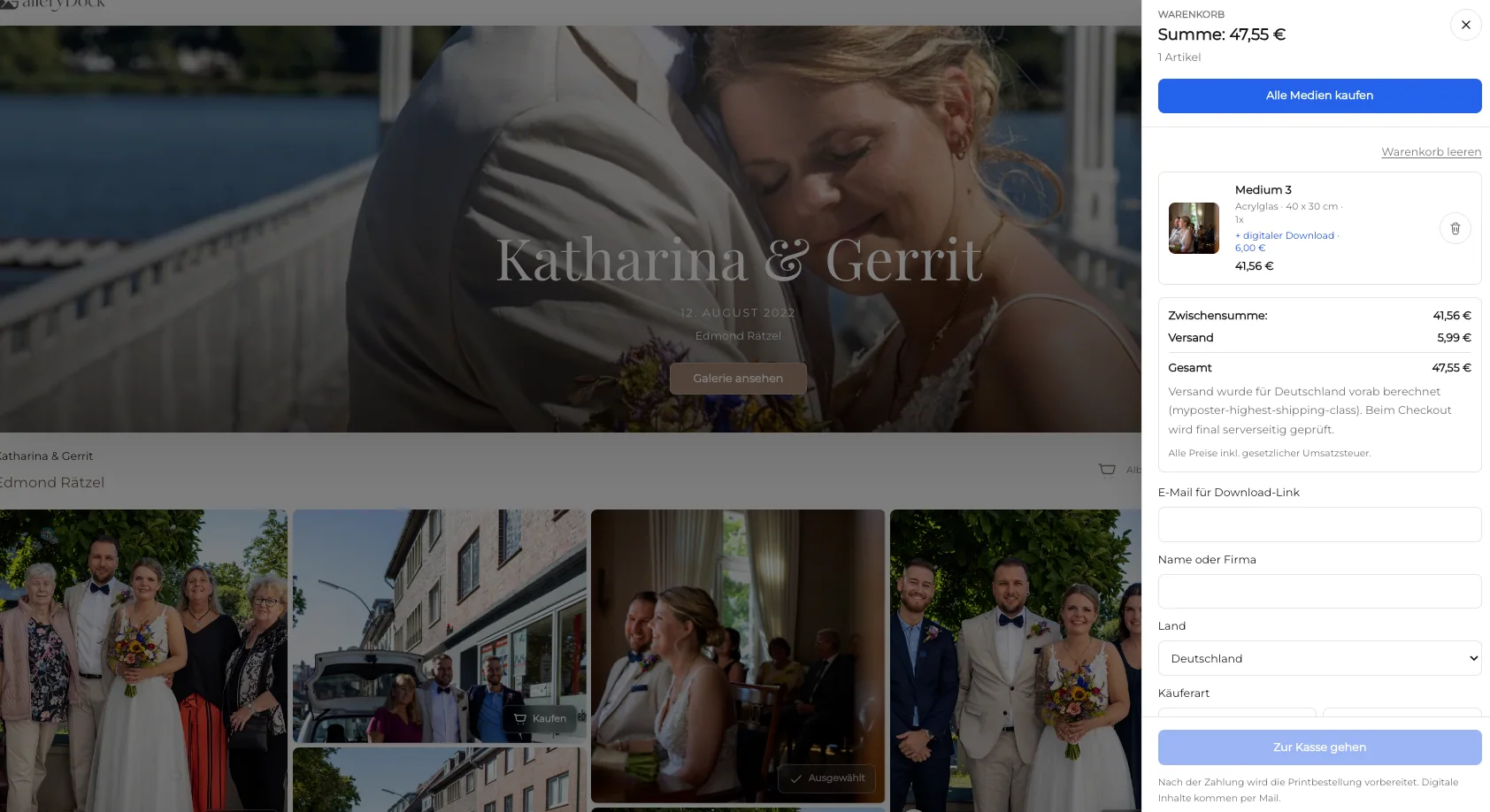
If a watermark is still visible after a photo purchase, first determine whether you are viewing the gallery preview or the purchased download. Confirm that the order completed, open the download path supplied for that order, save a fresh copy, and inspect that file outside the browser preview. Do not crop, blur, or remove the watermark yourself. If the purchased file is still marked, send the photographer the order reference, image filename, device, and exact download path so the correct delivery can be checked.
First check
The most common mismatch is between a marked browsing preview and the separately delivered purchase.
Decide whether you are still inside the gallery or looking at a file saved to the device.
Match the image filename or number with the photograph listed in the order.
Confirm that checkout finished rather than remaining pending, cancelled, or incomplete.
Use the delivery link associated with the completed order, not the original proofing link.
Fresh download
Use a clean download path so an old preview is not mistaken for the delivered file.
01
Start from the confirmed order or photographer-provided download instructions.
02
Save a fresh copy and note the folder where the browser places it.
03
Use the device photo viewer or file manager to inspect the saved file itself.
04
Verify the filename, dimensions, and watermark state before contacting support.
Support handoff
A precise report lets the photographer distinguish a preview issue from an order or file issue.
Include the order number or purchase timestamp without sharing payment credentials.
Provide the exact filename, image number, or gallery title.
Name the device, operating system, browser, and whether the file was opened in another app.
Explain which link you used and where the downloaded file was found.
Comparison
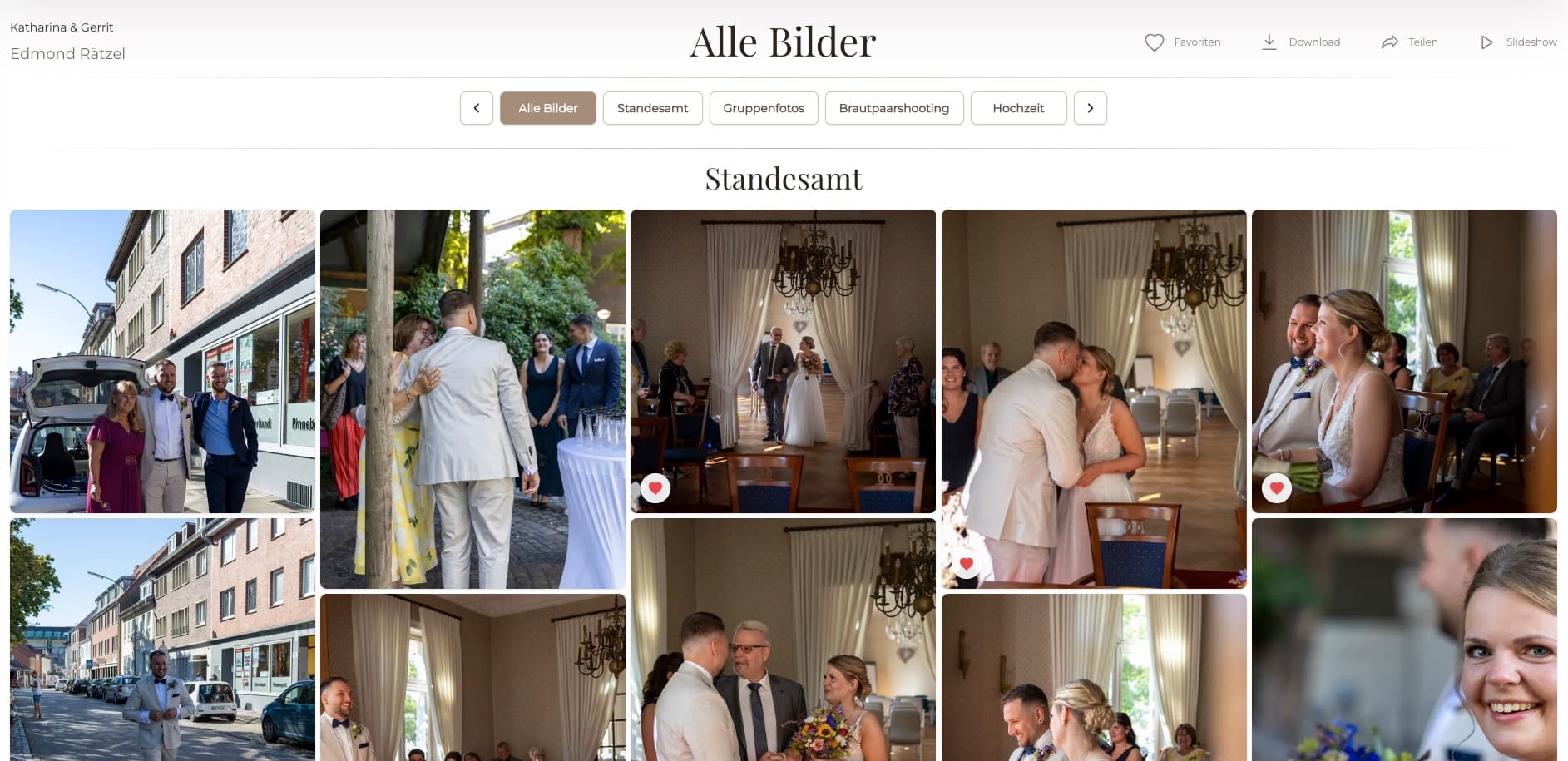
Identify the file before assuming that the delivered original is wrong.
| Approach | Best for | Tradeoff |
|---|---|---|
| Gallery preview | Browsing and choosing | May remain watermarked |
| Purchased download | Using the licensed photo | Must come from the completed order path |
| Cached browser image | Temporary display | Can show an older preview |
| Screenshot | Explaining what appeared on screen | Not the purchased original |
| Old device copy | Reference only | May predate the purchase |
Leave the gallery preview alone and use the order-specific download for the purchased original.
Wait for or clarify the order status before expecting the final download.
Send the photographer the exact order and file evidence instead of editing the watermark.
Frequently asked questions
The browsing preview can remain protected even when the purchased original is available elsewhere.
Use the download link or order area supplied for the completed purchase and follow the photographer's instructions.
No. Do not crop, blur, clone, or use a removal tool; retrieve the properly delivered original instead.
Yes. Download a fresh copy and open the saved file outside the gallery to rule out a cached preview.
Send the order reference, image filename, device, browser, exact download path, and a screenshot of the visible problem.
The delivered result depends on the photographer's configured files and order workflow, so a marked purchased file must be checked against that specific order.
Related resources
Pricing
Free forever
0 EUR
EUR 0 per month
Perfect for sharing your first galleries professionally.
Start free, no credit card required
Monthly
19 EUR
EUR 228 billed yearly. plus VAT
Ideal for photographers who regularly deliver client galleries.
For regular client delivery
Monthly
29 EUR
EUR 348 billed yearly. plus VAT
For photographers managing many projects, videos and growing storage.
For regular client delivery
Trace the completed order to a fresh download and give the photographer precise evidence if that file is still marked.
Create a free account