Open the current link
Use the photographer's latest delivery message so an older gallery or expired route does not create confusion.
Client gallery downloads
Learn how to download one photo, favorites, or an available full client gallery, choose the right quality, open ZIP files, and verify the delivery.
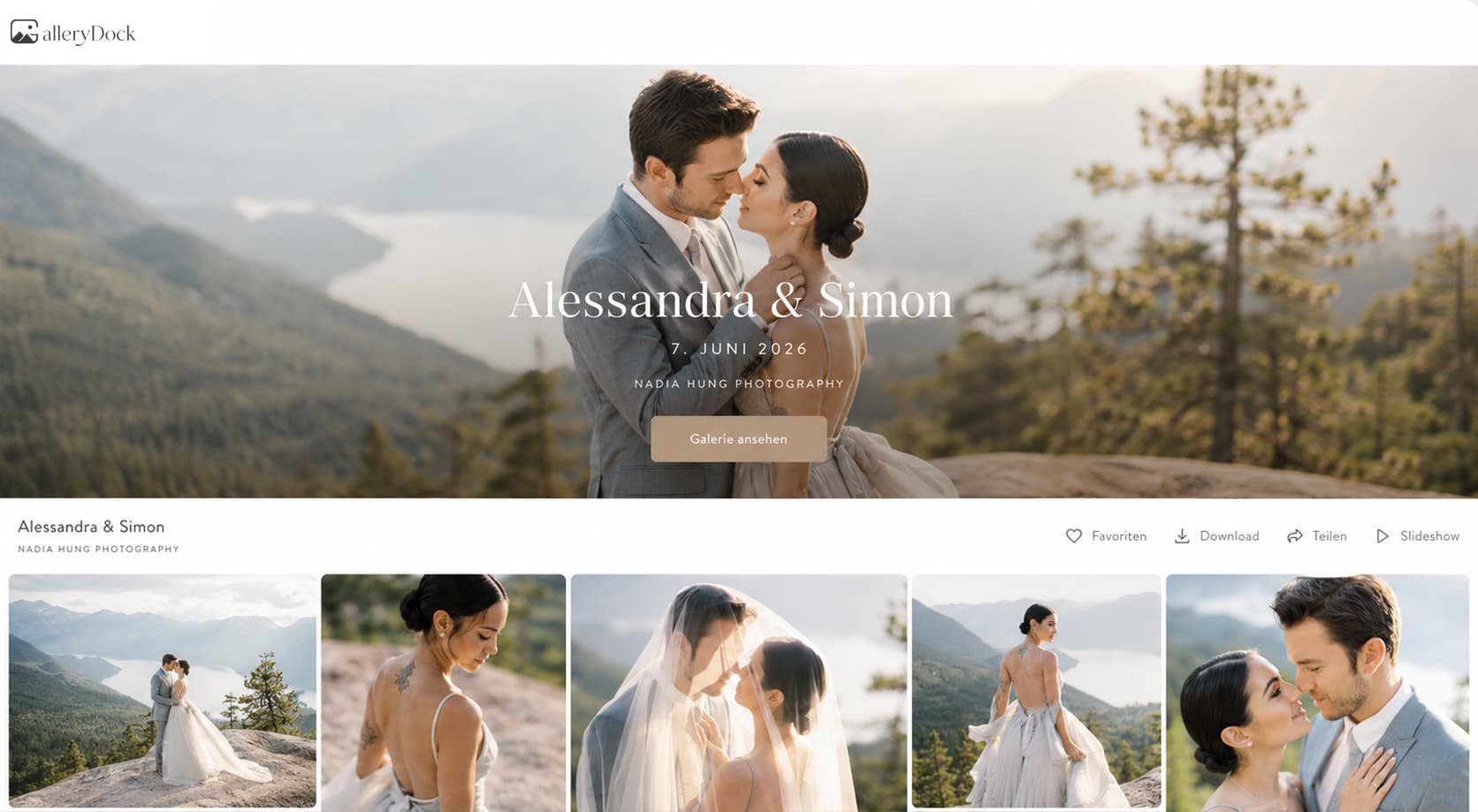
Quick answer
To download photos from a client gallery, open the current shared link, use the gallery's download control, select the permitted scope and resolution, and wait for the transfer to complete. Single files may open directly, while larger sets commonly arrive as ZIP archives. Verify the downloaded file count and a few representative images before treating the delivery as complete; a gallery preview is not the same as a saved original file.
Prepare
A reliable transfer starts by confirming the current project, the available download control, and the files you are authorized to receive.
Use the photographer's latest delivery message so an older gallery or expired route does not create confusion.
Enter the supplied password or other permitted access details when the gallery requires them.
If no download control is available, contact the photographer rather than saving a preview or attempting a workaround.
Decide whether the files are for a phone, web publishing, archiving, or another agreed purpose.
Download
Use the smallest clear workflow that delivers the approved files without duplicate transfers or missing selections.
01
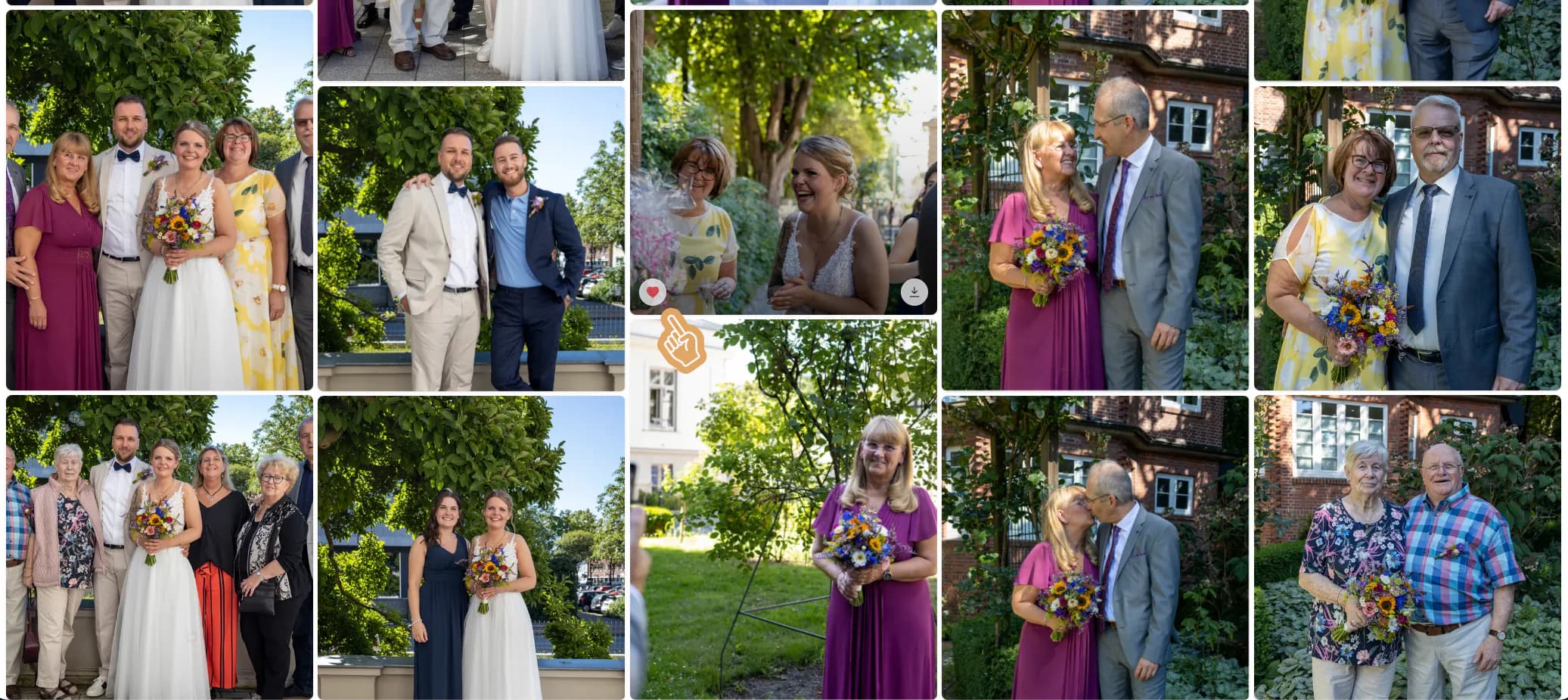
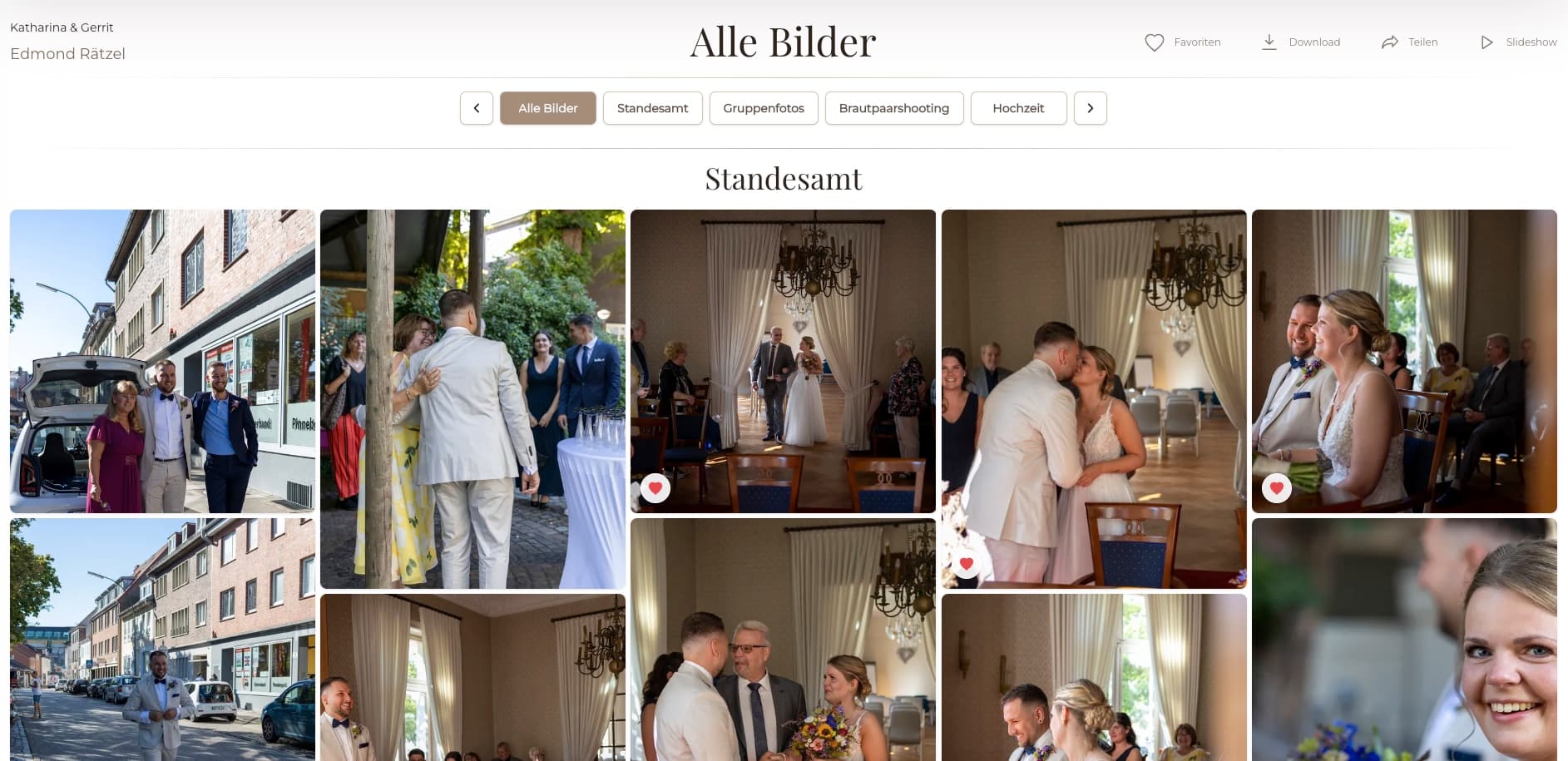
Select one photo, the favorite set, or the available full gallery according to the delivery instructions.
02
Pick an offered original or web-size option based on the intended destination and transfer constraints.
03
Begin the transfer and wait for the browser or device to finish instead of creating repeated partial downloads.
04
Open a single image directly or extract the ZIP archive before reviewing a multi-file delivery.
Finish
Confirm that the downloaded result matches the promised scope before deleting the archive, closing the project, or relying on it as a final copy.
Confirm that the file belongs to the correct project and that its name matches the expected image.
For sets and galleries, compare the number of extracted files with the delivery note or selection.
Inspect several files so corrupt, incomplete, or unexpectedly small downloads are caught early.
Move the verified delivery into your normal storage and backup process rather than leaving one browser copy.
Comparison
Choose a scope that matches the task and a file quality that matches the destination.
| Approach | Best for | Tradeoff |
|---|---|---|
| Single photo | One immediate image need | Repeated individual transfers are slow for a large set |
| Favorites | An approved client selection | Depends on a complete and current favorite list |
| Full gallery | A complete permitted delivery | Larger transfer and more local storage |
| Web-size files | Fast screen and online use | Not a substitute for every print or archive need |
| Original-size files | Approved high-resolution delivery | Longer transfer and greater storage demand |
Download the selected file in an available web-appropriate size and verify it locally.
Confirm the final favorites, download that set once, and compare the extracted count.
Use a stable connection, extract the archive, inspect representative files, and make a backup.
Frequently asked questions
Yes, when single-image downloads are enabled. Use the gallery control on the intended photograph.
Only when that scope is offered. The photographer controls which files and download paths are available.
A ZIP archive packages multiple files into one transfer. Extract it before reviewing the individual photographs.
Choose based on the intended use and the options offered. Web-size files suit many screen uses; original-size files require more transfer and storage.
Downloads may be disabled, limited, tied to another delivery path, or not yet available. Ask the photographer for the intended next step.
No. A browser preview does not prove that a full file was saved locally. Use the provided download action and verify the result.
Related resources
Pricing
Free forever
0 EUR
EUR 0 per month
Perfect for sharing your first galleries professionally.
Start free, no credit card required
Monthly
19 EUR
EUR 228 billed yearly. plus VAT
Ideal for photographers who regularly deliver client galleries.
For regular client delivery
Monthly
29 EUR
EUR 348 billed yearly. plus VAT
For photographers managing many projects, videos and growing storage.
For regular client delivery
Build a GalleryDock delivery with clear access, intentional download choices, and files clients can verify after transfer.
Create a free account