Use the payment source
Check the processor, bank, invoice system, or other external record that actually received the transaction.
Manual post-payment delivery
Use a controlled workflow to verify an external payment, check final files, manually enable gallery downloads, test access, and notify the client.
Quick answer
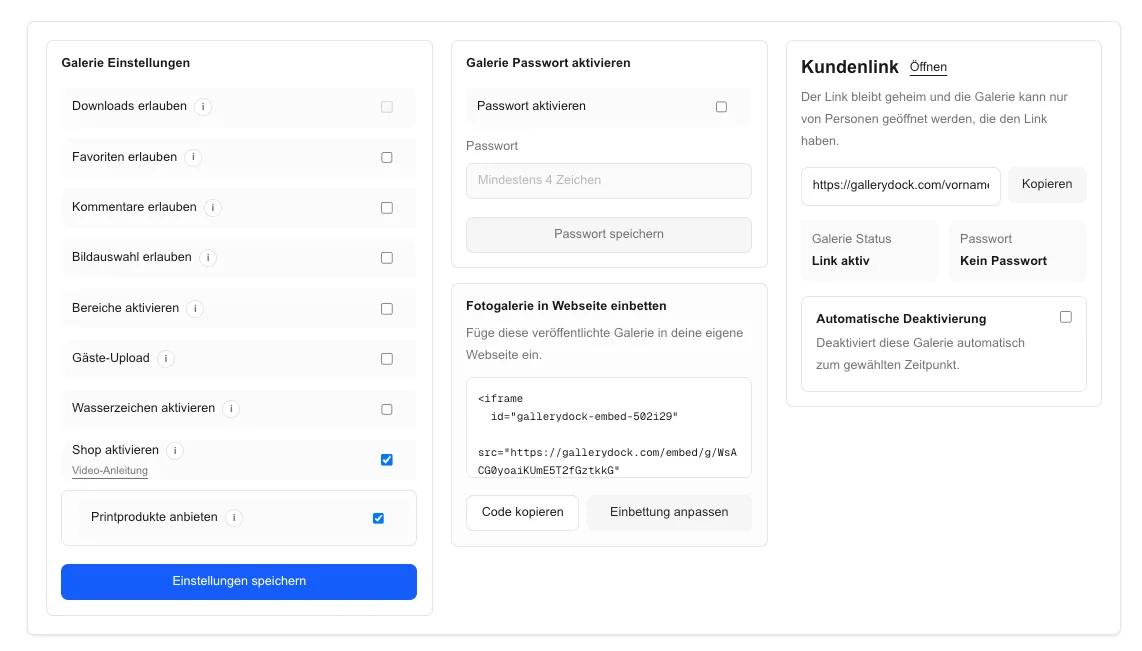
To manually enable photo downloads after payment, verify the payment in the external system that actually received it, confirm the correct client and order, review the final gallery files, then change the GalleryDock download setting and save it. Test the public client view before notifying the customer. GalleryDock does not automatically detect arbitrary external payments in this workflow, and enabling a download is an operational delivery action—not a legal photo release or proof that a payment was valid.
Payment check
A message or screenshot is not a substitute for checking the authoritative payment source and matching it to the correct job.
Check the processor, bank, invoice system, or other external record that actually received the transaction.
Confirm the customer, project, amount, currency, and invoice or order reference before proceeding.
Distinguish completed funds from pending, failed, reversed, disputed, or partially paid states.
Make one named person responsible for the verification and manual release decision.
Release workflow
Treat the access change as a controlled production step with a file review and a public-view test.
01
Confirm the client, project title, and current publication state before editing settings.
02
Check final versions, promised scope, filenames, and any watermark or preview distinction.
03
Change the appropriate download setting and save it once the prerequisites are satisfied.
04
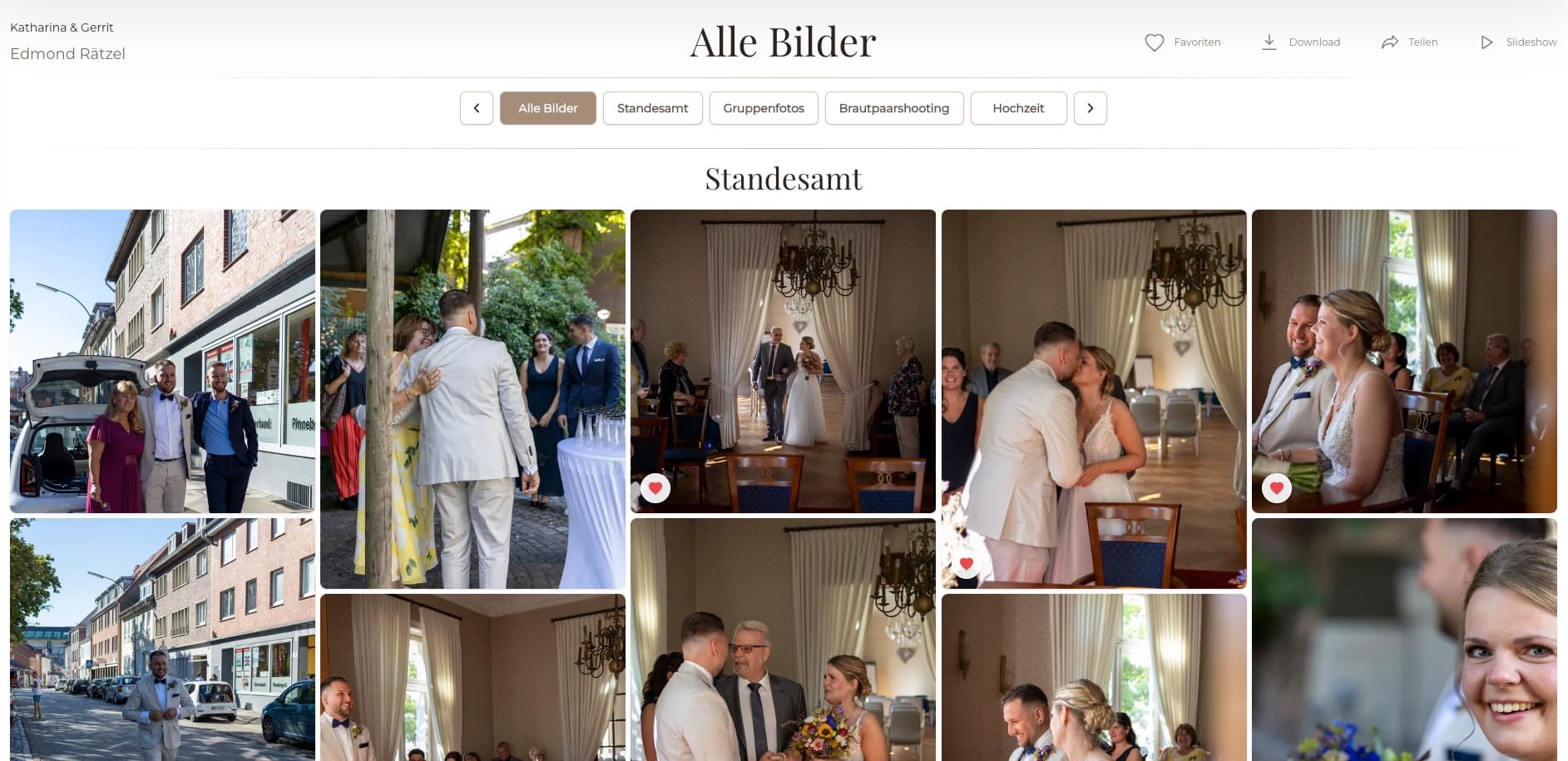
Open the public route and verify that the expected download path works without owner privileges.
Handoff
A short operational record protects both the client experience and the team's ability to audit a manual decision.
Store the payment reference, verifier, timestamp, gallery, and access change in the appropriate business record.
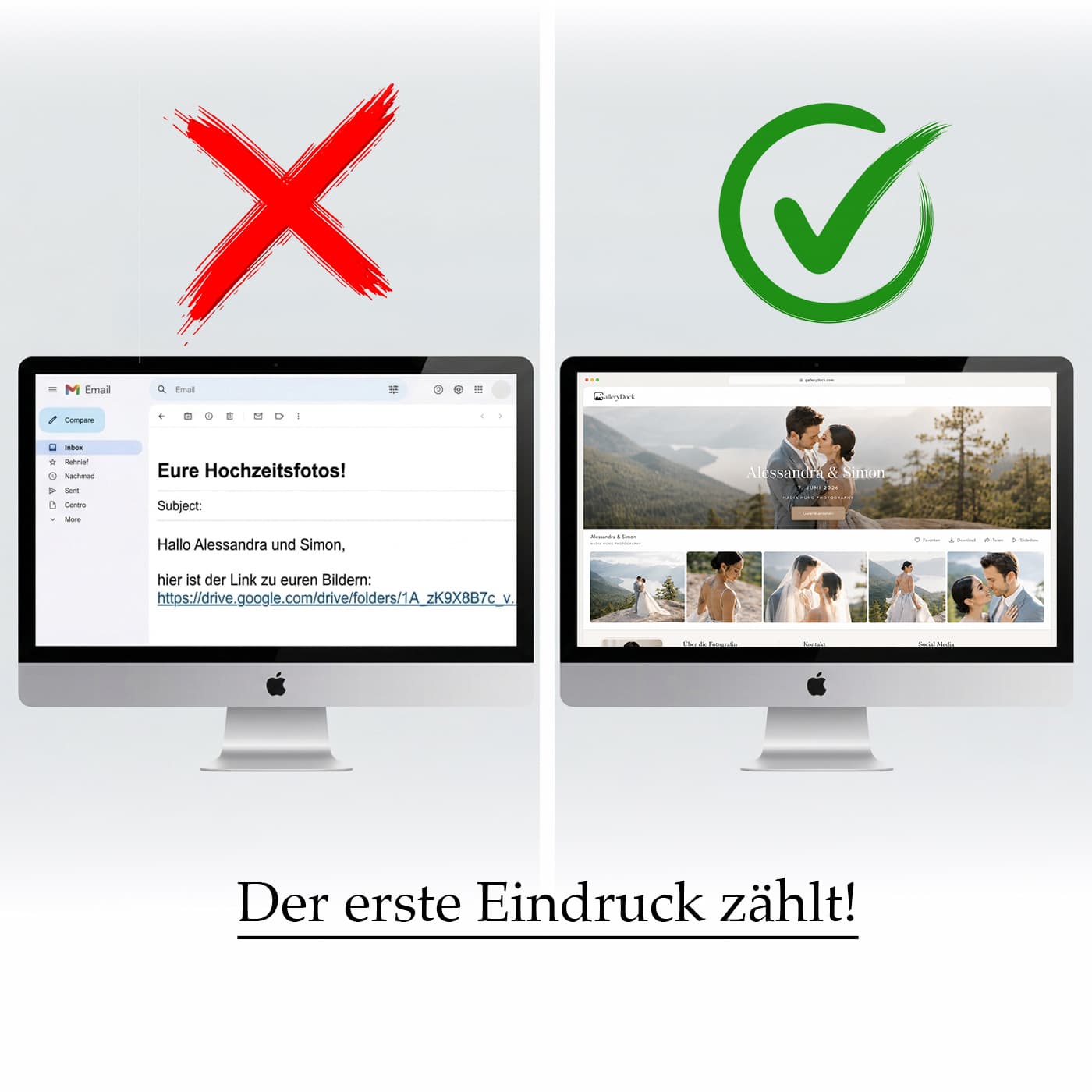
Use the tested gallery route and describe the available download scope accurately.
Tell the client how to access the files and whom to contact if the expected control is missing.
Use the business's documented dispute or refund process; do not assume a gallery setting resolves payment risk.
Comparison
This guide covers an external payment followed by a deliberate manual GalleryDock access change.
| Approach | Best for | Tradeoff |
|---|---|---|
| Manual external verification | Low-volume controlled delivery | Requires a responsible human and an audit step |
| Integrated commerce flow | Supported purchases tied directly to delivery | Depends on the actual product and integration behavior |
| Client payment screenshot | Starting a conversation | Not an authoritative payment record |
| Automatic email assumption | Nothing without a verified trigger | Can release files after a false or mismatched signal |
| Legal photo release | Rights and usage authorization | A different legal concept from download access |
Verify settled funds and invoice identity, review the gallery, then manually enable and test access.
Use the processor's completed transaction record rather than a forwarded client message.
Follow the written business rule for deposits and balances instead of assuming any payment permits final delivery.
Frequently asked questions
Not in this workflow. Verify the payment in the external source and make the GalleryDock access change deliberately.
No. Use the authoritative processor, bank, or invoice record and confirm its final status.
Match the client and order, verify settled payment according to your policy, and review the final gallery files and promised scope.
No. Download access is an operational delivery setting. Rights, licensing, and legal releases require their own appropriate documents and advice.
Yes. Use the public client view to confirm the intended control and file path before sending the release message.
Gallery settings can be updated, but already downloaded local files cannot be recalled. Handle any later restriction according to your agreement and documented process.
Related resources
Pricing
Free forever
0 EUR
EUR 0 per month
Perfect for sharing your first galleries professionally.
Start free, no credit card required
Monthly
19 EUR
EUR 228 billed yearly. plus VAT
Ideal for photographers who regularly deliver client galleries.
For regular client delivery
Monthly
29 EUR
EUR 348 billed yearly. plus VAT
For photographers managing many projects, videos and growing storage.
For regular client delivery
Use GalleryDock after authoritative payment verification, final file review, a saved access change, and a real client-view test.
Create a free account