01
Name the assignment
Use a client, event, session, or project name that remains understandable when several galleries are active.
First client gallery setup
Set up a client gallery from upload and cover through favorites, comments, downloads, privacy, client-view QA, and sharing.
Quick answer
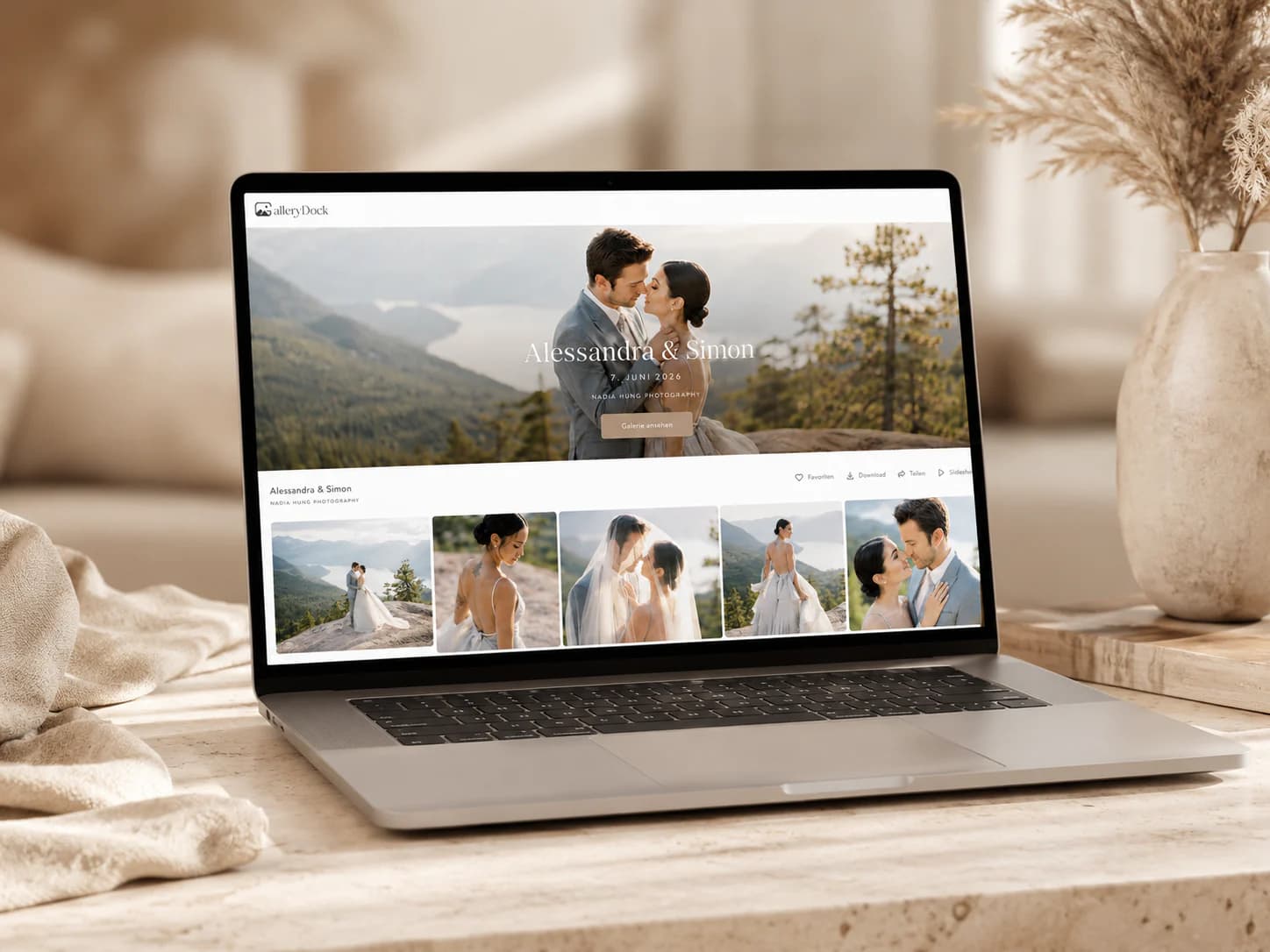
To set up a client gallery, start with the assignment and client decision you need to support. Upload a curated image set, create a clear cover and section structure, configure favorites, comments, downloads, password protection, watermarking, or optional digital products only where they belong, and inspect the exact client view before sharing the private link. This guide covers the full first-gallery setup. It is intentionally broader than creating and sending a gallery link, and it does not claim booking, contract, invoicing, RAW backup, or physical fulfillment functions.
Prepare
A clear setup starts with the assignment, audience, and next client action.
01
Use a client, event, session, or project name that remains understandable when several galleries are active.
02
Decide whether clients are viewing proofs, selecting favorites, leaving feedback, or receiving final files.
03
Remove technical misses, internal tests, duplicate exports, and files the client should not see.
04
Export the intended versions and keep RAW originals and working files in an independent archive.
Configure
Every setting should support a known decision instead of adding unexplained controls.
01
Choose a representative cover and group images by session, moment, person, or delivery purpose.
02
Enable selection and image feedback when they are part of the agreed proofing stage.
03
Choose private sharing, optional password protection, and watermark behavior for the assignment.
04
Release downloads or digital add-ons only when the files, package, and shop configuration are ready.
Quality assurance
The photographer's admin view is not proof that the recipient experience is correct.
01
Test the gallery through the same public link the client will receive.
02
Verify cover, sections, image loading, actions, and instructions across both viewport types.
03
Mark a favorite, leave a test comment, or download an approved file according to the workflow.
04
Share only after removing test data and confirming the gallery state, access, and client instructions.

Comparison
A reliable setup connects preparation, settings, and client-view QA.
| Approach | Best for | Tradeoff |
|---|---|---|
| Upload and send immediately | An internal draft | High risk of wrong settings or unfinished files |
| Cloud folder | Basic file access | No integrated proofing setup |
| Transfer link | One final package | No cover, sections, favorites, or comments |
| Gallery link only | The final sharing step | Does not define the gallery content or settings |
| Complete GalleryDock setup | Curated presentation, client decisions, and delivery | Requires a deliberate pre-share QA pass |
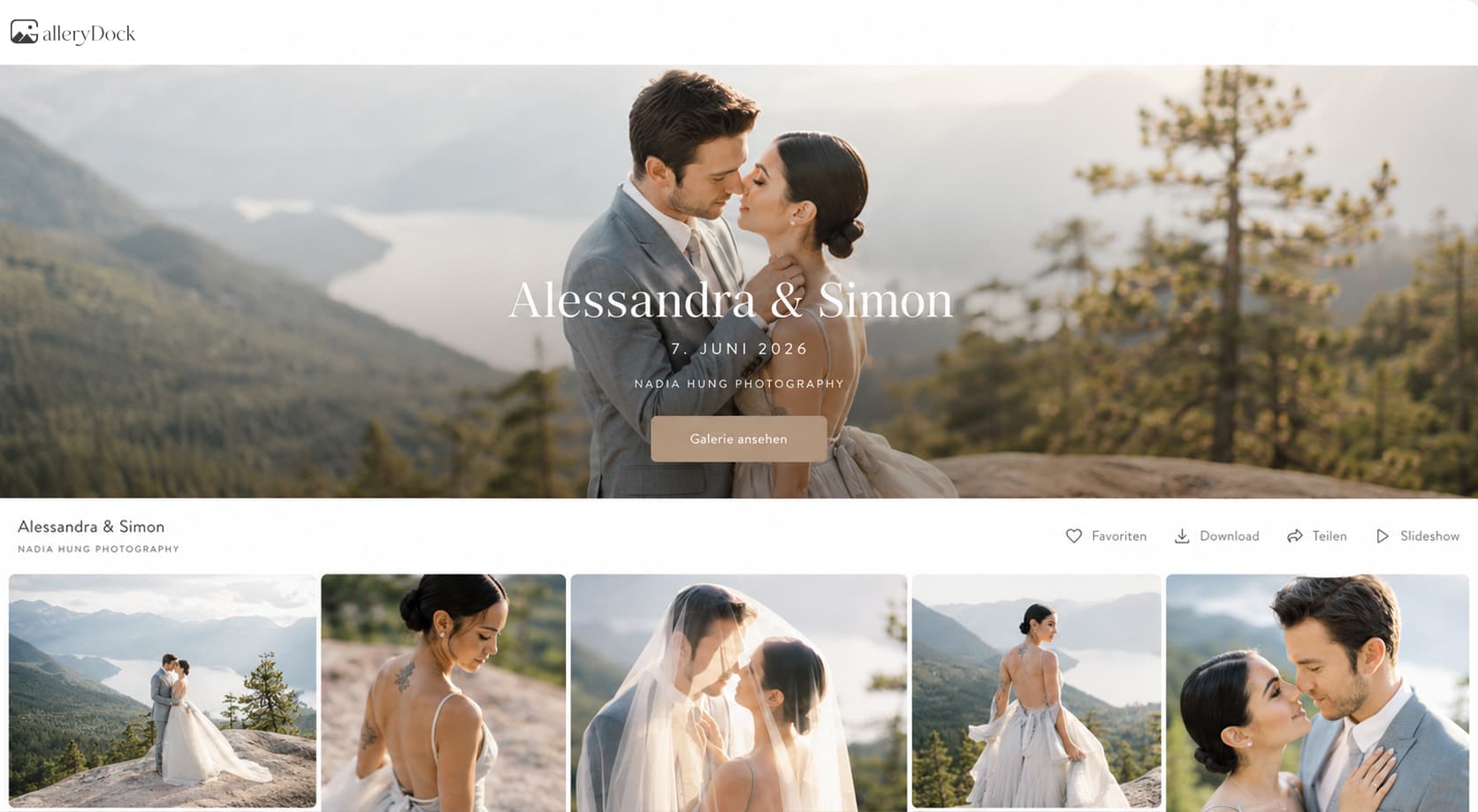
Enable favorites and image comments while keeping downloads closed until final retouching.
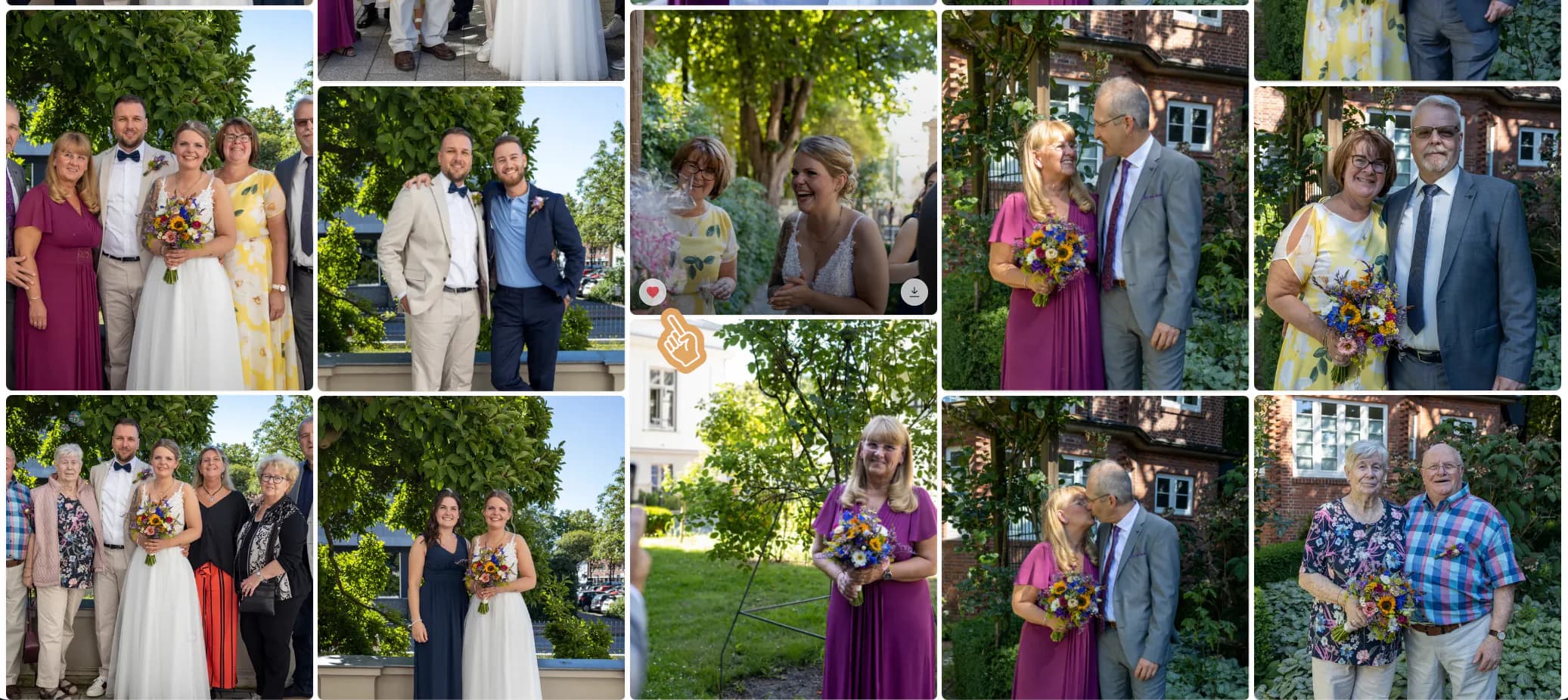
Use a polished cover, meaningful sections, private sharing, and clear final downloads.
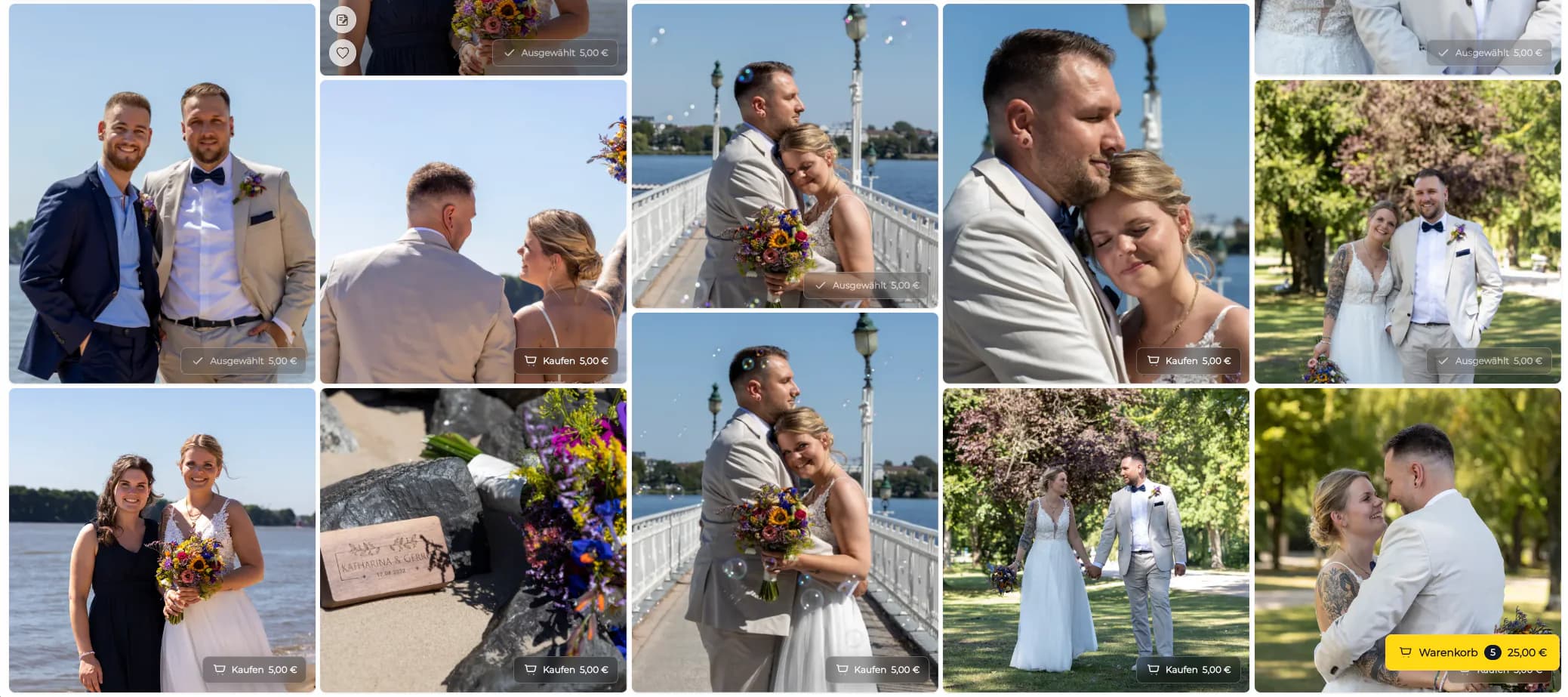
Define one decision owner and configure comments for precise stakeholder feedback.
Frequently asked questions
Create the assignment, upload a curated set, build the cover and sections, configure client actions and access, inspect the client view, and then share the private link.
Enable them when the assignment requires client selection or image-specific feedback; leave unnecessary actions off.
Enable downloads only after the intended final files, sizes, and access terms are ready.
Use it when the assignment and agreed access process benefit from an additional access step.
No. It covers the complete first-gallery setup. The dedicated gallery-link guide focuses on preparing and sharing the URL.
No. Keep archive, backup, booking, contracts, and broader administration in the appropriate systems.
Related resources
Pricing
Free forever
0 EUR
EUR 0 per month
Perfect for sharing your first galleries professionally.
Start free, no credit card required
Monthly
19 EUR
EUR 228 billed yearly. plus VAT
Ideal for photographers who regularly deliver client galleries.
For regular client delivery
Monthly
29 EUR
EUR 348 billed yearly. plus VAT
For photographers managing many projects, videos and growing storage.
For regular client delivery
Build, configure, and test a GalleryDock gallery that gives clients one clear next action.
Create a free account