01
Name the client outcome
Choose whether this page is for review, favorites, downloads, or configured purchases. A single project page should not make clients guess which action matters.
Wix Studio client gallery
Embed a GalleryDock client photo gallery in Wix Studio with a secure HTML iframe, deliberate breakpoint sizing, and a published client-view check.
Quick answer
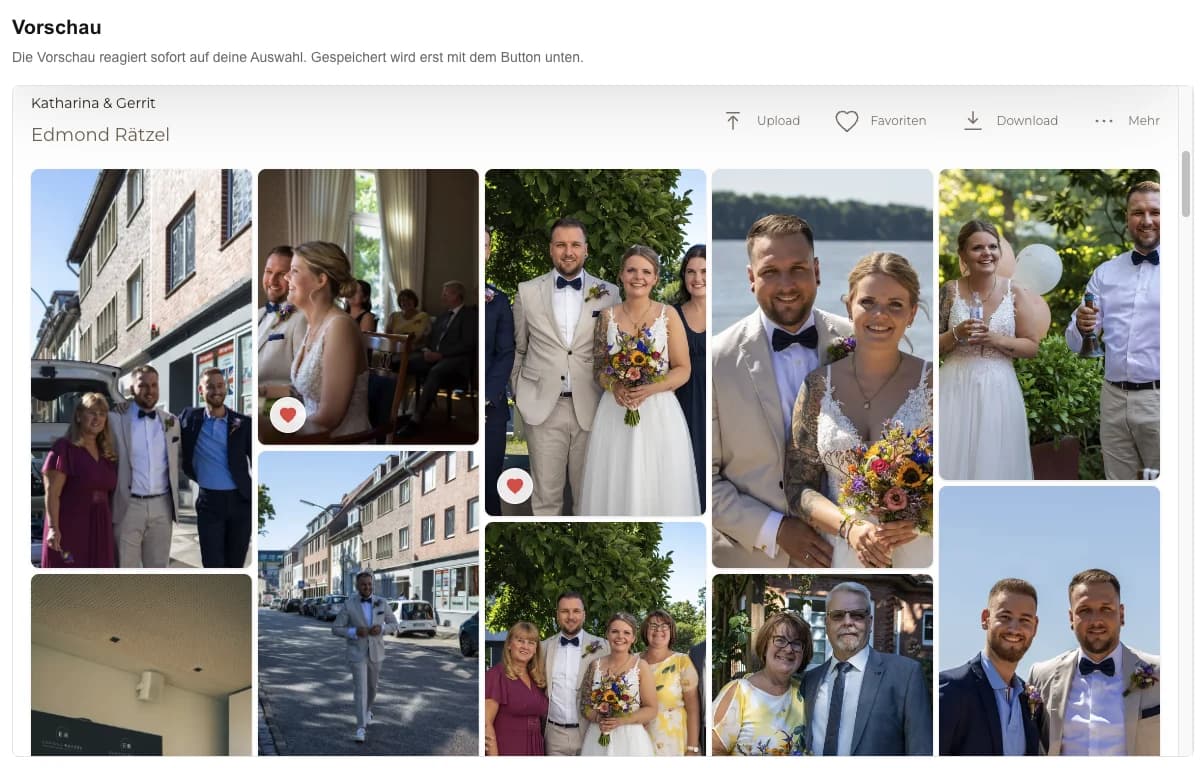
A client photo gallery in Wix Studio keeps a live GalleryDock workflow inside the photographer's existing Studio page without recreating the gallery as Wix content. Start with one representative client project and decide what the visitor should understand, select, or buy before the page is assembled. GalleryDock maintains the gallery experience, contextual favorites and comments, controlled downloads, and digital or physical print sales when those options are configured. The website or shared link provides the surrounding entry, while the photographer remains responsible for the offer, access decisions, image suitability, product setup, and the published client check. Test the complete path on desktop and mobile instead of relying on an editor preview. This guide covers Wix Studio, not the classic Wix Editor, Wix Pro Gallery, Velo development, an App Market integration, or a guarantee that every site policy accepts third-party embeds.
Plan
Decide what belongs in the gallery before adjusting the Wix canvas.
01
Choose whether this page is for review, favorites, downloads, or configured purchases. A single project page should not make clients guess which action matters.
02
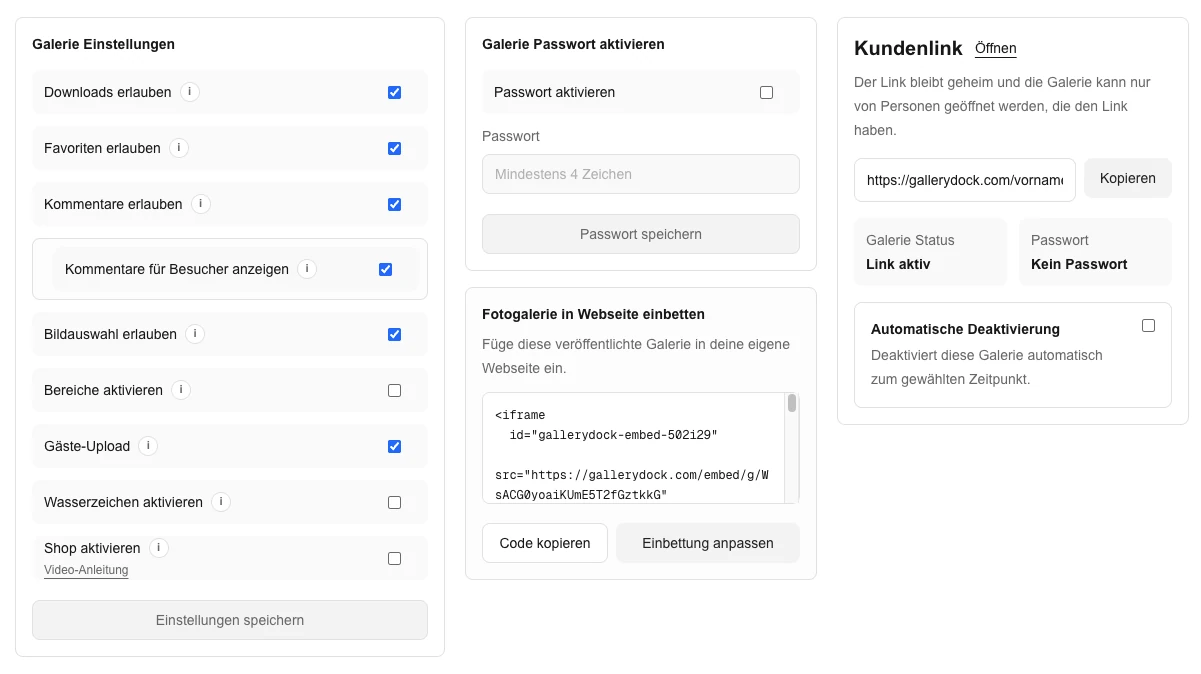
Finish the visible collection, access setting, and enabled actions in GalleryDock before copying code. Wix Studio is the container, not the gallery source.
03
Give the embed enough visual space and remove nearby elements that compete with client controls. Keep the assignment introduction short and useful.
04
Use the current HTTPS embed generated for the gallery. Do not rewrite its internal URL or treat a security restriction as something to bypass.
Build
Wix Studio gives you responsive layout control, but the iframe still needs deliberate sizing.
01
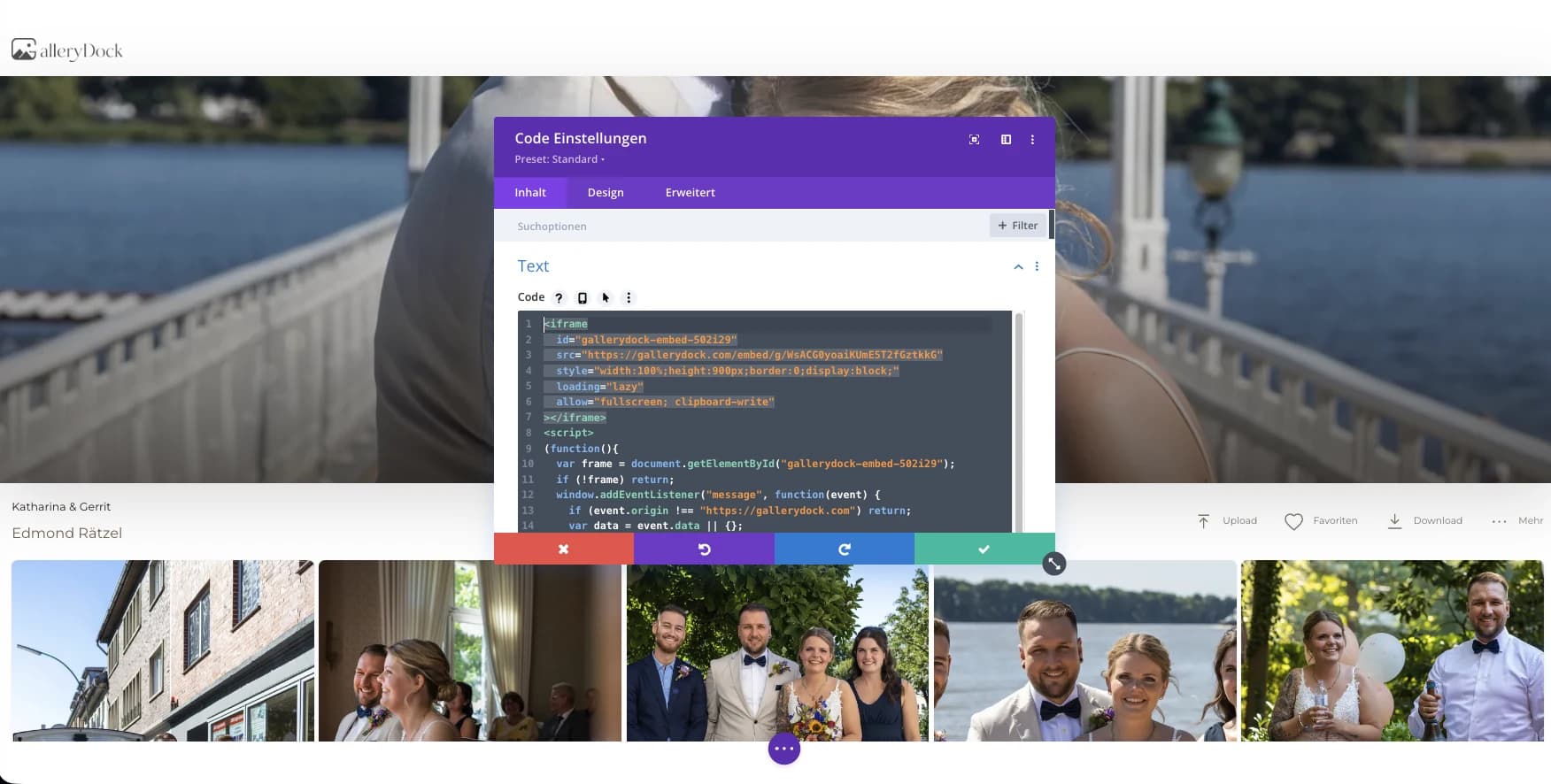
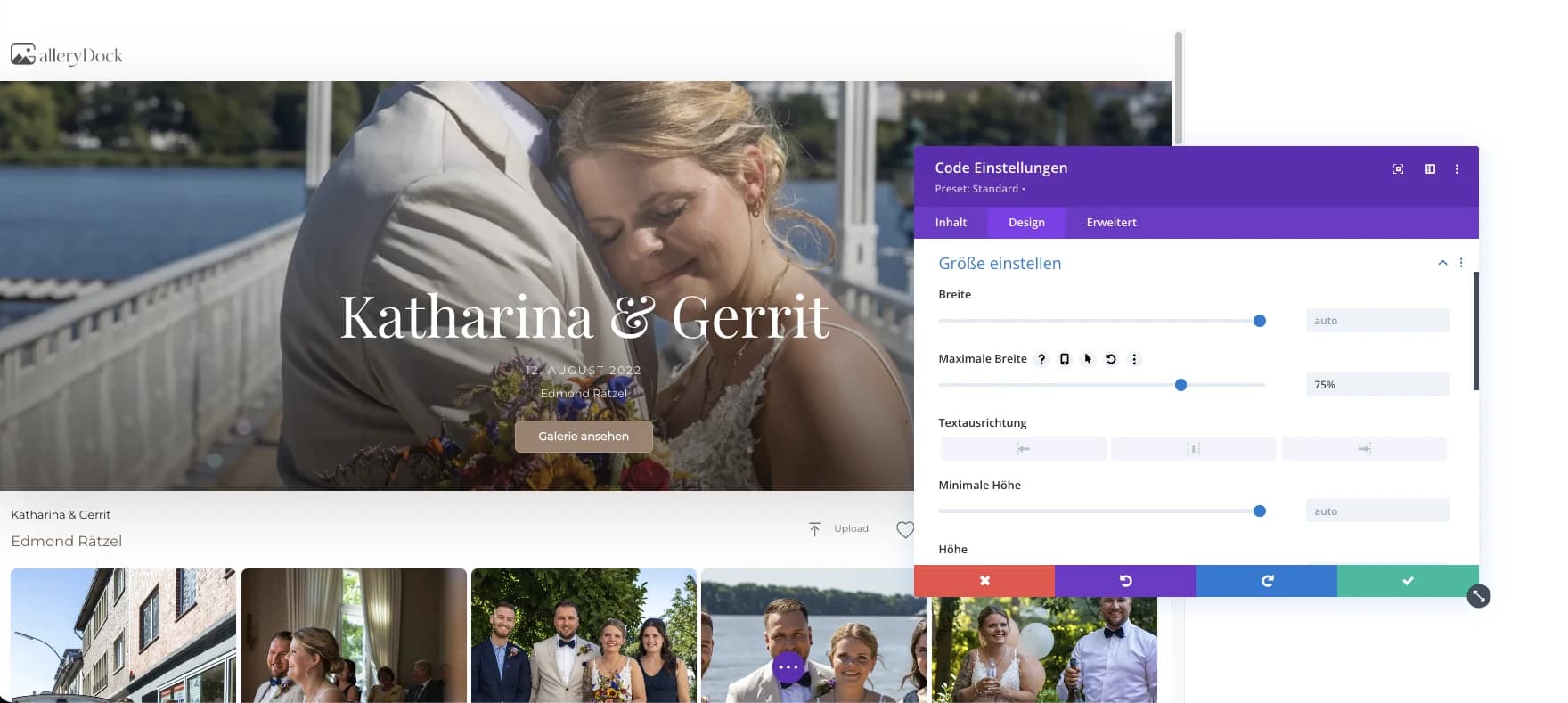
Use Wix Studio's HTML iframe element in the intended section and paste the complete GalleryDock embed without separating its attributes.
02
Size the element for photographs, navigation, and enabled dialogs rather than only the first row of thumbnails. Avoid clipping controls below the fold.
03
Review tablet and phone breakpoints separately. A container that looks balanced on desktop can become too short or too narrow after Studio layout changes.
04
The editor canvas is preparation, not the client result. Publish the site and open the public URL after each meaningful container adjustment.
Verify
Test the real destination without relying on the logged-in editor state.
01
Load the published project page without a photographer session and confirm the intended access step appears before private work.
02
Open an image, add a favorite or comment when enabled, and verify configured download or product controls without completing a purchase.
03
Check common phone widths and a landscape view. Confirm that the Wix container does not introduce horizontal scrolling or hide GalleryDock controls.
04
Recheck the public page whenever the Studio section, breakpoint rules, gallery access, or available client actions change.
Comparison
Match the method to the client workflow rather than treating every image block as interchangeable.
| Approach | Best for | Tradeoff |
|---|---|---|
| GalleryDock HTML iframe | A maintained client gallery with configured actions | Requires published breakpoint and container checks |
| Wix Pro Gallery | A Wix-native image presentation | Does not supply the GalleryDock client workflow |
| Static Wix images | A small editorial portfolio section | Manual updates and no connected client actions |
| External gallery link | A direct handoff outside the page | Leaves the Studio page instead of embedding |
| Custom Velo work | A separate custom application requirement | Outside this embed workflow and its support boundary |
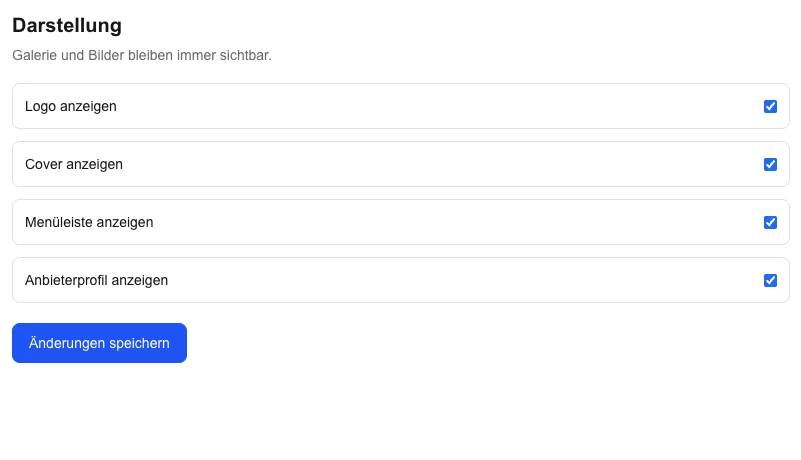
A studio introduces the session and embeds the private client gallery below it.
A project contact opens one branded page for image review and agreed actions.
A photographer places a configured gallery and its digital or physical products in a focused Studio section.
Frequently asked questions
Use the current HTML iframe element documented for Wix Studio and test the published result.
No. The classic editor has its own placement workflow; this guide is limited to Wix Studio.
Wix Studio expects secure embedded content, and GalleryDock provides a secure destination for the gallery.
Increase the iframe height and inspect each breakpoint instead of assuming the desktop dimensions apply everywhere.
No. This is an external client gallery placed through Wix Studio's supported embed element.
Related resources
Pricing
Free forever
0 EUR
EUR 0 per month
Perfect for sharing your first galleries professionally.
Start free, no credit card required
Monthly
19 EUR
EUR 228 billed yearly. plus VAT
Ideal for photographers who regularly deliver client galleries.
For regular client delivery
Monthly
29 EUR
EUR 348 billed yearly. plus VAT
For photographers managing many projects, videos and growing storage.
For regular client delivery
Prepare the gallery, place the secure iframe in a focused section, and verify desktop and mobile breakpoints from the published client view.
Create a free account