01
Distinguish the gallery products
Wix Pro Gallery is a Wix-native feature; this workflow embeds GalleryDock. Choose it when you want the GalleryDock client actions rather than a separate native image collection.
Wix photo gallery embed
Add a GalleryDock photo gallery to Wix with Embed HTML or Embed a Site, HTTPS, deliberate dimensions, and separate desktop and mobile checks.

Quick answer
Adding a photo gallery to Wix through its embed tools keeps GalleryDock as the maintained client-gallery source while Wix provides the surrounding website page. The practical result is a classic Wix Editor page with a tested GalleryDock embed, intentional container dimensions, and clearly configured client actions. Begin with one representative project, prepare only the images and actions this audience should see, and define the next step before publishing. GalleryDock supplies the client-facing gallery, contextual favorites and comments, controlled downloads, guest uploads where configured, and digital or physical print sales when products are enabled. The website owner chooses the placement and remains responsible for the surrounding page, access decisions, publishing permissions, and testing. Check the public experience on desktop and mobile instead of treating an editor preview as proof. This is not Wix Pro Gallery, a Wix app, native integration, Wix Studio guidance, custom Velo development, a security-policy bypass, or a universal responsiveness guarantee.
Step 1
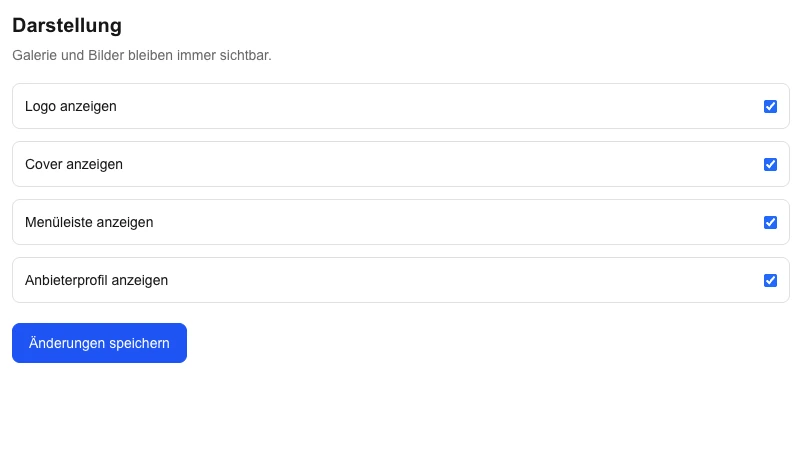
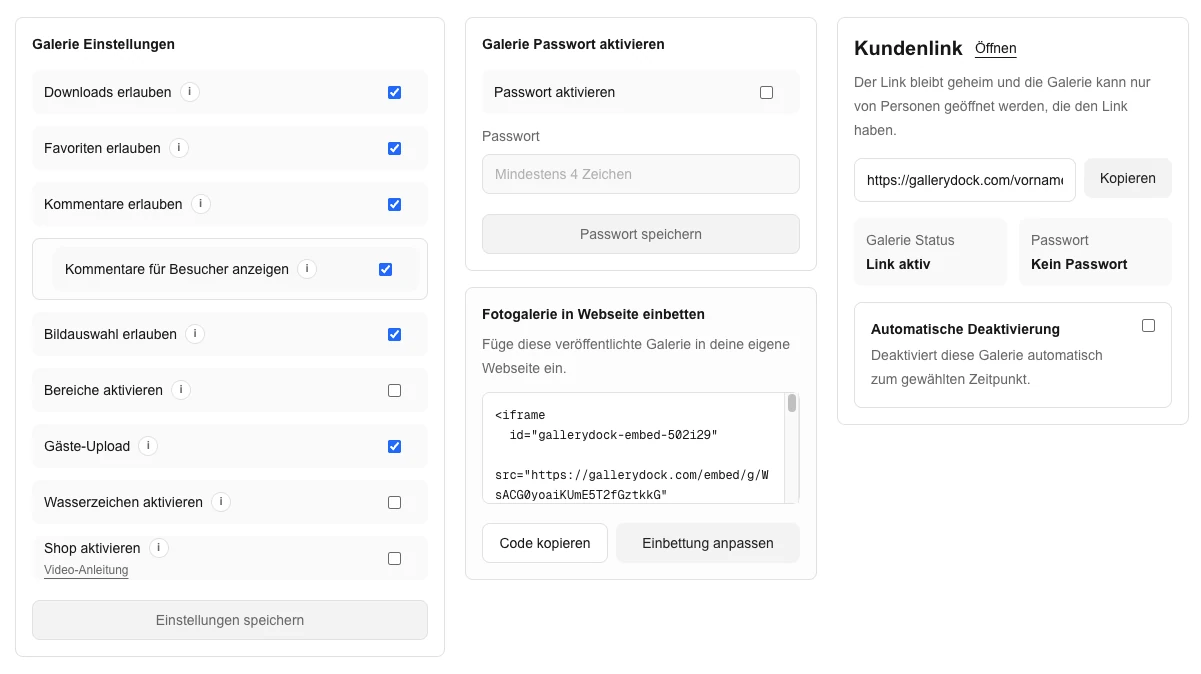
Start with the client’s purpose and the gallery choices that support it.
01
Wix Pro Gallery is a Wix-native feature; this workflow embeds GalleryDock. Choose it when you want the GalleryDock client actions rather than a separate native image collection.
02
This page covers the classic Wix Editor. Wix Studio has different layout controls, so do not apply Studio-specific sizing advice to the classic editor without checking it.
03
Use the current HTTPS GalleryDock destination or generated code. Wix documents HTTPS requirements for embedded content; an insecure URL is not a suitable workaround.
04
Place it on a page that gives clients the assignment context and a clear next step. Keep website-page access and GalleryDock gallery permissions as separate decisions.
Step 2
Use the prepared GalleryDock gallery and the website’s supported placement path.
01
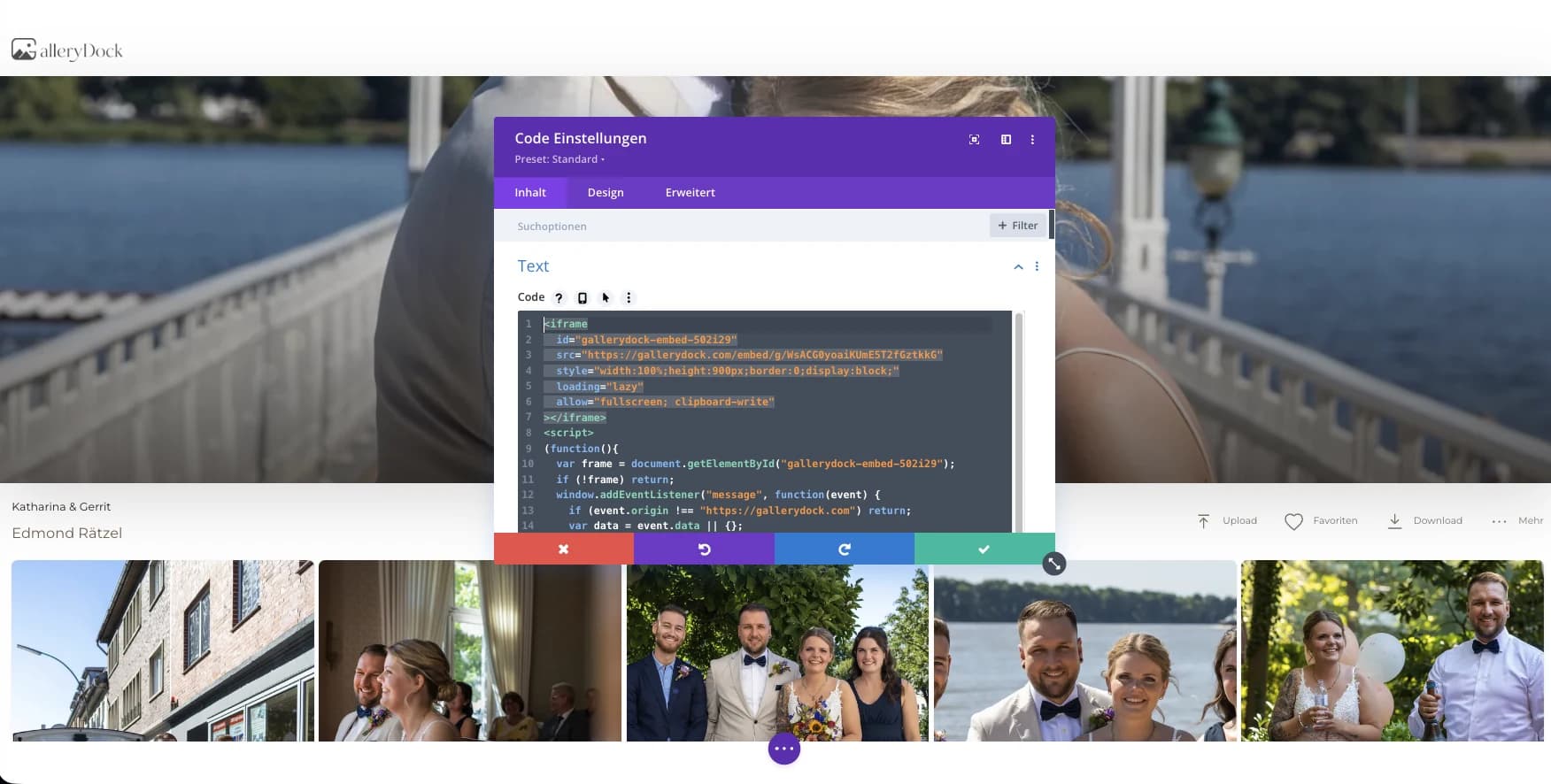
Use the classic editor’s Embed HTML path for generated code or Embed a Site for a supported URL. Choose according to the GalleryDock handoff you are actually using.
02
Enter the complete generated code or secure destination without adding unverified wrapper scripts. This is an embed workflow, not a native Wix app or Velo integration.
03
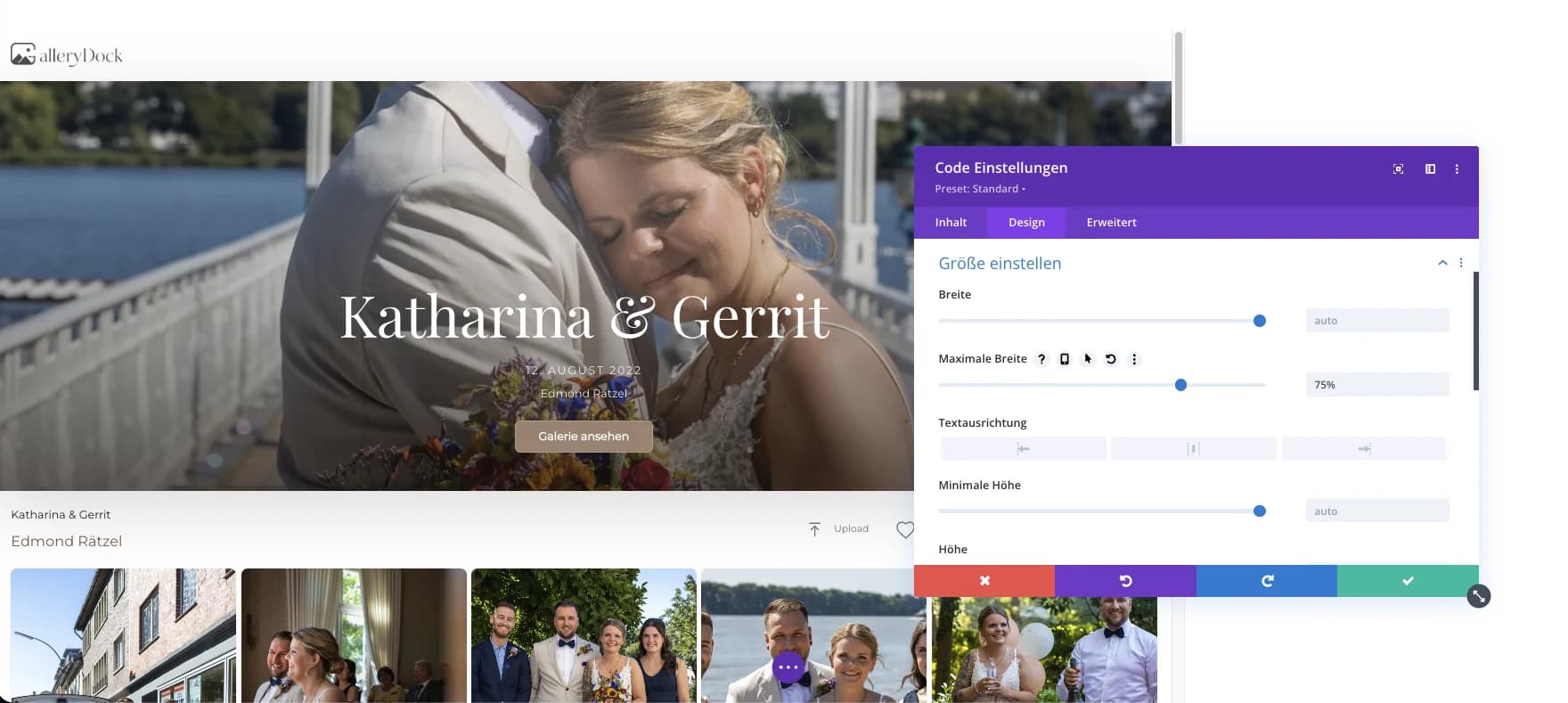
Size the Wix element and its surrounding section so the gallery and controls fit. An embedded page can be constrained by a fixed frame even when its own content is responsive.
04
Check the mobile layout separately and adjust the container where appropriate. Publish the page before deciding whether the real gallery interaction works.
Step 3
Review the published page from the intended visitor’s point of view.
01
Open the GalleryDock destination outside Wix. If it works there, inspect the Wix frame, code entry, and page layout before changing the gallery content.
02
A wide enough frame can still crop the bottom of a dialog. Inspect both dimensions while opening images and using the actions enabled for that gallery.
03
Test the real page on a narrow screen, including navigation and relevant client controls. An attractive desktop canvas does not prove the mobile embed is usable.
04
Manage the surrounding site in Wix and the photo workflow in GalleryDock. Do not describe the embed as replacing the Wix storefront, bypassing security policy, or guaranteeing every device layout.
Comparison
Compare the options by the job they need to do, not just by whether they can display photographs.
| Approach | Best for | Tradeoff |
|---|---|---|
| Wix Embed HTML | Using the generated GalleryDock code | Size the frame and check mobile separately |
| Wix Embed a Site | Placing a supported secure gallery URL | Confirm the actual destination supports the placement |
| Wix Pro Gallery | A Wix-native image presentation | A different gallery product and workflow |
| Direct GalleryDock link | A clear alternative to a constrained frame | Does not show the gallery inside the page |
| Custom Velo development | A separate custom website requirement | Outside this embed guide and its maintenance scope |
A studio places a maintained client gallery on an existing classic Wix Editor page.
A Wix page introduces the assignment and leads into the separately configured gallery access.
Visitors open images and use configured digital or physical product choices without replacing the Wix storefront.
Frequently asked questions
Use Wix Embed HTML or Embed a Site in the classic editor, enter the current GalleryDock handoff, and test the published page.
No. Wix Pro Gallery is a Wix-native product; this guide embeds the maintained GalleryDock client workflow.
Wix documents HTTPS as a requirement for embedded code and URLs, so use the current secure GalleryDock destination.
Do not assume universal responsiveness. Coordinate the Wix container and verify desktop and mobile layouts separately.
No. These steps cover the classic Wix Editor. If you use Wix Studio, check its own editor and layout instructions instead.
Related resources
Pricing
Free forever
0 EUR
EUR 0 per month
Perfect for sharing your first galleries professionally.
Start free, no credit card required
Monthly
19 EUR
EUR 228 billed yearly. plus VAT
Ideal for photographers who regularly deliver client galleries.
For regular client delivery
Monthly
29 EUR
EUR 348 billed yearly. plus VAT
For photographers managing many projects, videos and growing storage.
For regular client delivery
Prepare one real gallery, place it on the intended page, and test the public result from start to finish. The goal is a classic Wix Editor page with a tested GalleryDock embed, intentional container dimensions, and clearly configured client actions. GalleryDock supports the gallery and commerce path without replacing website administration, professional judgment, access policy, or third-party platform responsibility.
Create a free account