01
Choose a coherent series
Use photographs that belong together in subject, color, or story. A focused project makes product comparison easier than an unedited portfolio archive.
Framer photo print shop
Embed a GalleryDock photo print shop in Framer, connect a curated series to products and prices, and test crop, cart, and checkout at real breakpoints.
Quick answer
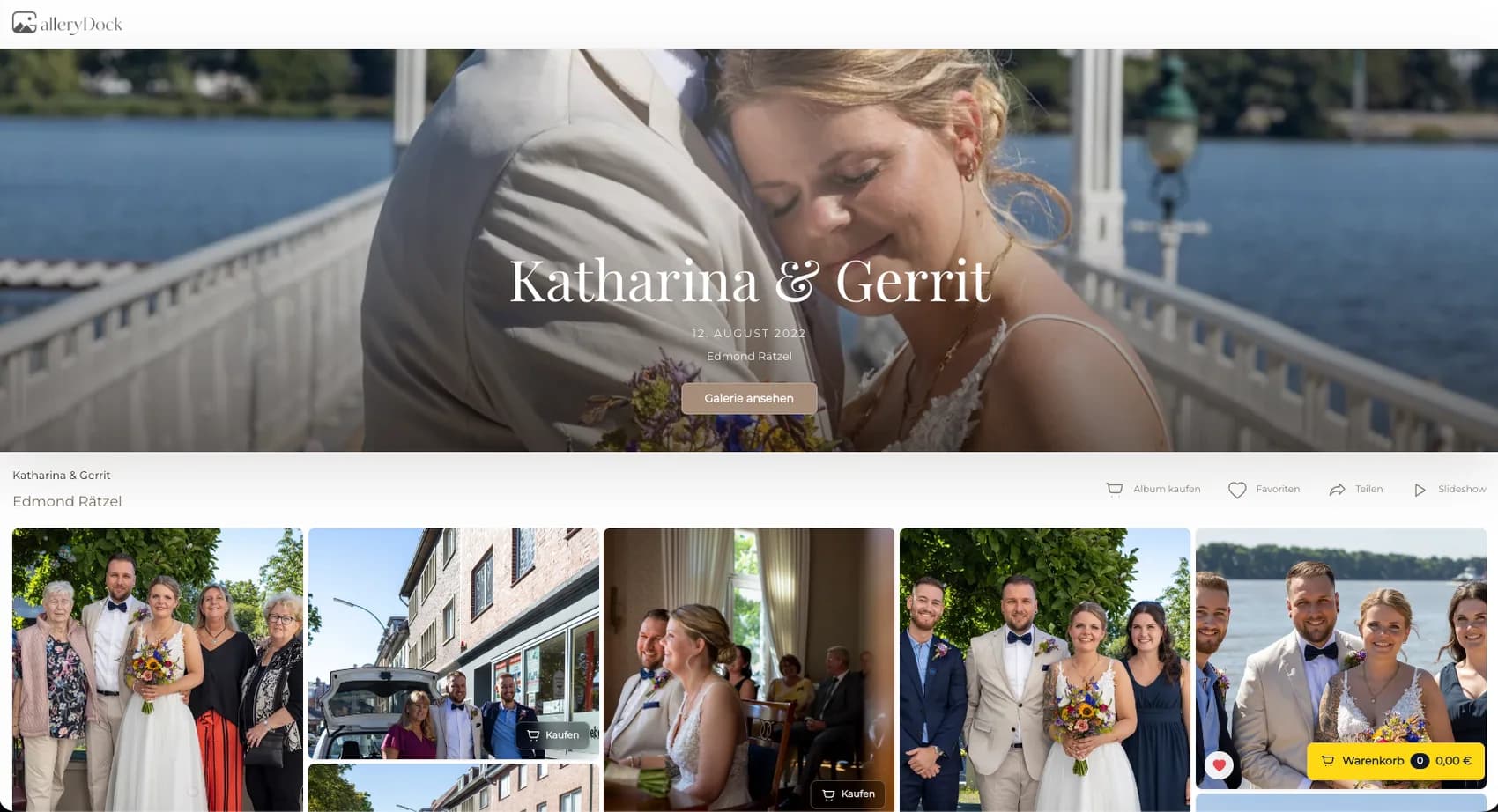
A photo print shop in Framer turns a curated project or portfolio series into a client-facing purchase path while GalleryDock maintains product selection and checkout handoff. Start with one representative client project and decide what the visitor should understand, select, or buy before the page is assembled. GalleryDock maintains the gallery experience, contextual favorites and comments, controlled downloads, and digital or physical print sales when those options are configured. The website or shared link provides the surrounding entry, while the photographer remains responsible for the offer, access decisions, image suitability, product setup, and the published client check. Test the complete path on desktop and mobile instead of relying on an editor preview. This does not claim native Framer Commerce or CMS synchronization, automatic inventory management, a specific print lab, fixed delivery times, archival materials, or guaranteed sales.
Curate
A convincing print shop starts with image and product decisions, not the embed element.
01
Use photographs that belong together in subject, color, or story. A focused project makes product comparison easier than an unedited portfolio archive.
02
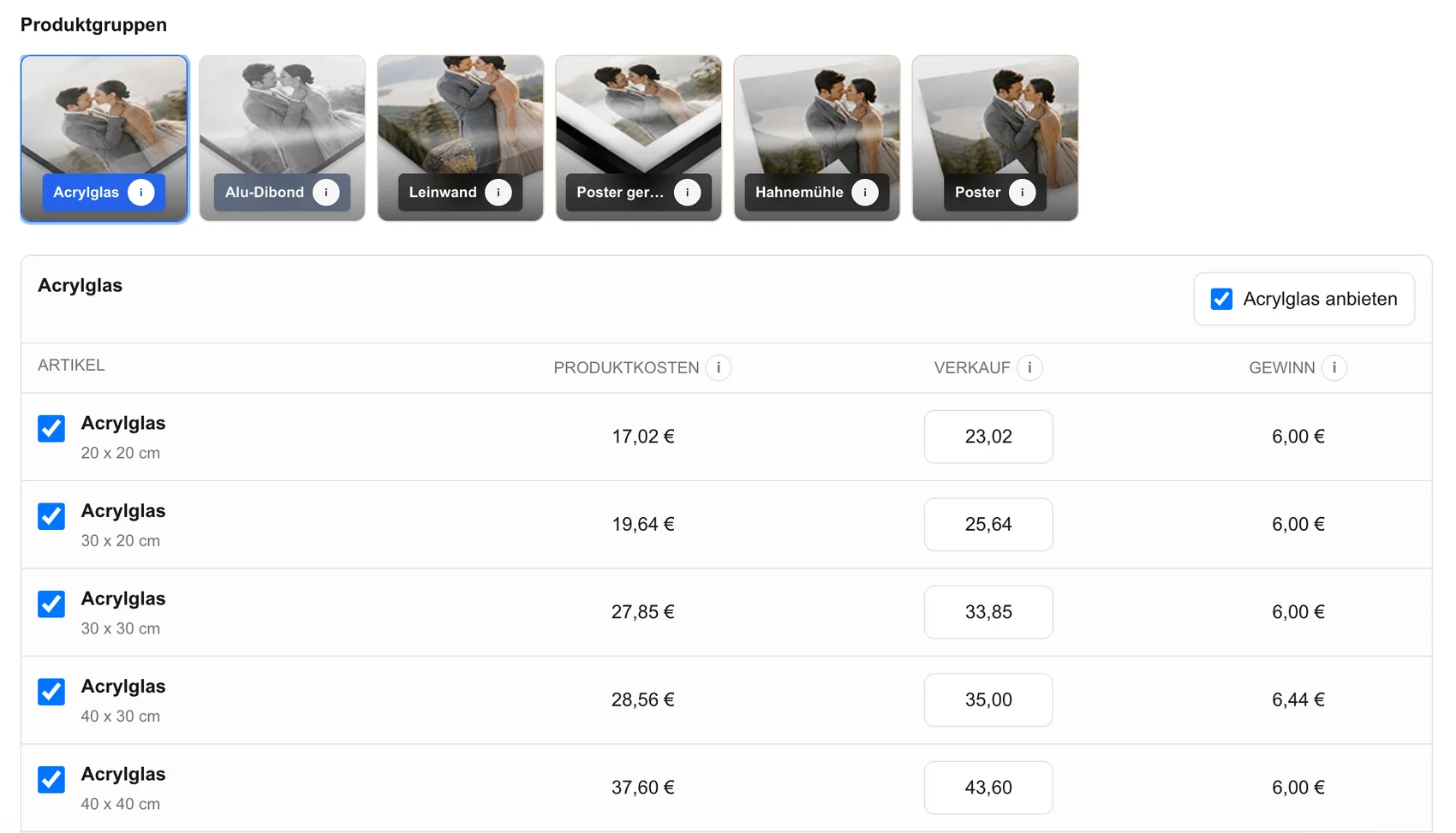
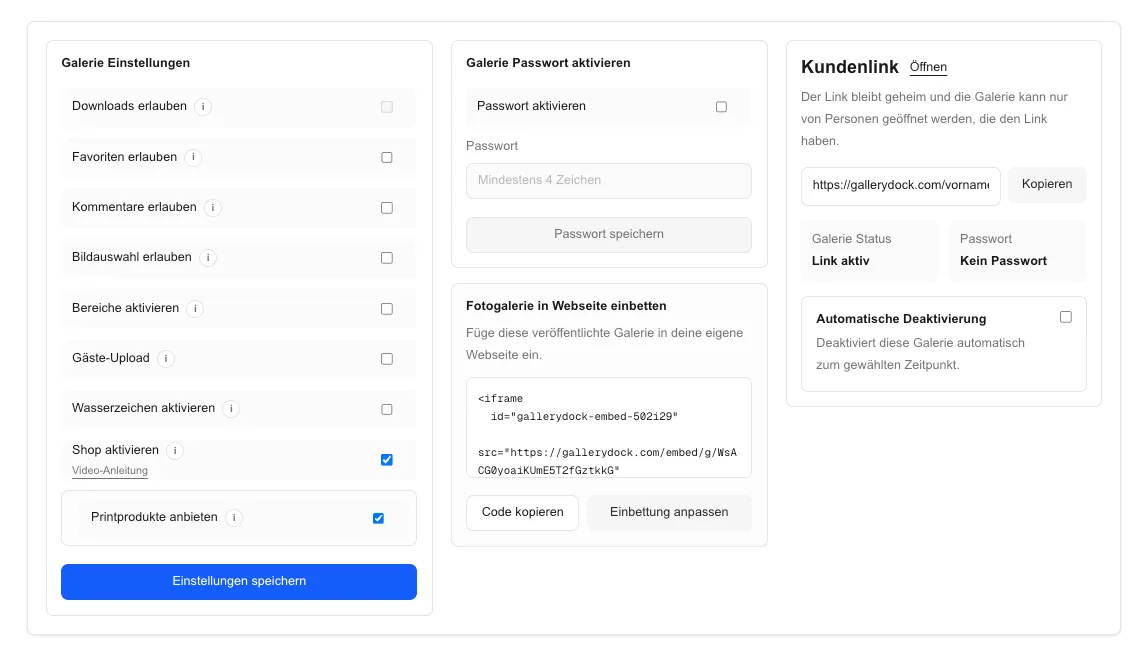
Choose the digital and physical options, sizes, and prices that fit the series. Framer should not become a second product database.
03
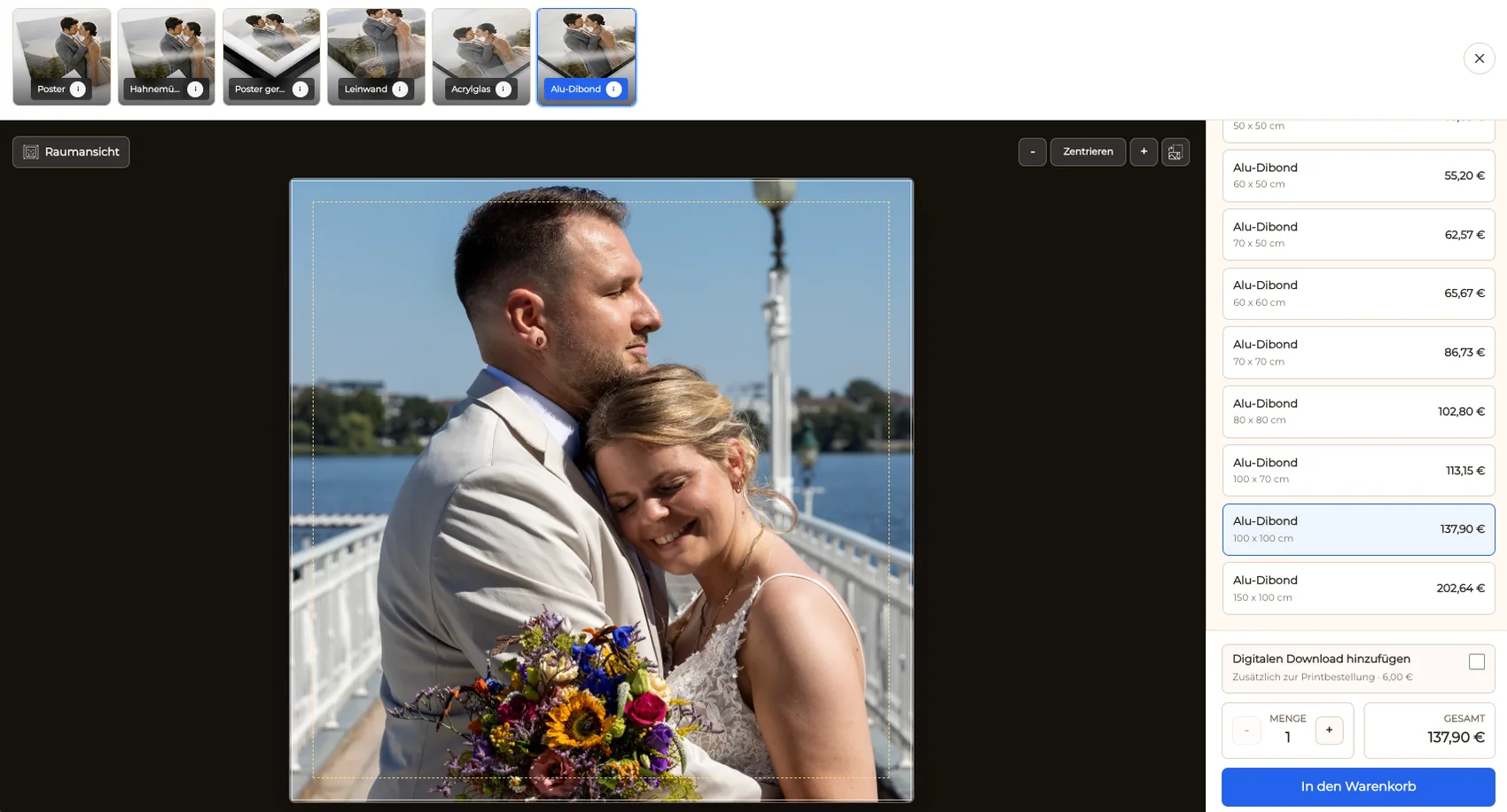
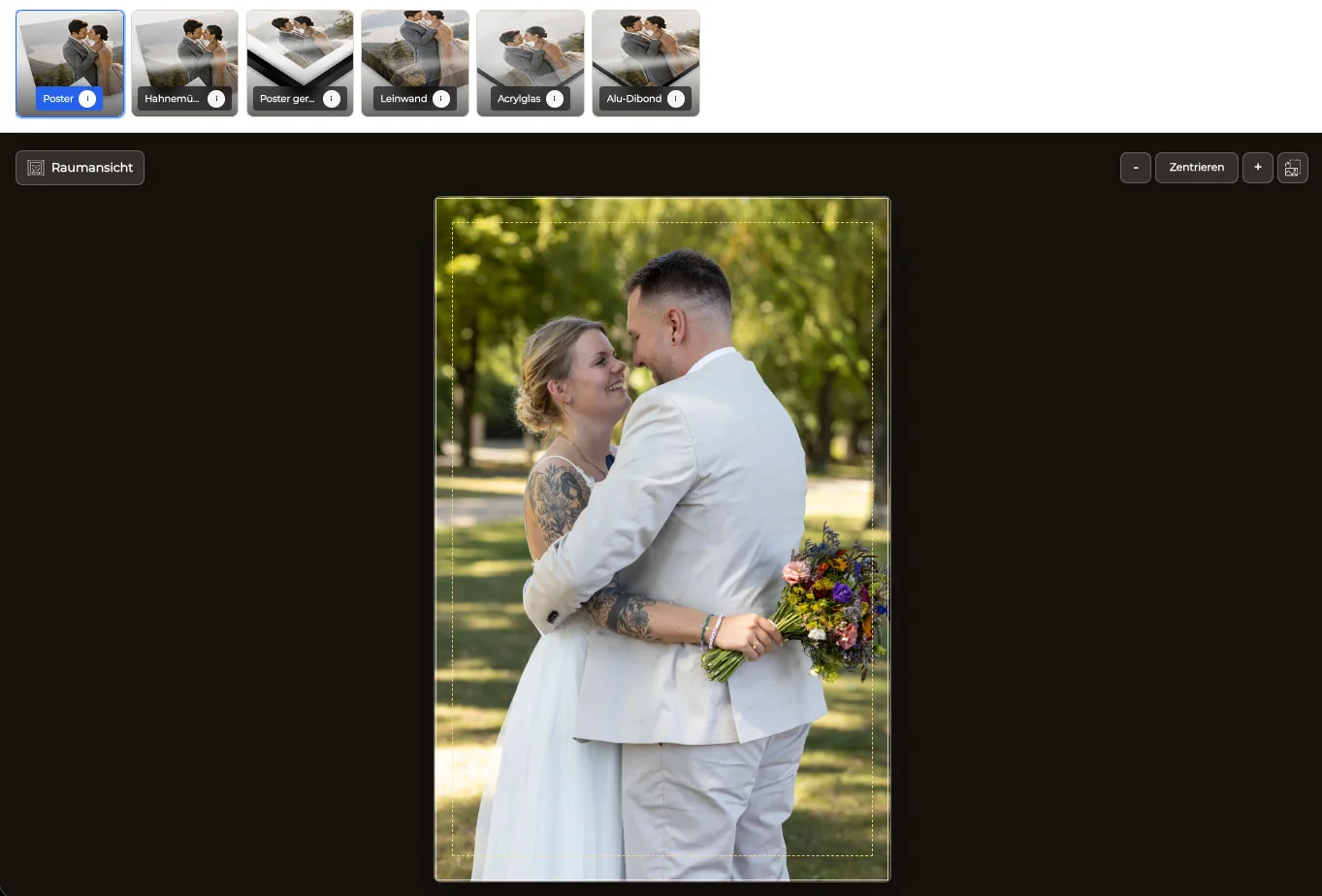
Check portrait and landscape images against the available formats and safe areas before clients reach the page.
04
Explain what the collection represents and what the client can choose. Leave provider, delivery, tax, and legal promises out unless separately verified.
Embed
Use the Framer page for editorial context and the GalleryDock gallery for product actions.
01
Place the current GalleryDock code or secure iframe in the section reserved for the print collection.
02
Allow room for image viewing, product choice, crop review, cart, and dialogs rather than sizing the frame only for a hero thumbnail.
03
Inspect Framer desktop, tablet, and mobile layouts. Adjust the surrounding section without rewriting the embedded commerce path.
04
Use the live Framer URL to test product choice and checkout handoff because the canvas preview is not the final visitor environment.
Validate
Commerce needs a complete path check even when no test purchase is completed.
01
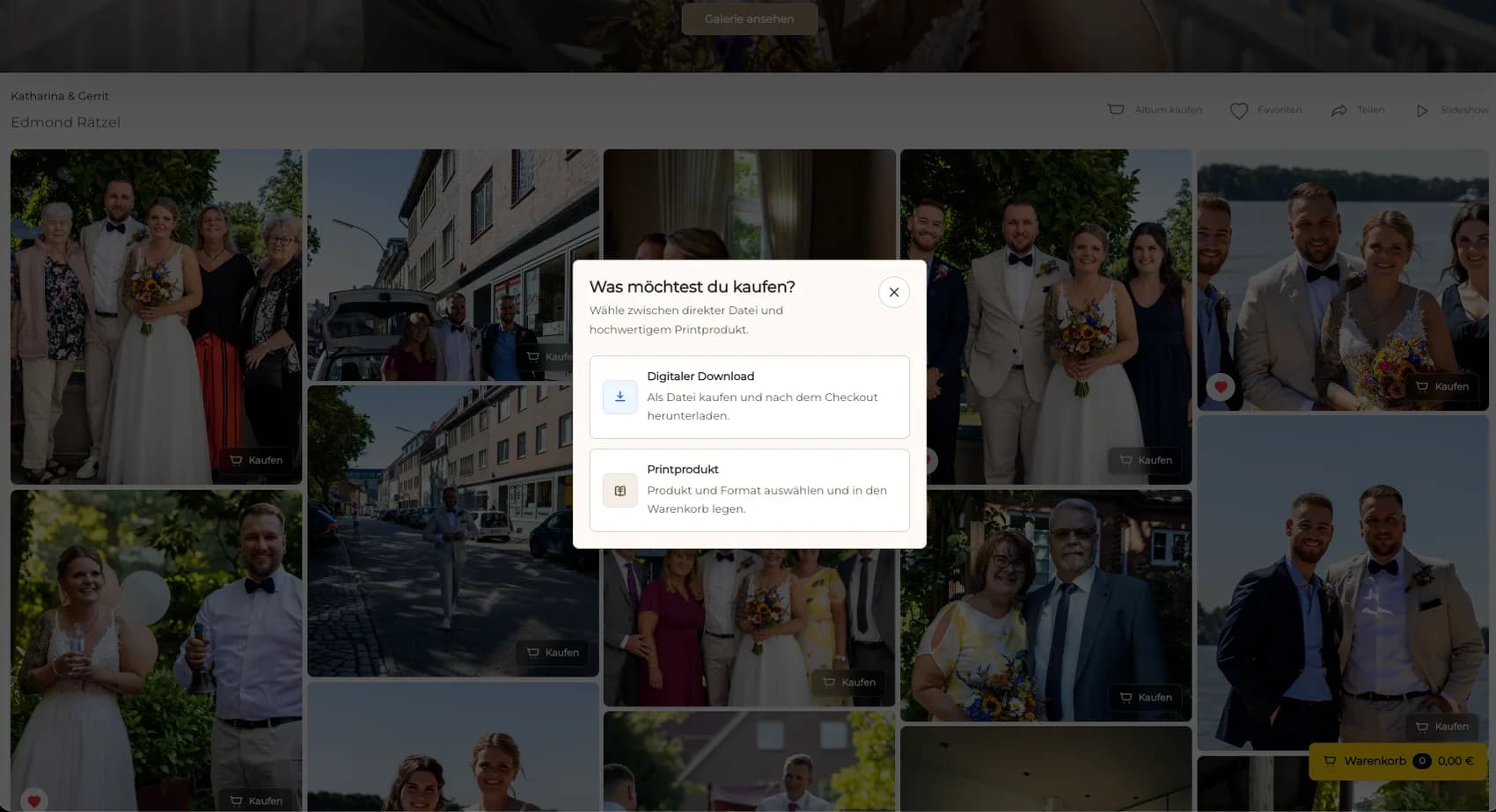
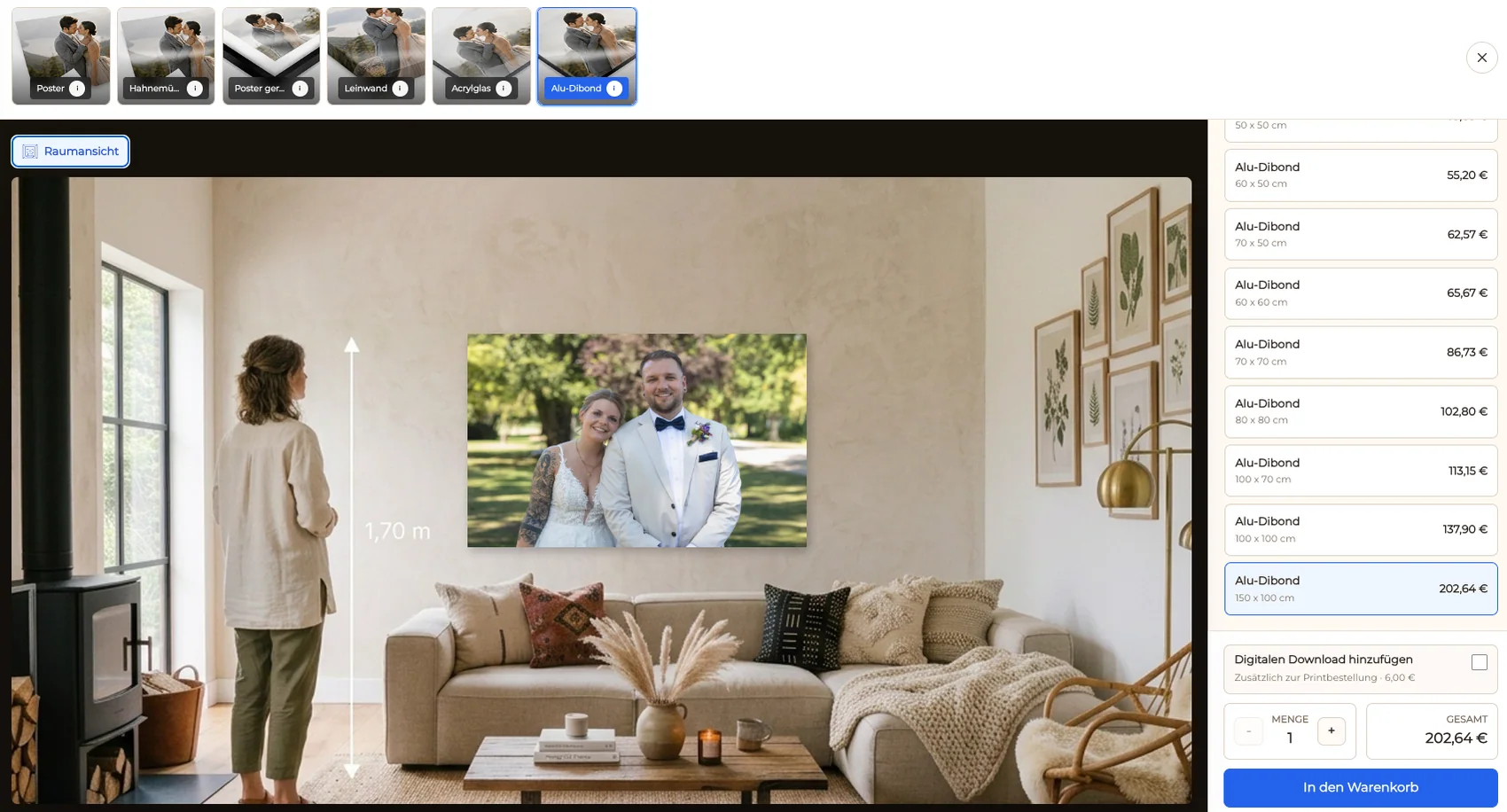
Choose one photograph and compare the available products and sizes from the client view.
02
Confirm that important details remain inside the selected print area and that the orientation suits the image.
03
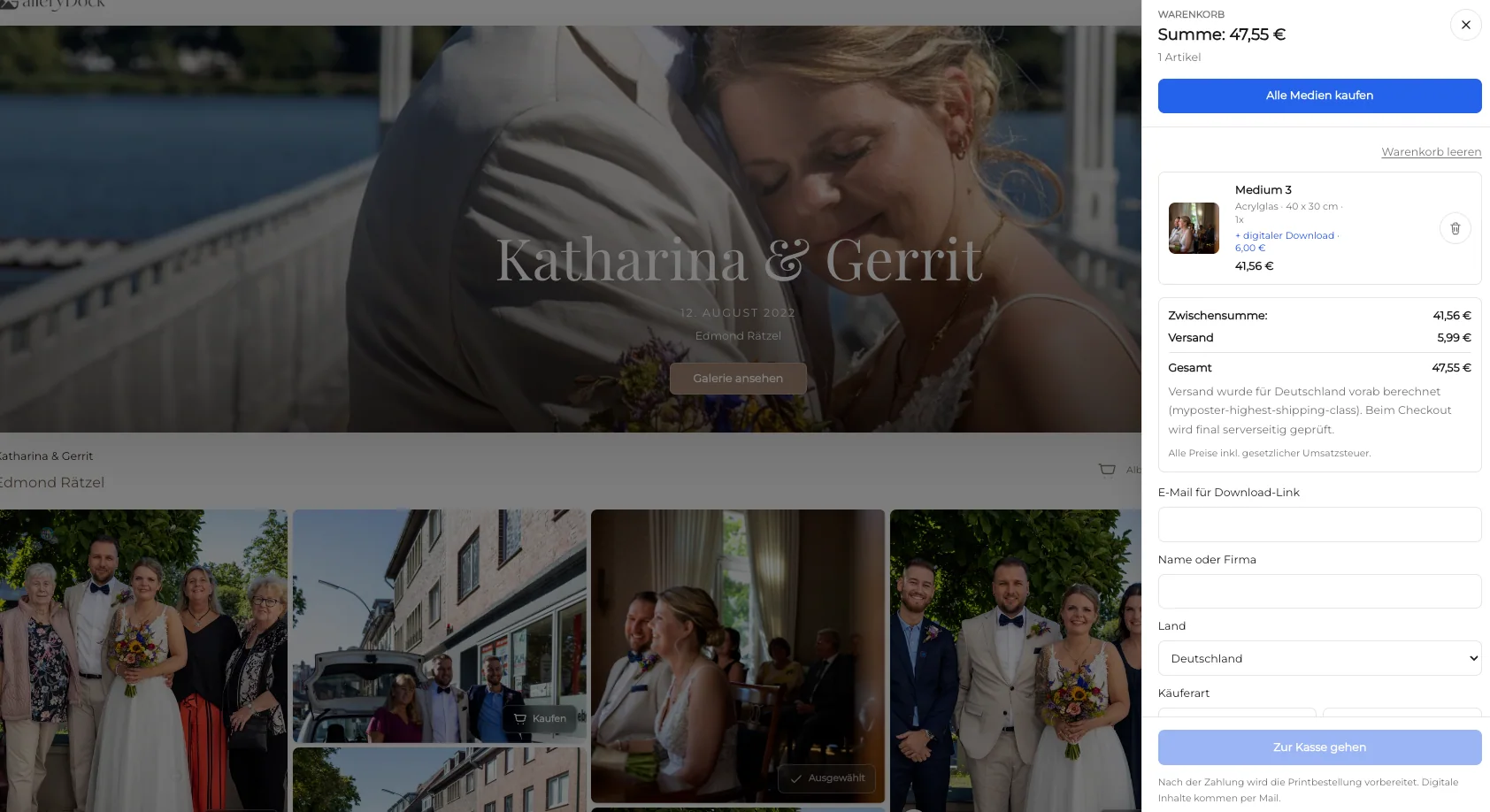
Verify that the image, product, size, and price remain understandable when the choice reaches the cart.
04
Confirm the configured checkout handoff without entering payment or representing the redirect as a completed order.
Comparison
Separate the portfolio context from the system that owns products and checkout.
| Approach | Best for | Tradeoff |
|---|---|---|
| Embedded GalleryDock print shop | A curated Framer series with connected product choices | Requires embed sizing and end-to-end checks |
| Static Framer portfolio | Showing a project without sales | No product, cart, or checkout workflow |
| Framer CMS collection | Managing editorial project entries | Not a claimed GalleryDock product sync |
| External store link | Sending buyers to a separate storefront | Leaves the project narrative |
| Custom commerce build | A bespoke inventory and fulfillment system | Outside this embed guide |
A photographer embeds a restrained set of landscape or editorial prints below the project story.
A private project page keeps approved photographs and configured print choices together.
A visitor moves from the Framer presentation into product selection without a duplicate catalog.
Frequently asked questions
Use Framer's supported Embed component or secure iframe path and test it after publishing.
Keep the configured digital and physical products in GalleryDock rather than duplicating them in Framer.
Yes, when those choices are configured for the gallery and clearly presented to the client.
Open a representative image, choose a product, review the crop and cart, and confirm the checkout redirect on a phone-sized viewport.
No. Framer supplies the surrounding page; GalleryDock supplies the gallery commerce path and checkout handoff.
Related resources
Pricing
Free forever
0 EUR
EUR 0 per month
Perfect for sharing your first galleries professionally.
Start free, no credit card required
Monthly
19 EUR
EUR 228 billed yearly. plus VAT
Ideal for photographers who regularly deliver client galleries.
For regular client delivery
Monthly
29 EUR
EUR 348 billed yearly. plus VAT
For photographers managing many projects, videos and growing storage.
For regular client delivery
Curate the series, configure its products, place the embed at real breakpoints, and verify crop, cart, and checkout handoff before sharing it.
Create a free account