01
Sequence the wedding report
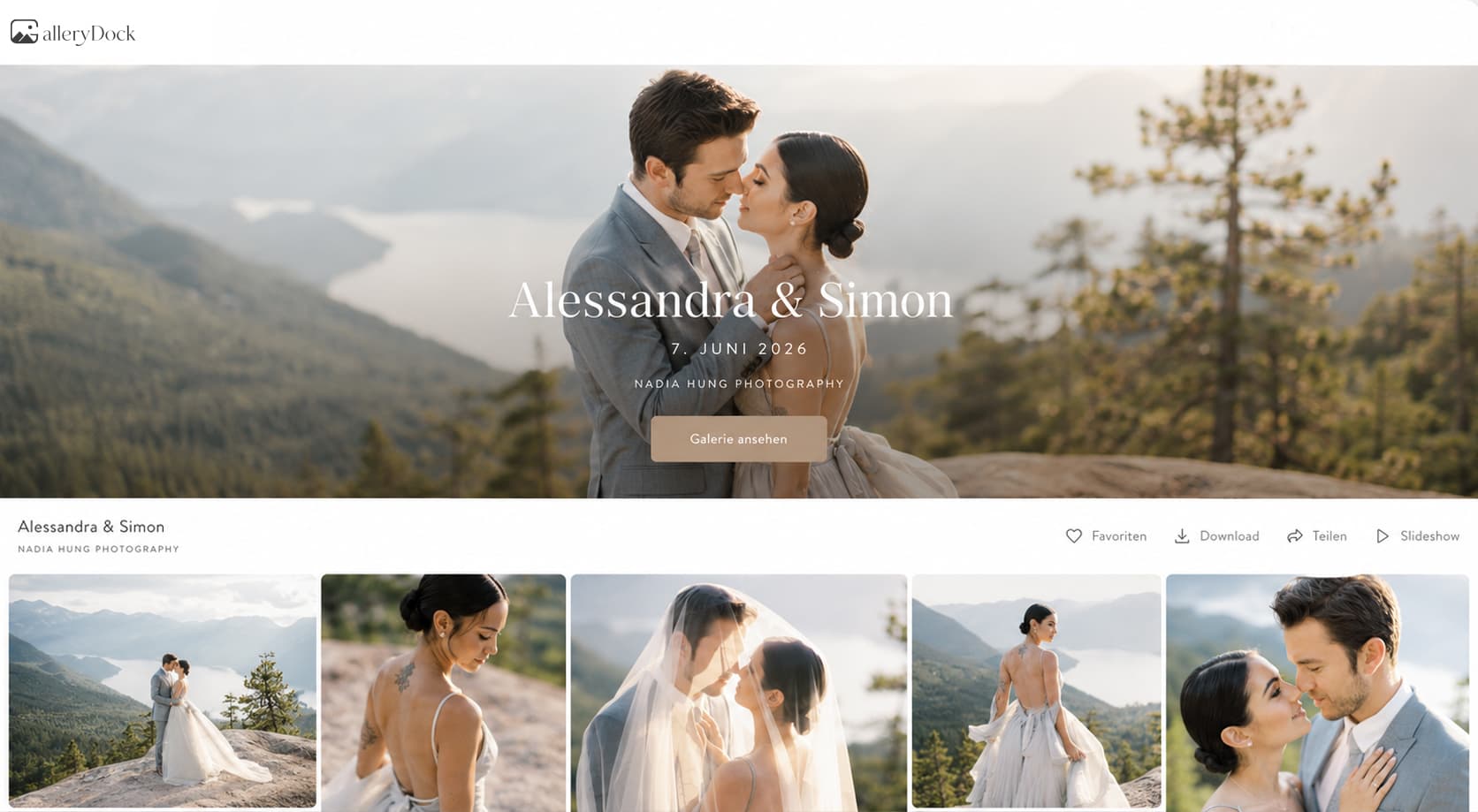
Arrange the collection so the couple can move through the day naturally. Keep the website introduction short enough that the photographs remain the focus.
wedding photo gallery website
Add a wedding photo gallery to your website with a private GalleryDock experience, a clear story, favorites, downloads, guest uploads, and sales.

Quick answer
A wedding photo gallery website keeps the couple's story in the photographer's brand while GalleryDock handles the maintained gallery and configured client actions. The practical result is a wedding-specific client destination for viewing, favorites, comments, controlled downloads, guest contributions, digital sales, and physical print sales when configured. Begin with one representative project, prepare only the images and actions this audience should see, and define the next step before publishing. GalleryDock supplies the client-facing gallery, contextual favorites and comments, controlled downloads, guest uploads where configured, and digital or physical print sales when products are enabled. The website owner chooses the placement and remains responsible for the surrounding page, access decisions, publishing permissions, and testing. Check the public experience on desktop and mobile instead of treating an editor preview as proof. This is not a wedding website builder, the general wedding-photographer gallery guide, event planning, rights clearance, identity verification, delivery-time, or revenue guarantee.
Step 1
Start with the client’s purpose and the gallery choices that support it.
01
Arrange the collection so the couple can move through the day naturally. Keep the website introduction short enough that the photographs remain the focus.
02
Decide whether the initial handoff is only for the couple or includes family and guests. Keep private gallery access distinct from a publicly visible website page.
03
Explain whether the couple is reviewing the story, choosing album favorites, or downloading final files. Those can share a gallery, but they are different requests.
04
GalleryDock supports digital sales and physical print sales. Present configured products as a way to enjoy selected photographs rather than interrupting the first viewing with a long sales brief.
Step 2
Use the prepared GalleryDock gallery and the website’s supported placement path.
01
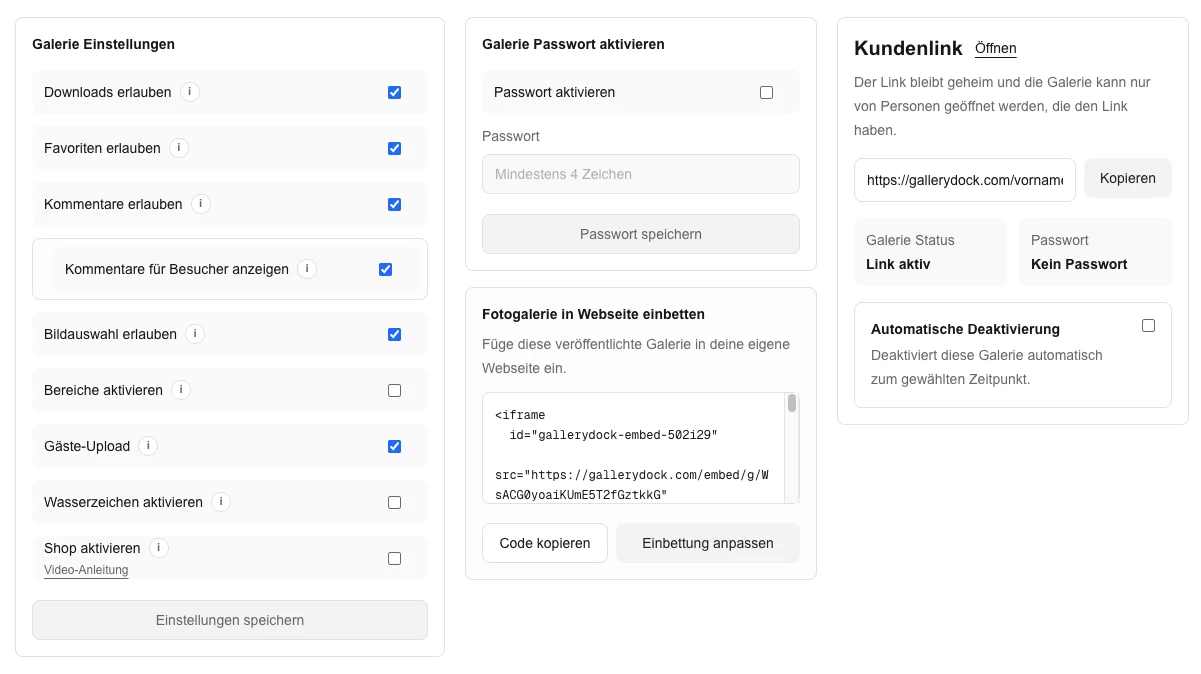
Check the cover, image sequence, password choice, downloads, and configured products in GalleryDock. Use the couple’s actual delivery plan rather than enabling every option by default.
02
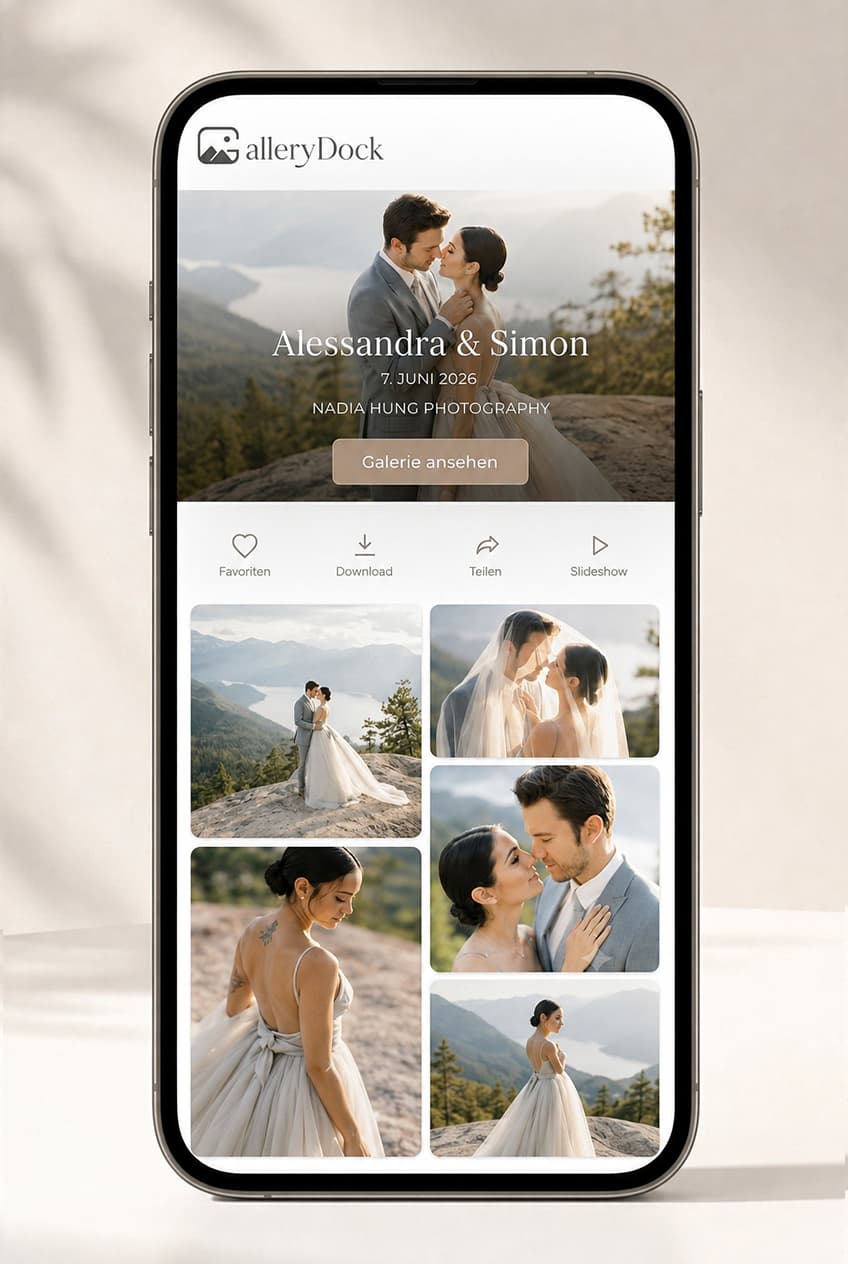
Place the gallery on the intended studio page with enough width for the photographs. Keep your website branding around the gallery without rebuilding the gallery controls.
03
If guest uploads fit the event, prepare that invitation separately from the professional photographs. Explain who is invited and what they should share.
04
Give the couple the published destination and any private access instructions. Tell them the first action you want them to take, such as enjoying the story before making album selections.
Step 3
Review the published page from the intended visitor’s point of view.
01
Open photographs across the collection rather than checking only the cover. Confirm that the surrounding page leaves enough room for navigation and the image view.
02
If files are ready for delivery, save a representative photograph and inspect it. If the gallery is still for review, ensure your instructions match that stage.
03
Inspect the configured digital and print choices, including the image and crop context. Check the product descriptions so the couple can choose an option that fits the photograph.
04
Before inviting family or guests, review which audience can see and use the gallery. The embedded gallery supplies the photo experience, not a wedding website builder or event-planning system.

Comparison
Compare the options by the job they need to do, not just by whether they can display photographs.
| Approach | Best for | Tradeoff |
|---|---|---|
| Embedded wedding gallery | A story-led destination within the studio brand | Prepare access and enabled actions |
| Direct wedding gallery link | A simple personal delivery to the couple | No surrounding studio page |
| Public wedding portfolio | Selected work approved for marketing | Not the couple’s complete private delivery |
| Guest contribution gallery | Collecting invited guests’ event media | Keep participation guidance clear |
| Wedding website builder | Event information and wedding-site functions | A different product from the gallery workflow |
The couple receives a private story-led gallery with the agreed download path.
The photographer defines which wider audience may view or contribute after the couple's handoff.
Configured digital products and physical prints remain connected to the photographs and checkout path.
Frequently asked questions
Yes. Embed the prepared GalleryDock wedding gallery and test the complete published client experience.
Yes. Configure appropriate GalleryDock access and keep the website-page access decision separate.
Use the configured guest-upload workflow when it fits the event and participation policy.
GalleryDock supports controlled downloads, digital sales, and physical print sales when those options are configured.
No. GalleryDock supplies the gallery workflow; the photographer remains responsible for the surrounding website.
Related resources
Pricing
Free forever
0 EUR
EUR 0 per month
Perfect for sharing your first galleries professionally.
Start free, no credit card required
Monthly
19 EUR
EUR 228 billed yearly. plus VAT
Ideal for photographers who regularly deliver client galleries.
For regular client delivery
Monthly
29 EUR
EUR 348 billed yearly. plus VAT
For photographers managing many projects, videos and growing storage.
For regular client delivery
Prepare one real gallery, place it on the intended page, and test the public result from start to finish. The goal is a wedding-specific client destination for viewing, favorites, comments, controlled downloads, guest contributions, digital sales, and physical print sales when configured. GalleryDock supports the gallery and commerce path without replacing website administration, professional judgment, access policy, or third-party platform responsibility.
Create a free account