01
Open with a deliberate cover
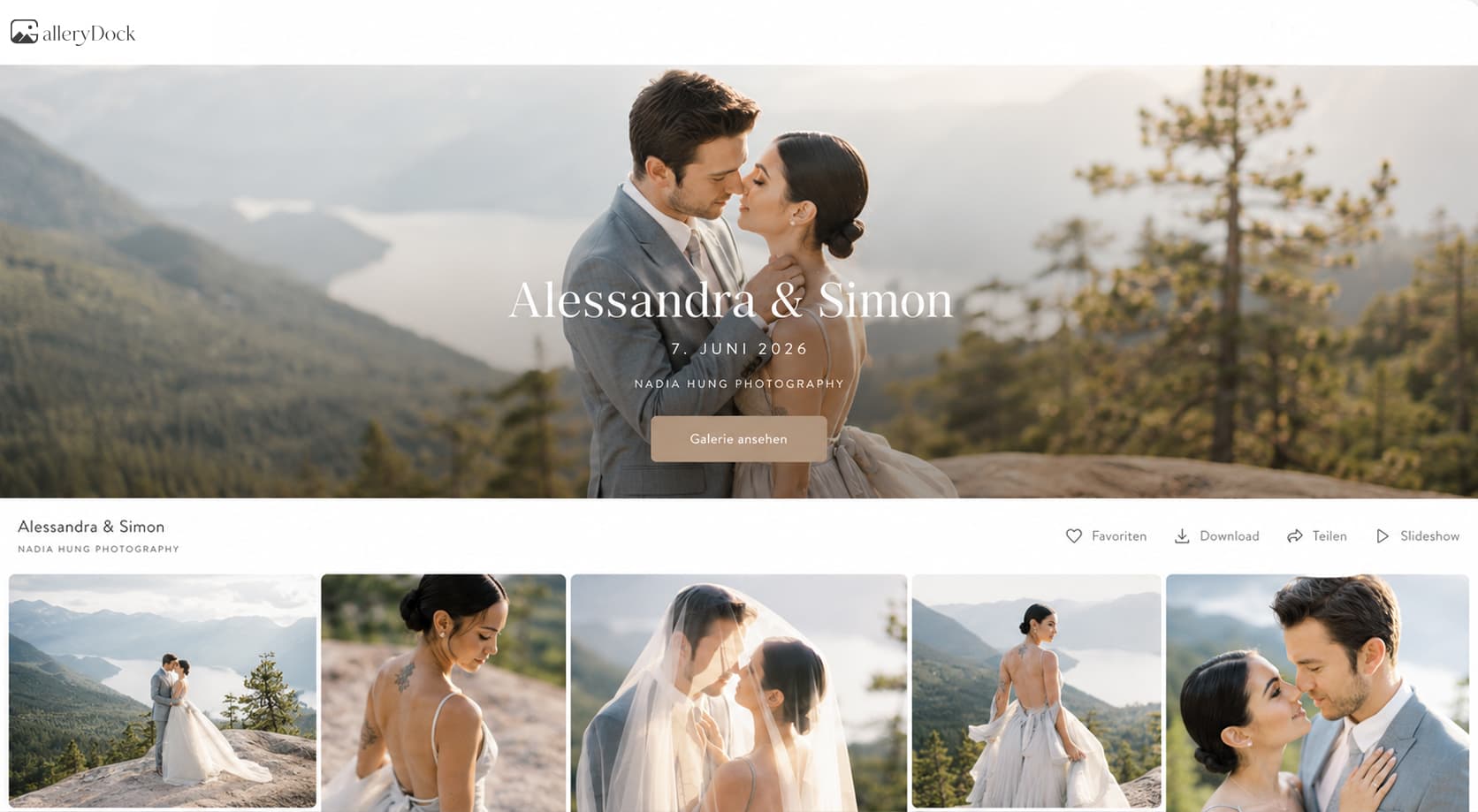
Choose a lead image that represents the couple and sets the gallery tone.
Wedding photography delivery
Organize a wedding story, collect album favorites, share privately, and deliver final photographs in one online gallery.
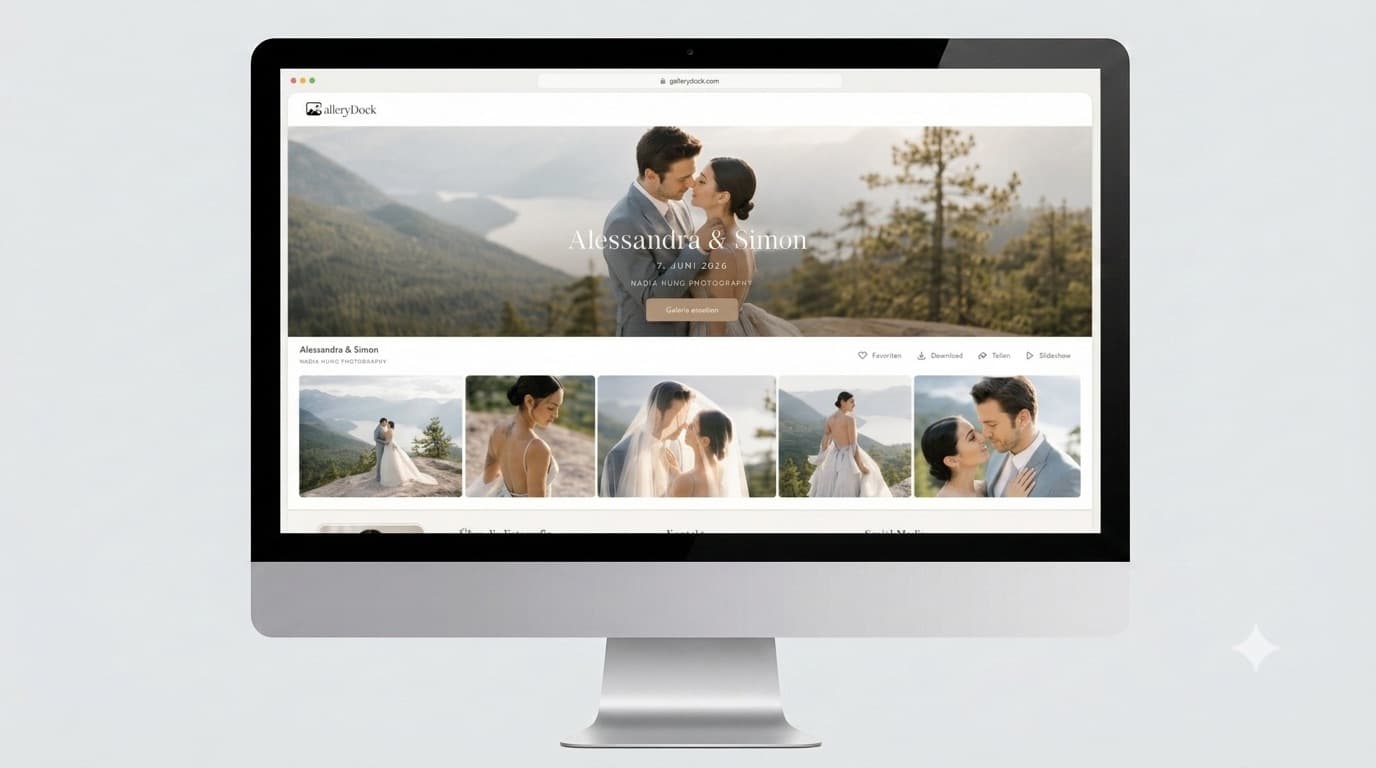
Quick answer
An online gallery for wedding photographers preserves the order and emotion of a full wedding while giving the couple a practical way to review, favorite, share, and download photographs. Sections can separate getting ready, ceremony, portraits, dinner, and party; favorites can support album or optional-image decisions. GalleryDock provides the gallery workflow, not a print lab, shipping service, or substitute for the photographer's privacy and usage agreements.
Wedding narrative
A full wedding report works best when the structure helps the couple relive events without breaking the story.
01
Choose a lead image that represents the couple and sets the gallery tone.
02
Separate getting ready, ceremony, portraits, reception, and party when the set is large.
03
Remove repetitions and technical misses before the couple sees the final story.
04
Include details and atmosphere that connect major moments instead of showing highlights only.
Couple and family
Wedding galleries may serve the couple, family, guests, and album decisions without giving everyone identical authority.
01
Let the couple decide who may receive or share the private link.
02
Keep the exact album shortlist tied to the relevant photographs.
03
Distinguish actionable retouching or delivery notes from general comments.
04
Explain access, password use, and the couple's role before wider family distribution.
Wedding delivery
The final gallery should clearly separate finished files, optional extras, and any later album workflow.
01
Check sequence, duplicate exports, color, and final filenames before opening access.
02
Match file scope and resolution to the couple's package.
03
Use optional digital products only when they are part of the photographer's real offer.
04
Encourage the couple to store final files outside the gallery.




Comparison
The delivery method should protect the story as well as the files.
| Approach | Best for | Tradeoff |
|---|---|---|
| USB drive | A physical handoff | Hard to update or share responsibly |
| Transfer link | One final archive | No wedding narrative or favorites |
| Cloud folder | Basic file access | Feels like storage rather than a finished service |
| Social album | A small public highlight | Not appropriate for full private delivery |
| GalleryDock | Private story, favorites, and downloads | Does not provide physical fulfillment |
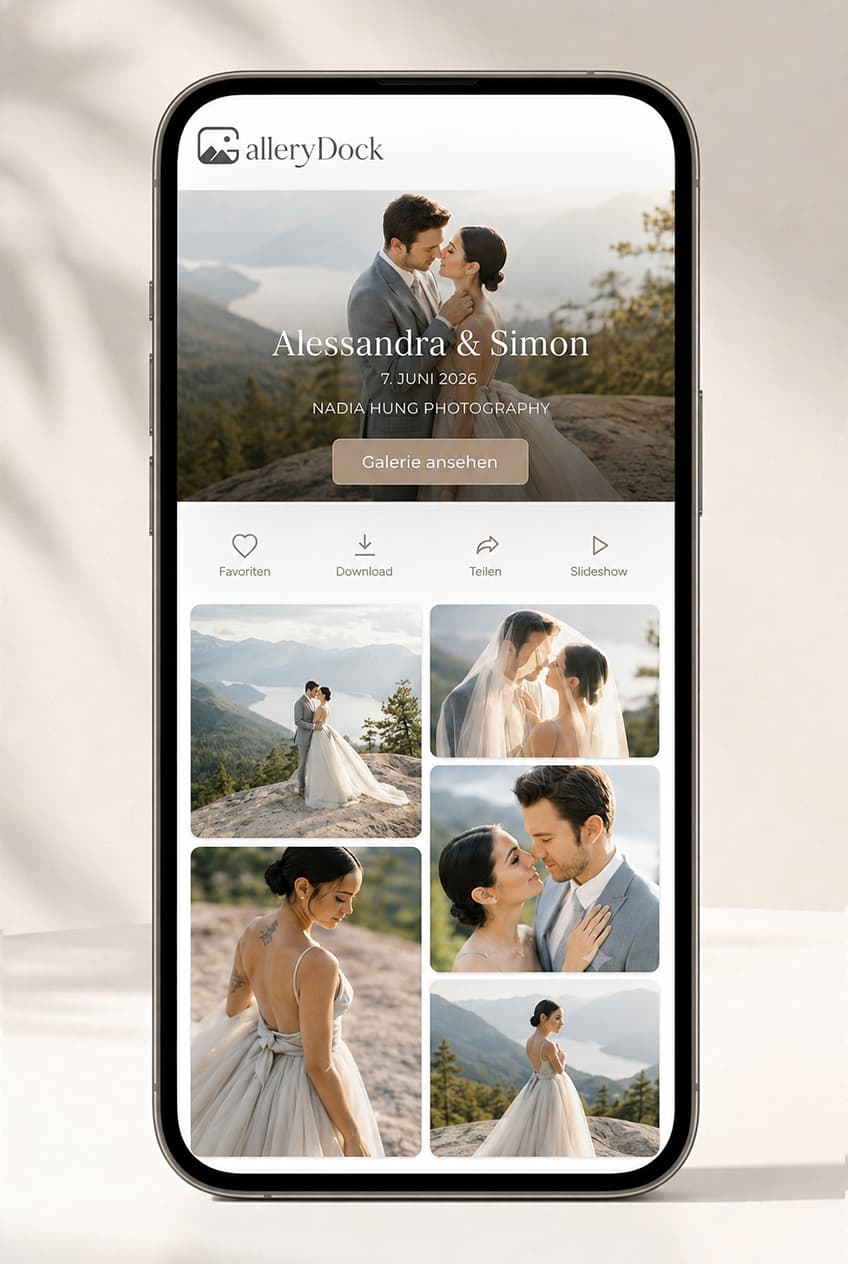
Guide the couple from preparations through the party in one coherent gallery.
Use favorites to identify a workable first selection for a separate album design process.
Share the permitted wedding images without creating separate untracked file links.
Frequently asked questions
It is a private, organized space for presenting and delivering a wedding report to the couple.
Yes. Sections can follow the day or separate portraits, groups, ceremony, reception, and party.
Yes. Favorites can create an album shortlist, while design and final approval remain a separate workflow.
They can when the couple and photographer intentionally share access; define permissions and expectations first.
Yes. Optional password protection can support a more deliberate private-sharing process.
No print-lab, album production, or physical fulfillment service is promised by this guide.
Related resources
Pricing
Free forever
0 EUR
EUR 0 per month
Perfect for sharing your first galleries professionally.
Start free, no credit card required
Monthly
19 EUR
EUR 228 billed yearly. plus VAT
Ideal for photographers who regularly deliver client galleries.
For regular client delivery
Monthly
29 EUR
EUR 348 billed yearly. plus VAT
For photographers managing many projects, videos and growing storage.
For regular client delivery
Use GalleryDock to organize the report, collect meaningful favorites, and give the couple one private destination.
Create a free account