Preparation and details
Choose a small set that establishes place, anticipation, clothing, rings, stationery, and important relationships before the ceremony.
Wedding album selection
Choose wedding album photos by building a chronological story, protecting key people and moments, and removing repetitive frames.
Quick answer
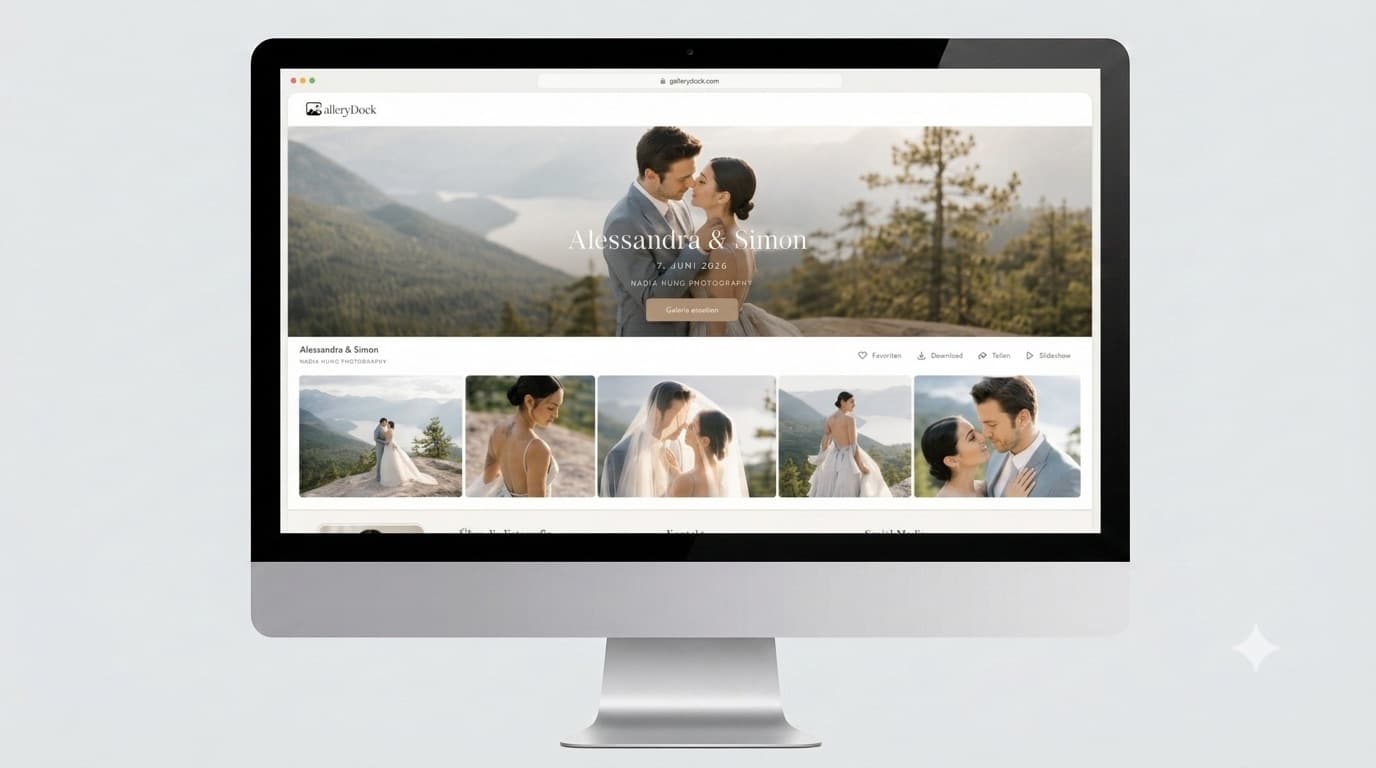
Choose wedding album photographs as a story rather than a ranking of isolated favorites. Work through the day in chapters, protect the people and moments that matter, compare similar frames, balance wide scenes with close emotion, and check the complete shortlist before confirmation. GalleryDock can collect favorites and comments, while the photographer or album designer still determines the final layout and page capacity.
Think in chapters
A strong album moves through the wedding rather than collecting only portraits. Start broad, then narrow each chapter with purpose.
Choose a small set that establishes place, anticipation, clothing, rings, stationery, and important relationships before the ceremony.
Protect entrances, reactions, vows, rings, the first kiss, and one or two scenes that show the setting and guests.
Balance couple portraits with immediate family, wedding party, and any person whose presence matters to the story.
Include atmosphere, speeches, reactions, key traditions, dancing, and a closing image that gives the album a natural finish.
Four-pass selection
Do not try to reach the final number in one pass. Separate emotional choices from duplication and balance checks.
01
Choose the photographs you would be genuinely upset to omit, without worrying about final page count yet.
02
Keep the strongest expression, gesture, light, or story value when several frames show essentially the same moment.
03
Check whether one part of the day dominates while another important chapter or person is missing.
04
Read the shortlist as a complete story and confirm it only after quantity and album requirements are understood.
Album-aware choices
The exact layout belongs to the photographer or designer, but the shortlist can provide useful visual variety without promising a fixed formula.
Wide images explain where the moment happens; closer photographs carry expression and intimacy.
A few movement and scene-change images help the album flow between major events instead of jumping abruptly.
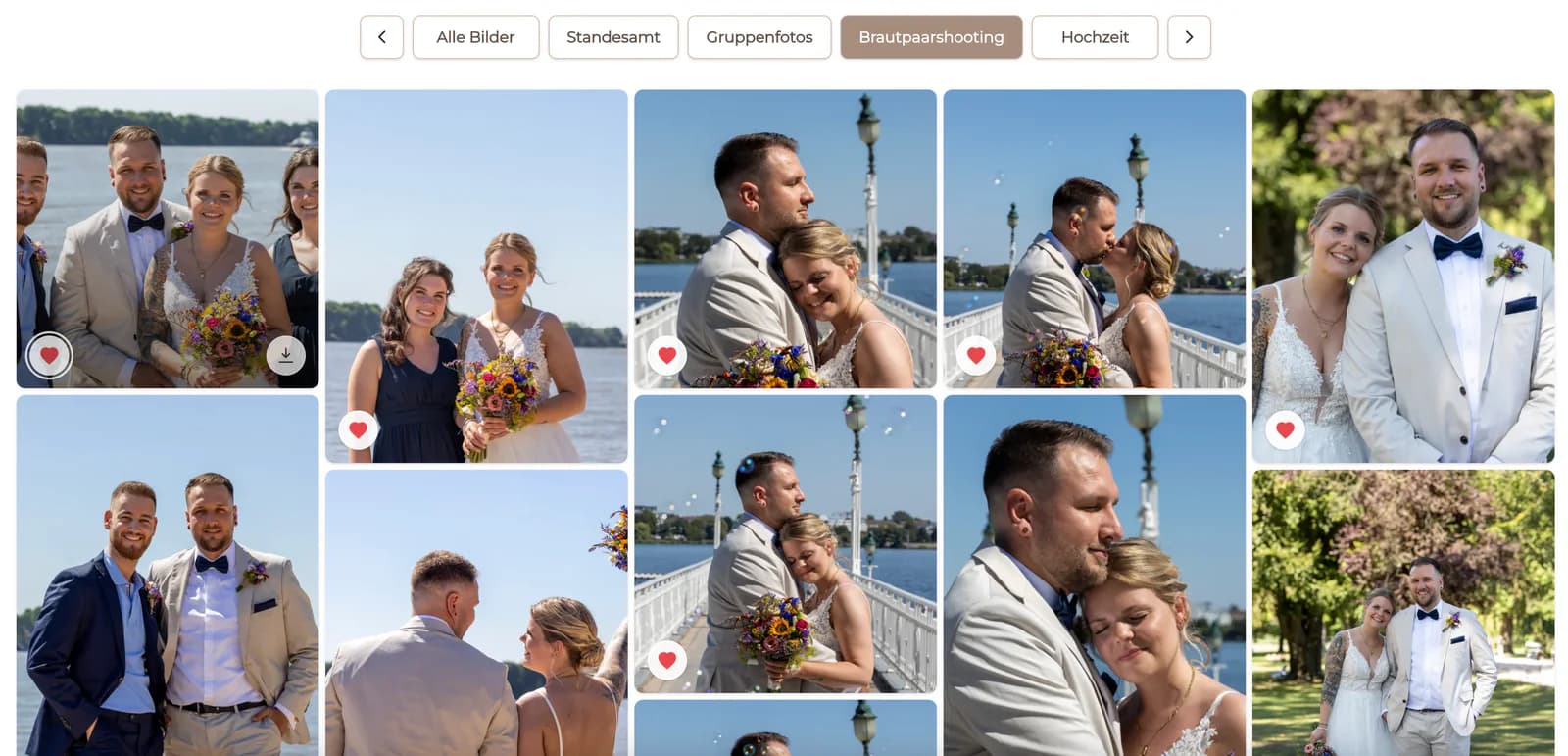
Keep the groups that matter, then remove variations that add little beyond another nearly identical pose.
Page count, image count, and design style vary. Ask the photographer or album designer before treating any online rule as fixed.
Comparison
A story-led selection is more reliable than filling a quota with the first images that receive a heart.
| Approach | Best for | Tradeoff |
|---|---|---|
| Choose only portraits | A portrait-focused keepsake | The day may lose context and progression |
| Keep every favorite | A broad personal shortlist | Too many duplicates for a clear album |
| Use a fixed online number | A rough starting point | Ignores actual pages and design style |
| Let one person decide alone | A single-owner project | Shared memories and priorities may be missed |
| Choose by chapters and review as a story | A balanced wedding album shortlist | Requires several focused passes |
The couple balances preparation, ceremony, portraits, family, speeches, and evening celebration without letting one chapter take over.
With fewer formal events, the shortlist gives more room to relationships, atmosphere, details, and quiet transitions.
A civil ceremony and later celebration are treated as connected chapters so neither event appears like an appendix.
Frequently asked questions
Work through the day in chapters, mark essential moments, remove near-duplicates, check important people, and review the complete shortlist as one story.
There is no universal number. Page count, design style, print size, and the photographer's layout approach determine a suitable range.
Include the people and combinations that matter to your story, while avoiding several near-identical versions of the same group.
Compare expression, connection, gesture, technical quality, and whether one frame adds more story value than the others.
No. GalleryDock can collect favorites and comments; album design and production remain with the photographer or album provider.
Yes. Use one shared gallery, agree on the target and decision method, and confirm one final list after both people review it.
Related resources
Pricing
Free forever
0 EUR
EUR 0 per month
Perfect for sharing your first galleries professionally.
Start free, no credit card required
Monthly
19 EUR
EUR 228 billed yearly. plus VAT
Ideal for photographers who regularly deliver client galleries.
For regular client delivery
Monthly
29 EUR
EUR 348 billed yearly. plus VAT
For photographers managing many projects, videos and growing storage.
For regular client delivery
Share the wedding gallery in GalleryDock, guide the couple through the chapters, and collect one reviewed set for the album professional.
Create a free account